Author: Uttam Kumar Dash

  • What is a POS System? How Does It Work? Get The Best POS System Here!

    What is a POS System? How Does It Work? Get The Best POS System Here!

    The point of sale, or POS, is where you deal with customers. It also goes by the name “Point of Purchase.” A POS System is almost definitely something you’ve encountered if you’ve ever gone shopping at a mall, online store, or grocery store. When you check out online, go to your checkout counter, or choose an item from your stand or booth, they are at the point of sale. Hardware and software are what enable a business to generate revenue.

    an image of a pos terminal

    So, if you have a retail business, having an efficient point of sale (pos) system can go a long way in making sure that all your operations are working together. Those retailers who spend the time and resources to implement such a system before they go into selling will surely reap its benefits.

    Without further ado! Let’s discuss how a POS System works.

    How Does A POS System Work?

    A POS system in simple terms is just a store’s cash register. But the POS of today is much more than that. It enables you to check out a customer from any location in addition to enabling your business to collect payments from customers and keep track of sales. You will need a POS app and an internet-capable gadget to make that happen.

    Despite being quite simple, the configuration can function in a variety of ways. The main factor is whether you sell exclusively online, only from a physical store, or simultaneously from both.

    A POS system goes through four steps, which are as follows:

    Step One: When shopping online, the customer first chooses their items, puts them into the cart, and then hits the checkout button. The customer brings the items to the counter or a salesperson in a physical store. The salesperson then scans the merchandise using a bar code scanner or a camera included in the item selling device.

    Step Two: The POS system determines the cost of the items in the following phase (including sales tax or discount – if any). The inventory count is then updated by the system to reflect those products as sold.

    Step Three: The third stage is when the customer completes the transaction by paying for the goods. In a physical store, a consumer has the option of paying with cash or a card. If it’s an online store, the customer uses a card or a mobile banking app to make a purchase. 

    Final Step: When the sale has finally been made formally, the payment is processed, and a digital or printed receipt is generated. The company then hands over or ships the goods to the customer.

    POS Hardware & POS Software

    If you run an online business, all your sales will be online, negating the need for POS equipment to facilitate payment processing. However, you might require a register and a credit card reader if you own a cafe or something like that. If you own a food truck, you might only need a phone or tablet to take orders.

    Here is a list of typical POS hardware and software types that might assist you in estimating the overall cost of your POS system. Remember that your business will determine what you require.

    POS System – Hardware VS Software

    POS HardwarePOS Software
    Register – Helps to calculate the money or process a customer transaction.Payment Processing – This function processes the transaction online like a Register in a physical store.
    Connected Device – A monitor, computer, or portable device like Tab or Mobile Phone.Inventory Management Software – It allows you to keep tabs on all of your items. Shows sales data, scarcity, level, etc.
    Credit Card Reader – This machine lets your customer pay securely. POS Reports – It shows you, how much your business is selling. A detailed report on sales.
    Cash Drawer – A safe spot to keep the cash payment safe. Employee Management – This is for your team management. Giving them various access to different tasks and showing how they are performing.
    Receipt Printer – A paper receipt showing detail about the purchase. CRM (Customer Relationship Management – You can view what your consumers purchased and when they made that purchase using the CRM tool.
    Bar Code Scanner – Reads the item and its details, shows the price and its stock level, etc. Online Receipts – This shows the purchase details and its history for your customer. And, it makes the processing of refunds easier.

    Now that you have a better understanding of the POS systems, you’re ready to discover the best POS solution for your company, regardless of what or where you sell.

    The Best Inventory Management with POS System & HRM! 👇🥳

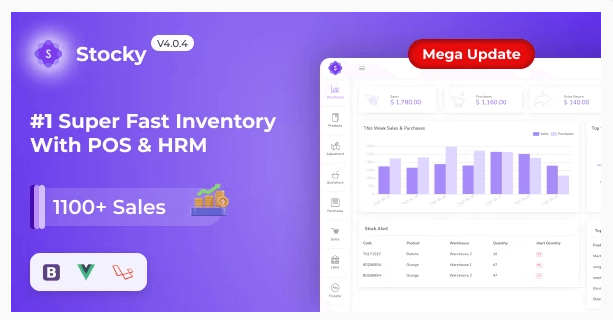
    Stocky – Inventory Management with POS & HRM by UI-Lib 😍
    Stocky - Inventory Management with POS System & HRM

    Details / Download Live Preview

    Stocky – One of the most popular Inventory Management systems, featuring Point of Sale (POS) and Human Resource Management capabilities (HRM). It handles inventory, sales, purchases, customers, invoices, payments, and human resources. And more regardless of time or location. Stocky is the ideal solution for managing inventory, purchases, and sales – all in one super responsive web application – whether you run a small or large business.

    Key Features 😮

    Stocky comes with a massive amount of excellent features out of the box, including:

    • Easy POS and Dynamic dashboard
    • Human Resouce Management System
    • Items, Adjustments, Transfer
    • Quotations, Sales, Purchases
    • Returns Customer & Supplier
    • Users, Customers, Suppliers
    • Currency, Units, Category, Backup
    • Payment Sales, Purchases
    • Payments Report
    • Overview & warehouse stock charts
    • Purchases & Sales report
    • Customers & suppliers’ reports
    • Product quantity alerts
    • Mail notification system added
    • Uses Structured And Customizable Sass Code
    • Integrated With Vuex, Vue Router
    • Dark Version Included
    • Multilingual 14 languages and more will be added soon
    • RTL Support Added
    • Pure Vue Js, No JQuery
    • Clean And Organized Code
    • Well Documented Code
    • Standard Folder Structure
    • 6 Months Support
    • Life Time Free Updates
    • etc.
    Other Essential Blog Posts

  • Best Angular Landing Page Template

    Best Angular Landing Page Template

    A landing page is a lead-capture page that visitors land after clicking on a search result that has been optimized for search engines. It is for internet advertisement, marketing promotion, or marketing email. So, if you’re an Angular developer and need an Angular landing page template to quickly get your business initials done. This is where you will get the best ones easily.

    In this blog, we will be showcasing to you ten of the best Angular Landing Page Templates that are both best-selling and most updated. So, without further ado! Let’s begin.

    Best Angular Landing Page Templates

    Note: Please keep in mind that the list below is in no particular order. You can happily choose between any of these templates you find useful.

    1. Evelynn

    Evelynn - Material Design Angular App Landing Page

    Evelynn is a landing page template written entirely in Angular and Typescript. It has a simple design and feels to it. Each page section is made up of HTML, SCSS, and TypeScript files that are organized in their directory. As a result, it’s simple to modify and reuse.

    Furthermore, it gives you control over customization. It also has a strong code structure, a powerful flex layout, an angular material design, and multiple homepages and inner pages. You can receive an unlimited number of future updates on your purchases. Keep an eye on the update process and changes by accessing the git repository. Submit issues to receive better support and request new features.

    Details / Download Live Preview

    2. Appo – Angular App Landing Page

    Appo - Angular App Landing Page

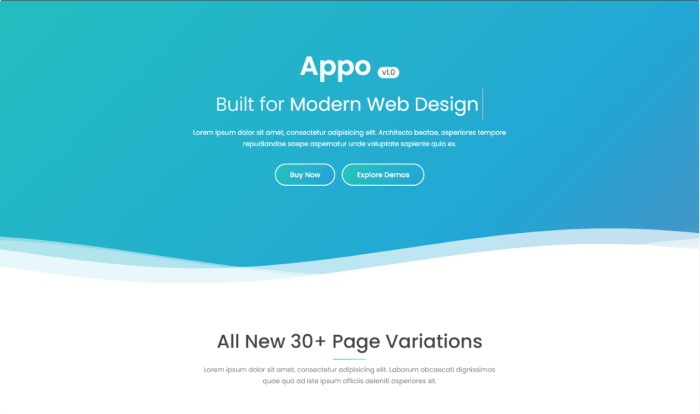
    If you’re looking for a fresh Angular Landing Page Template, check out Appo. The Appo landing page template is a modern-looking Angular template with a 100% responsive and mobile-friendly design.

    Besides, there will be over nine homepage variations, more than 26 inner pages, an easy customization option, Bootstrap (latest version), cross-browser compatibility, clean & well-documented code, support & free updates. You name it! The template has it all.

    Details / Download Live Preview

    3. Kilian – Angular 14 Multipurpose Landing Page Template

    Kilian - Angular 14 Multipurpose Landing Page Template

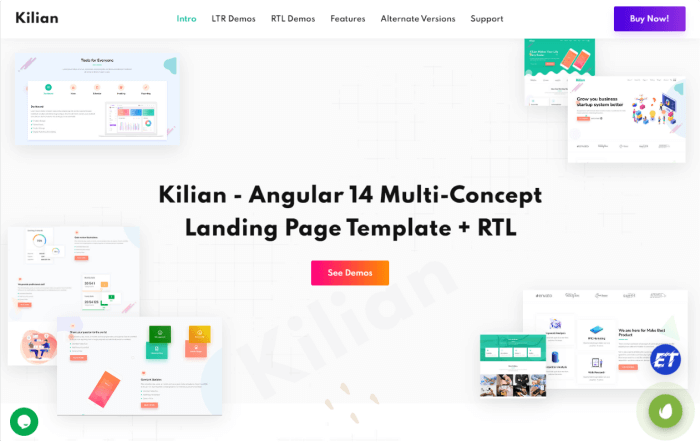
    Kilian is another good option for developers who are looking for a landing page template with Angular 14 and Bootstrap 5.2.0. It comes with more than 8+ niches, 23+ pages, super fast, powerful & lightweight, owl carousel, ES6+, RTL versions, and multi-language support (Arabic & Hebrew).

    So, this is a multi-niche landing page template with Angular, Bootstrap, and Sass. With the template, you’ll get top-notch support from its author team, plus a lifetime free update option. And, some of its landing page variations focus on Startup agencies, Software, books, Payment Processing, apps, SaaS, etc.
    As a developer, you’ll be needing less time to integrate it with your project’s backend. So, your client or you can quickly start with the main business.

    Details / Download Live Preview

    4. Avurn – Angular 14 Multipurpose Landing Page Collections

    Avurn - Angular 14 Multipurpose Landing Page Collections

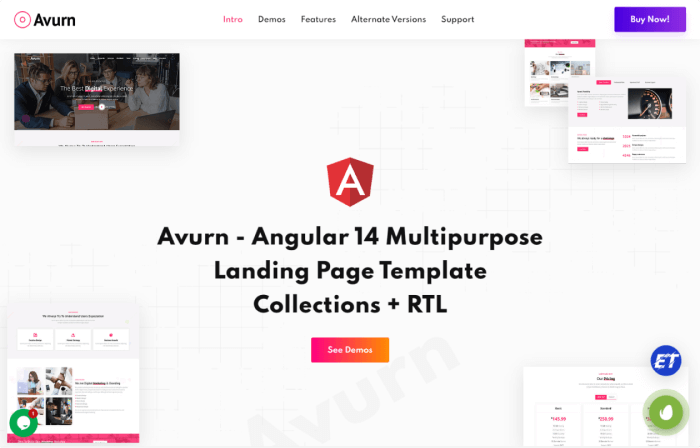
    Avurn is a Landing Page Template with Angular 14, TypeScript, Sass & Bootstrap 5.2.0. It is a creative, responsive template with more than 20 demos, Retina-Ready, RTL versions, and multi-language support.

    Moreover, the template mainly focuses on the business niche like Digital Agencies, IT startups, Portfolios for Agencies, App Landing, Product Landing, Web App Landing, etc.
    With Avurn, you’ll have easy customization options, smooth transition effects, ES6+, professional coding, well-documentation, technical support, free updates, and more.

    Details / Download Live Preview

    5. Chatloop – Angular 14 App Landing Page

    Chatloop - Angular 14 App Landing Page

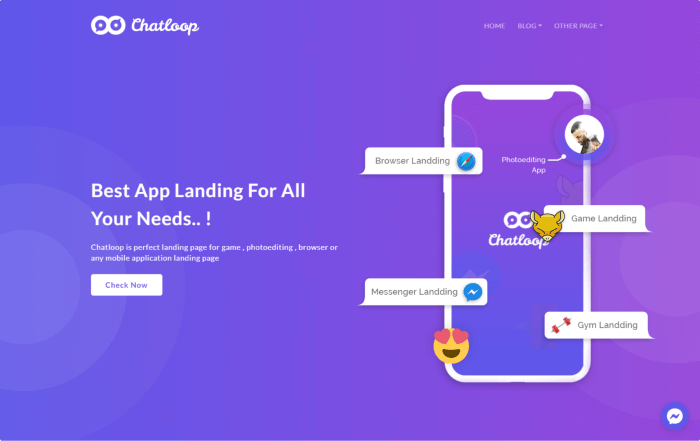
    Angular App Landing Template Chatloop Landing Page Bootstrap is used to create a modern, clean design. It is an excellent Angular Template that is ideal for any App landing page and looks great at any size, whether it is a laptop screen, iPad, iPhone, Android Mobile, or Tablets.

    It also has a purpose-oriented design, a responsive layout, and unique features with easy customization. And it includes everything you need to get your site up and running in the next few hours!

    Details / Download Live Preview

    6. Appia

    Appia - Angular App Landing Page

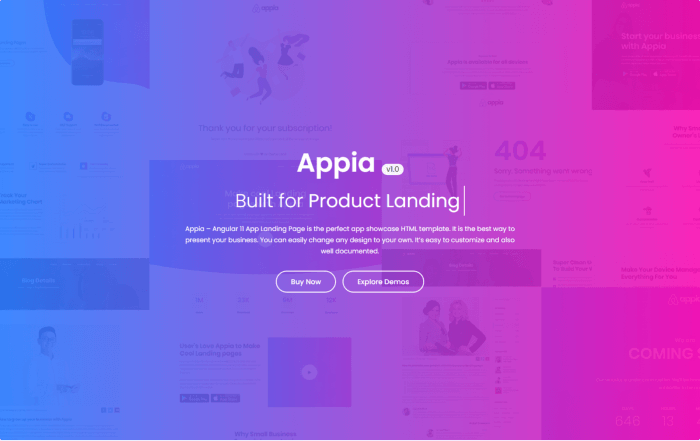
    Appia is a landing page template for an Angular 11 app. It is a responsive design that adapts to any device and improves the presentation of your app or product.

    Furthermore, the template is visually appealing and includes six homepage variations, 20+ inner pages, an easy customization option, cross-browser compatibility, W3C 100% validated code, Google Fonts, and smooth transition effects.

    Details / Download Live Preview

    7. Xavro – Angular 14 Multipurpose Landing Page Template

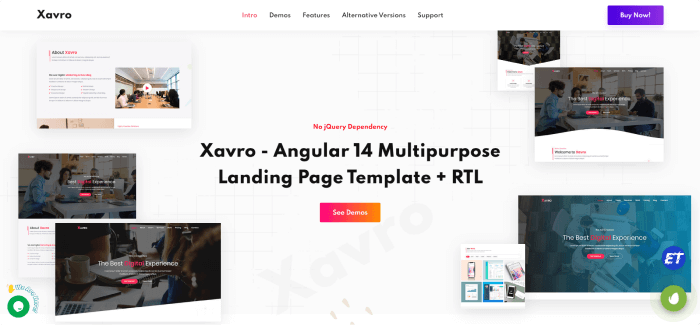
    Xavro – A responsive Angular landing page template using Bootstrap and Sass. It is compatible with all screens and gadgets, including Windows, Mac, iOS, and Android.

    You’ll receive more than 13 demos with the template for IT startups, agency portfolios, consulting, app landings, etc. In addition to many other features, it supports RTL, is lightweight, clean, and contains W3-valid source code.
    Details / Download Live Preview

    8. Euzan – Angular Multipurpose Landing Page Template

    Euzan

    Euzan – A responsive modern Angular template with Bootstrap, TypeScript, and Sass for landing pages and whole business websites. The template provides six or more homepage design options with blog and blog information pages. It is for websites for digital agencies, SaaS products, mobile applications, portfolios, etc.
    The Euzan has W3-valid source code and is quick, multi-language support, lightweight, clean, and developer-friendly. Also, it offers thorough documentation and is easily extensible.

    Details / Download Preview

    9. Tovo – Angular 14 App Landing Page

    Tovo

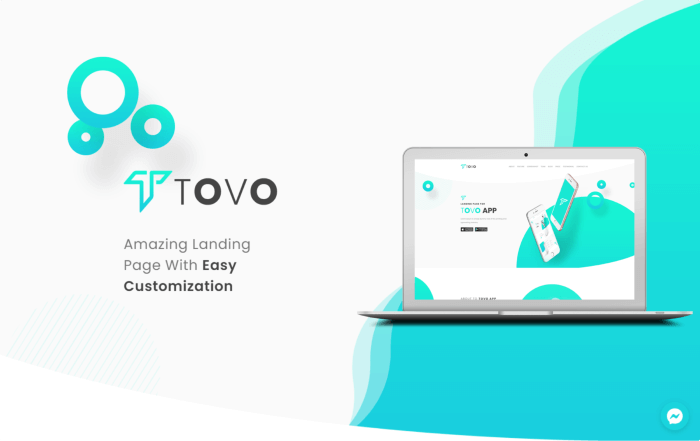
    Tovo Landing Page is another Angular app landing page from Themeforest. It has a clean, modern feel with Bootstrap. Also, it is an excellent Angular template that works well for all types of app landing pages.

    Whether seen on a laptop screen, iPad, iPhone, Android mobile, or tablet, the template is gorgeous in all sizes. It has a purpose-driven design, a responsive layout, and unique features. Everything you require to start your website in the upcoming hours is available here.

    Details / Download Live Preview

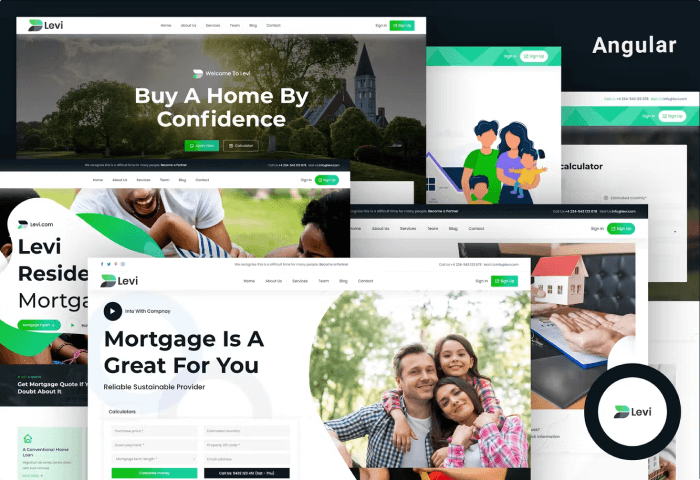
    10. Levi – Angular Real Estate Mortgage Landing Page

    Levi

    Levi is a modern responsive HTML landing page template for real estate and mortgage websites. The template supports RTL. As a result, using Arabic and Hebrew language-based websites will be quicker and easier for you.

    Angular, Bootstrap, CSS, and Sass were used to create the template. It is a premium template fully compatible with all mobile, tablet, notebook, and desktop devices.

    Also, it includes 6+ demo variations, a working contact form, well-commented source code, and detailed documentation. These features will aid in template usage and customization based on the ultimate requirements.

    Details / Download Live Preview

    More Angular-Based Products UI-Lib

    https://ui-lib.com/downloads/egret-angular-material-design-admin-template/

    Similar Blog Posts

  • Best Directory Listing Template

    Best Directory Listing Template

    You’re probably here in search of Directory Listing Templates with technologies like HTML, CSS, JavaScript, and PHP (No WordPress). If you do so, look no further! Today, we will be showcasing to you some of the best available Directory Listing Templates.

    There are several Directory Listing templates accessible on the internet to help you create a high-quality directory site for local business guides, job boards, or advertising events and services. Many directory templates or themes include advanced search tools and Google Maps integrations, making it simple for site users to find what they need in their local area. These themes are frequently monetizable, allowing you to generate cash and charge businesses to advertise on your site in exchange for your management skills.

    Here you’ll find a collection of 11 feature-rich Directory Listing templates to help you save time and provide a better user experience.

    Best Directory Listing Templates

    Note: This Directory Listing template is in no particular order. Feel free to choose any of these from here.

    Listagram

    Listagram

    Listagram is an HTML directory listing template by LionCoders. It is designed to simplify your life with useful features, adaptability, and first-rate user experience. The template follows the latest trends and SEO best practices. And it is perfect for business such as hotel booking, travel planner, real estate listing, and other listing oriented websites.

    Some of its useful features are responsiveness, cross-browser compatibility, free updates, well documentation, working Ajax/PHP contact form, retina ready, super easy slider & carousel, HTML5, CSS3, Bootstrap, etc. Moreover, there are 70+ valid HTML pages, dashboard, google map, open street map, 10+ home pages, multiple blog & blog detail pages, 20+ filter listing pages, Google fonts, and more.
    Details / Download Live Preview

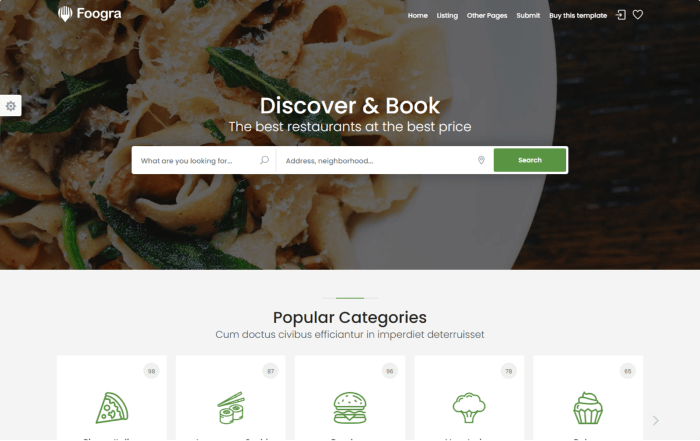
    Foogra – Restaurants Directory & Listings Template

    Foogra - Restaurants Directory & Listings Template

    Foogra is a sleek and contemporary HTML5 restaurant directory and listings template. It has great page speed performance as its primary feature.

    Google considers page speed a ranking signal that leads to a higher outcome or position on search engines. Additionally, page speed affects user experience. It has clean code, critical CSS load, light weight file sizes. It offers features like 65+ HTML pages, full responsive, Bootstrap5, jQuery text rotator, revolution slider, lazy load images, sticky sidebar, and so on.

    Details / Download Live Preview

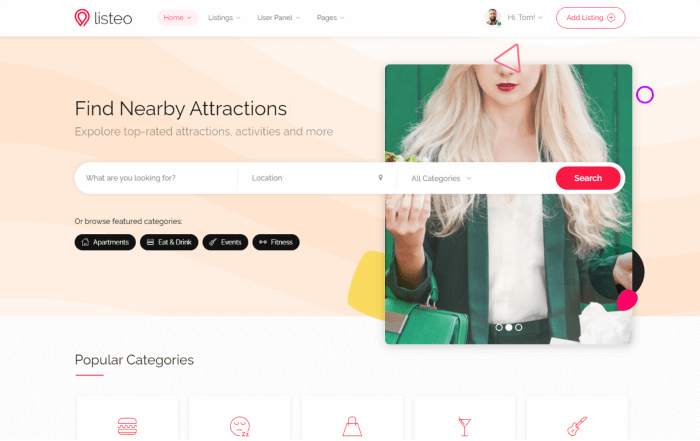
    Listeo – Directory & Listings HTML Template

    Listeo

    Listeo is another popular Directory Listing template that offers a ton of features. The template is super sleek, responsive, SEO-friendly faster, modern looking, customizable, and contains an admin dashboard for your user panel. So, you don’t have to create anything from scratch while you’re looking for a directory listing template.

    It has advanced booking widgets, a front-end submission form, location auto-complete, invoice complete, Bootstrap Grid, revolution slider, premium icons, Google Maps, and a ton more.

    Details / Download Live Preview

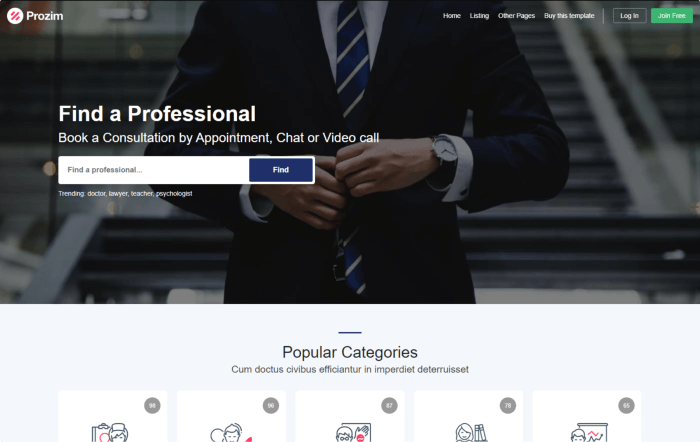
    Prozim – Professionals Directory & Listings Template

    Prozim

    Prozim is a professional HTML5 CSS3 Directory Listings Template. As we all know, Google considers page speed a ranking factor that leads to a better result or position on search engines. And the page speed affects the user experience. So, it maintains a balance between them.

    The template has an admin dashboard with SASS files. In addition, 39 HTML pages, a date picker, lazy loading images, icons, a sticky sidebar, Leaflet OpenStreetMap (+Mapbox), and many more.

    Details / Download Live Preview

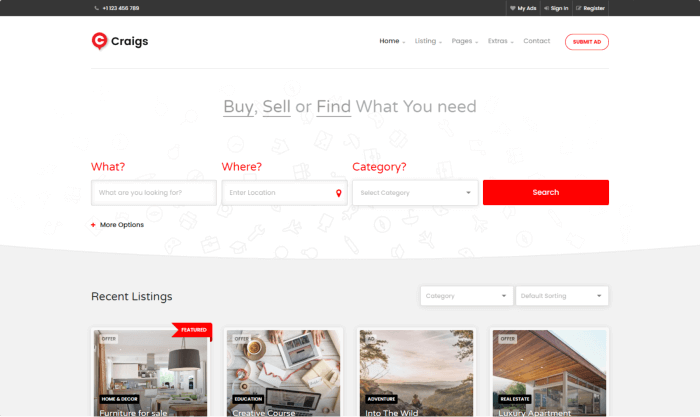
    Craigs – Directory Listing Template

    Craigs - Directory Listing Template

    Craigs is a directory listing style HTML template for constructing visually appealing and professional listing websites. Built with the quick-loading Bootstrap framework. Your new website will now be fast loading, responsive, and feature a world-class minimalist design that is SEO optimized and provides an excellent user experience.

    The template is simple to use, has a great clean look, and is packed with functionality. It has four homepage variations, Google map connection with PHP and MySQL, Auto Complete, Geo Location, three different listing layouts, and much more!

    Details / Download Live Preview

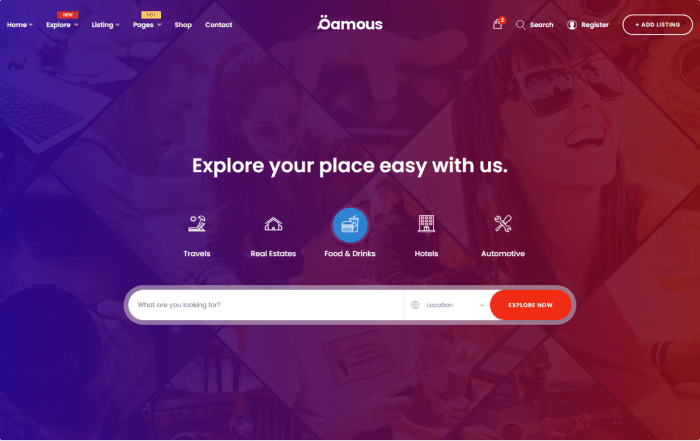
    Qamous

    Qamous - Directory Listing Template

    Qamous is an HTML Bootstrap Directory Listing template. You can connect it with any CMS because the code is ready to use. A completely functional HTML template in the style of a directory listing for creating attractive and expert listing websites.

    The template has a Google map, AutoComplete, Geo Location, six different listing styles, and more. The template is built with jQuery and Bootstrap 4.

    Details / Download Live Preview

    Easybook – Hotel Booking Directory Listing Template

    Easybook - Hotel Booking Directory Listing Template

    Easybook is a template for a hotel booking directory listing. It can help you establish, administer, and monetize a local or international directory site and is ideal if you appreciate a simple, contemporary style. The template has an ajax MailChimp Subscribe form, a home page with four different styles, five listing pages, special parallax effects, Font Awesome 5 pro, and much more.

    Details / Download Live Preview

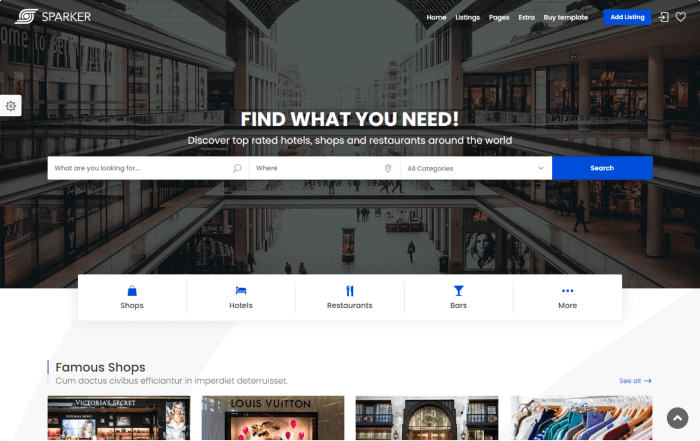
    Sparker

    Sparker - Directory and Listings Template

    Sparker is an HTML5 directory and listing template that prioritizes mobile usability and the newest web design trends. It includes SCSS files and many layout variations.

    It contains a lot of features, including responsiveness, Bootstrap 4, valid and clean HTML5/CSS3 code, 65+ HTML pages, 11 listing layouts, color schemes, and 3 single listing layouts, as well as an admin dashboard, a mobile app view menu, a PHP newsletter, and more.

    Details / Download Live Preview

    Citybook

    Citybook - Directory & Listing Template

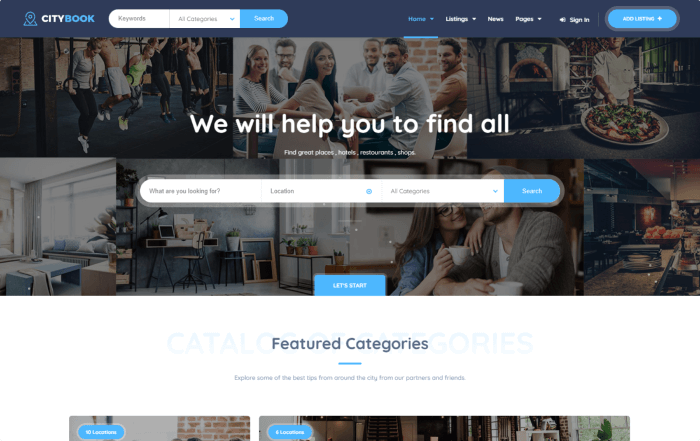
    The template CityBook is no different than other directory listing template. Although, the design looks very elegant and modern as well. With CityBook you can easily manage and monetize global or local directory sites.

    It comes with 5 different homepage layouts, a solid user admin dashboard, full screen backgrounds, coming soon, 404 page, and a lot more. However, keep in mind that the images you can see in the backgrounds are just for demo, not included in the archive. Make sure to check out.

    Details / Download Live Preview

    Townhub

    Townhub - Directory Listing Template

    Townhub is a directory listing template that is identical to CityBook but without the look. Its appearance is slightly different, but everything else, both functionally and layouts are just the same.

    Details / Download Live Preview

    Locations – Directory Listing Template

    Locations - Directory Listing Template

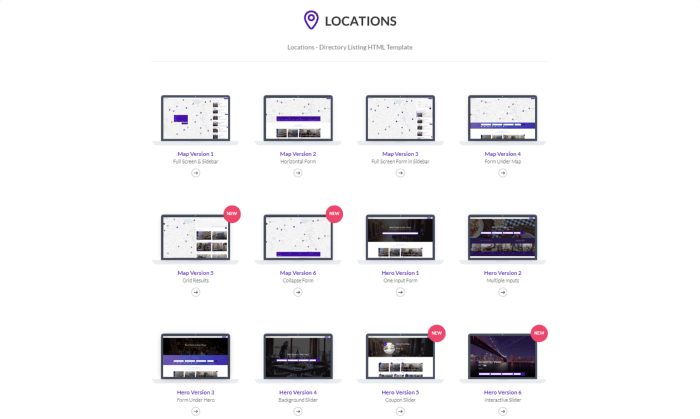
    Locations is another challenging directory listing HTML templates from Themeforest. It has Ajax modals, live map results, attractive markers, a quick view on listings, four map homepages, and four hero homepages. These things make the template very useful. And, because of its gorgeous, clean design approach, your project will stand out.

    You can use this template to host directories, coupons, real estate, auto rentals, or any other type of listing page.

    Details / Download Live Preview

    Similar Articles

  • Best Vuejs UI Libraries

    Best Vuejs UI Libraries

    When developing any Vue-based user interface, using VueJS UI Frameworks will make it easier for you to work faster. VueJS UI Frameworks contain a ton of UI elements & components. And there are various VueJS UI frameworks available on the internet. To make it easier for you to choose the Vue UI Framework you need most, we have come up with 14 of the best VueJS UI Framework you must check out in 2022.

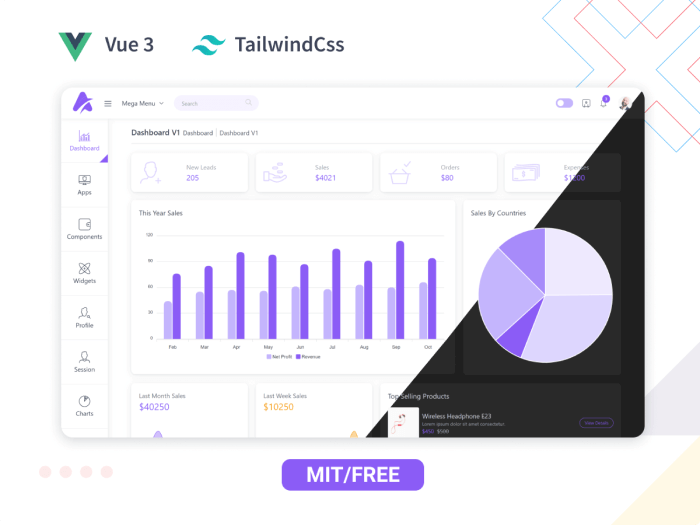
    We have a Vue3 freebie for you. Try it out! 👌🥳

    Live Preview Details / Download

    So, without further ado! Let us jump straight into the listicle and find the best suitable ones for your next project.

    Best VueJS UI Framework

    Note: The list you are about to find out below is in no particular order.

    1. Vuetify – VueJS UI Framework

    Vuetify - Vuejs UI Framework

    Vuetify is a well-known Vue UI Component Framework. It is based on Google’s Material Design, a popular design language. Cards, shapes, interactions, depth effects (lights and shadows), and other UI components are available in the framework.

    It can assist you in creating professional websites and application front-ends. You will not need any design experience to accomplish this. It will be simple to create web pages with all of the pre-made elements and components. Moreover, with Google product standards such as Gmail and Google Analytics.

    More Info

    2. Quasar – VueJS UI Framework

    Quaser - Vuejs UI Frameworks

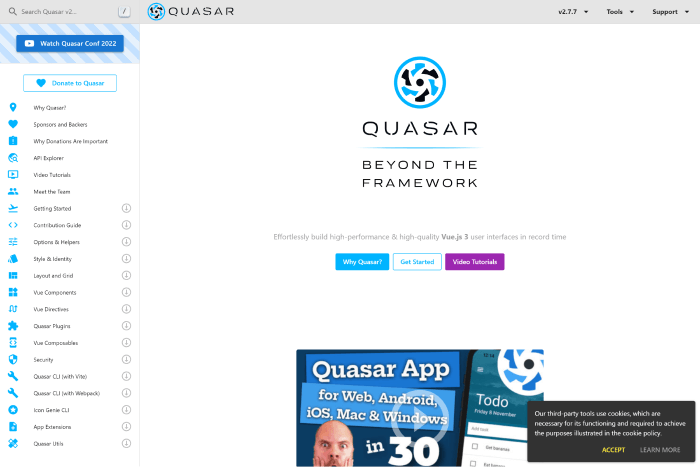
    Quaser is a Vuejs framework for creating Vue-based user interfaces that focuses on performance. Despite this, the framework appears to be based on Material Design. However, You can customize its components and elements to match your design system. The Composables can inform you more about the Quasar API.

    The framework has a strong GitHub community and is active on Discord and Twitter. So, without much concern, you can dive into the framework and create any Vue app for web, mobile, or desktop.

    More Info

    3. Element Plus

    Element Plus - Vuejs UI Frameworks

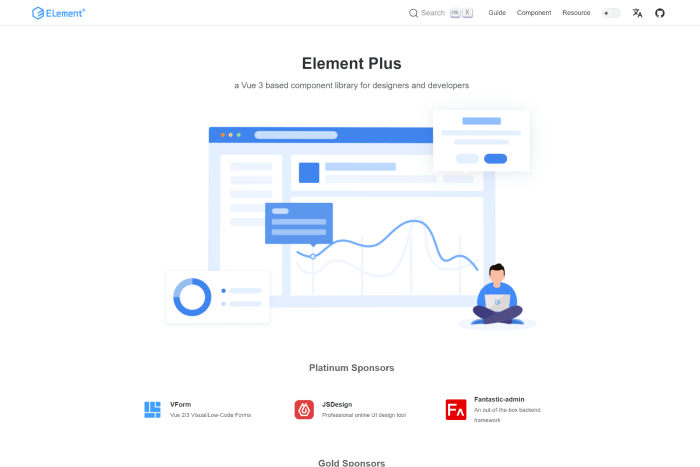
    Element Plus is a Vue 3 UI framework with an extensive range of UI components. You can use Element Plus to create complex applications. It also provides date & time pickers, timelines, calendar elements, trees, etc. It offers easy animations and a framework-wide globalization system. And, it regularly gets updated as well.
    So, if you need to stay up to date with instant updates, this can be your go-to option. Besides, it is great with problem handling, high customizability through SCSS variables, and pluggable elements.

    More Info

    4. Bootstrap Vue

    Bootstrap Vue

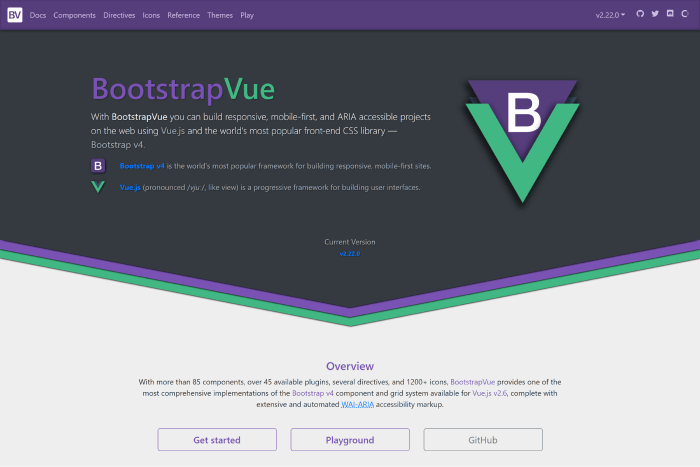
    Bootstrap Vue – A CSS library built using Bootstrap and Vue. You can use this library to create ARIA-compliant, mobile-first, and responsive web projects. The framework is simple to set up and understand. And it speeds up the development of your front-end applications.

    It has active community support on GitHub, and it will make you feel comfortable creating various UIs with it. There you will find numerous components, directives, icons, accessible plugins, and a lot more. Make sure to check out.

    More Info

    5. Fish UI – VueJS UI Framework

    Fish UI Vuejs UI Frameworks

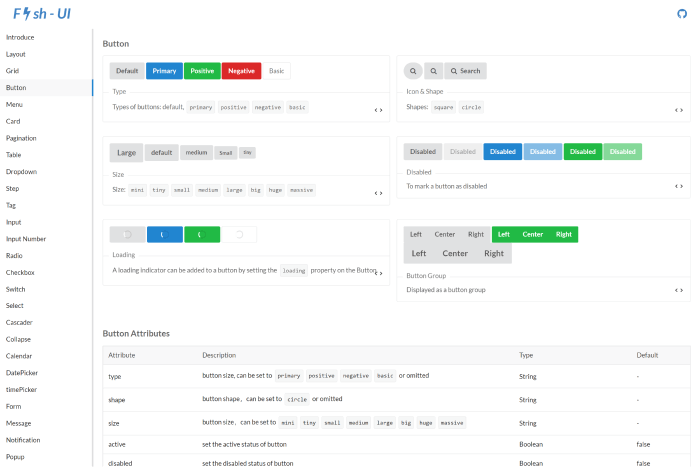
    Another excellent front-end web app using the Vue UI framework! The Fish UI framework is compatible with current browser environments and supports ES2015 and Webpack 2.0. It has very little to no documentation in this China-based library. However, its community is bustling enough to address all problems.

    The framework offers checkboxes, buttons, radio buttons, tags, backtops, dropdown menus, tables, pagination, cards, and more semantic CSS elements.

    GitHub More Info

    6. Buefy

    Buefy

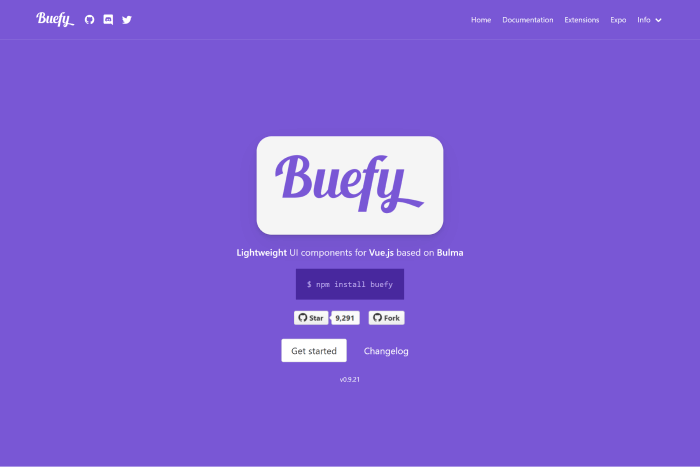
    Are familiar with Bulma? If you are, the framework called Buefy might be a good choice for you. This UI framework combines Bulma and Vue.js and helps you create beautiful applications with minimal code. Buefy is a highly customizable UI framework. Therefore, you can change its appearance, colors, sizing, and a lot more to match your requirements.

    For personalizing global variables that will be used throughout the entire program, Buefy uses Sass. This makes it a wonderful option for highly interactive online apps, as does the ability to incorporate dynamic elements like progress bars and sortable tables.

    More Info GitHub

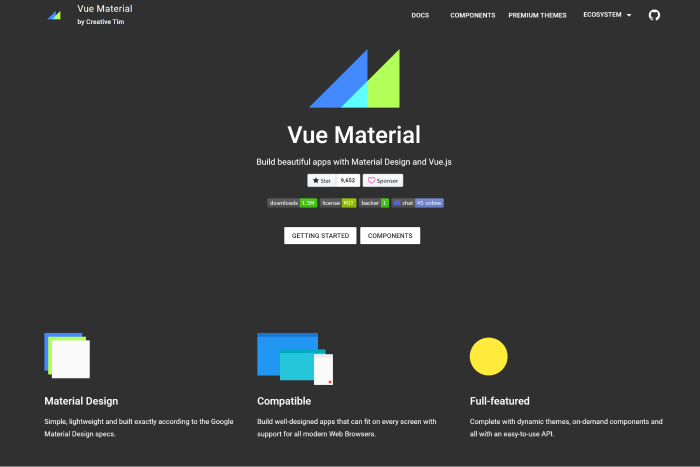
    7. Vue Material

    Vue Material

    Vue Material is a lightweight framework with Material Design. It is not as opinionated as other frameworks, although it adheres to the specifications of the letter. To create applications without the drawback of having to alter the library’s default styles, you must therefore make fewer design decisions.

    It offers better adaptability, portability, and simplicity of setup. With the framework,  you can start constructing right away because the framework has an advanced SPA boilerplate template based on Webpack. If you’re searching for reliability, portability, and simplicity with a framework, go for the Vue Material framework.

    More Info GitHub

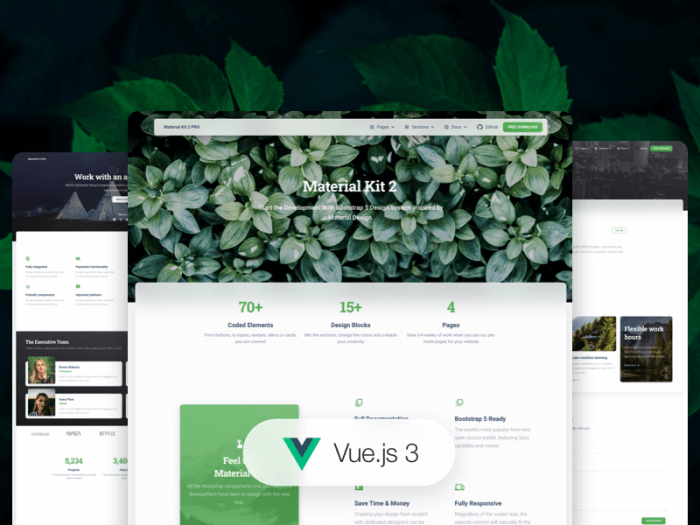
    8. Vue Material Kit

    Vue Material Kit

    Another framework that complies with the Material Design requirements is Vue Material Kit. Given that it is one of the newest in this group, its lack of widespread use is understandable. Because it is built on Material Package, a famous UI kit for converting Bootstrap 4, and 5 dashboards into slick-looking Material Design pages, we think it will gain better popularity. Your Vue work can move forward more quickly with the help of this UI kit’s many pre-defined pages and components!

    More Info

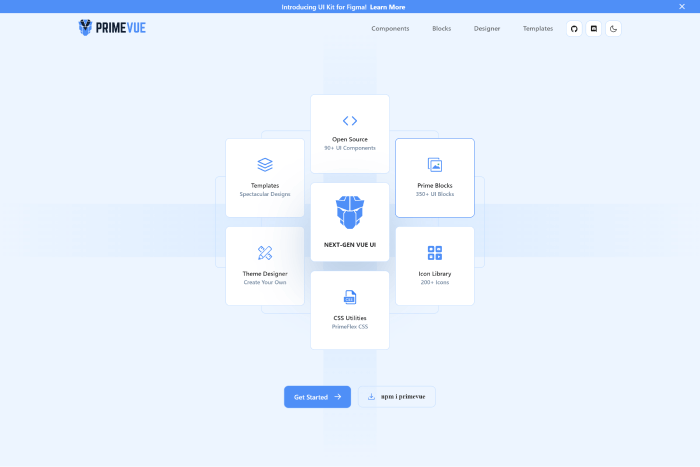
    9. PrimeVue

    Prime Vue - Vuejs UI Frameworks

    PrimeVue is an excellent example of a framework for creating complex, modern, and highly dynamic Vue applications. It includes components, ranging from tables and paginators to well-designed graph-based organization charts, that you can use for building interactive Vue applications.

    Because its components are for designing complex software applications, you can also use it to create user interfaces for enterprise software. It also explains why Fortune 500 companies such as Airbus, Ford, Intel, and others rely on the PrimeVue component library.

    More Info GitHub

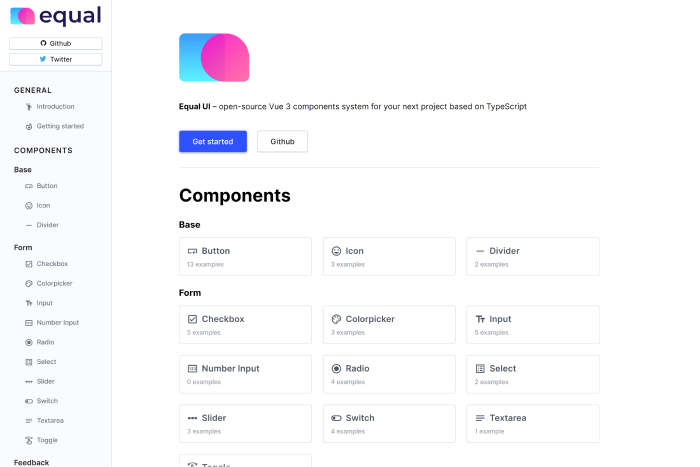
    10. Equal – VueJS UI Framework

    Equal

    Equal – A TypeScript Vue 3 UI component framework. It has a high capacity due to its simple documentation website and attractive components. Right now, it only offers an opinionated style that is more difficult to personalize than the other frameworks on our list. However, it has a great set of components that provides best-in-class Typography with superb performance and excellent animations.

    GitHub More Info

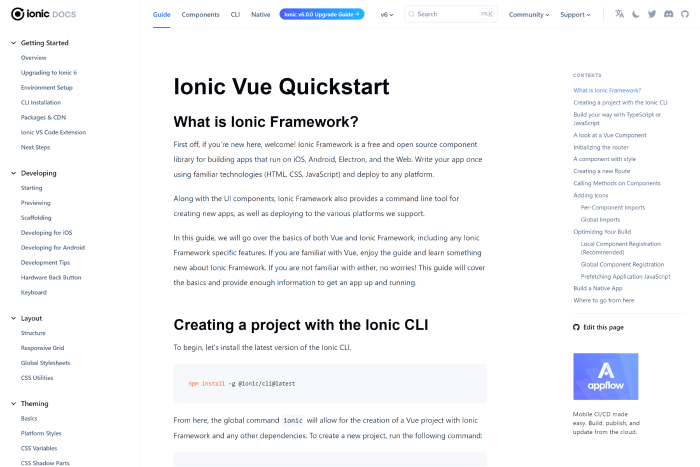
    11. Ionic Vue

    Ionic Vue - Vuejs UI Frameworks

    Ionic Vue focuses on the user experience for mobile devices. A large Slack channel with basic members, a wonderful community, enterprise support, and a lot of StackOverflow queries are all features of this beautiful framework.

    So you can utilize it whenever you require assistance. It is used by many large corporations because they the UI frameworks properly.

    More Info GitHub

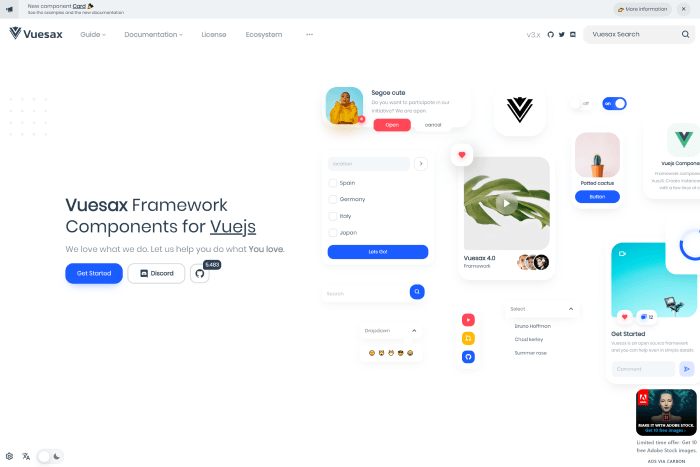
    12. Vuesax

    Vuesax

    The Vuesax UI framework always ensures a project’s front-end development is reliable and efficient. It offers a variety of adaptable components that you can quickly apply to the project and customize to your needs.

    The apps stand out from the competition thanks to the front end and the independent styling of components. The structure helps with brand marketing. It was made using a variety of frameworks, including JavaScript, Vue.js, TypeScript, Babel, and SASS.

    More Info GitHub

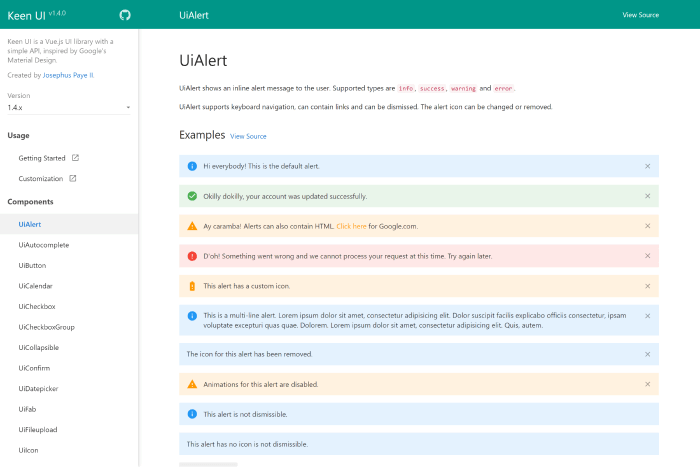
    Keen UI

    keen UI

    Keen UI – A Popular Vue framework with Material Design. It has well-written interactive elements that would otherwise need JavaScript to function. Because it lacks styling, you may easily integrate the framework with your current style or a free CSS framework.

    If you want a lightweight Material Design implementation without the added weight, give it a try.

    More Info GitHub

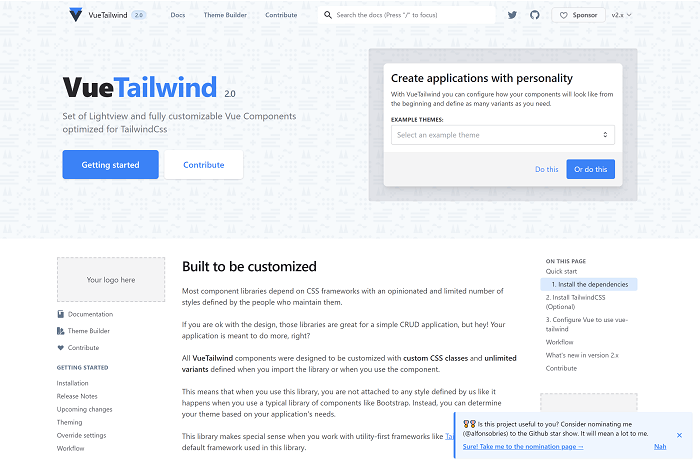
    VueTailwind

    VueTailwind

    An emerging front-end library called VueTailwind is built on the well-liked Tailwind CSS framework. Even while it’s still in development and might not be completely suitable for production-grade apps, it can be helpful if you’re working on a tiny Vue project and want to use Tailwind. Even though Tailwind CSS doesn’t often include pre-designed components, the VueTailwind component library does.

    VueTailwind creates these components using Tailwind’s utility classes. The majority of these elements were extracted from the Tailwind CSS documentation’s example code.

    More Info GitHub

    Similar Articles

  • Best Free Bootstrap Date picker Examples

    Best Free Bootstrap Date picker Examples

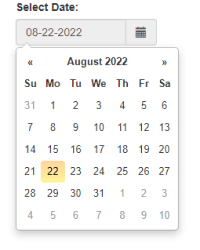
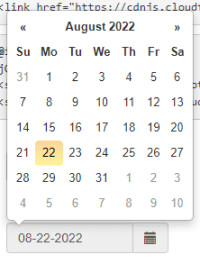
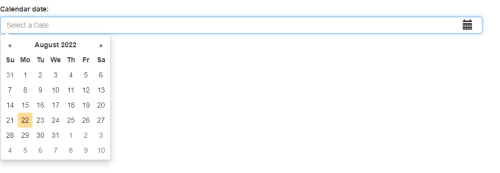
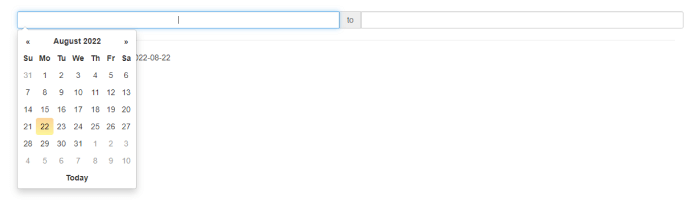
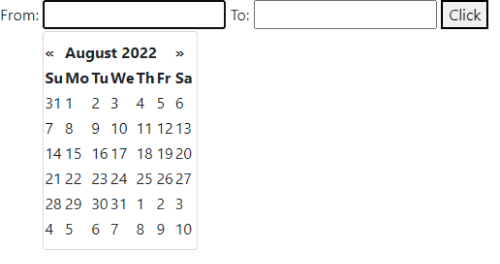
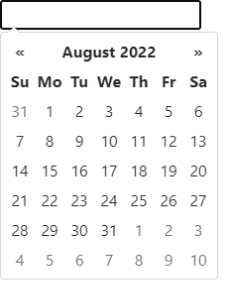
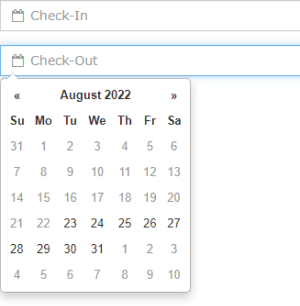
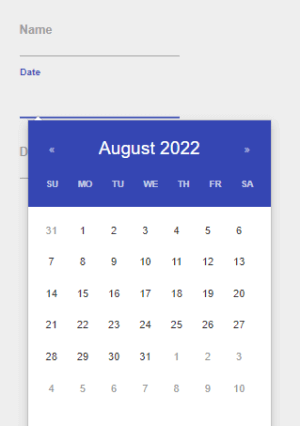
    Do you want to use Free Bootstrap Datepicker Components in your next project? Here they are! We’ve carefully chosen the Top 25 Free Bootstrap Datepicker Examples from CodePen for Bootstrap Projects. But first, let’s learn how to use a datepicker component and what they actually are.

    How to Use A Datepicker Component

    Datepickers are one of the most common components in web projects. A datepicker is also known as a popup calendar. It is a GUI widget that allows the user to choose a date from a calendar. There are different cases when you have to put Datepickers on web pages. For example, your user might need to buy a ticket, schedule events, track dates, mark dates, arrange a meeting with someone, choose a delivery date, or choose a birth date or similar type of date. Different type of date-picking options is represented in different ways.

    As there are not that many good free bootstrap datepickers available on the internet. So, you might end up wasting a lot of time finding the right one and customizing it the way you want to. For this reason, we’ve spent some time on it and come up with all of the free bootstrap datepicker. These are the ones you can customize and directly use for your project.

    What Is So Great About Bootstrap Datepickers?

    Bootstrap is the world’s most well-known HTML, CSS, and JavaScript library. In this blog, you’ve chosen datepicker components built on top of Bootstrap 3, 4, and 5. The framework Bootstrap is great for datepickers because it is a mobile-first grid design.

    It is a framework for creating responsive user interfaces for mobile devices. 61% of Google search visits on mobile devices, and Statista estimates that there are 4.2 billion mobile internet users. With Bootstrap, the user experience and the development process is simple.

    Key Features of A Bootstrap Datepicker

    – Users can set or choose the date with just a mouse

    – Eliminates the need to write down the date

    – Excellent Community Support

    – Bootstrap is one of the most popular HTML, CSS, JavaScript Library

    – Faster

    – Reusable Component

    – Simple & Modern Looking

    – Easy Set Up

    – Light Weight

    and a lot of other aspects make Bootstrap Datepicker components one of the best.

    Free Bootstrap Datepicker Examples

    Note: The list below is in no particular order.

    1. Bootstrap Datepicker by Vaidehi Bavishkar

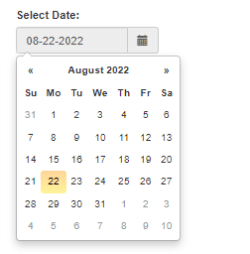
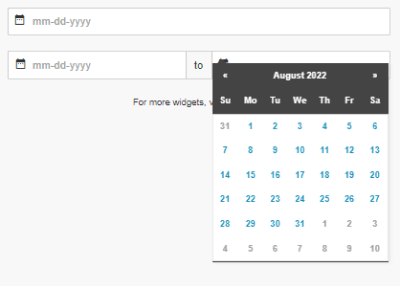
    Bootstrap Datepicker by Vaidehi Bavishkar

    Demo / Details / Download

    2. Bootstrap Datepicker by Peihsin

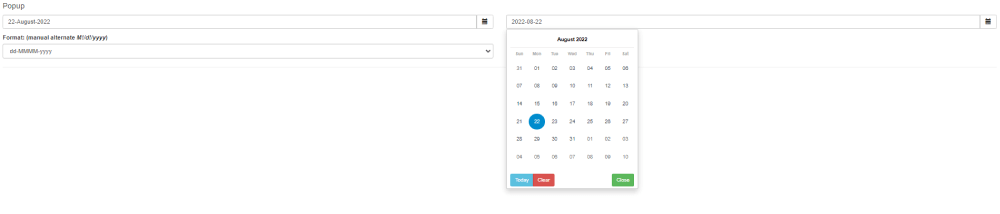
    Bootstrap Datepicker by Peihsin

    Demo / Details / Download

    3. Bootstrap Datepicker Plugin Test by Jowi Englis

    Bootstrap Datepicker Plugin Test by Jowi Englis

    Demo / Details / Download

    4. Bootstrap Datepicker Range AngularJS by Richard Bailey

    Bootstrap Datepicker Range AngularJS by Richard Bailey

    Demo / Details / Download

    5. Bootstrap-Datepicker by Jose Castillo

    Bootstrap-Datepicker by  Jose Castillo

    Demo / Details / Download

    6. Bootstrap Datepickers Inline Sliding by Valentin Dzhankhotov

    Bootstrap Datepickers Inline Sliding by Valentin Dzhankhotov

    Demo / Details / Download

    7. Free Bootstrap Datepicker by Atanas Atanasov

    Bootstrap Datepicker by Atanas Atanasov

    Demo / Details / Download

    8. Bootstrap Datepicker Custom Date Logic by M Gambill

    Demo / Details / Download

    9. Bootstrap Datepicker by Priyank Panchal

    Bootstrap Datepicker by Priyank Panchal

    Demo / Details / Download

    10. Free Bootstrap DatePicker by TuanitPro

    Bootstrap DatePicker by TuanitPro

    Demo / Details / Download

    11. Check-In & Out Bootstrap Datepicker by Amanda Louise Acosta Morais

    Check-In & Out Bootstrap Datepicker

    Demo / Details / Download

    12. Bootstrap Datepicker Material Look with Material Input by Saleh Uddin

    Bootstrap Datepicker Material Look with Material Input

    Demo / Details / Download

    13. Bootstrap Datepicker by Yuping

    Bootstrap Datepicker by Yuping

    Demo / Details / Download

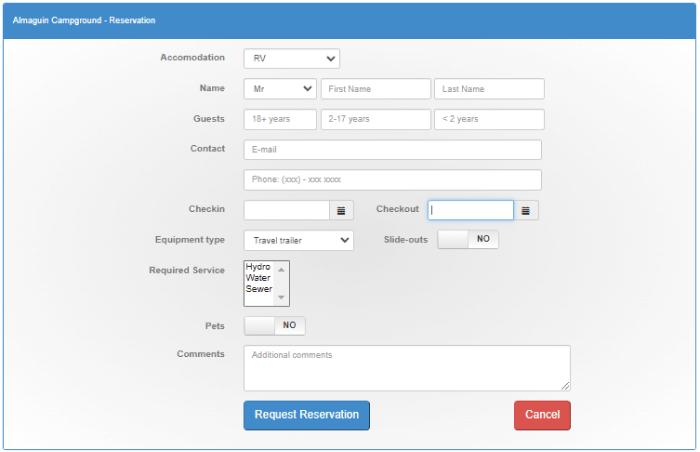
    14. Bootstrap Datepicker + Campsite Registration by Andy31415

    Campsite Registration by Andy31415

    Demo / Details / Download

    15. Bootstrap Datepicker Demo by Ryan Mulligan

    Bootstrap Datepicker Demo by Ryan Mulligan

    Demo / Details / Download

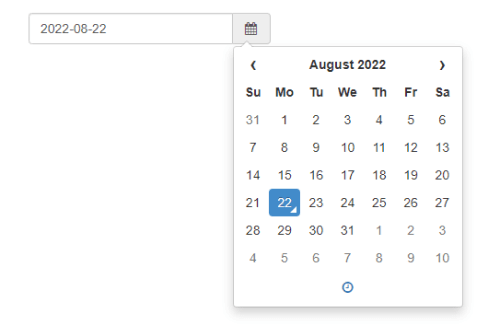
    16. Simple Bootstrap Datepicker Example by Luis Cruz

    Simple Date picker

    Demo / Details / Download

    17. Bootstrap Datepicker Disabling Past Dates Without Current Date

    Bootstrap Datepicker Disabling Past Dates Without Current Date

    Demo / Details / Download

    18. Bootstrap 3 Datepicker Example

    Bootstrap 3 Datepicker Example

    Demo / Details / Download

    19. Bootstrap Datepicker by Sreekanth

    Bootstrap Datepicker by Sreekanth

    Demo / Details / Download

    20. Bootstrap Datepicker Set Current Date By Grealmobile

    Bootstrap Datepicker Set Current Date By Grealmobile

    Demo / Details / Download

    21. Datepicker and Range Datepicker by btn.ninja

    Datepicker and Range Datepicker by btn.ninja

    Demo / Details / Download

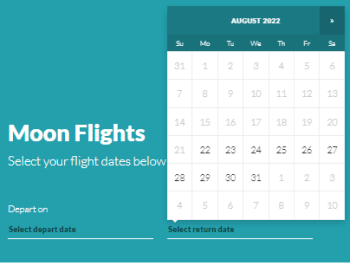
    22. Bootstrap Datepicker Travel Website by Desain 360

    Bootstrap Datepicker Travel Website by Desain 360

    Demo / Details / Download

    23. UI Bootstrap Datepicker by Jagathish

    UI Date picker by Jagathish

    Demo / Details / Download

    24. Mixitup With Bootstrap Datepicker by Eric

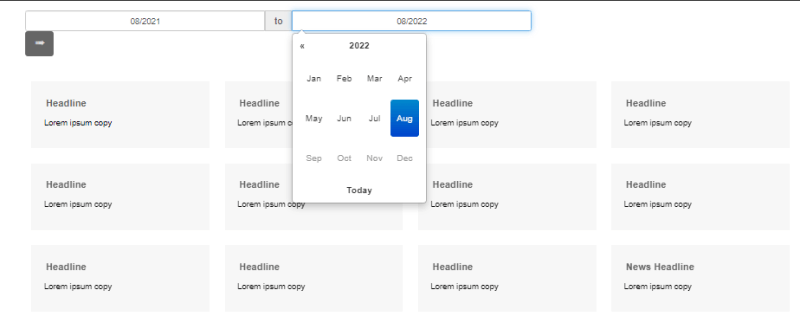
    Mixitup

    Demo / Details / Download

    25. Simple HTML Page With Bootstrap Datepicker by Richard Nalezynski

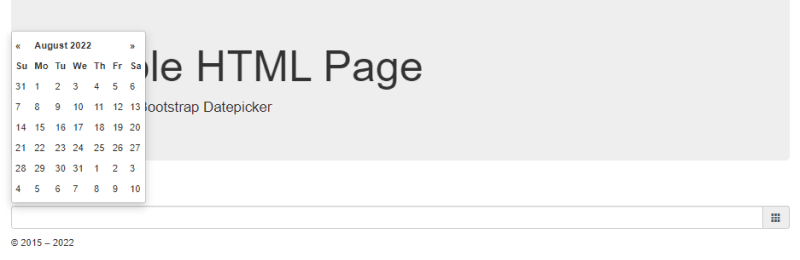
    Simple HTML Page With Bootstrap Datepicker

    Demo / Details / Download

    Wrapping Up

    Looks like your search for Top Free Bootstrap Datepicker has come to an end. Choosing between all these free Bootstrap datepickers is a difficult task. However, if you stick to your criteria, you should be able to quickly narrow down 3 to 4 date pickers that are best suited to your project. So, thoroughly examine these datepickers to ensure a positive user experience. 

    Thank you for your time. 

    Our Bootstrap Products

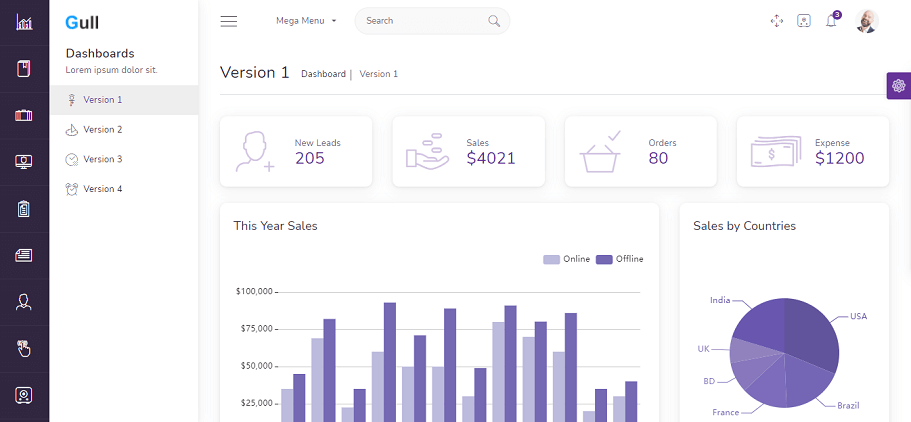
    Gull Angular Bootstrap Gull – Angular 14+ Bootstrap 5 Admin Dashboard Template

    gull

    Live Preview Details / Download

    Similar Articles

  • Vuejs UI Component Libraries of 2023

    Vuejs UI Component Libraries of 2023

    Are you looking for VueJS UI Component Libraries? Don’t worry! Today we will present to you some of the most highly effective VueJS UI Component Libraries in 2022.

    In 2014, Evan You launched VueJS for the first time. He made it by combining all of the front-end best practices. Since then, VueJS growing more and more each year. For this reason, in this blog, we have gathered some of the best VueJS UI Component Libraries, which are the building blocks for all UI development.

    You can easily use these UI Component Libraries in your project. It will save you both your development cost and time. So, without further ado! Let’s find out what are the UI Component Libraries in this list. Read along!

    VueJS UI Kits And Component Libraries

    Please keep in mind that the list below is in no particular order.

    1. Mint UI

    Mint UI

    Mint UI is a Tailwind CSS UI Component library with mobile UI elements built on Vue. Easily create mobile-like apps with the UI component library using your usual front-end codes. These elements are similar to what users are used to with mobile applications. 

    Therefore, use Mint UI to build mobile-friendly web applications or mobile applications. It also takes advantage of the web view. The lightweight nature and contemporary appearance of the Mint UI are two of its main features. When the production settings are loaded, it is about 30 KB in weight. Therefore, it will be a good option for you to create mobile-like applications with an iOS look and feel.

    More Info / Download  GitHub

    2. Tailwind UI – UI Component Library

    Tailwind UI - UI Component Library for Vuejs

    The official Tailwind CSS UI Component library is called Tailwind UI. It supports HTML, React.js, and Vue.js. The Tailwind CSS core team produced this exquisitely crafted set of parts and templates. Therefore, no other starting points are better than this official Tailwind CSS UI component library.

    It features all the standard website elements, such as buttons, dropdowns, navigation bars, and modals. Also, there are some more sophisticated interactive elements, like Date Picker. These are all created with Tailwind CSS utility classes and vanilla JavaScript.

    More Info / Download

    3. Element

    Element vuejs ui component library

    The popular Vue UI component library Element has strong community support. Not just front-end developers can use the component library. It also provides a complete UI Kit. So, it is possible for you to begin using it if you work as a designer or product manager.

    The desktop user interfaces are for the UI component library. It does, however, have some responsive characteristics. Grids and element hiding dependent on window size are two examples of this. If you’re looking forward to using it, check out the internationalization guide. Try it out and create complex desktop UIs today.

    More Info / Download  GitHub

    4. CoreUI Vue

    CoreUI Vue

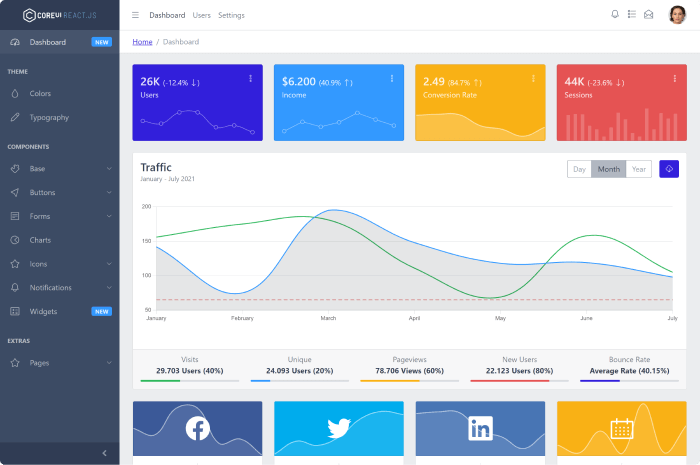
    CoreUI is a Vue component library that only creates admin templates. It was created with modern frameworks and tools like Bootstrap, Vue.js, and Sass. The framework’s over 100 components make it simple to create dashboards and user interfaces for administrative applications.

    Companies frequently underinvest in the look and feel of their dashboard applications, particularly when those applications are intended for internal users. There are no such excuses with CoreUI, as you can save countless hours of development time and start building functional and aesthetically pleasing dashboards right away.

    More Info / Download  GitHub

    5. Vue UI Kit

    Vue UI Kit

    Vue UI Kit is a Vue / Nuxt UI Kit based on the Vuetify material design component library. It offers more than 130 modules that you can mix and match to prototype and build landing pages, dashboards, and apps. Vue UI Kit contains multiple variations of headers and hero blocks, cards, stats, testimonial areas, pricing tables, and more. It is updated with Vue 3 and has a license that includes free updates.

    More Info / Download

    Wrapping Up

    Choosing a front-end framework that covers your needs can be a hard thing to do. You have to consider your team’s technical skills, the scope of the project, and how easy it will be to develop new features. In this list, we covered the best VueJS UI component libraries and discussed the advantages of each.

    Our VueJS Products

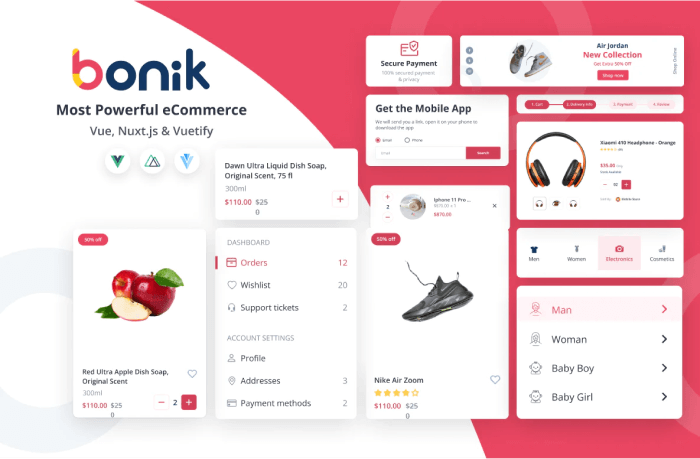
    bonik vue nuxtjs vuetify multipurpose ecommerce template

    Details / Download Live Preview

    Similar Blogs

  • Best Free Tailwind CSS Templates

    Best Free Tailwind CSS Templates

    If you’re looking for Free & Premium Tailwind CSS Themes & Templates, we’re here to help you. In this blog, you’re about to find out the market’s most impressive open-source & premium Tailwind CSS Themes & Templates for 2022.

    Customizing and styling your web project is a lot of hassle and costly. So, buying or downloading a free or open-source Tailwind CSS theme or template might save you from a lot of unwanted risks. It is because templates come with a ton of in-built features and facilities such as responsiveness, smooth UX, various pre-built applications (to-do, calendar, etc.), clean code, well documentation, long-term technical support, and so on. Therefore, for those who are looking for a faster result and a cost-effective approach, buying Tailwind CSS themes or templates could be the best decision for your projects.

    The Tailwind CSS framework allows you to customize and style your web project in the shortest amount of time possible. However, the results appear to show that you put a lot of time & effort into it. With its powerful theme customization, it’s undeniably a fantastic framework.

    Best Tailwind CSS Themes & Templates

    Without further ado! Let’s take a look at the best Tailwind CSS Themes & Templates in 2022. Please keep in mind that the list is in no particular order. So, you can undoubtedly try any of these themes or templates. Although, with the free and open-source templates you’ll have community support, but the premium ones are way better in terms of features, functionality, and support.

    Aatrox – TailwindCSS Admin Dashboard Template

    Aatrox Tailwind CSS Admin Template

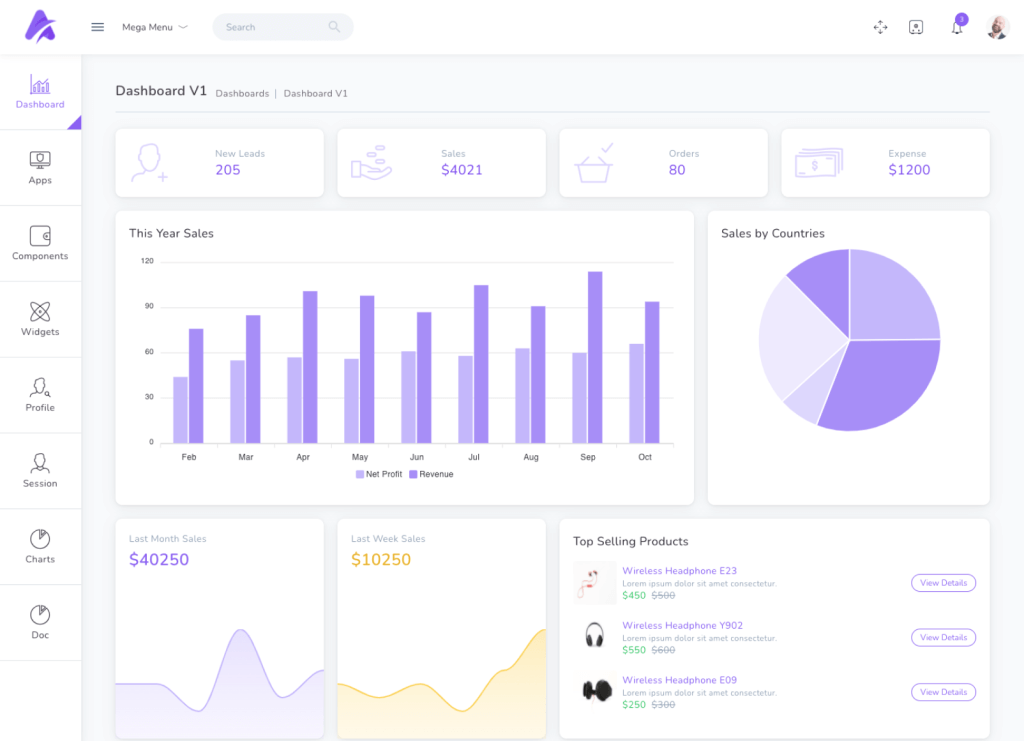
    Aatrox – A Tailwind CSS 2 Admin Template with Laravel by UI-Lib. Although, Aatrox comes in three different versions. However, we have chosen this version for our today’s list. The template has some beautiful dashboard examples with features that are very useful for Admins. Some of its features for admins are accounting software, project management, chat, calendar, charts, Inbox, Chat, Data tables, form layouts, todo, invoice, eCommerce backends, CMS, CRM, ERP, or SAAS.

    Moreover, for the developers, it has features such as full SASS support, HTML5, CSS3, JavaScript plugins, Gulp, Babel, BrowserSync, etc. It has NO JQuery, easy-to-customize options, and a fully modern design approach with a minimal outlook. Besides, it offers RTL, and LTR options with Dark & Light Themes. So, definitely make sure to check out.
    Details / Download Live Preview

    Bostami – Tailwind CSS Personal Portfolio React Template

    Bostami Tailwind CSS Personal Portfolio React Template

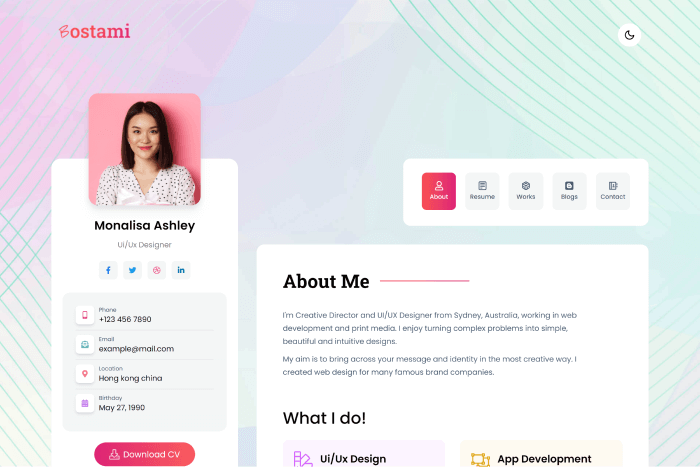
    There are numerous uses for the Bostami Personal Portfolio Tailwind CSS React Template. It has a unique, simple, and elegant design. And, it will be perfect for professionals from different skill backgrounds.

    For example, designers, developers, specialists, content writers, teachers, photographers, freelancers, software engineers, and other professionals who wish to showcase their work in a digital format will be great. Besides, the template is 100% responsive and lightning fast, thanks to the use of the most recent versions of React and Tailwind.

    Details / Download Live Preview

    Amiso

    Amiso Tailwind CSS Landing Page Template

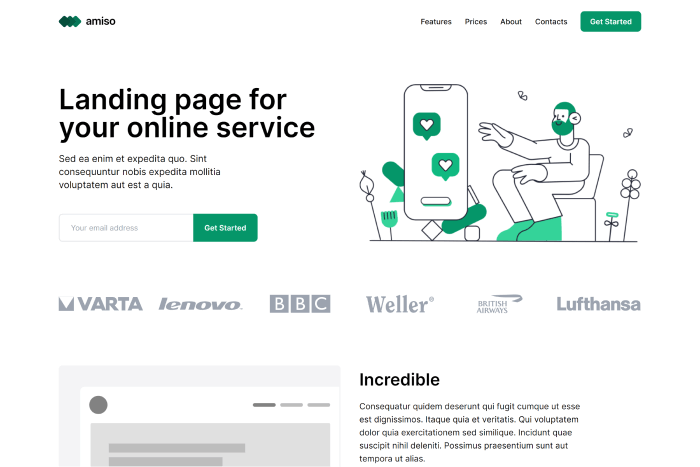
    Amiso is an elegant landing page template for promoting your online and consulting services with simplicity and ease. It has a lot of pre-built components that are going to get you up and running very quickly. Also, it will allow you to focus on improving your service rather than showcasing only a bunch of technical details.

    Details / Download Live Preview

    Mosaic Lite – React Tailwind CSS Admin Template (FREE)

    mosaic cruip tailwind css react admin template

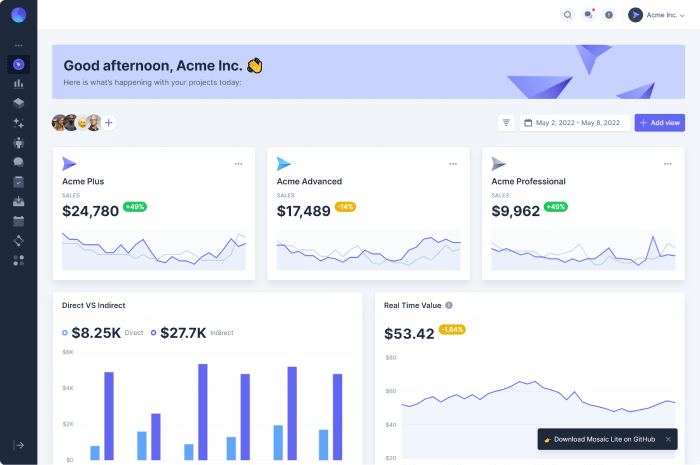
    Mosaic Lite is a free and open-source responsive dashboard template built with TailwindCSS by Cruip.com. It is entirely written in React.js. The template includes a number of charts (Chart.js 3) and widgets. Besides, it’s an excellent starting point for anyone looking to create a user interface for SaaS products, administrator dashboards, modern web apps, and so on.

    Details / Download Live Preview

    Techwind – Tailwind CSS Multipurpose Landing Page Template

    Techwind Tailwind CSS Mutipurpose Landing Page Template

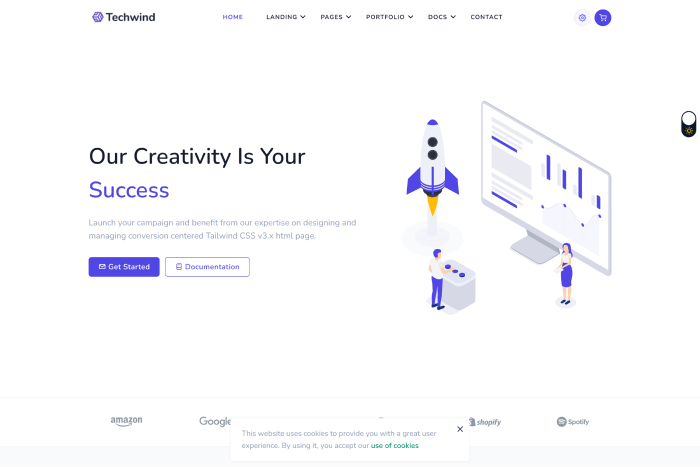
    Techwind – A Tailwind CSS Multipurpose App, Saas & Software Landing Page Template. It is built using Gulp.js, Yarn Packages, HTML5, and Tailwind CSS v3.x. Moreover, it is perfect for any startup, cloud hosting, company, corporate, single product, portfolio, SaaS, SMM, digital marketing/agency, email templates, marketing, agency, etc.

    It features a modern design approach and is a completely responsive template with an excellent user experience (UX). Additionally, its components can be combined and customized with other components pretty easily. Both the light and dark variants are included with the template.

    Details / Download Live Preview

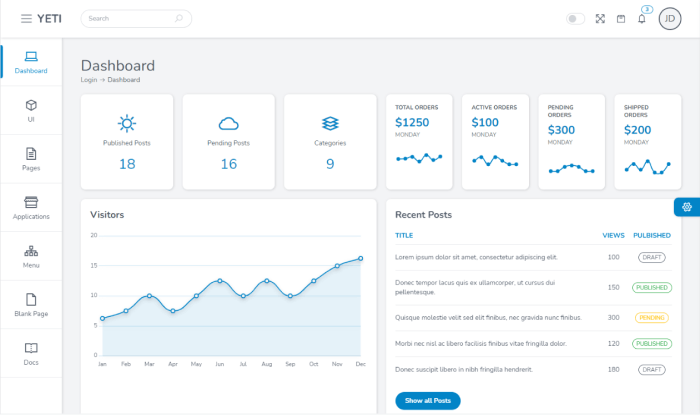
    Yeti – Tailwind CSS Admin Template

    Yeti - Tailwindn CSS Admin Template

    For developers, the Yeti Tailwind CSS template was created with simplicity in mind. Every page and app can meet the needs of any admin or online app. All the JavaScript functions in Vanilla.js. Some of Yeti’s exciting features are Dark mode, RTL support, a ton of color themes, eight font combinations, multiple layouts, custom UI components, and so on.

    Details / Download Live Preview

    Fuse

    fuse angular 14 tailwind css admin template

    Fuse is a popular admin template that comes with a lot of different technologies & frameworks. In today’s selection, we’ve picked up the Angular 14+ Tailwind CSS version. The template has custom application and page layouts, UI elements, and UX best practices.

    It allows you to enable multiple template layouts without affecting the template’s overall structure. You can use a different layout for each route. Among its many amazing features, its number of pre-built applications and various pages are surely going to make your day.

    Details / Download Live Preview

    Midone

    Midone Tailwind CSS Admin Template

    The responsive admin template Midone uses the TailwindCSS 3+ utility-first CSS framework. Midone is among the top products on the market if you’re a developer seeking an admin dashboard with pre-made Tailwind components that is also developer-friendly and highly customizable. The UI elements of the template will be simple to customize without leaving the HTML code, even if you are unfamiliar with the framework.

    It is a distinctive, cutting-edge, and adaptable dashboard template to create backend applications, information systems, CRMs, or even to launch a brand-new, easy project and get acquainted with TailwindCSS. React 18+, Tailwind CSS 3, 50+ pages, different layouts, a large number of pre-built applications, Vite2, Recoil, PostCss, etc. are among its most helpful features.

    Details / Download Live Preview

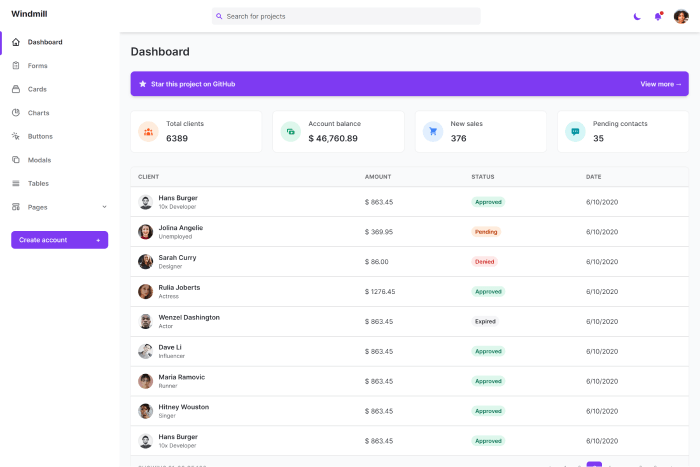
    Windmill – Tailwind CSS Dashboard (FREE)

    Windmill Tailwind CSS Free Admin Template

    The Windmill is a multi-theme, fully accessible Tailwind CSS dashboard, complete with components and page examples. The dashboard was designed with a11y in mind from the start. Its features include every text passing the WCAG Level AA, being fully keyboard navigable, using focus trap techniques to improve focus while navigating via keyboard, and being mobile-friendly.

    It employs the most basic theming plugin. In addition, theme auto detection based on the user’s OS preferences is available. Furthermore, local settings storage is enabled by default.

    Details / Download Live Preview

    Admin One – Vue Tailwind Dashboard Template

    Admin One

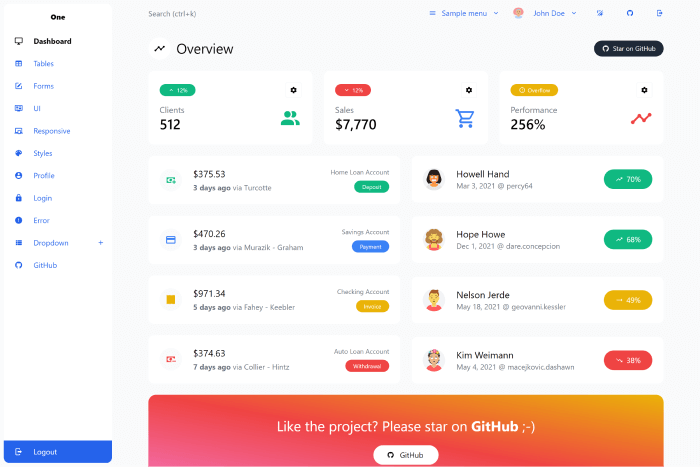
    A straightforward and beautiful admin dashboard template for CRM software is called Admin One. It has a compact laptop configuration with a show/hide option, a concealed aside menu, collapsible cards and tables, a classic format with aside features on the left, and more. For quick theme adjustment, Tailwind CSS and Vue.js were used in the development of Admin One.

    Details / Download Live Preview

    Skilline – Tailwind CSS Landing Page Template (FREE)

    Skilline

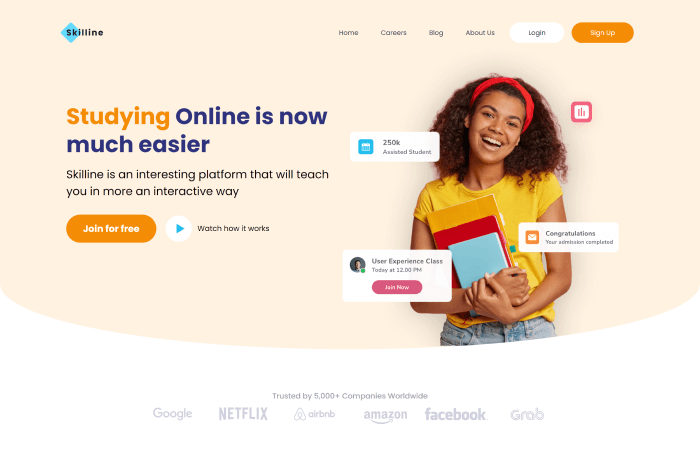
    The Skilline free landing page template uses Tailwind CSS and includes images of people smiling from several stock libraries. Given the popularity of this template, it is preferable to incorporate it into your design and add additional CSS if required. It is simply a fantastic tool for both non-technical and technical persons because of its accessibility and simplicity of usage.

    Details / Download Live Preview

    K-WD Dashboard – Tailwind & Alpine.js (FREE)

    KWD Dashboard

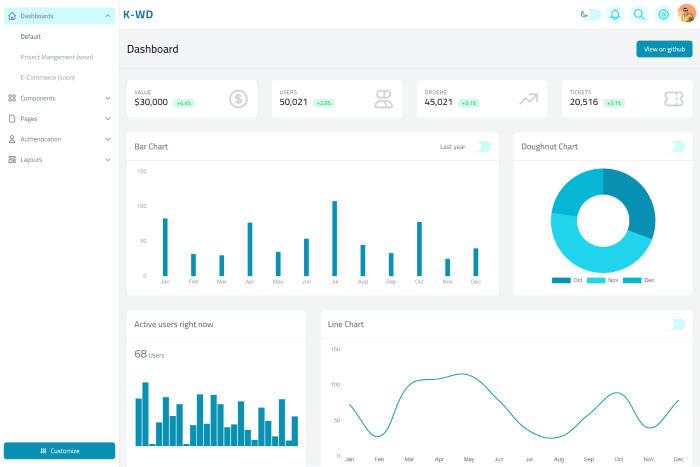
    K-WD Dashboard – Tailwind CSS admin dashboard template for building web apps with Tailwind CSS and Alpine.js. it has multiple dashboard options that they are releasing pretty soon, plus various components and pre-built pages. The product now includes over ten individual pages with a few components you can choose from and combine. Soon it will have more features. So, keep an eye on this minimal and simple free dashboard template.

    Details / Download Live Preview

    V-Dashboard – Admin Dashboard Website Template (FREE)

    V-Dashboard

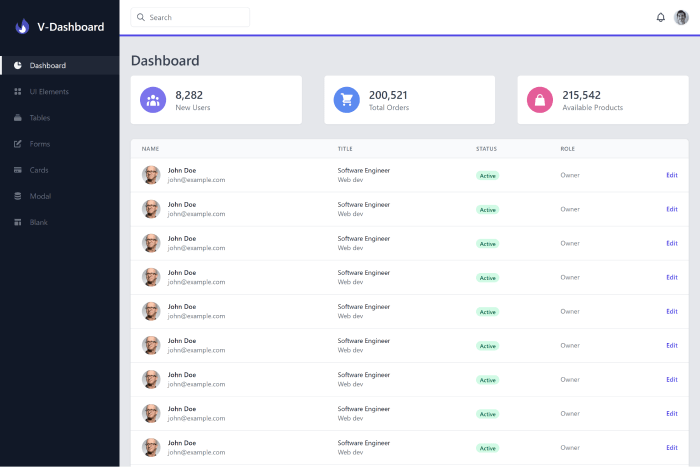
    V-dashboard is a Tailwind CSS admin dashboard website template. Also, it includes some cutting-edge frontend technologies such as Vite, Vue 3, and TypeScript. Because of the fully responsive design, the template looks flawless on any device, regardless of screen size. Moreover, you can easily use it to build a control panel, an admin panel, and an online software dashboard.

    The template includes features like UI elements, tables, a search option, various types of forms, widgets, modals, card UI design, and many more.

    Details / Download Live Preview

    Cleopatra – Responsive Tailwind Admin Template (FREE)

    Cleopatra

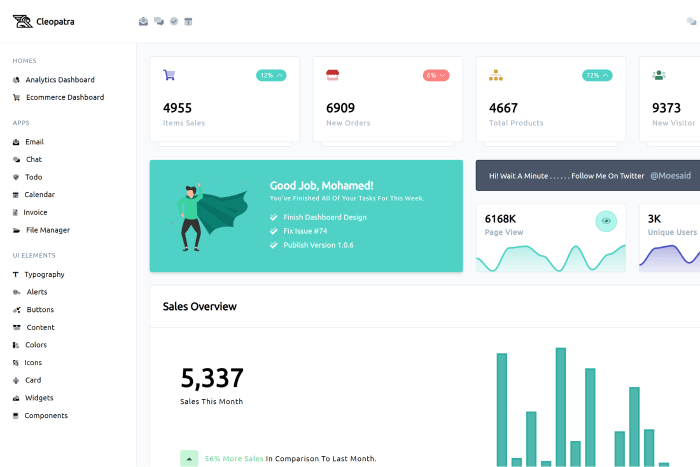
    Looking for a template designed specifically for your app? Take a look at Cleopatra. A strong admin dashboard template built on tailwind CSS with a large header image, smooth transitions, and a lovely typographic layout. The home page displays recent posts or services that you can easily customize with the click of a button using a workflow.

    The Cleopatra template contains a lot of useful apps, UI elements, and two dashboards (Analytics and eCommerce).

    Details / Download Live Preview

    Tailwind Awesome

    Tailwind Awesome

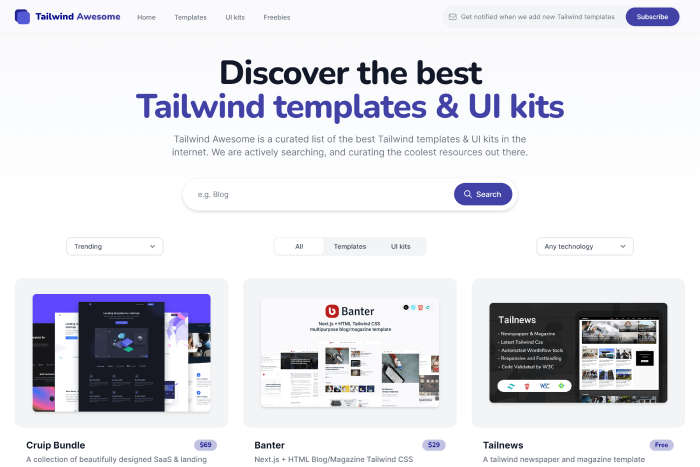
    Consider this website as a bonus addition to this blog post. The Tailwind Awesome is not a template. It’s actually a curated list of some of the best Tailwind templates and UI kits. We are constantly looking for and curating the most interesting resources available. You will find all sorts of tailwind CSS templates and UI Kits here such as trendy, free, premium, high price, low price, latest, popular, etc. The website now contains over 170+ Tailwind CSS templates & UI Kits. So, don’t forget to go through the site.

    Visit Website

    Tailwind Templates (FREE)

    Tailwind Templates

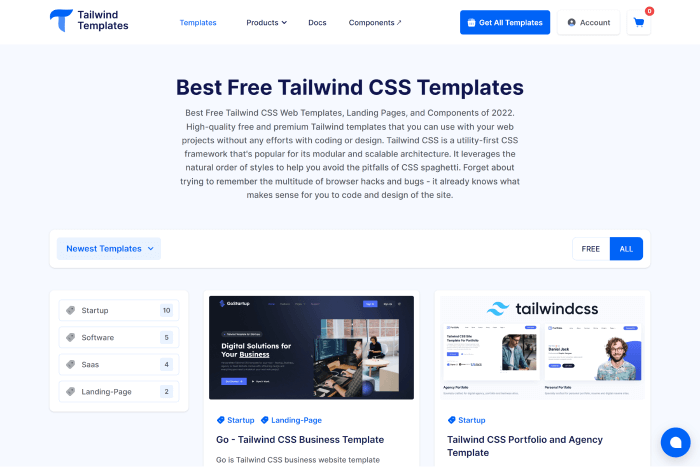
    For startups, apps, SaaS, landing pages, and business websites, Tailwind Template is your go-to website that offers both free and premium Tailwind CSS templates. With the help of these ready-to-use and well-developed Tailwind Templates, you can quickly create and deploy your web projects.

    It has a good number of templates, including 2 landing page templates, 5 software templates, 10 startup templates, and 4 SaaS templates. Besides, with just 69 US dollars, you can have lifelong access to this template collection with no restrictions, saving you 90% of your cash!

    Visit Website

    Wrapping Up

    Finally, your search for the best Tailwind CSS Themes & Templates in 2022 appears to be over. Finding the best solution for your project is difficult as the market is flooded with so many poor-quality templates. As a result, in addition to these template listicles, we have written an article about ‘How to Choose an Admin Template’. 

    Although the title suggests that the blog is only about admin templates, it will give you an overview of how to choose any type of software-related template following a few basic tips & tricks. Make sure to check that out. 

    Our Premium VueJS 3 & Tailwind CSS Admin Template

    Other Tailwind CSS Blog Posts

  • 10+ Laravel Bootstrap Admin Templates (Free & Premium) in 2023

    10+ Laravel Bootstrap Admin Templates (Free & Premium) in 2023

    Are you looking for the best and most up-to-date Laravel Bootstrap admin dashboard templates? Don’t worry! Today, we will show you some of the best and most recently updated Laravel Bootstrap admin templates from 2023.

    The Bootstrap framework is the most effective way to avoid repetitions across multiple projects. It is an open-source CSS framework for web and web app development that is both mobile-friendly and extremely fast. Bootstrap has a massive amount of versatile and reusable code written in HTML, JavaScript, and CSS. So, admin dashboards with Bootstrap will be very much beneficial to any business.

    These admin templates will allow you to customize your dashboard with all the necessary features. So, rather than wasting time creating your own, check out these already available ones and get started on your Laravel Bootstrap admin templates. Right away!

    Focus on these 5 things to buy the right admin template 👇🧐

    1. Technologies & Frameworks

    2. Design

    3. Features, Usage, Code Quality & Documentation

    4. Technical Support & Updates

    5. Cost, Reviews & Number of Downloads

    Learn about these points in detail HERE.

    Best Laravel Bootstrap Admin Templates

    Please keep in mind that the list below is not in any particular order.

    1. Gull – Laravel Bootstrap 5 Admin Dashboard Template

    gull laravel bootstrap html admin dashboard template

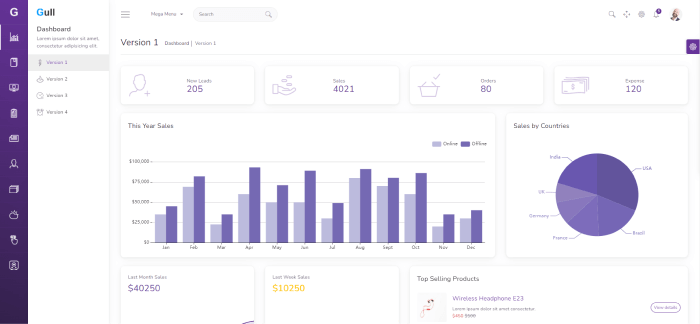
    Gull – A modern Laravel 9 Bootstrap 5 Admin Template. The template is built using SASS, HTML5, CSS3, and JQuery plugins. Along with these technologies, it has some really useful developer tools like Gulp, Babel, and Browsersync.

    With Gull, you can develop all types of cross-platform apps and web app backends. For example, you can build a custom admin panel, dashboard, accounting software, PM, Chat app, backend for your eCommerce business, CMS, CRM, ERP, and SASS.

    Moreover, you’re getting all the UI to input and visualize/output large and small datasets. To give you multiple options while setting its appearance, it offers 4 dashboard versions, more than 2K icons, 30+ card widgets, and a lot more. Also, it is fully responsive and has complete documentation. So, whether you’re targetting to work on your dashboard from mobile, tablet, laptop, or desktop, it will give you a smooth experience.

    We invite you to carefully examine the live preview and learn more about all the features it offers!

    Details / Download Live Preview

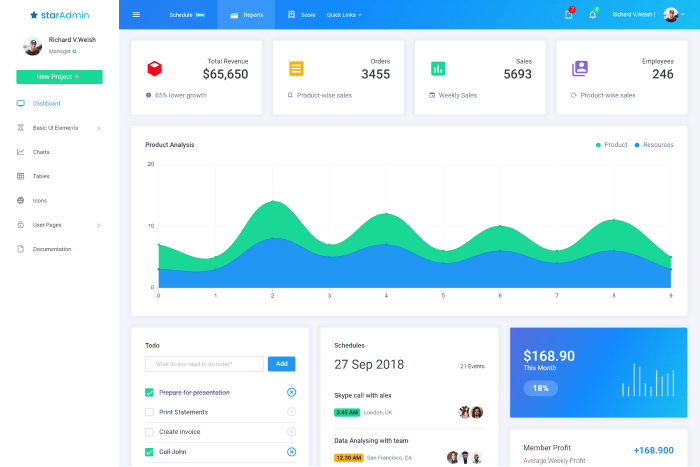
    2. Star Admin Laravel (FREE)

    star admin free laravel bootstrap admin template

    The Star Admin Laravel template is very flexible, open-sourced, and developer-friendly. Also, the style of this free Laravel admin panel template is smooth and simple.

    Moreover, its design offers many customization options. It comes with a nice collection of practical elements, buttons, icons, and other components to make the web construction process easier. As a result, it will undoubtedly dazzle web designers looking for a highly responsive and user-friendly website template.

    Details / Download Live Preview

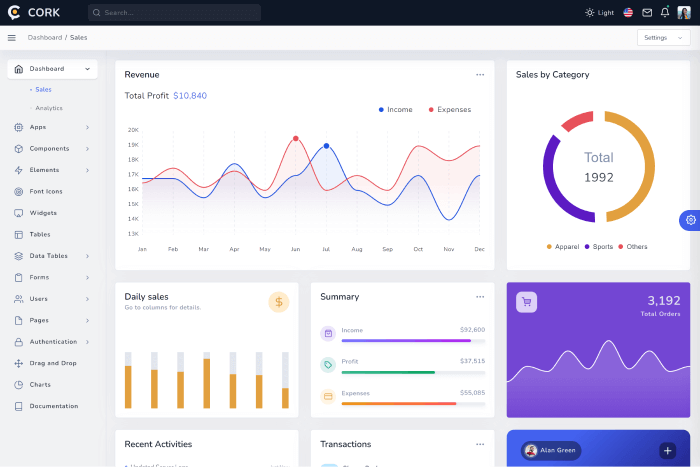
    3. Cork – Vue 3/2, Bootstrap 5/4 & Laravel Admin Dashboard Template

    cork vue bootstrap laravel admin dashboard template

    Cork Laravel Bootstrap Vue is a robust CRM admin dashboard template built for all types of back-end projects. It includes several working apps to help you quickly build your next back-end application.

    Moreover, it has a wide range of reusable components such as buttons, maps, charts, widgets, forms, and tables. Also, it offers plenty of other elements that you can use in your project. The design is responsive and fully adaptable to mobile devices of all sizes.

    Details / Download Live Preview

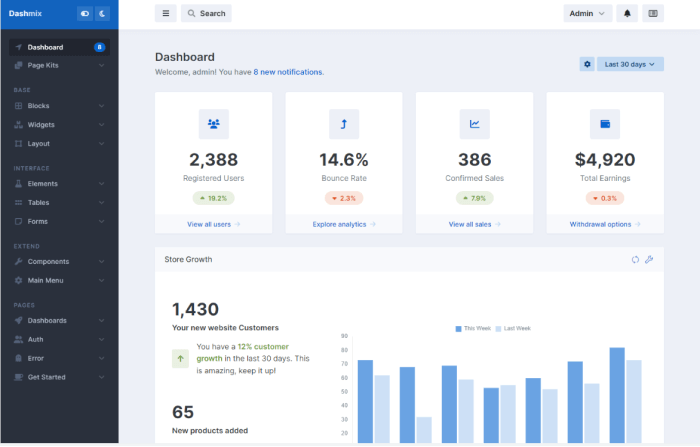
    4. Dashmix – Bootstrap 5 Admin Dashboard Template & Laravel 9 Starter Kit

    dashmix laravel bootstrap admin template

    Dashmix is another premium, fully responsive admin dashboard template and UI framework built with Laravel 9 and Bootstrap 5. It has a dark mode and doesn’t utilize jQuery for its basic JS capabilities. Smart utilities like webpack 5, Babel 7, Gulp 4, Autoprefixer, and Browsersync are available here.

    You may jumpstart your project your way with the help of the HTML and PHP versions that are both readily available. Finally, it is a simple, adaptable, and modern template for designing the user interface (UI) for custom admin panels, admin dashboards, CMS, CRM, and even projects for portfolios, blogs, business websites, etc.

    Details / Download Live Preview

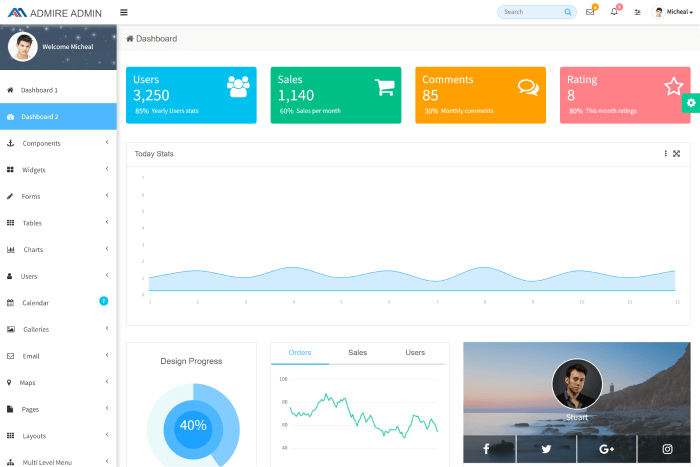
    5. Admire

    admire admin

    Admire is a Bootstrap 4 admin template. The template includes over 70 pages and 6 layouts. Also, it has 6 color schemes, 2 dashboard styles, and a ton of widgets. For asset streamlining, they used Gulp. Therefore, now you can easily and quickly customize the template to your needs.

    Details / Download Live Preview

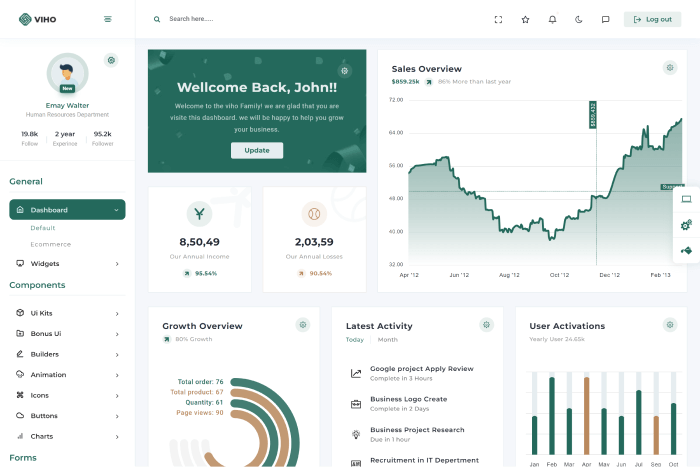
    6. Viho

    Viho laravel bootstrap admin template

    Viho Admin is a multipurpose premium bootstrap admin template built using Bootstrap 5 Framework, HTML5, CSS, and JQuery. It has a wide range of reusable UI components and comes with the latest jQuery plugins. It supports building all types of web apps such as custom admin panels, app backend, CMS, or CRM. Moreover, it includes 2 dashboards, dark & light mode, responsive layout, Gulp, Charts, Data Table, sliders, clean code, and a lot more.

    Details / Download Live Preview

    7. Core UI Laravel (FREE)

    core ui laravel

    CoreUI Laravel is a free admin template for Laravel. It is built with Bootstrap 4 and Laravel 8 and hasn’t been updated since 2020. So, if all you want is a Laravel Bootstrap admin template for learning purposes, that’s fine.

    You will get the majority of the features you require for your learning project. Besides, it includes a wide range of components like cards, carousels, and more, as well as a variety of button types, charts, and forms.

    Furthermore, the components and other elements of CoreUI Laravel have been created to be of high quality and functional. The menu system is also well-implemented, resulting in an enjoyable user experience.

    Details / Download Live Preview

    8. Epic Pro

    Epic Pro

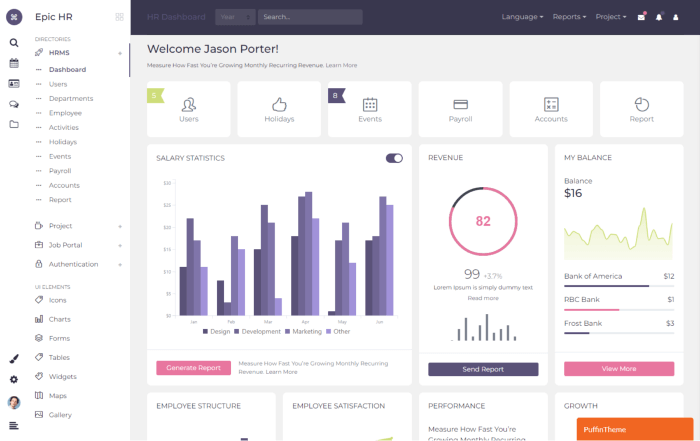
    Epic Pro is a highly customizable Laravel Bootstrap Dashboard template. It has a clean & modern approach. It can be a perfect solution for companies like HRMS, project management, job portals, etc.

    The template works on different workable applications. And you can develop awesome projects with this Laravel Bootstrap admin template. Besides, it offers over 800+ HTML files, 10+ template layouts, light-dark themes, 15+ dashboards, 1000+ ready pages, 100+ components, and more. Hence, it will surely impress website designers who are in search of a better admin template.

    Details / Download Live Preview

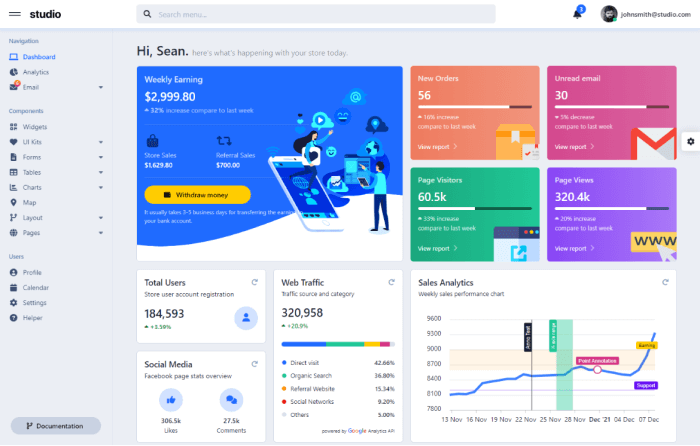
    9. Studio – Laravel Bootstrap 5 & HTML Admin Template

    Studio bootstrap laravel admin template

    Studio is a premium Laravel Bootstrap admin template. It has features like sleek appearance and responsiveness. And it adheres to the flat design approach.

    Moreover, the template is built on top of the latest version of Bootstrap (v5). And it comes pre-installed with numerous third-party plugins, reusable widgets, and more. Additionally, it has features like 1,768 FontAwesome icons, over 30 unique pages, more than 30 themed plugins, etc. So, be sure to check out its live preview from the button below. 

    Details / Download Live Preview

    10. Frest – Laravel Bootstrap 5 HTML Admin Template

    Frest

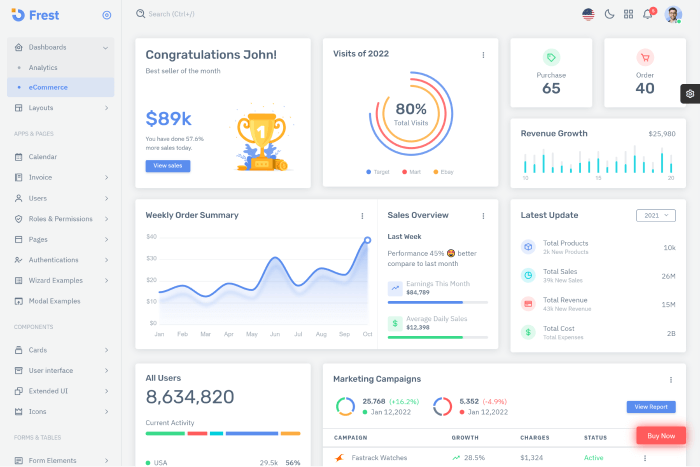
    Frest is a popular admin template with light and dark modes, RTL options, and other features. If you want an admin dashboard designed with you in mind, Frest is one of them. It is a robust admin dashboard template built on Bootstrap 5 with Laravel 9. Also, it is feature-rich, developer-friendly, and incredibly configurable.

    An admin template that is not only quick and simple to use but also highly scalable. The template has been created by adhering to the strictest industry requirements.

    Details / Download Live Preview

    11. HUD

    HUD

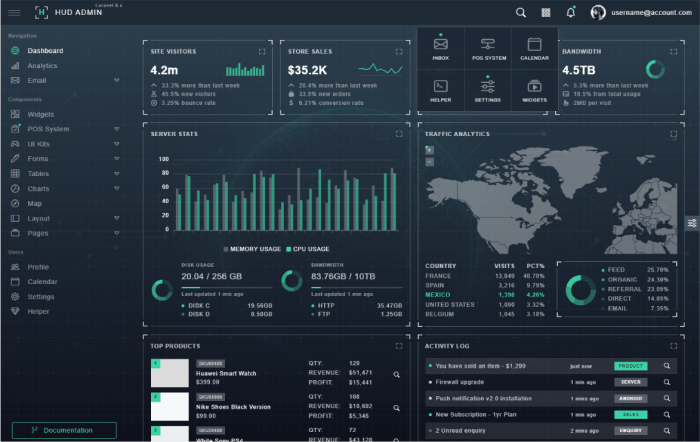
    HUD is the world’s first HUD-Style admin template. It is built on the popular Bootstrap 5.2.0 framework. The design concept for HUD Admin followed the HUD UI design. And, guess what! The result is a clean and neat interface. Most importantly, it comes with all of the useful third-party plugins, reusable widgets, applications, and much more.

    Make sure to check out details and demos to learn more about this cool template.

    Details / Download Live Preview

    Conclusion

    Finally, your search for the best Laravel Bootstrap admin templates appears to be over. Choose the premium versions if you require a wider range of functionality. They are all built with high-quality code and ensure long-term updates. These also provide access to all premium UI kits, components, and elements that can be easily customized.

    Thank you for your time. 

    Similar Product

    More on Laravel UI-Lib’s Blog

  • Reactjs cheatsheet of 2023

    Reactjs cheatsheet of 2023

    Coding Cheat Sheets for programmers are useful to have besides. These often help us to remember various code syntax, and shortcuts and see different concepts visually. Now, ReactJS is one of the most popular frameworks for front-end development, and as it is a huge programming framework, you can’t always memorize every bit of it (especially if you’re new to this field). For that reason, we have carefully created an Ultimate Reactjs Cheatsheet for you to have a smooth experience while coding with Reactjs.

    What is ReactJS?

    JavaScript or JS is a common term amongst web developers. It is a scripting language that is highly used to build UI elements that make a website more assertive, responsive, and interactive. But building a functional reactive UI element that gains an appreciable user experience may seem very complex and time-consuming. That’s where Reactjs enters the game.

    React is a front-end JavaScript library that helps us create UI components without hassle. These components are also reusable so sometimes if we are lucky enough we may not need to write code at all. It is a UI Component Library that only works in our application’s view layer.

    ReactJS Cheatsheet

    Here, you will find the ultimate Reactjs cheatsheet for 2022.

    reactjs cheatsheeet for front-end developers

    New Features

    Automatic Batching

    // Before: only React events were batched.
    setTimeout(() => {
      setCount(c => c + 1);
      setFlag(f => !f);
      // React will render twice, once for each state update (no batching)
    }, 1000);
    
    // After: updates inside of timeouts, promises,
    // native event handlers or any other event are batched.
    setTimeout(() => {
      setCount(c => c + 1);
      setFlag(f => !f);
      // React will only re-render once at the end (that's batching!)
    }, 1000);
    

    Details

    Returning Multiple Elements

    You can return multiple elements as arrays or fragments.

    Arrays

    render () {
      // Don't forget the keys!
      return [
        <li key="A">First item</li>,
        <li key="B">Second item</li>
      ]
    }
    

    Fragments

    render () {
      // Fragments don't require keys!
      return (
        <Fragment>
          <li>First item</li>
          <li>Second item</li>
        </Fragment>
      )
    }
    

    Returning Strings

    render() {
      return 'Look ma, no spans!';
    }
    

    You can return just a string.

    Fragments and Strings

    Errors

    class MyComponent extends Component {
      ···
      componentDidCatch (error, info) {
        this.setState({ error })
      }
    }
    

    Catch errors via componentDidCatch. (React 16+)

    Details

    Portals

    render () {
      return React.createPortal(
        this.props.children,
        document.getElementById('menu')
      )
    }
    

    This renders this.props.children into any location in the DOM.

    Details

    Hydration

    const el = document.getElementById('app');
    ReactDOM.hydrate(<App />, el);
    

    Use ReactDOM.hydrate instead of using ReactDOM.render if you’re rendering over the output of ReactDOMServer.

    Details

    Hooks

    State Hook

    import React, { useState } from 'react';
    
    function Example() {
      // Declare a new state variable, which we'll call "count"
      const [count, setCount] = useState(0);
    
      return (
        <div>
          <p>You clicked {count} times</p>
          <button onClick={() => setCount(count + 1)}>Click me</button>
        </div>
      );
    }
    

    Details

    Declaring Multiple State Variables

    function ExampleWithManyStates() {
      // Declare multiple state variables!
      const [age, setAge] = useState(42);
      const [fruit, setFruit] = useState('banana');
      const [todos, setTodos] = useState([{ text: 'Learn Hooks' }]);
      // ...
    }
    

    Effect Hook

    import React, { useState, useEffect } from 'react';
    
    function Example() {
      const [count, setCount] = useState(0);
    
      // Similar to componentDidMount and componentDidUpdate:
      useEffect(() => {
        // Update the document title using the browser API
        document.title = `You clicked ${count} times`;
      }, [count]);
    
      return (
        <div>
          <p>You clicked {count} times</p>
          <button onClick={() => setCount(count + 1)}>Click me</button>
        </div>
      );
    }
    

    Details

    Building Your Hooks

    Define FriendStatus

    import React, { useState, useEffect } from 'react';
    
    function FriendStatus(props) {
      const [isOnline, setIsOnline] = useState(null);
    
      useEffect(() => {
        function handleStatusChange(status) {
          setIsOnline(status.isOnline);
        }
    
        ChatAPI.subscribeToFriendStatus(props.friend.id, handleStatusChange);
        return () => {
          ChatAPI.unsubscribeFromFriendStatus(props.friend.id, handleStatusChange);
        };
      }, [props.friend.id]);
    
      if (isOnline === null) {
        return 'Loading...';
      }
      return isOnline ? 'Online' : 'Offline';
    }
    

    Use FriendStatus

    function FriendStatus(props) {
      const isOnline = useFriendStatus(props.friend.id);
    
      if (isOnline === null) {
        return 'Loading...';
      }
      return isOnline ? 'Online' : 'Offline';
    }
    

    Details

    Components

    Components

    import React from 'react';
    import ReactDOM from 'react-dom';
    
    class Hello extends React.Component {
      render() {
        return <div className="message-box">Hello {this.props.name}</div>;
      }
    }
    
    const el = document.body;
    ReactDOM.render(<Hello name="John" />, el);
    

    Use the React.js jsfiddle or the unofficial jsbin to start hacking.

    Import Multiple Exports

    import React, { Component } from 'react';
    import ReactDOM from 'react-dom';
    
    class Hello extends Component {
      ...
    }
    

    Properties

    <video fullscreen="{true}" autoplay="{false}" />
    
    
    render () {
      this.props.fullscreen
      const { fullscreen, autoplay } = this.props
      ···
    }
    

    Use this.props to access properties passed to the component.

    Details

    States

    constructor(props) {
      super(props)
      this.state = { username: undefined }
    }
    
    this.setState({ username: 'rstacruz' });
    
    
    render () {
      this.state.username
      const { username } = this.state
      ···
    }
    

    Use states (this.state) to manage dynamic data.

    With Babel, you can use proposal-class-fields and get rid of constructor

    class Hello extends Component {
      state = { username: undefined };
      ...
    }
    

    Details

    Nesting

    class Info extends Component {
      render() {
        const { avatar, username } = this.props;
    
        return (
          <div>
            <UserAvatar src={avatar} />
            <UserProfile username={username} />
          </div>
        );
      }
    }
    

    Now, fragments can be used to return multiple children without adding extra wrapping nodes to the DOM.

    import React, { Component, Fragment } from 'react';
    
    class Info extends Component {
      render() {
        const { avatar, username } = this.props;
    
        return (
          <Fragment>
            <UserAvatar src={avatar} />
            <UserProfile username={username} />
          </Fragment>
        );
      }
    }
    

    Details

    Children

    <AlertBox>
      <h1>You have pending notifications</h1>
    </AlertBox>
    
    class AlertBox extends Component {
      render() {
        return <div className="alert-box">{this.props.children}</div>;
      }
    }
    

    Children are passed as the children property.

    Defaults

    Setting Default Props

    Hello.defaultProps = {
      color: 'blue',
    };
    

    Details

    Setting Default State

    class Hello extends Component {
      constructor(props) {
        super(props);
        this.state = { visible: true };
      }
    }
    

    Set the default state in the constructor().

    And without constructor using Babel with proposal-class-fields.

    class Hello extends Component {
      state = { visible: true };
    }
    

    Details

    Other Components

    Functional components

    function MyComponent({ name }) {
      return <div className="message-box">Hello {name}</div>;
    }
    

    Functional components have no state. Also, their props are passed as the first parameter to a function.

    Function and Class Components

    Pure components

    import React, {PureComponent} from 'react'
    
    class MessageBox extends PureComponent {
      ···
    }
    

    Performance-optimized version of React.Component. Doesn’t rerender if props/state hasn’t changed.

    Pure Components

    Component API

    this.forceUpdate();
    
    this.setState({ ... })
    this.setState(state => { ... })
    
    this.state;
    this.props;
    

    These methods and properties are available for Component instances.

    Details

    DOM Nodes

    References

    class MyComponent extends Component {
      render() {
        return (
          <div>
            <input ref={(el) => (this.input = el)} />
          </div>
        );
      }
    
      componentDidMount() {
        this.input.focus();
      }
    }
    

    Allows access to DOM nodes.

    Details

    DOM Events

    class MyComponent extends Component {
      render() {
        <input type="text" value={this.state.value} onChange={(event) => this.onChange(event)} />;
      }
    
      onChange(event) {
        this.setState({ value: event.target.value });
      }
    }
    

    Pass functions to attributes like onChange.

    Details

    Other Features

    Transferring Props

    <VideoPlayer src="video.mp4" />
    
    class VideoPlayer extends Component {
      render() {
        return <VideoEmbed {...this.props} />;
      }
    }
    

    Propagates src="..." down to the sub-component.

    Details

    Top-level API

    React.createClass({ ... })
    React.isValidElement(c)
    
    ReactDOM.render(<Component />, domnode, [callback]);
    ReactDOM.unmountComponentAtNode(domnode);
    
    ReactDOMServer.renderToString(<Component />);
    ReactDOMServer.renderToStaticMarkup(<Component />);
    

    There are more, but these are the most common.

    Details

    JSX patterns

    Style Shorthand

    const style = { height: 10 };
    return <div style={style}></div>;
    
    return <div style={{ margin: 0, padding: 0 }}></div>;
    

    Inline Styles

    Inner HTML

    function markdownify() {
      return '<p>...</p>';
    }
    <div dangerouslySetInnerHTML={{ __html: markdownify() }} />;
    

    Details

    Lists

    class TodoList extends Component {
      render() {
        const { items } = this.props;
    
        return (
          <ul>
            {items.map((item) => (
              <TodoItem item={item} key={item.key} />
            ))}
          </ul>
        );
      }
    }
    

    Always supply a key property.

    Conditionals

    <Fragment>{showMyComponent ? <MyComponent /> : <OtherComponent />}</Fragment>
    

    Short-Circuit Evaluation

    <Fragment>
      {showPopup && <Popup />}
      ...
    </Fragment>
    

    Property Validation

    PropTypes

    import PropTypes from 'prop-types';
    

    Typechecking with PropTypes

    Basic Types

    MyComponent.propTypes = {
      email: PropTypes.string,
      seats: PropTypes.number,
      callback: PropTypes.func,
      isClosed: PropTypes.bool,
      any: PropTypes.any,
    };
    

    Required Types

    MyCo.propTypes = {
      name: PropTypes.string.isRequired,
    };
    

    Elements

    MyCo.propTypes = {
      // React element
      element: PropTypes.element,
    
      // num, string, element, or an array of those
      node: PropTypes.node,
    };
    

    Enumerables (oneOf)

    MyCo.propTypes = {
      direction: PropTypes.oneOf(['left', 'right']),
    };
    

    Arrays and Objects

    MyCo.propTypes = {
      list: PropTypes.array,
      ages: PropTypes.arrayOf(PropTypes.number),
      user: PropTypes.object,
      user: PropTypes.objectOf(PropTypes.number),
      message: PropTypes.instanceOf(Message),
    };
    
    MyCo.propTypes = {
      user: PropTypes.shape({
        name: PropTypes.string,
        age: PropTypes.number,
      }),
    };
    

    Use .array[Of].object[Of].instanceOf.shape.

    Custom Validation

    MyCo.propTypes = {
      customProp: (props, key, componentName) => {
        if (!/matchme/.test(props[key])) {
          return new Error('Validation failed!');
        }
      },
    };
    

    Wrapping Up

    Your search for Reactjs Cheatsheet appears to have ended. Coding with React and remembering all of its code snippets is a long period of work. It will take time, but sticking to its guidelines, cheatsheets, and roadmaps will help you stay ahead of the game in the long run.

    Similar ReactJS Blogs from UI-Lib