Blog

  • Reactjs cheatsheet of 2023

    Reactjs cheatsheet of 2023

    Coding Cheat Sheets for programmers are useful to have besides. These often help us to remember various code syntax, and shortcuts and see different concepts visually. Now, ReactJS is one of the most popular frameworks for front-end development, and as it is a huge programming framework, you can’t always memorize every bit of it (especially if you’re new to this field). For that reason, we have carefully created an Ultimate Reactjs Cheatsheet for you to have a smooth experience while coding with Reactjs.

    What is ReactJS?

    JavaScript or JS is a common term amongst web developers. It is a scripting language that is highly used to build UI elements that make a website more assertive, responsive, and interactive. But building a functional reactive UI element that gains an appreciable user experience may seem very complex and time-consuming. That’s where Reactjs enters the game.

    React is a front-end JavaScript library that helps us create UI components without hassle. These components are also reusable so sometimes if we are lucky enough we may not need to write code at all. It is a UI Component Library that only works in our application’s view layer.

    ReactJS Cheatsheet

    Here, you will find the ultimate Reactjs cheatsheet for 2022.

    reactjs cheatsheeet for front-end developers

    New Features

    Automatic Batching

    // Before: only React events were batched.
    setTimeout(() => {
      setCount(c => c + 1);
      setFlag(f => !f);
      // React will render twice, once for each state update (no batching)
    }, 1000);
    
    // After: updates inside of timeouts, promises,
    // native event handlers or any other event are batched.
    setTimeout(() => {
      setCount(c => c + 1);
      setFlag(f => !f);
      // React will only re-render once at the end (that's batching!)
    }, 1000);
    

    Details

    Returning Multiple Elements

    You can return multiple elements as arrays or fragments.

    Arrays

    render () {
      // Don't forget the keys!
      return [
        <li key="A">First item</li>,
        <li key="B">Second item</li>
      ]
    }
    

    Fragments

    render () {
      // Fragments don't require keys!
      return (
        <Fragment>
          <li>First item</li>
          <li>Second item</li>
        </Fragment>
      )
    }
    

    Returning Strings

    render() {
      return 'Look ma, no spans!';
    }
    

    You can return just a string.

    Fragments and Strings

    Errors

    class MyComponent extends Component {
      ···
      componentDidCatch (error, info) {
        this.setState({ error })
      }
    }
    

    Catch errors via componentDidCatch. (React 16+)

    Details

    Portals

    render () {
      return React.createPortal(
        this.props.children,
        document.getElementById('menu')
      )
    }
    

    This renders this.props.children into any location in the DOM.

    Details

    Hydration

    const el = document.getElementById('app');
    ReactDOM.hydrate(<App />, el);
    

    Use ReactDOM.hydrate instead of using ReactDOM.render if you’re rendering over the output of ReactDOMServer.

    Details

    Hooks

    State Hook

    import React, { useState } from 'react';
    
    function Example() {
      // Declare a new state variable, which we'll call "count"
      const [count, setCount] = useState(0);
    
      return (
        <div>
          <p>You clicked {count} times</p>
          <button onClick={() => setCount(count + 1)}>Click me</button>
        </div>
      );
    }
    

    Details

    Declaring Multiple State Variables

    function ExampleWithManyStates() {
      // Declare multiple state variables!
      const [age, setAge] = useState(42);
      const [fruit, setFruit] = useState('banana');
      const [todos, setTodos] = useState([{ text: 'Learn Hooks' }]);
      // ...
    }
    

    Effect Hook

    import React, { useState, useEffect } from 'react';
    
    function Example() {
      const [count, setCount] = useState(0);
    
      // Similar to componentDidMount and componentDidUpdate:
      useEffect(() => {
        // Update the document title using the browser API
        document.title = `You clicked ${count} times`;
      }, [count]);
    
      return (
        <div>
          <p>You clicked {count} times</p>
          <button onClick={() => setCount(count + 1)}>Click me</button>
        </div>
      );
    }
    

    Details

    Building Your Hooks

    Define FriendStatus

    import React, { useState, useEffect } from 'react';
    
    function FriendStatus(props) {
      const [isOnline, setIsOnline] = useState(null);
    
      useEffect(() => {
        function handleStatusChange(status) {
          setIsOnline(status.isOnline);
        }
    
        ChatAPI.subscribeToFriendStatus(props.friend.id, handleStatusChange);
        return () => {
          ChatAPI.unsubscribeFromFriendStatus(props.friend.id, handleStatusChange);
        };
      }, [props.friend.id]);
    
      if (isOnline === null) {
        return 'Loading...';
      }
      return isOnline ? 'Online' : 'Offline';
    }
    

    Use FriendStatus

    function FriendStatus(props) {
      const isOnline = useFriendStatus(props.friend.id);
    
      if (isOnline === null) {
        return 'Loading...';
      }
      return isOnline ? 'Online' : 'Offline';
    }
    

    Details

    Components

    Components

    import React from 'react';
    import ReactDOM from 'react-dom';
    
    class Hello extends React.Component {
      render() {
        return <div className="message-box">Hello {this.props.name}</div>;
      }
    }
    
    const el = document.body;
    ReactDOM.render(<Hello name="John" />, el);
    

    Use the React.js jsfiddle or the unofficial jsbin to start hacking.

    Import Multiple Exports

    import React, { Component } from 'react';
    import ReactDOM from 'react-dom';
    
    class Hello extends Component {
      ...
    }
    

    Properties

    <video fullscreen="{true}" autoplay="{false}" />
    
    
    render () {
      this.props.fullscreen
      const { fullscreen, autoplay } = this.props
      ···
    }
    

    Use this.props to access properties passed to the component.

    Details

    States

    constructor(props) {
      super(props)
      this.state = { username: undefined }
    }
    
    this.setState({ username: 'rstacruz' });
    
    
    render () {
      this.state.username
      const { username } = this.state
      ···
    }
    

    Use states (this.state) to manage dynamic data.

    With Babel, you can use proposal-class-fields and get rid of constructor

    class Hello extends Component {
      state = { username: undefined };
      ...
    }
    

    Details

    Nesting

    class Info extends Component {
      render() {
        const { avatar, username } = this.props;
    
        return (
          <div>
            <UserAvatar src={avatar} />
            <UserProfile username={username} />
          </div>
        );
      }
    }
    

    Now, fragments can be used to return multiple children without adding extra wrapping nodes to the DOM.

    import React, { Component, Fragment } from 'react';
    
    class Info extends Component {
      render() {
        const { avatar, username } = this.props;
    
        return (
          <Fragment>
            <UserAvatar src={avatar} />
            <UserProfile username={username} />
          </Fragment>
        );
      }
    }
    

    Details

    Children

    <AlertBox>
      <h1>You have pending notifications</h1>
    </AlertBox>
    
    class AlertBox extends Component {
      render() {
        return <div className="alert-box">{this.props.children}</div>;
      }
    }
    

    Children are passed as the children property.

    Defaults

    Setting Default Props

    Hello.defaultProps = {
      color: 'blue',
    };
    

    Details

    Setting Default State

    class Hello extends Component {
      constructor(props) {
        super(props);
        this.state = { visible: true };
      }
    }
    

    Set the default state in the constructor().

    And without constructor using Babel with proposal-class-fields.

    class Hello extends Component {
      state = { visible: true };
    }
    

    Details

    Other Components

    Functional components

    function MyComponent({ name }) {
      return <div className="message-box">Hello {name}</div>;
    }
    

    Functional components have no state. Also, their props are passed as the first parameter to a function.

    Function and Class Components

    Pure components

    import React, {PureComponent} from 'react'
    
    class MessageBox extends PureComponent {
      ···
    }
    

    Performance-optimized version of React.Component. Doesn’t rerender if props/state hasn’t changed.

    Pure Components

    Component API

    this.forceUpdate();
    
    this.setState({ ... })
    this.setState(state => { ... })
    
    this.state;
    this.props;
    

    These methods and properties are available for Component instances.

    Details

    DOM Nodes

    References

    class MyComponent extends Component {
      render() {
        return (
          <div>
            <input ref={(el) => (this.input = el)} />
          </div>
        );
      }
    
      componentDidMount() {
        this.input.focus();
      }
    }
    

    Allows access to DOM nodes.

    Details

    DOM Events

    class MyComponent extends Component {
      render() {
        <input type="text" value={this.state.value} onChange={(event) => this.onChange(event)} />;
      }
    
      onChange(event) {
        this.setState({ value: event.target.value });
      }
    }
    

    Pass functions to attributes like onChange.

    Details

    Other Features

    Transferring Props

    <VideoPlayer src="video.mp4" />
    
    class VideoPlayer extends Component {
      render() {
        return <VideoEmbed {...this.props} />;
      }
    }
    

    Propagates src="..." down to the sub-component.

    Details

    Top-level API

    React.createClass({ ... })
    React.isValidElement(c)
    
    ReactDOM.render(<Component />, domnode, [callback]);
    ReactDOM.unmountComponentAtNode(domnode);
    
    ReactDOMServer.renderToString(<Component />);
    ReactDOMServer.renderToStaticMarkup(<Component />);
    

    There are more, but these are the most common.

    Details

    JSX patterns

    Style Shorthand

    const style = { height: 10 };
    return <div style={style}></div>;
    
    return <div style={{ margin: 0, padding: 0 }}></div>;
    

    Inline Styles

    Inner HTML

    function markdownify() {
      return '<p>...</p>';
    }
    <div dangerouslySetInnerHTML={{ __html: markdownify() }} />;
    

    Details

    Lists

    class TodoList extends Component {
      render() {
        const { items } = this.props;
    
        return (
          <ul>
            {items.map((item) => (
              <TodoItem item={item} key={item.key} />
            ))}
          </ul>
        );
      }
    }
    

    Always supply a key property.

    Conditionals

    <Fragment>{showMyComponent ? <MyComponent /> : <OtherComponent />}</Fragment>
    

    Short-Circuit Evaluation

    <Fragment>
      {showPopup && <Popup />}
      ...
    </Fragment>
    

    Property Validation

    PropTypes

    import PropTypes from 'prop-types';
    

    Typechecking with PropTypes

    Basic Types

    MyComponent.propTypes = {
      email: PropTypes.string,
      seats: PropTypes.number,
      callback: PropTypes.func,
      isClosed: PropTypes.bool,
      any: PropTypes.any,
    };
    

    Required Types

    MyCo.propTypes = {
      name: PropTypes.string.isRequired,
    };
    

    Elements

    MyCo.propTypes = {
      // React element
      element: PropTypes.element,
    
      // num, string, element, or an array of those
      node: PropTypes.node,
    };
    

    Enumerables (oneOf)

    MyCo.propTypes = {
      direction: PropTypes.oneOf(['left', 'right']),
    };
    

    Arrays and Objects

    MyCo.propTypes = {
      list: PropTypes.array,
      ages: PropTypes.arrayOf(PropTypes.number),
      user: PropTypes.object,
      user: PropTypes.objectOf(PropTypes.number),
      message: PropTypes.instanceOf(Message),
    };
    
    MyCo.propTypes = {
      user: PropTypes.shape({
        name: PropTypes.string,
        age: PropTypes.number,
      }),
    };
    

    Use .array[Of].object[Of].instanceOf.shape.

    Custom Validation

    MyCo.propTypes = {
      customProp: (props, key, componentName) => {
        if (!/matchme/.test(props[key])) {
          return new Error('Validation failed!');
        }
      },
    };
    

    Wrapping Up

    Your search for Reactjs Cheatsheet appears to have ended. Coding with React and remembering all of its code snippets is a long period of work. It will take time, but sticking to its guidelines, cheatsheets, and roadmaps will help you stay ahead of the game in the long run.

    Similar ReactJS Blogs from UI-Lib

  • 20 Macro-Level UI Design Terminologies for UI/UX Designers

    20 Macro-Level UI Design Terminologies for UI/UX Designers

    Since the modern computer first launched, user interface design has evolved into a language of its own. So, here, we’ve gathered the 20 most common Macro-Level UI Design Terminologies for you. These UI design terminologies will assist you in staying updated with the latest design terms. Also, you’ll have better communication with your peers.

    Octavia – Figma Dashboard & Design System

    octavia design system and dashboard

    Live Preview Buy Now

    Macro-Level UI Design Terminologies

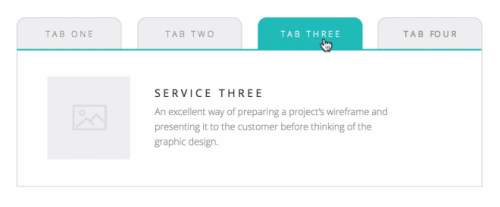
    1. Tab

    Tabs are a web design navigation element that allows users to easily access different areas of a site or different parts of a single page. They function similarly to tabbed dividers in a filing cabinet in that users can easily locate a page containing related content by clicking a tab.

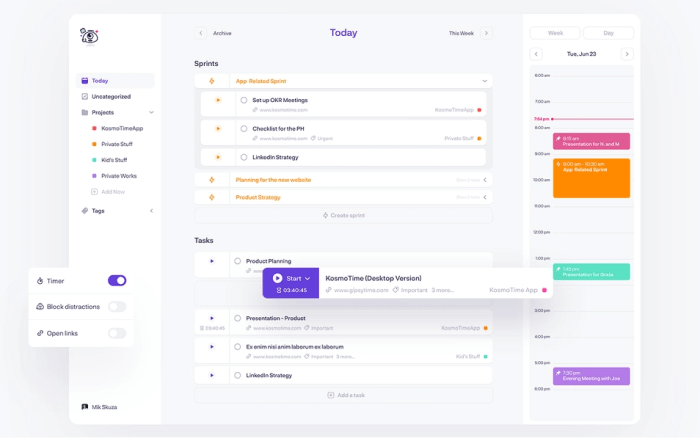
    tab in ui design

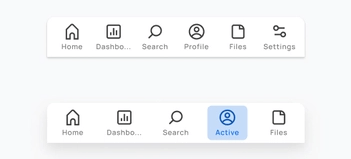
    2. Tab Bar

    A Tab Bar is a navigation structure and the heart of your app’s functionality. It ensures users’ current location while providing a constant overview of all other pages or places. The tab bar organizes and allows navigation between related and at the same level of hierarchy groups of content. You can find the tab scroller and tab components in the tab bar.

    tab bar in ui design

    3. Dropdown

    The Dropdown design pattern displays a list of contents, navigation points, and functions. It is also known as a dropdown menu. It includes both the menu and its submenus. And from there, you can select a value from this series of options.

    dropdown

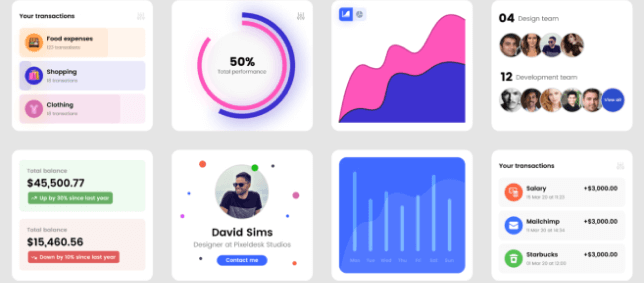
    4. Card

    A flexible-size container that organizes information and has the appearance of a playing card is called a Card. The card in UI designs has numerous benefits, but one of the most significant is how simple it is to recreate them in distinctive ways that will show a website’s personality.

    card in ui design

    There are four kinds of cards that appear the most frequently among the many card types while examining the most popular and successful ones. These are Pins, Flat Design, Masonry, and Magazine Style.

    5. To-do or To-do List App

    A To-do or To-do list App is an application for maintaining day-to-day tasks or listing work plans. You can ensure all your future tasks by making a To-do list. It records the tasks in one place. So, you don’t have to forget anything important for you to keep in mind.

    to-do or to-do list app

    6. Table

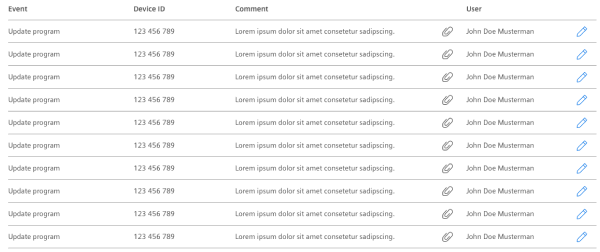
    In UI design, a Table is for better visualizing data. It is to quickly scan, compare, sort, and filter the data to take their actions. In other words, tables are form elements that use columns and rows to display different interface information or data in a grid.

    table in ui design

    7. Pagination

    The term Pagination is the process of splitting a pile of content. It divides a section of content from a web or app into different pages. In other words, pagination is a pattern in UI that separates tons of content into different pages. For example, at the bottom of a blog page, you can see a row of numbers (pagination) if there are a large number of blogs.

    pagination

    8. Progress Bar

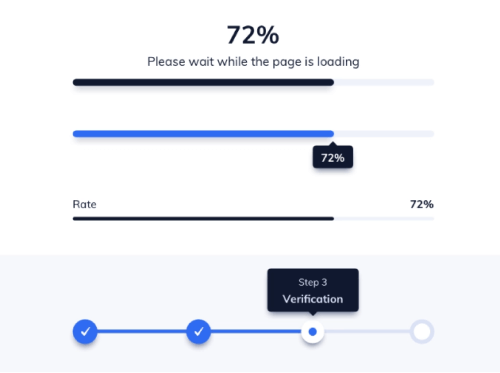
    A Progress Bar is a graphical control element. It is for showing the progress of a computer operation. Download, file transfer, and installation are some examples of a progress bar. Also, it includes a textual representation with a visual of the progress in a percent format. In other words, a progress bar shows visual data and ensures that the app is progressing.

    progress bar

    9. Navigation

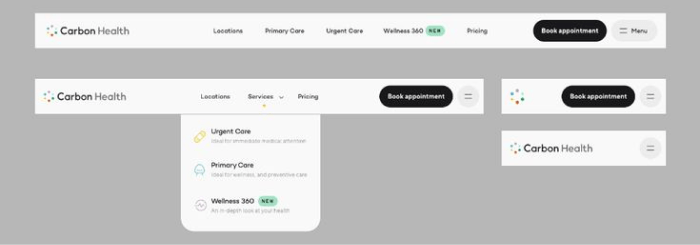
    A set of user interface controls provides Navigation for a website or product. Its purpose is to allow users to form a mental model of the structures that designers create. Users can easily navigate and rely on them. It is a UI layer with a set of controls that appears on top of the information architecture

    navigation in ui design

    10. Components

    A Component is any part of your application that you can group logically and also think of as a single element. These are ideally reusable as a building block for the rest of the application. A component may contain other components within. However, each “component” is a separate entity.

    components in ui design

    11. Charts

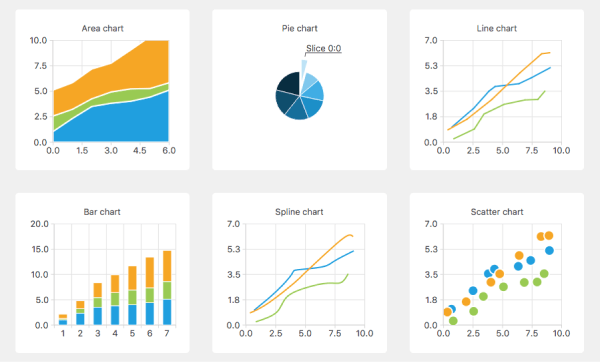
    In UI design, Charts are visual representations of large amounts of data and the relationships between different parts of the data. They are more readable and understandable than raw data. There are various charts, such as bar charts, pie charts, line charts, column charts, bubble charts, and so on.

    chart examples

    12. Breadcrumb

    Breadcrumbs are a collection of links that represent the current page as well as its parent, grandparent page, and so on. It usually redirects to the site’s homepage. In other words, breadcrumbs are a secondary navigation aid that helps users quickly understand the relationship between their current location on a page and higher-level pages.

    examples of breadcrumbs

    13. Carousel Slider

    Carousel Slider is a photo and video slideshow on websites. It slides in motion, allowing users to navigate media files without wasting time or space. Although the carousel and slider have the same functionality, they have different approaches. A simple slider, for example, only shows one slide at a time, whereas a carousel shows multiple slides at once and highlights the media file you’re hovering over.

    Example of a Carousel Slider:

    carousel

    Example of a Simple Slider:

    slider

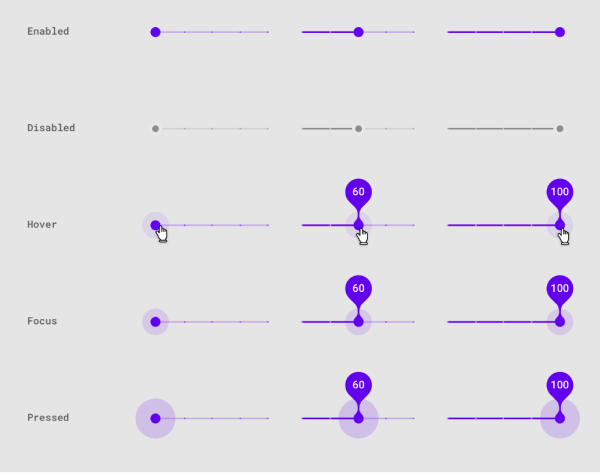
    However, there is another type of Slider in UI design that enables users to increase or decrease the value or range from a fixed set of options. Here is an example.

    slider component

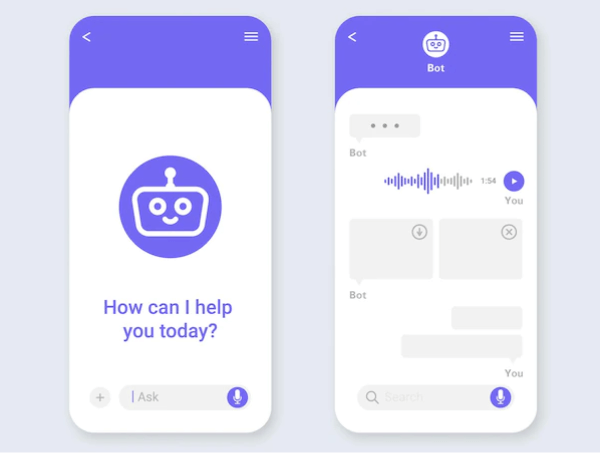
    14. Chatbot

    A Chatbot is a program in UI for interacting with users. It allows users to ask questions and interact using natural language (text, graphical elements, or voice messages). Chatbot provides real-time answers or solutions when a user wants to learn more about a business or ask a question.

    chatbot

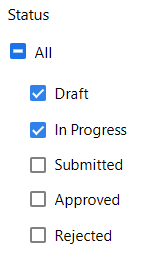
    15. Filtering

    Filtering is a set of controls in user interface design. It allows you to select values to shortlist and specify your choice. There are a lot of different filter types and applying them depends on the purpose you’re using them for.

    filtering

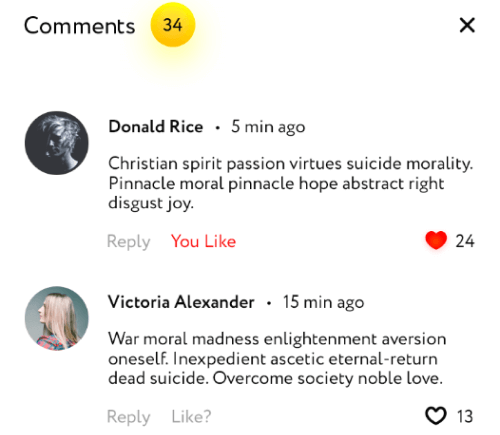
    16. Comments

    Comments increase both authors’ & users’ interactivity. If a product, video, audio, or text file (e.g. blogs) has a comments section, readers or viewers can share their thoughts on that particular subject or item.

    comments

    17. Accordion

    An Accordion in UI/UX design is a menu displaying a list of headers on top of one another. These headers reveal or hide content while clicking on them. You can navigate websites and pages using accordions. They can group links to assist users in navigating interfaces. These are especially useful in mobile design. It is because an accordion allows you to divide information into sections or pages. For example, most of the sites that have FAQs section come in accordion style.

    accordion

    18. Dialogs

    Dialogs are a combination of text and controls in UI design that inform users about various tasks and want you to take action, select, cancelation, or confirmation based on their requirements. When a dialog appears, it disables the rest of the app’s functionality and remains on the screen until you confirm, dismiss, or take action. Therefore, as a designer, you should only use dialogs when necessary.

    dialog

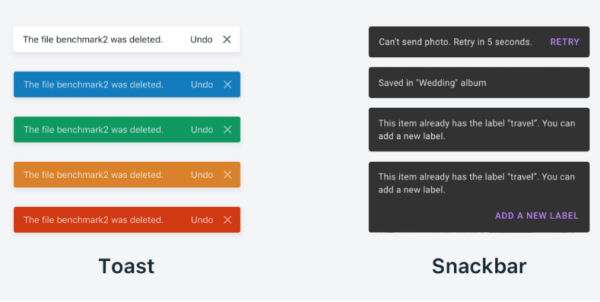
    19. Snackbars & Toasts

    Snackbars are UI elements that notify the user of an action that an app has performed or will perform in the future. They might have a text action but no icons. Snackbars do not interfere with the user’s activity or experience. Toasts, on the other hand (Android only), are primarily for simple feedback or system messages. They disappear after a timeout and cannot be swiped away.

    snackbar and toast in ui design

    20. Metrics

    Metrics are indicators of whether or not your UX strategy is effective. It tracks changes over time benchmarks against previous iterations of your site or app, and can also display data from your competitors, compare, and help you set different goals.

    example of metrics

    Wrapping Up

    Your search for Macro-Level UI Design Terminologies appears to have ended. However, these are not the only terms you will encounter while learning or practicing UI/UX Design. There are additional UI or UX design terminologies at the micro and macro levels.

    Working as a UI/UX designer and learning the terms is akin to learning a new language. However, we believe that as you continue to learn more about UI and UX design, your vocabulary will grow. Use this term listicle for definitions and to quickly find the answer to a question until you become a UI/UX design expert.

    We have gifts for you! Two awesome collections of Free & Premium Figma Dashboards, UI Kits & Design systems. Check out! 👇🥳

    Similar Blogs

  • 30+ Micro-Level UI Design Terms for UI/UX Designers

    30+ Micro-Level UI Design Terms for UI/UX Designers

    The vast industry of UI/UX design and development employs experts from many different backgrounds. While we learn the concepts best by doing the job. However, it is also very helpful to have references (beforehand) that compile key terms and definitions, so that we can easily clear any doubts. Therefore, this comprehensive list of 30+ Micro-Level UI Design Terms will help you understand the key technical terms. And, if you have a clear understanding of these terms, they will pillow your thought process in starting a design session, conversation, or in writing documentation.

    A mentor teaching ui design terms to a beginner ui/ux designer

    Micro-Level UI Design Terms

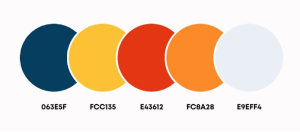
    1. Color Palette

    Color Palette for UI designers specifically refers to a combination of colors for designing a User Interface.  A color palette is a collection of colors or a visual foundation for your interface that has been chosen by the designer. It primarily represents the color formations of a brand.

    What is a color palatte - ui design terms

    Also, it assists you in maintaining consistency throughout the design and bringing the brand’s aesthetics. This makes it easier for a designer to create visually appealing, pleasing, and enjoyable user experiences.

    2. Color Code

    Color Code primarily displays information about various colors in a way that a computer can understand and display. These are commonly used in UI design for websites and software applications. These come in various formats.

    color code in ui design term explained

    Currently, modern browsers support 24-bit color (full spectrum). And,  guess what! There are over 10.6 million different color combinations available. Some of the most common color code types for UI designers are Hex, RGB, HSL, HSB, and CSS.

    3. Typography

    Typography in UI design refers to the art of assembling typefaces on an interface. Its goal is to make all copies meaningful to the audience, accessible, readable, legible, and scalable. In other words, typography makes it easier to understand information inside an interface. It enables users to realize how the product or service benefits them.

    example of typography

    If the typography is appealing, it will help pique the user’s interest and increase the interface’s conversion rate. As a UI designer, you must understand typographic trends and approaches. Different typographic styles convey a variety of meanings. And, when it comes to UI design, it is best to keep things simple and clean.

    4. Heading

    Headings are names, titles, various terms, subdivisions, etc. The primary goal of headings is to “improve a page’s usability by making it more scannable.” Users typically scroll down the page looking for relevant keywords to further understand the topic step by step.

    In this case, headings divide a page into sections to make a user’s scanning process faster and easier. Headings are also important for search engines to scan and understand the topic and figure out its relevance to the interface. In six sizes, headings are available: From H1 to H6. The H1 heading size is the highest and most important level of heading.

    5. Body Height

    body height in typography

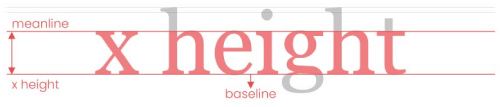
    The Body Height in digital typography is the measurement from the top of the highest letterform to the bottom of the smallest.

    6. Paragraph

    paragraph in ui design

    The most fundamental unit of language that conveys meaning is the Paragraph. Though paragraphs are the core units of text content, designers frequently only specify the font face and size.

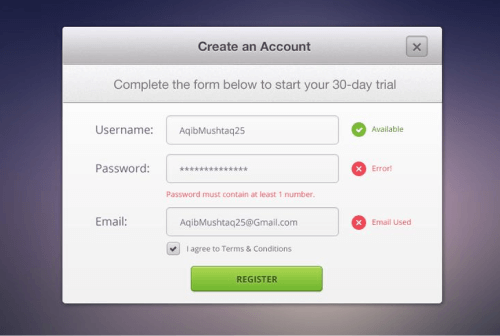
    7. Form

    Forms are a combination of inputs, selects, and text areas. Users who want to submit information fill out forms. One common example is when you order something online and fill out the form with different types of details like your address, quantity, etc. this is called a form.

    form in ui design

    The auto-filling feature in the form now made it easier for users to fill a form. Below we are going to describe to you what are inputs, selects, and text areas in short.

    8. Input Fields

    input fields in ui design

    Users can enter various responses using Input Fields, which are crucial components of UI design. They come in a variety of contexts. However, most people have used them while providing personal information and shipping addresses on e-commerce website forms or while submitting online inquiries.

    9. Selection

    selection in ui design

    Selection is a group of elements on which user operations will be performed in UI design. Although the computer may make a choice automatically, the user often adds items to the list manually.

    10. Textarea

    textarea

    Textarea allows the user to enter and edit long text data displayed in multiple lines. The Text Area has a drag indicator that allows the user to resize the area horizontally and vertically.

    11. Icons

    icons - ui design terms

    Icons in UI design are pictograms or ideograms that are used in web or mobile interfaces to support usability and the successful flow of human-computer interaction.

    These are an essential part of creating a visually appealing design, but they can also significantly improve the usability of a website or other digital product.

    12. Buttons

    buttons

    Buttons represent actions that users can take. They are typically placed throughout your website’s user interface, and they should be easily found and identifiable, as well as indicate the activities they allow a user to complete.

    13. Button Groups

    button groups

    Button Groups are to create toolbars or split buttons for more complex components. These are also useful in UI for acting as mini “tabs,” such as switching between date ranges.

    14. Badges

    badges in ui design

    In user interface (UI) design, the term Badge refers to a particular symbol that highlights an interface element. Using badge notification is displayed. A badge adds more details to the component it is tied to.

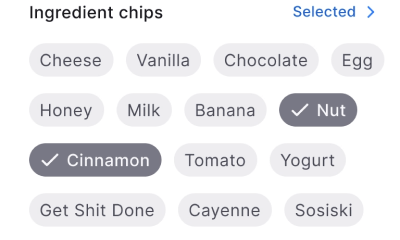
    15. Chips

    chips in ui design

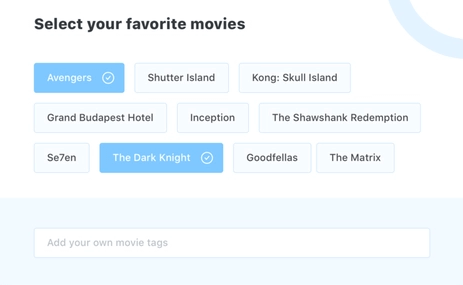
    Chips in UI design are little elements that represent an input, an attribute, or an action.

    16. Tags

    tags - ui design term definition

    Tags enable users to quickly identify important information about items by organizing and categorizing them. They use keywords to visually label items with small amounts of information or the item’s status.

    17. Avatar

    Avatar in ui design

    An Avatar is a common UI element that represents users’ identities on the interface. You can see Avatars in business apps, social networks, and games. Even though it is a small object, it has amazing usability & importance: Avatars help people to connect in a more friendly way.

    18. Rating

    Rating - UI Design term

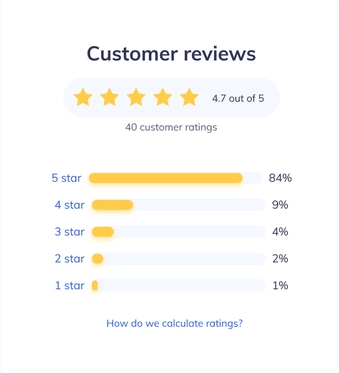
    A Rating reflects a user’s interest in the content. Rating systems enable users to highlight the value or benefit of specific content and improve content quality over time in a continuous feedback loop. You can apply this characteristic to products with personalized attributes or without them.

    19. Effects

    effects in ui design

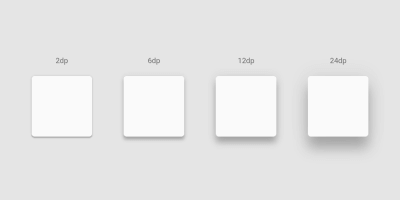
    The term Effects in design refers to shadows, elevations, and blurs. When we use a shadow, elevation, or blur in a UI component or element, we call it an effect.

    20. Drop Shadow

    drop shadow example

    The term Drop Shadow is a shadow beneath an object. An object can be anything like an element, component, text, or image. When the color of the object and the background are too similar, a drop shadow can help to make it more visible and appealing. However, drop shadows must only be employed sparingly.

    An amateur designer usually doesn’t know how to balance a drop shadow beneath objects. Also, in some cases, they put drop shadows even in irrelevant places.

    21. Elevation

    elevation example

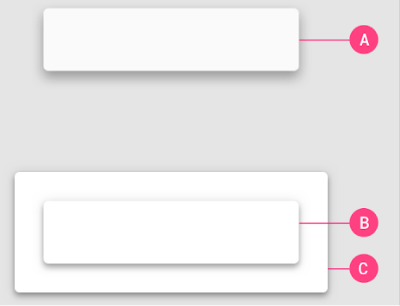
    The Elevation is the z-axis distance or relative depth between two surfaces. The elevation of an element tells us how far apart the surfaces are and how deep the shadow is when measured from the front of one surface to the other.

    22. Blur

    blur effect in ui design

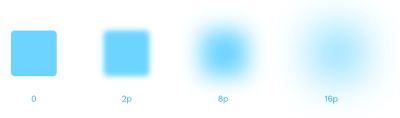
    The term Blur refers to a visual effect when text or image edges appear fuzzy or out of focus. So, blurring is the process of making something less clear or distinct. In the context of image analysis, this could be interpreted broadly – anything that reduces or distorts the detail of an image could apply.

    23. Toggle Switch & Toggle Button

    toggle switch vs toggle button
    Image Source: UX movement

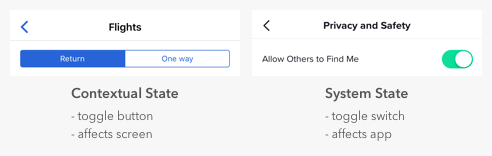
    Toggles are user interface control with two mutually exclusive states: ON and OFF or Return and One Way. Designers frequently confuse toggle switches and toggle buttons because they both manage states, but there is a significant difference. Toggle switches represent system states, while toggle buttons represent contextual states.

    24. Tooltip

    tooltip

    A Tooltip is a popular GUI element. It appears when we hover over an object. Its purpose is to display brief information about that element or component with a text box. An example would be a button’s description that explains what it is about, what an acronym stands for, and similar information.

    25. Checkbox

    checkbox in ui design

    Checkboxes are little square boxes on a user interface. There are two possible states, one is checked and the other one is known as unchecked. The checkmark will appear in the square when it is checked. Utilizing checkboxes, the user is given a variety of options from which to choose as many as necessary to finish their work.

    26. Radio Button

    radio button

    On the screen, the Radio Button appears as a little circle. Also, there are two button states, and when you select a button, a solid dot fills the circle. Unlike checkbox groups, radio button groups function as a single control and only allow the user to select one option from the available range.

    27. Grid

    types of grid in ui design

    Grid is a system for arranging layout when creating a responsive interface in UI design. The screen layouts are for websites, mobile apps, or other user interfaces. There are many grid types, and each one has a specific function.

    By using rows and columns, the grid system helps in aligning page items. This column layout is used by designers to consistently place text, graphics, and functionalities throughout the design. Every component has a specific location we can easily recognize and duplicate elsewhere.

    28. Gutter

    gutter in grid

    The area between columns is known as Gutters. It helps in dividing content. At each breakpoint range, gutter widths are constant values. Gutter widths might vary at various breakpoints to suit a specific screen size. 

    29. Column Grid

    This is the most common type of grid used by UI Designers. The term Column Grid involves taking a page and splitting it into several vertical fields, to which objects are then aligned. To make a complete page designers use column grids extensively.

    30. Padding

    padding

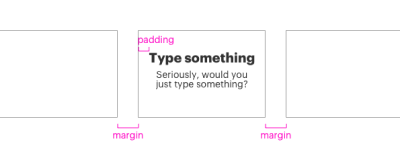
    The spaces between UI elements are Paddings. Padding is an alternative spacing method to keylines. And you can measure it in 8dp or 4dp increments. You can measure padding both vertically and horizontally. To do that it does not have to span the entire height of a layout.

    31. Margin

    Margins are the spaces of a design that lies between the border and the element. These are all the empty spaces around the border and in between and other elements. A margin surrounds all four sides of the content, which you can change for each side.

    32. Baseline Grid

    For vertical spacing, a Baseline Grid is an excellent typographic tool. It can also be used to arrange other page elements. To put it another way, it aligns all of your text to a vertical grid, similar to lined papers.

    Are These The End Of All Basic UI Design Terms?

    It looks like your search for all micro-level UI design terms has ended. However, these are not the only terms that you’ll come across while learning or doing UI Design. There are more UI design terms both in terms of micro and macro levels. But these are the most common small UI design terms that designers always feel confused about at the beginning.

    To work as a UI/UX designer and learn the terminology is similar to learning a new language. But, we believe as you will keep learning more about UI and UX design, your vocabulary will improve rapidly. Until you become a design expert, use this term listicle for definitions and quickly find the answer to a question.

    Octavia – Figma Dashboard & Design System

    octavia - figma design system and dashboard

    Live Preview Buy Now

    Similar Articles

  • 15 General React JS Interview Questions To Land Your Next Job in 2022

    15 General React JS Interview Questions To Land Your Next Job in 2022

    We have selected all of the general React JS interview questions you should know as a beginner/intermediate in 2022. Whether you are interviewing for a hired position or not, you must know all of these questions’ answers.

    developer coding and preparing for an interview

    These general React js interview questions cover everything from core React concepts to the practical application of certain features. To get the best results from this guide, try to answer each question before looking at the answers.

    1. What is React JS?

    React js logo

    React.js is a JavaScript library for UI development (Front-end). The library is open-source, developed by Meta (Facebook), and helps make great UI based on UI components. Its original author is John Walke, launched on May 29, 2013.

    It’s a widely known library among the front-end industries for better quality web development. Besides, React offers extensions for entire application architectural support, such as Flux and React Native, beyond mere UI.

    2. What are the features of React? 

    The React framework is quickly becoming the most popular framework among web developers. Its  key features are as follows:

    • JSX
    • Components
    • One-way Data Binding
    • Virtual DOM
    • Simplicity
    • Performance

    Learn more about the features HERE.

    3. What are the Major Advantages of React JS?

    Some of React’s key advantages include:

    1. It improves the performance of the application.

    2. It can be conveniently used on the client as well as server-side.

    3. Because of JSX, code’s readability increases.

    4. React is easy to integrate with other frameworks like Meteor, Angular, etc.

    5. Using React, writing UI test cases becomes extremely easy.

    4. What are the Major Disadvantages or Limitations of React JS?

    The following are React’s limitations:

    1. React is not a full-blown framework, only a library.

    2. Its library is very large and takes a lot of time to understand.

    3. It can be a little difficult for novice programmers to understand.

    4. Coding gets complex as it uses inline templating and JSX.

    5. Real DOM vs Virtual DOM

    Real DOM Virtual DOM
    1. It update process happens slowly.1. It update process happens faster.
    2. HTML can be directly updated.2. HTML can’t be directly updated.
    3. Creates a new DOM if the element updates.3. Updates the JSX if element updates.
    4. The cost of DOM manipulation is high.4. Easy to manipulate the DOM.
    5. Excessive memory wastage.5. No memory wastage.

    6. What is JSX?

    JavaScript XML is known as JSX. It is a React-specific file type that combines the expressiveness of JavaScript with HTML-like template syntax. It makes the HTML file extremely simple to comprehend. This file strengthens applications and improves their performance. Here’s an example of JSX:

    render(){
        return(        
              
    <div>
                 
    <h1> Hello World from UI-Lib!!</h1>
     
             </div>
     
        );
    }

    7. What is the purpose of render() in React JS?

    Each React component must have a render(). It returns a single React element containing the native DOM component’s representation. If more than one HTML element needs rendering, You must group them within one enclosing tag, like a form, group, div, etc. The function must need to be in a pure state. And this function must be kept pure. So, it must return the same result whenever getting a call.

    8. What is the Difference Between State and Props?

    The State is a component’s local state, which cannot be accessed or modified outside of the component. It is the functional equivalent of local variables. Directly in opposition, props enable components to accept data from their parent component in the form of Props, making them reusable.

    9. What is an Event in React?

    An event in React is a type of action that you can trigger either a user action or a system-generated event. Events include mouse clicks, web page loading, key presses, window resizing, scrolling, and other interactions.

    For example:

    // For class component
    <button type="button" onClick={this.changeName} >Change Name</button>
    
    // For function component
    <button type="button" onClick={changeName} >Change Name</button>

    10. What is Redux?

    The open-source Redux JavaScript library was developed by Dan Abramov and Andrew Clark. For controlling and centralizing the application state, it was developed in 2015. When creating user interfaces, frameworks like React and Angular frequently employ Redux.
    The library makes it simpler to manage, predict, time-travel debug, and centralize application states.

    Simply, it gives you the ability to develop easy-to-test apps that function reliably across client, server, and native platforms.

    11. What are React Hooks?

    React Hooks are a specific category of function for connecting function components to React state and life cycle features. It has built-in hooks. Built-in hooks like useEffect, useState, useReducer, useRef, etc. Also, it allows you to create custom hooks.

    12. What are Custom Hooks?

    React Hooks, as you may know, allows you to create Custom Hooks; it is simply a mechanism for reusing stateful logic. Custom Hooks, for example, allows you to set up a subscription and remember the current value. This allows you to create cleaner functional components, remove logic from functional components, and avoid code duplication. You can avoid code duplication by reusing hooks for common use cases.

    Learn more about custom hooks from HERE.

    13. In React, What is Context?

    By enabling data to be sent down and used (consumed) in whichever component we require in our React application without the usage of props, Context is meant to share “global” data for a tree of React components. We can more easily transfer data (state) amongst our components thanks to it.

    14. Element vs Component in React

    A React component essentially explains what you need to see on the screen. Not surprisingly, a React element is a critical representation of some UI.

    A method or class that alternately acknowledges input and returns a React component is known as a React component. Ordinarily, through JSX, that gets transpiled to a createElement invocation.

    15. What is React Router?

    React Router is a routing library (Standard) for React. It is a simple API with powerful features like lazy loading, dynamic route matching, and location transition handling. And it is compatible with all platforms that support React, including web, node.js servers, and React Native.

    If you want to install this library into your React project, just follow the command, and that will do.

    npm install – -save react-router-dom

    Parting Thoughts

    These are the most common React JS interview questions. These are the general ones that are most common among companies that hire entry-level React developers. We hope these React JS interview questions help you get a little bit closer to your interview round selection. Best wishes for your upcoming job interview!

    Blog Suggestions

  • 15 Most Useful Websites for Developers & Programmers

    15 Most Useful Websites for Developers & Programmers

    Want to learn more about some really useful websites for developers? No worries! We will be showcasing to you most of the important & useful ones shortly.

    Although, there are a ton of websites that can help developers with their work, some of them are more beneficial than others. A beginner or intermediate developer might be unaware of these useful, or ‘must-need’ websites. Therefore, especially for beginners, we will look at some of the most effective websites for developers & programmers.

    Websites for Developers & Programmers

    1. Stack Overflow

    Stack Overflow - Website for Developers

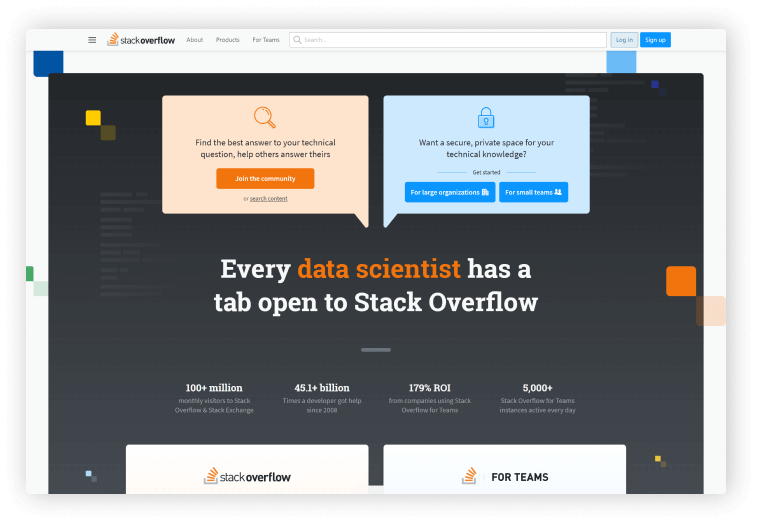
    Tech professionals use this open forum to ask and answer questions regarding coding. More than 100 million individuals use Stack Overflow, which may seem intimidating if you’re new to coding, but it’s a crucial tool for programmers and developers to interact and collaborate on problems.

    For technical questions, the majority of users turn to Stack Overflow. Therefore, it’s a good idea to browse Stack Overflow for a while before contributing a question because there is a certain code of conduct. Even they have a helpful manual for formulating a “good” query.

    2. GitHub

    GitHub - A platform for developers

    Developers and code aficionados can host, examine, and collaborate on code with their teams and the larger developer community using this popular web program GitHub. GitHub’s main selling point is version control, which enables seamless collaboration without compromising the quality of the original project.

    3. OverAPI

    OverAPI - Cheatsheet for developers

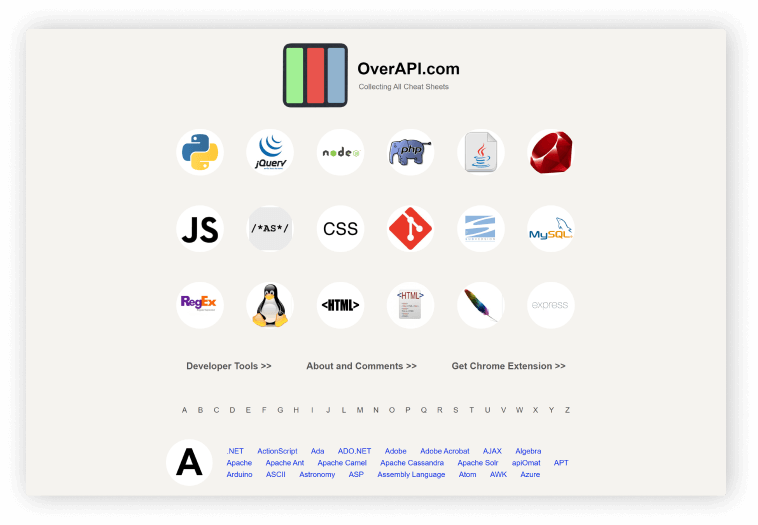
    For the most widely used programming languages and libraries globally, OverAPI offers documentation. This will serve as all programmers’ initial go-to reference point. Using OverAPI, you wouldn’t ever have to be concerned about knowledge gaps by first filling them with google searches.

    4. freeCodeCamp

    freecodecamp

    An excellent resource for self-learners is freeCodeCamp. It organizes the frequently jumbled knowledge about coding into understandable and practical training. FreeCodeCamp is a wonderful location to start learning if you are a self-learner. Today, freeCodeCamp teaches HTML5, PHP, CSS 3, JavaScript, jQuery, Bootstrap, Sass, and React.js, as well as Node.js, Python, Express.js, MongoDB, and Git.

    We recommend freeCodeCamp to anyone new to web development or looking to gain some certificates. The school offers a pretty good amount of certificates along with projects and lots of practice. The best thing is that it is free and you go at your own pace. Every course is 300 hours.

    5. CSS Tricks

    css tricks for css developers

    CSS Tricks founded by Chris Coyier is an online web design community with over 700 blogs dedicated to CSS tricks. It is based in Milwaukee, Wisconsin.

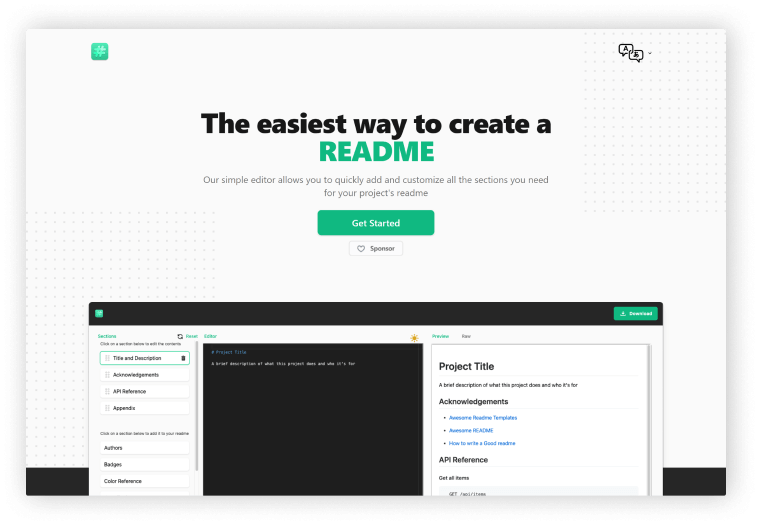
    6. Readme.so

    readme.so readme file maker for developers

    A README file, according to Wikipedia, is a straightforward plain text file that provides information on the other files in a directory or archive of computer software. It is a type of record keeping.

    The Website Readme.so offers templates and a straightforward editor to adjust every aspect of your file, you may build a readme file in one of the simplest methods possible. It is a highly customizable, open-to one-click download website with pre-built templates for different parts of README.

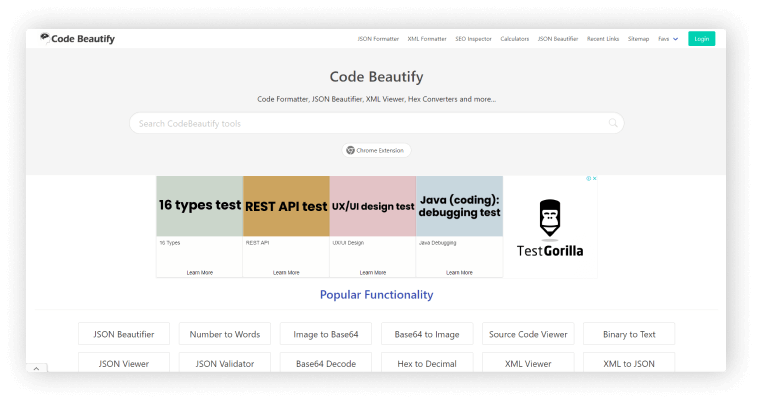
    7. Code Beautify

    Code Beautify

    Code Beautify website contains everything, from a JSON Validator to a Twitter Header Generator. If you visit this website you’ll be amazed. Additionally, they have a Chrome plugin for a better experience.

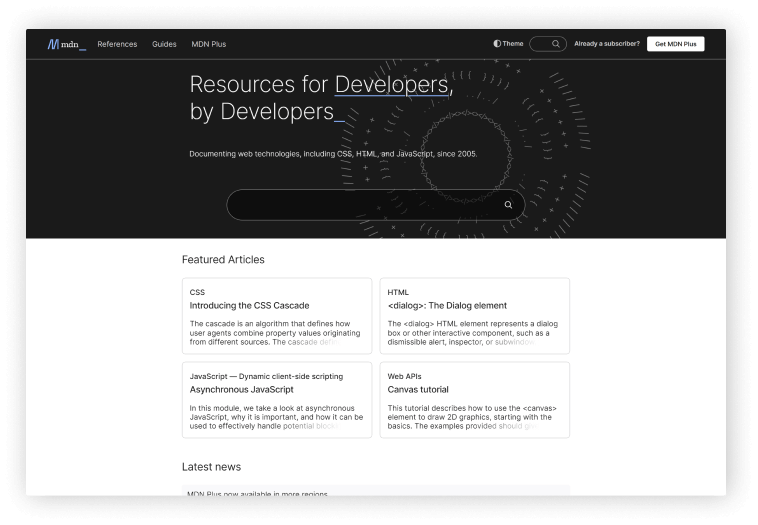
    8. MDN Web Docs

    MDN Web Docs

    MDN Web Docs, formerly known as Mozilla Developer Network. Mozilla Developer Network is a repository for documentation and a learning tool for web developers. As a central repository for information on open web standards, Mozilla’s initiatives, and developer manuals.

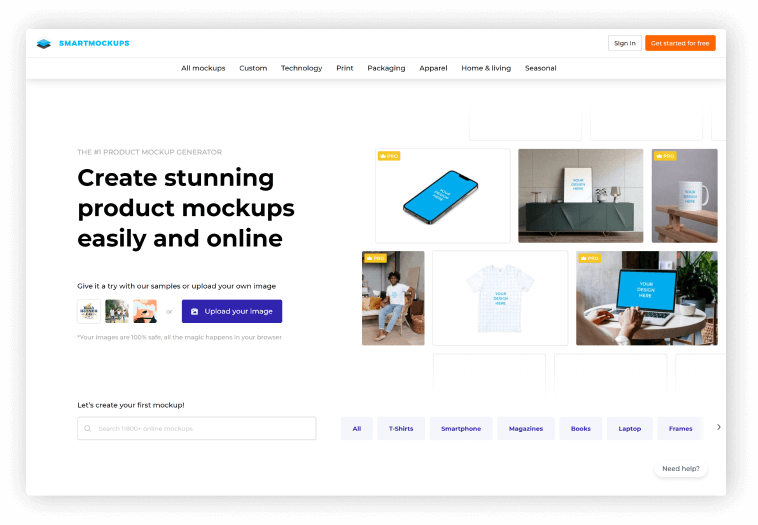
    9. SmartMockups

    smartmockups

    You can create stunning, high-resolution mockups directly in your browser using this single website SMARTMOCKUPS for use on various devices. There are no prerequisite skills or knowledge needed for using this fastest website mockup tool. And we are happy to let you know that this is rapidly expanding.

    10. Snappify

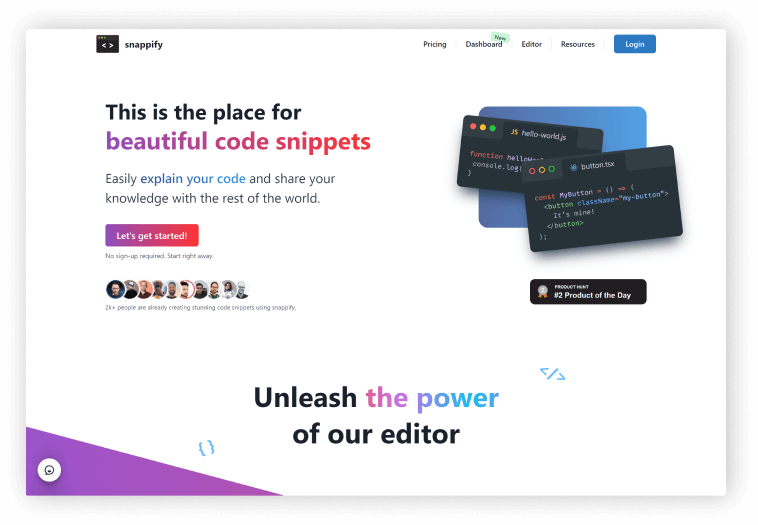
    Snappify is an easy-to-use online code editor that allows you to create and share visually appealing code snippets. It includes six predefined styles to give your code the polish it deserves. These Codeblocks can be embedded in your Medium, WordPress, and other platform blogs. This website also has a feature that allows you to tweet your code blocks beautifully.

    11. StackBlizz

    stack blitz

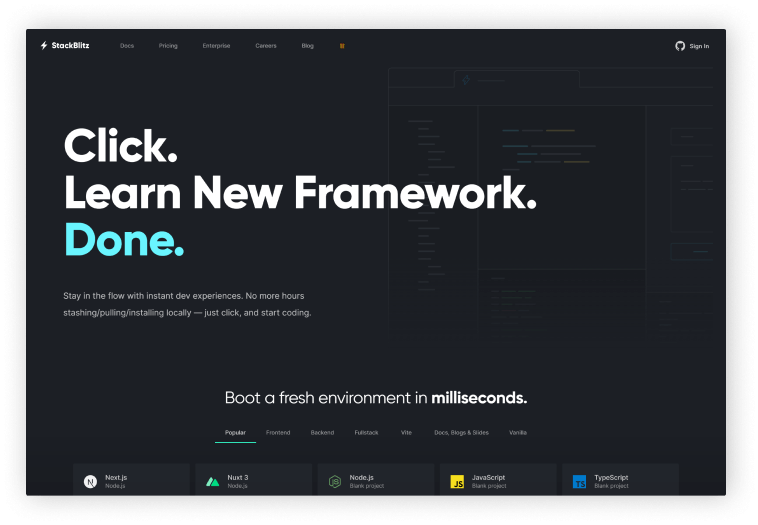
    StackBlitz is an online integrated development environment, aka IDE. It quickly and easily helps to create Angular, React, and Vue projects in your browser. It handles dependency installation, compilation, bundling, hot reloading as you type, and much more automatically.

    12. Browser Stack

    browser stack for developers

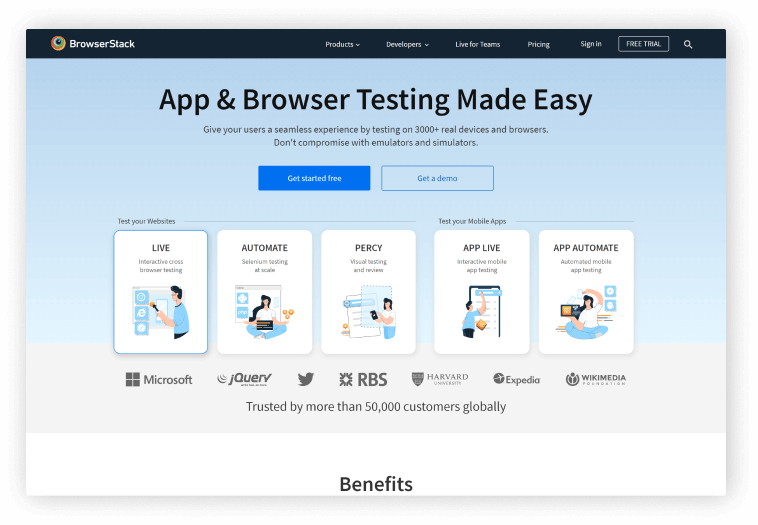
    Developers can test their websites and mobile applications across on-demand browsers, operating systems, and actual mobile devices using BrowserStack, an Indian cloud web, and mobile testing platform.

    Furthermore, it eliminates the need for teams to own and maintain an internal test infrastructure by giving developers immediate access to a cloud platform that enables them to thoroughly test their websites and mobile applications on more than 2,500 genuine devices and browsers.

    13. Hoppscotch

    hoppscotch

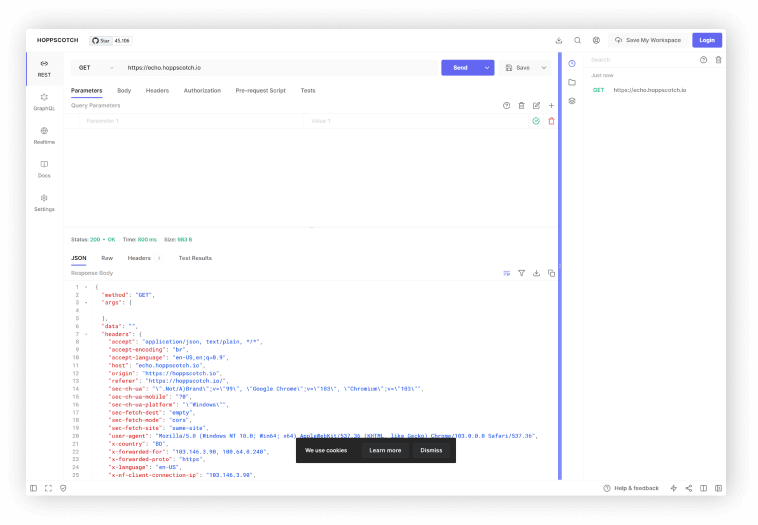
    Hoppscotch is a simple, and lightweight web-based API development suite. It offers all the features you need for API with a simple, unobtrusive UI. The reason because it was created from scratch with usability and accessibility in mind. Besides, it is entirely OpenSource and free to use.

    14. LeetCode

    leetcode for programmers

    On LeetCode, users can test their coding skills and be ready for technical interviews. Mostly software engineers who commonly use them. You can practice with more than 2000 questions from the website and it covers a wide range of programming ideas.

    15. Dev.to

    dev.to

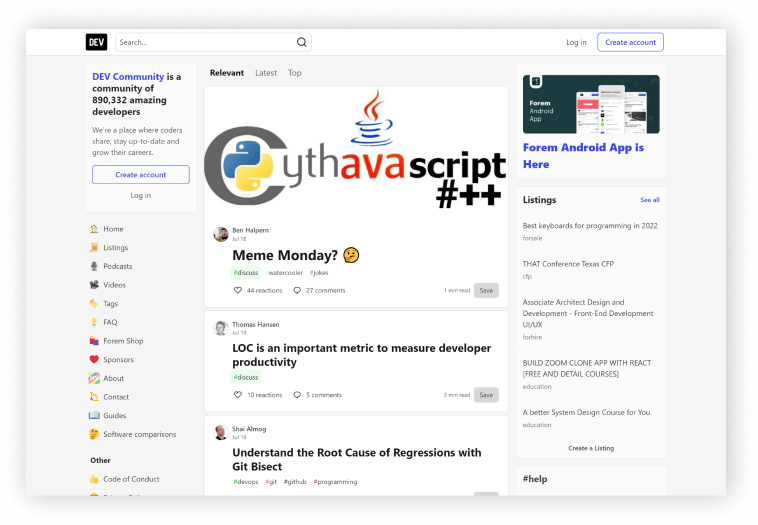
    Dev.to is the premier source for developer news, tricks, tips, and how-to articles. They have a mobile app version where you can get notifications. The community currently has over 890,000 developers from all over the world.

    It’s a place where developers can share their experiences. And, It’s comparable to a medium without a paywall. So, you can read, write, react, comment and share technical articles on this website. And, every day, many high-end writers on the site share good articles.

    Wrapping Up

    We appreciate you taking the time to read this post and hope you like and know something beneficial from it. Also, tell your developer friends about this article. Happy coding!

    Similar Blog Posts

  • 13 Reasons Why You Should Choose Nextjs For eCommerce Projects

    13 Reasons Why You Should Choose Nextjs For eCommerce Projects

    While Next.js is not the only front-runner in developing an eCommerce Web App, its features are promising. In this blog, you’ll find some of the biggest reasons why you should choose Nextjs for eCommerce projects. But, before we dig into these reasons, let’s revise a few things about the Nextjs framework.

    What is Next.js Framework?

    Vercel‘s Next.js is a next-generation framework built on the React JavaScript framework. With the help of Next.js, developers can create both statically generated and web server-side rendered web apps. The server-side rendering option makes Next.js ideal for SEO & eCommerce projects. As eCommerce websites or applications have a lot of web pages, server-side rendering helps the process of loading these web pages super fast.

    nextjs logo
    Next.js Logo

    Besides, Nextjs manages various React tooling and configuration. And, it includes additional features, structures, and optimizations. Thus, it’s a powerful tool that’s rapidly evolving to create amazing websites with a better user experience.

    https://ui-lib.com/downloads/biponi-nextjs-ecommerce-cms/

    Benefits of Nextjs for eCommerce Projects

    Without further ado, let’s check the 13 reasons to use Next.js for eCommerce projects:

    1. Next.js Commerce

    nextjs commerce for ecommerce project
    Next.js Commerce

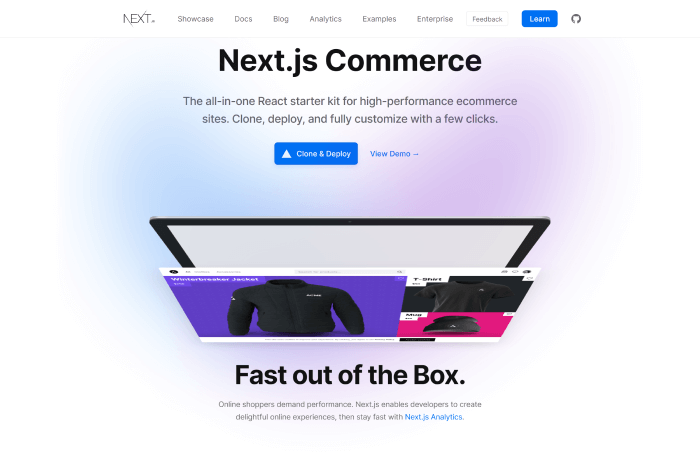
    This framework offers a commerce option called Next.js Commerce which is actually a React starter kit (all-in-one) by Vercel and Bigcommerce. If you want to create a performant and highly scalable eCommerce website or an application, give Next.js commerce a try. It allows you to clone, deploy, and fully customize your storefront in minutes. And guess what! You can use its features to customize it as you want for your online retail platform.

    2. Pre-Rendering

    As you already know, Next.js supports pre-rendering. It supports two types of pre-rendering: static site generation (SSG) and server-side rendering (SSR). You’ll be needing SSR for eCommerce projects. It allows the HTML to be regenerated with each request. As a result, you can select the best pre-rendering structure for your project. You can also use the combination of both SSG and SSR to create hybrid and cross-platform applications.

    3. Route Prefetching

    By default, Next.js includes route prefetching. Your application or website will almost certainly load faster as a result. So, creating folders and files within the page directory will be simple if you use a file-based system routing mechanism. Also, when network connections are slow or, the user has disabled the save-data functionality, Next prevents unwanted downloads. Therefore, your users will have a consistent web experience regardless of location or device. It will help to save time & money. 

    Another advantage is that Next JS can automatically prefetch JavaScript. It is to render the linkages, making it easier to navigate to existing and newly added web pages. And in terms of custom routing, you can meet your prefetching requirements using the Nextjs router API.

    4. Nextjs Live Collaboration Tooling

    With the help of Next.js Live, in the browser, you can share, talk, draw, and modify code in real-time on a live URL for your project. The possibilities for online cooperation are the same as offline in NextJS. Live streamlines feedback loops for eCommerce teams and even facilitates offline communication.

    Though for now, using the Live tool requires having a Vercel account. So, this is your chance to perform marketing, designing, and development work in a seamless collaborative manner.

    5. Developer Experience

    NextJS simplifies your developing experience, enables you easily make apps and websites. Also, with its eCommerce template options, you don’t need to build everything from scratch. Just select a pre-built template and create sections you prefer to have in your web or app. Moreover, Nextjs contains a wide range of features and functionalities. These help developers to create a fast progressive production ready environment.

    6. Image Optimization

    Conversions drop by 7% for every additional second it takes for a page to load. Thus, eCommerce websites need to prioritize page performance over anything else. Image loading and performance are now first-class citizens in any project, thanks to Next.js. They have automatic picture optimization that works with any image source (CMS, data source, etc.), optimizes images as needed, and only lazily loads images when the consumer browses (requests) them.

    Since Next.js handles these picture improvements with performance in mind, their websites load quickly by default, which leads to a better user experience for customers looking for products and improved conversion rates.

    7. Built-in Analytics

    Next. Js Analytics aids in comprehending key metrics like, app’s loading time, UX score, and consistency in visual elements. The team of Next.js and Google worked together to make the Analytic as accurate as possible. Therefore, it creates a real experience score and indicates usability and performance. You will be able to analyze and understand where to focus next with your app or website.

    8. SEO

    More website visitors translate into more purchases. In addition to making your website simple for search engines to crawl, Next.js also takes care of the on-page UX components that have an effect on SEO. To avoid Cumulative Layout Shift, a Core Web Vital that Google has started to utilize in search ranking, for instance, images are always shown in a certain way.

    9. Secure Ecosystem

    Development of eCommerce apps with NextJS is supported by strong security. No user data, database, or other business-critical information is directly accessed by the process. It helps you handle your data in the best way possible while protecting it from potential flaws, bugs, and cyber assaults.

    10. Built-in CSS

    The following JS uses styled-jsx for CSS. Since each page is unique, all styles between labels are segregated. Expanding the imports idea enables developers to import CSS files from a JavaScript file. More than just importing scripts and modules into your pages is involved in this process. The new styles don’t affect other features and operations, and changing or updating a style won’t interfere with how your site works.

    Your developers can implement global style changes inside the body element or utilize component-level CSS. They may also decide to use external writing styles. Together, this CSS-in-JS styling aids developers in avoiding the use of extra preprocessors and libraries that can increase overall app speed and introduce new layers of complexity.

    11. Code-Splitting

    Code splitting might be automatically controlled by NextJS. It implies that each page of your online store loads independently. For instance, the code for other sites is not delivered to the home page when it loads.

    In this method, even if your app is big and includes plenty of subpages, you can quickly display the home view. The overall goal of this approach is to isolate the functionality of individual pages. The performance of your app won’t be impacted if one of your components breaks.

    12. CMS Integration

    The most widely used content management systems (CMS), such Strapi and Contentful, may be simply linked with the Next JS framework to control, edit, and modify content.

    13. Internationalization

    Businesses engaged in commerce have extraordinary access to a large worldwide consumer base. However, in order to appeal to a global audience, an eCommerce website must serve its information, goods, and checkout pages in the customer’s local tongue. You may statically serve different languages on your website at build time with Next.JS’s built-in internationalization routing.

    Summary

    With everything mentioned above, you have most likely gained an understanding of the significance of Next JS eCommerce development. And also how it can assist you in fulfilling your specific needs. You need a fair amount of time and effort to understand how Next.js functions to enjoy its benefits.

    However, if you want a ready-made complete Next.js eCommerce CMS, make sure to check out Biponi – NextJS Ecommerce CMS by UI-Lib. It is a complete ecommerce system written in Next.js. 👇😊

    https://ui-lib.com/downloads/biponi-nextjs-ecommerce-cms/
  • Top 15 Best React eCommerce Templates in 2022

    Top 15 Best React eCommerce Templates in 2022

    Are you looking for some of the Best React eCommerce Templates? Look no further! Here, you will find out the finest ones.

    bazar pro react nextjs multipurpose ecommerce template

    React is now the most popular & easy to learn JavaScript framework for front-end compared to others. And, when it comes to delivering a blazingly-fast UI and a smoother user experience, you’ll not find a better one.

    Therefore, we are showcasing the best budget-friendly React eCommerce Templates available on the internet. Check out these simple & multipurpose templates for your next eCommerce website development project.

    Best React eCommerce Templates

    All of these templates are up to date on the most recent web design trends and mobile-friendly. However, please remember that the list below is in no particular order. So, don’t hesitate to pruchase any of these templates for your next eCommerce project.

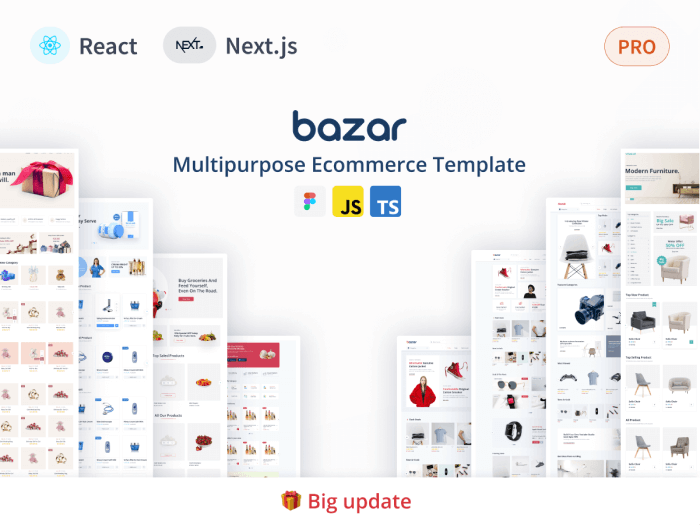
    Bazar Pro – Multipurpose eCommerce Template with React, Nextjs & TypeScript
    bazar pro multipurpose react nextjs ecommerce template

    This is a multipurpose eCommerce template built using React & Nextjs. It contains several pages and a simple design style.

    The template’s code base is uncluttered. So, you can easily understand its structure. Its use of MUI, one of the most well-liked React User Interface libraries, is another fantastic feature. Bazar Pro has features like homepages, multi-vendor pages, user account dashboards, vendor account dashboards, etc.

    You will also receive a few other helpful tools that will help you build a top-notch eCommerce website. For instance, MUI Core v5, ChartJS, and Figma file ready.

    Live Preview Details/Download

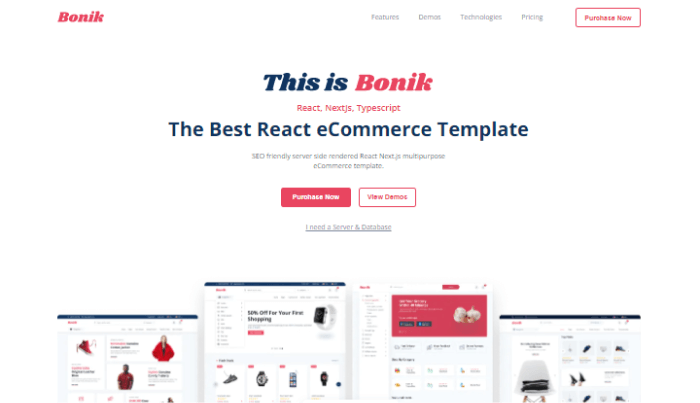
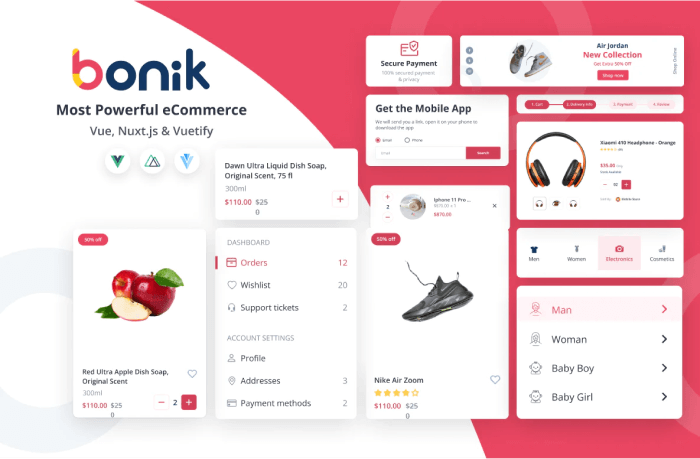
    Bonik – Multipurpose React eCommerce Template with Nextjs & TypeScript
    bonik react ecommerce template with nextjs

    Another React Nextjs multipurpose eCommerce template by UI-Lib. It aims for improved SEO, high-quality code, and quick performance.

    To offer a simple approach to modifying the website’s overall design. The company used styled components and other custom components for stable performance.Also, it has internal pages, such as multivendor and user accounts, as well as four different shop versions (Superstore, Grocery delivery, Niche Market version 1, Niche Market version 2).

    Live Preview Details/Download

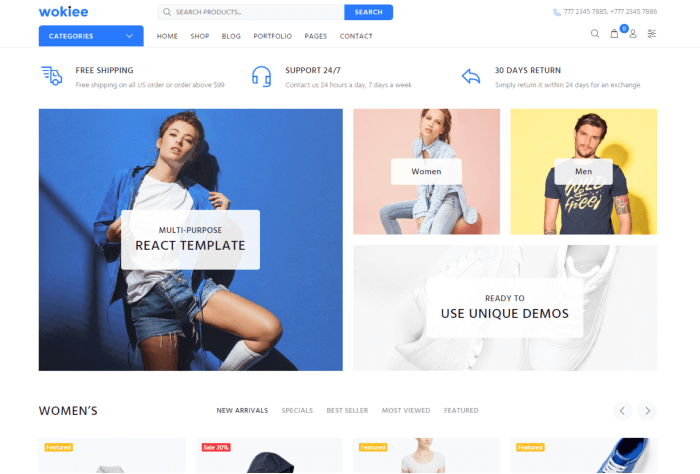
    Wokie

    wokiee

    Wokiee is another ideal template for helping you in creating your online store. It is quick and simple to use. And, w ith the many pre-built home variations, you can modify every page of your website. With over 60+ homepage options coming shortly, there will be at least one that fits perfectly into any niche!

    Moreover, it’s quick and responsive as React Next JS powers it. Besides that, it has NO jQuery and functions flawlessly in any browser or device.

    Live Preview Details/Download

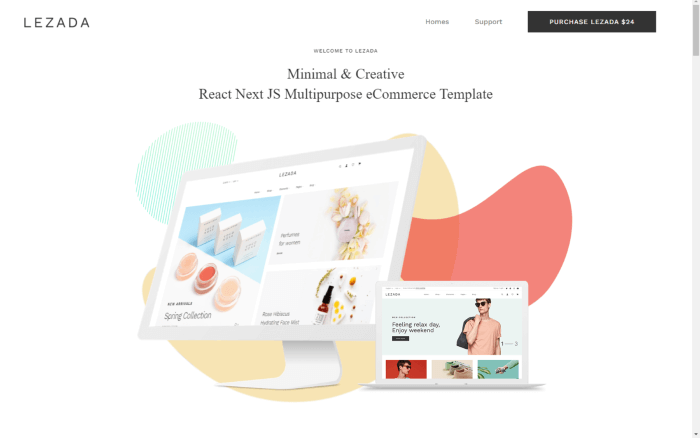
    LEZADA

    lezada

    LEZADA offers a simple user interface that will keep your customers happy during their entire session on your website. The template is built using React & Nextjs along with other essential technologies. So far, it has added 25 parts, 3 header styles, 10 home variations, 7 store pages, and 3 footer designs. This implies that your internet store will have limitless opportunities. It has No JQuery dependency & has cross browser support plus a ton of amazing features.

    Live Preview Details/Download

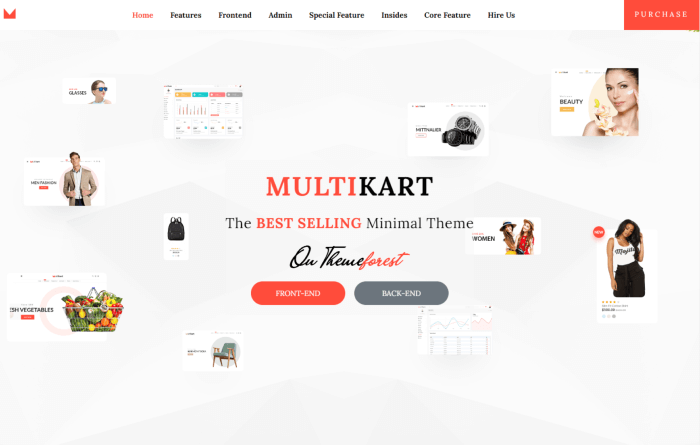
    Multikart

    multikart

    Multikart was one of the best React eCommerce templates throughout 2020 till 2021. The template is for multifunctional websites. Websites that offer anything from apparel to accessories to fashion-related goods. It has many great features and built using React Nextjs.

    React CLI, RTL support, Paypal gateway integration, 12 color options, translation-ready, multiple currencies, blog pages, simple documentation, several custom pages, and an off-canvas sidebar are a few of its features. Also, it contains endless scrolling, a giant menu, blog variations, responsive design, multiple layout possibilities, SEO-friendly design, etc.

    Live Preview Details/Download

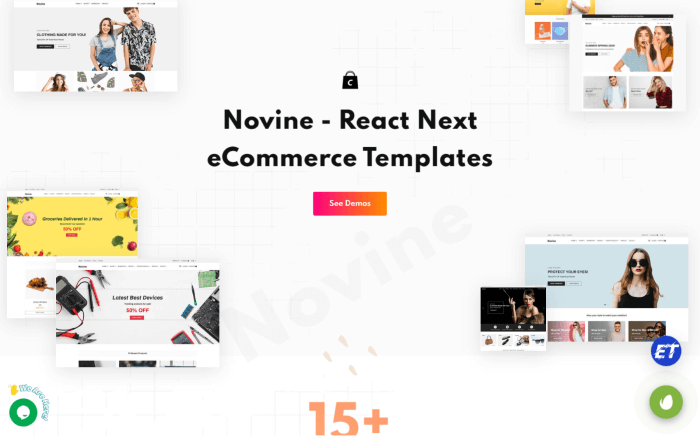
    Novine – React eCommerce Templates with Nextjs

    novine react next ecommerce templates

    Novine is a simple and modern React Next JS eCommerce template for fashion businesses. It is built using Bootstrap 5.x, ES6+, Sass, Next.js, React.js, and React-Redux. The template offers quick checkout and Stripe payment options. It has outstanding Retina Ready visual UX/UI and responsive stunning design layouts. Also, it includes over 15 demo variations with numerous inner pages.

    Moreover, its source code is written with a clear and extensive approach. And, also it comes with a complete documentation. These will help you bring out the best within the template.

    Live Preview Details/Download

    CiyaShop

    CiyaShop

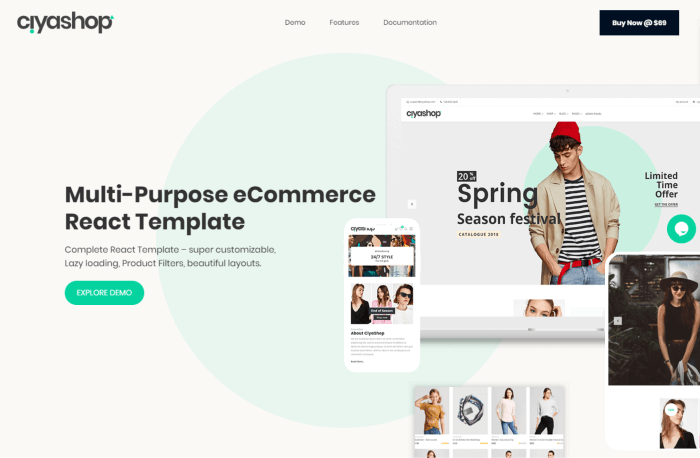
    CiyaShop is yet another robust and responsive static eCommerce template with excellent modules, a wealth of practical features, and a beautiful look. Because of how easily the code can be modified, this theme offers a lot of flexibility.

    Besides, it offers four eCommerce application home pages and tens of other module pages covering the static admin side of the life cycle of an eCommerce application.

    Live Preview Details/Download

    Stroyka – Tools Store React eCommerce Template

    Stroyka Tool Store React eCommerce Template

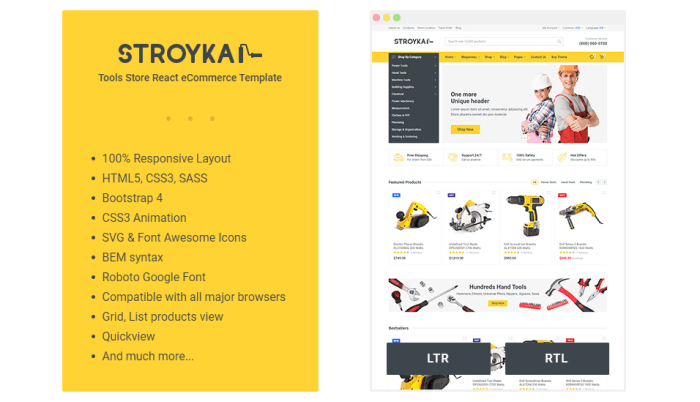
    Stroyka is a React JS eCommerce template for tool store websites. For creating online stores that offer car parts, electronics, tools and instruments, and a range of other things, is ideal.
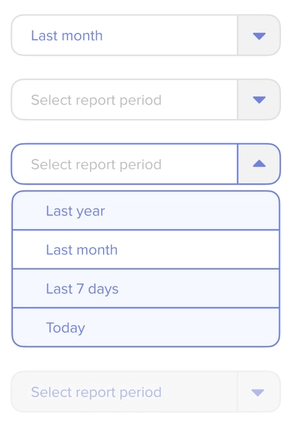
    There are several features available in the template. Features such as a fully responsive design, support for LTR and RTL, HTML5 and CSS3, Bootstrap 4, CSS3 Animations, SVG Icons, Font Awesome Icons, and many more.

    Live Preview Details/Download

    Murtfury – React eCommerce Template
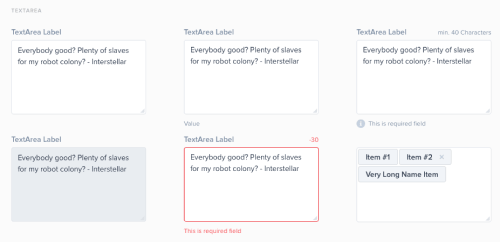
    martfury React eCommerce Template

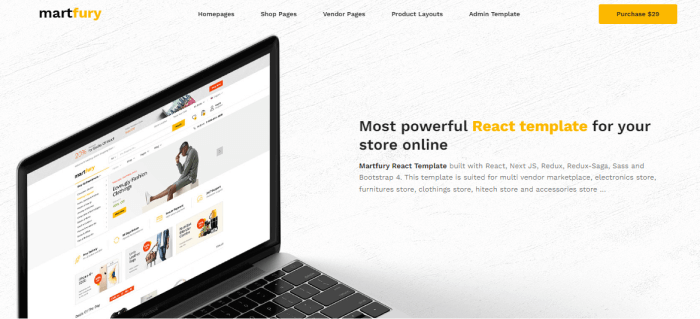
    Martfury is a React Nextjs eCommerce template. It also has technologies like Redux, Redux-Saga, Sass, and Bootstrap. The multi-vendor marketplace, electronics store, furniture store, clothing store, Hitech store, and accessories store are the best fits for this template.

    Create your marketplace using Martfury and let sellers sell their products, just like they do on Envato, Amazon, and eBay.
    Live Preview Details/Download

    Livani

    Livani React Multivendor Marketplace eCommerce with Admin Panel

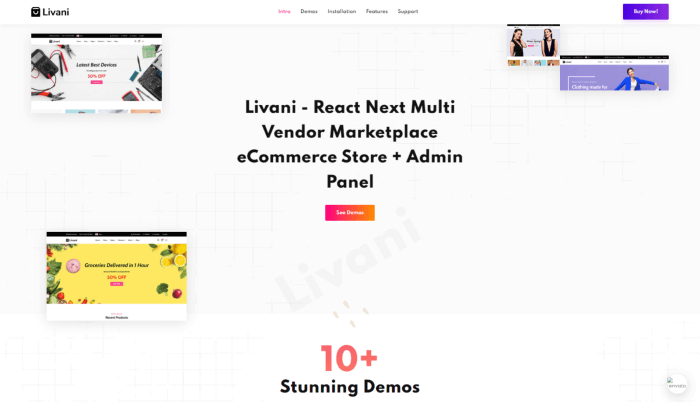
    Livani is a React Next Multi-Vendor Marketplace eCommerce Store + Admin Panel. It is a clean and modern React & Next.js-based Multi-Vendor Functional eCommerce template. It is built with React, Next.js, PostgreSQL, Redux, Cloudinary, and other technologies. The template has a quick checkout functionality and Stripe payment.
    All products are displayed on the front side of the template from the backend database. Features like Demonstrated Functional Pagination It is possible to register and log in using React-Redux and JS cookies. Additionally, it has features like Real-Time Stripe Checkout, Adds to Cart, and Products Quick & Details View.

    Live Preview Details/Download

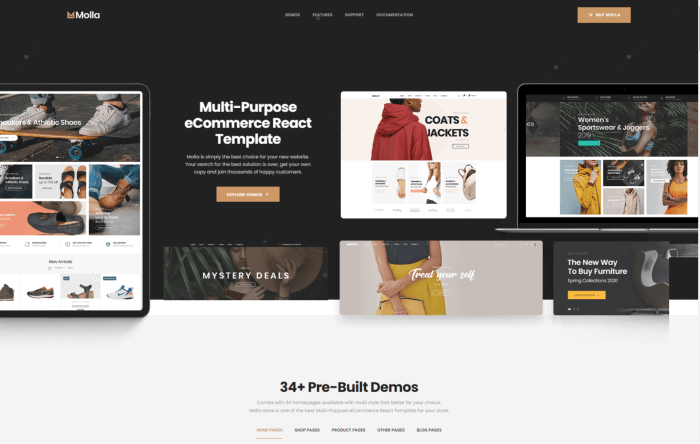
    Molla

    Molla

    Molla React eCommerce template contains all the essential tools and functionality to construct a super fast responsive e-commerce. It comes with an excellent UI and UX experience. It has more than 30 examples of layouts. Its modern design-based skins will allow you to develop your niche store. By using the template, you may avoid costly web development and reduce design expenditures.

    Live Preview Details/Download

    Flone – Minimal React Template

    Flone Minimal React eCommerce Template
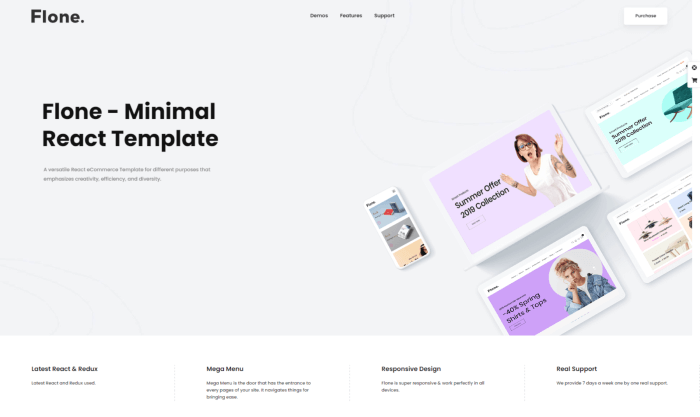
    Flone is a React-based, minimal, very flexible, and innovative eCommerce template. You’ll discover the best demos for your website here because the business attentively studied the market and predicted the upcoming trend in this sector. It has several top-notch features and convenient qualities.

    The template includes more than 38 Sections, 7 Header Styles, and more than 3 Footer Styles. And, its best features are the combination of multiple currencies, multiple languages, cross-browser compatibility, and responsive design.

    Live Preview Details/Download

    ChawkBazar

    ChawkBazar

    ChawkBazar is a lifestyle ecommerce template with React, Next, TypeScript & Tailwind. The template is built using demo json data, so you will know how to connect it with the actual data. Also, deploying this template is pretty simple. Besides, it has superb configuration abilities. With the template, you will be able to overwrite it to use your style. Because of how quickly it works, your consumer will undoubtedly enjoy using it.

    Live preview Details/Download

    Porto – React eCommerce Template
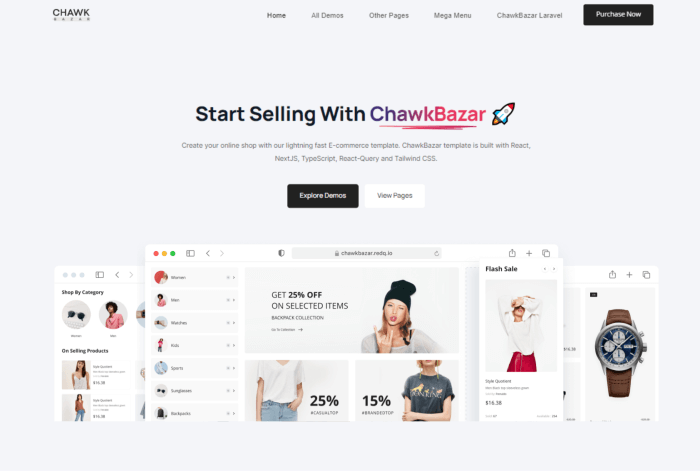
    Porto React eCommerce Template
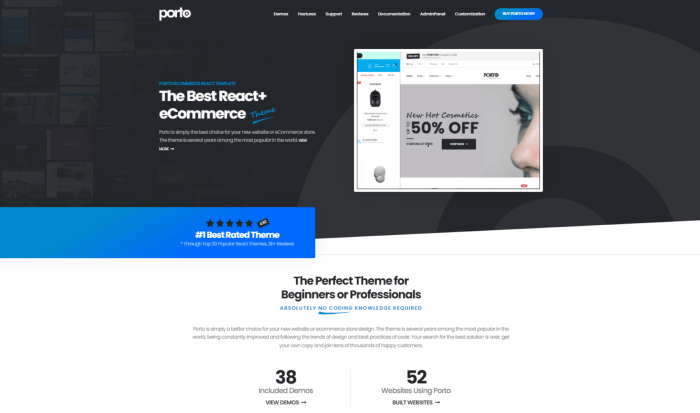
    Porto – React eCommerce template is perfect for various online stores. It offers all the tools and features needed to build an incredibly quick, responsive online store with fantastic UI and UX. Moreover, you can build your own specialized store using one of the 25+ demo layouts and contemporary design-based skins.
    Live Preview Details/Download

    RedParts

    Redparts React eCommerce Template

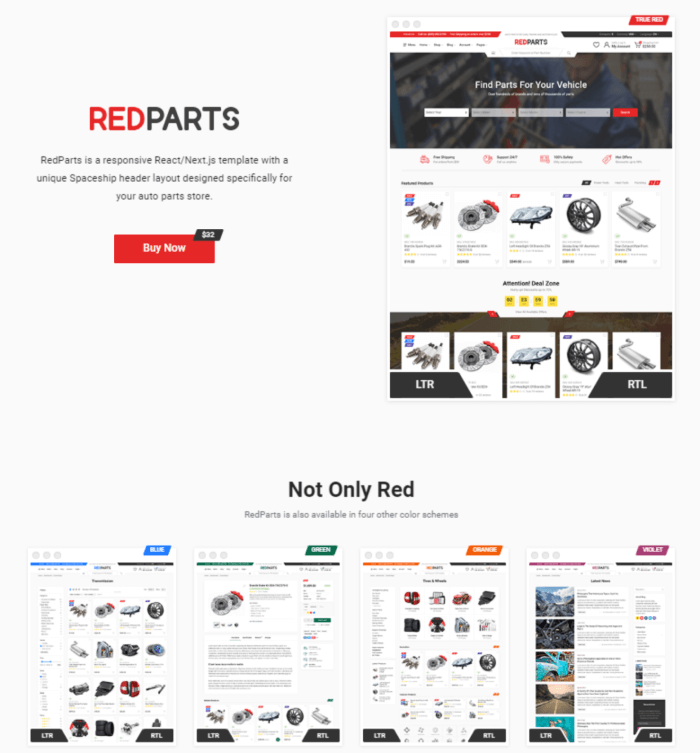
    RedParts is a React Nextjs eCommerce template written in TypeScript. If you want to create an auto part store, try RedParts. It features a special spaceship header layout. You can use the template for electronics store websites or a store for sporting goods, tools, and more. It utilizes React hooks, and the components are here in a functional approach.

    Live Preview Details/Download

    Blog Suggestions

  • 10 UI Design Principles You Must Not Forget As A UI/UX Designer

    10 UI Design Principles You Must Not Forget As A UI/UX Designer

    Are you familiar with the core principles of UI design? Think again! Here, we will discuss the 10 UI design principles you must not forget as a UI designer. Learn how you can become the person who never fails to bring out the best in every UI design project.

    UI Design Principles
    UI Design Principles

    User Interface is also known as UI. It is one of the core points in any software development project. The main goal of a UI designer is to create a well-balanced interface that satisfies the need of the user. To achieve that, one needs to study the patterns of human behavior and how they interact. Only then do designers ensure if the interface is performing correctly or not. Without further delay, let us learn these principles of UI design.

    10 UI Design Principles for UI/UX Designer

    The principles you are about to find out below apply to any Graphical User Interface (GUI) design.

    1. Simplicity in UI Design

    The first rule of UI Design is to create a design that will satisfy the users. Although designing a UI is enjoyable, it is always harder to keep it simple. As a designer, you must always consider the user’s point of view. Keep in mind who you are designing for and why.
    A good UI design is defined solely by how easily users understand how the program works. It is not about glitzy decorations, self-indulgent or formal designs. It is all about the usability of a UI. Otherwise, the final output only shows unnecessary components or leaves out elements. These occurrences divert the user’s attention away from the core & relative components.

    To achieve simplicity, you must first sort out all the absolute essentials. Remove all unnecessary items from your list. Remember that if the UI only shows how creative you are and not what your client requires, you should remove it right away.

    Free Figma Dashboard & Design System

    2. Speculate and Prevent

    If you want to apply the rule of Simplicity, first, you need to understand what is relevant to the user. Your go-to task will be to make sure you fully their wish & needs. After knowing what is suitable, you can easily speculate what your user will want to have/do next.

    Now you are going in the user’s way. Therefore, it will be easy to provide them with the accurate tools, resources, and information they need. However, if you want to direct them in another direction, you can take action by changing an earlier part of the design. It will guide your users in your desired direction from the outset.

    3. Driving Seat for Your User

    It makes no difference whether they are actually in their control or whether you are driving them in a specific direction. While navigating a User Interface, a user must feel totally in control. The UI should blend seamlessly into the background while remaining where your user expects it to be. However, you must ensure that your interface does not appear to be forcing them to perform a specific action—i.e. making decisions for them.

    4. Methodical Approach and Consistency

    A basic concept of UI design is mastering consistency. One has to make sure that his/her design is consistent. It needs to be consistent across the platform and also with industry standards employed elsewhere. Usually, a great UI doesn’t reinvent, it improves where necessary. Designing a UI is not about uniqueness, it’s about what’s most widely understood.

    In terms of introducing something new or something that functions differently, you need to differentiate between what went before and what you’re trying to begin. A trick is to apply inconsistency deliberately to less valuable features. The Novel features will easily stand out as a result of this. Inconsistency on purpose differs from sloppy or erratic designs.

    5. Avoid Unnecessary Complexity

    Overlays such as Modal Windows or Bottom Sheets help you avoid the unnecessary complexity in UI Design. Always aim for the least number of steps and screens possible. Discover all of the industry’s best practices. Moreover, organize information logically, liberated, and self-retained. Another good practice is to entirely group tasks and subtasks together. One should not hide subtasks on pages where no one would think to look for them. Create a clear and logical classification for screens and their content.

    Users dislike the painstaking process of clicking too many times to complete a task. Therefore, always keep the number to a bare minimum, such as one or two. Another UI design principle is known as the Three Click Rule. According to this rule, users should be able to perform any action or access any information they require by clicking no more than three times from anywhere within the app.

    6. Distinctive Signposts

    While navigating through your app/web app a user should not feel confused. It is not even compromisable for first-time users. Your user should always find your interface interesting, easy and fun to navigate through. So, a UI designer’s job is to set intuitive layouts and make clear labels of information.

    One has to make sure that the page architecture is simple & logical. Also, make they are well-marked. A user should feel comfortable and clearly see whether they are moving through the software. And, if they want to go anywhere else, they must have the freedom to move out as they wish. Do not trick & push them into a place where they don’t wish to be. Provide distinctive visual cues, wherever possible/needed.

    7. Be Tolerant of Mistakes

    Users who are unfamiliar with your app might not have known exactly what to do or where to start. Therefore, don’t blame users for making a mistake or being unsure. Implement a swift and forgiving undo/redo tool to make it simple for people to travel back in time. It not only prevents the aggravation of lost data and lost time but also inspires users to explore your software and make changes without worrying about the consequences.

    8. Frequent Feedback

    It is mandatory to inform and acknowledge users about their progress and actions (complete or incomplete). Set the design in the format that it should be while the user is navigating. Provide important forms of feedback on the major proceedings or actions. Also, for smaller and more frequent actions, smaller forms of acknowledgment should be used. Besides this, ensure that the status information is always easily accessible and accurate.

    Error occurrence is a common thing on websites. But remember, when they do, a user should know about the error that occurred in a clear manner. There should be an easy-to-understand message reading “error code,” or a “404 page” should appear. Make sure to describe the problem or inform them what they need to do to fix this.

    9. Functions In UI Design

    If you fail to create a clear & concise hierarchy, it won’t be possible to create a truly minimal and streamlined UI. As we’ve already mentioned about

    Failure to create a clear hierarchy is one of the most common obstacles stopping people from designing a truly minimal and streamlined UI.

    Although, when it comes to user experience, every item is essential. But, some pieces are more critical than others. To reflect this hierarchy in the design, encourage/highlight users to do/follow X/Y first, followed by Z. Make them more visible in front of Z. This could be as simple as changing the size of buttons, text, or other elements.

    10. UI Design for Accessibility

    Apps are used by people from all walks of life. Though you can’t make a website or app run abiding everyone’s individual choice. Still, you can put options like multiple languages, color setting options, light-dark theme, RLT, or LTR to meet their basic requirements and to generate actions on pages. Always design with questions in mind, not with answers.

    Summary

    A good UI design produces a frictionless environment where users may thrive, but the design completely vanishes from view. You can feel it, but you can not see it. It is similar to how we don’t notice the air we breathe until it becomes contaminated or until we run out of it.

    Great designers know that adhering to basic UI design principles like those discussed above can contribute to a better user interface. It enables interaction to the point where the user hardly notices the UI. Use these ten UI design principles in your UI Design projects and see how effective UI design can be.

    The best designers know that following simple UI design principles such as those we’ve looked at above can help to create a more effective user interface, facilitating interaction to such a degree that the user barely notices the UI at all. Apply these 10 UI design principles to your next project and discover for yourself just how powerful successful UI design can be. 

    Blog Suggestions

    https://ui-lib.com/downloads/bazar-pro-react-nextjs-ecommerce-template/

  • What’s New in Nuxt 3 Release Candidate?

    What’s New in Nuxt 3 Release Candidate?

    Have you been wondering about the stable release of Nuxt 3 throughout the year? Your wait is almost over. On 19th April of 2022, Nuxt announced its release candidate stage for Nuxt 3 (Code Named “Mount Hope”). In this article, we’ll look at what’s new in the latest Nuxt 3 Release Candidate versions and how it can help you develop better web apps.

    Earlier, on October 12, 2021, after 16 months of hard work, Nuxt 3 announced its Beta version based on Vue 3, Vite & Nitro. And, since Beta, they are working day and night, to make it ready for a stable release. They have managed to merge over 1000 pull requests, more than 900 issues, and 2000+ commits.

    It is now June 20, 2022, and we’ve just received the information that its stable release is delayed to July. So far, we can see that it has a ton of features & updates. For those who don’t know or haven’t come across the last announcement of RC versions, we are here to help you. Let us find out whether or not Nuxt 3 will be able to gain traction as good as Vue.js in framework features. And, also let’s find out, will it be able to take the developer experience to a whole new level.

    Release Candidate – Big Updates

    Currently, Nuxt Release Candidate is in its 4th version. And, the version holds a lot of good stuff in it, which we’re going to find out just in a moment. The new features in Nuxt 3 Release Candidate not only help you to create a performant web application but also, it will support you with an amazing developing experience. Hop on!

    Nuxt 3 Release Candidate
    Image: Nuxt.js.org

    Vue 3 & TypeScript

    Vue 3 is now the new default, and it is generating better results in terms of performance, composition API, and TypeScript Support. So, you’ll have a fantastic Vue 3 experience with first-rate SSR support. Nuxt 3 has been completely rewritten in TypeScript. Therefore, it will give you some really useful shortcuts to ensure you have accurate type information while coding.

    Besides that, Nuxt will generate a TS configuration file (.nuxt/tsconfig.json) and a global types file (.nuxt/nuxt.d.ts). It is set to provide you with the full TypeScript experience with zero configuration. You will also be able to use the npx nuxi typecheck command. It manually checks your Nuxt application’s type. Also, you can enable build or development type-checking.

    Vite & Webpack

    For the default bundler in Next Apps, there is Vite. The Vite Community has done an amazing job. Another important factor is to keep the Webpack support. It is a mature build tool and can ease the migration for Nuxt 2 projects. Thus, it clarifies that Nuxt 3 officially supports both Vite & Webpack. Read more about how to use Webpack 5 in Nuxt 3 Projects.

    The Nuxt 3 project has created a unified plugin system called unjs/unplugin for build tools as part of their deep integration. It enables writing universal plugins that work in Rollup, Vite, and Webpack. The Nuxt community has prepared it as a builder agnostic framework for JavaScript’s perpetually evolving ecosystem.

    Furthermore, they successfully elevated vite-node and Webpack lazyCompilation. It has brought on-demand bundling for your Nuxt Application’s server bundle. Now, Nuxt will always start in seconds, no matter how large your app becomes.

    Nitro & UnJS

    Image: GitHub

    Nuxt 3 now has one major feature in it, called Nitro. It is the new server engine that makes Nuxt a powerful full stack and also a provider-agnostic framework. There are several reasons why Nitro has become a part of Nuxt 3.

    First of all, in Nuxt 2 there was a lack of robust server integration. Previously, Nuxt 3 has serverMiddleware. However, the serverMiddleware wasn’t good enough for developers’ experience. Secondly, the production server was not optimized for use in a lambda environment; boot time was slow and the install size was larger.

    The Nitro Server Engine provides cross-platform support for Node.js, browsers, service workers, etc. Also, it gives serverless support, and the API routes are internally powered by the unjs/h3 project. Other cool features include automatic code-splitting, hot module reloading, and granular control over how your pages render (hybrid mode).

    Explore all features of Nitro HERE and learn more about Unifiedjs.

    Auto Imports

    If you’re working on different frameworks at the same time, especially on a project with multiple directory structures, importing can be exhausting. On Nuxt 3, you don’t have to worry about that. With Nuxt 3, you won’t have to import statements anymore. It will automatically get imported by the Nitro engine. As they are based on a directory and naming structure, Nuxt now easily resolves this issue.

    Learn more about different Auto Imports in Nuxt 3 from HERE.

    File System Automation

    The File System Automation process started with the Pages Directory; each file is mapped to a route. And, Nuxt was the first front-end framework in the ecosystem to support dynamic & nested routes (vue-router). However, you can begin working on your project with just an app.vue file. In this case, Nuxt will use a minimal universal router instead, for an optimized bundle size. This can save you 28kB, which is 21% tinier.

    Also, in Nuxt 3, each of the files in the plugin directory will be automatically imported and they will run before creating the main component. (app.vue)

    The import won’t be necessary for components. Your templates will have access to every component inside. The final stage of the process involves Nuxt analyzing your code and only including the parts you really use in the bundle. Developers will have a wonderful experience thanks to this, and production will function at its best.

    Moreover, with the help of Vue 3 & Composition API, Nuxt built a new Composables Directory. It imports the Vue Composables automatically into your application.

    Apart from these, Nuxt 3 also has a new server directory with powerful features and a public directory (static) that serves all raw files. The server directory adds server routes and backend logic to your Vue app.

    Modules

    In programming, modules are the pieces of code that run in a particular order when a framework run in development mode or a project is built for production. Without adding unnecessary boilerplate to your project, the modules let you package, test, and distribute unique solutions as npm packages. They can supply runtime app templates, hook into your Nuxt builder’s lifecycle events, update the configuration, and take any other necessary customized actions.

    For better defaults, typings, and Nuxt version compatibility, they have recently updated the module syntax by using Nuxt Kit. Nuxt Kit is a group of tools that make working with the internals of the Nuxt platform simple.

    Documentation

    In the Beta version of Nuxt 3, the documentation was not good enough. Although it is still incomplete, now it is good enough for the developers who are familiar with Nuxt.js. However, if you’re new to Nuxt, then you should wait for its stable version.

    directory structure nuxt 3 release candidate
    Image: Hashnode

    There are a few features that we found really worth checking out. One of them is how your directory structure should be and it gives info about that folder or file.

    Will Nuxt 3 Be Able To Gain Traction?

    Till now, these are the most mentionable features & updates of Nuxt 3. We have skipped a few other major features of the Nuxt 3 Release Candidate in this blog. It is because we think it will be more appropriate for us to determine the rest of the good and bad in this framework after its stable release.

    We strongly advise trying Nuxt 2 before utilizing the new version if you’re unfamiliar with Nuxt.js. However, because many repositories haven’t updated their packages to be compatible with Nuxt 3, folks who are experienced with Nuxt or have used it for a while avoid using it in large-scale programs. However, this will be an excellent chance for you to explore Nuxt 3 if you have a tiny application, such as a personal website, that has few dependencies.

    Finally, it’s time to ask the big question: will Nuxt 3 gain traction? The answer is yes! Because of the way Nuxt 3 has improved in recent months, we believe it will be worth our time and money to use this newer version of the framework.

    Thank you for your time. Happy coding!

    Our Vue Nuxt Product

    Bonik – Ultimate Ecommerce Pro Template – Vue.js, Nuxt.js, and Vuetify

    Image: Vuetify Store

    Live Preview Details / Download

    Blog Suggestions