Blog

  • Best Free VueJS Admin Templates 2022

    Best Free VueJS Admin Templates 2022

    Are you looking for some of the best free VueJS admin dashboard templates? Look! In this blog, we will give you a list of the best of them from 2022.

    Admin dashboards are advantageous to any company. A Vue dashboard allows you to easily see how your company is performing. You may, for example, easily monitor and measure performance and metrics in real-time. Furthermore, it will help you build your business without spending time.

    These new free templates include the ability to configure your dashboard. With all of the necessities. So, instead of wasting time creating your own, check out these free ones and get started on your next out-of-the-box admin dashboard.

    Best Free VueJS Admin Templates

    Please keep in mind, the following list is not in any particular order.

    1. AatroX Vue Lite
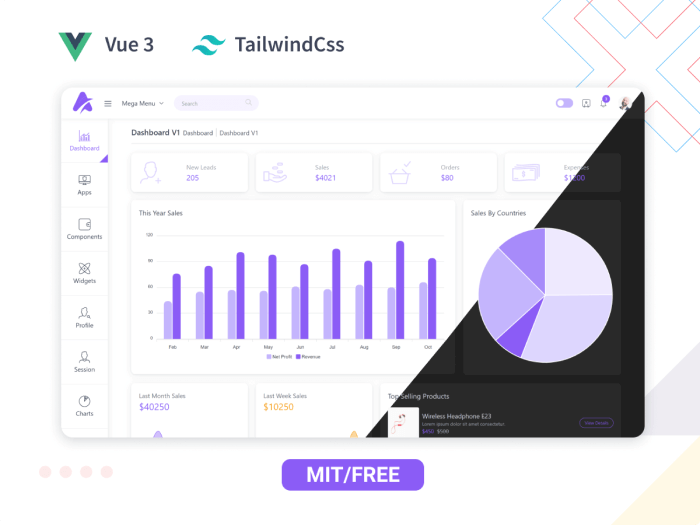
    AatroX Vue Lite - Free VueJS Admin template

    Aatrox is a highly customizable admin dashboard design that is easy to use. It has everything you’re looking for in a template. The template follows the highest industry standards with regular updates. And, it is to give you the best Vue Admin template.

    It is quick and easy to use, as well as highly scalable. As a result, with a little effort, you will be able to create whatever application you desire.

    Moreover, you can build any web apps like CRM Systems, eCommerce Backends, Analytics Apps, and SaaS Platforms. Project Management App, Education Apps, etc.

    Some of its amazing features are:

    More Info / Download Live Preview Premium Version

    2. ArchitectUI – Free Vue Admin Dashboard
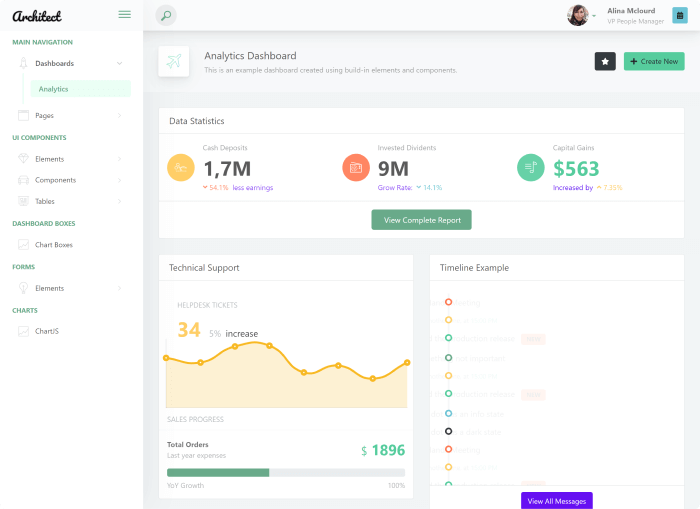
    ArchitectUI - Free Vue Admin Dashboard

    ArchitectUI Vue is a free admin template. It is an admin dashboard template made with Vue 3 and Bootstrap 5. Moreover, it comes with 15 Vue widgets and components that work together flawlessly. And, one of its priorities is to create a universal design language.

    To utilize this Vue template, you just need the least basic coding knowledge. Don’t worry, the template features simple coding and relies on Vue Router for navigation links.

    More Info / Download Live Preview

    3. Vue Material Dashboard
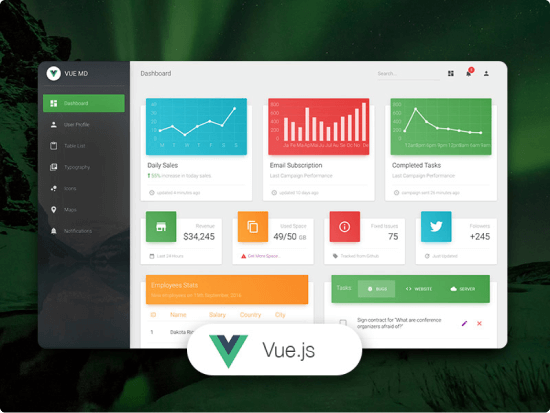
    Vue Material Dashboard

    Vue Material Dashboard is another cool admin template built with Vue Material and VueJS. If you want to quickly begin with your dashboard development, this simply can make that happen. It is simple to use. However, to use this at first, you will need to have a good understanding of Javascript, Vuejs, and Vue Router.

    The templates offer you 16 components, 7 examples, 2 plugins, and more with which you can create your dashboard. The fun part is that it allows you to change the background image of the sidebar and also the color options are available there.

    More Info / Download Live Preview

    4. Vuestic Admin
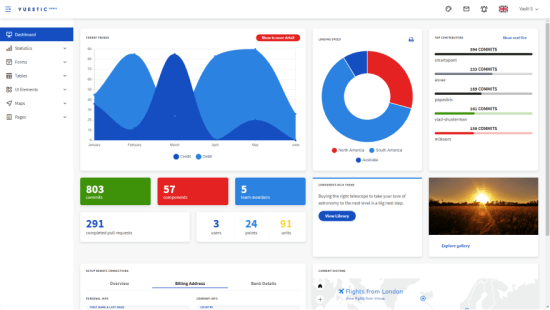
    Vuestic Admin

    Vuestic Admin is another fantastic, fully responsive admin dashboard template built with VueJS and Bootstrap 4. It boasts a stylish and appealing design with a fresh green color palette. This VueJS admin template is free and includes 36 elements, 18 pages, and 18 custom font icons.

    Moreover, these parts have a simple but effective design. Forms, form wizards, UI elements, chat, tables, charts, notifications, icons, progress bars, maps, and more are among the notable features.

    More Info / Download Live Preview

    5. MaterialPro

    materialpro

    MaterialPro Lite is a simple template. However, it works well for generating a useful admin dashboard. It is perfect for anyone seeking simplicity and minimalism in a free VueJS admin template. The bundle includes a variety of useful items, such as a dashboard design and over ten inner page layouts, as well as 10 UI components, Material icons, and four integrated plugins. Every MaterialPro user also receives free updates for the rest of their lives.

    More Info / Download Live Preview

    6. Admin One – Vue Tailwind Template
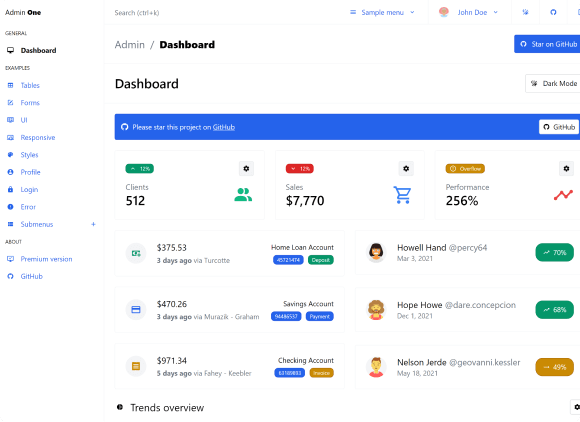
    Admin One - Vue Tailwind Template

    Tailwind 3.x admin dashboard template with free Vue.js 3.x Support. Vite and Vue CLI are supported. There is Laravel integration available. It’s incredibly adaptable and simple to use for your projects. Furthermore, because it is responsive, you may use it on a variety of devices. It works well with a wide range of screen resolutions, from small mobile devices to PCs.

    More Info / Download Live Preview

    7. Xtreme Bootstrap Vue Admin Lite

    Xtreme Bootstrap Vue Admin Lite

    Xtreme is a Bootstrap Vue Admin Lite template that has a clean and modern approach to it. For a variety of reasons, you can choose this free template. For instance, it gives of all the basic features, it can accommodate you a variety of goals, also it allows you to instantly take of care of the admin panel. Moreover, it is a well-responsive template with a very minimal outlook.

    More Info / Download Live Preview

    8. Monster Vue Bootstrap Admin Lite
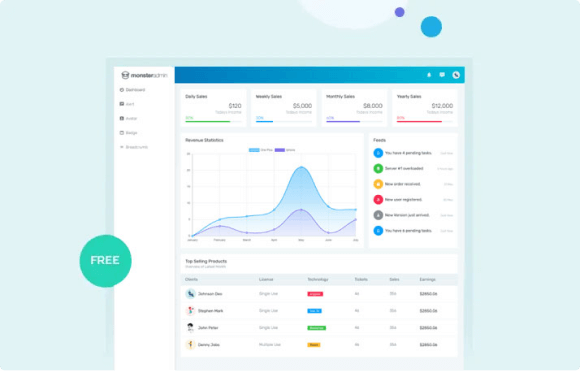
    Monster Bootstrap

    Monster Bootstrap can be one of your go-to solutions for a very simple dashboard. the basic dashboard has a free admin template bundle that is well designed. Remember it lacks some of the capabilities offered in paid items in this category.

    However, Monster Bootstrap includes more than 11 templates as well as 7 UI components to get you started. This template’s premium edition definitely includes more features. As a result, you have the option of upgrading to the premium version whenever you are pleased with the features of the free version.

    More Info / Download Live Preview

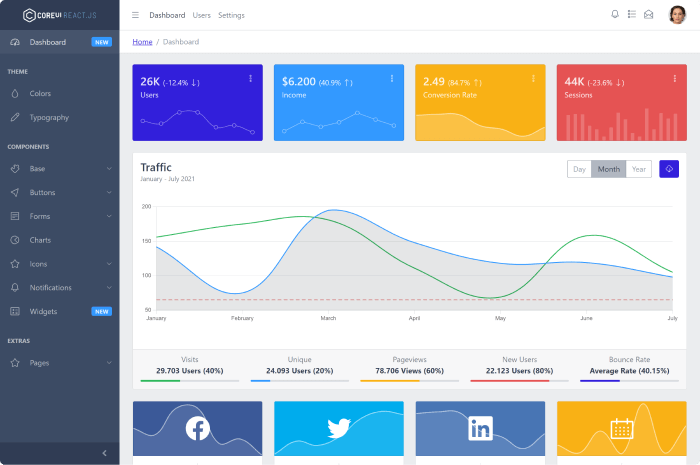
    9. Core UI – Vue Admin Template
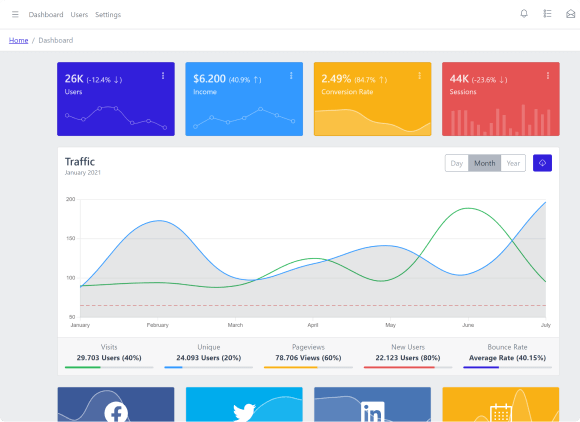
    Core UI - Vue Admin Template

    CoreUI is a well-known beautiful free Vue Bootstrap admin template. It can help you to create an amazing UI. The template is open-source yet it contains over 50 ready-to-use customizable UI components. Thus, the development process will take less time than usual.

    Moreover, it has other useful components, widgets, charts, tables, forms, etc, so that you can run your dashboard properly. However, if you are not satisfied with what the free version has to offer, you can for sure scale up to the premium version and unleash more features to fill you up.

    More Info / Download Live Preview

    10. Vue Notus
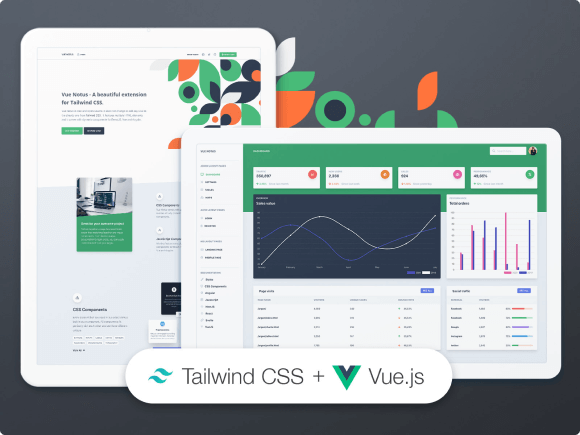
    Vue Notus

    Vue Notus is another awesome free VueJS admin template that provides a ton of helpful information. First and foremost, Vue Notus has a full UI kit as well as an admin panel, allowing you to develop the entire project, front- and back-end, with this tool. The design is likewise contemporary and basic, ensuring that everyone enjoys browsing through the data.

    More Info / Download Live Preview

    Conclusion

    Finally, it appears that your quest for the best free VueJS admin templates is over. If you require a greater variety of functionality, go with the premium versions of the same templates. They all have high-quality code and lifetime updates. These also grant access to all premium UI kits, components, and elements that can be changed.

    Thank you for your time.

    About UI-Lib

    UI-Lib is a template and web application development company. We attempt to make the lives of programmers easier. In minutes, you can create full-stack applications by using our templates. Furthermore, our staff has extensive experience and a proven track record in JavaScript engineering. We’re all about delivering services that make coders’ lives easier by streamlining and modernizing them.


  • Top 15 Best Free React Admin Templates 2022

    Top 15 Best Free React Admin Templates 2022

    Are you looking for some of the best free React admin dashboard templates? Look! In this blog, we are giving you a list of the top 15 of them from 2022.

    Admin dashboards are beneficial to any business. With a React dashboard, you can easily see how your firm is performing. For example, you can simply monitor and measure performance and metrics in real-time. Moreover, it will guide you in developing your business without wasting time.

    These new free templates have the power to set up your dashboard. With all the essentials. So, do not waste your time making your own; instead, check out these free ones and get started on your next outstanding application.

    Best Free React Admin Templates

    Please keep in mind, that the list below is in no particular order.

    1. MatX React Dashboard Pro

    MatX Free React Admin Dashboard Template

    MatX is a superb admin dashboard with React, Redux & Material UI. If you want to have a completely unique feature full of admin templates, MatX is your go-to one. To start a modern web app you will be needing material UI components, form elements, validation, JWT authentication, Sign Up, Sign In Pages, and a lot more. Luckily, this template has it all. Even this free version of MatX can offer you multiple possibilities. Therefore, you can create any kind of web app.

    The template is ideal for admin panels, management systems, project management, CMS, CRM, and other similar applications. Also, it’s a great choice for mobile application backends as it is a highly responsive template. It has a simple look, yet it never fails to deliver a highly optimized template for high-performance apps. Some of its key characteristics are as follows:

    • Dashboard
    • JWT authentication
    • Material UI components
    • Basic form
    • Vertical navigation
    • Lazy Loading
    • Code Splitting
    • SASS integration
    • Sign in
    • Sign up
    • Google Map
    • Drag and Drop
    • Multilevel menu

    However, if you want to unlock even more amazing features and customization options, check out the Pro Version.

    Get It Here GitHub Pro Version

    2. Mosaic Lite

    Mosaic Lite

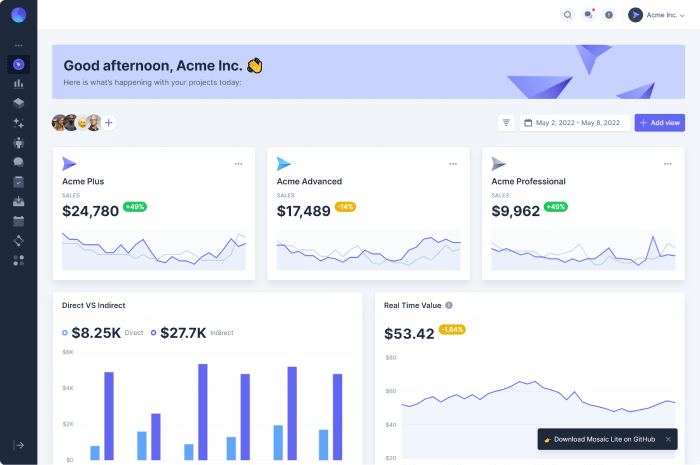
    Mosaic Lite is a free dashboard template with React and TailwindCSS. It includes various pre-coded charts/graphs with Chart.js 3. And, it’s an excellent starting point for anyone looking to construct a user interface for SaaS products, modern web apps, and other applications.

    The template contains the eCommerce backend, analytics, campaigns, team, settings, and a lot more other useful sections. Make sure to check out.

    Get It Here GitHub

    3. Material Kit React

    Material Kit React Devias.io

    Devias Kit is a conscientious material design admin dashboard template for React developers. It used Google Material Design for possible interactions, responsive layout grids, Shaping hierarchy, and more. The template comes with intuitive catalogs and files. Thus, you’ll have everything you need to begin with. There are great panels with unique buttons and an additional fullscreen switch.

    Get It Here GitHub

    4. Shards – Dashboard Lite React

    Shards Dashboard

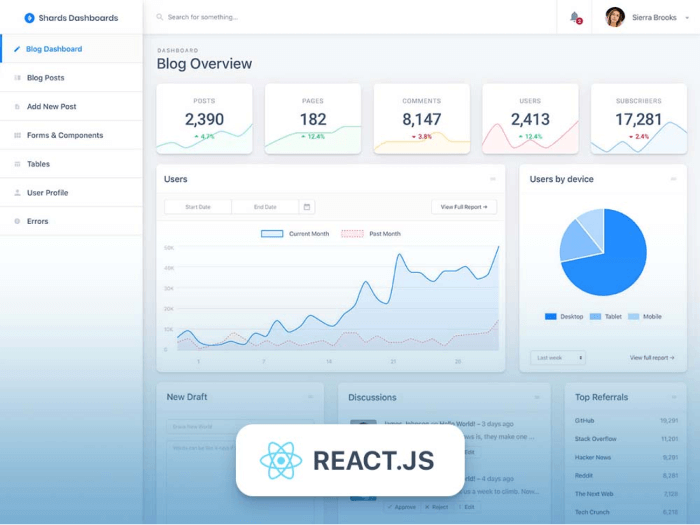
    Shards is a free React admin dashboard template. The template has a modern look and a plethora of custom templates and components. It has a simple yet stylish and minimal design that is suitable for any purpose. 

    To give a robust structure for your admin dashboard, it has Bootstrap with create-react-app. Shards make use of the Flux architecture, allowing you to create amazing client-side web apps.

    Also, it is a completely responsive admin template. As a result, it will be capable of adapting and reflowing layout to any screen device. It also employs modern development best practices.

    Get It Here GitHub

    5. ArchitectUI – Free React Admin Template

    ArchitectUI Free React Admin Template

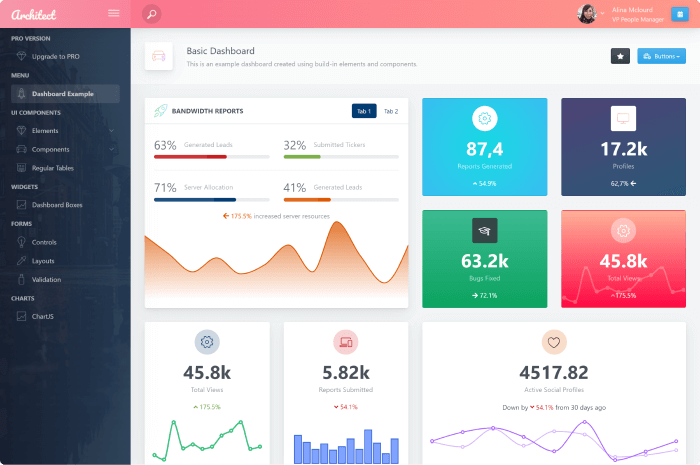
    ArchitectUI is a useful and open-source admin template with create-react-app, Bootstrap 5, and Webpack. It has a Pro version available that opens a more unique set of opportunities for you. The template contains more than 9 dashboard styles, over 150 components, and more than 200 layout/color options. Thus, you will have enough elements, widgets, and components to cover a wide range of personal projects or app cases.

    Furthermore, it employs a variety of color schemes to allow you to personalize the sidebar, header, footer, and main text. Each theme comes with more than ten predefined color schemes, giving you plenty of options when it comes to choosing a color scheme. It also functions and looks beautiful on every screen size because it is retina-ready.

    Get It Here GitHub

    6. Material Dashboard React 2

    Material Dashboard React 2

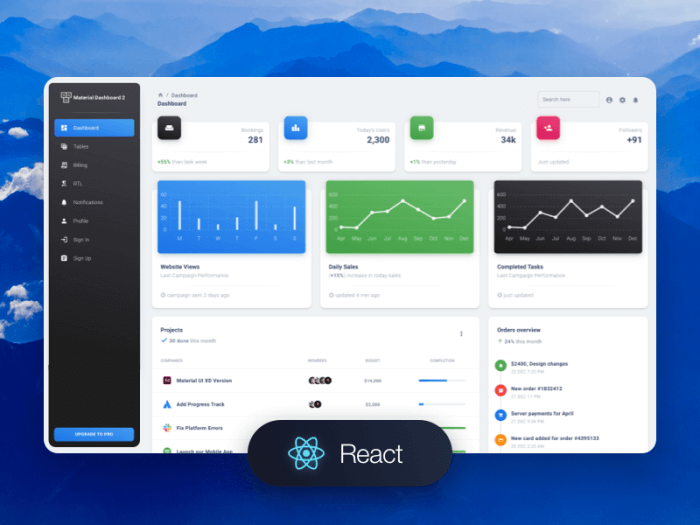
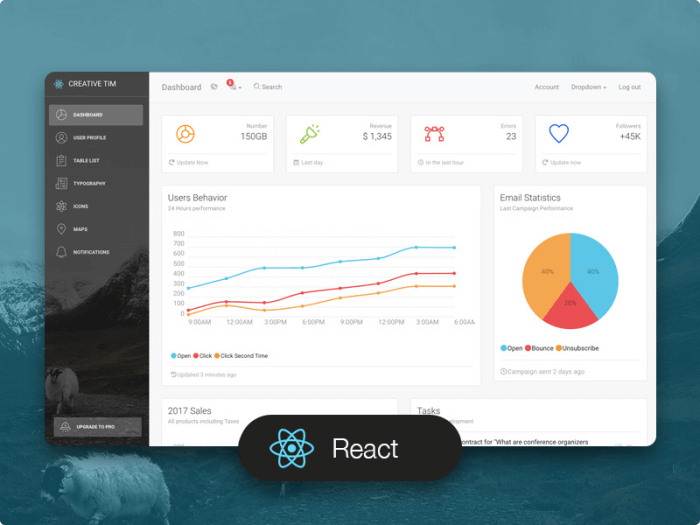
    Material Dashboard React 2 is a free admin template by Creative Tim. It has a brand-new design that was influenced by Google’s Material Design. It also includes 30 components, 2 bespoke plugins, and 7 example pages that are ready to satisfy the needs of your app.

    Material effects, animations, ripples, and transitions are included in the template. It also includes 5 color filter options for the sidebar and card headers. It also allows you to modify the background image in the sidebar if necessary.

    Get It Here

    7. Light Bootstrap Dashboard React

    Light Bootstrap Dashboard React

    Light Bootstrap React is a fantastic resource for you. It is a lovely and simple React Bootstrap admin dashboard template. And, it is a wonderful representation of great solutions to your business’s needs. There are over 30 superb components, 3 bespoke plugins, and 7 example pages.

    Get It Here

    8. Crystal Dashboard

    Crystal Dashboard

    Crystal React Bootstrap Dashboard is a stunning, multi-purpose admin dashboard for React, Redux, and Bootstrap. It includes a large number of simple and easy-to-use React components. Importantly, you can use the template to create a variety of dashboards, including health, employee, and company dashboards.

    Get It Here GitHub

    9. Xtreme React Admin Lite

    Xtreme React Admin Lite

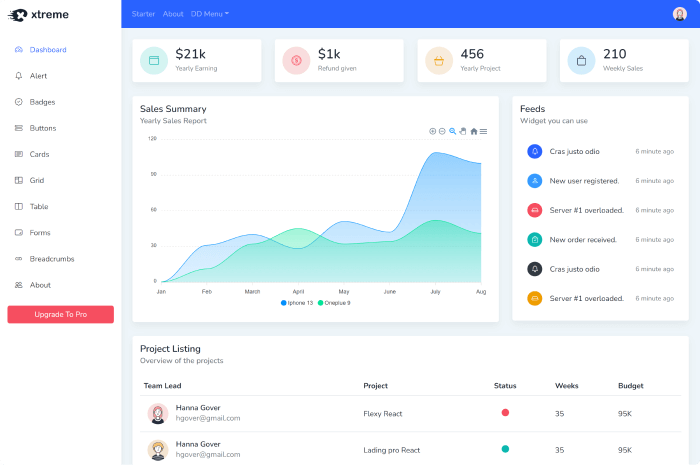
    Obtaining excellent, free React templates is a great joy. React naturally gives you fantastic features for creating outstanding interactive UIs. In that case, this template is no exception. It is a nice template that uses the most recent Reactstrap version. The template contains over ten UI components, seven or more page templates, different plugins, ready-to-use widgets, and over 100 font icons. It is also incredibly simple to customize.

    Get It Here GitHub

    10. Tabler React

    tabler

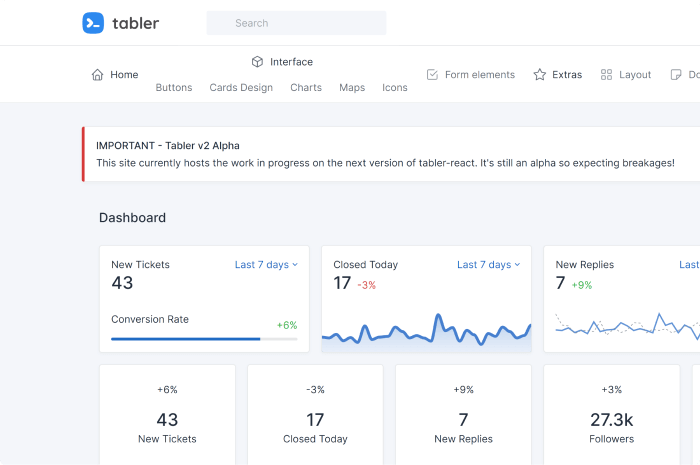
    Tabler React Bootstrap is a free admin dashboard template with a ton of custom components. Using React templates for your dashboard, you’ll have a powerful tool to depend upon.

    Apart from components, it also has minimalist and clean widgets and elements. Specifically, it has cards, charts, pricing cards, maps, icons, forms, pages, and a gallery. Moreover, the live pages include profile, login, register, forgot password, email, RTL, and more.

    Get It Here GitHub

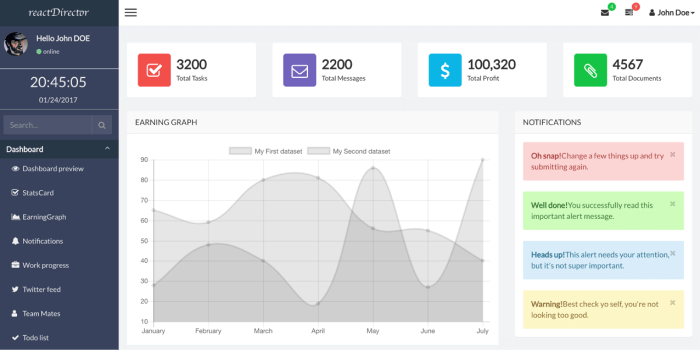
    11. ReactJS Director Admin

    ReactJS Director Admin

    ReactJS Director Admin is a fantastic solution that will keep you at the top without having to start from scratch. When you have access to the necessary tools, you can quickly begin constructing an admin panel for your application or website. That’s quite cool, isn’t it?

    It has it all, and then some, from a gorgeous design to a plethora of functionality. Moreover, the template contains a plethora of important parts and components that ensure an admin’s speedy realization.

    Get It Here GitHub

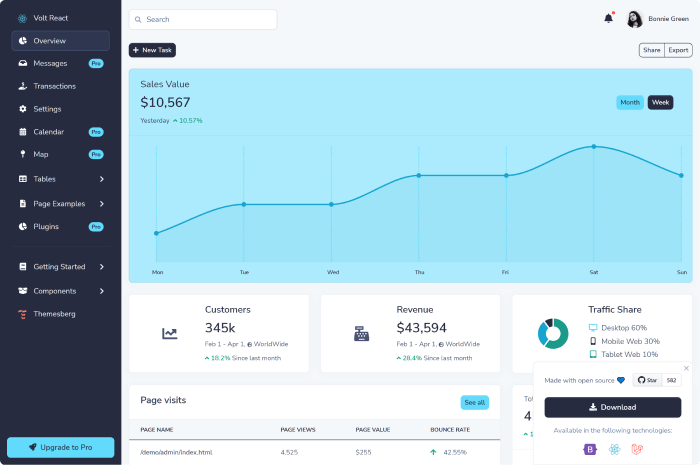
    12. Themesberg – Volt

    Themesberg volt

    Volt React is an admin dashboard template designed using React.js components, react hooks, and a data-driven structure that can get your app up and running quickly.

    Here, you can easily use the existing props to change the color, size, or characteristics of the elements. Furthermore, the elements are based on the most recent version of Bootstrap 5, the world’s most popular CSS framework.

    Get It Here GitHub

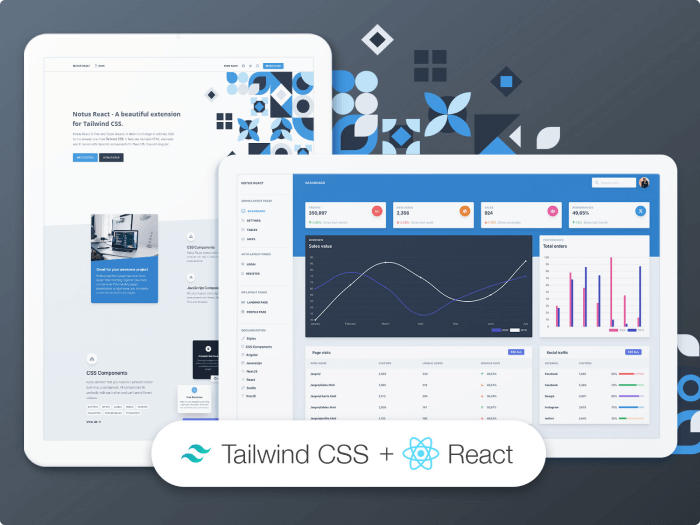
    13. Notus

    notus creative tim

    Notus is a free React template that includes a full-fledged UI kit. You can accomplish both with this resourceful front- and back-end solution. Also, it employs a modernistic design aesthetic that provides a nice ambiance. Furthermore, the layout is completely fluid, instantly adapting to varied screen sizes.

    Get It Here GitHub

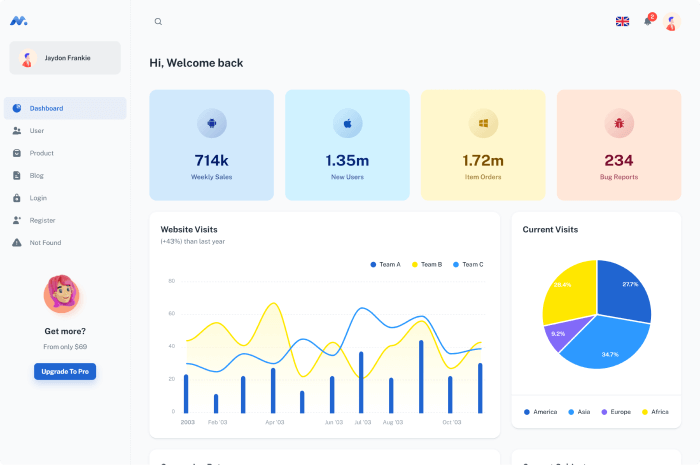
    14. Minimal Kit React

    minimal kit react

    This minimal material dashboard is created with React Material UI. They have over 100 components that you can utilize across your application. Therefore, it will most definitely save you time when you are just starting with the project.

    Get It Here GitHub

    15. CoreUI

    CoreUI React JS Free Admin Template

    CoreUI is an excellent choice for your admin dashboard. It is a free and open-source React and Bootstrap 4 template. It also includes over 50 ready-to-use and customizable UI components.

    The template includes handy components like buttons, editors, forms, charts, icons, maps, tables, widgets, etc. Also, it is entirely compatible with FontAwesome icon packs, giving you complete control over how your dashboard looks.

    Get It Here GitHub

    Wrapping Up

    Finally, it seems that your search for the best free React admin templates has come to an end. Choose the premium versions of the same templates if you require a broader range of features. All of them feature high-quality code and lifetime updates. Also, these unlock all of the premium UI kits, components, and elements that may be customized.

    Thank you for reading.

    About UI-Lib

    UI-Lib is a platform for creating templates & web applications. We try to make programmers’ lives easier. Our platform allows you to build full-stack applications in minutes. Moreover, our team has had top experience and a solid track record in JavaScript engineering. We’re all about providing services that improve coders’ lives by streamlining them and making them more modern. 

  • Best VS Code Extensions for Vue That You Cannot Miss in 2022

    Best VS Code Extensions for Vue That You Cannot Miss in 2022

    Are you a Vue Developer looking for some really useful VS Code Extensions? Don’t worry! Here, we are going to showcase to you some of the Best VS Code Extensions for Vue JS that you must have in 2022.

    vs code logo
    Visual Studio Code Logo

    The abbreviation VS code refers to Visual Studio Code, a lightning-fast source code editor. It supports hundreds of languages and allows you to get started quickly. Extensions for VS Code are crucial for quick and easy development. As a result, the following list will assist you in determining the best path to successful project development.

    Best VS Code Extensions for Vue

    Here are some of the most useful extensions for working with Vue JS. Keep in mind, however, that the following list follows no particular order.

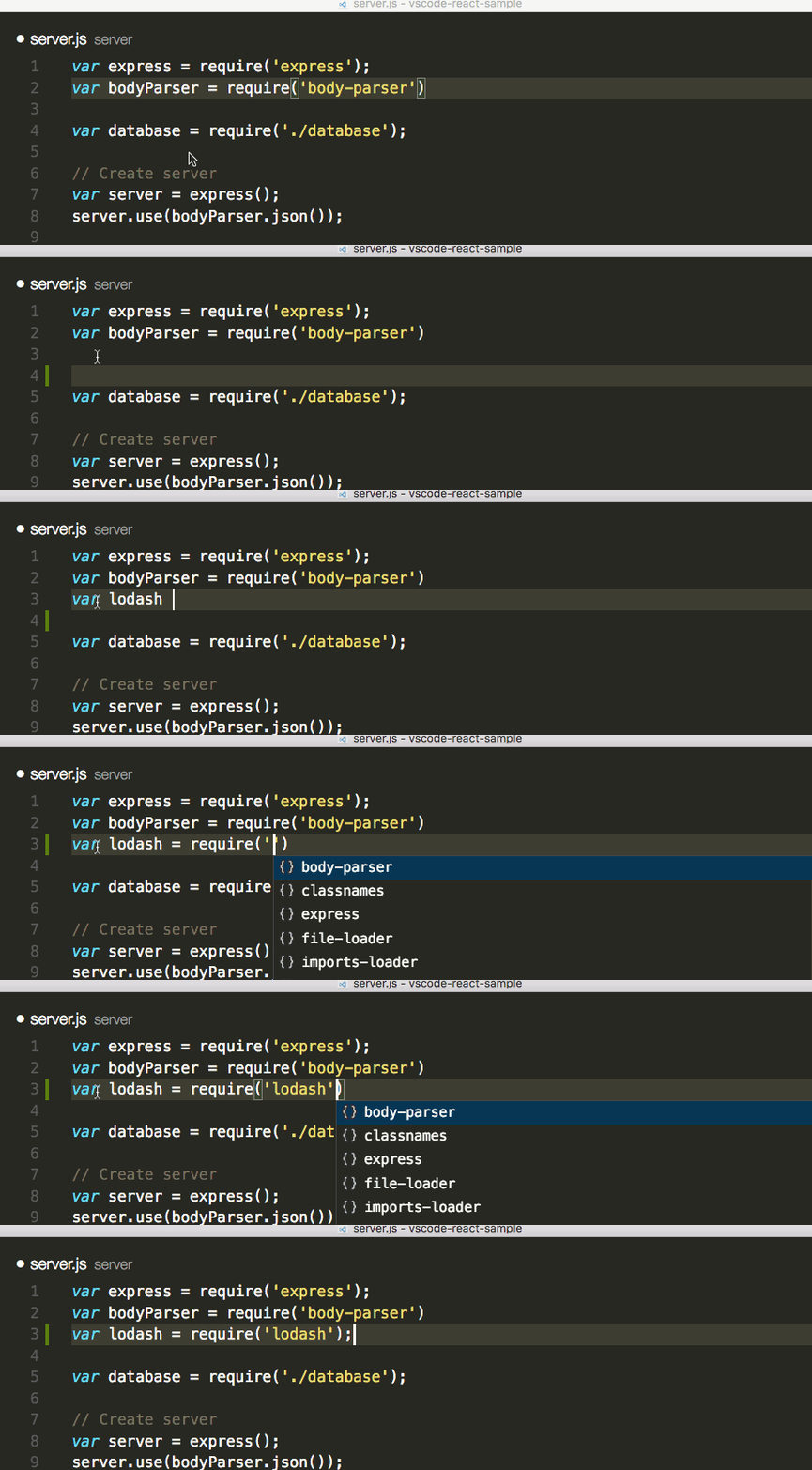
    1. NPM Intellisense

    NPM Intellisense - vs code extension for vue

    When you write import statements in your Javascript, NPM Intellisense autocompletes your npm modules. You can save time by not having to remember the exact name of an npm module. 

    Install

    2. VueDX – VS Code Extension for Vue JS

    vueDX vs code extension

    By extending the TypeScript extension, this extension provides features like type checking, completion, renaming, and refactoring for.vue files.

    Install

    3. Vetur – VS Code Extension for Vue

    vetur vs code extension for vue

    A Vue tooling kit for VS Code – it includes Vue-specific syntax highlighting, snippets for common snippets, and much more than any Vue developer requires. Vetur is exceedingly well-maintained, and it even includes Vue3 Typescript support.

    Install

    4. Eslint Plugin Vue – VS Code Extension

    Most developers are familiar with ESLint. It is one of the most popular linter tools for ensuring that your code adheres to best practices. And, also it is readable across large codebases. To check the syntax of single-file components, VueJS has its own ESLint Plugin. It’s one of the best tools for writing scalable and maintainable code, in my opinion.

    Install

    5. GitLens

    gitlens

    GitLens is a feature-packed extension for all your Git needs. My favorite features are Git revision navigation, Git code lens, and rich sidebar view for all things Git.

    Install

    6. Vue VSCode Snippets

    Vue vs code snippets

    Sarah Drasner’s VSCode Extension will help you save a lot of time. It contains auto-filled snippets for common Vue use cases. It’s great for writing things like quick SFCs, Vue directives, and quickly accessing lifecycle hooks.

    [Vue VSCode Snippets] focuses on developer ergonomics from the point of Vue of real world use. Included are the pieces I personally get sick of typing, and boilerplate that is helpful to stub out.

    Sarah Drasner

    Install

    7. Volar – VS Code Extension for Vue JS

    Volar Vue VS Code

    With the popularity of the Vue 3 + TypeScript combination growing, Vue’s official VS Code extension, Vetur, began to have issues. For example, high CPU usage when using Vue with TypeScript or lack of support for Vue 3’s new <script setup> syntax.

    You should check out Volar if you’re using Vue 3 – especially if you’re using TypeScript. It comes highly recommended by Vue’s creator, and it’s also the extension of choice for Vite development.

    Install

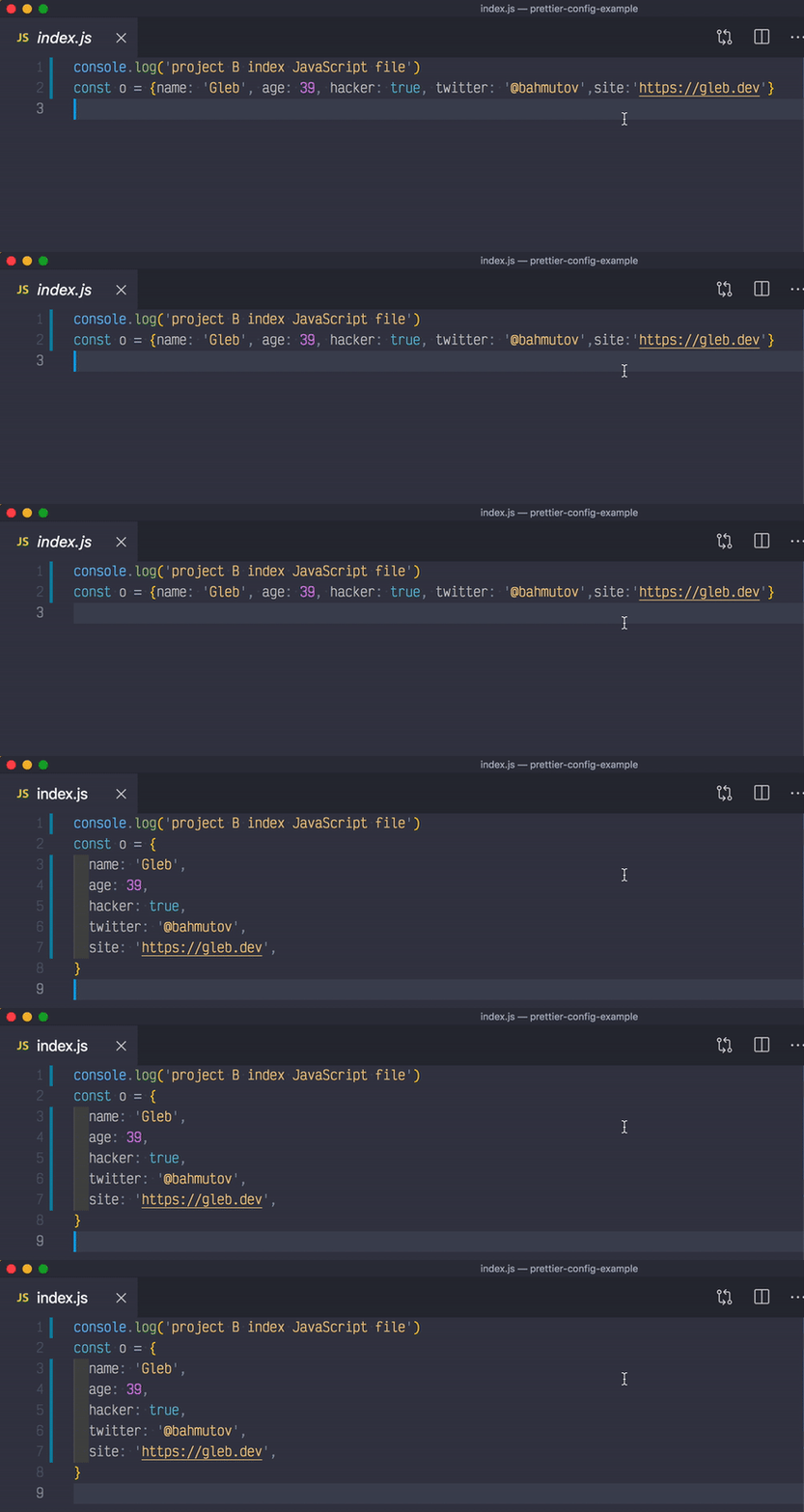
    8. Prettier – VS Code Extension

    prettier code formatter

    Prettier is an opinionated code formatter. It can format your code quickly in response to any configured action. Action such as saving a file. Vue SFC syntax is supported out of the box.

    Install

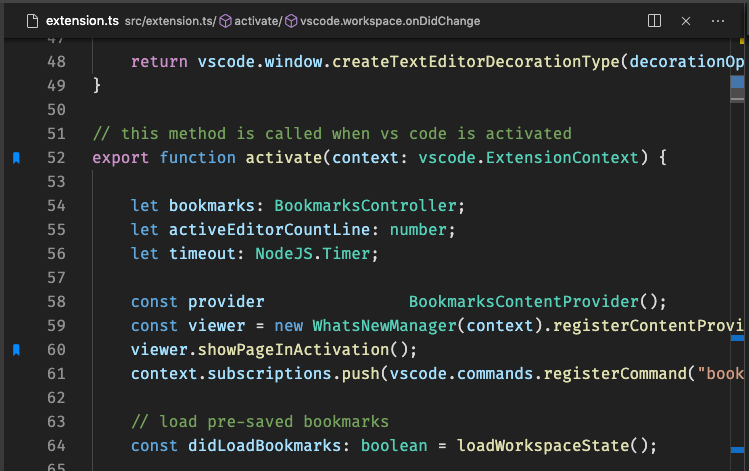
    9. Bookmarks

    bookmarks vs code extension for vue js

    This extension allows you to highlight and name specific locations in your code. As a result, you can jump between these various “bookmarks” to accelerate your development. The days of intricately scrolling up and down your file to find where you put a specific feature are long gone.

    Install

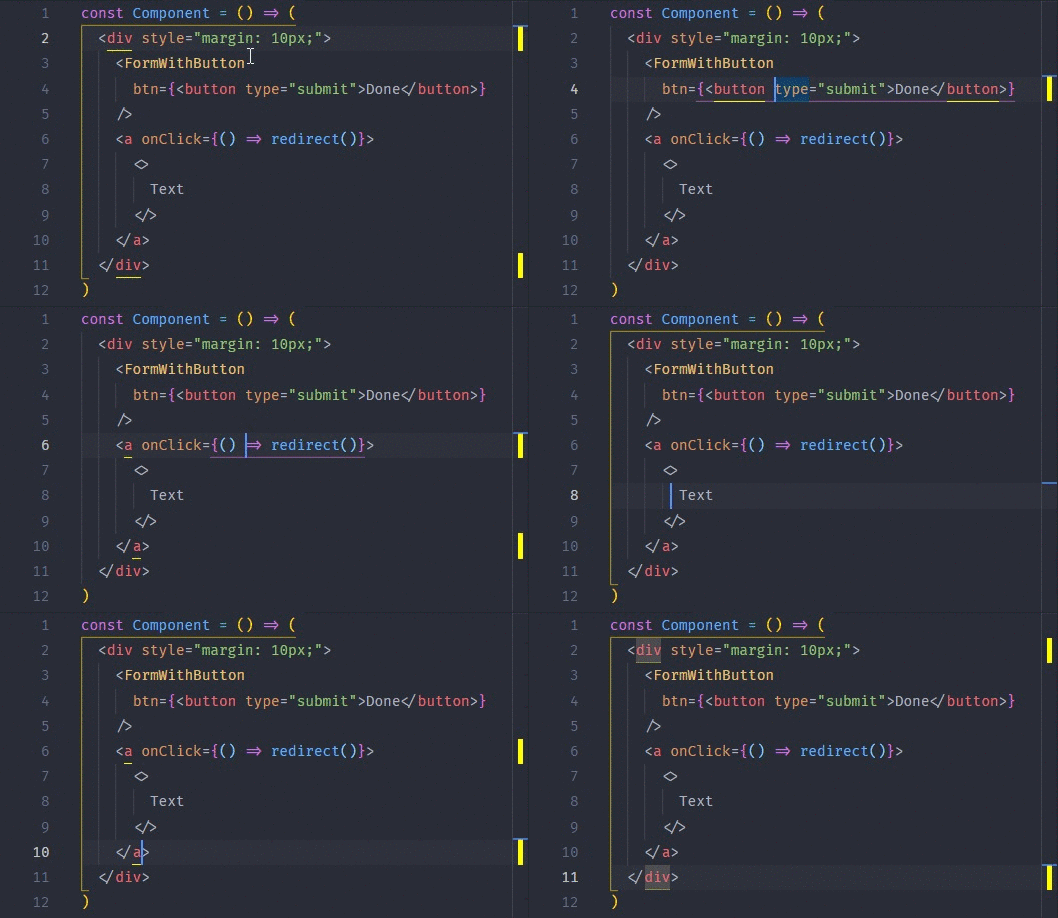
    10. Bracket Pair Colorizer

    bracket pair colorized vs code extension for vue js

    This extension matches brackets by giving them unique matching colors. You might think of it as a minor detail. However, it has the power to really help you fix pesky nesting errors. And, when your linter is not working in VS Code, this extension can guide you through errors.

    Install

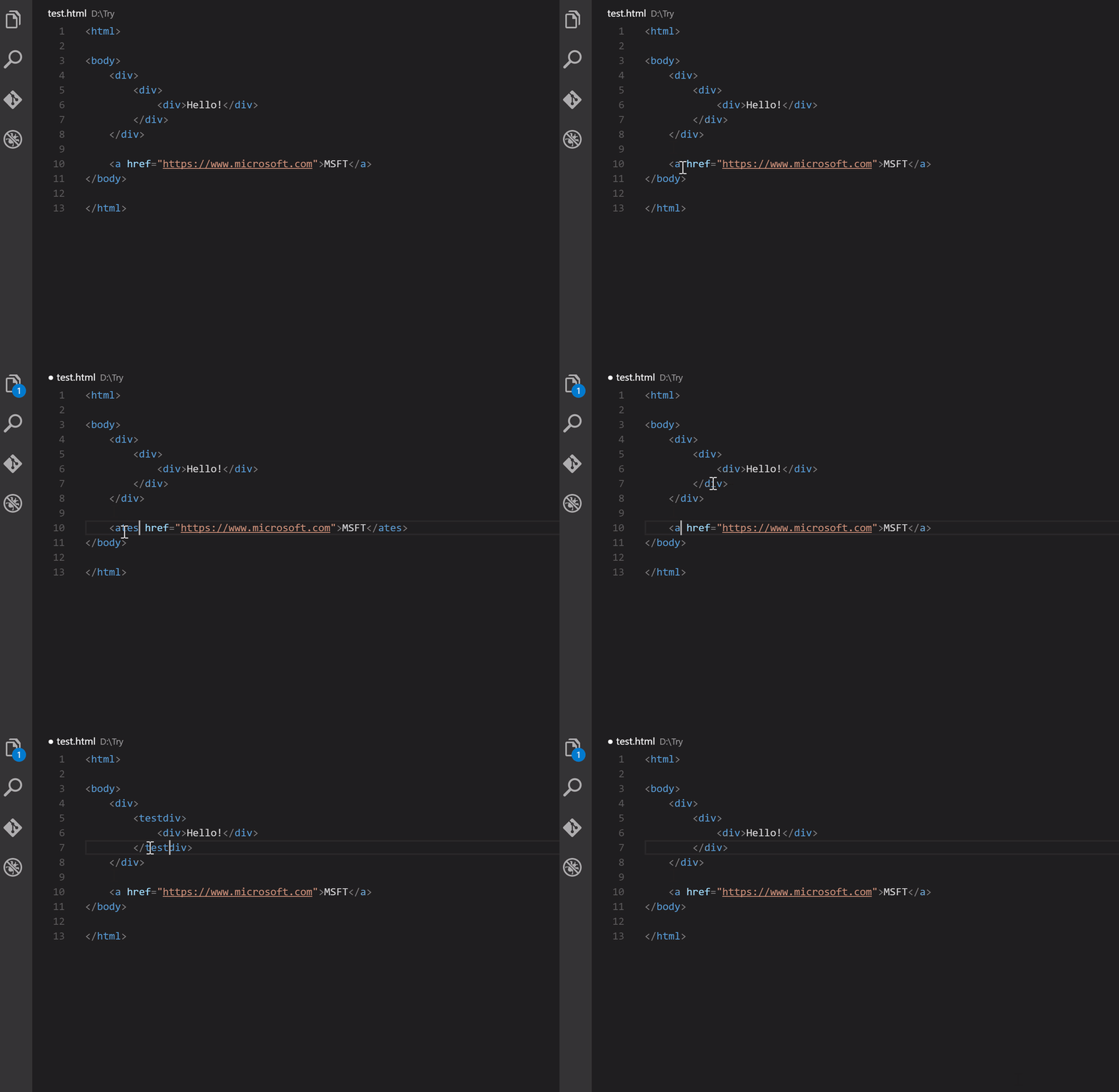
    11. Auto Rename Tag – VS Code Extension

    auto rename tag vs code extension

    Auto Rename Tag is a useful VSCode extension. It helps you avoid template code errors. When you change one of the tags in an HTML bracket pair (either the opening or closing tag). The extension will rename the other automatically. Therefore, it can help you prevent errors. Especially, when you have to work with large templates.

    Install

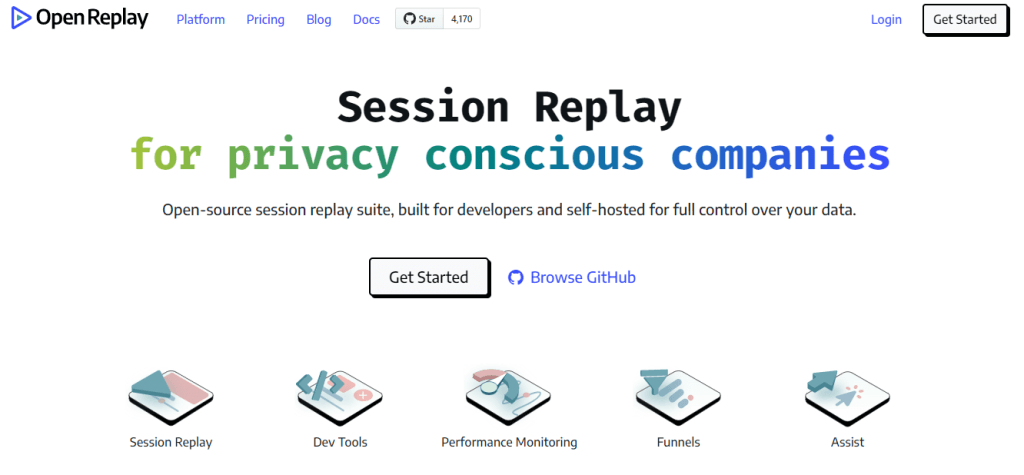
    12. Open Source Session Replay

    Open Replay

    OpenReplay is a session replay stack. It allows you to see what users do on your web app. It allows you to see what your web app’s users are doing. As a result, troubleshooting becomes easier. And, there is no other open-source alternative to this one. Some of its premium alternatives are FullStory, LogRocket, etc.

    Install

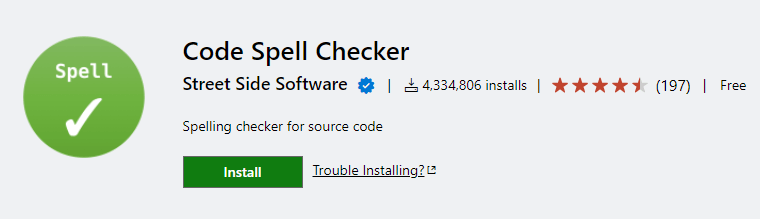
    13. Code Spell Checker

    Code Spell Checker

    Code Spell Checker encourages you to improve the readability and grammatical correctness of your code. It will check words in your code against any installed dictionary to ensure that it is correct and human-readable.

    Install

    14. TODO Highlight – VS Code Extension

    todo highlight vs code extensions

    TODO Highlight is for you if you’re used to leaving a lot of TODO-type comments in your code for things you should do later. It’ll not only highlight comments with labels like // TODO: or // FIXME: but will also show you a summary of all your TODOs!

    Install

    Wrapping Up

    There you have it: the Best VS Code Extensions for Vue JS. I hope this article has helped you find some of the best extensions for developing Vue applications. These add-ons can help you work more efficiently.

    Our Popular Vue Dashboard

    Similar Blogs

  • Top VS Code Extensions for React That You Must Have in 2022

    Top VS Code Extensions for React That You Must Have in 2022

    Are you a React Developer looking for some really useful VS Code Extensions? Don’t worry! Here, we are going to showcase to you some of the top VS Code Extensions for React that you must have in 2022.

    vs code logo

    VS Code is an abbreviation for Visual Studio Code, which is a lightning-fast source code editor. It supports hundreds of languages and allows you to be productive right away. To have a quick and easier development VS Code extensions are very essential. Thus, the list below is going to support you find the best route to successful project development.

    Top VS Code Extensions for React

    Here are some of the most essential extensions that will help you in your work with ReactJS. However, keep in mind that the list below is in no particular order.

    Prettier – Code Formatted

    prettier vs code extension for react

    Prettier is a code formatter (opinionated). It enforces a consistent style by parsing your code and re-printing it with its own rules that take the maximum line length into account, wrapping code when necessary.**Prettier – Code formatted**

    Install It

    ES7 React/Redux/GraphQL/React-Native snippets Extension

    These are VS Code extensions for React, React-Native, and Redux in JS/TS with ES7+ syntax. Customizable. Prettier integration is built-in.

    Install It

    Highlight Matching Tag – VS Code Extension

    Highlight Matching Tag - VS Code Extension

    This extension highlights opening and/or closing tags that match. It also displays the path to tag in the status bar as an option. Even though VSCode includes some basic tag matching, it is just that. This extension will try to match tags anywhere: from tag attributes, inside of strings, any files, while also providing extensive styling options to customize how tags are highlighted.

    Install It

    ESLint for VS Code

    ESLint analyzes your code statically to identify problems quickly. Most text editors include ESLint, and you can use it as part of your continuous integration pipeline.

    Install It

    Auto Rename Tag – VS Code Extension for React

    auto rename tag vs code extension for react

    Rename paired HTML/XML tags automatically, just like the Visual Studio IDE.Auto Rename Tag

    Install It

    VSCode React Refactor

    vs code react factor

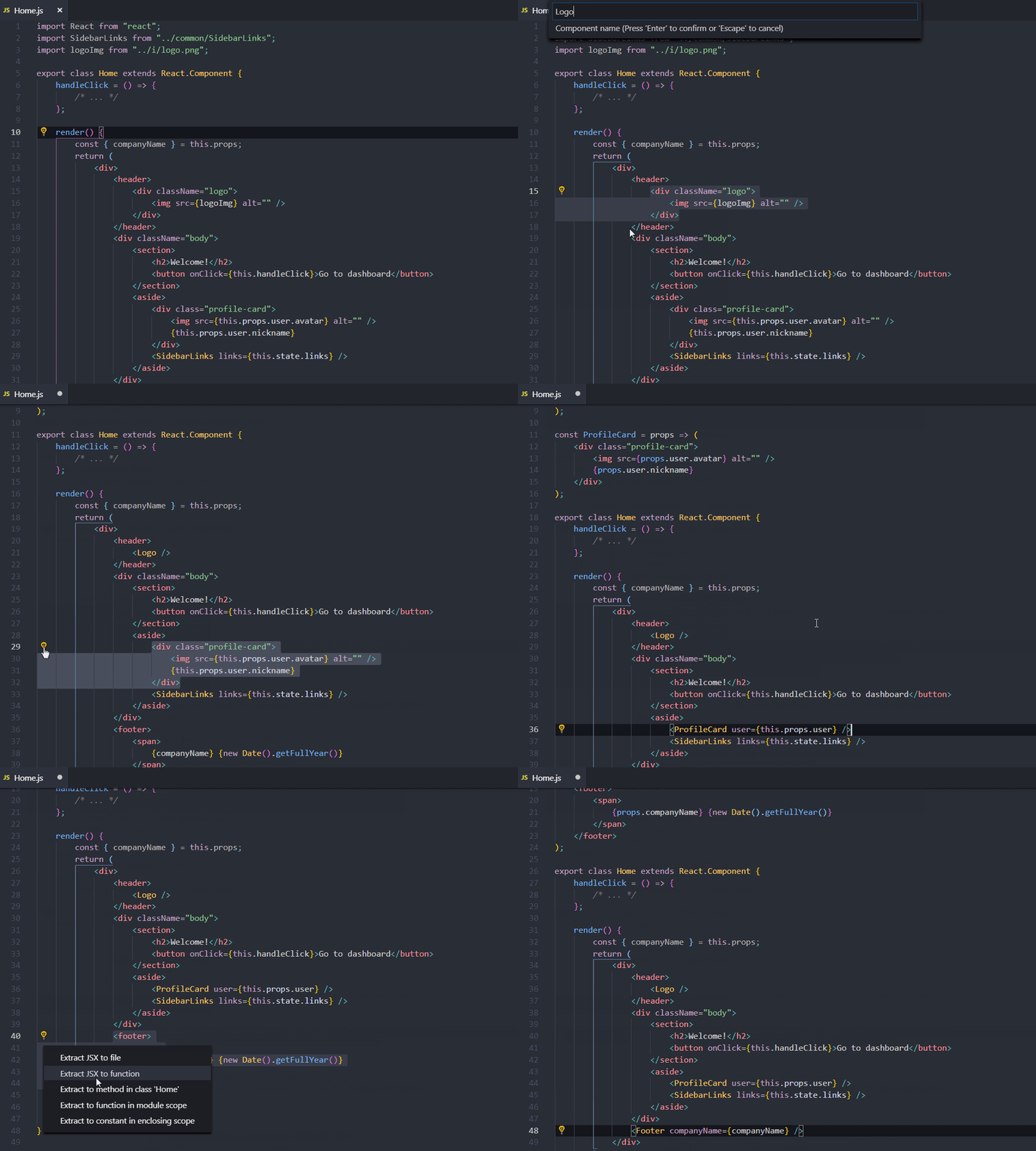
    This simple extension provides React developers with JSX refactor code actions.**VSCode React Refactor**

    Install It

    npm Intellisense – VS Code Extension for React

    npm Intellisense

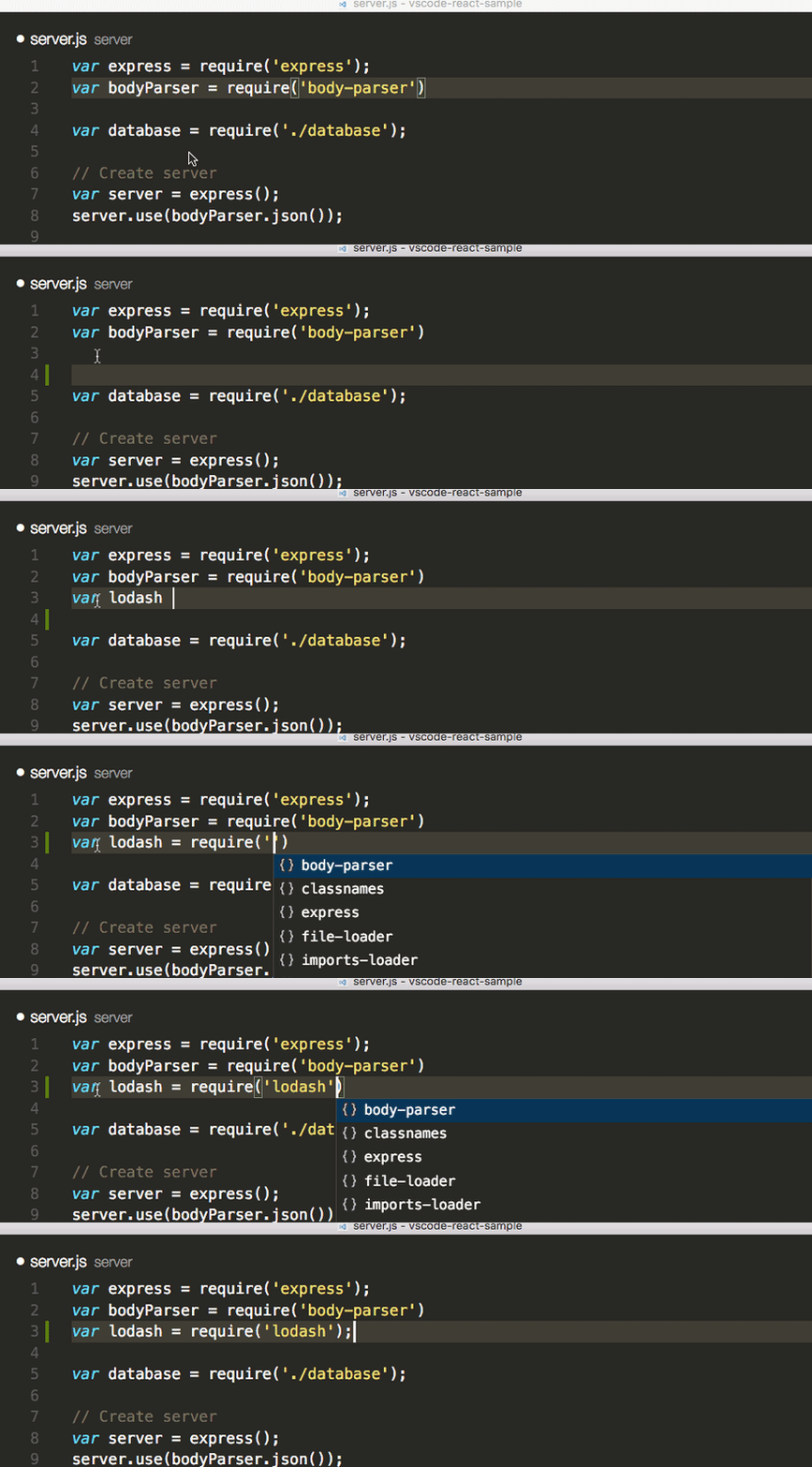
    It fills in npm modules in import statements for you.**npm Intellisense**

    Install It

    EditorConfig for VS Code

    It attempts to override user/workspace settings with settings found in .editorconfig files. There are no additional or vscode-specific files needed. As with any EditorConfig plugin, if root=true is not specified, EditorConfig will continue to look for a .editorconfig file outside of the project.

    Install It

    TabOut

    This extension allows you to tab out quotes, brackets, and another formatting.

    Install It

    change-case for VS Code

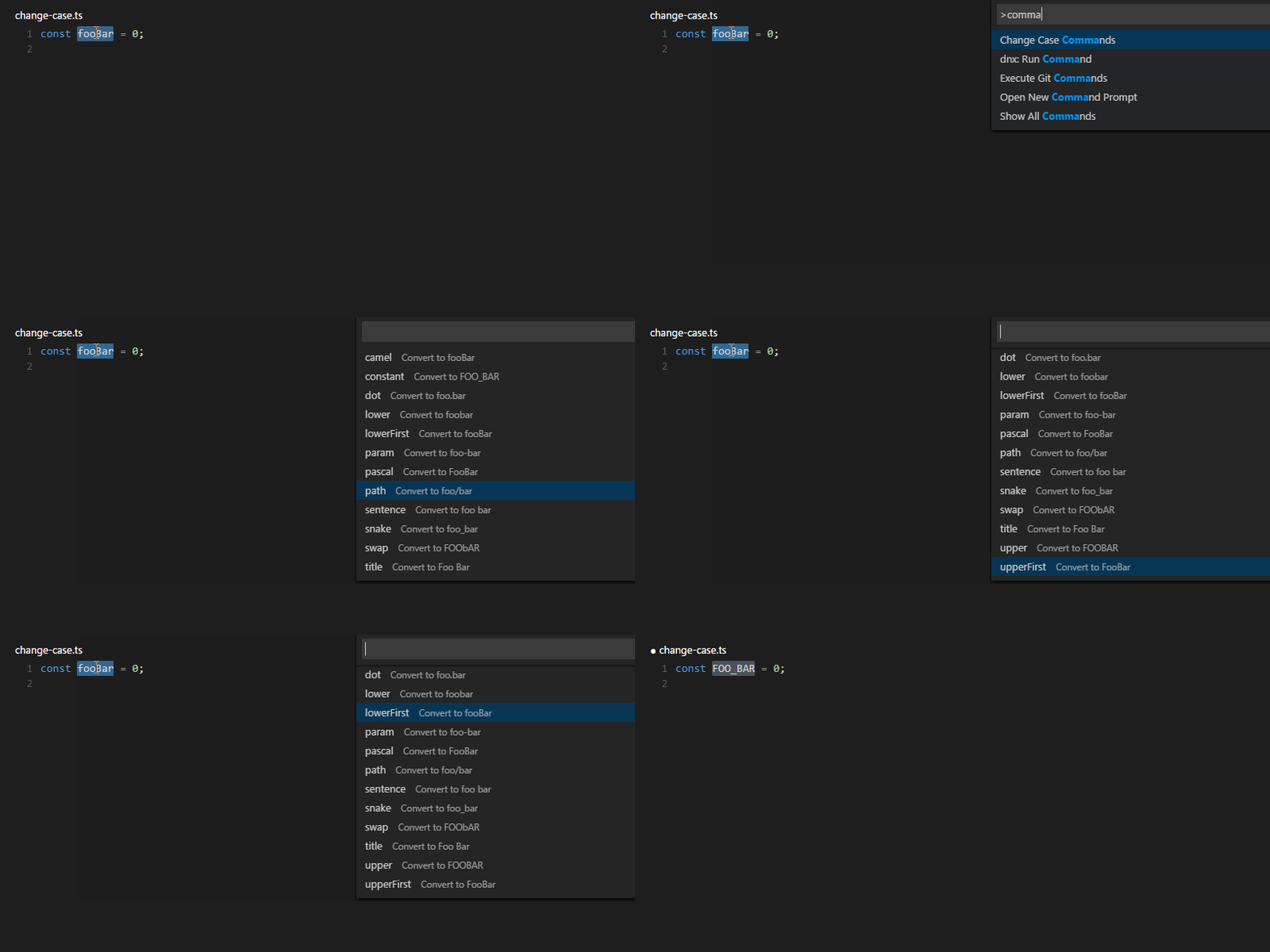
    For Visual Studio Code, a wrapper around node-change-case. Change the case of the current selection or word quickly.

    Install It

    Wrapping Up

    So there you have it: the top ten vs code extensions for React. I hope this article has assisted you in locating some of the best extensions for your React application development. These extensions can help you be more productive.

    Our Popular React Dashboard

    Similar Blogs

  • Top 15 Gatsby JS Themes & Templates You Need To Check Out In 2022

    Top 15 Gatsby JS Themes & Templates You Need To Check Out In 2022

    Are you a React developer looking for some of the best Gatsby JS Themes & Templates? Look no further! In this blog, we will showcase to you some of the best Gatsby JS Themes & Templates that you need to check out in 2022. But before we start looking at these themes & templates. Let us learn a thing or two about ‘what is Gatsby JS?’.

    What is Gatsby JS?

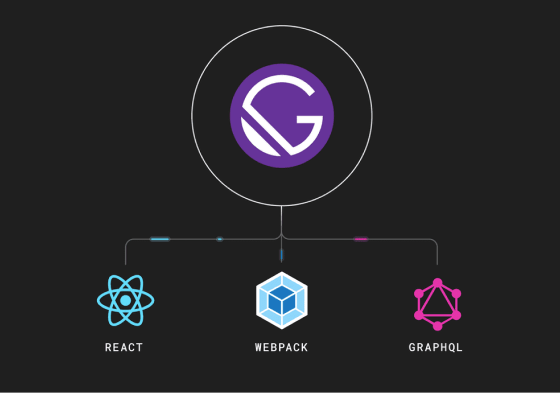
    Gatsby is a website generator that generates static pages (SSG). Since it generates static HTML, CSS, and JS files. When the page loads, the server returns them without any further queries or scripts. This framework for React uses technologies such as Webpack and GraphQL.

    gatsby js
    Gatsby.js

    Also, it is super fast and more secure.  is typically used to create static websites that are progressive web apps.
    Since it is built on React, it adheres to the most recent web standards. With the framework, you can create pages with dynamic content. This allows you to download real-time data from the server.

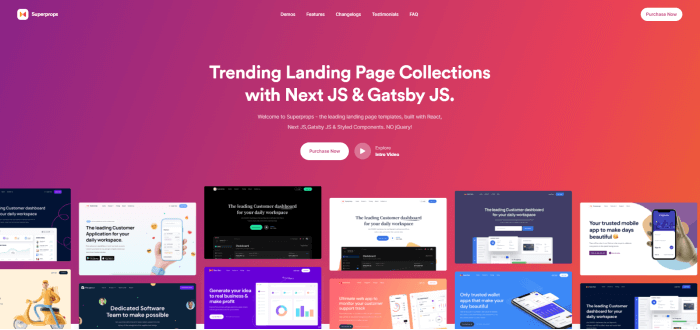
    1. SuperProps – React Landing Page Templates with Next JS & Gatsby JS

    superprops react gatsby js theme

    SuperProps is one of the top-selling React Landing Page Templates in the market. It is a React landing page with Next JS and Gatsby JS and has NO jQuery. Importantly, with this template, you will find a ton of variations, features, and layouts with Reusable components. Therefore, you will be able to create multiple landing pages with common components.

    For your React App, you can give it a try, because it is super easy to deploy. Also, with the template, you will find a complete firebase integration. You will be able to host your React app into firebase with other hosts like now.sh.

    More info / Download Live Preview

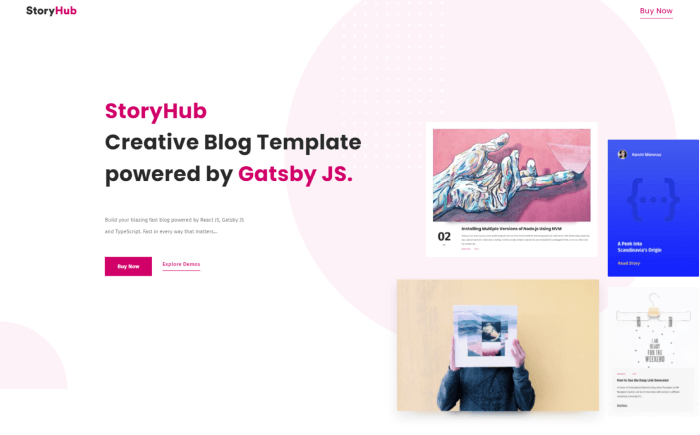
    2. StoryHub – React Gatsby Blog Template

    storyhub react gatsby blog template

    StoryHub is a blog template with React and Gatsby JS. It’s a fully functional static blog template. Also, It is blazingly fast and known for quick rendering. It supports the complete markdown format. You can host it anywhere, such as GitHub, S3, now.sh, and so on.

    Moreover, the template is very simple to use and performs even better than WordPress. It has reusable components and a modern mono repo architecture. These things allow you to build multiple apps with the same components. 

    More info / Download Live Preview

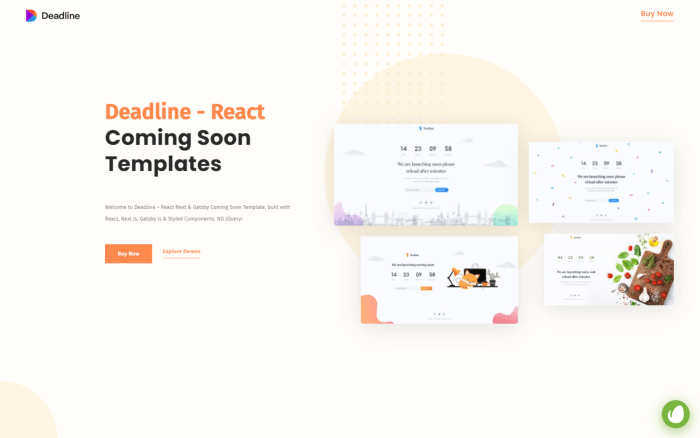
    3. Deadline – React Coming Soon Templates with Next JS & Gatsby JS

    Deadline

    Deadline is a React coming soon template with NextJS and GatsbyJS. The template includes a variety of layouts, and features, with Reusable components. Also, it supports multilingual and ‘RTL’ support for customers.

    It has SendGrid in its Newsletter/Contact Form template. And guess what! You can host the next app or the Gatsby app on any host.

    More info / Download Live Preview

    4. Bonx – React JS Gaming Website Template with Gatsby

    Bonx React Gatsby Gaming Website template

    Bonx is a gaming website template built with React JS. You can say it is a complete solution for your gaming website design needs. The template has a sleek and eye-catching design. And, it will help you promote your gaming team, gaming event, gaming blog, gaming community, and so on. Click the ‘More info’ button to learn more about the template.

    More info / Download Live Preview

    5. Cara – Gatsby Starter Portfolio Template (Free)

    cara free gatsby portfolio template

    Cara is a fun and colorful single-page portfolio template. It has animations and parallax effects. And, it is a Gatsby theme that will attract designers and photographers. So, if you are making one for them then make sure to check out this free template.

    GitHub Live Preview

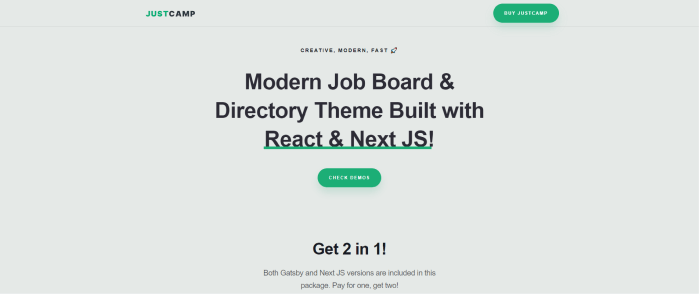
    6. Justcamp – React Gatsby & Next JS Job Board & Directory Template

    Justcamp React Gatsby Next JS Job Board Directory Template

    Justcamp is a job board & directory-related template with React, Gatsby, and NextJS. There is NO jQuery! And, it has reusable react components. Therefore, you can create multiple apps with common components. You can use these landing for your react app.

    Moreover, it includes a super-easy file management system to edit & deploy your landing pages faster & better.

    More info / Download Live Preview

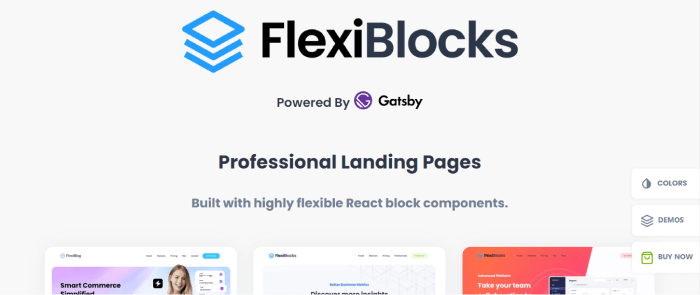
    7. FlexiBlocks – React Gatsby Landing Page Templates

    FlexiBlocks

    FlexiBlocks is another popular React Gatsby Landing Page Template on Themeforest. A beautiful template that you can customize with ease. Those looking for landing page templates specialized for SaaS platforms, fintech startups, consulting agencies, and so on should definitely give it a shot.

    It has hook-based React blocks that provide maximum flexibility. React Blocks can also generate a variety of layouts given the data props passed to them. Moreover, FlexiBlocks templates are super-fast and support all modern hosting providers. In short, with this template, you will find all the necessary files, inner pages, and layouts with maximum output.
    More info / Download Live Preview

    8. Ghost – Gatsby Starter (Free)

    With this open-source template, you can create blazingly fast, modern publications.

    gatsby ghost starter

    GitHub Live Preview

    10. Omega

    omega react gatsby landing page

    Omega is another good Landing Page template. It makes no use of jQuery. You will find a lot of reusable react components here. Also, it has super easy file management system. They are to edit & deploy your landing pages faster & better. So, make sure to check out.
    More info / Download Live Preview

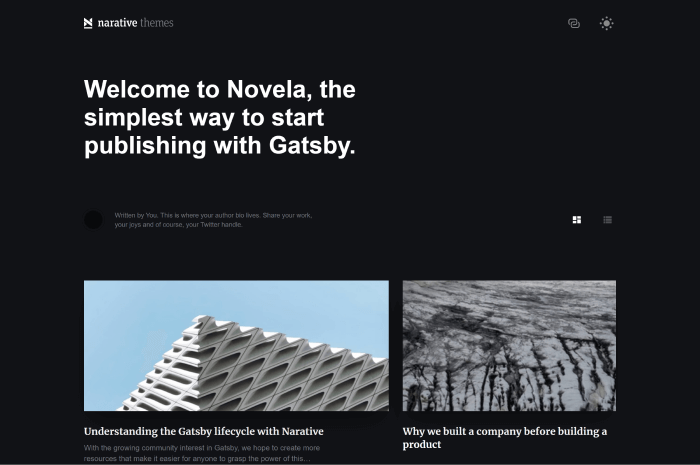
    11. Novela (Free)

    novela gatsby starter

    Novela is your simplest way to start publishing with Gatsby JS. Also, it has light and dark mode available.

    More info / Download

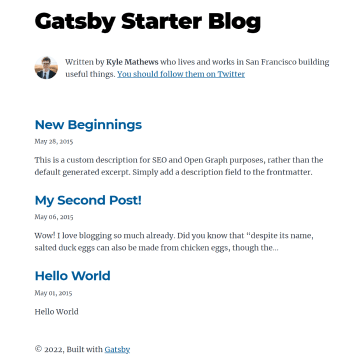
    12. Blog – Gatsby Starter (Free)

    gatsby blog starter official

    This is an official Blog Starter for Gatsby JS. It is both expandable and flexible to work with. Moreover, it provides a super-fast user experience (UX). Also, it can enable users to get notifications and updates with RSS Feed, Email Newsletter, and more.

    GitHub Live Preview

    13. Mitech – React Gatsby Technology & Blog Themes

    Mitech

    Mitech is an IT solution & Services Company Template with Gatsby. If you are looking for this type of template Mitech can be your go-to option. The template provides a ton of features including 3 header styles, 15+ sections, and 2+ footer styles. And, the best thing you are going to enjoy here is its cross-browsing compatibility and SEO friendliness.

    Also, it has a dynamic blog display. You can simply create a blog from a markdown file. Moreover, they have added a discussion comment system. If you want to create a successful venture Mitech can be a useful tool. So, go ahead and get Mitech as soon as possible.
    More info / Download Live Preview

    14. vHealth – Virtual Healthcare (Free)

    VHealth

    Vhealth is a fantastic modular. At the same time, it is a simple Gatsby template for your Healthcare Startup company.

    GitHub Live Preview

    15. TheRN

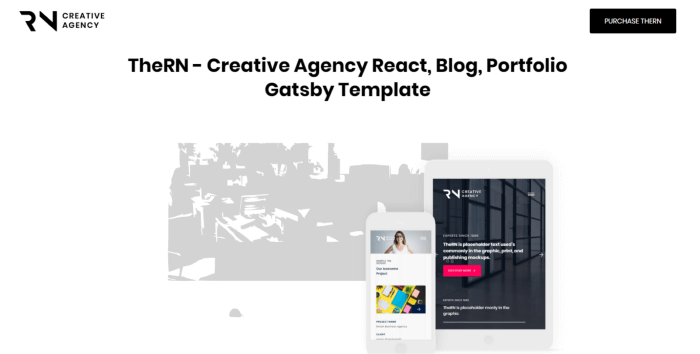
    TheRN Creative Agency Gatsby Portfolio

    TheRN is a creative agency template with React Gatsby. It contains Vertical Grid Line Base Design, Overlay Menu, etc. Also, it includes a lot of features including About, Project Details, Client Review, and more. The Company pages include a fantastic Teams section with high-quality animation.

    More info / Download Live Preview

    Our ReactJS Templates

    https://ui-lib.com/downloads/bazar-pro-react-nextjs-ecommerce-template/

    Similar Blogs

  • Top 15 Free & Premium React Native Templates in 2022

    Top 15 Free & Premium React Native Templates in 2022

    Are you looking for a single app that will work for both Android and iOS? With the help of both free or premium React Native Templates, you will be able to create an app that works for iOS and Android simultaneously. React Native is an advanced framework that works well for both. All you need to do is just deploy this single code base and it will do magic everywhere.

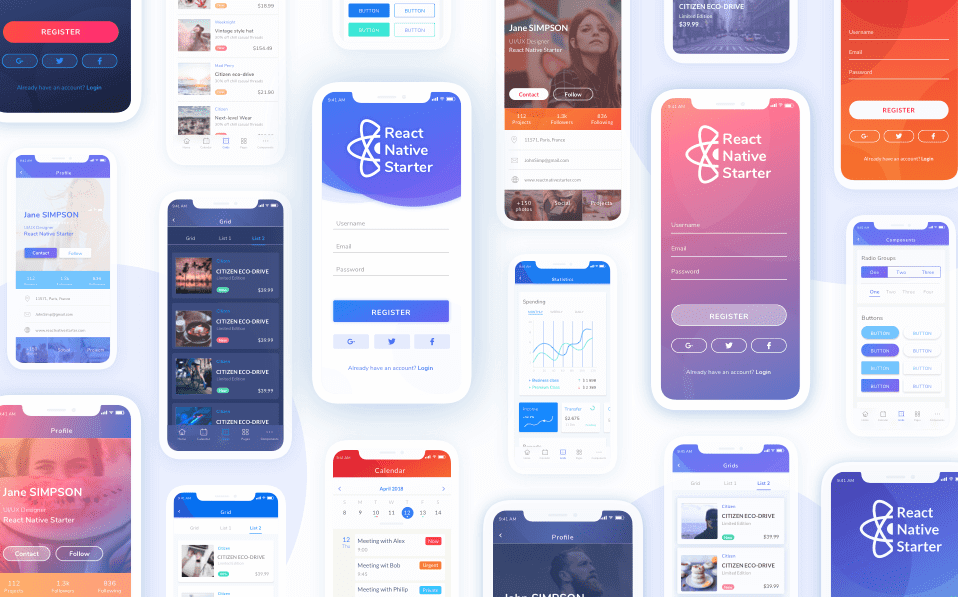
    react native starter

    Although React Native has simplified the process, creating an app from scratch isn’t easy. As a result, we’ve carefully curated the top 15 React Native Templates that will ensure success in the shortest amount of time.

    All of these templates have a solid code base, documentation, and set of design examples, which will significantly reduce your development costs. But first, We’d like to give you a quick overview of ‘what is React Native.’ 

    What is React Native?

    We all heard about React which is Facebook’s JavaScript toolkit for creating user interfaces for web applications. And, React Native is a JavaScript framework that is based on React. It allows us to create mobile apps for IOS and Android. With React Native we can create mobile applications using the familiar JavaScript library.

    Also, it is possible to share codes between different platforms with React Native allowing us to develop applications for both Android and IOS at the same time.

    React Native applications are written with JSX which is a mixture of JavaScript and XML-Esque markup. It invokes the native rendering API’s in Objectiv-C for IOS and Java for Android.

    React Native also exposes JavaScript interfaces for platform APIs, allowing your React Native apps to make use of platform capabilities such as the phone camera or the user’s location.

    The Best React Native App Templates on CodeCanyon

    Today, with nearly 200 templates available, CodeCanyon has the best React Native templates on the internet. Ratings and reviews assist you in selecting the best template for your project. Also, if you need assistance the extended support makes the templates’ developers available to you. So, here you will have most of the premium templates from CodeCanyon, and the rest of them are free.

    10 Premium React Native App Templates

    Let’s take a look at some of the best React Native mobile app templates on the internet. Please keep in mind that the list is not set up in any particular hierarchy.

    MStore Pro – eCommerce React Native Template

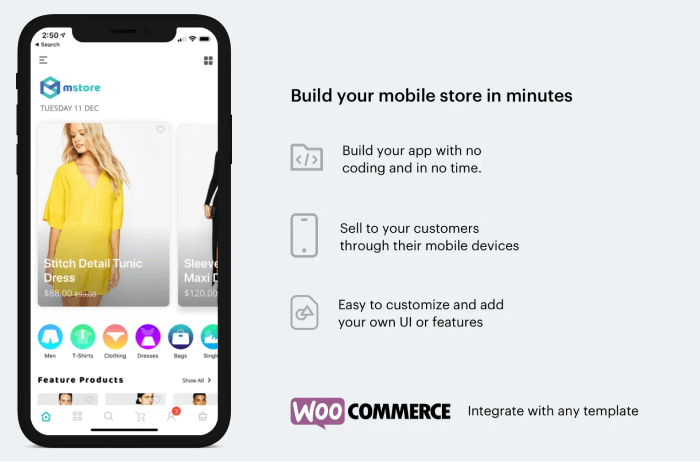
    mstore pro react native template

    MStore provides a variety of ready-to-use E-commerce templates. It is for those who own physical stores and developers. Developers who want to create a mobile store application. If you use WooCommerce for your online stores, MStore makes it simple to convert your existing websites to mobile store apps.

    Both the App Store and the Google Play Store will have your store’s mobile app. In comparison to a website on mobile, your mobile app will provide a better user experience with the template. Moreover, you don’t have to deal with any formatting issues.

    There is also an admin panel option, where you can control your store and manage customer orders. Also, your customers can connect with you and stay up to date on all of your store’s promotions and announcements.

    More info / Download

    Oreo Fashion – Full React Native App for Woocommerce

    OREO fashion

    OREO is a popular React Native app template. It is ideal for creating mobile apps for store owners. And, it is a popular option for turning a WooCommerce store into a native mobile store. Due to its features and user experience, it is so far one of the best in 2022.

    More info / Download

    We have a gift for you! 👇😊

    Gumpress is a free WooCommerce extension that lets you import Gumroad products into your store. It allows you to create a personalized gumroad storefront using any WooCommerce theme.

    Felix – Travel App Template

    felix travel

    Because travel apps are always in demand, why not create your own using the Felix Travel template? It can be used to book hotel reservations, tours, car rentals, flights and cruises, and more. The template includes a comprehensive and adaptable React Native UI kit. There are over 100 React Native sample screens and 40 reusable RN components to choose from. 

    More info / Download

    Rawal – React and Laravel Ecommerce Solution with POS for Single & Multiple Location Business Brand

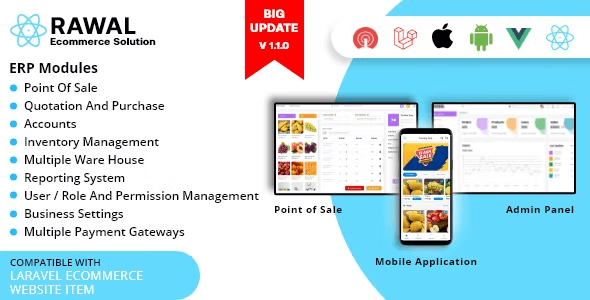
    rawal

    React eCommerce ensures that you have a slick home section to attract customers. You have customizable home screens, home sliders, and home banners for this. Customers can log in with their social accounts, share products, and even leave product ratings and reviews. The app fully supports multiple languages as well as multiple payment options in various currencies. It also includes a point-of-sale (POS), warehouse management, purchase, sale, and accounts modules.

    More info / Download

    Antiqueruby – React Native Material Design UI Components

    Antiqueruby

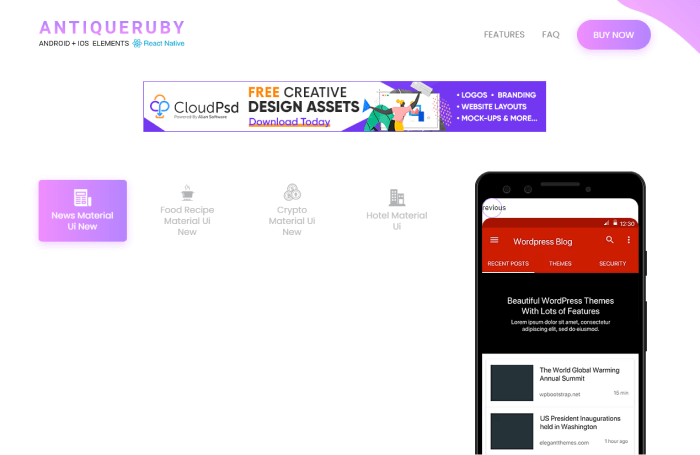
    Antiqueruby is a versatile React Native app template that will save you time when developing and customizing your app. This best-selling app template lets you easily create profiles, sign-ins and sign-ups, navigation, and more, with over 260 screens to choose from, all inspired by Material Design.

    More info / Download

    BeoNews Pro

    BeoNews Pro

    BeoNews Pro is a cool React Native Theme that allows users to create a mobile app from any of their WordPress site’s content, including video, photos, and blog posts. It accepts both Facebook and Google logins and stores user data on Firebase, which can be synchronized across devices.

    More info / Download

    Store Kit

    store kit

    Store Kit is an eCommerce React native UI template. It will save you a lot of time and money. Also, it includes a full home page, product list, product details, product search, and cart. A login screen, account, payment options, and many more. 

    More info / Download

    EvaStore – React Native Shopify Store 

    evastore

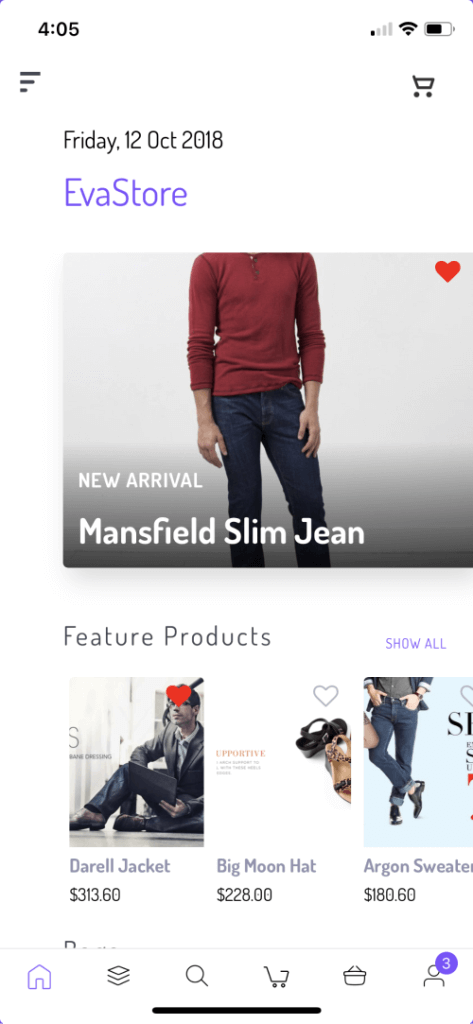
    EvaStore is a React Native mobile app design template that will help you convert your Shopify online store into a mobile app. To help you do this, you can choose a React mobile template from a massive library of templates. In addition, they come in many styles, each with a different look and feel and offering different types of navigation. 

    More info / Download

    Delivery Boy – React Native UI Template

    delivery boy

    Your delivery people can easily manage orders by using the Delivery Boy app, such as updating the order status and location. It includes more than 30 stunning and highly customizable screens. The source code is written in JavaScript and it will be easy for you to modify that.

    More info / Download

    ListApp

    listapp react native template

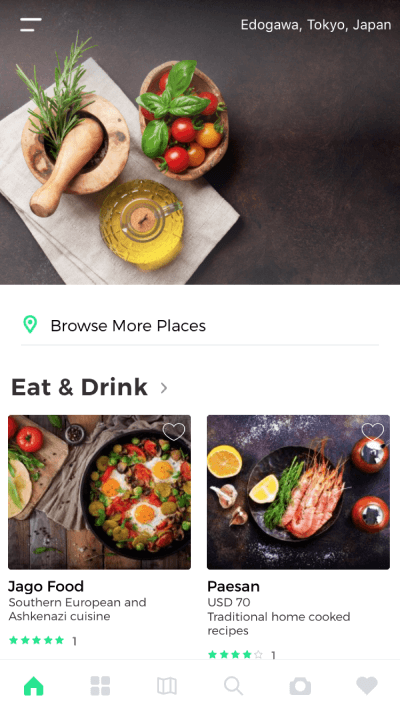
    ListApp is a great React Native mobile app design for developers. Developers who want to make an app with list content. This is the template for you if you want to make an app for the best restaurants, shops, or sights in a specific area. This app includes a map and booking features. Also, there you will find social login and the ability to track bookings.

    More info / Download

    5 Free React Native App Templates 

    Here are some free React Native templates if you just want to try out some of the free options first. You can use these to get begin your project or to learn something new.

    Argon React Native

    Argon React Native

    Argon is an open-source React Native app template with Galio.io and Expo. There are over 200 different components, such as buttons, inputs, cards, navigations, screens, etc. It’s a great option for a free React Native Expo template. Take a look at the GitHub repository.

    More info / Download GitHub

    React Native Starter Kit

    React Native Starter Kit

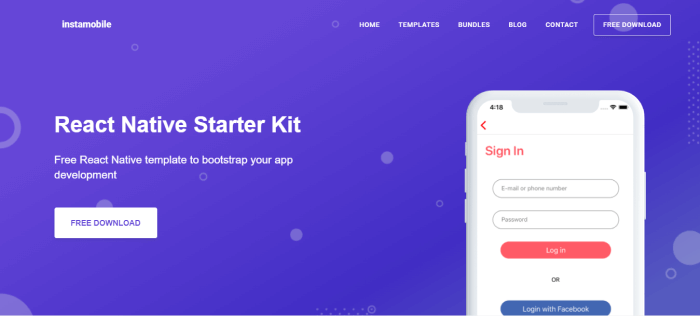
    This React Native Starter Kit will assist you in getting your next project off the ground! It includes a lot of the common React Native boilerplate features. Also, it can assist you in learning the language. It has a variety of popular user registration and login features, as well as popular SDK integrations. For example, Firebase and Facebook. Try out this starter kit if you need a free React Native home screen or full app template.

    More info / Download GitHub

    Food App Template

    food app react native template

    With this free app, users can browse food recipes, read descriptions of cooking steps, and see the ingredients. Users can also browse all of the recipes. Also, there is the comprehensive native search functionality. Furthermore, the data feed is modularized, allowing you to easily plug in your back-end.

    More info / Download GitHub

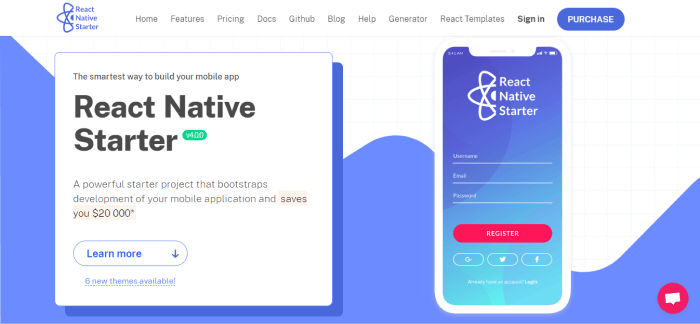
    React Native Starter

    react native starter

    Another template that makes it simple to get started with your app is React Native Starter. This frees you up to focus on the features that differentiate your product from the competition! This starter template includes several built-in components that make it simple for developers to create and deploy React Native apps. 

    More info / Download GitHub

    React Native Walkthrough Flow

    walkthrough template react native

    Get started with the development of your app by downloading this beautiful, fully coded React Native walkthrough flow template. Highly modularized, it supports an unlimited number of onboarding steps that can be added with only one line of code.

    More info / Download GitHub

    Our ReactJS Templates

    https://ui-lib.com/downloads/bazar-pro-react-nextjs-ecommerce-template/

    Similar Blogs

    About UI-Lib

    We build Admin templates, UI Kits, Landing Pages, and Design Systems with React, Angular, Vue, Bootstrap, Laravel, HTML, and more at UI-Lib.

  • Top 25 Free & Premium React Portfolio Templates In 2024

    Top 25 Free & Premium React Portfolio Templates In 2024

    Are you looking for a one-of-a-kind React portfolio template? Look no further! Here, we will help you find by carefully curating the Top 25 React Portfolio Templates that are available on the internet.

    A portfolio website acts as a mirror, reflecting your work and allowing people to admire or judge your abilities. Keeping your portfolio website up to date is always a good idea. People like to see that your skillset is growing over time.

    React is currently one of the most popular and up-to-date front-end JavaScript libraries. Therefore, using React to build your portfolio website will demonstrate that you’re already up-to-date in terms of web development. Also, React’s SEO benefits and faster performance will have a great impact on visitors.

    Best React Portfolio Template

    React Portfolio Templates are commonly used for faster performance and especially among developers. If you’re a developer or looking for an example to suggest an approach to your client/developer, this will surely help you to find the right one. Please keep in mind that the list you’re about to explore is in no particular order.

    Sandbox – React Next.js Template (Editor’s choice)

    Sandbox React landing pages offer a sleek and versatile site template, featuring Next.js, Bootstrap 5, and SASS for seamless setup. With 34 unique home pages, 130+ pre-made blocks, and 100+ coded pages, it caters to various purposes from business to portfolios. This SEO-ready, retina-ready design includes UI elements, modern portfolio layouts, and smooth-scroll one-page options. It also boasts responsive layouts, a mega menu, video support, and more. Create an impressive website easily and quickly to share your stories with the world.

    • 34 unique home pages
    • 130+ pre-made blocks
    • 100+ coded pages
    • Modern portfolio layouts
    • Smooth-scroll one-page options
    • Next.js, Bootstrap 5, and SASS

    More info / Download

    PagePulse – Free React Landing page bundle by UI Lib

    PagePulse - Free Landing page template bundle

    PagePulse is a sleek and customizable landing page template tailored for today’s SaaS and product-driven businesses. With its clean, minimalistic design, this template utilizes React Material UI and the Create React App, ensuring an efficient and smooth development process. The template’s modular structure breaks down each section into individual JSX and SCSS files, allowing for effortless customization and reuse of components to match your unique needs. Perfectly designed for modern applications, React Landing offers a professional and user-friendly solution to elevate your online presence.

    More info / Download

    1. Trydo – Creative Agency React Portfolio Template

    trydo react portfolio template

    Trydo is a creative agency and React portfolio template. It is a component-based and developer-friendly template with a modern approach & pure JavaScript and has NO jQuery. And, as it is built using React.js, therefore it takes less loading time.

    The template includes 19+ home variations, and more variations are on the way. Moreover, it has React Icons, good documentation, google fonts, cross-browser support, inner pages, blog pages, and so on.

    More info / Download

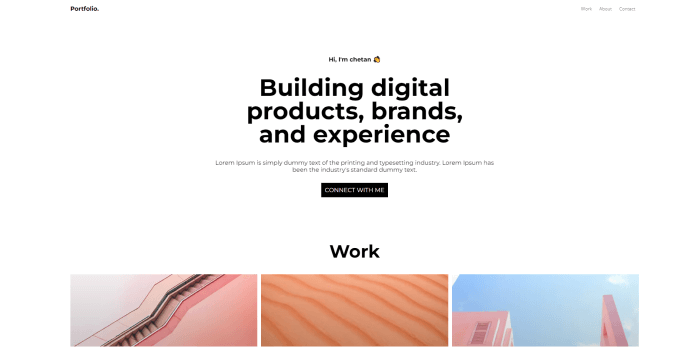
    2. Modern React Portfolio Template (FREE)

    Modern React Portfolio Template free

    Developers will love this free yet clean, beautiful, minimal, and responsive portfolio template!

    More info / Download

    3. John – React Portfolio Template (Minimal Onepage)

    john react portfolio template

    John is a Single Page Minimal React Portfolio Template. The template used NO jQuery. You’ll find all the latest tools here. So, it will be easy for you to create some modern React Apps with it. Especially, the deployments are easy and its outputs are blazingly fast, and there’s firebase integration.

    Moreover, the clean professional codes will make it worthy enough to work, and invest your time in customization. You will find a working contact form, responsive layouts, multiple blog pages, super documentation, a smooth transition effect, and so on.

    More info / Download Live Preview

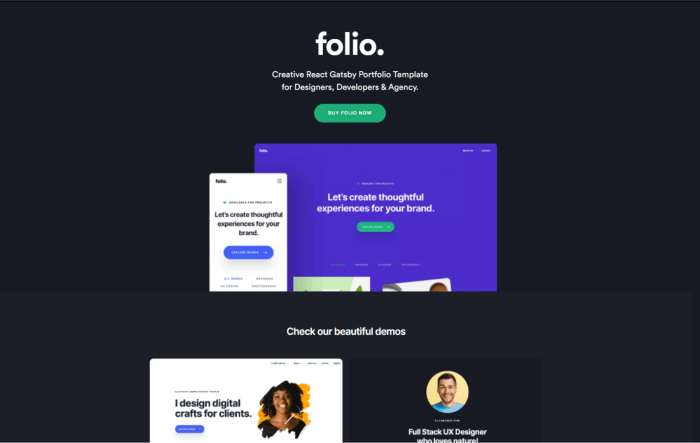
    4. Folio – Creative React Gatsby Portfolio Template

    folio react gatsby portfolio template

    Folio Creative React Gatsby Portfolio Template is built using React, Gatsby Js, and Styled Components. Flant contains and makes no use of jQuery. Also, it has reusable react components. So, you can build multiple apps with standard components.

    You can use these landing for your react app. Moreover, it has a super simple file management system to help you edit and deploy your portfolio website faster and better.

    More info / Download

    5. Unice – React Next Creative Agency and Portfolio Landing

    unice react next portfolio templates

    Unice is a responsive multipurpose Next.js template. With the template, you will get tons of features with different essential pages. Create a personal resume or a food recipe website, Unice can do it all. Often we see that multipurpose templates have an average layout for every category. However, in terms of design and features, Unice stands out.

    The template provides more than 30 portfolio layouts, over 25 blog layouts, 10+ header styles, and a lot more. Like the template John, Unice also used NO jQuery. Also, with the template, you will get fully responsive, SEO-optimized pages and a life update.

    More info / Download

    6. SPA Portfolio Template (Free)

    SPA Porfolio template

    This is a simple SPA React Portfolio template for developers and designers. You can use it to show clients your work, testimonials, and other information.

    More info / Download

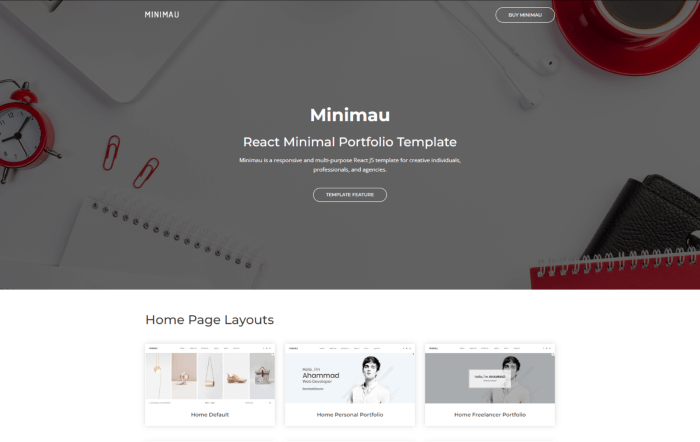
    7. Minimau – React Portfolio Template (Minimal)

    minimau react minimal portfolio template

    Minimau is another outstanding React Minimal Portfolio Template. It is a multi-purpose template that is responsive. The eye-catching, pixel-perfect design is sure to catch everyone’s attention. In addition, Minimau is a creative and modern design that looks great and innovative. Meanwhile, its available 4 variations in color schemes will help you to ensure your website content looks visually stunning.

    More info / Download

    8. Dolio – React JS Personal Portfolio Template

    Dolio

    Dolio is a React JS Template for a variety of purposes. The template is ideal for designers, developers, freelancers, artists, illustrators, photographers, and others. In short, anyone who needs an appealing and efficient way to share their work and services with clients should definitely give it a shot. Check out the template by clicking the button below.

    More info / Download

    9. Bizkar – React Multipurpose Portfolio Template

    bizkar portfolio template react multipurpose

    Bizkar is a Multi-Purpose Creative React Template. It is suitable especially for corporate and personal business websites, creative portfolios, landing pages, SEO, agency, marketing, consulting, start-up, portfolio showcases, and product service presentations.

    More info / Download

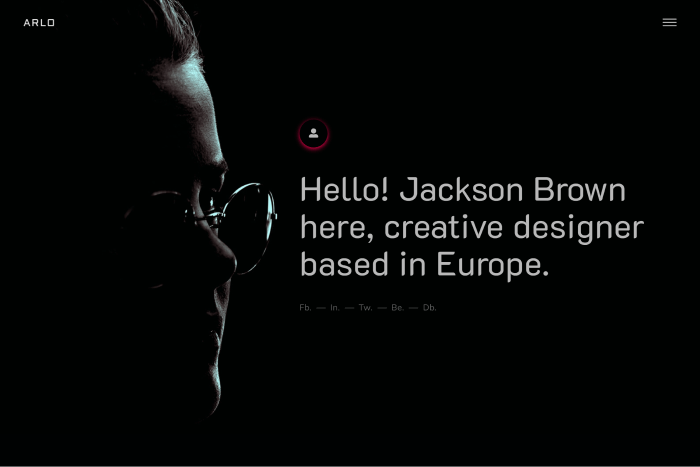
    10. Arlo – Personal Portfolio React Template

    Arlo

    Arlo is a multipurpose personal portfolio React template. It is a creative, minimal, and clean design. Also, it has all of the features of the portfolio and business website. Suitable for any portfolio, startup business, companies, agencies, etc. For those who need a professional way to showcase their projects, this can most certainly help. There are over 8 demo pages and many more cool features.

    More info / Download

    11. Retro

    Retro

    Retro is a simple React Bootstrap personal portfolio/CV/Resume website template with NO jQuery. Especially for those who want to build their portfolio site as a UI/UX designer or Developer. Also, it is in accordance with the current design trends. There are React, Bootstrap, and SaSS to help you easily create your dream website with efficiency. The code is well-organized, has few animations, and is simple to modify.

    More info / Download

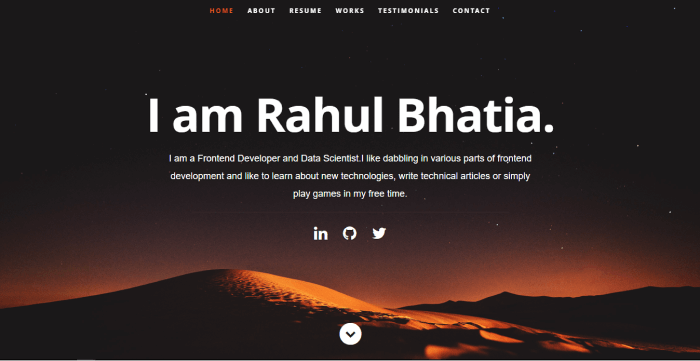
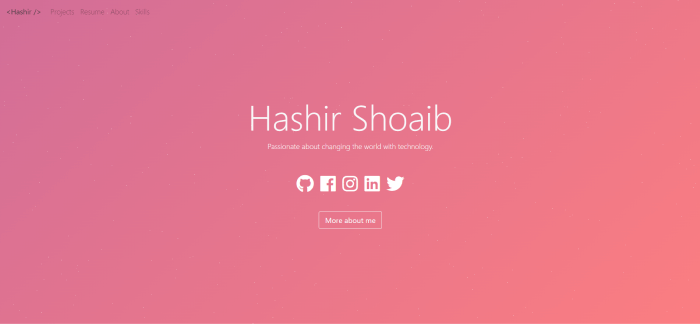
    12. React Personal Portfolio Template by Hashir Shoaeb (Free)

    opensource react portfolio template

    It is a simple personal website/portfolio template built using React and Bootstrap. It has a very minimal yet interesting color-changing animation that anyone will feel comfortable looking into. Especially, it will be suitable for coders.

    More info / Download

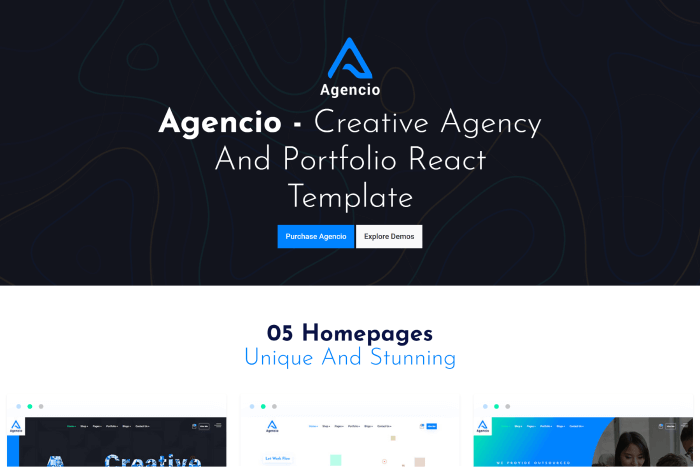
    13. Agencio – React Portfolio Template

    Angecio React Portfolio Template

    Agencio is a creative agency & portfolio React template with Reactstrap. It is a developer-friendly template with some really cool layouts and examples. Besides, it has a modern approach and a faster loading time. You can use the template for creative agencies, personal portfolios, digital agencies, businesses, startups, studio agencies, and more.

    More info / Download

    14. Palun – Portfolio ReactJS Template

    Palun

    Palun is yet another excellent React Portfolio Template designed for a modern, freelance Designer, Web Developer, Corporate Person, or any other type of creative person who requires an online portfolio. Here, you’ll find a proper documentation folder to help you navigate the code.

    More info / Download

    15. Brook

    brook react multipurpose template

    Brook is another creative React JS multipurpose template. It is a useful and versatile template with more than 12 stunning homepages. For your website, you can use any of its template examples or mix content from different home pages.

    More info / Download

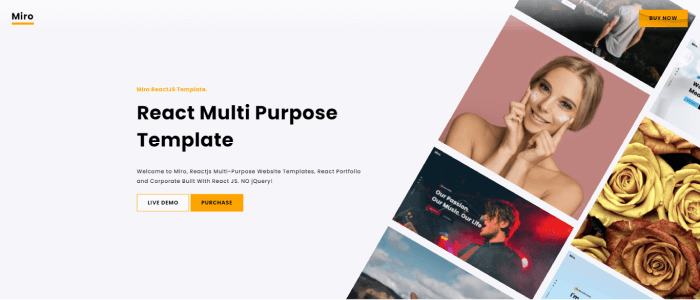
    16. Miro

    Miro React Portfolio Template

    Miro is a responsive one-page portfolio layout that can be used to show off your creativity. There are over
    6 Home Pages Variants, Creative Portfolio, Transitions Page Animations. Furthermore, it allows you to edit the colors of elements of free will. Also, the template touches almost all common sectors that people commonly search for.

    More info / Download

    17. Tumho – Mobile-Friendly React Template

    tumho react porfolio template

    Tumho is a mobile-friendly React Template. It’s a modern template for a portfolio, resume website, and other similar purposes. It’s also a highly customizable template that looks great on tablets and mobile phones. They attempted to incorporate all of the best web development practices. So, now you can create a great website layout.

    More info / Download

    18. Deneb

    deneb react portfolio template

    Deneb is a React JS Theme for Digital Agencies that was created with all types of agencies in mind. It adheres to W3C standards. Also, it provides good documentation. Moreover, it is very easy to use and has a lot of customization options. Therefore, you can easily edit and customize the files as you need.

    More info / Download

    19. Strada

    Strada

    Strada is a creative portfolio template for your agency or a resume. Bootstrap, ReactJS, SASS, and VanillaJS were used to create it. It combines a unique set of designs with smooth animations to give you the best experience.

    More info / Download

    20. Oxer – React Bootstrap Portfolio Template Minimal

    oxer react bootstrap portfolio template

    Oxer is a responsive React portfolio template with Bootstrap. It is a simple design that can be very useful for you. Importantly, you can use it undoubtedly for any activity. Moreover, there is plenty of room for information and a design that can be an excellent choice. Now, if you want to present your activity on the internet with a contemporary approach. This item is built using the most recent React framework. So, you’re going to get a great result.

    More info / Download

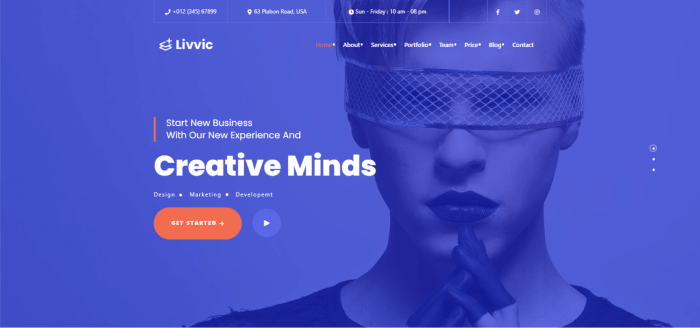
    21. Livvic

    Livvic

    Livvic is a studio and portfolio ReactJS template. It is a template perfect for digital portfolios and commercial websites. Everyone who needs a quick and efficient solution to start an online digital portfolio or web studio business can use the template. Subsequently, it can make your business life a whole lot easier.

    More info / Download

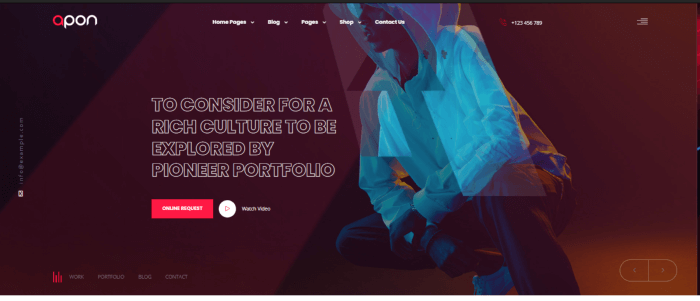
    22. Apon – Unique Portfolio Template

    Apon

    Apon is a unique portfolio template. You can use it for any kind of portfolio website. To name a few, Personal, Agency Photography portfolios, etc. The template includes all of the files needed to create your stunning website. Also, it is responsive on virtually any screen size. So, this way you can worry less about the interface. And, concentrate on what’s more important.

    More info / Download

    23. Bolby – React Personal Portfolio CV/Resume Template

    Bolby

    Bolby is a React Bootstrap personal portfolio/CV/Resume website template. It is especially for those who want to build up their portfolio site. Also, it is in accordance with the current design trends. There you will find React, Bootstrap, and SaSS to easily help you to create your dream website with efficiency. The code has proper orientation and is easy to customize.

    More info / Download

    24. Follio – Multipurpose React Template

    folio react portfolio template

    Follio also has a version that only uses ReactJS. It allows you to build a powerful Portfolio website. The Portfolio niche, Latest Portfolio, Service, Project, Team page, and blog page are all custom-made pages in the Template layout.

    Most importantly, there is no doubt that the template will improve the appearance and appeal of your website to visitors. It includes high-quality React files. these files have good documentation and are appropriately named. Which makes it very simple to change any of the designs.

    More info / Download

    25. Gloxy – Personal Portfolio Template

    Gloxy Responsive React Portfolio Template

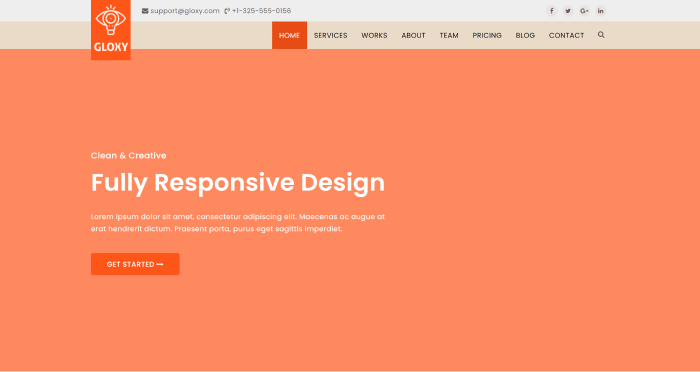
    Gloxy is a new modern React Gatsby template for Creative Multipurpose Portfolio. The template includes four different homepage designs, as well as a blog and blog details pages. It looks beautifully stunning on all types of screens and devices including Windows, Mac, iOS, Android, etc. Make sure to have a look.

    More info / Download

    Our ReactJS Templates

    Similar Blogs

    About UI-Lib

    We build Admin templates, UI Kits, Landing Pages, and Design Systems with React, Angular, Vue, Bootstrap, Laravel, HTML, and more at UI-Lib.

  • Top ReactJS Table Libraries in 2022

    Top ReactJS Table Libraries in 2022

    Tables are common in web applications. As there are so many free table libraries available, creating and styling a Reactjs table manually is not necessary. So, we’ve carefully chosen a list of the top ReactJS table libraries. We’ll go through all the benefits and drawbacks of each library. Also, we will learn all the installation processes and examples.

    As React has such a large ecosystem, there are numerous third-party reactjs table libraries. So, let us look at some of the best Reactjs Table Libraries.

    1. Material Table – Reactjs Table

    In a React application, the material table is a powerful way to represent data in a table format. Moreover, the elements are styled by Material UI guidelines. It is one of the most popular open-source libraries in the React space and offers a variety of individual components. Depending on the complexity, we can use these components to tackle the styling. This library’s most recent version requires a minimum React version of 16.8.5.

    Install the library in a React app from a terminal window and run the following commands to see it in action:

    yarn add material-table @material-ui/core

    Then include Material Icons. There are two approaches to this. The first method is to simply import the Material Icons font into the file using HTML. public/index.html:

    <link
      rel="stylesheet"
      href="https://fonts.googleapis.com/icon?family=Material+Icons"
    />

    Alternatively, you can install the @material-ui/icons package in the React app:

    yarn add @material-ui/icons

    The data provided to a React app in a real-world application comes from an external API. Inside the src/ directory, create a new file called  data.js  and add the following code snippet:

    export const data = [
      {
        id: 1,
        title: 'The Hunger Games',
        authors: 'Suzanne Collins',
        num_pages: 374,
        rating: 4.33
      },
      {
        id: 2,
        title: 'Harry Potter and the Order of the Phoenix',
        authors: 'J.K. Rowling',
        num_pages: 870,
        rating: 4.48
      },
      {
        id: 3,
        title: 'To Kill a Mockingbird',
        authors: 'Harper Lee',
        num_pages: 324,
        rating: 4.27
      },
      {
        id: 4,
        title: 'Pride and Prejudice',
        authors: 'Jane Austen',
        num_pages: 279,
        rating: 4.25
      },
      {
        id: 5,
        title: 'Twilight',
        authors: 'Stephenie Meyer',
        num_pages: 498,
        rating: 3.58
      },
      {
        id: 6,
        title: 'The Book Thief',
        authors: 'Markus Zusak',
        num_pages: 552,
        rating: 4.36
      }
    ];

    Then create a new file called MTable.js and import the material-table library and the array of dummy data:

    import MaterialTable from 'material-table';
    import { data } from '../data';

    Since material-table is a React component, you can define a custom component like this:

    const MTable = () => {
      //...
    };
    export default MTable;

    The material-table library anticipates receiving two props. The prop  data  is used to display the data in a row format. The number of columns is defined by another prop  columns . It is an array that expects the title of each column as the heading of the specific column and the original  field:

    const columns = [
      { title: 'Title', field: 'title' },
      { title: 'Author', field: 'authors' },
      { title: 'Page Count', field: 'num_pages' },
      { title: 'Rating', field: 'rating' }
    ];

    A third prop on the<MaterialTable /> a component called  title can be used to give the table a title as shown below:

    return (
      <div style={{ maxWidth: '100%' }}>
        <MaterialTable columns={columns} data={data} title='Books Directory' />
      </div>
    );

    To see it in action, import the custom table component in the App.js file:

    import MTable from './components/MTable';
    function App() {
      return (
        <div style={{ padding: '30px' }}>
          <h1>Material Table Example</h1>
          <MTable />
        </div>
      );
    }
    export default App;

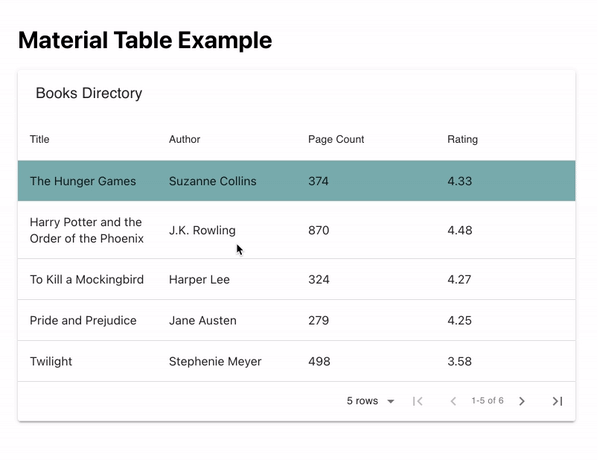
    By default, the material-table library displays a search bar and pagination.

    reactjs table library - material table example

    You can customize the view of the table by adding a fourth prop called options that is an object and is used to customize the table.

    Add the following prop to <MaterialTable/>:

    import { useState } from 'react';
    import MaterialTable from 'material-table';
    import { data } from '../data';
    const MTable = () => {
      const [selectedRow, setSelectedRow] = useState(null);
      const columns = [
        { title: 'Title', field: 'title' },
        { title: 'Author', field: 'authors' },
        { title: 'Page Count', field: 'num_pages' },
        { title: 'Rating', field: 'rating' }
      ];
      return (
        <div style={{ maxWidth: '100%' }}>
          <MaterialTable
            columns={columns}
            data={data}
            title='Books Directory'
            onRowClick={(evt, selectedRow) =>
              setSelectedRow(selectedRow.tableData.id)
            }
            options={{
              search: false,
              rowStyle: rowData => ({
                backgroundColor:
                  selectedRow === rowData.tableData.id ? '#67aeae' : '#FFF'
              })
            }}
          />
        </div>
      );
    };
    export default MTable;

    Here is the output:

    reactjs table example

    GitHub Official Documentation

    2. React Bootstrap Table2

    If you’re using Bootstrap-based UI components in your React app, react-react-bootstrap-table2 is a perfect match for displaying data tables and using the same design system. It has a cleaner design and a smaller bundle size, which eliminates the need to handle too much business logic.

    To install it in a React app, run the following command from a terminal window:

    yarn add react-bootstrap-table-next

    Then, import the Bootstrap CSS library into the React app. This is usually done inside the App.js or index.js file:

    import 'react-bootstrap-table-next/dist/react-bootstrap-table2.min.css';

    Then, create a custom component file called BTable.js and import the component BootstrapTable from the react-bootstrap-table-next library.

    import BootstrapTable from 'react-bootstrap-table-next';
    import { data } from '../data';

    Each data array field you want to display as an object is here as an array. The value of  dataField  reflects the actual field from the  data  array, while the text  in each object represents the custom header name of each column:

    const BTable = () => {
      const columns = [
        { text: 'Title', dataField: 'title' },
        { text: 'Author', dataField: 'authors' },
        { text: 'Page Count', dataField: 'num_pages' },
        { text: 'Rating', dataField: 'rating' }
      ];
      return (
        <div style={{ maxWidth: '100%' }}>
          <BootstrapTable columns={columns} data={data} keyField='id' />
        </div>
      );
    };
    export default BTable;

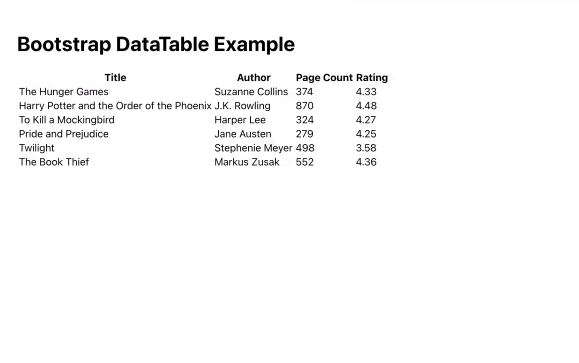
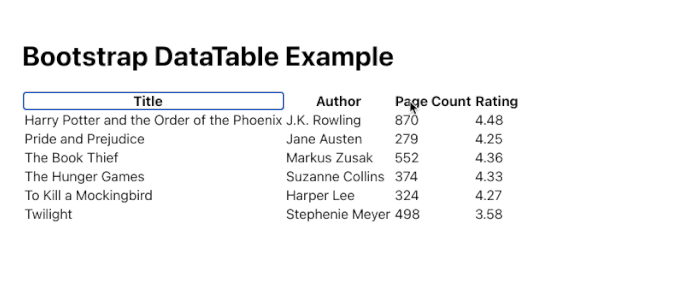
    Here is a basic table output:

    reactjs table bootstrap datatable

    There are two methods for creating custom settings. The first is to provide fundamental capabilities such as sorting data in columns here, in this manner:

    const columns = [
      { text: 'Title', dataField: 'title', sort: true },
      { text: 'Author', dataField: 'authors' },
      { text: 'Page Count', dataField: 'num_pages' },
      { text: 'Rating', dataField: 'rating', sort: true }
    ];

    In the preceding code snippet, we add a third property sort with a boolean value of true to the data fields title and rating. This enables sorting in these two columns based on ascending and descending values.

    bootstrap data table example

    GitHub Official Documentation

    3. MUI Datatables

    This list includes yet another Material UI-based data table component. If you’re using a Material UI-based design system in your React project, MUI-Datatables is a great way to represent data tables. Filtering, row selection, searching, exporting to CSV format, sorting, and other features are available.

    To see it in action, install it in a React project first:

    yarn add mui-datatables @material-ui/core @material-ui/icons

    Then, in MUITable.js, create a custom component file and import the component frommui-datatables. Let’s use the same dummy data set to display the data inside the table component, so import it from thesrc/data.jsfile as well:

    import MUIDataTable from 'mui-datatables';
    import { data } from '../data';

    columns are here as an array, and each field from the data array that you want to display as an object is here as an object. Each object’s label represents the column’s custom header name:

    const MUITable = () => {
      const columns = [
        { label: 'Title', name: 'title' },
        { label: 'Author', name: 'authors' },
        { label: 'Page Count', name: 'num_pages', options: { sort: true } },
        { label: 'Rating', name: 'rating' }
      ];
      const options = {
        filterType: 'checkbox'
      };
      return (
        <div style={{ maxWidth: '100%' }}>
          <MUIDataTable
            columns={columns}
            data={data}
            title='Books Directory'
            options={options}
          />
        </div>
      );
    };
    export default MUITable;
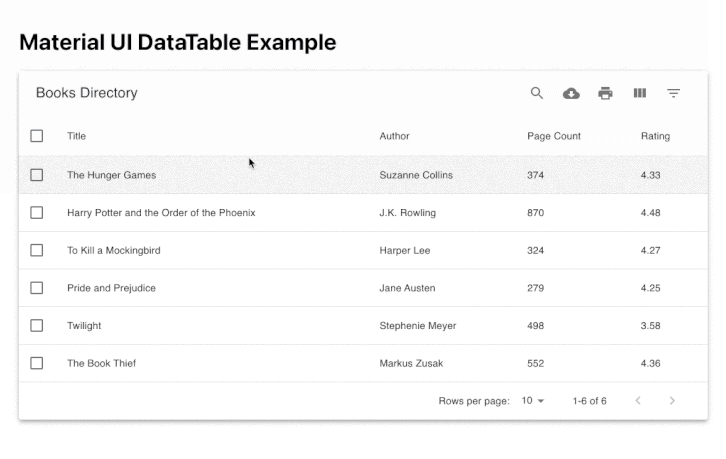
    material ui datatable

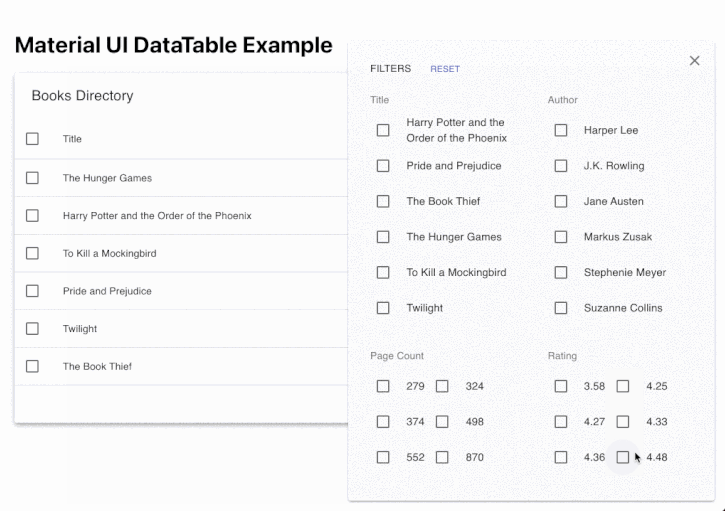
    Other features such as searching, hiding a specific column, and filtering a value are also here.

    material ui datatable

    GitHub Official Documentation

    4. react virtualized – Reactjs Table

    This is now a multi-purpose component library that supports large lists and tables of data. It supports simple table forms as well as grid, masonry, list, and collection formats for data tables. Because it supports a variety of formats and dynamic data lists, it is one of the most popular open-source component libraries on this list.

    Install it in a React app by running the following command from a terminal window:

    yarn add react-virtualized

    Now you have to import react-virtualized/styles.css:

    import { Column, Table } from 'react-virtualized';
    import 'react-virtualized/styles.css';
    import { data } from '../data';

    The Column component shows each component. It accepts a label prop that projects the header title of the column. The dataKey prop represents the field in the data array and a custom value for width for each column:

    const RVTable = () => {
      return (
        <div style={{ maxWidth: '100%' }}>
          <Table
            headerHeight={20}
            width={920}
            height={300}
            rowHeight={30}
            rowGetter={({ index }) => data[index]}
            rowCount={data.length}
          >
            <Column label='Title' dataKey='title' width={400} />
            <Column label='Author' dataKey='authors' width={200} />
            <Column label='Pages' dataKey='num_pages' width={100} />
            <Column label='Rating' dataKey='rating' width={100} />
          </Table>
        </div>
      );
    };
    export default RVTable;

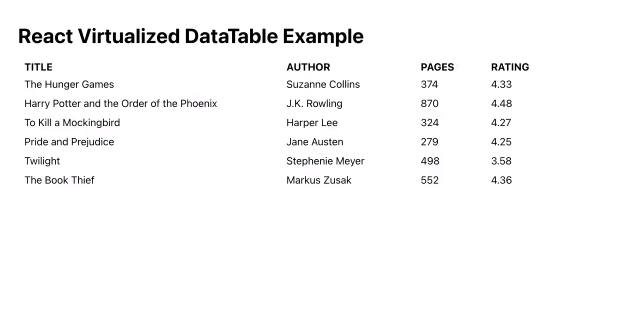
    Here is the output:

    reactjs example virtualized datatable

    GitHub Official Documentation

    5. React Table – Reactjs Table

    React Table is a small package that allows you to display data in a table format. It is a utility library rather than a table component library, as are the other libraries on this list.

    To see it in action, first install it in a terminal window by typing the following command:

    yarn add react-table

    Then, name your custom component file RTTable.js. Because it supports React hooks, import the hook useTable from the the react-table library.

    import BootstrapTable from 'react-bootstrap-table-next';
    import { data } from '../data';

    To define the structure of the columns of the table, add the following:

    const RTTable = () => {
      const columns = [
        {
          Header: 'Title',
          accessor: 'title'
        },
        {
          Header: 'Author',
          accessor: 'authors'
        },
        {
          Header: 'Pages',
          accessor: 'num_pages'
        },
        {
          Header: 'Rating',
          accessor: 'rating'
        }
      ];
      //...
    };
    export default RTTable;

    The accessor property has the same value as the key in the data array. To ensure that the array of data is recreated on every render, React Table library recommends the use of the useMemo hook.

    import { useMemo } from 'react';
    import { useTable } from 'react-table';
    import { data as mockData } from '../data';
    const RTTable = () => {
      const data = useMemo(() => mockData, []);
      const columns = useMemo(
        () => [
          {
            Header: 'Title',
            accessor: 'title'
          },
          {
            Header: 'Author',
            accessor: 'authors'
          },
          {
            Header: 'Pages',
            accessor: 'num_pages'
          },
          {
            Header: 'Rating',
            accessor: 'rating'
          }
        ],
        []
      );
      // ...
    };

    Only when the memoized value is changed does React Table calculate the columns based on the data provided. After defining the columns and data array, pass them as arguments to the useTable hook to create a table instance.

    const tableInstance = useTable({ columns, data });
    const {
      getTableProps,
      getTableBodyProps,
      headerGroups,
      rows,
      prepareRow
    } = tableInstance;
    return (
      <table {...getTableProps()} style={{ border: 'solid 1px blue' }}>
        <thead>
          {headerGroups.map(headerGroup => (
            <tr {...headerGroup.getHeaderGroupProps()}>
              {headerGroup.headers.map(column => (
                <th
                  {...column.getHeaderProps()}
                  style={{
                    background: '#657',
                    color: 'white',
                    fontWeight: 'bold'
                  }}
                >
                  {column.render('Header')}
                </th>
              ))}
            </tr>
          ))}
        </thead>
        <tbody {...getTableBodyProps()}>
          {rows.map(row => {
            prepareRow(row);
            return (
              <tr {...row.getRowProps()}>
                {row.cells.map(cell => {
                  return (
                    <td
                      {...cell.getCellProps()}
                      style={{
                        padding: '10px',
                        border: 'solid 0.6px gray',
                        background: '#fff'
                      }}
                    >
                      {cell.render('Cell')}
                    </td>
                  );
                })}
              </tr>
            );
          })}
        </tbody>
      </table>
    );

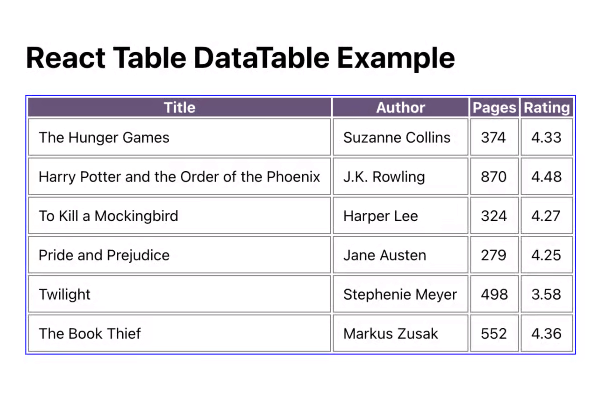
    Here is the output for the above basic example:

    React table datatable example

    GitHub  Official Documentation Examples 

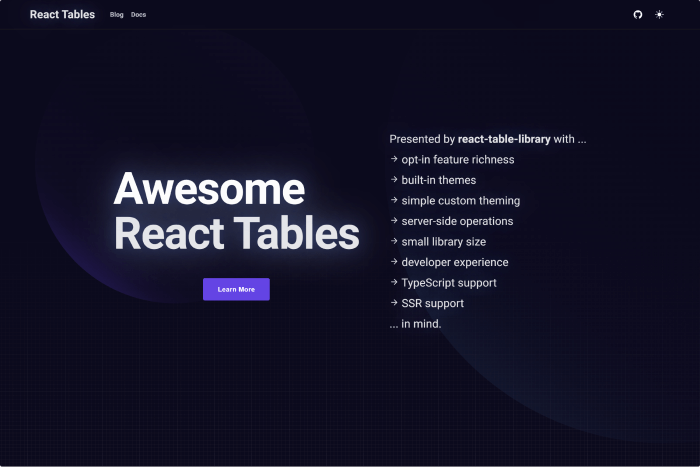
    A Bonus React Table Library – Awesome React Tables 👌🥳

    Awesome React Tables

    GitHub Official Documentation Examples

    Wrapping Up

    These component libraries’ purpose is to provide a good development experience while allowing you to represent data in a table. Because of the development costs, some of the integrations these libraries provide are difficult to establish from scratch. Therefore, we’ve gone over all of the steps you’ll need to take to put them into action. With these items, we conclude this blog post on Best React Table Libraries.

    Thank you for reading.

    Our Reactjs Product

    Similar Blog Posts