Category: General

This archive is about general topics on programming, software, tech industries, and a lot more. Learn about the tech industry and various things related to it. Also, here you’ll find hundreds of listicles on the best templates or examples available on the internet.

  • 10 Web App Ideas for Small Businesses in 2022

    10 Web App Ideas for Small Businesses in 2022

    Are you a web developer looking for a new web app idea to start your startup career? Look no further! In this blog, we will be looking at the top 10 Web App Ideas for Small Businesses in 2022.

    Online startups are the newest way to break into the business world. And, it is also the way to make a difference/impact in the world. Web app ideas for small businesses can include everything from e-commerce websites to cryptocurrency trading platforms, and everything in between.

    Web App Ideas for Small Businesses

    This blog has the most up-to-date web app ideas for small businesses. Whether you’re launching a product-based or service-based app.

    Web App Ideas for Small Businesses

    “It’s not about ideas. It’s about making ideas happen.”

    – Scott Belsky

    So, knowing only ideas is insufficient to launch a successful business. Your success will be determined by your true grit. However, in order to be successful, firstly, you must find an idea for a business. For that reason, we are showcasing a list of the 10 most popular web app ideas in 2022 for you to consider for your next startup. You can create and sell templates based on these concepts as well.

    1. Online Pharmacies

    Online Pharmacies - web app idea

    Think about a web application that can deliver medicines directly to people’s homes. Today, there are 3436 online pharmacy companies worldwide, with many of them operating as independent platforms.

    Amazon entered the online pharmacy space last year. In one of its most significant moves, making it easier to order prescription medicines online.

    Other online pharmacies include GoodRx, Medexpress, and NetMeds.

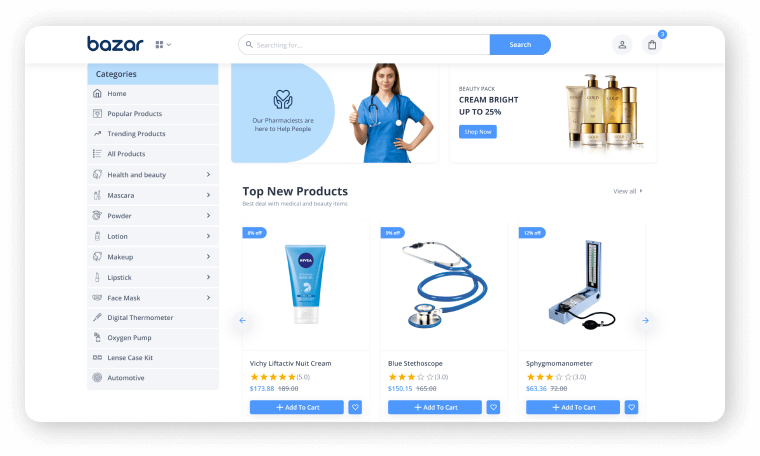
    bazar react online pharmacy ecommerce store

    Live Preview Details / Download

    If you want to create an eCommerce business, whether it is an online pharmacy or furniture, we have a perfect gift for you. Introducing you, Bazar Pro – Multipurpose eCommerce Template. It’s the most attractive, recent, developer-friendly, and highly customizable eCommerce template on the market. Also, it is a feature-rich and simple-to-customize platform eCommerce Template made with React NextJS.

    2. Accommodation Selection Service Providers

    Accommodation Selection Service Providers web app

    So, here’s our second web app idea choice ‘accommodation-selection-assistance website’. You can use the web app to connect travelers at a low cost. Beautiful accommodation providers from all over the world, and to make it easier for them to choose holiday homestays. One great example is Airbnb.

    Homefinder, Zillow, Realtor, Trulia, are also some fine web apps in this sector.

    3. Domain Hosting Provider

    Domain Hosting Provider - trending web app ideas

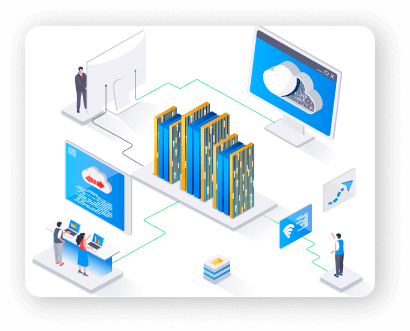
    This is another high-demand area, as people need websites regularly. On the internet, there are more than 1.5 billion websites. Finding the right domain for your website. And also a super-efficient hosting service provider is a common challenge for people.

    As a result, domain and hosting service providers enter the picture to help people. For purchasing new domains, GoDaddy is a well-known domain service provider. WordPress, BlueHost, and other hosting companies are among the options.

    4. Grocery Delivery Websites

    Grocery Delivery Websites

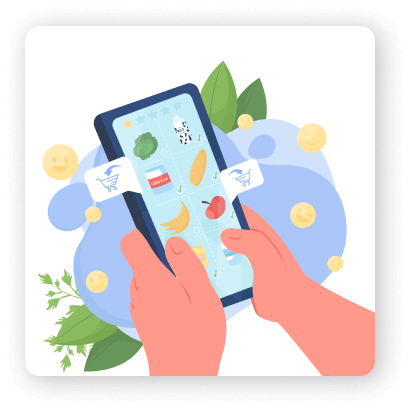
    This business concept was launched just a few years ago globally. And, it has proven to be a blessing for people during national lockdowns in several countries in 2020 and 2021.

    In recent years, big retail giants and even startups have entered this business space. It is to provide the convenience of shopping for necessities from the comfort of the customer’s home.

    Amazon Pantry, Walmart, Big Basket, and many other companies have recently begun to offer such personalized services to their customers.

    5. Food Delivery Web Apps

    Food Delivery Apps - web app idea

    Due to the increased demand for hot meals on wheels services. In cities and towns around the world, this web app project idea has proven to be a profitable business startup.

    Zomato and UberEats are two well-known startups in this category.

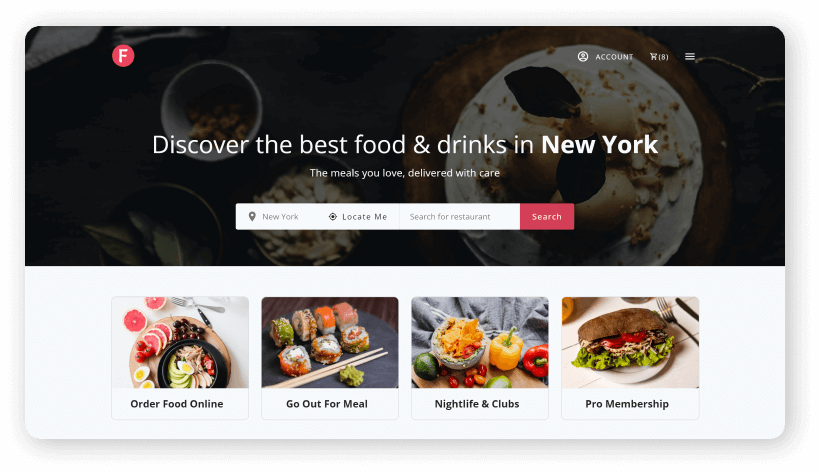
    FoodHub

    Live Preview Details / Download

    If you’re interested in creating a food delivery web application, you can definitely check out our Online Food Delivery Platform Template ‘Foodhub’. It has an extensive online ordering system that makes it ideal for products suited to any modern restaurant or food cart. Moreover, it will work smoothly on any device thanks to its fully responsive design. The template includes numerous useful features such as reviews, followers, bookmarks, order history, and so on.

    6. Utility Service Providers

    Utility service provider - web app ideas

    Customers can use these web apps to find furniture repairs, house cleaning services, and many other services.

    Based on this web development project concept, UrbanClap is a well-known company.

    7. Travel-Planning Web App

    travel planning web app ideas for small business

    There is a lot of planning, research, and budgeting that goes into purchasing a plane ticket. However, technology has the potential to replace manual plans and make life easier for travelers by providing excellent recommendations that match their interests and budget.

    A travel planning app would have a large user base.

    8. Project Management Website

    Project management website

    Large corporations, as well as smaller businesses, frequently require project management websites. PMP tools help with the management of offshore projects, tracking remote work, easing the work allocation process, assisting team members in collaborating and working in an organized manner, and budget allocation.

    This area has a lot of room for development and technological advancement, so it’s a great place to start a new web-based tool.

    Trello, Asana, and other well-known web-based PMP tools are examples.

    9. Email Marketing Site

    Email Marketing Site

    Another great website idea for starting your own business is this one. Businesses are always in need of decent automated email marketing web applications that can manage their email marketing campaigns on their behalf and help them generate leads as email marketing reaches its pinnacle.

    Mailchimp is a tool that already exists in this category.

    10. Used Goods Buying & Selling Platform

    Used Goods Buying & Selling Platform

    Used furniture, electronic goods, automobiles, and a variety of other products can now be sold and purchased using such platforms. For ease of business and transportation, such websites are designed to connect buyers and sellers locally or city-wide.

    OLX is a well-known web application in this category.

    bonik vue nuxt ecommerce

    Live Preview Details / Download

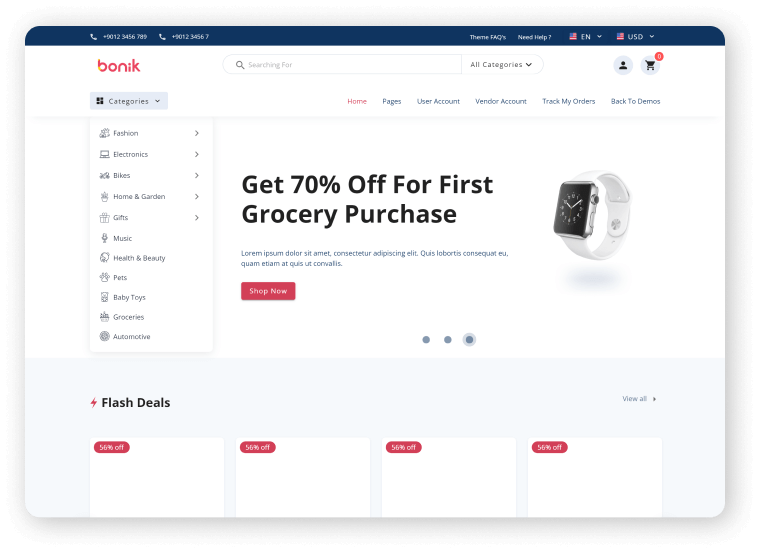
    We’ve got your back if you want to build an eCommerce platform. Introducing you Bonik – Vue NuxtJS Multipurpose eCommerce Template. It’s the market’s most recent, developer-friendly, and highly customizable eCommerce template. For a feature-rich and easy-to-customize eCommerce Template, look no further than the Bonik.

    Wrapping Up

    So, in this article, you came across a number of popular web development project ideas. E-commerce has progressed in tandem with advances in web development. People are launching various websites today to address a variety of global issues. As a result, hopefully, you can choose from the listicle above to start your own web app business.

    More Articles

    1. Web3 – The Decentralized Web of Future
    2. Best Web App Development Trends To Look Out For
    3. 14 Common Web Design Mistakes That Hurt SEO
    4. How to Make a High-Converting Landing Page
    5. 3 Simple Ways to Connect Gumroad with WordPress Site
  • Best Web App Development Trends To Look Out For Going Into 2022

    Best Web App Development Trends To Look Out For Going Into 2022

    Are you a web app developer looking for all the web development trends that are thriving this year? You’ve come to the right place! In this blog, we’ll take a look at the top web app development trends in 2022.

    best web app development trends

    Every year, the website development market shifts slightly in its approach. And, if you look closely, you’ll notice that it’s becoming increasingly difficult for some businesses to survive in this competitive market. As a result, those who follow trends to provide a better user experience will survive in the field. You must create strong web products and incorporate the most effective features into them.

    As a result, to save you time and effort, we have compiled a list of web app development trends by analyzing market demands in various IT fields.

    Many of these trends we can find on the internet. These are likely to become much more common in the coming years. Let us take a look at the top ten web app development trends in 2022.

    Progressive Web Apps (PWAs)

    Progressive Web Apps (PWAs)

    Progressive web apps (PWAs) in their most recent iteration will eventually replace web apps for good, even though this is not a new trend for 2022. PWAs (Progressive Web Apps) speed up the loading of websites. You can also use offline apps like Google Maps. PWAs have already been used by companies such as Starbucks, Uber, Pinterest, and Twitter to improve user experience.

    The mobile phone is now the most common way to access the internet. Smartphones and tablets are for a wide range of online activities. As a result, it’s critical to rewrite web applications as PWAs. It can help the provider save money on development and provide seamless maintenance.

    PWAs will be written in HTML, CSS, JavaScript, React, or Angular by 2022.

    Dark Mode Standardization

    Low-light & Dark looking websites have become increasingly popular in recent years. Dark mode user interfaces (UIs) will continue to be on websites and apps in 2022. According to studies, at least 8 out of 10 users prefer to use dark mode whenever possible.

    This Mode has already been implemented on big apps like Facebook and Twitter. And depending on the choice, these apps make it simple to switch between the two modes. Now, that is available on a variety of other web applications. It is very simple to switch between the two modes in those apps. We can assume that by 2022, this option will be in almost every application.

    AI Chatbots

    AI ChatBots Web app development trends

    AI chatbots are here to become even more sophisticated in 2022. Leveraging machine learning, natural language processing, and information retrieval techniques to meet the needs of users and match their behavior. AI Chatbots can collect data, respond to frequently asked questions, and resolve other issues. So, it allows customers to have a seamless digital experience with a business.

    Many well-known B2C companies already use AI chatbots to assist their customers. According to Forbes, marketers’ use of AI grew by 190 percent between 2018 and 2020. Many of them operate through Facebook Messenger, Whatsapp, and Skype rather than traditional chatbots. In 2022, we can expect more businesses to embrace AI chatbots.

    Single-Page Applications

    Through single-page applications (SPAs) in the visitor’s browser, there will load a single HTML page. And, there will be dynamically up-to-date content as one needs without refreshing the page. Giant companies like Google, Facebook and Twitter, and others embrace SPAs. In Fact, SPAs are the most significant recent trends in the development industry.

    SPAs consume less server space and provide information to users efficiently on a single page without the need to navigate around, in addition to being cost-effective and relatively easy to create thanks to the popular AngularJS framework. Because of these benefits, SPAs are in a win-win situation for both developers and site visitors. As online consumers demand faster and simpler app experiences, we can expect the SPA trend to continue into 2022.

    Mobile-friendly Development

    Mobile-friendly Development

    Mobile devices cover 50% of the global web traffic. Therefore, if your web app isn’t mobile device friendly, you’ll miss out on half of that traffic. This year, being ‘mobile friendly’ entails biometric identification (fingerprint, voice), geolocation, one-click ordering, better user experience through data, etc.

    Optimized Voice Search

    Optimized Voice Search

    Voice Search is first introduced in the tech market by Google. Also, Alexa and Siri are Amazon’s and Apple’s AI-based voice assistants. These are the most high-rated tools for Voice Search. Recently, research has shown that by 2022, 55% of modern households will have voice assistance.

    Accelerated Mobile Pages

    Accelerated mobile pages (AMP) were introduced by Google in 2015. It is to provide mobile users with lightning-fast digital experiences. Google’s AMP can help improve core business metrics such as the number of conversions on web pages, in addition to providing seamless user experiences and decreasing bounce rates.

    Although AMP usage declining since 2020, it remains the most popular mobile technology. With 35 percent of websites using mobile technologies and more than half of the top 10,000 websites using it.

    Serverless Architecture

    Serverless Architechture

    The search for technology that can help reduce system overloading, data loss, and development costs has been ongoing. This search resulted in the development of serverless technology.

    Moreover, serverless architecture is based on cloud technology and enables users to run code for virtually any application or backend service with no administration. And, there is no need to provision, manage, or upgrade servers. Amazon, Google, and Microsoft are the most prominent companies that use and provide serverless architecture.

    According to forecasts, the global serverless architecture market will grow from $7.6 billion in 2020 to $21.1 billion by 2025. It means that more companies are likely to enter this market in 2021 and beyond.

    Motion UI

    Motion UI

    The users today expect digital experiences that are not only faster and more mobile-friendly, but also richer and more interactive. Therefore, Motion UI has become so popular. It is a front-end framework that enables developers to build fully responsive websites and mobile apps. Also, it uses predefined motions in native apps. Make an element slide, transition, spin, bounce, and do other things.

    Native Cybersecurity

    native Cybersecurity

    One of the most pressing concerns for 2022 is cybersecurity, which is the practice of protecting data, networks, and computers from unauthorized access. Every business, regardless of size, is vulnerable. In June 2021, for example, hackers were able to scrape the accounts of 700 million LinkedIn users in order to obtain personal information such as full names, emails, and phone numbers.

    Because of the alarming rise in cybercrime, website development has evolved to make it easier to safeguard company and customer data. Already, there has been a shift toward application-based multi-factor authentication, such as Google Authenticator, patch management, and Security Operation Centers (SOC).

    Beyond monitoring tools and analytics checkpoints, we’ll see a continued rise in non-traditional methods to improve cybersecurity. And, because it is compatible with all web technologies and can be added anywhere on a website, Motion UI has had a significant impact on the industry since 2018.

    However, thanks to the SASS libraries’ technology. Now, it has become more accessible. As a result, it will be one of the most important web development trends in 2022.

    Wrapping Up

    Finally, web development evolves in response to the needs and expectations of online users. Many of these trends are focusing on improving the user experience on mobile devices. And, others may be focusing on improving the user experience for smart wearables or devices we haven’t seen yet. Keeping up with web development trends can help you ensure that your website attracts and delights your visitors on a consistent basis.

    You Might Also Like These Articles

    1. Convert TypeScript Project to JavaScript
    2. Top 15 Best Open Source React Chart Libraries
    3. Top 15 Free Best React Date Picker Components to use
    4. TypeScript & JavaScript – Which One to Choose?
    5. Best Free Tailwind CSS UI Kits and Components
    6. Web3 – The Decentralized Web of Future
    7. React Boilerplates You Should Not Miss
    8. 15 Nextjs Boilerplates You Need To Check Out
  • 14 Common Web Design Mistakes That Hurt SEO

    14 Common Web Design Mistakes That Hurt SEO

    If you want to avoid the common web design mistakes that hurt SEO. Then you’re on the right page. Here, we’re going to go over all of the 14 common web design mistakes that can ruin your website’s SEO.

    Common Web Design Mistakes

    Many designers and web development teams create error-ridden, user-unfriendly websites. Websites that harm their company’s design integrity and overall user experience. And, any value found even in the best SEO is harmed.

    Marketers who are especially observant should be aware of features such as navigation flow, layout design, page load speed, responsiveness, content length, and curation (as well as canonical meta directives). These elements ensure a higher level of quality throughout all phases of website development. And, addressing these aspects throughout the website’s life cycle from strategy to coding, content generation, custom graphics, and imagery. It is one of the most important steps in ensuring that internal quality matches external excellence.

    All Common Web Design Mistakes That Hurt SEO

    Excellent online design is essential. However, you must also have your infrastructure in place. The website should be fast and responsive, as well as have high search engine rankings. Here are a few web design tips to help you increase traffic and conversion rates. Now, without further ado! Let us find out what are common web design mistakes actually can ruin your search engine optimization.

    Page Load Speed

    Common Web Design Mistakes

    Now, the world of online users expects a quick and simple web browsing experience. Even the web is evolving from web 2.0 to web 3.0. This, however, is a completely separate topic. By stating the problem as a ‘quick and easy web experience,’ we arrive at the 3-second rule. The three-second rule should be used as frequently as possible to keep users from leaving your website.

    As we all know, web design entails both programming and design. So, by programming the site according to some specific rules, we can make it load in 3 seconds or less. Here’s a HubSpot blog post that will help you improve your site’s loading time right away.

    Text Inside Images

    Common Web Design Mistakes

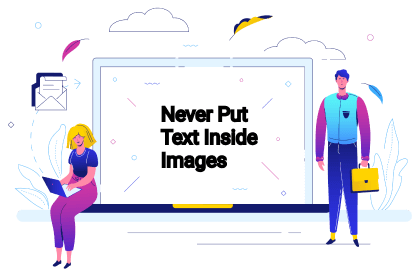
    Contents in interactive formats are important. Contents such as images, audio, and video, perform exceptionally well in terms of engaging your visitors. While search engine spiders can identify content by looking for keyword phrases within headings and body copy, they cannot see images or videos embedded on a webpage.

    As a result, you should never include your most important information in images. While a creative header image will make your webpage look amazing, it will have no effect on SEO value.

    Mobile Responsive

    Common Web Design Mistakes

    Did you know that there are approximately 275 million smartphone users in the United States alone? This represents a sizable pool of potential customers who may visit your website via mobile phones and tablets. Over half of adult smartphone users use their mobile devices to conduct a local search. As a result, if your site isn’t mobile-friendly, you’ll be losing traffic (and customers) from this important source.

    That is why Google has recently introduced “Mobile-First Indexing.” This new algorithm prioritizes a website’s mobile version for indexing and search engine ranking. Because of mobile-first indexing, if a website is not optimized for mobile, it will have a more difficult time ranking on Google.

    Not only that, but mobile-friendly sites are 5 times more likely to keep visitors interested due to fast page loads and intuitive design.

    Find Information

    Find Information

    Good navigation is an integral part of a great user experience. But the trick is to keep it as simple as possible. You have to let visitors easily find what they are or they should be looking for. It will most effectively help to convert. This is also essential for your SEO. The structure formation of your site influences how search engines understand it.

    Solid internal linking between relevant pages keeps the users engaged on your site. Also, it helps the Bots (Google Bots) to understand where the majority of the traffic takes place. So, eventually, this increases the SEO value of the page you manage.

    H1 Tag and Header Tags

    H1 Tag and Header Tags

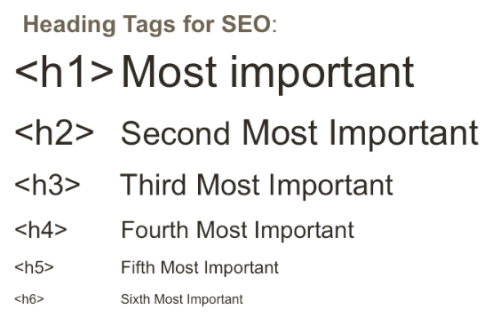
    While headings are important for helping readers navigate your website’s content, they are also essential for good technical SEO. H1 tags inform search engine bots and website visitors about the contents of a page, so they must accurately summarize the contents.

    Header tags (h1-h6) make content scanning much easier. It becomes clearer to search engines what topics and sub-topics are covered on a page. Headings help readers quickly identify the most important parts of the content by breaking up long text strings.

    These factors tell Google how user-friendly your website is, which helps it rank higher. H-tags also make it easier for users with limited abilities to access and consume content on your site. In search engine rankings, accessibility is a significant factor.

    404 Page

    404 page - Common Web Design Mistakes

    The presence of numerous broken links on the page is another website error that irritates customers. Broken links are pages that no longer exist and return 404 errors. If a visitor to your site clicks on a link and is redirected to a 404 error page, they will leave immediately and never return. Similarly, websites with a high number of 404 errors are less likely to rank highly in search results.

    Favicon

    Favicon - Web Design Mistakes

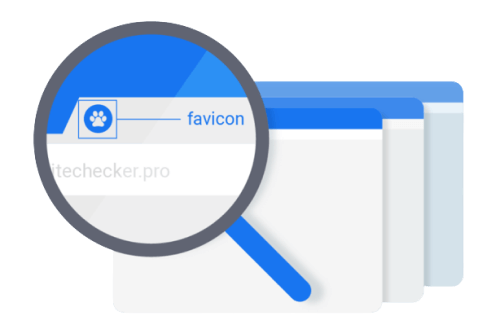
    Favicon is another most crucial thing in web development. When you open multiple tabs on a browser, the icons you see are the symbols of that company. It comes along with the webpage’s title. Mostly they are logos from those companies. The title page is no longer visible when a user opens multiple tabs. It is the only mark that distinguishes one web page from the other.

    So, if the Favicon is missing, users will be unable to identify your website. As a result, it will be hard for them to return. Finally, it can increase the bounce rate.

    Disruptive Pop-Ups

    Disruptive Pop-Ups

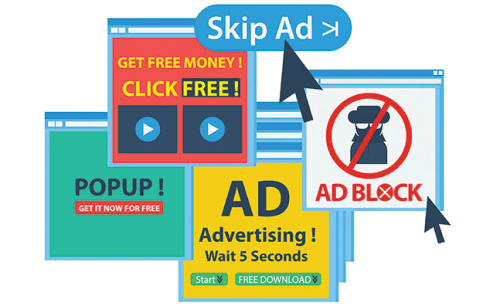
    When you use pop-ups correctly, it can increase email subscribers by up to 1,375% percent. The issue arises when your pop-ups annoy and interrupt your visitors. Sites with annoying pop-ups, according to Google, will struggle to rank high in the SERPs. What is the solution? Create popups that your audience will enjoy.

    They may never love them, so at the very least, create high-converting pop-ups that will not irritate them. You can, for example, schedule a pop-up to appear after a visitor has spent at least 30 seconds on your site. Alternatively, after a user has scrolled halfway down your page. Another thing you can do is make delectable pop-ups.

    Alt Text In Images

    Alt text In Images

    Setting alt text for images is critical for SEO and a key contributing factor in search engine rankings. As we’ve already mentioned. Alt tags give search engine crawlers context for what an image is showing. And, allowing them to properly index the image.

    Infinite Scroll

    Infinite Scroll

    Google’s Martin Spitt stated that Google Bots do not scroll through a site’s pages. So, if you implement a poor infinite scrolling system, this will affect your site’s SEO. As Google can not scroll through pages, it will index your site differently than you expect. It only indexes what is available on the display.

    Bots will crawl that new content if the infinite scrolling increases the viewport. However, they will only do it once. It’s unlikely that you’ll be SEO-friendly if you have a lot of content that needs to load via infinite scrolling. Lastly, if you have a lot of content that requires ‘infinite scrolling’ to load, it’s probably not SEO-friendly.

    Thin Content

    Thin Content - Website Mistake

    Your website serves as your storefront. This means you should decorate it so that visitors are drawn to it and understand exactly what you have to offer. You should also optimize it for keywords so that people can find you. To ensure that you kill two birds with one stone? Avoid using thin content. Here are three indicators of stale content.

    1. Having no Service/Product Pages means giving up the chance to rank for relevant keywords.

    2. Having one keyword per page is a great idea. This means that each page will feature only one product or service. Make it simple for Google to understand the purpose of each of your web pages. You should be rewarded with increased SERP visibility.

    3. When working on your product pages, don’t just scratch the surface. Fill them with a keyword-targeted, high-quality copy. Also, make sure the content you’re writing is compelling enough to convert visitors into paying customers.

    Insufficient White Space

    Insufficient White Space - Web Design Mistake

    The area of the web page that it occupies is known as white space. To make all items visible and give consumers time to absorb all available information, there must be enough white space. White space allows the user to focus on each component without being distracted, improving readability and their focus on the main goal and services provided.

    Inadequate Typography

    Inadequate Typography

    Another common design mistake is the type of text style on the website. We call it typography. There are several factors that go into deciding the font style for a website. And, some of them you can find below.

    • Make sure the font is readable. It should not be overly ornate or uninteresting.
    • For font families, Serif and Sans-serif are very common. The font family used in headings and subordinate paragraphs should not be the same.
    • The top two font styles are used on a sleek and modern website. Many font styles used on websites are clumsy and distracting.

    Homepage With Carousels

    Homepage with Carousel banner

    Another common website design mistake to avoid is having carousels of slides that rotate automatically on the homepage. Moving carousels frustrate customers and direct you away from your conversion goals by diverting their attention away from the website’s core objective.

    Wrapping Up

    Finally, it seems like your search for all the common web design mistakes that hurt SEO has come to an end. Without SEO, it is impossible to imagine a successful website. A website needs a visually appealing design and SEO friendliness to ensure all the factors to attract and retain customers and convert them into loyal customers.

    So, to achieve that, the web design team and SEO team should both work together. Without proper cooperation, it is not possible to make a website successful. A group of experienced designers, developers, SEO, and digital marketers can ensure that the final result is perfect, just as you wanted.

    Thank you for your patience. ❤

    Hello, nice people! 🙋‍♂️ This is a gift from us to you. You can easily create a high-converting landing page with this free HTML5 template.

    EGRET - HTML5 Website Template

    Egret Free HTML5 Landing Page

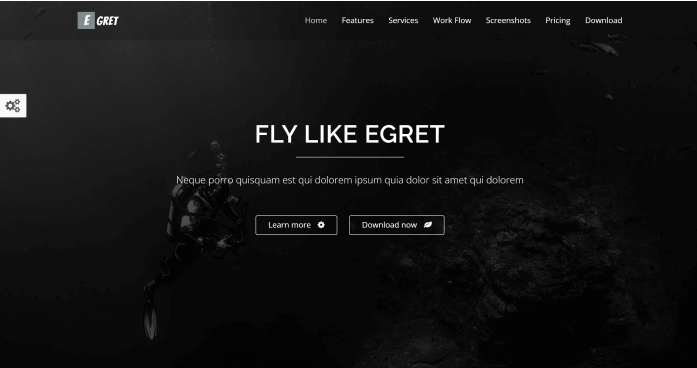
    The Egret landing page is a one-page product landing page. You can use it as a portfolio or a landing page for a product. To make Egret we used HTML5, CSS3, and JQuery Animations. It has a responsive design and well-organized codes.

    Key Features

    • Multiple Colors
    • Card Style
    • Mail Chip Support
    • Ajax Contact Form
    • JQuery Animations
    • Responsive Layout

    You Might Also Like These Articles

    1. Convert TypeScript Project to JavaScript
    2. Top 15 Best Open Source React Chart Libraries
    3. Top 15 Free Best React Date Picker Components to use
    4. TypeScript & JavaScript – Which One to Choose?
    5. Best Free Tailwind CSS UI Kits and Components
    6. Web3 – The Decentralized Web of Future
    7. React Boilerplates You Should Not Miss
    8. 15 Nextjs Boilerplates You Need To Check Out
  • Top 10 Free Figma Wireframe Kits for Web/App Designers in 2022

    Top 10 Free Figma Wireframe Kits for Web/App Designers in 2022

    Are you a beginner web or app designer looking for some useful Free Figma Wireframe Kits to help you complete your work more quickly and smoothly? Don’t look any further! We’ve hand-picked some of the best Free Wireframe Kits for Figma-based Web/APP Designers. But first, please explain what a wireframe is.

    What is a Wireframe Kit?

    A wireframe is referred to as the skeleton of a website or app. We create a basic layout of a website or app before we begin developing it. It must be straightforward in its approach because it will direct the user’s journey flow on this website or application. It’s more of a solution for our web or app development projects.

    As a result, when you use a ready-made wireframe, you will find it much easier to give your ideas shape. A form from which you can begin your development journey. Simple elements such as headlines, copy, body, CTAs, photos, and so on are included in a wireframe.

    Now, without further ado, let’s get into the meat of the matter. The list that follows is not in any particular order. So, make an informed decision and view the live demos before downloading them. However, because they are all free, you don’t have to worry about downloading and working with multiple Wireframes at the same time.

    1. Figma Wireframe Kit (Free)

    Figma Wireframe Kit (Free)

    This Figma wireframe kit contains a plethora of UI elements, sections, and components for quick prototyping. These low-fidelity wireframing templates are intended for brainstorming and planning your designs. This kit is here to help you save time during your creative process if you want to speed up your wireframing in Figma.

    To build your layouts, use a Bootstrap grid and premade, editable components to create fast, modern, responsive prototypes. You’ll save hundreds of hours while delighting your customers. Templates are included, and you may use them in your projects without restriction!

    Link

    2. Wireframe Kit

    Wireframe Kit

    This wireframe kit will help you speed up your workflow. This kit is for you if you’re at an early stage of your project and want to sketch out a quick rough idea of what goes where without getting into the nitty-gritty polished details. Complete with components for frequently used items, UI controls, and browser windows, as well as styles that are simple to update.

    Link

    3. Ironhack Wireframe Kit

    Ironhack Wireframe Kit

    Ironhack is a great Figma Wireframe Kit for you to start as a UI/UX designer. There are a good amount of useful bits and pieces, interface components, and UI elements. It will help you quickly convey ideas and create a design. And lastly, test them. So, have a great journey with Ironhack.

    Link

    4. Contra

    contra wireframe kit

    Contra is a starter wireframe kit for prototyping and designing your idea quickly. It has over 150 components and 50 ready-to-use mobile screens in its library. With the help of its style guide, you can easily create new components and screens.

    Link

    5. Simple Wireframe Kit

    SImple wireframe kit

    Because sometimes all you need are some boxes, buttons, and form elements, that is the reason this simple Wireframe Kit is here. Use the light and dark boxes to arrange your content. No specifics are permitted! To change the appearance of your wireframe, use color styles. It now also employs variants and auto layout.

    Link

    6. Mobile Wireframe UI Kit

    mobile wireframe kit

    The mobile wireframe kit is a collection of commonly used system components that can be used to quickly mock up your mobile (phone) ideas before investing in the full design. Before you build, use it to share ideas, iterate, prototype, and gain buy-in.

    For more info and updates check out the description from the button below.

    Link

    7. VanillaFrame

    Vanillaframe

    VanillaFrame is a straightforward kit for creating wireframes. To begin designing, I tried to only include the most essential elements. It contains 9 Color Styles, Icons by “Feather Icons” (Only the essentials), Placeholder Images, Square Images, Circular Images, avatars, and more are all included. Text styles, button styles, and inputs are also available.

    Link

    8. Wirefigma

    Wirefigma

    Design websites and applications more quickly so you can focus on what matters most: your ideas. They made a few changes recently. It has the following features: 1. Supports auto layout. 2. Text styles and 3. Variants They also added new components to it, giving it a completely new look.

    Link

    9. Mobile wireframing kit

    wireframing kit

    A straightforward kit that includes only what you need to create clear wireframes. All common components are included, with a platform-agnostic design that keeps the focus on your structure.

    Link

    10. Sketchy Wireframes

    sketchy

    A simple toolkit for creating mockups of apps and websites. Allow yourself to be free of pixel perfection and quickly mock up your ideas with this kit. Create anything by assembling your components from the provided primitives (lines and rectangles).

    Link

    Wrapping Up

    Finally, we’d like to point out that each of these Figma wireframe kits has its own set of advantages and disadvantages. You can’t say things like “this is the best Wireframe kit” or “that is the best Wireframe kit.” Simply put, you should download everything you require. Each one serves a different purpose and is useful in different circumstances. As a result, make certain to find the ideal match for your project’s requirements. Thank you for taking the time to read this.

    You Might Also Like This Free Product from UI-LIb

  • Top 10+ Best Free Figma Icon Library for Web & App Developers in 2022

    Top 10+ Best Free Figma Icon Library for Web & App Developers in 2022

    Are you a beginner web or app developer looking for the best free icon library available for Figma? They are right here! In this blog, we’ll be looking at the Top 10+ Best Free Figma Icon Library for Web & App Developers.

    Best Free Figma Icon Library

    The use of icons in your web/app/template development has always been a mandatory factor. Icons have the power to express fundamental messages with a single sign or image. It is by which we can find out/understand what’s in there. So, Icon libraries are alternatives to different icons for a web or app.

    In Figma, the icon designs generate codes for them. Thus, Figma icon libraries are collections of multiple icons for different scenarios. Now let’s find out which icon packs will meet your desires. 👇

    Top 10+ Best Free Figma Icons

    1. Basil Icons

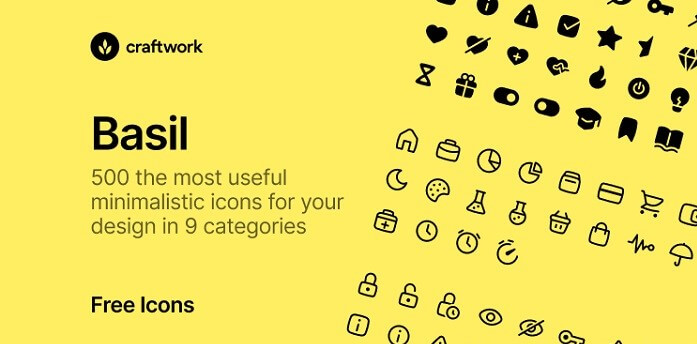
    basil

    Basil is a large collection of icons that will work well with any design. There are two styles of black minimalistic shapes: outline and solid. 500 pieces in 9 of the most commonly used categories. It is to assist you in your search for what you require.

    Demo / Duplicate

    2. Unicons

    unicons

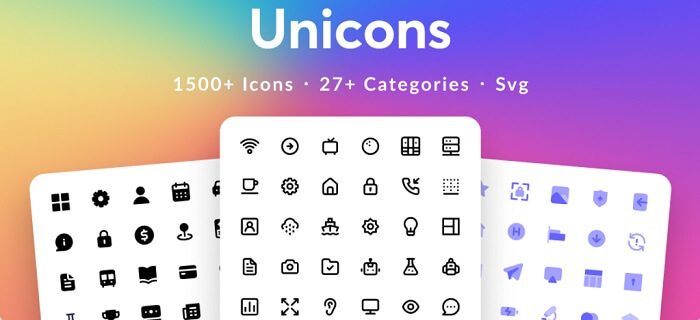
    Unicons is a customizable icon library. There are over 1500 amazing icons inside it. Besides that fact, there are Outline, solid, and Monochrome styles available in it. All the icons are available in SVG format and divided into more than 27 categories. In that way, you can easily navigate through the collection and find out what you need.

    Demo / Duplicate

    3. 3D Icons Pack

    3D icons pack

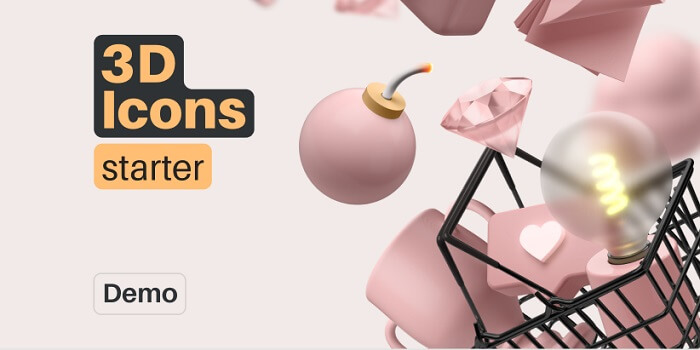
    3D Icons starter is a great option for 3D-loving application developers. It has more than 50 highly customizable 3D icons. They are for different categories like websites, startups, presentations, games, and a lot more. This is quite different in approach than a lot of other icon packs. Make sure to check it out!

    Demo / Duplicate

    4. Microsoft Fluent System Icons

    microsoft fluent system

    This is a collection of Microsoft Fluent System Icons, for a variety of Microsoft products. The Fluent System Icons are user-friendly, with rounded corners and simplified shapes, and are available in two themes: Regular and Filled. This file also includes detailed instructions for creating icons.

    Demo / Duplicate

    5. Material Design Icons

    material design icons for figma

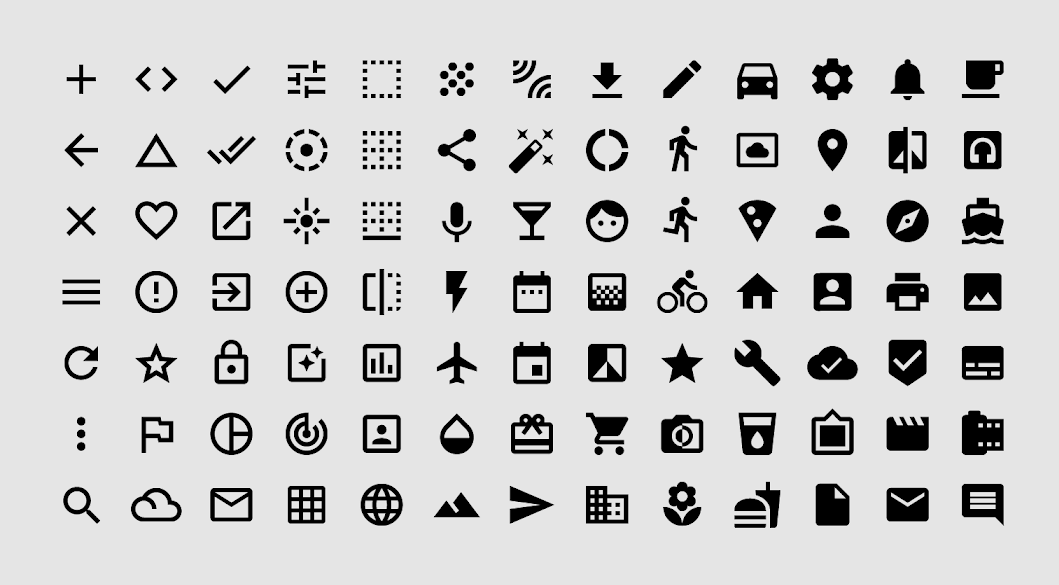
    Material Design icons are the most useful icons available on the internet. There are all beautiful symbols for everyday actions and items. You need these icons for digital products for Android, iOS, and the web.

    Moreover, you need to use them as a team library. It is a suggestion from its creators. Besides, the icons are in 24-pixel frames, organized. This file contains five themes, Filled, Outlined, Rounded, Two-tone and Sharp.

    Demo / Duplicate

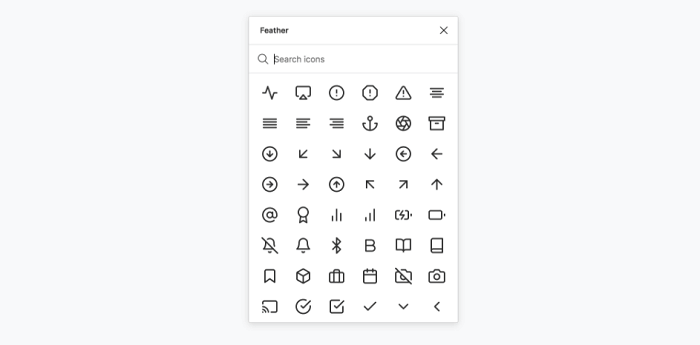
    6. Feather Icons

    feather icons

    Feather Icon is another great option for developers. The quantity however is little but the quality is pretty solid. You can easily rely on these icons. For quick access to feather icons, you can directly install them as a plugin in your Figma software.

    Demo / Duplicate

    7. Coolicons

    coolicons.cool

    Coolicons icon is a set of icons for web/app development. These are great icons for you to start your app development. You can download them free of cost. These are all available in SVG format. You can also check out their website for details. Here Coolicons.cool.

    Demo / Duplicate

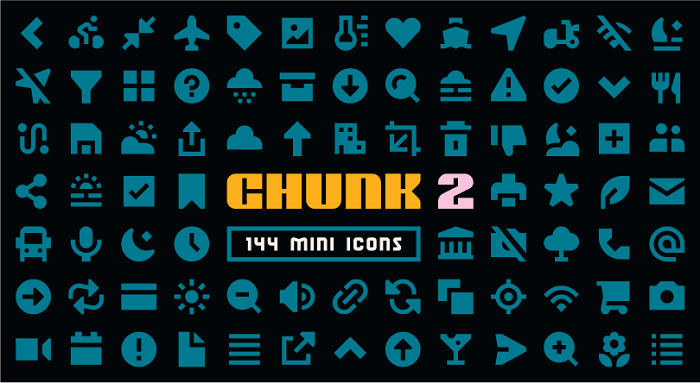
    8. Chunk Icons

    Chunk figma icons

    The new version of Chunk is rich in quality. These are glyphs, a set of 144 glyphs together commonly- needed for regular app development purposes. All of these glyphs look pretty nice and sharp and are in 16px. Moreover, they are very in orderly position into different categories. Make sure to experience Chunk v2.

    Demo / Duplicate

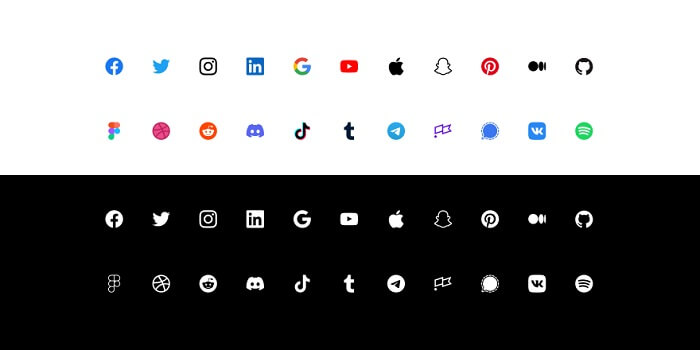
    9. Social Icons

    Social Icons figma icons

    This is a short collection of Icons with all the important social icons. These are available in colors and black & white versions. Click the link below to add this icon collection to your Figma software.

    Demo / Duplicate

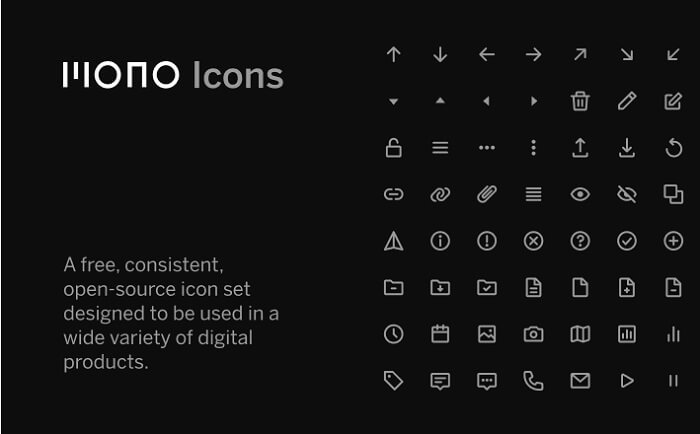
    10. Mono Icons 1.3

    Mono Figma Icons

    Mono Icon 1.3 is an open-source icon pack. It is simple and consistent in quality. Also, you can use it in a large range of digital products. These are all from the designer Marina Rizo. She is a designer on the Mono team.

    Demo / Duplicate

    11. Smoothie – Icon Set

    smoothie figma icons

    Smoothie is a collection of smooth-looking 100+ free icons. All the essential icons are there in the collection. You can duplicate the icon set from the link below and start using them.

    Demo / Duplicate

    12. Lexicon Icons

    Lexicon Icons - figma icons

    Lexicon is a good collection of useful icons. They recently separated Lexicon’s icons into their library. Now, designers don’t have to load the entire library just to get the icons.

    Demo / Duplicate

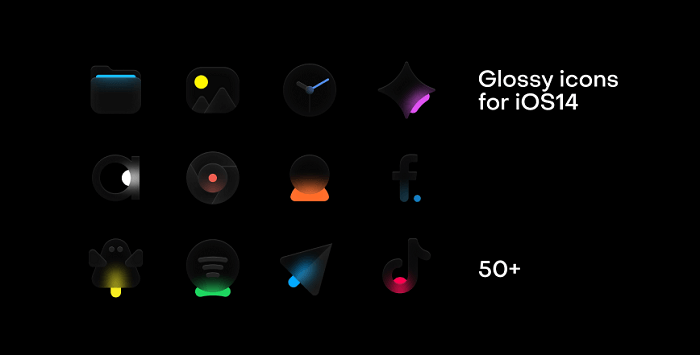
    13. Glossy Icons for IOS14

    Glossy Icons for IOS14 figma icons

    Glossy icons are a unique collection of icons. These are so fancy yet so minimal in terms of their bulb-like look. They will give you a peaceful vibe. With the icons, you now can make a beautiful glowing desktop. Yes, but this is only available for iOS14. The collection includes the most popular applications from the Russian App Store RU.

    Demo / Duplicate

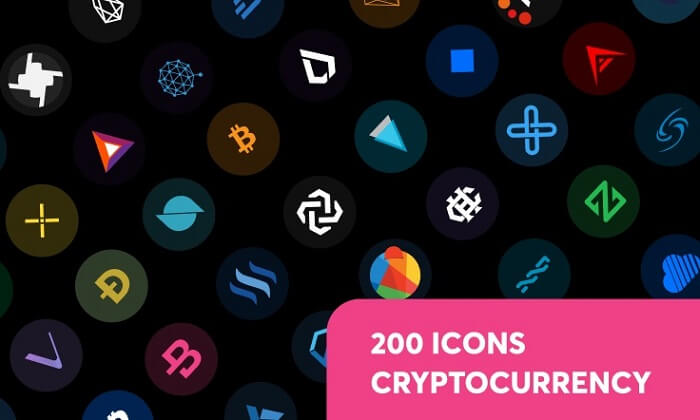
    14. 200 Cryptocurrency Icons

    200 Cryptocurrency Icons - figma icons

    In the cryptocurrency world, now there are hundreds of icons symbolizing different cryptocurrencies or companies related to this field. However, in this collection, you will the top 200 cryptocurrency icons and all of them are available in great quality, look, and importantly, in SVG format.

    Moreover, the full and abbreviated name Bitcoin (BTC) appears on all icons.

    Demo / Duplicate

    Wrapping Up

    Finally, our search for the best free Figma icon library has ended, and we think it will be best for you to duplicate multiple of these icon libraries and try them separately. These are all highly recommended icon libraries and are also the most downloaded.

    So you don’t have to worry about their quality. All you need is to find the right one among this mega-collection of icons. But as they are very organized. So, finding the right ones will not be a difficult task.

    If you are also interested in finding the best free design systems and plugins for Figma, you can check out our blogs on them.

    20+ Best Figma Plugins For Web & App Designers in 2022

    Top 20 Best Free Figma Design Systems for UI/UX Designers in 2022

  • Top 30+ Best Free Illustration Websites for Web Developers in 2022

    Top 30+ Best Free Illustration Websites for Web Developers in 2022

    Are you a web developer looking for illustrations to make your website’s contents look amazing? Then look no further. Today, we’re going to find you the top 30+ best free illustration websites for web developers. But first, let us understand, why using good illustrations is so important.

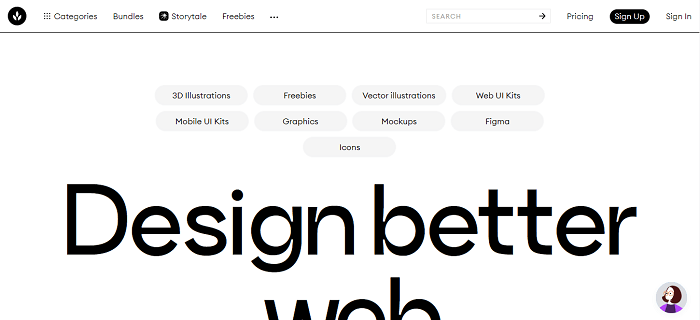
    free illustration website

    The Importance of Good Illustrations

    Illustrations are now one of the most crucial elements for online businesses. The more appealing your content’s illustration appears, the more visitors you will receive. And, guess what? More traffic means more revenue. Making a website attractive is a challenging task. This will require a significant amount of effort.

    So, how did illustrations become such a big trend in web design? For starters, visual design elements offer a great deal of flexibility. You don’t have to write 10 paragraphs to convey the entire purpose of your product or service if you can use a perfect illustration.

    If you are only a web developer, you will struggle to make your website content look appealing. You may end up with high-quality content but no traffic. Because the designs or illustrations you’re showcasing for your content are the first things that your target visitors will see. So, to give you a head start, we’ve compiled a list of websites that can easily help you with that. Please remember that the list is in no particular order. Without further delay, let’s get started!

    1. Storyset – Illustration Pack by Freepik

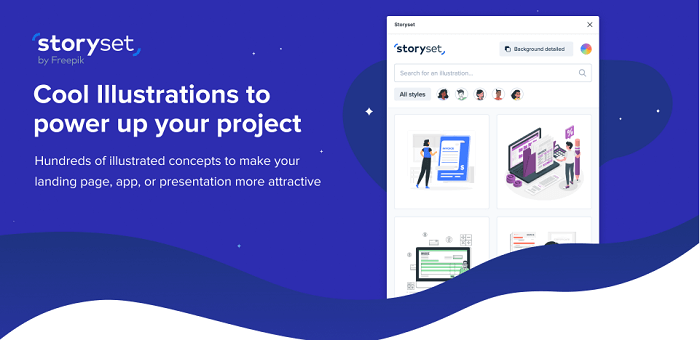
    Storyset is an illustration pack by Freepik. It offers cool illustrations to bolster your project. There are thousands of illustrated concepts where you can customize with your preferences. Every single illustration comes with a different approach and style. And guess what! You can also animate them as well.

    Moreover, it comes as a Figma plugin too. You can just install it in your Figma system and you are all set to rock on! Now, you can make your presentation, landing page or app look beautiful and more meaningful with Storyset illustrations.

    Visit Website

    2. unDraw – Open Source Illustration Website

     unDraw Open Source Illustration Website

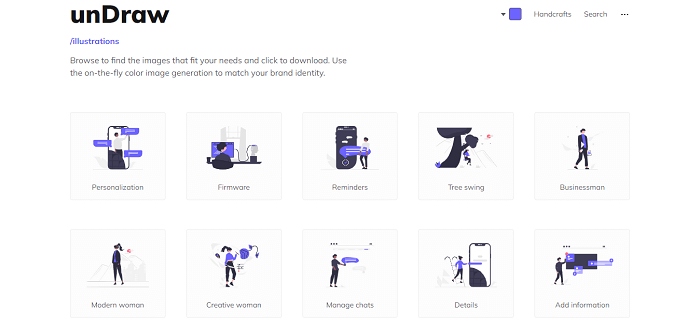
    Since 2017, unDraw has been available on the internet. And Katerina Limpitsouni is the sole person responsible for its success. She has created over 500 open-source illustrations in various categories to date. The great thing about unDraw is that you can find a plethora of appealing illustrations in copyright-free SVG files. And guess what? You can change the colors right on the website.

    Because it’s an SVG file, editing, customizing, and stitching multiple illustrations together to create your design will be a breeze. Try unDraw for the bookmarks toolbar.

    Visit Website

    3. Ouch! – Free Icon Designs & Illustrations by Icons8

    ouch! icons8 free illustration wesbite

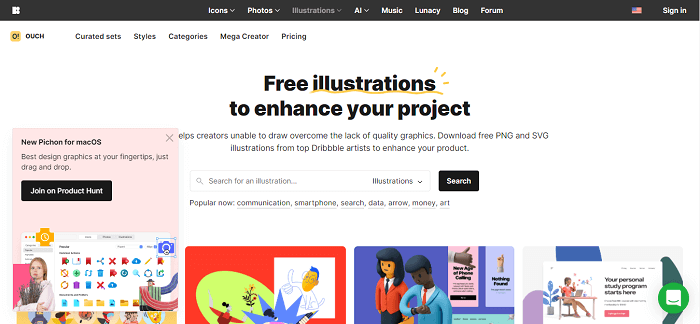
    Ouch! from Icons8 is a company that focuses on icon designs for businesses. However, they’ve recently begun to branch out into other areas, such as providing free illustrations for both personal and commercial use.

    For your next web design project, Ouch! is jam-packed with unique and creative vector graphics. Check the pricing options for SVG vectors directly on the site. 

    Visit Website

    4. Drawkit – Free Illustration Website

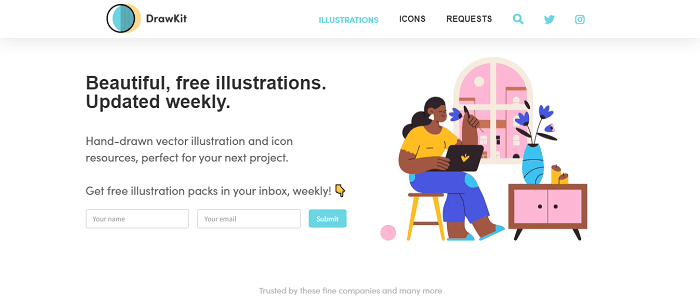
    DrawKit was created by James Daly to assist designers and startup owners in quickly designing their projects. More than 50 free illustrations in two styles are available on the website. You can also subscribe to one of James’ premium packs if you like his work.

    All files are licensed under the MIT license (suitable for both personal and commercial use), and you can download fully editable SVG and PNG files. There are also a lot of categories to choose from!

    Visit Website

    5. Vecteezy – Free Vector Illustrations

    vacteazy free illustration website

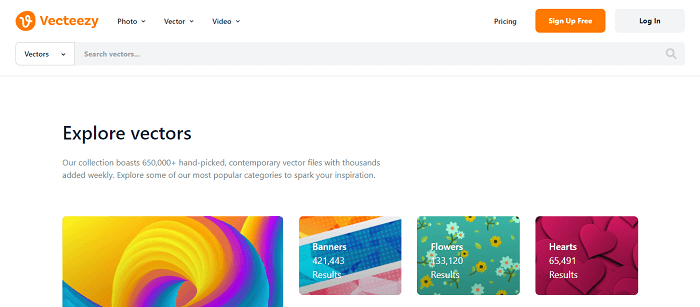
    Vecteezy is the largest online database for vector graphics. There are more than 650,000 illustrations on their website which are royalty-free. But they are divided into “free license” and “pro license” categories, allowing you to choose what works best for you.

    Vecteezy offers vectors in a wide range of orientations to cater to a wide range of devices and layouts. It has endless options! Finally, Vecteezy has a large library of stock videos. Vecteezy has you covered whether you’re looking for timelapse or travel videos, or both.

    Visit Website

    6. IRA Design – Custom Illustration Website

    IRA Design Custom Illustration Website

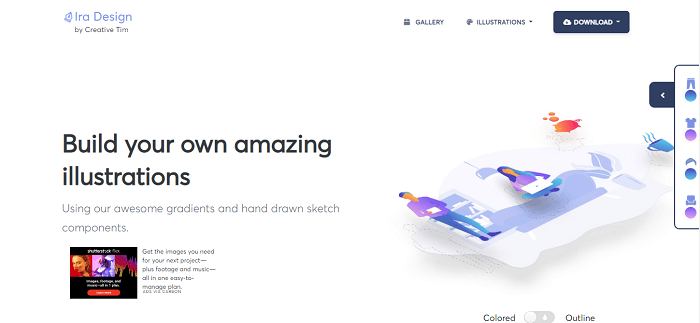
    IRA Design is an excellent choice for creating custom illustrations by utilizing their pre-built components. Each component has 5 distinct gradient styles. You can download the files in multiple formats including, SVG, AI, etc.

    Please keep in mind that you must first download the files to your computer before editing. 

    Visit Website

    7. ManyPixels – Free Illustration Website

    ManyPixels Free Illustration Website

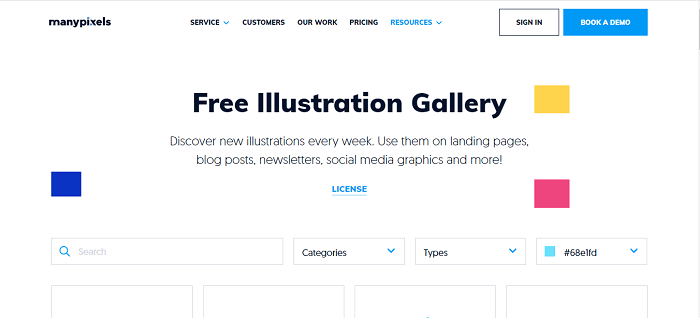
    ManyPixels is a free illustration website that is a fantastic resource that is similar to unDraw. Because the creators of both resources are different, the designs will be distinct.

    Before downloading any of the free illustrations, you can still select a default color and download full SVG format files. ManyPixel’s images are implied to be free to use in any way imaginable under the terms of the license. The only limitation is that you cannot recompile the files and resell them elsewhere.

    Visit Website

    8. Freepik – Free Stock Images and Illustrations

    freepik free illustration website

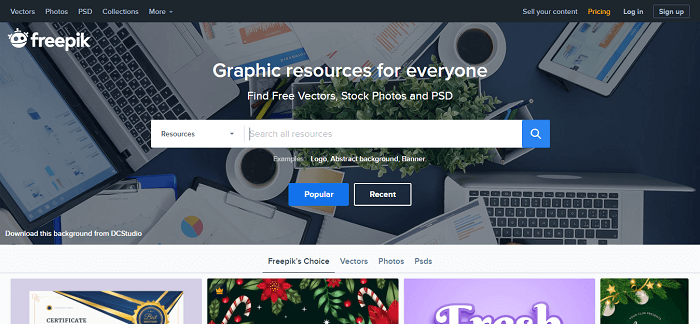
    Another excellent source of free stock images and illustrations is Freepik. Thousands of free vector images are available, including pamphlets, PSAs, brochures, greeting card templates, and much more.

    Furthermore, Freepik includes a built-in editor that allows you to edit and customize the template to your liking. This illustration and stock image website lets you download files in various formats such as SVG, AI, and EPS. Though not every file on Freepik is free, the number of open-source files on the site is comparable to that of other similar websites. It is preferable to provide attribution if at all possible. However, it is not mandatory for Freepik files.

    Visit Website

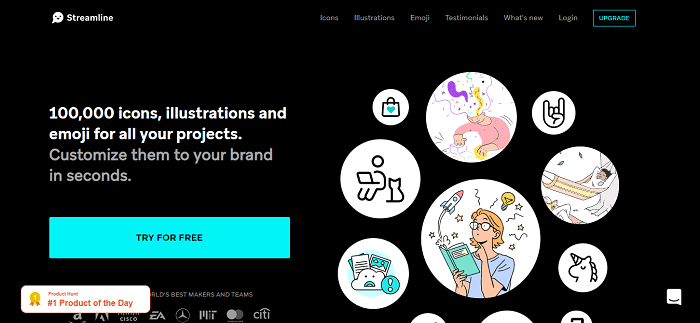
    9. Streamline 4.0 – Icons, Illustration and Emojis

    Streamline 4.0 free illustration website

    Streamline 4.0 is an illustration website with a pretty huge collection of high-quality customizable illustrations, icons, and emojis. As we are only focusing on free illustration. Streamline currently have a few hundred free vector illustrations available at their site. The packages are incredible and minimal in design.

    You will get the files in png, SVG, and pdf format. Most of the illustration from Streamline 4.0 is premium but, you’ll get a great amount of customizable illustration that can suit your requirements.

    Visit Website

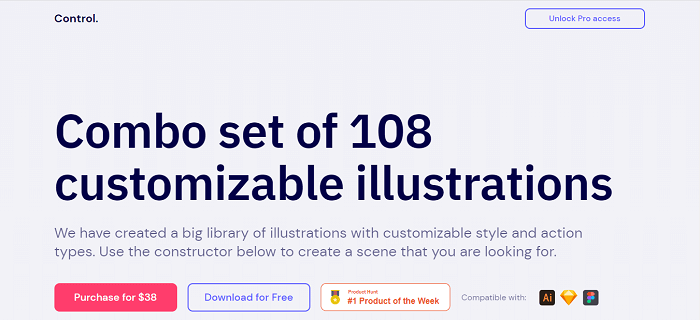
    10. Control – Customizable Illustration

    Control Customizable Illustrations

    Another short but amazing collection of free illustration websites is Control. Control is a combo set with 108 customizable illustrations which are available in both premium and free versions. You can create a scene by using the constructors of different styles given on the website and make something of your choice.

    Please keep in mind that on the free version you will get the same result but the files will be only in png format. With the premium option, you can have the full vector file and also Figma and Sketch files.\

    Visit Website

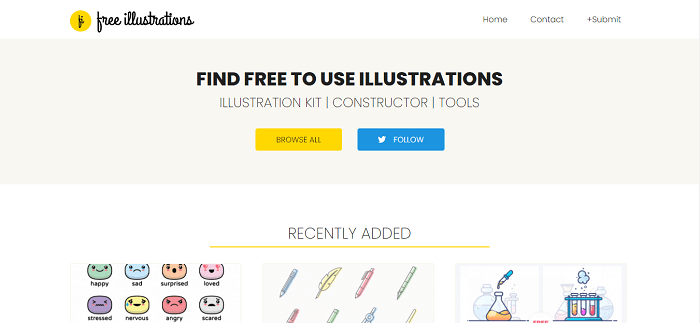
    11. Free Illustrations – An Illustration Website

    Free Illustrations is a website that helps you find all free illustrations and vectors with no copyright issues and doesn’t need attribution. It has listed illustrations and icons in tons of formats and illustrations available. There is a huge amount of possibility to structure your website’s content with the best minimal-looking illustrations from this website.

    Make sure to check these free yet very useful Illustration packages.

    Visit Website

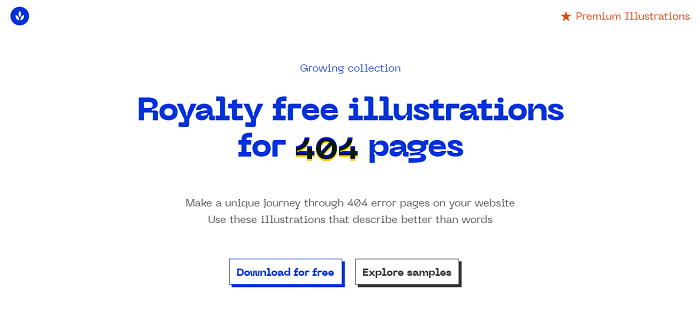
    12. 404 Illustrations – Royalty Free Illustrations for 404 Page

    404 illustrations royalty Free illustrations for 404 page

    404 Illustrations is a website specially designed for royalty-free illustrations for 404 pages. The meaning of the 404 page is the page we see as a page not found/error page. With the access of so many 404 page illustrations, you now have the opportunity to best express your error page with your website’s requirements.

    These are copyright-free 404 illustrations. So, you don’t have to give anyone credit for it. Which will eventually make it your own unique 404 page. There are huge numbers of futuristic and cute characters to describe your style of saying. Therefore, make sure to check out this incredible website and grab your free 404 illustrations.

    Visit Website

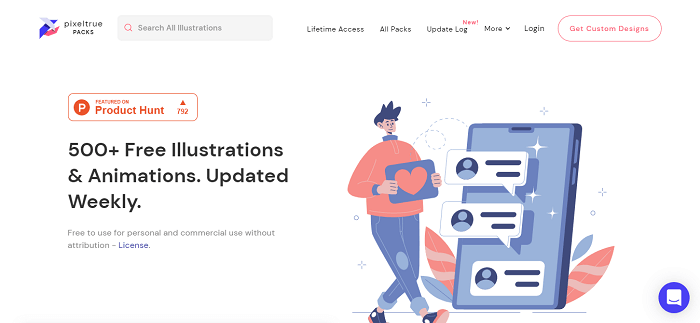
    13. Pixeltrue – Free Illustrations and Animations

    Pixeltrue free illustrations and animations

    Pixeltrue is another great example of an illustration website with over 500+ free illustrations and animations. And guess what! They update it every week. So, it’s growth with more options each week. Besides, the illustrations which are here are all attribution-free and open to commercial use.

    In my opinion, these free designs are so good in quality that you will find no differences between premium quality illustrations and these.

    Visit Website

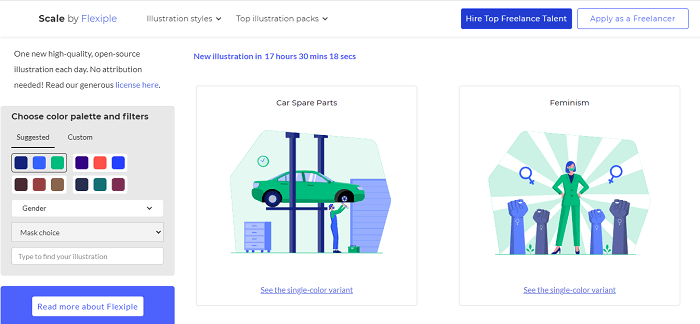
    14. Scale by Flexiple – Multi-color Customizable Illustrations

    Scale by flexiple free illustration websites

    Scale 2.0 now has amazing multicolor customizable illustrations. And all of the illustrations here are completely copyright-free. So, you can easily use them for commercial purposes. Another interesting aspect of Scale by Flexible is that they add one high-quality illustration every day.

    You can select the color of your choice to explore its possibilities. Also, we can choose between gender options. If you are a designer yourself, you can easily apply there as a designer and also hire one if you are an entrepreneur. Try Scale by Flexiple.

    Visit Website

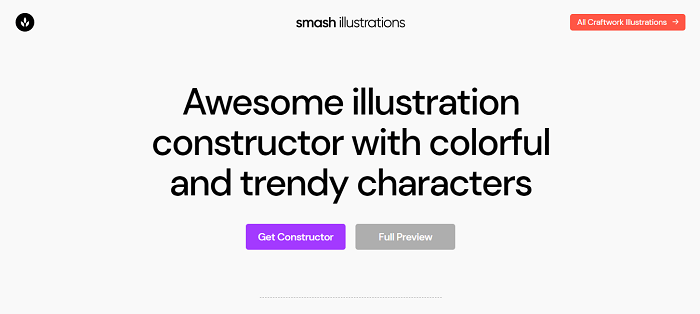
    15. Smash Illustrations – Finest Illustration Constructor

    Smash illustration free illustration websites

    Smash Illustrations is among one of the finest illustration constructors with trendy and colorful characters. You can use Smash for both personal and commercial usage. There are more than 250 illustrations to create a scene of your preference with multiple options to change things.

    So far, there are 50 characters, 200 hundred objects, and 20 ready-to-use scenes to be exact. Check out Smash to create high-quality stunning illustrations.

    Visit Website

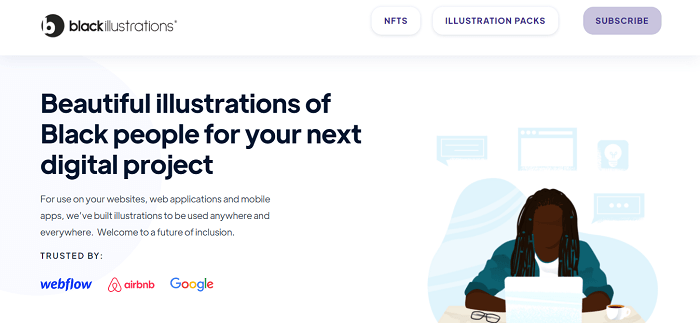
    16. Black Illustrations – beautiful Illustration of Black People for Digital Projects

    black illustrations - free illustration websites

    Black Illustrations is a unique yet very human illustration website. The company specifically makes both free and premium illustrations of black people for digital projects. And the website is trusted by big companies like Google, Airbnb, and Webflow.

    You’ll find hundreds of illustrations of different scenes with tons of characters in them. Make sure to check out Black Illustration. Lastly, they offer the files with a complete library for Sketch, PNG, AI, JPG, SVG, and assets.

    Visit Website

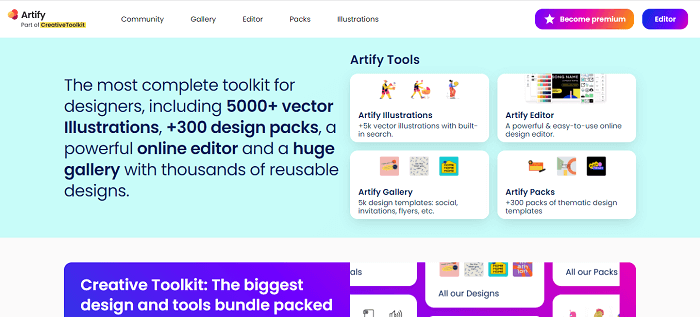
    17. Artify – Most Complete Toolkit for Designers

    Artify most complete toolkit for designers

    Artify is part of the Creative toolkit.  It is a company that offers a comprehensive toolkit for designers. Over 500 vector illustrations, 300+ design packs, and a powerful design editor are all included. There is also a large gallery of reusable designs.
    Artify has a lot of high-quality free designs as well as premium ones, which is fantastic. Almost every scenario-based illustration can be found there.

    To start with, you can check out their very unique Uncommon Illustrations pack. Which is free in PNG formats.

    Visit Website

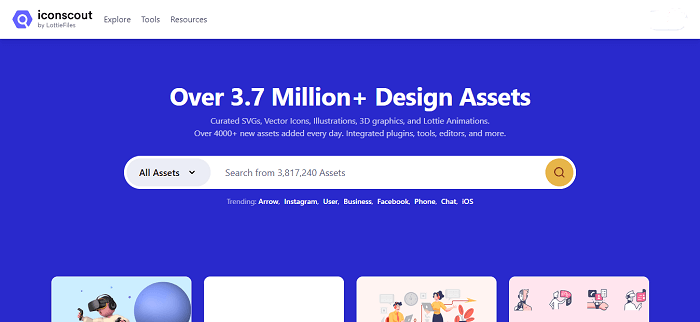
    18. Iconscout – Mega Collection of Design Assets

    iconscout - free illustration website

    Iconscout now has over 3,7 million design assets. In their collection, they have curated SVGs, Vector Icons, Illustrations, 3D illustrations, and more. And guess what! They add 4000+ new assets every single day.

    This site gives you the freedom to customize illustrations. They say it will take only 30 seconds to add magic to your design. There are both free and premium illustrations in Iconscout. You can have a premium subscription for a full year and choose any illustration or design file you like. Also, these are available in multiple formats. Experience this amazing site.

    Visit Website

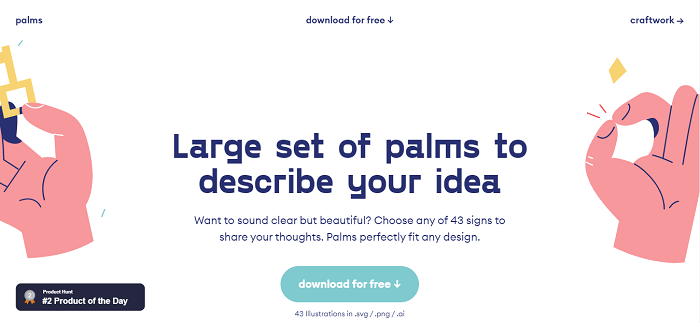
    19. Palms – Largest Set of Palms to describe Your Ideas

    Palms Largest Set of Palms to describe Your Ideas

    Palms is a full free illustration website. Download any illustrations of your preference and no money is required. In product, it is in the second place by the time we’re writing it. So, you can guess its artistic influence over people. However, on this website there is a limitation of illustrations, it’s only 43. But these follow a particular sector in illustrations. Which is showing signs with palms.

    The illustrations here are all just signs to describe your message to the visitors on your site or anywhere else without spending any words. These files are available in SVG, png, and AI formats. You can have a full preview of these products simply by visiting their website.

    Visit Website

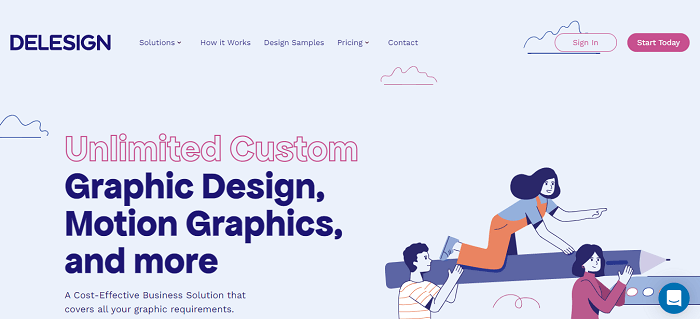
    20. Delesign – Unlimited Custom Graphic Designs and Motion Graphics

    Delesign - Unlimited Custom Graphic Designs and Motion Graphics

    Delesign is a unique site that offers unlimited custom, graphics, motion graphics, and a lot more. This is absolutely a cost-effective business solution that covers all the graphic requirements that you’ll probably need. The site provides different solutions. For example, different packages for the marketing teams, businesses, agencies, etc. But these are not our matter of concern in this blog. Because hiring experts will cost you money.

    So, for free packages, they offer free resources in their illustration section, especially for entrepreneurs and for personal use. Here is a link to that. These files come in SVG and PNG formats. Make sure to visit their site.

    Visit Website

    21. Craftwork – Collection for Better Online Designs

    Craftwork - Collection for Better Online Designs

    Craftwork is a site for better designs for online purposes. There are 3D illustrations, animations, mobile kits, vector illustrations, etc. They have both free and premium options for you. So, you can choose between them. But not all designs are free of cost. But the amount of free designs they have is not any less.

    One might end up having what he/she was looking for in these free packages. Another great aspect of this company is that it is trusted by giant companies like Paypal, Pinterest, Vimeo, Microsoft, Logitech, Google, Walmart, and more.

    Visit Website

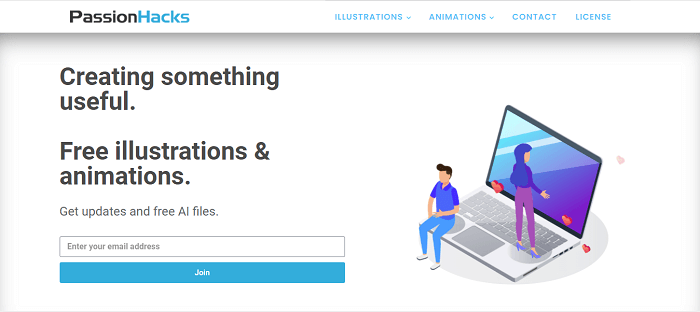
    22. PassionHacks – Free Illustration and Animations

    PassionHacks - Free Illustration websites

    Another trustworthy name of free illustration is PassionHacks. This site provides free files of illustrations. Only by providing your email address, you can access their all free files. The files come in different formats like PNG, SVG, etc. Not only, they offer just still illustrations but also they have a great collection of animated illustrations.

    Surely, do not forget to check them out!

    Visit Website

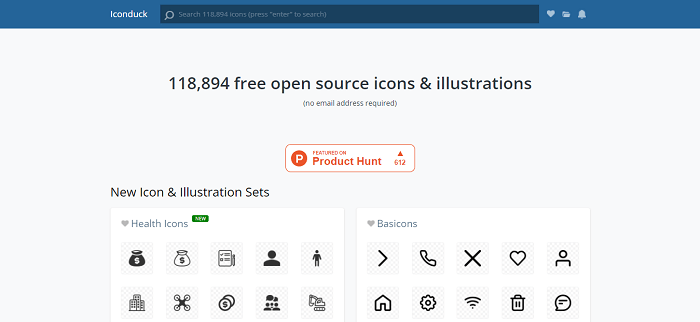
    23. iconduck – Free Open-Source Icons & Illustrations

    iconduck - Free Open-Source Icons & Illustrations

    iconduck now has over 100000 free and open source icons & illustrations curated on their site. This website is featured on Product Hunt. As they are open-source files, you won’t need an email address to download the files. You can simply search with any particular keywords you like and get a ton of suggestions for that.

    Their goal is to make open-source illustrations and icons more accessible. They do it simply by tagging and collecting them for different sources.

    Visit Website

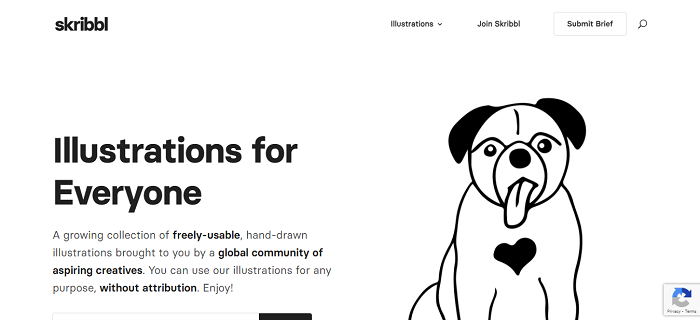
    24. Skribbl – Illustrations for Everyone

    Skribbl - Illustrations for Everyone

    Skribble is a website specially designed for hand-drawn illustrations. It is brought to us by a global community of creative designers. There are a lot of hand-drawn illustrations and all of them are free of charge. Without using any attribution you can use any of Skribble’s illustrations. All of these illustrations are black and white.

    Moreover, you can find illustrations for a lot of different subjects. Search any categories of illustrations you want and grab what suits your requirements best. Also, if you subscribe to their website with your email, they will offer you a free illustration pack every single week.

    Visit Website

    25. kapustin – A website for Illustrations

    kapustin - A website for Illustrations

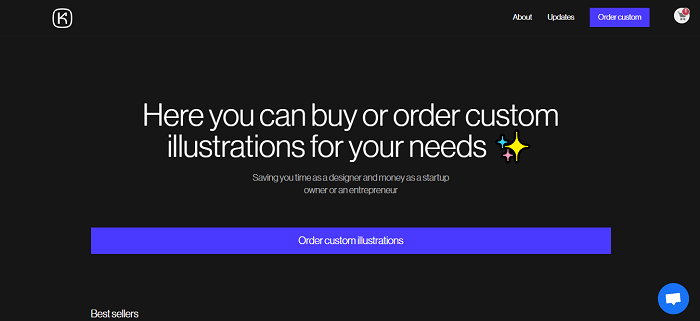
    Kapustin is a sophisticated illustration site that has both free and premium illustrations available on its site. In comparison, free illustrations are less in number. But in some cases, these can do your job. They offer illustrations in bundles with different name tags.

    With Kapustin, you can also order custom illustrations.

    Visit Website

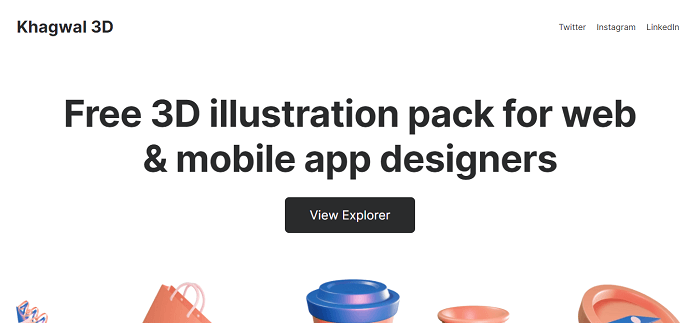
    26. Khagwal – 3D Illustration Library

    Khagwal - 3D Illustration Library

    Khagwal 3D is a free 3D illustration library website. The website contains 45+ 3D illustrations for designers. All of these are available in 5 different color themes. And the types are, Aero, Amber, Charcoal, Elite, and Slate. Moreover, all of them are scalable, dynamic, and project-ready designs.

    Most importantly, these designs will easily fit into your online projects. You will be able to use them for commercial purposes and this will cost you no money. A few examples can be, promotional content making, web, and mobile app projects, etc. These files are available for Figma.

    Visit Website

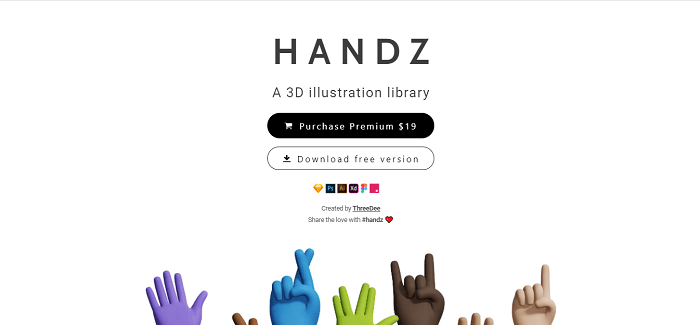
    27. Handz – 3D Illustration Library

    Handz 3D Illustration Library

    Handz is a 3D illustration-based website that offers both premium and free 3D illustrations. the premium version also doesn’t cost that much. Those who are interested and want to try 3D illustrations on their projects can easily visit this site. The Handz website provides illustrations of one particular category. That is hands expressing different scenarios.

    You can select any colors you prefer on these illustrations. In the free version, there are 320+ png files rendered. These are all blend-made files, 12 hand gestures, 9 variations in skin colors, and 3 variations of sleeves. They say, “It is more than 320 combinations of hand out of the box.” However, the premium package gives 5 times more than the free version.

    Visit Website

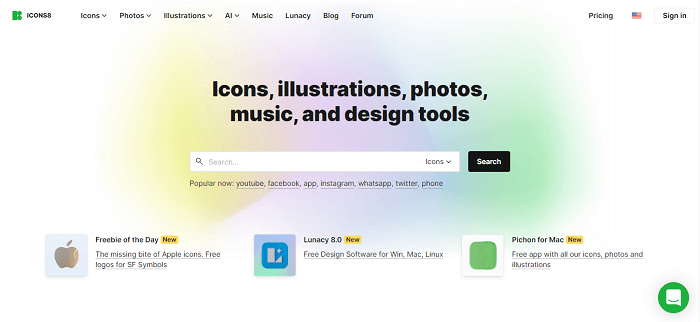
    28. Icons8 – Icons, Illustrations, Photos, Music and Design Tools

    Icons8 free illustration website

    Icons8 is a mega-collection of illustrations, icons, animations, photos, music, and design tools. The website has a great collection of free resources. For example, you can grab some of the most useful illustrations just for free. These packages come in great numbers and quality.

    Most importantly, they have every package for different categories sorted out in such a beautiful way that you’ll face no difficulties finding the ones you would like to have on your project. These packages come in various sizes, shapes, and formats. Make sure to check it out.

    Visit Website

    29. Illustrations – Open-source Illustrations Kit

    Illustrations - Open-source Illustrations Kit

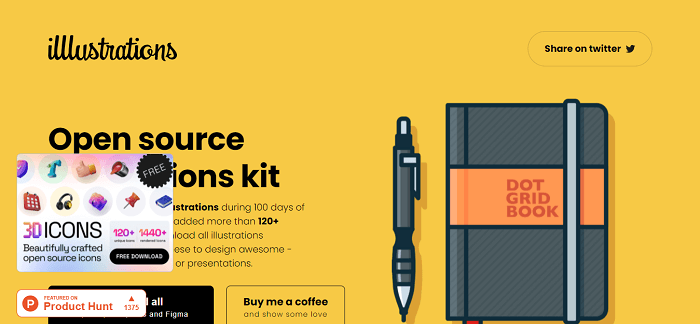
    The website Illustrations is another beautiful website for open-source illustrations. It got featured by Producthunt. All the illustrations here are open for commercial and personal use. Though, the number of illustrations here is not huge. However, all of them are high-quality illustrations. In total, there are more than 120 illustrations which are available in SVG, PNG, AI, EPS, and Figma.

    Thus, download them for free and mix them up with your requirements and throw a great impact on your visitors.

    Visit Website

    30. Illustration Kit – Free Premium Illustrations

    Illustration Kit - Free Premium Illustrations

    Illustration Kit is a free premium website for vector illustrations by Khushmeen & Dilpreet. By providing your email address, you can have all weekly updates about the new illustration packs. The designs here are all very minimal in design, which is very effective, nowadays to bring the attention of minimal loving users.

    Apart from sending you new information about their weekly updates, they will send you free illustrations every week right in your inbox. Isn’t that amazing? You can customize colors and characters according to your recommendations and download them in PNG and SVG formats.

    Visit Website

    31. Humaaans – Human Focused Designs

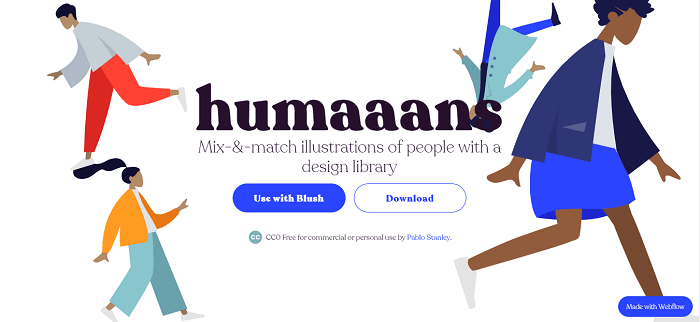
    Humaaans is concerned with the human side of design. As an illustration library, it emphasizes the human connection to design. These wonderfully creative artworks will work well in any design project that requires a touch of emotion and liveliness.

    It’s ideal for using as icon placements as well as full-fledged hero sections.

    Visit Website

    Wrapping Up

    Now, it seems like your search for the best free illustration websites for web developers has come to an end. The websites mentioned here are just among the best illustration websites. But there are a lot of other options available on the internet. You can find some great quality illustrations on other websites also. So, always keep your eyes open while looking for creative designs. Who knows you might end up having a great collection of illustrious in some underrated website.

    It surprises us that such a great amount of artworks people put on the internet, just for free. So, if you have an option to contribute something good to the creators then feel free to do so.

    About UI-Lib

    We are a software development company that provides a large number of templates both free and premium every year on the marketplaces. Also, we create useful UI kits and design systems. For those we use technologies like Angular, Vue, React, etc. So, if you want to learn more about our work make sure to visit our Gumroad profile and also our ThemeForest profile. You’ll find the links on the buttons below.

    Our Themeforest Profile  Our Gumroad Profile

  • What Is User Interface (UI) – Everything You Need to Know

    What Is User Interface (UI) – Everything You Need to Know

    What is a User Interface? How do you get started with it? Here is what you need to know.

    What Is User Interface (UI)

    The internet and apps have become increasingly important in everyday life and business. We connect our businesses and lives with people, using computers, laptops, mobile phones, and tablets. As a result, entrepreneurs and large corporations have discovered that to compete with other competitors on the internet and applications. It is best to prioritize the development of an appealing and functional user interface. And in the end, the most visually appealing interfaces and interfaces that can optimize the best user experience (UX) will win.

    So, in this article, we are going to answer:

    • What is a user interface (UI)?
    • Difference between UI and UX.
    • Important elements of a user interface.
    • Principles of good user interface design.

    What Is a User Interface (UI)?

    A user interface is a point where a person interacts with a computer, web, or app. The goal of a user interface is to make interaction as easy and natural as possible. You must ensure that users get the best results with the least amount of effort.

    user interface ui

    The developers use layers of interaction to create user interfaces. It is to appeal to the human senses (sight, touch, auditory, and more). They include keyboards, mouses, trackpads, microphones, touch screens, fingerprint scanners, e-pens, and cameras. Also, monitors, speakers, and printers as input and other output devices. And, multimedia user interfaces are devices that interact with multiple senses. The user interface combines physical input such as keyboard and mouse with visual and auditory output like monitor and speakers.

    Other classes of user interfaces:

    Menu-driven UI: A user interface that navigates through a program or website using a list of options. ATMs, for example, have menu-driven user interfaces that are simple to use.

    Graphical UI: A physical UI input with a visual UI output (monitor and keyboard)

    Form-based UI: Form-based UI, enter data into a program or application by providing a limited number of options. A device’s settings menu, for example, is form-based.

    Touch UI: Haptic or touch input is used by the majority of smartphones, tablets, etc.

    Voice user interface UI: Voice UI or Auditory commands help users to interact between humans and machines. For example, virtual assistants, talk-to-text, GPS, etc.

    Difference between User Interface and User Experience

    UI is primarily concerned with the site’s, app’s, or program’s intended look and feels. Whereas UX encompasses the entire process of conception, development, and delivery. Furthermore, UX can be applied to almost any product, whereas UI is limited to digital products. The following are the key distinctions between UX and UI:

    User Interface VS User Experience
    UXUI
    Focuses on the functionality of the product. Pays attention to the quality of user interaction.
    Focuses on market research & users need. Focuses on the design & the feel of a product.
    Involves overall project management. Focuses on the design of the finished item.

    Important Elements of User Interface

    User Interface offers touchpoints for the user as they navigate their way around; from buttons to scrollbars, to menu items and checkboxes.

    Elements of UI

    There are four categories of UI elements:

    Informational Components – These components help users to receive information. For example, notifications, inbox, pop-ups, progress bars, etc.

    Input Controls – It helps users to enter data into the system. For example, you can use an input control when you want users to tell you what country there are in.

    Containers – They hold related content. Such example of a container is the accordion. It is an item list that is stacked vertically. It shows/hides functionality.

    Principles of Good User Interface Design

    The UX should be the foundation of an ideal UI design. It should have an appealing, one-of-a-kind appearance, a logical structure, and be simple to understand for users. It’s more difficult than it appears. Even if the UI design is perfect, there will inevitably be a lot of debugging and fine-tuning after it goes live. To create an effective UI, follow these guidelines:

    Idea

    Consistency

    In UI, consistency is the key to success. It enables users to apply previous knowledge to new aspects. Also, it helps to master new situations rapidly. You can skip wasting your time learning the differences between different controls or commands. Instead, you can focus on solving real problems. Thus, consistency helps the interface design to be recognizable and predictable.

    Minimize Cognitive Load

    Cognitive load indicates ‘how much mental processing it needs to use a product.’ If you overload your UI with information. He/she will miss the details and may even bounce from using the product. So, to make it a minimum pressure on the users’ side, you need to avoid old links, give bullet points, obvious calls to action, and group the related items together, and give clear headlines.

    Clarity

    There should be no space for confusion in a UI. Make everything as clean & clear as possible. Keeping an interface clean and straight will give users confidence. It will then motivate the users to continue interacting with your interface.

    Users’ Control

    Forcing users to engage in perplexing interactions or unexpected actions is not a good idea. Users should be able to interact with your UI in an organized and friendly manner. Maintain clear pathways and give hints as to what they will see next if they click a button.

    Invisibility

    All users can identify a poor design. It is because every user can detect the smoothness of a user interface. Unplanned construction is easily traceable, and the bounce rate will noticeably increase. So, an invisible design here will allow users to concentrate on their goals rather than being distracted by the interface. And that is how less will be more.

    What’s Next?

    Understanding everything about the User interface properly should be your first priority. Your next best move will be to check out examples of successful user interfaces. Creating a perfect user interface is a very difficult task but if you focus on both the UI and UX. You will definitely succeed.

    About Us

    We are UI-Lib, a software development company. With us, you will have the best experience because our main priority is to offer high-quality products and resources. We create both free & premium design systems, templates, UI kits, and useful resources for development.

    Our Themeforest Profile  Our Gumroad Profile
  • Top 10 Best Ant Design Templates for Web Developers in 2022

    Top 10 Best Ant Design Templates for Web Developers in 2022

    Want to have the best Ant Design Templates for your next web development project? These free & premium templates are here to help.

    ant design logo

    Do you want to save your time on customizing and styling your web project? Ant Design is a great option for that. This framework allows you to customize and style your web project in the shortest amount of time possible. However, the results appear to show that you put a lot of time & effort into it. With its powerful theme customization, it’s undeniably a fantastic framework.

    What is Ant Design?

    Ant Design is one of the most substantial open-source enterprise-class user interface design languages. As a result, it aids businesses in achieving the best outcomes with user interfaces. It also has a set of high-quality React components, making it the world’s second most popular React UI framework.

    Among many, one great thing about Ant Design is that it has highly customizable rich components. And as it is a popular component library with 75.1k GitHub stars, you will get good community support too. In this blog, we have carefully handpicked the 10 Best templates based on Ant Design.

    Best Ant Design Templates for Web Developers in 2022

    Let’s take a look at the best Ant Design Templates.

    1. Yoda – Admin Template React Hooks Redux Toolkit Ant Design

    Yoda - Ant Design Admin Template

    Live Preview Download

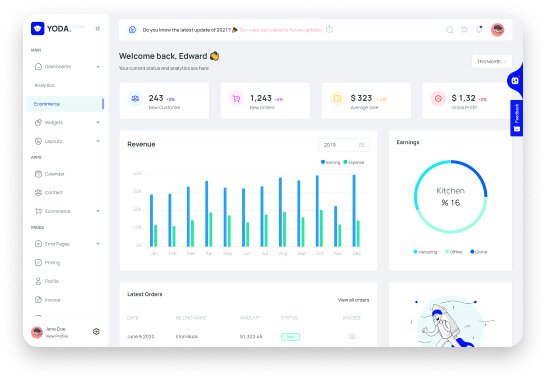
    Yoda is an easy-to-use React Admin Template based on Ant Design. It is a viable option for Ant Design enthusiasts to try this product because it includes all of the essential features and even some highly customizable elements. Furthermore, with just a little effort and customization, you can create your project.

    The template includes 70+ cards, 2000+ icons, responsive layout, clean code, quick search, ready-to-go widgets, etc. Furthermore, by purchasing the product, you will receive clear documentation. And also a lifetime of free updates and support.

    Price: $18

    2. Wieldy – React Admin Template Ant Design and Redux

    Wieldy - React Admin Template Ant Design

    Live Preview Download

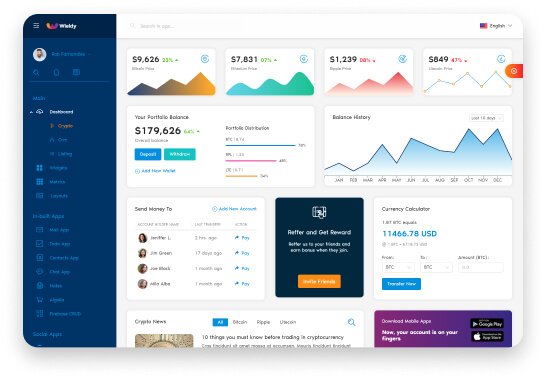
    Wieldy is another Ant Design-based React Admin Template & Starter-Kit. Whether simple or complex, you can develop a React app using this template within the shortest period. As a starter kit, it can support you with React, Redux, Firebase, Router, and Redux-Saga to advance development.

    This template includes ten layouts, three sidebar options, two additional layout styles, 03 shades, etc. Also, its multi-lingual support, firebase & JWT authentication will bolster your project. However, this is not the end of this template. The template offers additional packages like the Next.js version and a complete design source.

    There are more than 100+ widgets & metrics, 05 pre-built applications, GitHub access, premium support, and a lot more. You name it. Wieldy has it all.

    Price: 24$

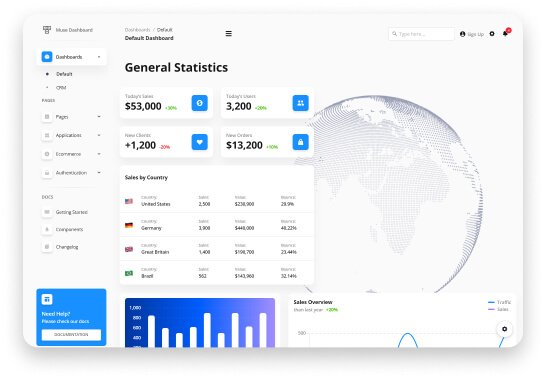
    3. Muse – Vue Ant Design Dashboard (Free)

    Muse - Vue Ant Design Dashboard

    Live Preview Download

    Muse is another great Ant Design based template developed by Creative Tim. Basically, it is an admin dashboard built with vuejs and with a large number of beautifully organized components. Especially, it is designed for those who like bold elements.

    This free version template provides 70+ elements, 7 example pages, one plugin, and more. After download, you will receive full documentation of the product and the SaaS files.

    Because all the necessary files are implemented here beforehand, you can save a lot of time on development going from prototyping to fully functional code. It also comes with a premium version.

    Price: Free

    4. Muse Dashboard PRO

    Muse Ant Design Dashboard PRO

    Live Preview Download

    Muse Dashboard Pro is the premium version of Muse developed by Creative Tim. It includes everything from the Muse package and also offers a lot more new features plus premium support. The template has stunning features that can help you create awesome websites and applications. It has over 300 front-end elements.

    Moreover, there are 05 plugins, 26 example pages, and more. For inspiration, we would recommend you to use the free version. And if you want to make the best quality dashboard for commercial purposes, choose Muse Dashboard Pro.

    Price: 69$

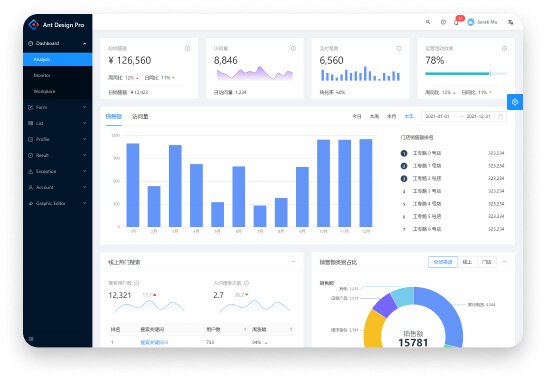
    5. Ant Design Pro (Free)

    Ant Design Pro

    Live Preview Download

    Ant Design Pro is the best example of a free production-ready solution. It got developed n top of Ant Design principles. The template includes higher-level components, templates, a design kit, and a lot more. Moreover, it offers sections like forms, lists, profiles, accounts, results, exceptions, etc.

    This template can help you improve the user and development experience for admin interfaces.

    Price: Free

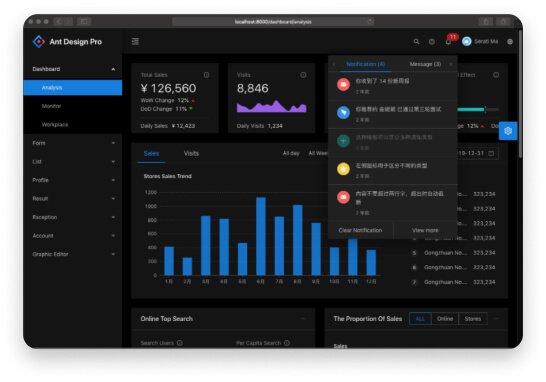
    6. Dark Theme – Ant Design (Free)

    Ant Design Dark Theme

    Live Preview Download

    Another free production-ready solution for developers is Ant Design Dark Theme. This template is available on GitHub. It was developed using Ant Design’s design principles, just like Ant Design Pro. It has a very clean appearance and includes all of the advanced features you might require.

    A dashboard example, form, list, profile, result, account, graphic editor, and more are included in this open-source product.

    Price: Free

    7. Ant React Free Theme

    Ant React Free Theme

    Live Preview Download

    Built on top of React, the Ant React Free theme is an admin dashboard that is fully responsive and well-documented. By using Ant Design, its developers’ team built a great many rich features for web developers. Do not get confused. To preview this product, type anything on the user name section and password. You can then easily navigate through the template sections.

    The template includes elements like a grid, layout, dashboard example, forms, buttons, typography, lists, charts, profile, calendars, etc. To download this template from strapui.com, all you need to do is sign up. Make sure to check out this beautiful template.

    Price: Free

    8. Landing Page – Ant Design

    Ant Landing

    Live Preview Download

    You can find Ant Design-based landing page templates on landing.ant.design. To quickly build a project, you can download these Ant Design-based free template packages. You can also use the editor to personalize your landing page.

    There are a lot of homepage examples on this platform. Make sure to try out these products. They’re all free and open-source.

    Price: Free

    9. One – React Next.js & Ant Design Admin Template

    One - React Next.js & Ant Design Admin Template

    Live Preview Download

    One is a javascript-based React and Next.js template. It is necessary to have prior knowledge of React and Javascript to use this template. The template includes everything you’ll need to get started on your SAAS, CRM, CMS, or dashboard-based project.

    Also, it has features like a light & dark theme, use of styled components, easy customization, and a lot more. However, it is a fact that the product hasn’t been updated in over a year. So, make to check the FAQ section or contact directly with its developers’ team before buying this product.

    Price: 16$

    10. Flexile – React Redux Admin Template based on Ant Framework

    Flexile - React Admin Template Ant Framework

    Live Preview Download

    Flexile is a robust react admin template with the Ant Design concept and framework. It has a modern design and various layouts, as well as hundreds of widgets, metrics, and other features. Flexile has various detailed apps developed and integrated with Firebase in addition to the implementation of Redux and Redux-Saga.

    With Flexile, you can speed up your web app development process while saving money and time. The template provides 9 different layouts, an extended customizer, 200+ font icons, event calendars, maps, 04 built-in apps, etc. However, like template One, Flexile also hasn’t been updated in over a year.

    Price: 16$

    Wrapping Up

    It appears that your search for Ant Design templates is now complete. We believe you are already aware of some of Ant Design’s best features. You can now easily avoid tangled and messy designs with the help of these templates. Also, make a point of maintaining consistency in appearances and ensuring user confidence.

    About Us

    We are UI-Lib, a software development company that offers useful and awesome-looking free and premium templates, UI kits, and design systems. Our main motto is to ensure excellent quality products and to achieve this, we value excellent quality, experience, and positivity.

    Our Themeforest Profile Our Gumroad Profile

  • TypeScript & JavaScript – Which One to Choose in 2022?

    TypeScript & JavaScript – Which One to Choose in 2022?

    Hey, everyone! Are you looking for information that will eliminate your confusion on which one to choose between TypeScript and JavaScript? The answers are right here. In this blog, we will discuss the definitions, features, pros & cons of JavaScript and TypeScript.

    TypeScript or JavaScript

    It is undeniable that almost all businesses now have their websites. And the majority of them opted for JavaScript to achieve highly effective functionality. However, there is another relatively new language that is thriving in the developing industry. We know this language as TypeScript. However, TypeScript is not an alien language; it is a modern version of JavaScript itself. I will discuss all of that piece by piece. So, without further ado, let’s begin.

    From here you’ll learn about,

    • What is JavaScript?
    • What is TypeScript?
    • One Side by Side Code – TypeScript Vs JavaScript
    • Features of JavaScript?
    • Features of TypeScript?
    • Benefits of using TypeScript Over JavaScript
    • Disadvantages of using TypeScript Over JavaScript

    and more.

    What is JavaScript?

    JavaScript, aka JS, is a scripting language that offers the opportunity to build interactive web pages. It means you can create, control, and animate content for web pages with JavaScript. And all of these are possible only with a few lines of code. JS can work with other technologies like XML, Rest API, etc. In standard web technology, it is the third layer. Where the first and second layers are HTML and CSS.

    Here is an example of a simple text label to understand the layers properly. Here, we set HTML for structure and purpose.

    <p>Player 1: Jhonson</p>
    

    Player 1: Jhonson

    Then to give it a nice look we add CSS.

    p {
      font-family: 'helvetica neue', helvetica, sans-serif;
      letter-spacing: 1px;
      text-transform: uppercase;
      text-align: center;
      border: 2px solid rgba(0,0,200,0.6);
      background: rgba(0,0,200,0.3);
      color: rgba(0,0,200,0.6);
      box-shadow: 1px 1px 2px rgba(0,0,200,0.4);
      border-radius: 10px;
      padding: 3px 10px;
      display: inline-block;
      cursor: pointer;
    }
    

    It will appear like this.

    JavaScript Examples

    Lastly, to have a dynamic response we add JavaScript.

    const para = document.querySelector('p');
    
    para.addEventListener('click', updateName);
    
    function updateName() {
      let name = prompt('Enter a new name');
      para.textContent = 'Player 1: ' + name;
    }
    

    By adding JavaScript, we can now change the name section simply by clicking the blue button and type a new name.

    Check it out from here. Live Demo

    Source Code

    When JavaScript first arrived at the market, its purpose was to work as a client-side programming language. However, soon after its arrival, the developers realized that JS can also work as a server-side programming language. As the demand for JavaScript was booming, the code of this language became complex. And, it failed to fulfill all the requirements of an object-oriented programing language.

    What is TypeScript?

    TypeScript is an advanced JavaScript language by Microsoft that came to the market in 2012. We can define TypeScript as, TypeScript = JavaScript + Types + some added features. For example, when we use class in JavaScript, the parent class there is JavaScript. Then we create a new class TypeScript, that extends JavaScript.

    So, TypeScript code is an effectively JavaScript code. It means, when we write a JavaScript, that is also a TypeScript code but not all TypeScript codes are JavaScript codes.

    Here are few examples of TypeScript Code.

    Explicit types – TypeScript Code

    // Explicit Types
    let destination = "Mars";  // it's the same as let destination: string but TS infers by itself
    

    Using enums – TypeScript Code

    // We can use enums
    enum Professions { Astronaut, RocketScientist, Mechanic }
    

    TypeScript compiled to JavaScript: Using enums

    // We can use enums
    var Professions;
    (function (Professions) {
        Professions[Professions["Astronaut"] = 0] = "Astronaut";
        Professions[Professions["RocketScientist"] = 1] = "RocketScientist";
        Professions[Professions["Mechanic"] = 2] = "Mechanic";
    })(Professions || (Professions = {}));
    

    Type aliases – TypeScript Code

    // We can also use type aliases
    type Person = 
        { type: Professions.Astronaut, name: string, isAtSpace: boolean} |
        { type: Professions.RocketScientist, name: string }
    

    The Parameter type annotation – TypeScript Code

    // Parameter type annotation
    function weight(mass: number, planet: Planet) {
        return mass * planet.gravity;
    }
    function printAsteroids(planet: Planet) {
        if (Array.isArray(planet.asteroids)) {
            console.log("Asteroids: " + planet.asteroids.join(", "));
        } else {
            console.log("Asteroids: " + planet.asteroids);
        }
    }
    

    Interfaces – TypeScript Code

    interface Planet {
        name: string;
        gravity: number;       
        asteroids?: string[] | string; // optional property (?) and narrowing where we can assign more than one type
    }
    const mars: Planet = {
        name: "Mars",
        gravity: 3.721
    };
    mars.mass; // throw an error: Property 'mass' does not exist on type '{ name: string; gravity: number }'.
    

    Source Link

    The main purpose of this programming language is to create larger & complex applications. With TypeScript, you can write clear and simple JavaScript code. And you can run it on nodejs or any browser which supports ECMAScript3 or newer versions.

    Unlike JavaScript, TypeScript can heavily follow the object-oriented programming language structure. It supports features like interfaces, classes, inheritance, and namespaces.

    One Side by Side Code – TypeScript Vs JavaScript

    JavaScript CodeTypeScript Code
    Example:
    <script> function addNumbers(a, b) {
    return a + b;
    }
    var sum = addNumbers(15, 25);
    document.write(‘Sum of the numbers is: ‘ + sum);
    </script>
    Example:

    function addNumbers(a: number, b: number) {
    return a + b;
    }
    let sum: number = addNumbers(15, 25);
    console.log(‘Sum of the numbers is: ‘ + sum);

    Features of JavaScript

    There are a lot of features for which JavaScript is so popular. Here are some of them.

    • It has a strong testing workflow.
    • Designed especially for small scripts.
    • It supports classes, modules, and interfaces.
    • Supports cross-compilation.
    • Writing a large app is possible via extended JavaScript.
    • JavaScript runs in every browser when compiled.
    • lightweight programming language.
    • Weakly Typed Language.
    • The Scripts can be written on HTML pages like notepad or notepad ++.

    Features of TypeScript

    TypeScript grew more popular in recent years. But it’s not just hype, TypeScript has powerful features for which it is now thriving in the developing industry. Here are some features of TypeScript.

    • Used on both client-side and server-side (as with Node. js or Deno).
    • It is an object-oriented programming language.
    • Needs a compiler to compile and generate in the JavaScript file.
    • Has trans-piled code process.
    • Supports JS API documentation and other JS libraries.
    • Easy maintenance.
    • Optionally Typed Scripting Language.
    • Enhances project productivity.
    • Annotations and Static typing are possible.
    • Easy debugging and early errors detection.
    • full-fledged IDE support.
    • Strongly Typed language.
    • Supports ES6.

    Benefits of Using TypeScript Over JavaScript

    Let’s find out the benefits of using TypeScript over JavaScript. First, as TypeScript has static typing, it can highlight errors at the compilation time. So, there is no chance for an application to have running issues afterward. Secondly, unlike JavaScript, it is a strongly typed language. Therefore, each type of data, such as character, integer, etcetera, will be predefined as a part of the programming language. It allows tooling support with IntelliSense. That provides active hints as to the addition of code.

    Another factor about TypeScript is that frameworks like Angular use TypeScript. Also, functions can have optional parameters, and prototyping is possible in TypeScript. Last but not least, its compiler can compile the .ts file into ES3, ES4, and ES5.

    Disadvantages of Using TypeScript Over JavaScript

    There are fewer drawbacks of using TypeScript over JavaScript. The first one is that it does not support abstract classes. Then secondly, it takes a longer time to compile than JavaScript. Therefore, the compilation step is needed to transform TypeScript into JavaScript first.

    Lastly, TypeScript can take a lot of time and effort to code, and scripting knowledge are mandatory. Whereas JavaScript can be learned quickly and does not require any scripting knowledge.

    Wrapping Up

    Finally, it appears that this blog has reached its conclusion. Those who are not that familiar with TypeScript VS JavaScript comparison now know the basic differences. we attempted to cover almost all of the basic FAQs that constantly clog the internet. We saw in this blog that both of these technologies have advantages and disadvantages.

    However, TypeScript is recommended for those who want to take a more modern approach, who want clean, reusable, beautiful, compact, and readable codes. But keep in mind that, like JavaScript, TypeScript isn’t supported by all web browsers. So take time, do some research, and clear your doubts before starting your new web project.

    Happy coding!

    About Us

    UI-Lib is a software development firm. It has a team of experts who build high-quality free and premium templates, UI kits, and design solutions. The company uses React, Angular, Vue, HTML, and other competitive and modern technologies to create these beautiful products. And, on Themeforest, they already have over 9,000 sales.

    Our Gumroad Profile

    Our TypeScript Based Product:

    Bazar Pro – Multipurpose React eCommerce Template