Category: UI Kits

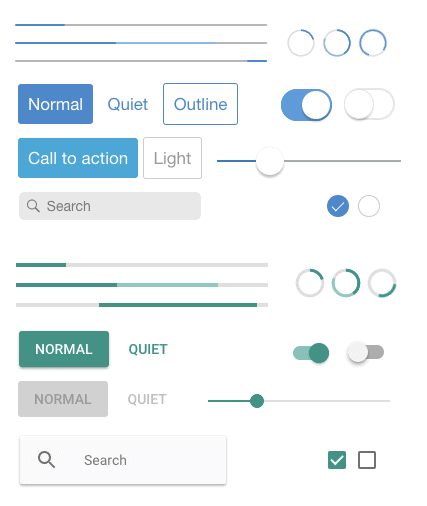
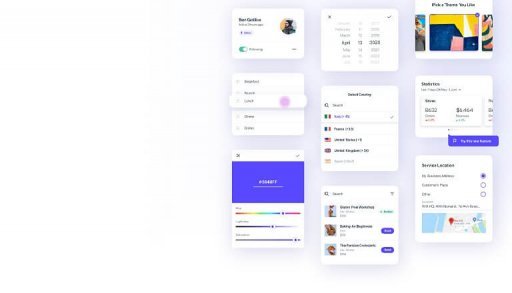
UI Kits are sets of resources allowing you to plan the structure of your design without sacrificing your creative ideas. They include UI components like buttons, check boxes, progress bars, etc. In this section, you’ll find blog posts related to Figma or Sketch UI kits and their various free, premium collections.

  • Top 20 Best Free & Premium Bootstrap UI Kits for 2022

    Top 20 Best Free & Premium Bootstrap UI Kits for 2022

    Are you a developer looking for the best Bootstrap UI kits? They are right here! In this blog, we have carefully selected the 20 free & premium Bootstrap UI Kits. These UI Kits can be a great option, to begin with, your project and 2022.
    top bootstrap ui kits

    According to a report from 2018, there are more than 18 million websites that have Bootstrap as their CSS framework. And after its popularity, there came several UI Kits for Bootstrap and it’s still growing. So, what are UI Kits? They are pre-built sets of components such as fonts, layered icons, documentation, and more for making web/app development faster.

    Thus, we’re going to present you with some of the best available Bootstrap UI Kits for web and app development. The list is in no particular order.

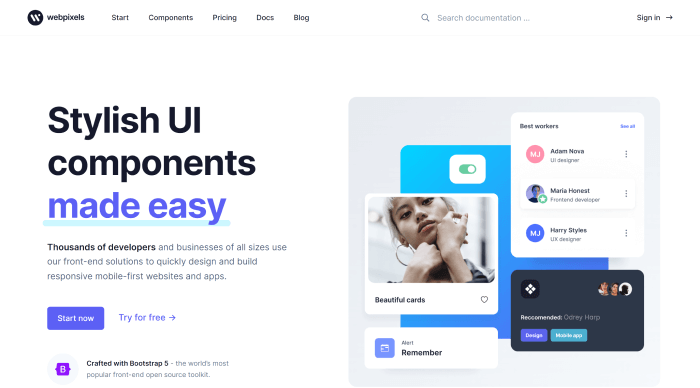
    1. Webpixels – Stylish UI Kit & Components
    Webpixels - Stylish UI Kit & Components

    With Webpixels web development is much more fun because you don’t have to worry about the design. With this Bootstrap 5 component library, you can create a wide range of beautiful websites that adhere to sound design principles. These front-end solutions are used by thousands of developers.

    Here, you’ll find a lot of reusable components, 1400+ icons, and Figma assets for designers. Make sure to check out both free & premium components in Webpixels from the button below.

    Demo / Download

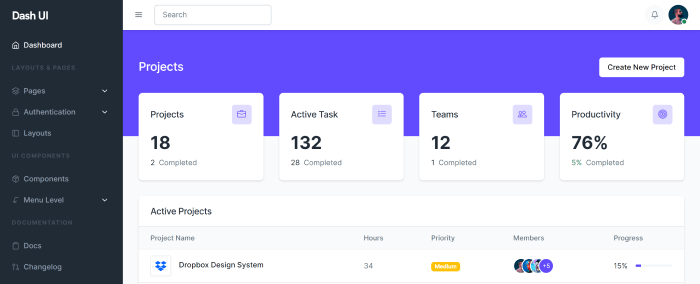
    2. Dash-UI – Bootstrap 5 Admin Dashboard & UI Component
    Dash-UI - Bootstrap 5 Admin Dashboard & UI Component

    Dash UI is a free-of-cost Bootstrap 5 & HTML5 admin template with a large amount of UI Components. If you want to create a backend application or an admin dashboard with Bootstrap 5, try Dash-UI. It is a responsive, browser-compatible package.

    Moreover, the template is supported by specialists. Specialists who provide rapid and effective support. In the component section, you’ll find border suggestions, colors, texts, typography, ratio, stacks, and a lot more.

    Demo / Download

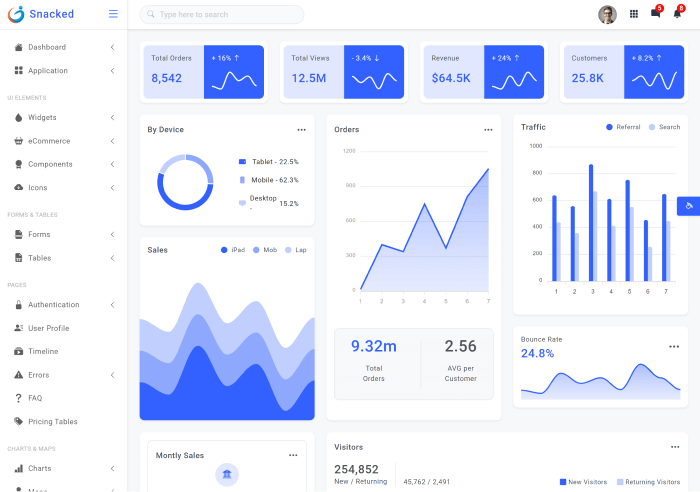
    3. Snacked – Bootstrap 5 UI Kit & Admin Template
    Snacked - Bootstrap 5 UI Kit & Admin Template

    Snacked is a well-responsive Bootstrap UI kit & admin template. For a browser-compatible, developer-friendly template you can give it try. Also, it has UI components with the most recent version of Bootstrap plugins.

    Moreover, there are different types of notifications & sweet alerts and dynamic & static widgets options. And guess what! The number of UI components they’ve gathered here is huge. For example, over 60 responsive HTML pages, more than 200 UI Icons, multiple charts & map options, 3 color dashboards, and a lot more.

    Demo / Download

    4. Fabrx UI Kit Pro

    Fabrx UI Kit Pro

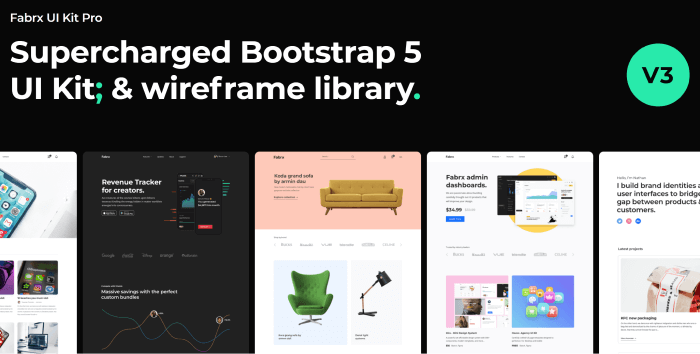
    Fabrx UI Kit Pro is a supercharged Bootstrap 5 UI Kit & Wireframe Library. It has a lot of starter pages to get your creative juice going. Also, you’ll be amazed to know that there are more than 600 components. And, with a large amount of UI components, it has 20+ charts & tables, 500+ custom icons, 120+ light wireframes, 120+ dark wireframes, and a lot more. Experience Fabrx UI Kit Pro by clicking the button below.

    Demo / Download

    5. Ayro UI – Bootstrap UI Component Snippets
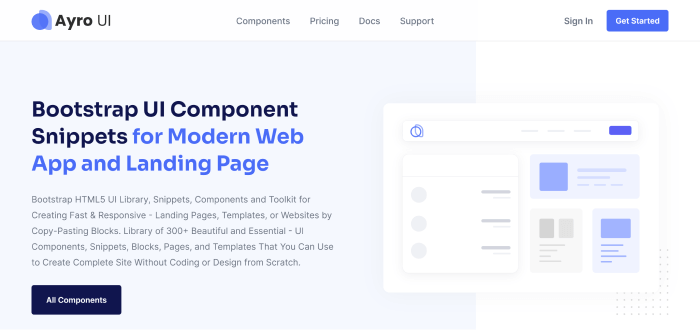
    Ayro UI - Bootstrap UI Component Snippets

    Ayro UI has both free and premium versions. Now, together they got downloaded over 17,000 times. It is a Bootstrap HTML5 UI Library, Snippets, Components, and Toolkit. You can quickly create responsive – landing pages, templates, or websites by copy-pasting blocks. Moreover, it is a collection of 300+ beautiful and essential UI components, snippets, blocks, pages, and templates. You can use it to build a complete site without coding or designing from scratch.

    Free Version Premium Version

    6. Core UI

    Core UI bootstrap ui kit

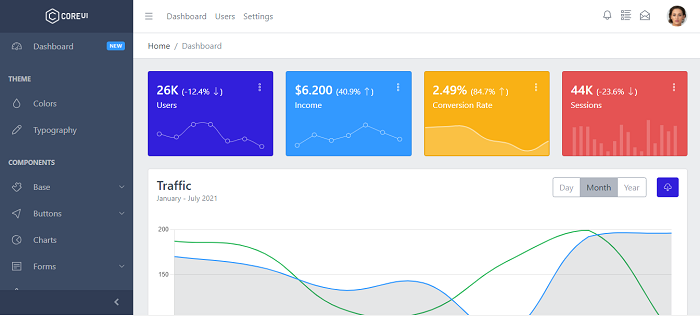
    CoreUI has a big name in the industry as a template and design system provider. Here, it offers a beautiful UI Kit that features multiple admin templates. And, it is filled with different charts, and graphs like sales, stats, social media, traffic, and so on. It is an open-source Angular & Bootstrap admin template with free access to updates, SCSS files, Chart.js, Pace, basic support, etc. And guess what! It supports other frameworks such as React and Vue too.

    So, make sure to check out CoreUI Bootstrap UI Kit. It also has a premium version available with more amazing features.

    Demo / Download Premium Version Github

    7. Soft UI Design System PRO – Premium Bootstrap 5 UI kit
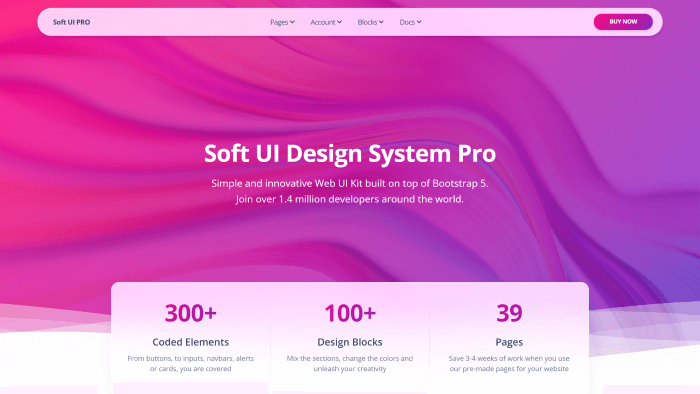
    soft ui design system pro

    Soft UI is one of Creative Tim’s most complex and innovative Bootstrap 5 UI Kit. it is comprised of over 300 frontend individual elements, such as buttons, inputs, navbars, nav tabs, cards, and alerts, which you can freely select and combine. All components can have color variations, which you can easily change with SASS files and classes.

    Here you can find both the demo and pro versions of Soft UI. The premium version contains more than 300+ elements, 100+ design blocks, 4 plugins, 39 example pages, and a lot more.

    Demo / Download Free version

    8. Neumorphism UI

    Neumorphism UI bootstrap ui kit

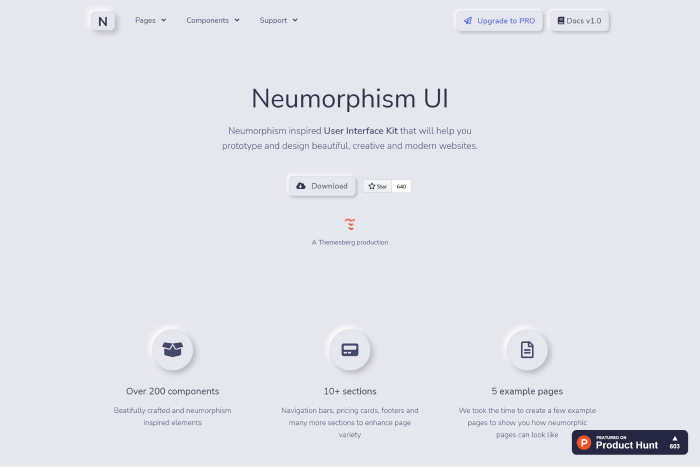
    Neumorphism UI is a free user interface UI Kit with Bootstrap. However, it is a new and contentious design trend that has gained traction since the beginning of 2020. On Product Hunt, this Bootstrap UI Kit was ranked as the fourth-best product of the day. It includes over 200 individual Neumorphic components as well as five example pages.

    Demo / Download

    9. Now UI Kit

    Now UI Kit Bootstrap UI Kit

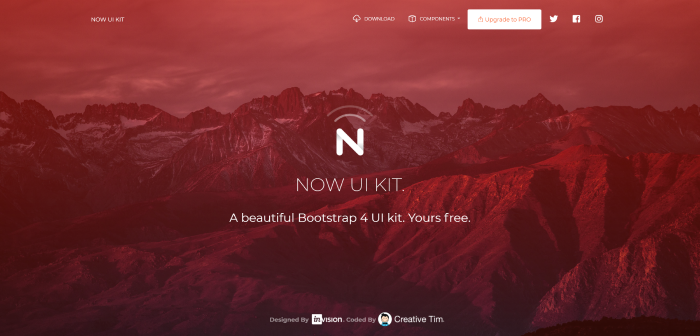
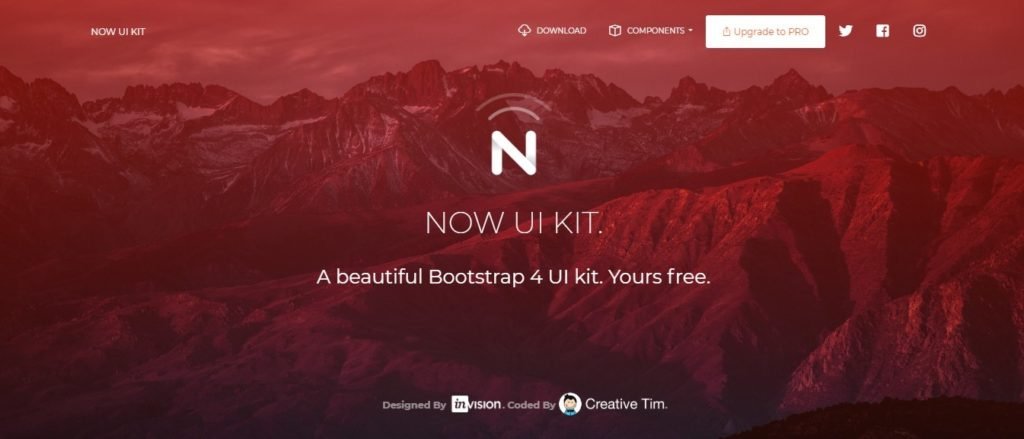
    Now UI Kit is grooving around the marketplace for more than 3 years now. Creative Tim is the creator of this Free Bootstrap 4 Design UI Kit. Inspired by material design, the template offers more than 50 elements. Not only that but there are also 3 templates available on this UI Kit.

    To have it in PSD or Sketch format, you have to visit Invision. The UI components come in bold colors, beautiful typography, spacious arrangement, and more.

    Demo / Download Premium Version

    10. Argon
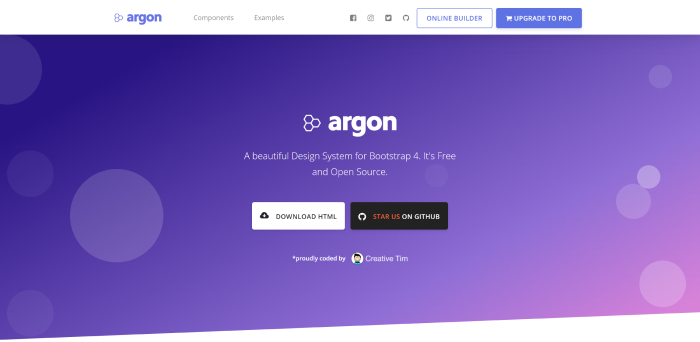
    argon boostrap 4 design system

    Argon is unquestionably one of the best Bootstrap UI Kits available today. Beautiful components and a handful of pages and sections are the ideal starting point for your project. The kit’s design is perfect, combining simplicity and style. The UI Kit is also from Creative Tim. And, it is offering 100 individual components, three plugins, four example pages, and a lot more.

    Most importantly, it gives you the freedom to mix and match. All components can have color variations. That you can easily change with SASS files.

    Demo / Download Premium Version

    11. Pixel Bootstrap 5 UI Kit
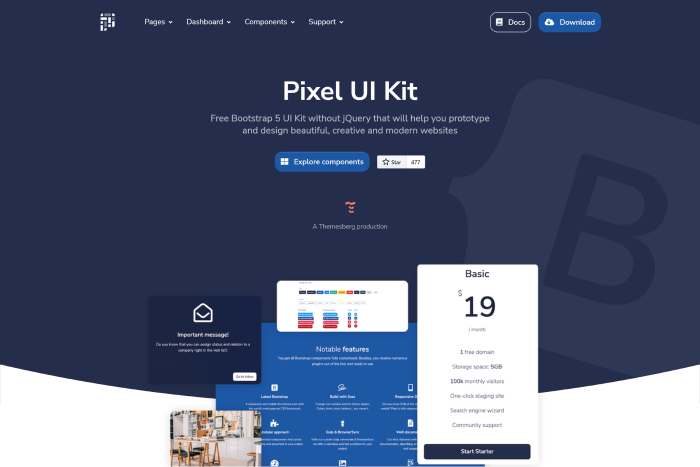
    pixel Bootstrap 5 ui kit

    Pixel Bootstrap 5 UI Kit is another high-quality UI Kit with tons of components. It comes in a beautiful and clean style. One notable feature of Pixel is that it has a timeline component added to it. Also, it has no jQuery dependency & 3 example pages. Don’t forget to experience this UI Kit from the button below. It also has a Pro version available with lots of new features.

    Demo / Download Premium Version

    12. WrapKit Lite
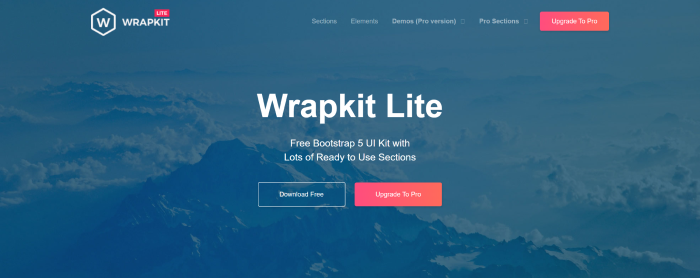
    Wrapkit Lite

    WrapKit Lite is one great UI Kit that needs to be among the top three Bootstrap UI kits. What is different in this is that they have a few sections available that other UI kits do not provide. There are 17+ interface sections, over 11 amazing landing pages, and more than 25 Bootstrap 5 useful elements.

    Demo / Download Premium Version

    13. Material Kit 2
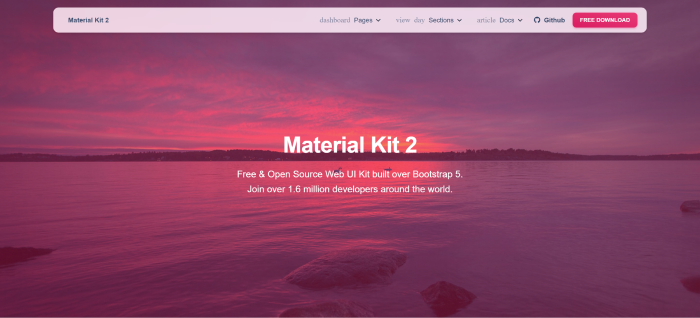
    Material kit 2

    Creative Material Kit Tim is also based on Google’s infamous Material UI. Unlike MdBootstrap, this UI kit includes a couple of example pages that you can use as a starting point. The stunning purple colors are another feature that sets it apart.

    The template offers 60 front-end individual elements, two plugins, four example pages, and more. If you want more than this, then make sure to check out Material Kit Pro.

    Demo / Download Premium Version

    14. MD Bootstrap
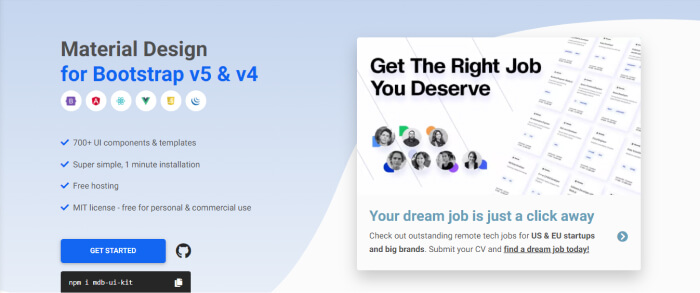
    MD Bootstrap ui kit

    MD Bootstrap (MDB) is a Material Design for Bootstrap v4 & v5. They’ve integrated the components into the most popular JS frameworks, including Angular, React.js, Vue.js, and others. Although Material UI is on the decline, it is still worth considering for your next project.

    The template is offering 700+ UI components & templates. Also, the installation process is so simple that it will take only 1 minute to start your work. Most importantly, this is completely open-source and licensed under MIT.

    Demo / Download

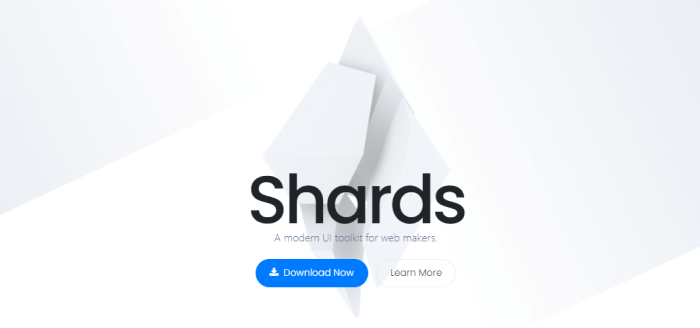
    15. Shards UI Kit

    Shards UI Kit

    Shards is a stunning and minimalist Free Bootstrap UI Kit. What makes this kit stand out are the form error styles, calendar inputs, and sliders that most other kits lack. This is unquestionably a kit worth considering.

    This design system is based on Bootstrap 4 and has 10 extra custom components. Also, there are two pre-built landing pages. It’s also light, with a stylesheet that’s only 13kb minified and gzipped.

    Demo / Download

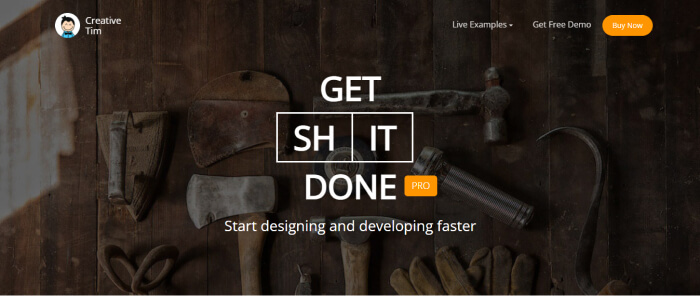
    16. Get Shit Done UI kit Pro

    Get Shit Done UI kit Pro

    Pro Get Shit Done Kit It’s a Bootstrap Kit with a plethora of customizable components. They are not only pixel-perfect and lightweight, but they are also simple to use and combine with other components.

    It includes a fantastic set of elements that are essential to any project. Everything you need to get your website up and running is right here, looking as good as ever. There are 8 pre-built pages, pixel-perfect icons, and a lot more. It also has a free version available.

    Demo / Download Free Version

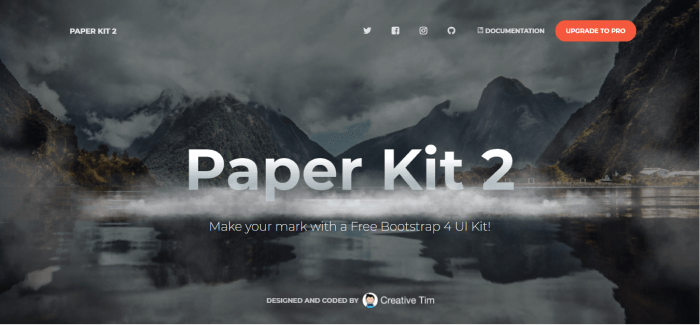
    17. Paper Kit 2

    Paper Kit 2

    Paper Kit 2 is a free Bootstrap 4 UI Kit. It comes with soft colors, lovely typography, and thoughtful illustrations. There are 50 elements, 3 plugins, 3 example pages, etc. Also, it is a fully coded, well-documented UI Kit. A beautifully organized UI Kit that you can rely on.

    It also has a premium version available. Make sure to check that out too.

    Demo / Download Premium Version

    18. Landing
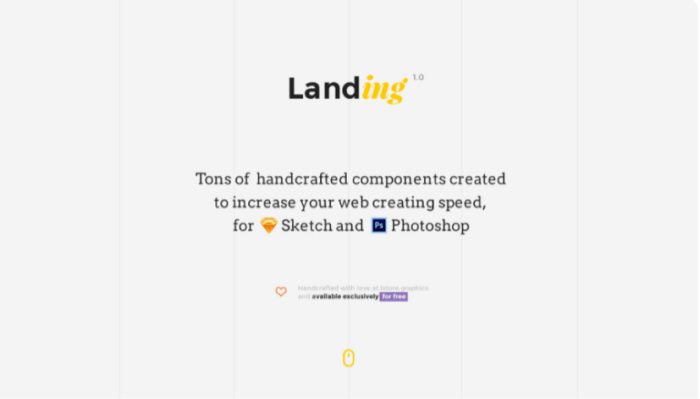
    Landing handcrafted free ui kit

    Landing is a free Bootstrap UI Kit with stunning features and well documentation. It comes with tons of hand-crafted components. These components can increase your web-creating speed. Also, it is available in Sketch and Photoshop files.

    There are 80+ components in the popular category and a useful icon set. This is a lightweight UI Kit offer.

    Demo / Download

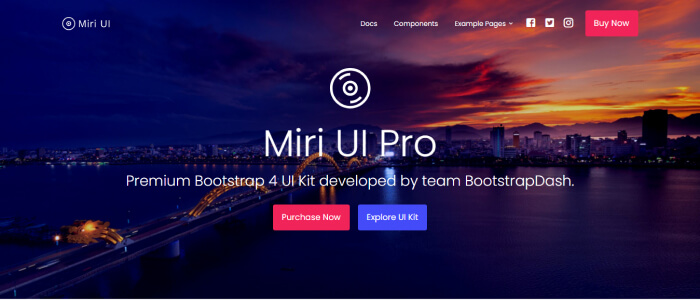
    19. Miri UI Pro

    Miri UI Pro

    Miri UI is a Bootstrap UI Kit that has a lot of carefully crafted UI Kits with clean and unique designs. All the essential features are here for you. Most importantly, this pro version comes with a year full of premium support, lifetime free updates, and a 7-day money-back guarantee.

    Also, it has a free version available. Make sure to check that out.

    Demo / Download Free Version

    20. Figma Bootstrap 5 UI Kit

    Figma Free Bootstrap 5

    Figma Bootstrap 5 UI Kits is a Free Bootstrap UI Kit from themeselection.com. It has 300+ organized Bootstrap 5 components with an atomic design system and auto layout. With this, you can easily jump-start your project. Also, you can easily set up colors, typography, and border-radius in this UI Kit offer.

    Experience Figma Bootstrap 5 UI Kit from the button below.

    Demo / Download

    Wrapping Up

    Finally, it seems like your search for the best Bootstrap UI Kits has come to an end. Finding the best Bootstrap UI Kit is not that difficult as there are tons of Bootstrap available in the market. However, to find the one according to your requirements is always a hard one. So, we’ve gathered these reliable UI Kits. Most of them have a free and a premium version available. Thus, make your choice but always make sure to check out the documentation, live demos, and configuration. Thank you for reading the article.

    Suggested Articles

    If you’re interested in other Bootstrap-based products, make sure to check these out.

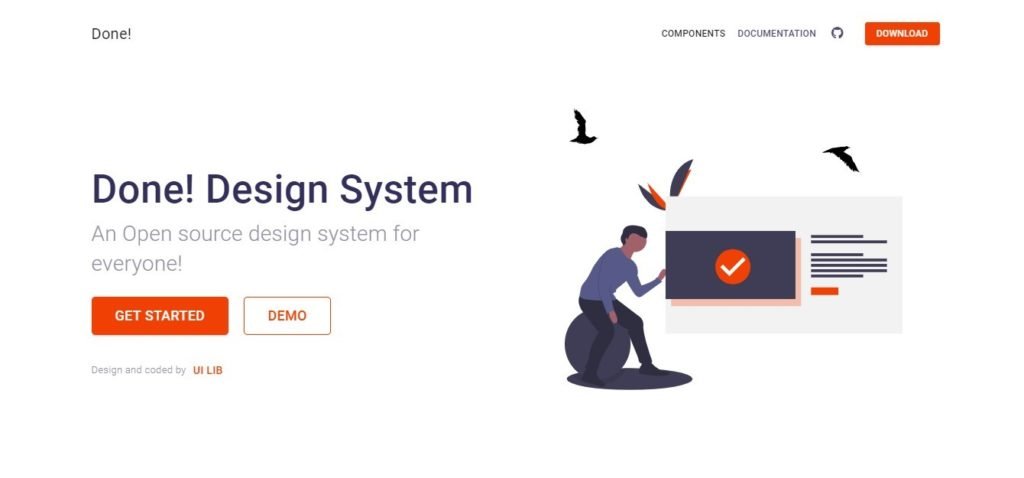
    Done! Open Source Design System

    Kalista – Free Bootstrap Business Template

    land Creative 404 Not Found Page template

    Jaximus Creative Bootstrap Coming Soon Template
  • 20+ Best Figma Plugins For Web & App Designers in 2022

    20+ Best Figma Plugins For Web & App Designers in 2022

    Are you looking for the best Figma Plugins that can help you as a web & app designer? Look no further! These are the most essential Figma Plugins that can save you hundreds of hours.

    Figma is a browser-based interface & design application. It can help you design, prototype, and generate code for your application. Besides Figma is now a leading design tool in the market because it has a lot of amazing features that support teams every step of the design process.

    One of the many advantages of Figma is that you can work online. Thus, working and collaborating in real-time is no big deal for Figma. Another great aspect of Figma is its sleek UI. Moreover, the addition of Figma plugins in Figma is a seamless plug-and-play.

    In this article, we will be looking at the 20+ best Figma plugins. With these plugins, your web & app design process will be smooth as butter.

    1. Unsplash – Free Figma Plugin

    Unsplash figma plugin

    Unsplash is among the most popular Figma plugins. It gives you an instant opportunity to import tons of images with one click. It is a stock-photos-based website with the Figma Plugin option. Besides, the website claims to have over 265,000 contributing photographers. And, it generates over 16 billion photo impressions per month from its growing library of over 3.2 million free photos.

    Demo / Install

    2. Material Design Icons

    Material Design Icons figma

    Material Design Icons was originally created by Grappex.com. With Material Design Icons’ massive collection of 27k new icons, you can have icons for various purposes and platforms. All of them are available in two formats, PNG and SVG. Search any icons by their name and you are going to find them. You can also filter them by different categories, sizes, and styles. There are multiple styles options for users such as filled, rounded, outlined, etc. And most importantly, it is free of cost, simple to use, and very quick.

    Demo / Install

    3. Lorem Ipsum

    Lorem Ipsum figma plugin

    You can fill your text layers with the ‘Lorem Ipsum’ Figma plugin, which is a dummy text. This is all auto-generated text layers. To do that, you just have to select the text layers and click generate and that’s all. It can generate text layers for each layer uniquely. This will automatically fill the selected layers with the right amount of ‘Lorem Ipsum text and fit into the existing frame.

    Demo / Install

    4. Content Reel

    Content Reel figma plugin

    Content Reel is a Figma plugin that allows you to collaborate with others. By dragging text strings, avatars, images, and icons from one palette, you can quickly design layouts. Importantly, you can create custom content and share it with other Figma users.

    Demo / Install

    5. Remove BG – Free Figma Plugin

    Remove BG figma plugin

    If you are using any images and you want to remove the background of the images, then Remove BG is the best plugin to remove the background with a single click.

    Remove BG is a tool for removing the backgrounds from images. It is one of the best plugins to remove the background with a single click. Besides the company is constantly trying to develop its work performance.

    Demo / Install

    6. Blob – Free Figma Plugin

    Blob figma plugin

    Create organic Blob shapes with the click of a button. Every shape that is generated is unique to the last. You can control how unique a shape is along with how many points it has.

    Making blob shapes for designs has never been so easy before Blob. It is a Figma plugin for creating unique blob shapes. Besides, you will have full control over the shape’s uniqueness and the number of its points. All the shapes are created using SVG.

    Demo / Install

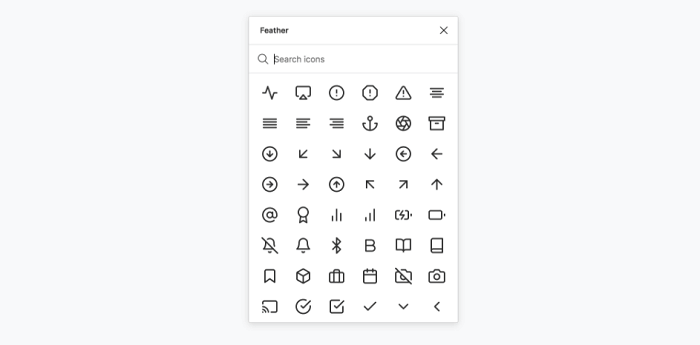
    7. Feather Icons

    Feather Icons figma plugin

    Feather Icons is a basic icon library. The reason it is a great icon library is that it has all the important ones in it. In most cases, these are just enough for web & app design.

    Demo / Install

    8. Charts – Free Figma Plugin

    charts figma plugin

    Charts is another useful Figma Plugin that generates charts. These charts can be added and edited within your Figma doc. Every single chart has its configuration, like max and min values. You need to select a frame and select which chart to use the chart will be placed.

    Demo / Install

    9. Get Waves – Free Figma Plugin

    Get Waves

    Get Waves is a Figma plugin that generates Waves for free in SVG format. You can select a curve of your preference and choose its complexity and randomize.

    Demo / Install

    10. Chart

    Chart figma plugin

    Chart is another Figma plugin for creating popular charts. It can take any actual or random data to make a chart of your preference. The fun fact is that you can copy-paste the data from Excel, Google Sheets, Live connection with Google Sheets, remote JSON (REST API), local CSV, JSON files, or Numbers, and it works.

    There are 16 types of charts, generate random data with different trends, and update it any time.

    Demo / Install

    11. Stark – Free Figma Plugin

    Stark figma plugin

    Stark is a free Figma plugin that lets designers check readability contrast, simulate color blindness in real-time, and tweak their designs based on the results. It has proven particularly useful when creating color palettes for data visualization and checking readability contrast within files.

    Demo / Install

    12. Rename it – Free Figma Plugin

    Rename it figma plugin

    In a flash, give your layer and group folders meaningful names. You can rename your layers in order or add the width and height of the layers with Rename It.

    Demo / Install

    13. SkewDat – Free Figma Plugin

    SkewDat

    Every one of us wants to skew our objects on Figma. And yes, you can do it easily by using SkewDat Figma plugin. This plugin was designed by Unfold.co.There are options for live preview adjustment, skew multiple objects at once. Also, it has a very minimal interface and has the ‘revert back to original’ options open.

    Demo / Install

    14. Design System Organizer

    Design System Organizer

    Manage names with /’s type folders. Styles can be copied between files. Relink instances and styles in bulk to new masters with the same names. Learn more from the link below.

    Demo / Install

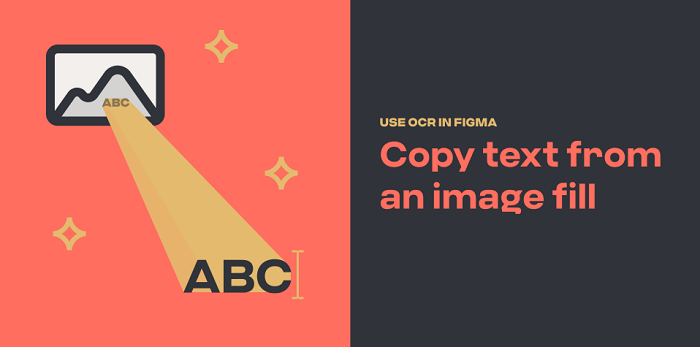
    15. Text from Image

    Text from Image

    To copy text from an image file, use OCR. Have you ever wished you could quickly extract text from a static image? Using the magic of optical character recognition, this plugin makes it simple.

    Know the problems, how it works, and install from the button below.

    Demo / Install

    16. Sort Layer

    Sort Layer figma plugin

    You can now easily sort layers by name or position using the Sort Layer Figma Plugin. Simply sort the selected layers by their X and position. And keep their relative staking order on the page.

    Demo / Install

    17. Autoflow – Free Figma Plugin

    Autoflow figma plugin

    Autoflow makes it simple to create flows. Select two objects, and there will be a line that appears between them magically. Run Autoflow, then select any two shapes while holding down SHIFT to draw a line. Finally, keep selecting until you’re completely wired!

    Demo / Install

    18. Batch Styler – Free Figma Plugin

    Batch Styler

    Change multiple text and color styles at the same time! If you need to change the values of multiple (text and color) styles at once but don’t want to change each text style individually. Then this is exactly what you need.

    It changes from inter to Roboto while keeping all font weights and other styles is now possible. Whether you have two or thirty text styles. Moreover, you can easily change colors that are all based on the same hue value: Batch Styler will update all styles accordingly.

    Demo / Install

    19. Dark Mode Magic – Free Figma Plugin

    Dark Mode Magic figma

    Change your design to Dark mode. Colors for Dark mode are generated automatically from a light palette and applied to elements by the Dark Mode Magic plugin. Simply select the frame and activate the plugin. That’s all there is to it!

    Demo / Install

    20. Figmoji – Free Figma Plugin

    Figmoji figma plugin

    Figmoji is an open-source emoji plugin for your design. Emojis can be seamlessly incorporated into your designs. Simply choose the emoji you want, and Figmoji will add the SVG of that emoji.

    Demo / Install

    21. LottieFiles

    LottieFiles figma plugin

    Lottie is free and easy to use once you’ve set it up. There is a setup process that you need to complete before you can begin. As an app developer/designer, you must need the Lottie library for Android, iOS, or React Native. It has access to 1000 free Lottie animations. You can drag and drop your dotLottie (.lottie) and Lottie JSON (.json) files on your Figma design board.

    Demo / Install

    22. Breakpoints – Free Figma Plugin

    Breakpoints figma plugin

    Breakpoints is free Figma plugin dedicated to previewing responsive layout inside a frame. The best thing about this plugin is that you can create & share the animation of your designs’ responsiveness with others through Breakpoints. Also, it even works without opening the plugin window. Moreover, anyone from your team can resize frames without installing it.

    Demo / Install

    23. LilGrid – Free Figma Plugin

    LilGrid

    This useful plugin will assist you in cleaning up the interface of your app. It organizes all of the different elements on your dashboard or app into a grid that you can then define yourself. It is ideal for organizing a large number of buttons and/or icons used in your design or system.

    Demo / Install

    Wrpping Up

    Finally, it seems like that our journey for the best Figma plugins for web & app designers has come to an end. In most cases, you’ll be needing all of these plugins downloaded on your Figma software. However, if you are already familiar with most of these plugins, then try the ones you didn’t use before. There are hundreds of plugins in Figma. So, finding out the useful ones is a time-consuming task.

    Therefore we’re recommending you go through some best lists of Figma plugins and download the useful ones. Thank you for reading this article.

    About Us

    We’re UI-Lib, a software development company that provides you high-quality free and premium templates, design systems, UI KIts, etc. We make you these products with the best technologies like React, Vue, Angular, and more. At present, we have 9500 sales on Themeforest.

    Visit our website for more top-quality products.

    UI-Lib

    Make sure to check out our Figma file included the eCommerce Template.

    Figma file (Preview Link)

    Details / Demo / Download: Bazar Pro – eCommerce Template
  • Top 20+ Best Free Figma Design Systems for UI/UX Designers in 2022

    Top 20+ Best Free Figma Design Systems for UI/UX Designers in 2022

    Are you a UI/UX designer/enthusiast looking for the best Figma Design Systems? Here they are. In this blog, we’ve handpicked some of the best free Figma Design Systems dedicatedly created for UI/UX designers. But first, let’s understand what is a design system.

    free figma design system

    Design has now become of the topmost priorities for everyone. Whether you are a designer/developer, or an app/website user. You are always looking for designs that can make your work easier. Also, you need a design that can make everything look interesting and easy. Thus, you need design systems for creating better designs because they have everything gathered in an organized manner.

    Design systems have grown to be an important component of what makes a company or product successful. Particularly in the hyper-competitive global software market. Historically, these companies have relied solely on user experience as a key differentiator.

    https://ui-lib.com/downloads/figtify-figma-uikits-and-design-system-for-vuetify/

    This demand for better experiences places enormous strain on designers all over the world. They are pushed to take on more projects and work faster while producing higher-quality results. If there is no standardized design language to draw from, this can cause issues.

    What is a Design System?

    A Design System is a coherently organized set of interconnected patterns and shared practices. Design systems aid in the design and development of digital products such as apps and websites. So, by downloading/duplicating a design system to your Figma software you can produce UI/UX designs for different software. Design systems will empower you and give you ideas about constructing a design. These are all organized in a manner that you don’t have to wander around and get a headache for thinking about innovative designs.

    20+ Best Figma design Systems for UI/UX Designers

    The design systems which got the most downloads from the Figma community and have high-quality features are listed in this article. As everything in the Figma Community is charge-free, you don’t have to worry about spending money. Here, you will find almost every design system from the Figma community that is worth mentioning. However, the list is in no particular order.

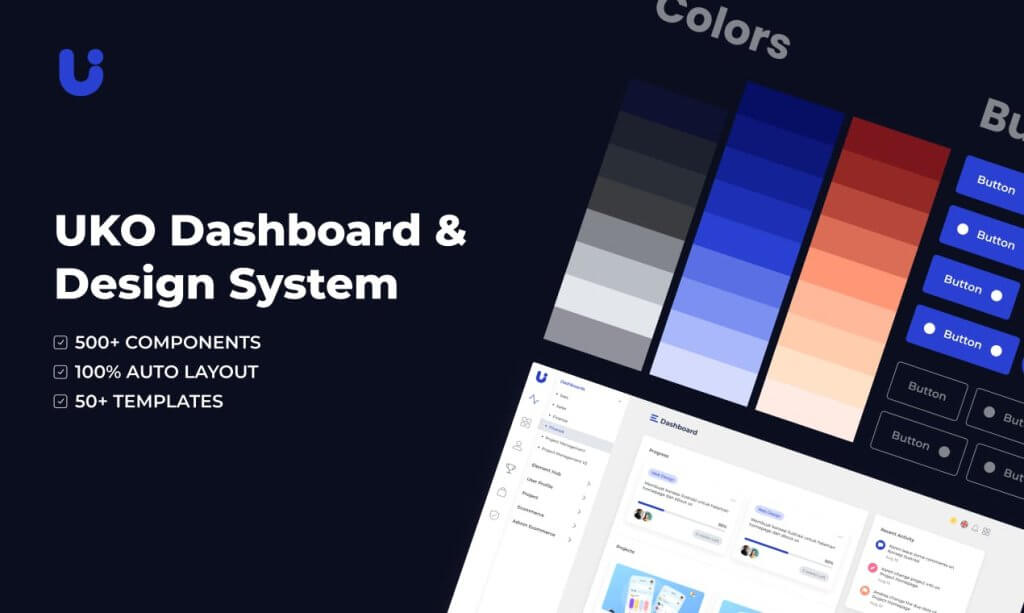
    1. Uko – Free Figma Dashboards & Design System

    Uko Free Figma Dashboards & Design System

    Uko is an exceptionally good free Figma design system with dashboards in it. After its release, just within a single day, it hit 100 sales. It is a design system with tons of useful features, pre-built pages, and highly customizable components. So, making a web app or an admin dashboard will be very easy for you. With almost no effort, you can build your desired product.

    The design system has features like auto layout, component-based, smart-scalable typography system, and a lot more. Most importantly, the design system contains more than 5 dashboards, 8+ application pages, over 150 pre-made components, 50+ pre-built widgets, 20+ charts, and more.

    So, make sure to check out Uko. And, if you find it useful, don’t forget to give it an upvote on Producthunt.

    Demo / Download

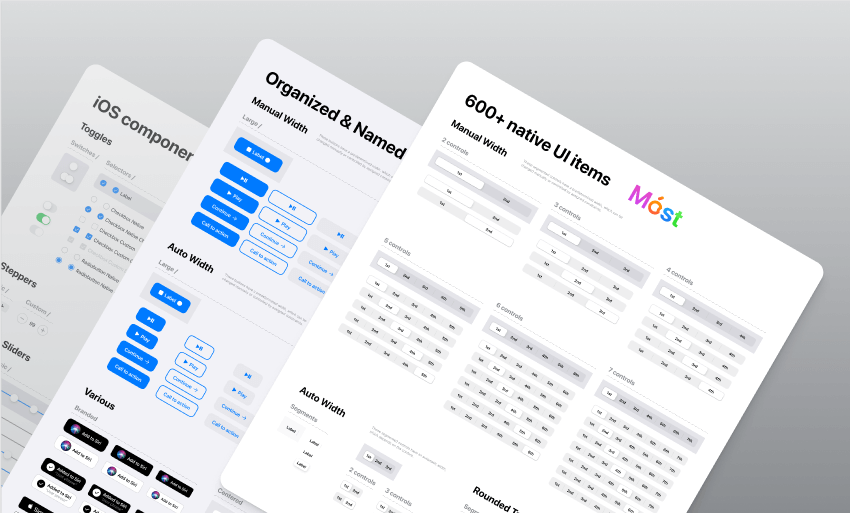
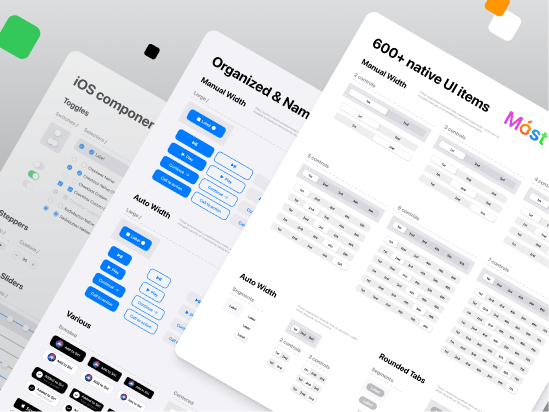
    2. iOS Design System — Free UI kit

    iOS design system

    Native iOS components and app templates are organized into a “Most Design System” that is fully compatible with Human Interface guidelines. It’s named, limited, and based on the experience of native iOS apps. This iOS design system is from Setproduct.

    This free UI Kit includes amazing styles, typography, templates, design system, and icons. Currently, it has over 1k react and more than 57k downloads.

    Demo / Duplicate

    3. Built-in Figma Design System

    Built-in Figma design

    This is an outstanding project idea from designer Rogie King. It contains minimal style components. The project is done while he was making a live stream of this design system. So, comparatively, it is less organized. However, it is a pretty good design system option with great components. At present, it has 2k love react and over 29k downloads.

    Demo / Duplicate

    4. Core Design System

    Core Design System

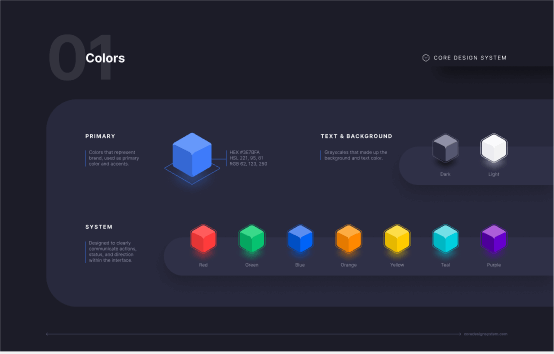
    Core Design System is a design package designed by Ryan Sael. It can supercharge your workflow. It is a design system UI kit for Sketch, Figma, AdobeXD, and Studio. Besides, it can fit into any project and keep visual consistency. No doubt, it will work faster. Now, it has over 300 love react and 7k downloads.

    Demo / Duplicate

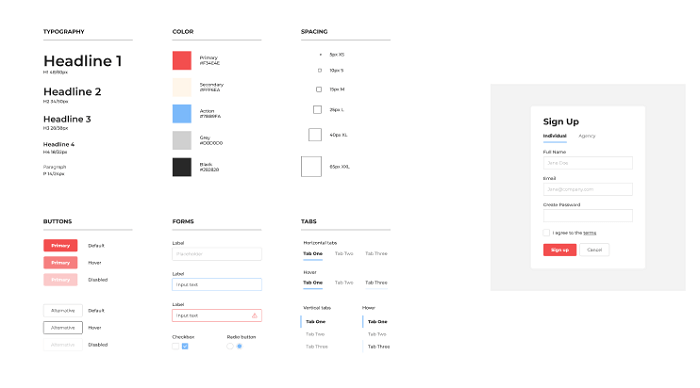
    5. Basic Design System

    Basic design System

    The basic design system is from designer Andrew Coyle. For the community, he built this simple design system where you can find the basic UI elements. For example, there are typography, buttons, tabs, forms, labels, sign up, etc. If you need basic UI elements, this can be your go-to package. Currently, it has over 4.7k downloads and over 100 love react.

    Demo / Duplicate

    6. Design System Ver 2.0

    Design System Ver 2.0

    This design system is designed from the ID Design System. This package has been updated to Version 2.0. It offers 3 Grid Styles (mobile, tablet, and desktop), 16 color types, 30 types of styles, icon component structure, multiple button styles with full-width options, and a lot more. Currently, it has over 2.5k downloads and 46 love react.

    Demo / Duplicate

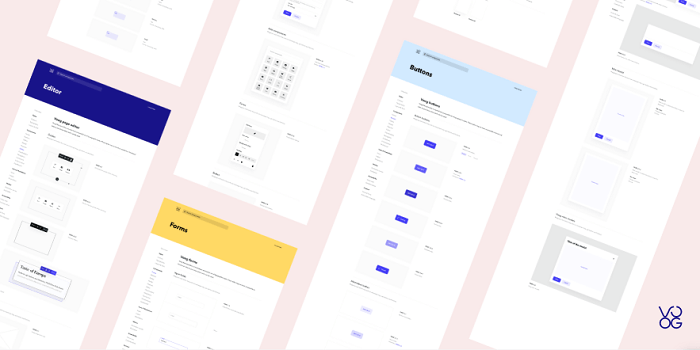
    7. Voog

    Voog

    Voog Design System is from designer Stefan Heiinurm and Voog. They offered it publicly to help other designers. It has got everything from multiple examples of the style, colors, typography, layout, and grid. Also, there are a ton of examples of components like forms, buttons, tables, modal, popover, editor, placeholder, navigation, eCommerce, dashboard, and container. Now, it has over 8k downloads and over 350 love reactions.

    Demo / Duplicate

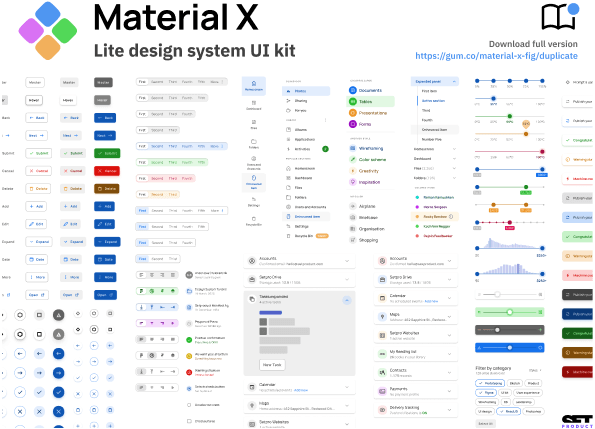
    8. Material-X

    Material-X

    Material-X design System UI Kit is another design package from Setproduct. it is a huge collection of UI kits, containing over 1100 components and 40 app templates beyond Material Design. The design system is powered by top-notch shapes and Manrope font. Among a hundred different amazing facts about this design system, its customizable and adjustable options are the best. You can easily change its shape and swap around colors. Currently, it has more than 37K downloads and over 800 love reactions.

    Besides, the templates will save your time and human resources. Suit your mobile or desktop app with Material X.

    Demo / Duplicate

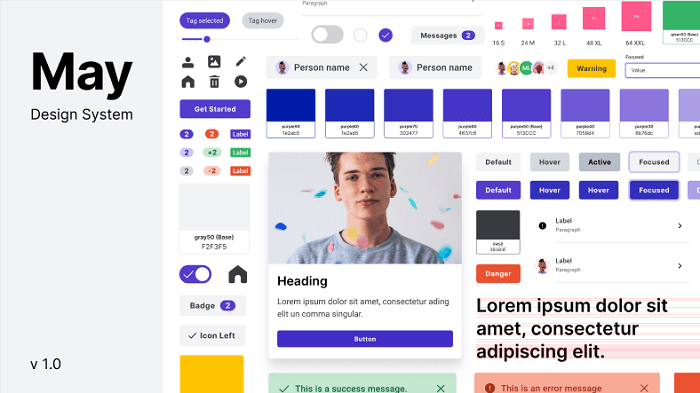
    9. May

    May Design System

    May is an open-source design system from Micah Lanier. It is a design system with great consistency. It has multiple shape options, typography, more than 30 colors, directional and utility icons, spacing scales and elevation options, and more. This is the first published version of this product. Make sure to check out!

    This file now has over 2.7k downloads and 100+ love reactions.

    Demo / Duplicate

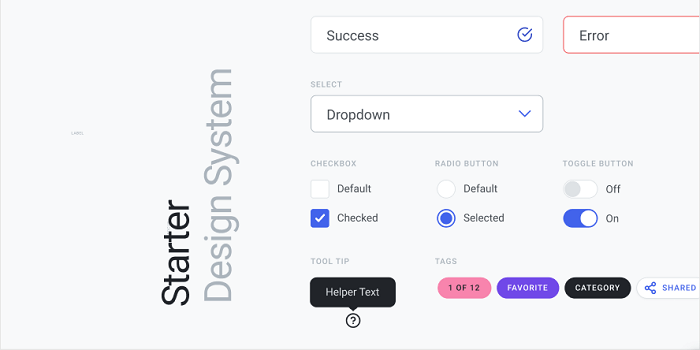
    10. Design System Starter

    Design System Starter

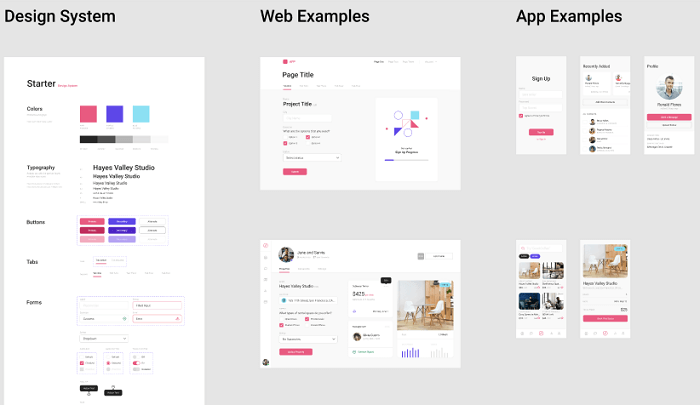
    This design system was designed by Moe Amaya. They launched a simple design system as part of designsystems.com. It is complete with inputs, buttons, tabs, dropdowns, type, and color. Also, a slew of examples to get you started. There are multiple color choices, typography, buttons, and forms and with these options here are web and app examples to give you an idea. At present, it has almost 5k downloads and over 100 love reactions.

    Demo / Duplicate

    11. RevKit Design System

    RevKit Design System

    RevKit design system UI Kit is from Webkul Design. It is a pretty solid Design system UI Kit for designers who are busy and have lots of projects going on. This can quickly get your job done. You can build flexible web prototypes with RevKit. It offers you over 50 web components and more than 200 symbols (there will be more soon). Whether it is a one-page website or a vast dashboard, it can easily handle the demand. RevKit got 8.1k downloads and over 300 Reacts.

    Moreover, it is also available for Sketch and AdobeXD. Experience RevKit and build a quick prototype.

    Demo / Duplicate

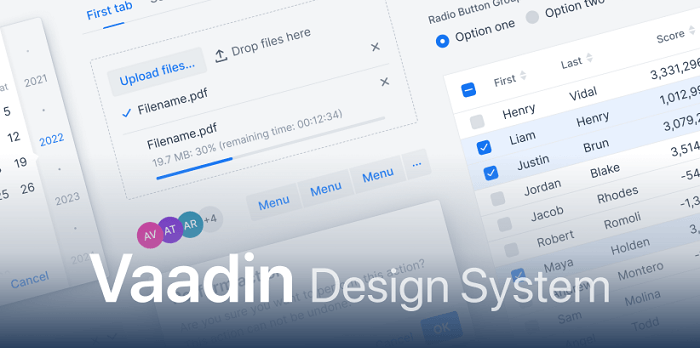
    12. Vaadin

    Vaadin

    Vaadin is the official design system for Vaadin Design System. It is used for Vaadin web components and framework. You can create amazing web apps for users with Vaadin Design System. The library offers color styles, typographies, and customizable web components. Try Vaadin for your next web app project. Vaadin has 3K+ downloads and 150 Reacts.

    Demo / Duplicate

    13. Dimension 4 Design System

    Dimension 4 Design System

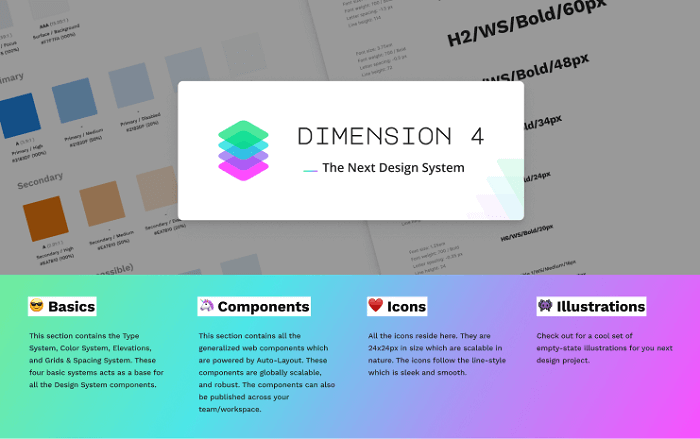
    Dimension 4 Design System is by Somesh kesarla Suresh. the design system offers you very configurable components. There are a large number of styles, icons, illustrations, thumbnails, and components. Moreover, the details in the Dimension 4 design system will amaze you. Currently, this got 2k downloads and 100 Love Reacts.

    Demo / Duplicate

    14. Free Starter Design System

    Free Starter Design System

    Starter Design System by Gleb has some rich styles and components. It provides inputs, buttons, texts, multiple colors, dropdown menus, tabs, and more. Also, it has fine web and app examples ready for you to quickstart your project. One interesting thing about this design system is that you can contribute your designs to it. This has more than 8.5k downloads and over 350 reactions.

    Demo / Duplicate

    15. UI – Design System – Sunrise

    UI - Design System - Sunrise

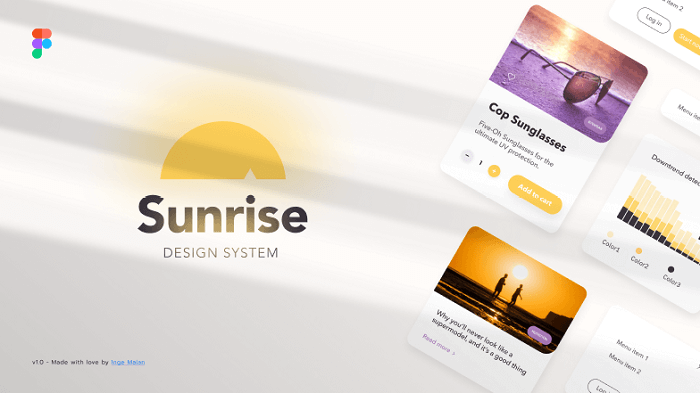
    This is another good option for your next application project. The title suits this design system. Although it has multiple color options, it has a very sunrise look to it. There are a large number of icons, buttons, inputs, typography, and web app examples made with the design system. Now, it has 4k downloads and 200+ reactions.

    Demo / Duplicate

    16. Orbit Design System

    Orbit

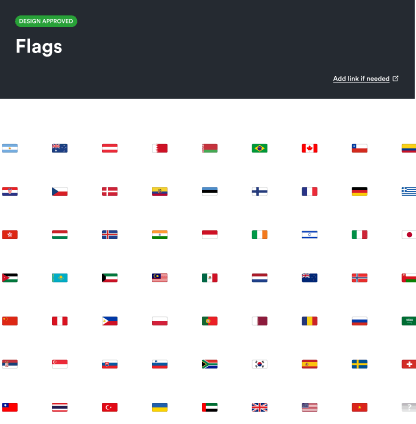
    Orbit Design System is a unique design system packed with flags of 63 countries. It is a library of flags where you can find flags of different countries that you might need while designing the UI.

    This has 2.2k downloads and 40+ reactions.

    Demo / Duplicate

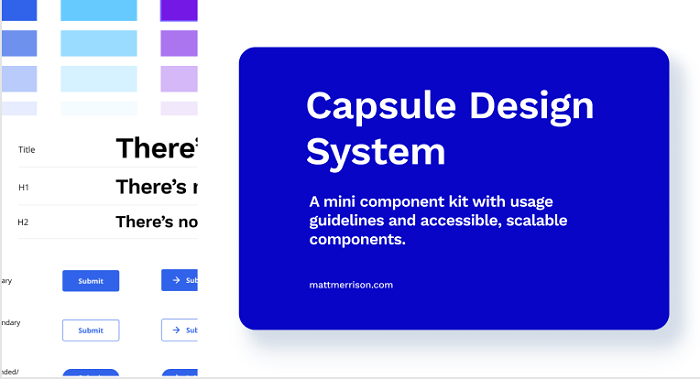
    17. Capsule Design System v1.0

    Capsule Design System v1.0

    Capsule Design System V1.0 is from designer Matt. It is a mini component kit with usage guidelines and accessible and customizable components. The file contains everything from color, buttons, spacing, and cards to usage guidelines, suggested typography pairing, and color contrast recommendations. You’ll love this simple design system. So far, it got 2.7k downloads and 90+ reactions.

    Demo / Duplicate

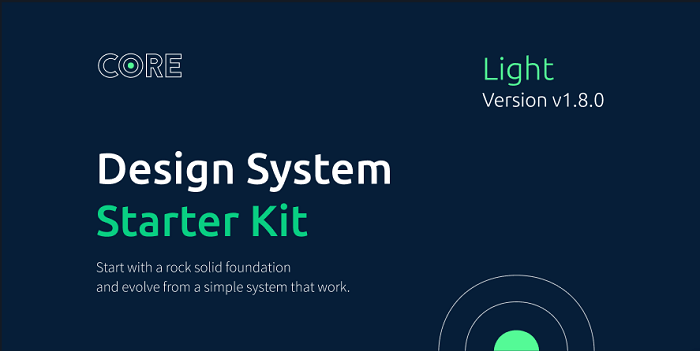
    18. Core Light – Design System Starter Kit

    Core Light

    Core Light Design System Starter Kit is from designer Maxime Rabot. It offers you no 100+ useless predefined components, rather, a set of solid foundations, components, and tokens. It has a pretty straightforward approach to your app design. But in some cases, it can be too limited for your project. Make sure to check out Core-Light. At this point, it has 3.8k downloads and 190+ love Reacts.

    Demo / Duplicate

    19. Flamingo

    Flamingo

    Flamingo is designed system-oriented for web usage. This designed system is from designer Juan, specially created for their company. But now it is open-source as they have decided to share their design system with others too. So, that they can get inspired by it.

    The file provides example templates, high-quality components, multiple color choices, UI elements, typography, shadows, spacers, input, buttons, text areas, toggles, tables, cards, checkboxes, and more. Experience Flamingo from the button below. Experience Flamingo and experiment with it. Up until now, it has 9.1k downloads and 487 Love Reacts.

    Demo / Duplicate

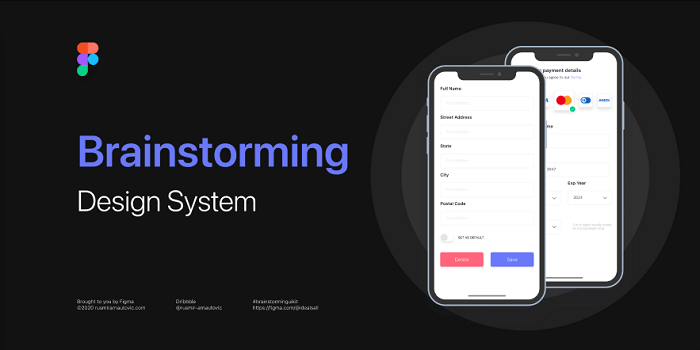
    20. Brainstorming

    Brainstorming

    Designer Rusmir Arnautovic created this design system and component library. You can save hundreds of hours by using this file. The system includes 291 components, 246 distinct styles, 504 variations, 6 distinct grids, and 6 bonus mockup devices.

    Moreover, you can save time by using their pre-built customizable buttons, dropdowns, calendars, and other elements. Figma’s components and styles are fully customizable. Also, they are extremely simple to use, and meticulously layered and grouped. Design, that’s all you need for a quick prototype. So far, it has 9.2k downloads and over 400 Love Reacts.

    Demo / Duplicate

    21. Ant Design System for Figma 2.0 (Free Demo)

    Ant Design System for Figma 2.0

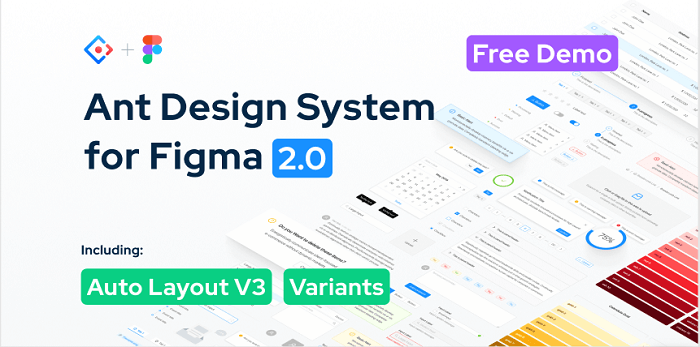
    Ant Design System for Figma 2.0 is a package rich with a large number of icons, buttons, checkboxes, input, tooltip, and alert examples. Designer Matt Wierzbicki designed this beautifully crafted lightweight design system. In the UI Kit, you’ll find more than 150 styles. Also, with text style, you can quickly apply your typography rules. Besides the color styles, you can easily swap between default UI kit colors. So far, it got over 62k duplicates and 1.5k love react.

    Demo / Duplicate

    Wrapping Up

    Now, it seems like your journey for the best Figma Design System has come to an end. These are the finest free examples that are available on the internet. Maybe you don’t need all of them, here are design systems for different works and motifs but we’re sure that you will find the ones that you need for your project. Thus, wishing you all the best for your next design project. Thank you for reading the article. If you are not a designer, you can share this article with your designer friends. They will surely get benefited.

    About Us

    We are UI-Lib, a software company focused on clients in need of design systems, UI kits, and templates. UI-Lib used all of the popular technologies and design tools to create high-quality products that are rich in features and components.

    We have an open-source design system for Bootstrap 4 available on our website. Click the button below to check out.

    Done! – Open Source Design System for Bootstrap 4

  • Best Angular UI Kits for Your Next Project in 2022

    Best Angular UI Kits for Your Next Project in 2022

    Today, we will look at some of the best Angular UI Kits available. Along with the best Angular UI Kits list, first, we’re briefly going to talk about ‘what is UI?’ and secondly, ‘What are UI Kits?’. Because then the beginners can also have a fair grasp on both matters. 

    The blog contains just an overview of these vast projects. So, make sure you click the links to learn more about these free & premium UI kits.

    What is UI?

    The abbreviation of User Interface is UI. User Interface helps the users to interact with the web or mobile application. It is the first impression of your application. Therefore, a good User Interface encourages users to use the application more often.

    In many ways, a user can interact with your web or application, for example, mobile devices, personal computers, tab, laptops, etc. Hence for an online business, it is the gateway to achieving your goals.

    What are UI Kits?

    UI Kits are a grouping of elements that help developers to build a User Interface. These contain components like HTML/CSS files, icons, layered design files, fonts, etc. Again, these can be robust with options. By which you can switch from one feature/effect/state to the other.

    Now, you can probably imagine how much time and effort it will cost you to make all these components manually. And not only that, but you also have to make them fully responsive. That is why instead of making them by yourself, you can choose pre-built external UI components that suit your requirements.

    Similarly, using pre-built UI Kits for an Angular-based UI creation will save your project’s time too.

    Best Premium Angular UI Kits

    Now UI Kit Pro Angular

    Now UI Kit Pro Angular

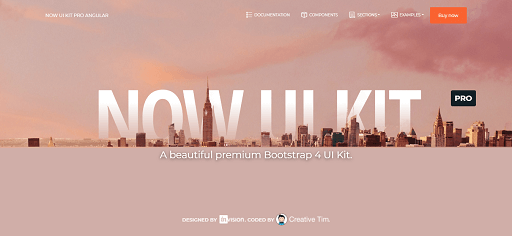
    Built over Angular 11, Now UI Kit Pro Angular is a premium Bootstrap 4 UI Kit. Here, you will get every element that is vital for developing a web project. Specially, all the components are fully responsive and well coded. Moreover, this UI kit has a free version too.

    However, the difference between the free & pro version is very high. On one side, the Pro version contains 1000 elements, eight plugins, and 11 example pages. On the other side, the free version offers only 50 components, four plugins, and 8 example pages. And with the free version, you will not get photoshop files, sketch files, and premium support.

    So, that’s a huge difference there! But both of the products are well documented and very easy to use. Both Now UI Kit Angular free & Pro versions are created by Creative Tim. One of the leading companies for web designs and web developments.

    MORE INFO / DOWNLOAD

    SB UI Kit Pro Angular

    SB UI Kit Pro Angular

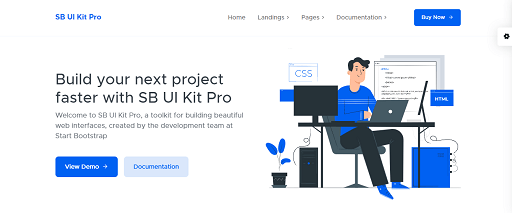
    Now, SB UI Kit Pro Angular is another premium UI Toolkit for Angular. It is a fully developed front-end UI Kit built with Angular 12. You can save months of development time by purchasing this front-end theme. This UI Kit contains over 300 unit tests with 100% code coverage. Moreover, for functional tests, it supports the default protractor route.

    Finally, it offers 12 landing pages demo, 19 inner pages, six header examples, 70+ custom components, and 100+ custom utilities.

    MORE INFO / DOWNLOAD

    Best Free Angular UI Kits

    Onsen UI – Angular UI Kit

    Onsen UI - Angular UI Kit

    With Onsen UI, you can create high-quality hybrid mobile apps. It is an open-source JS framework that is compatible with Angular & Angular 2+. The framework provides Angular JavaScript directives. And you can easily plugin these UI components into your mobile app. As Onsen UI use bindings. Therefore it provides you with various visual styles.

    It also contains features like buttons, action sheets, alert dialogues, popovers, etc. Onsen UI has 8.4k GitHub stars.

    MORE INFO / DOWNLOAD

    Prime NG – Angular UI Kit

    Prime NG - Angular UI Kit

    Developed by PrimeTek informatics, Prime NG is one of the finest collections of UI components for Angular. It is a complete suite with more than 70 UI components. This UI library has native widgets that you can use for free under the MIT license. And you will get a lot of free pre-built themes. From basic components to advanced components, it has everything. A few examples will be Calender, Data Grid, Lightbox, Menu Bar, Charts, etc.

    Prime NG has 6.9k GitHub Stars.

    MORE INFO / DOWNLOAD

    Angular Material Design

    Angular Material Design

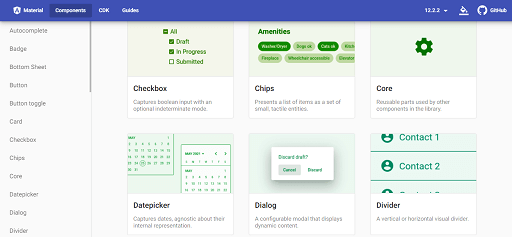
    In 2014 Google developed the Angular Material Design. It is a UI component library specialized in Angular JS. The project provides UI components like dialogue, AutoComplete, Menu, buttons, chips, Expansion Panel, and many more.

    No doubt, with Angular Material Design, you can create a better user experience. Currently, it has 21.7k GitHub stars.

    MORE INFO / DOWNLOAD

    Ngx-bootstrap

    ngx-bootstrap

    Under the MIT license, you can use Ngx-Bootstrap. This is also an open-source UI library, an independent project. Here, you will get almost all the core components of Bootstrap. It is fully responsive and has better performance. And not only does Ngx-bootstrap provide a lot of demos and good documentation. But also, it offers tinker-friendly code and flexibility to work.

    However, there is another UI component library called the ng-bootstrap. That is also similar to the Ngx-bootstrap but developed by another project team.

    So far, Ngx-bootstrap has 5.3k GitHub stars.

    MORE INFO / DOWNLOAD

    Teradata Covalent -UI Platform

    Teradata Covalent -UI Platform

    Teradata Covalent is a reusable UI platform committed to Angular and Material Design. It combines a comprehensive web framework with a proven design language.

    There are more than 750 material design icons on this UI platform. And tons of other things that can fortify your mission to a modern web application UI.

    Covalent has 2.2k stars on GitHub.

    MORE INFO / DOWNLOAD

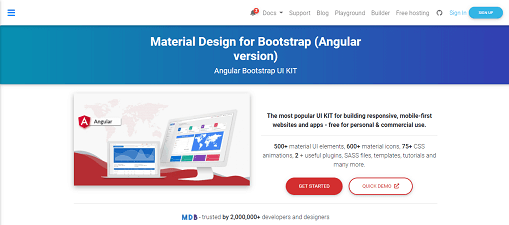
    MDB – Material Design for Bootstrap (Angular Version)

    MDB - Material Design for Bootstrap (Angular Version)

    MDBootstrap is a material design-free UI Kit. There are more than 600 material design icons, 500+ UI elements, 74 CSS animations, and 2+ useful plugins. Besides that, MDB is JQuery dependency-free and has got a CLI version available too.

    It contains Angular UI components like tables, buttons, inputs, panels, progress bar, and many more. And finally, you can use it for both personal and commercial uses.

    Material Design Bootstrap has got 1k stars on GitHub.

    MORE INFO / DOWNLOAD

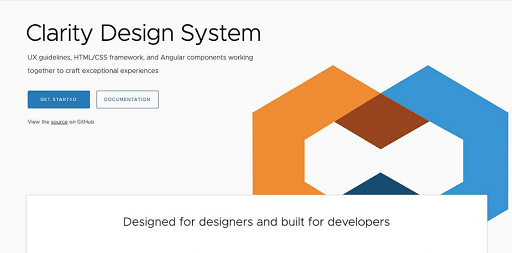
    Clarity – Angular UI Kit

    Clarity - Angular UI Kit

    Clarity is a design system that contains similar UI components to any other. To name a few, components like Alert, DatePicker, Dropdown, Tabs, and ToolTips are there. In short, Clarity is an open-source design system that combines UX guidelines, and HTML/CSS framework to work together perfectly.

    At present, this design system has got more than 6.2k stars on GitHub.

    MORE INFO / DOWNLOAD

    Ignite UI for Angular

    Ignite UI for Angular

    Ignite UI is a complete UI library for Angular. Therefore, with this library, you can create data-reach and great web applications. It offers more than 60 high-performing chart components and a fast data grid. Also, it has 30+ material-based UI components. Including Carousel, Ripple, Toast, Dialog Window, etc.

    It has 453 Github stars.

    MORE INFO / DOWNLOAD

    Wrapping Up

    In conclusion, we would like to say that these above-mentioned Angular UI Kits are the ones that we think are worth checking out. There are no definite answers about which one you should choose, not knowing what sort of project you have. And also different people have got different tastes for a particular. So, dig more about the Angular UI KIts before you start developing your project.

    About UI-Lib

    At UI-Lib, we develop free and premium Admin Dashboards, Landing pages, UI Kits, and Design Systems built with Angular, React & Bootstrap, etc. So far, we have more than 9k sales on Themeforest.

    Our Theme Forest Profile

    Also, if you are looking for an Angular Admin Dashboard, then we got your back! Check out our beautifully crafted MatX Angular Dashboard Pro.

    MatX Angular Dashboard Pro

  • Top 20 React Native UI Kits for Mobile Applications

    Top 20 React Native UI Kits for Mobile Applications

    Before jumping straight into the Top React Native UI Kits list, let’s take a look at ‘What is React Native?’ and ‘What is a React Native UI Kit?’

    What is React Native?

    React Native (RN) is an open-source JavaScript framework created by Facebook. It helps to build Apps for Android, iOS, macOS, Android TV, Web, etc. It is a natively rendered framework. That eases cross-platform mobile app development. So, you can build an application for various platforms using the same codebase.

    The reason why React Native became so popular after its initial release in 2015 is simple. You can create a code just once and use it to power both your iOS and Android apps. So it can save you huge time and resources.

    Though React and React Native sound similar, it’s not the same thing. On one side React is a front-end framework for websites. On the other side, Facebook specially built this framework to reduce the cost of developing mobile apps. But like React, React Native also allows you to create your UI using isolated components. A few examples of famous companies which have used React Native over the years are,

    • Facebook
    • Netflix
    • Skype
    • Instagram
    • Sound Cloud
    • Pinterest
    • Walmart
    • Airbnb
    • Uber
    • Tesla
    • Shopify
    • Discord
    • Bloomberg

    etc.

    Now as you can see, the title is not indicating React Native but rather React Native UI Kits. So firstly, we will learn about ‘what is a React Native UI kit?’, ‘Is React Native better than the others?’ and after that, we will look into a list of ‘Top 20 React Native UI Kits’.

    In short, this blog will give you a good understanding of React Native UI Kits.

    Why is React Native better than others?

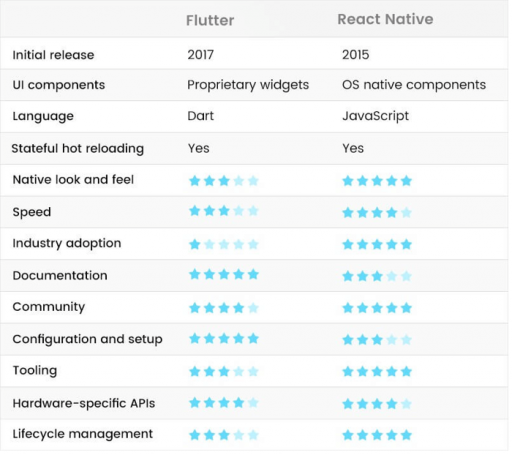
    Among the cross-platform frameworks, it has higher performance than Flutter, Cordova, Xamarin, etc. Take a look at this image from Mindinventory. The chart showed that even this year, in most cases, React Native is doing much better than Flutter.

    Flutter vs React Native - Performance
    Flutter VS React Native – Performance

    So there is no doubt that the RN is unique from its competitors.

    React Native UI Kits

    React Native UI kits are ready-to-use extensive resource sets. The sets of files contain critical UI components. Like fonts, layered design files, icons, documentation, HTML/CSS files, etc. These kits can be simple with a few buttons and design components. Also, these can be very rich with toggles that change the colors, fonts, shapes, etc.

    Now let’s jump directly into the best React Native UI Kits list.

    1. NativeBase – React Native UI Kit

    NativeBase React native UI Kit

    Native Base is an ecosystem on its own. It is a collection of cross-platform RN components. Here, you can have a platform-specific design for both iOS and Android. Here, feel free to use any third-party library. NativeBase acts as a coating by adding extra functionality to native React components (buttons, text fields, list views, etc.). Such as shadows, rounded corners, etc. It offers three preset themes. Also, it comes with the Kitchen Sink app which is a free React Native prototype. 

    At present, NativeBase has one of the highest Github stars (15.6k) among all the other RN UI kits. And you’ll be glad to know, as it is free of cost. So you can get all the support you need via Github issues.

    2. React Native Vector Icons

    React Native Vector Icons

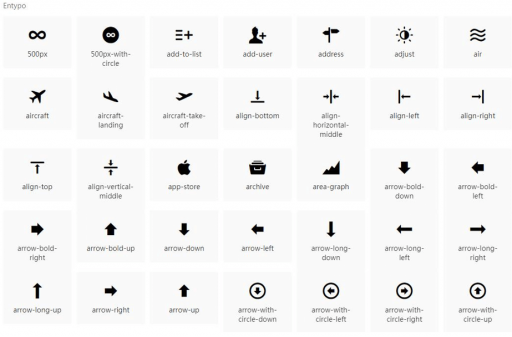
    With 15k Github stars, React Native Vector Icons is another most popular UI kit for React Native. It is a free library with a set of customizable bundle icons. These bundle icons are very functional. The package supports Tab/NavBar and ToolBarAndroid. Also, the image source and multi-style font. You can check out these on your next RN project.

    3. Lottie Wrapper – React Native UI Kit

    Lottie Wrapper React Native UI Kit

    Lottie Wrapper is a mobile library for both android and iOS. It exports animation data in JASON format from an extension of After Effects. Then this extension bundles with a JS player for rendering animations on the web. So that you can parse Adobe After Effects animations natively on mobile. Lottie Wrapper is free of cost. Use the curated collection of animation files. Because these files are in vector format and small in size. So you will not experience any bump in your app’s performance. Moreover, it will make your app more appealing and interesting.

    So far, Lottie Wrapper has 31.6k stars on Github.

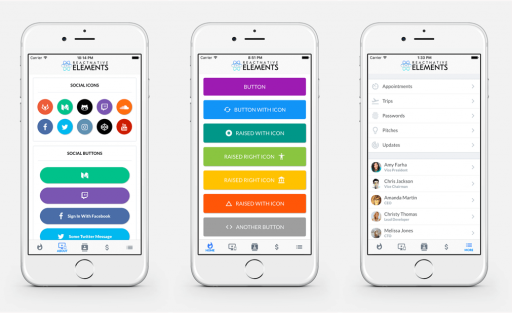
    4. React Native Elements

    React Native Element
    .

    Now, this is another free cross-platform UI kit for React Native. It’s an all-in-one UI Kit that has 20k+ stars on Github. React Native Elements mainly focus on the structure of components rather than the actual design. It provides badges, pricing, overlay, divider, etc.

    So, if you want a universal-looking app, React Native Elements will be a perfect choice. You can easily use and customize them. All the components are in a central location. Therefore, this will help you to modify the elements by yourself.

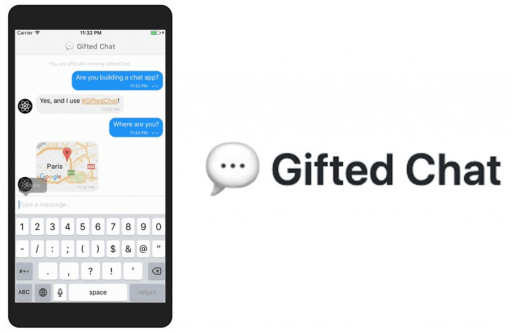
    5. Gifted Chat – React Native UI Kit

    React Native Gift Chat

    Gifted Chat is developed with TypeScript. With more than 10k stars on Github, it offers fully customizable components. And also multi-line text input, avatars, copying messages to the clipboard, attachment options, etc. It is free and supports Redux. React Native Gifted Chat helps to load Earlier Messages, Copy Messages to the clipboard, etc. Also, an input ToolBar supports users to skip the keyboard.

    It enhances the user experience. It enables Avatar as user’s initials, multi-line TextInput, localized dates, quick reply messages, and system messages.

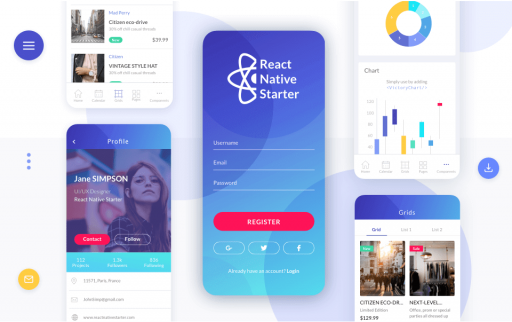
    6. React Native Starter Kit 

    React Native Starter Kit

    React Native Starter Kit is a free mobile app template made by Flatlogic. It has got lots of built-in components like sidebar, navigation, form elements, etc. You can quickly build an app with this template. It has got all you need to start building a mobile application. RN Starter Kit has a ton of ready-to-use components and theme support.
    You’ll be glad to know that they offer lifetime support and updates. Currently, React Native Starter Kit has more than 1k stars on Github.

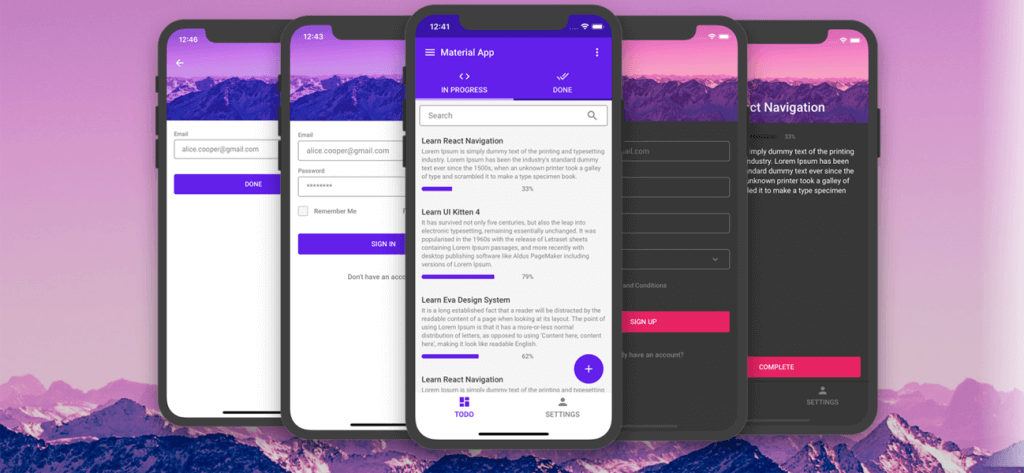
    7. UI Kitten – React Native UI Kit

    React Native UI Kitten

    React Native UI Kitten is created by the Eva Design System. It is a component library. There will be 20 General Components. And, each of them got styled in the same way. They take care of the visual appearance. Moreover, UI Kitten has some standalone components too. UI Kitten, along with the normal mode, also comes with a dark theme.

    Do your research and enjoy using UI Kitten for your next project. It has more than 8K stars on Github. And, it is free of cost.

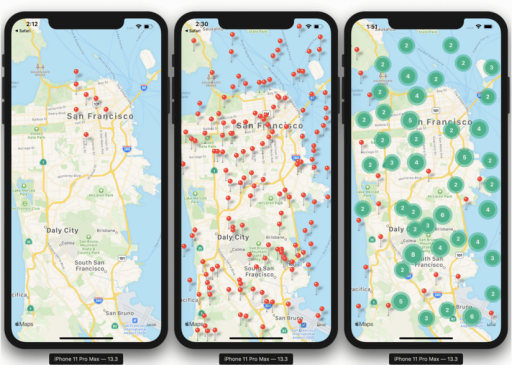
    8. Mapview – React Native UI Kit

    React Native Mapview

    Mapview created map components for mobile applications. So, you can have a lot of styling for your map. For example, you can change the map view positions. Also, you can change the tracking region. And create points of interest clickable on Google Map. You can animate them, allow zooming in to specified coordinates, etc. Also, you can change a ton of different things with your requirements. 

    No doubt, the React Native Mapview is a popular one. So far, It has more than 12k stars on Github.

    9. Shoutem – React Native UI Kit

    Shoutem

    Shoutem is a platform for free app-building. Which contains three parts: 1. UI Components 2. Component Animation and 3. Themes. All of these components are very customizable. Also, you don’t need to define the complex styles manually. That is because each Component has a predefined Style consistent with the rest.

    This kit provides primary Animations. It is suitable for using its own UI kit and themes for creating great React Native applications. Shoutem has 4.7k+ stars on Github.

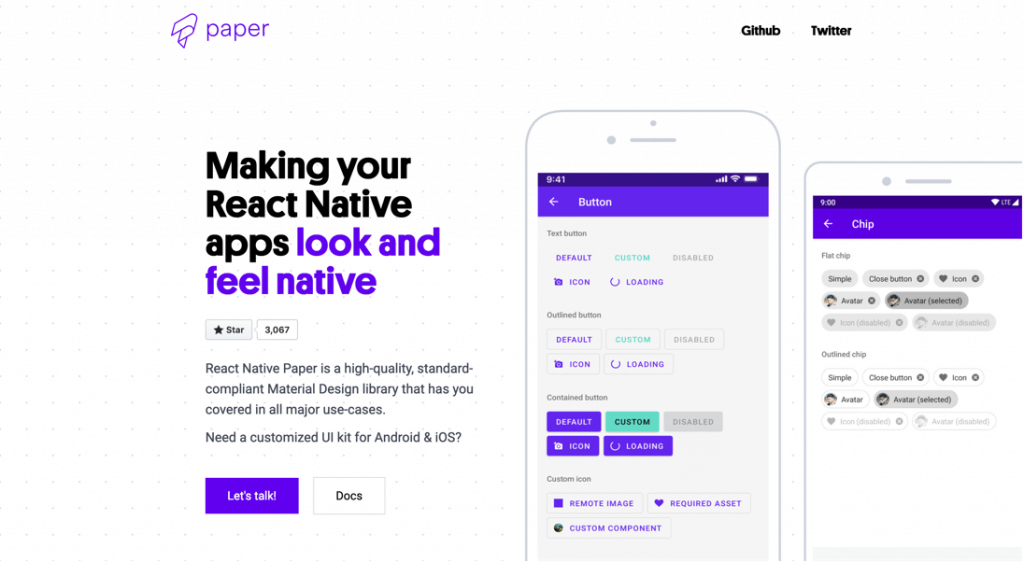
    10. React Native Paper

    React Native Paper

    Paper is a cross-platform UI component library. With more than 6k Github stars, React Native Paper follows the Material Design guidelines. It has global theming support and the Babel plugin. Which reduces the bundle size. React Native Paper works both on mobile and web.

    It is a free library. And, you will get supported via Github. Feel free to ask for support there.

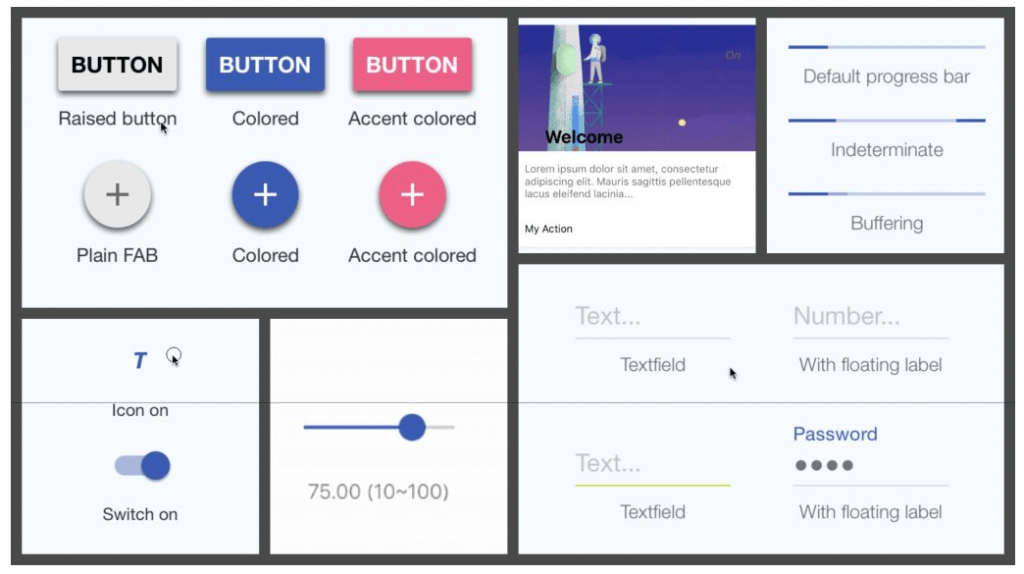
    11. React Native Material Kit

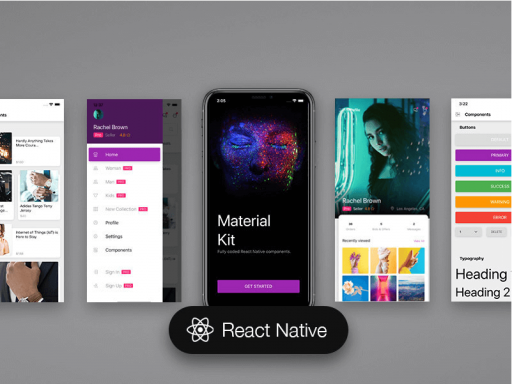
    React native Material Kit

    Built over React Native, Material Kit is a set of components. There are buttons, cards, range sliders, text fields, spinners, progress bar, etc. This UI kit is better than other UI Kits for React Native. Also, you can customize components as it provides an API. There are some dynamic components that other frameworks don’t have.

    Even on an iOS device, it runs smoothly by giving an accurate Android UI feel. It is easy to use, minimalistic and looks like Google’s material design.

    12. Material Kit React Native

    Material Kit

    Material Kit is a fully coded free native app template. At 1k+ Github stars, the template includes 200 hand-crafted elements. Although Material Kit has a lot of components. Each component can take on color variations by making changes to the theme.
    In addition, it has five example pages and five customized plugins.

    13. React Native Material UI

    React native material UI

    React Native Material UI with 4k Github Stars has about 20 components. And, each of the components is highly customizable. They used material design in their construct. Above all, the elements are self-supporting.

    They will only integrate the styles they need to display. Also, they are independent of any global stylesheets.

    14. Nachos UI Kit

    nachos ui kit

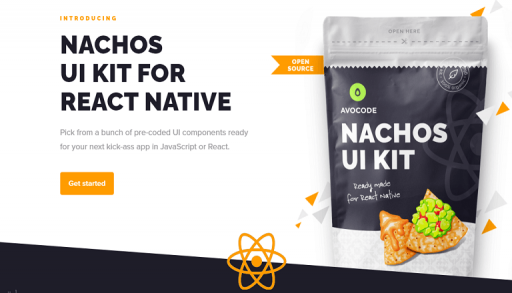
    Nachos UI kit offers 30 UI components. Those are fully customizable and available in plugin-n-play mode. It will also work on the web. And all the credit goes to React-Native-Web.

    It provides Jest Snapshot testing and uses a Prettier

    15. Teaset – React Native UI Kit

    Teaset

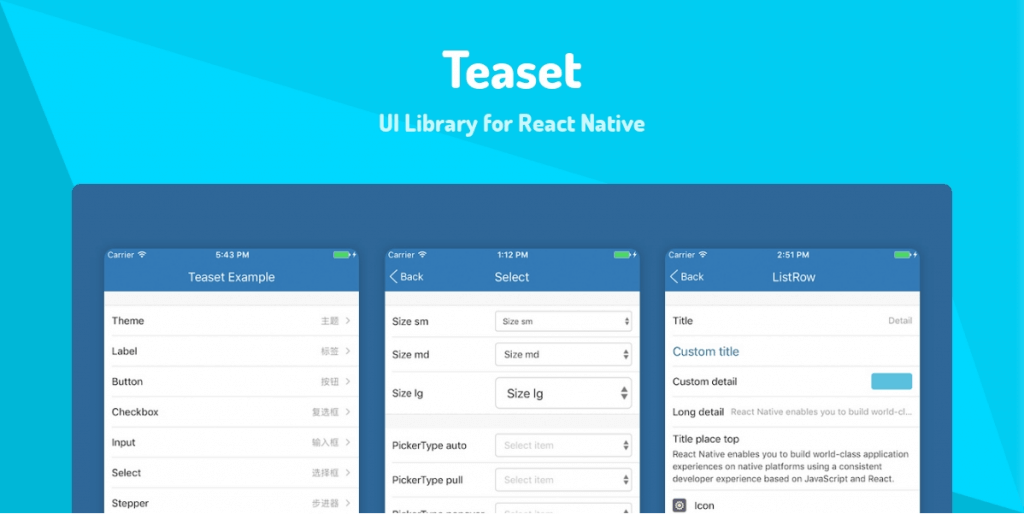
    Now, this is another good addition to our list. Teaset (2.5k+ Github stars) is a component library for React Native. It features over 20 pure JS(ES6) for component content classes. Those who have a heart for simplicity in design. Teaset is a good choice.

    It mainly focuses on content display and action control.

    16. Ignite CLI for React Native

    Ignite CLI

    One of the best generators for React Native, the Ignite CLI is a free boilerplate. Works for both iOS and Android. The installation is easy. And it adheres to best practices. Also, there will be standalone plugin support too. In addition, you can choose from several boilerplates or start your project.

    So far, Ignite CLI has earned more than 10k stars on Github.

    17. RNUILIB

    RNUILIB

    React Native UI Library (RNUILIB) contains more than 60 components. For all the components, it includes live examples. That is to say. You can check out the options which will be there for you before using them in your project.

    It includes things like an animated image, and a scanner to indicate progress. Plus, avatars for displaying profile images, basic buttons, and many more.

    18. React Virgin – React Native UI Kit

    react virgin

    React Virgin (2k Github stars) is a boilerplate for React Native. It includes some key components, a horizontal list, buttons, header, grid view, chat bubble, loader, and a lot more. Also, Virgin is a good option for react-navigation.
    19. React Native Image Picker

    react native image picker

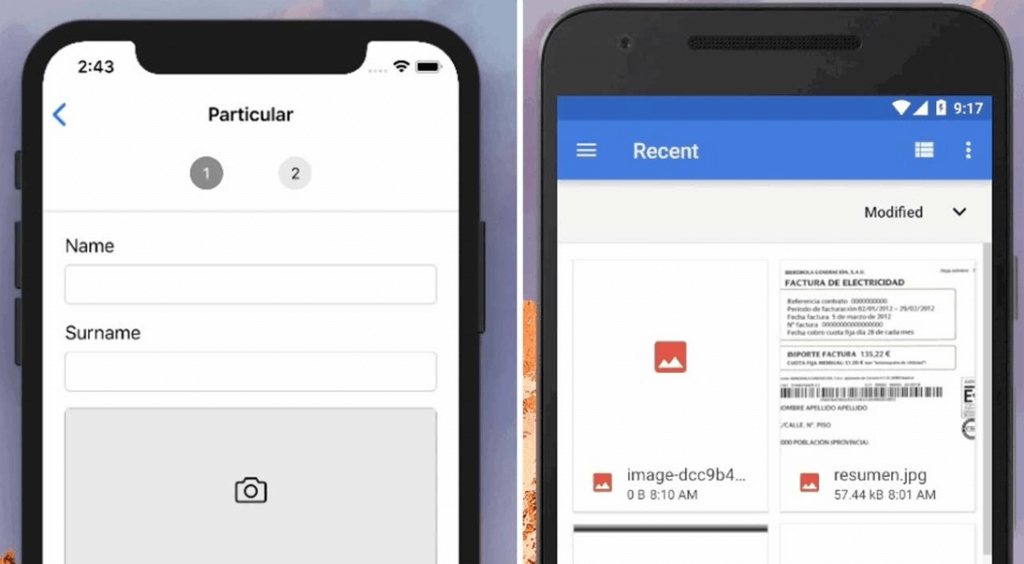
    Let’s say you are facing trouble with mobile development in React Native framework. In most situations when you are working with the camera section. Then this is what you need. To select an image from a user’s phone gallery and to perform further actions on it is a multiplex issue. This module does the job. And, it is called React Native Image Picker. Currently, it has 7.2k Github stars.

    It uses the native UI for selecting a photo/video from the camera of that particular device or the mobile phone’s library. In addition, there are six more popular image picker libraries for React Native.

    20. React Native Android Kit

    react native android kit

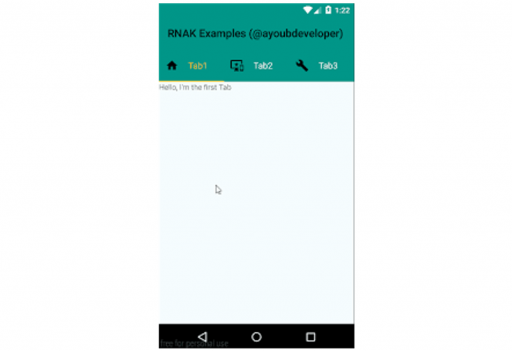
    The React Native Android Kit (111 Github Stars) is a set of native Android UI components. Those modules are for React Native framework. And yes, it is here to help developers with some new Android Native Components. Those are not included yet by React Native core team. 

    Wrapping Up

    Finally, to sum up, this mega list of top React native Native UI Kits. We would love to say, working with all these UI Kits will be easier if you have previous experience with React JS or React Native. But before you make any decisions on building a new mobile application with React Native. Do your research. There are a thousand pieces of information out there on the internet about all these things.
    We hope that maybe by reading this blog. You now know at least a little bit better than the rest. Those who don’t know about React Native UI Kits.

    Thank You for reading!

    About UI-Lib

    At UI-LIb, we develop free and premium Admin Dashboards, Landing pages, UI Kits, and Design Systems built with Angular, React & Bootstrap, etc. And, so far, we have over 9000 sales on Themeforest.

    Our Theme Forest Profile

    Also, if you’re interested in mobile-friendly React JS multipurpose eCommerce templates. Then please check our blog post on that.

    Blog Link

  • 15+ Free Design Systems For Web 2022

    15+ Free Design Systems For Web 2022

    Designing can be a tough part especially if you do not have access to all the beautiful libraries and modules. That’s when you need free design systems for the web that you can use to create an amazing webpage.

    For those who don’t know, a design system consists of numerous components and libraries that you can use in your web design. You can share it with your team so that even they can enjoy the libraries and directly add them to the design itself. We have gathered here some of the coolest web design systems that you can take a look at.

    Some of them might include a premium version but the basic version is free to use and you can upgrade if you like the free version too much. So, here we go we the list, make sure you check the live preview or the demo before you go with any of the designs. 

    1. Uko – Free Figma Dashboards & Design System

    Uko Free Figma Dashboards & Design System

    Uko is a new Figma design system. As it is going trending in Figma Community, you can now easily find it there. Though the design system is promising still we believe there is a lot we can improve in the upcoming months. Now, what it is like to duplicate this design system and work with it? We would simply say, this is a pretty solid package.

    Here you will find all the essential things that you need to create a web app. For example, it has features like auto layout, component-based, and smart-scalable typography system. Also, 5 Dashboards, more than 150 pre-built components, 50 widgets, over 20 charts, 8+ app pages, and a lot more.

    if you just starting your web app or admin dashboard designing journey, then this is going to guide you. It is because we have several admin templates in the marketplaces that got a lot of appreciation from developers. Thus, we learned how to maintain the highest industry standards while making one.

    Therefore, we would strongly recommend you to try this design system. All it needs is to click the duplicate button and it will open on your Figma software. And, if you find it useful, leave an upvote on Producthunt. That will give us the energy to make more of these for the web designers community.

    Visit Website Live Figma Preview Duplicate

    2. Done Design System – Best Free Design Systems for web

    best free design system

    The Done Design System is the best free design system for the web. It totally stands by its name, more than 80% of the work will be done when you use this web design system. There are many components available here starting from pricing tables, buttons, checkboxes, Dropbox, cards, etc. You will also find other elements and components that you need for making awesome designs. Moreover, the system is open source and there is proper documentation for every place. 

    The best part of the design system is the number of variations available. No doubt, there are hundreds of components available in the design system but here you will get many different versions of each component. This will help you out if you already have a theme for your website and want the components to fit in with that.

    Along with this, even if you think you know all about designing, documentation is an important part that you should not miss. It is one of the best design systems on the list whether it is about the components or it is about the complete documentation. Therefore, all these make it one of the unique and free design systems for the web.

    Visit Website Demo

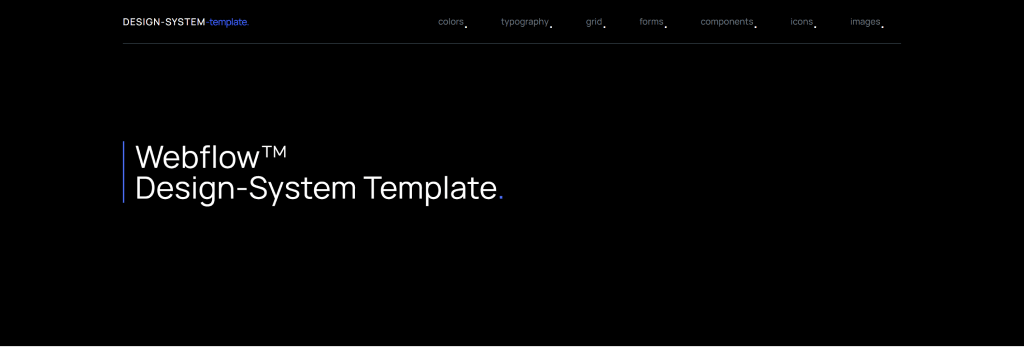
    3. Webflow Design System Template
    Webflow Design System Template
    Webflow Design System template has everything that as a designer you can look for. if you want to make your web design to be modern and clean, you should give it a try. There is a lot of component section and useful UI Patterns. For example, accordions, buttons, tabs, and blocks for embedding videos.
    All of them share the same sensibilities. That makes them perfect for the people who are positive about putting a web design with a contemporary aesthetic. To be honest you’ll get a comfy vibe about the typography section they have. Another thing to mention is there are flexboxes. These flexboxes make it pretty easy to incorporate them into your personal work.

    Visit Website Demo

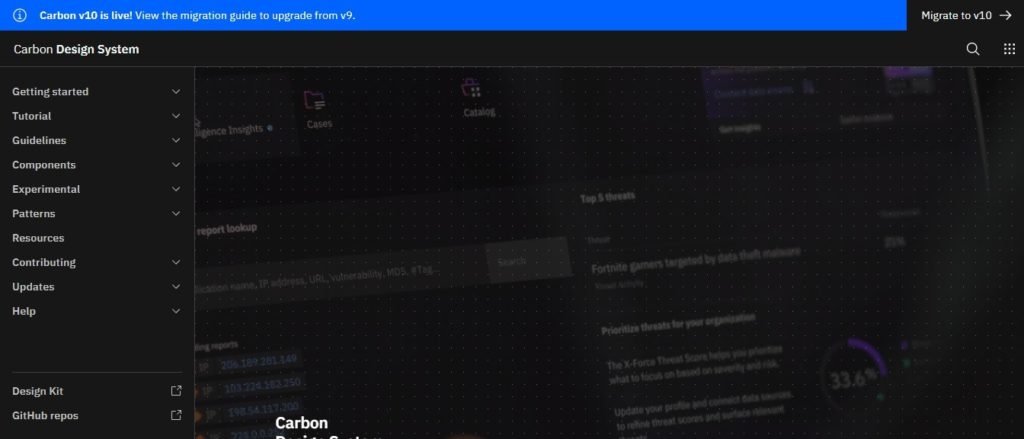
    4. Carbon Design System

    best free design system

    It is IBM’s design system for designers and developers. The design system is following IBM’s language making it the core part of this free design system for the web. It consists of all the components, tools, and other things you need to create your best web design experience.

    Moreover, it has human interface guidelines and there is a whole community of designers and developers who are always ready to help you out whenever you need it. You can work on this with React and there are various versions available that you can take a look at at your convenience. You can easily migrate from one version to another. 

    Moreover, here each of the tabs has perfect designs on their official website itself. You will get all the proper information on how to install the Carbon design system and how you can use it further. The components include a date picker, table, link, loading list, slider, and many more.

    All of them are on a separate web page which makes it easy to check out for the user. You can use the resources available and also there is enough information for the patterns. Above all, they update it frequently, so, you will have t migrate the changes.

    Visit Website Demo

    5. Eva Design System Sketch

    eva design system sketch

    Eva Design System is a highly customizable free Sketch design system. There are implementations with both mobile and web. it can adapt and integrate with your ideas of brand marketing which is a great achievement. Thus, you can consider it ideal for any sort of product.

    In the latest version of this design system (1.3.0), you will find Sketch 61 with a smart layout. The symbols are more organized and updated. Here, you will find Eva icons that were not part of the Eva design system – Light Sketch before. Radio buttons, cards, toggle, checkbox components, everything is in there. And guess what! All of them are available in both light & dark modes.

    To be exact, Eva Design System Includes, more than 300 text and 250+ layer styles. It includes a unique color system, these pallets make it interesting and easy to choose a color scheme of your choice.

    Lastly, the design system is implemented with UI Kitten (React Native) and Nebular (Angular) which are both component libraries.

    Visit Website Gumroad

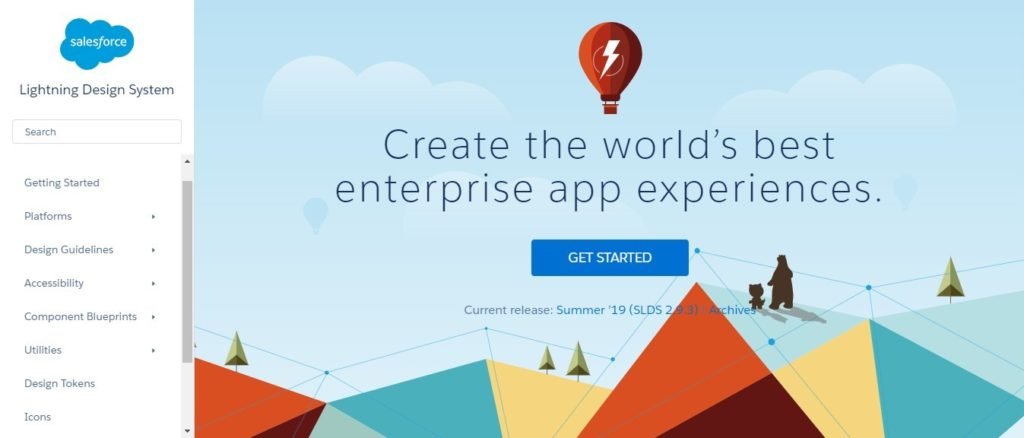
    6. Lightning Design system – Free Design system for Salesforce

    Lightning free design system

    Every free design system for the web is made for different purposes, here the main focus is on the enterprise level. However, you can surely use it for you won the desired purpose without any issues. It works well on Visualforce, Android, windows, and IOS devices. Moreover, you can also use it with Heroku and lightning.

    You can use this design system if you are creating or having a system native to Salesforce as it is specially designed for such purposes. For enterprise-level applications, it is always hard to find the design system that suits their needs. That’s why you can use this design system for an enterprise-level solution. 

    Moreover, talking about the components, you will here get all the components necessary for enterprise-level and business apps. The components include but are not limited to icons, alerts, badges, checkboxes, dynamic menu, global notifications, etc. You can check more of the components from the official website itself.

    You will also get the icons, and design tokens, and there are various tools and utilities to help you out. The system has complete documentation to help you out and there are also various articles out there on the official website itself that you can check out to know more about the system.

    Visit Website Demo

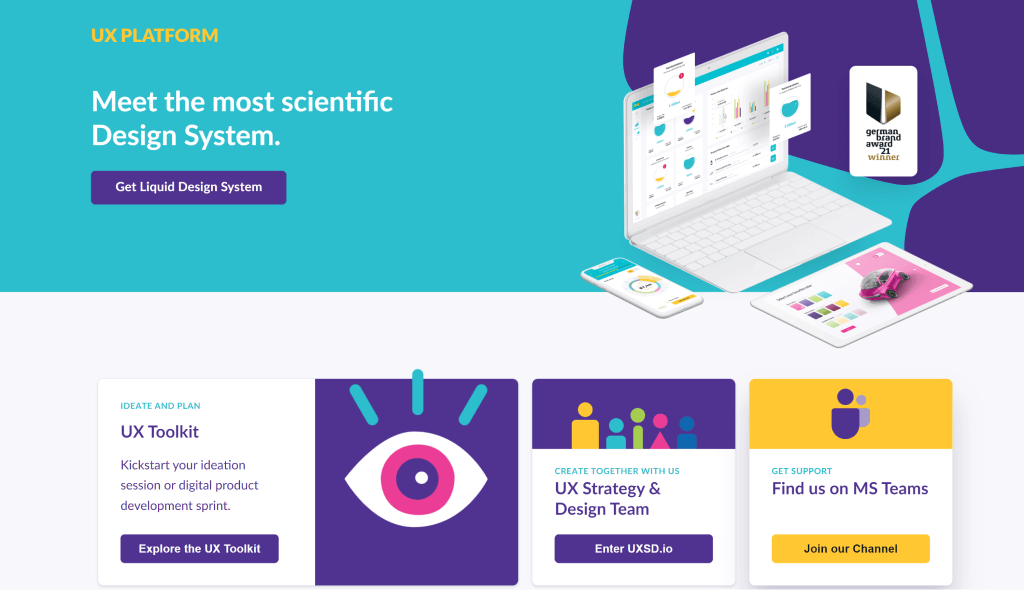
    7. Liquid – Free Design System

    UX Platform Design System

    Liquid provides a set of tools, guidelines, and elements for making outstanding tech products for both UX/UI experts and non-technical people. The use of a variety of colors, illustrations, typography, grids, and components allows for a consistent UI and high-quality appearance across all devices.

    It currently contains over 42 elements, 18 components, 14 modules, 1,500 user interface assets, and 9 templates. Using the design and development kits, you can create amazing digital solutions that are fully customized to your brand in a fraction of the time.

    Visit Website GitHub

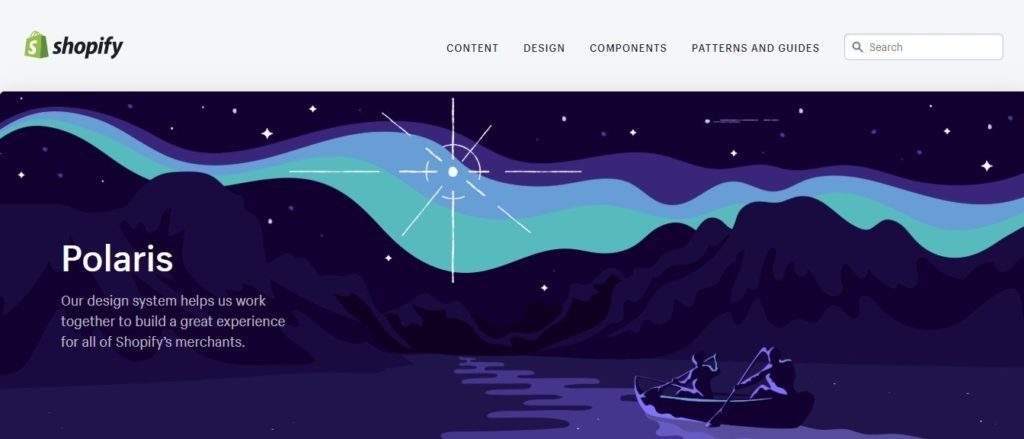
    8. Shopify Polaris – Outstanding Free designs system for Shopify

    Polaris free design system

    How can we forget the best platform for all the e-commerce platforms, Shopify?  Shopify Polaris is the design system for all Shopify users who want to create amazing Shopify designs for their website. The design system is available in React as well as in HTML, you can use any of them as per your requirements.

    Talking about the things inside the system, you will also get the APIs, UI Kits, as well as all the content along with the components. This makes it the best system for your e-commerce business. 

    Moreover, the components include structure, overlays, list, title, icons, forms, actions, etc. There is a perfect guide for the pattern and how you can it with your Shopify design. So, you don’t need to worry about anything here. You will have all the information that you need for your e-commerce business.

    If you are a Shopify user and want the design system, you should not think twice and go for it. There are various resources available. This is one of the few free design systems for the web that has all the things perfectly added, it is way easier to find all the things and the resources for the same. The guide is there from the start to the end to help you out. 

    Visit Website Demo (HTML) Demo (React)

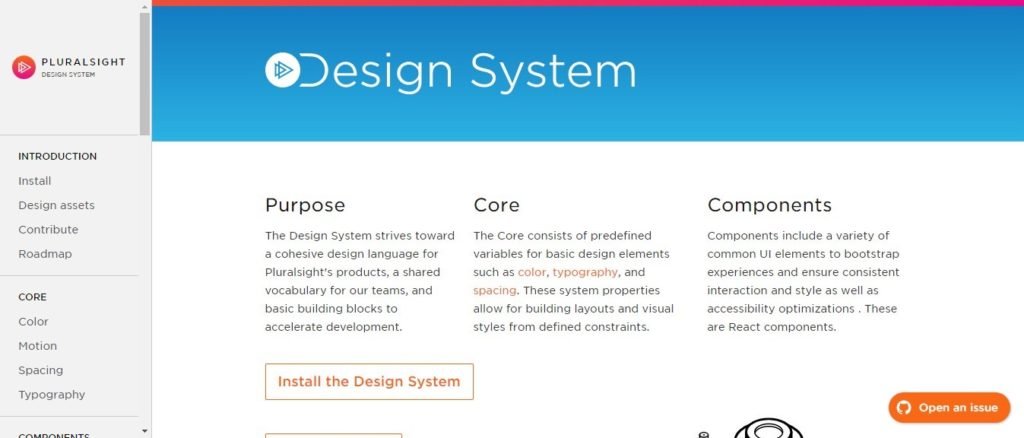
    9. Pluralsight Design system

    Pluralsight Design System

    There might be many Pluralsight users out there who are looking for a design system to help you out with their product. This is the perfect and the best choice for all of them. Here, you will get all the basic features that a design system needs, and along with that, there are many advanced components to make your design even more beautiful It consists of all the core colors, typography and not to mention all spacing options to guide you.

    In other words, the system has a basic set of modules using which you can easily boost your design production with ease. The components include all the action blocks, badge, code, circular progress, dropdown, theme, linear progress, tooltip, etc. Moreover, there are themes to make your work even easier and faster.

    The resources are given with proper documentation and if you are still facing any issue, you can open an issue via Github. In short, the components have everything starting from the common modules or the elements to some of the coolest Bootstrap elements. There are various design assets and you will also find the roadmap to get started with the system. 

    Visit Website Demo

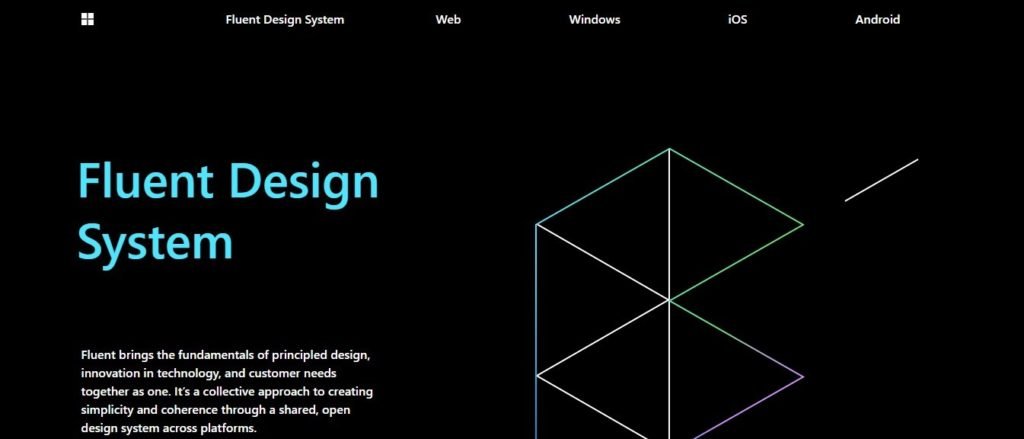
    10. Fluent Design system – Microsoft’s free design systems for web

    Fluent Design System

    The next choice is the Microsoft design system which goes by the name of Fluent Design system. Built specially for Microsoft products, this free design system makes sure that everything is taken care of properly while you’re designing the best system. They have a lot of extensions and add-ons to make everything work.

    Microsoft apps have an amazing look and feel when it comes to design and navigation. If you want the same kind of look and feel on your own programs and apps, you can use this design system to make your work fast and easy. It will also help you in rapidly building what you need. 

    Moreover, talking about the components and elements, they have all the components you need to get started. They have styles, controls, and all the resources you need to get started. Moreover, it includes their design system (Fabric web) even on React. You can easily enhance your current apps with this design system or you can create a new one with the help of this. You will not only get this on the web and Windows but you will also get it for Android and Ios.

    Visit Website Demo

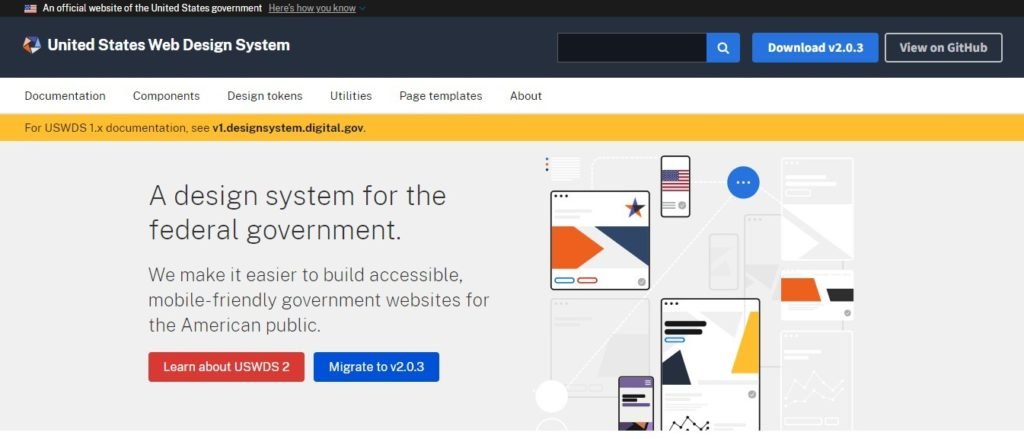
    11. United States web Design system – Official free design system for web

    United States Web Design System

    With this name, you might think that it is one of the official free design systems for the web for the United States or the government. Yes, you are right here. The system is the official system for the government of the USA. The design system helps you in creating amazing websites for government and special agencies also. You can see their showcase where some of the coolest and the most amazing websites with this design system are shown.

    The USWDS does not only focus on government websites but also there many different agencies that use the US web design system. If you are looking for numbers, there are nearly 200 websites that use this web design system for their websites. The components are set to make government websites simple and easy. The components include buttons, footer, alert, search, tags, typography, etc.

    There are many other components present and along with this, you will get proper documentation. Moreover, there are page templates and design tokens also available that you can use to make your website even more attractive.

    Visit Website Demo

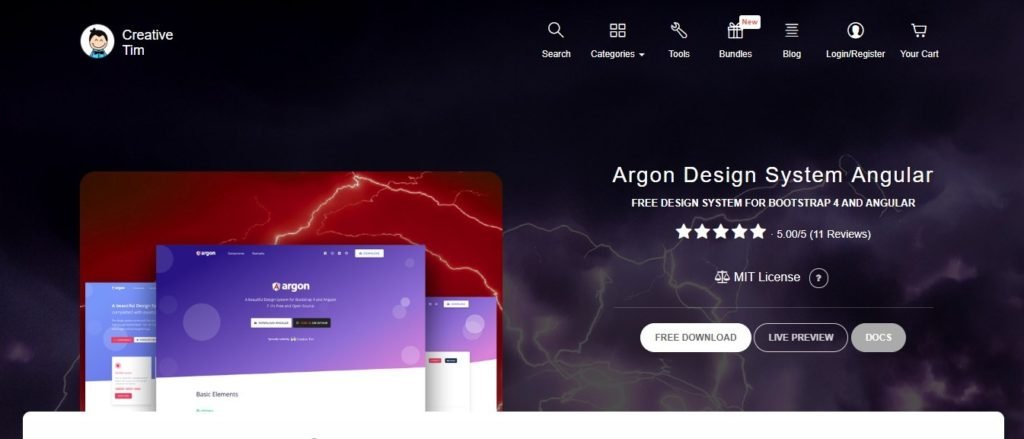
    12. Argon Design System Angular – Free design systems for Angular

    Argon Design System free

    No matter how much hard you try to make your website beautiful and outstanding, no one can ever compete with the design made with Bootstrap and Angular. So, if you are looking for something cool created using these technologies, here is the choice for you.

    Argon is perfect for anyone who is looking to create smooth and beautiful designs. It is more like an all-in-one kit available for anyone who wants to work with it. The components include various kinds of buttons, navbar, tabs, alerts, etc. You can see more of them from the demo link given below. 

    You will get various tools that you can integrate, and some of the third-party apps are also supported. Above all, various bundles include everything you want in the design. The components include all the important things that you need and the license of the system is MIT. Therefore, we can say that it is one of the design systems that include all the things that you need to make the best website with all the features and easy navigation.

    The documentation is there to help you out if you feel like you have lost somewhere or need help with quick fixes. However, it is only available on the premium version. Moreover, it has 5-star ratings as of now. So, it is one of the best design systems out there for Bootstrap and Angular. 

    Visit Website Demo

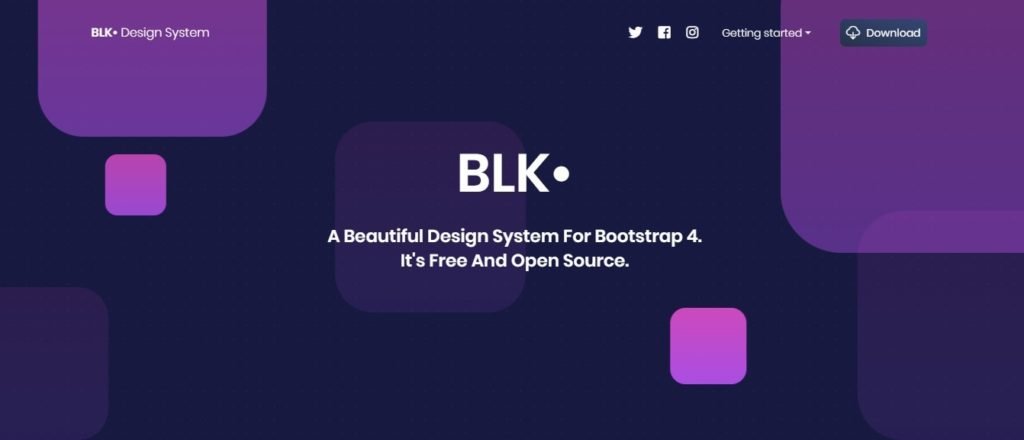
    13. BLK Design system

    BLK OpenSource Design System

    It is the design system by the same creator as the previous one. Here, you will get the components and the design tools to help you out. There are more than 70 components that you can use on your website. Along with that, you will also get 4 customizable plugins with the 3 example pages.

    If you are having problems thinking about how a web page should be or how you can use the components more effectively, the example pages will turn out to be the most useful page you will get. You can directly take the reference from them and create the page accordingly. 

    Moreover, there is a pro version available if you want more same kind of features. You should first try the free version and see if all your design requirements are completed or not. If you still want to make it more beautiful and amazing with the same kind of components, you can go with the pro version and integrate it with your design.

    There is complete documentation given only in the premium version so that you don’t face any issues in implementing this design system in your code.

    Visit Website Demo

    14. Spectrum – Adobe’s Design System

    Spectrum Design System

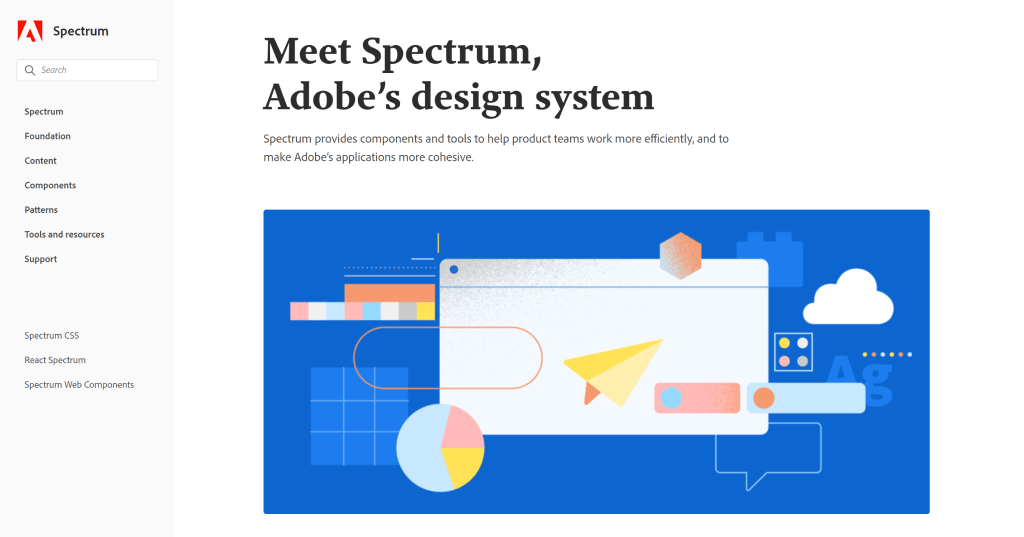
    Spectrum is an Adobe project that contains all of the tools, components, and guidelines needed to develop Adobe applications and services. It also allows development teams to ensure a natural look across all screens and platforms, just like other leading software design systems.

    Spectrum gives you access to a variety of resources (UI kits, fonts, icons), components (data visualization elements, buttons, typography, navigation, and more), patterns (cards, headers, tables), and other items to help you create truly amazing products.

    On Adobe’s platforms, the spectrum design language has a CSS implementation — Spectrum CSS — that can be used internally or by third parties. It’s an open-source, fully customizable solution with extensive documentation and the ability to create fully interactive components.

    By December 2021, Spectrum CSS has received about 800+ stars on GitHub.

    15. Now UI Kit

    Now UI Kit

    The next design system that we are going to talk about is the Now UI Kit. It is more like a UI kit that you can use anywhere starting from the static web pages to your entire website. Just like we discussed in the previous design systems, here you will get two versions.

    Among these one is premium and offers more features overall. In the free version, you will get 50 components that are way too amazing. Most of the users won’t need to go with the premium version. In other words, it includes all the necessary components you need these days. 

    Moreover, the free version will also include 3 example pages along with the three fully customizable plugins. You can use all of these to create or enhance the current project. Whereas the premium version will include more of these components, plugins, and example pages, and will also include the SaaS files, photoshop files, and documentation.

    You can surely try this out and see if it fits your need and requirements. If it is perfect for you, you can surely upgrade to the premium version later on.

    Visit Website Demo

    16. Ant Design

    Ant Design

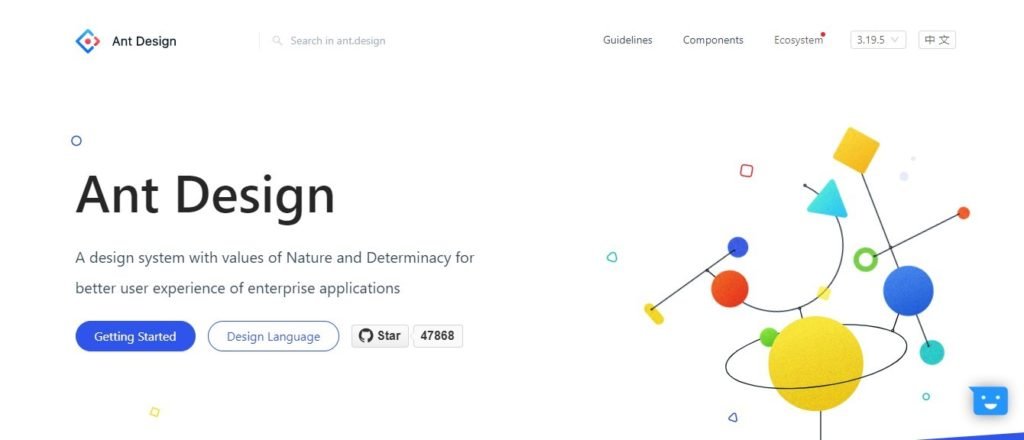
    If you are still looking for a design system, we suggest you go with this one. It is only for React, so not for some people. It is the whole package that you can use with any of the React apps. However, it is more focused on enterprise-level applications. So, if you are having any of those, you should use them there. You can use it with typescript and you can use it with React. 

    Moreover, you can customize the existing theme and there is also support for extra third-party libraries which is not present in many of the design systems. You can use it for React. As it is mainly for a single platform and does not allow all the platforms. The components and designs here are the best.

    The best part is that the components have various categories so that you can easily find the one that you are looking for. It includes categories such as Navigation, layout, general, data display, feedback, etc. In this way, you can easily find the one that you are looking for.

    Visit Website Demo

    Final words

    Design systems allow businesses and individuals to automate software development, release apps more quickly, and launch branded apps and websites, among other things. The design system must include a certain set of features to truly perform and do all of these things.

    You Might Also Like These Articles

    1. Free Figma Design Systems for UI/UX Designers
    2. Free Figma Icon Library for Web & App Developers
    3. Figma Plugins For Web & App Designers
    4. Tailwind CSS UI Kits and Component (Free)
    5. Free & Premium Bootstrap UI Kits
    6. Figma UI Kits for Web App Designers (Free)