Category: React

Here you’ll find articles about the React framework & React Templates – a free & open-source JavaScript framework for front-end development by Facebook.

  • Top 15 Best Open Source React Chart Libraries for 2024

    Top 15 Best Open Source React Chart Libraries for 2024

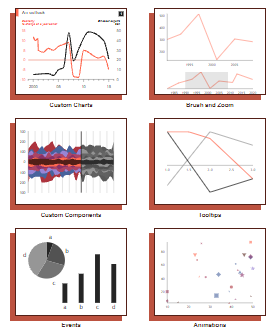
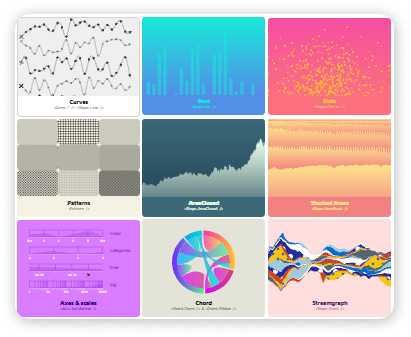
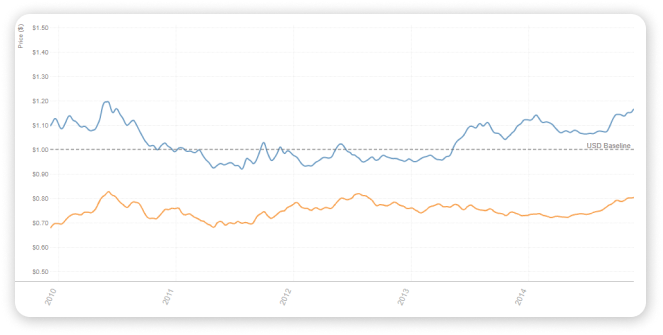
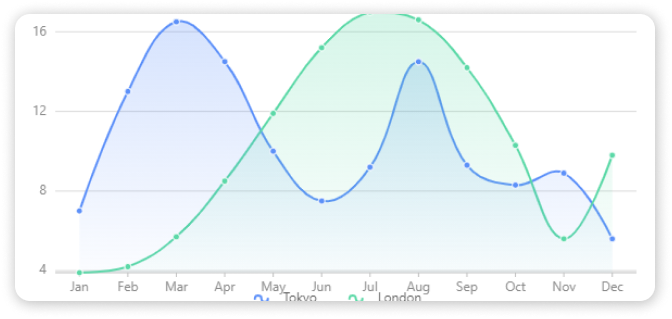
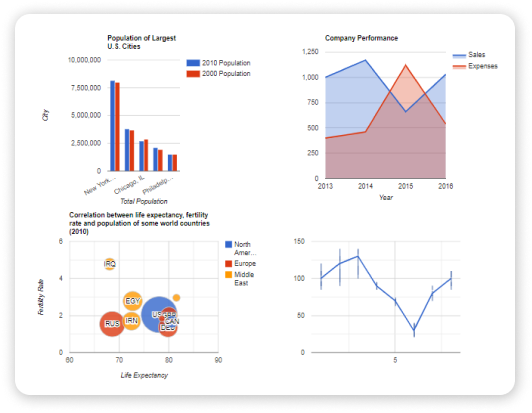
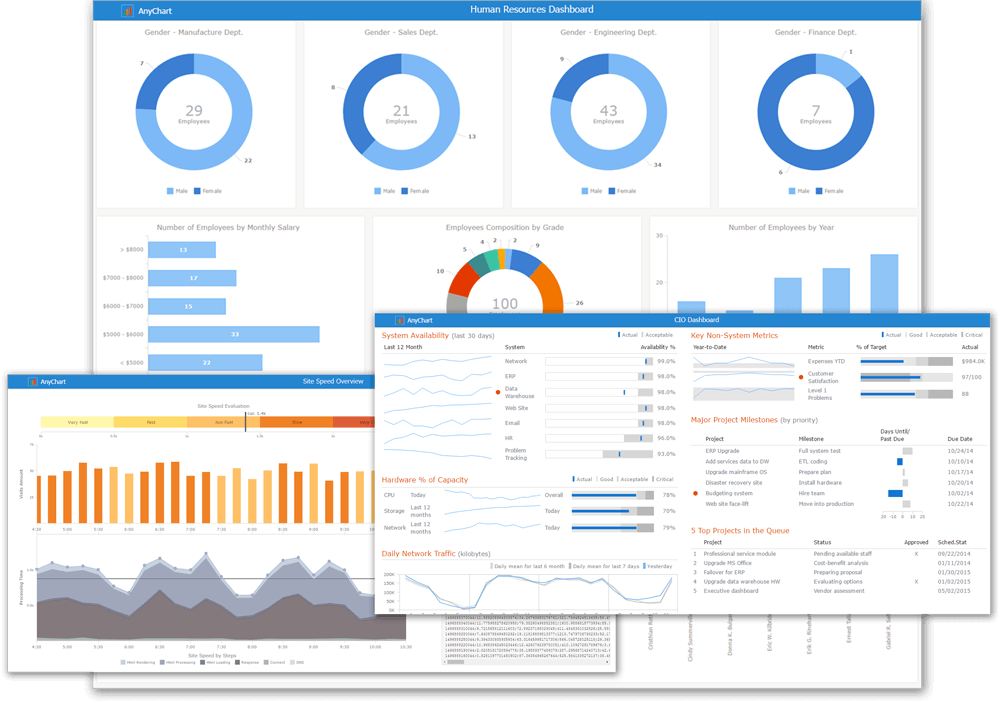
    Are you looking for the finest React Chart libraries to use in your next project? You’ve arrived at the correct location. They’re only a few steps away! In this blog, I’ve carefully selected the top 15 free best React Chart Libraries for React Projects. But first, let’s go through what the React Chart Library is all about.
    library react charts
    Image Source

    What is a React Chart Library?

    The chart is a typical mobile and web app component. Users can get different information from different types of charts. As a result, there is a sizable market for digital charts that allow us to comprehend and gather critical data in specific formats and shapes that meet the needs of consumers. As a result, different shapes and forms have taken place in the marketplace.

    Because React is a front-end JavaScript framework for user interfaces, it aids in the creation of a variety of chart libraries with scalable and adaptable components. Additionally, dealing with a chart is faster and more intuitive when it is a React-made Chart.

    Among all charts, Bar chart, line chart, Pie chart, Gantt chart, and Bubble chart are most commonly used.

    Best Open Source React Chart Libraries

    Note: This list is in no particular order.

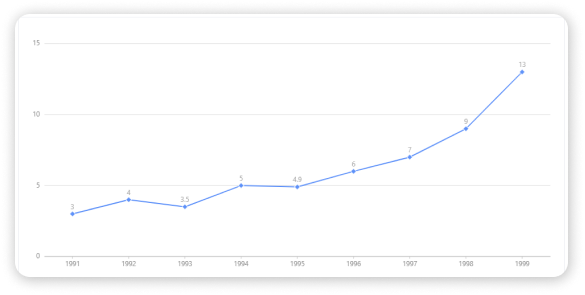
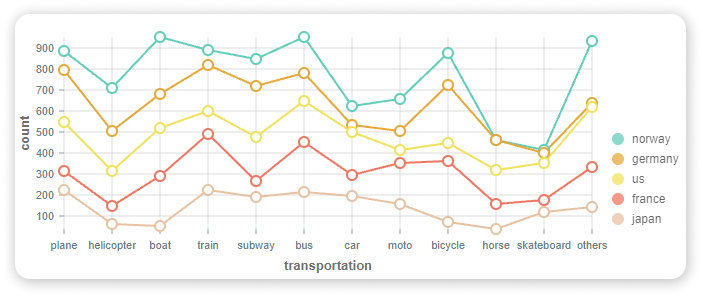
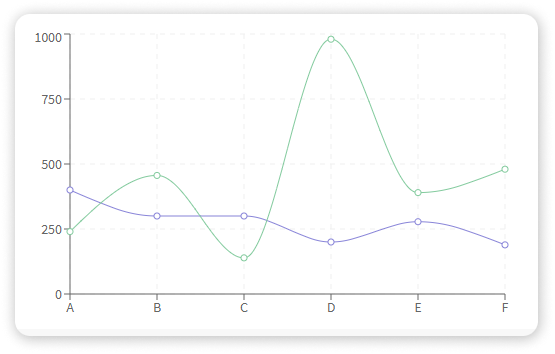
    1. Recharts
    Recharts

    Live Preview / Details

    Basic Information

    • Weekly npm Downloads – 686K
    • Github Stars – 17K
    • Contributors – 230
    • Dependencies – 14
    • License – MIT

    Installation

    # latest stable
    $ npm install recharts

    Github Link

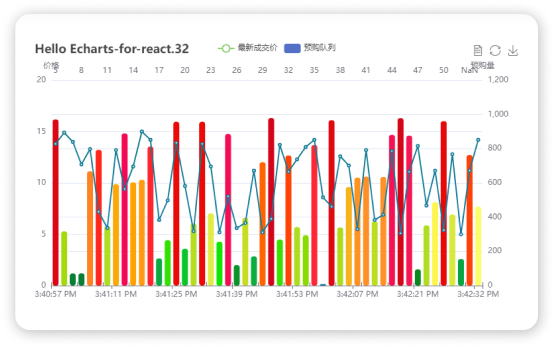
    2. Echarts for React

    Echarts

    Live Preview / Details

    Basic Information

    • Weekly npm Downloads – 73.4K
    • Github Stars – 3K
    • Contributors – 26
    • Dependencies – 2
    • License – MIT

    Installation

    $ npm install --save echarts-for-react
    
    # `echarts` is the peerDependence of `echarts-for-react`, you can install echarts with your own version.
    $ npm install --save echarts

    Github Link

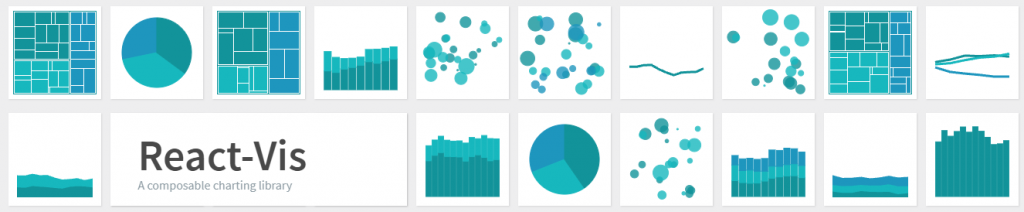
    3. React Vis – Chart Library

    React Vis

    Live Preview / Details

    Basic Information

    • Weekly npm Downloads – 72.3K
    • Github Stars – 8K
    • Contributors – 136
    • Dependencies – 18
    • License – MIT

    Installation

    npm install react-vis --save

    Github Link

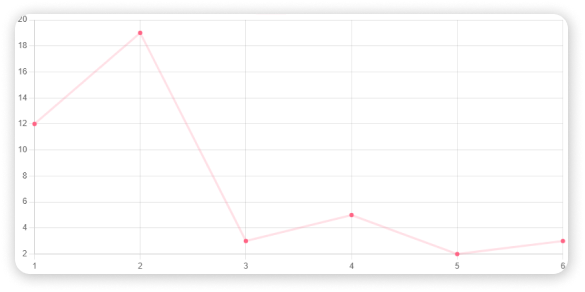
    4. React Chartjs 2

    React Chartjs 2

    Live Preview / Details

    Basic Information

    • Weekly npm Downloads – 426K
    • Github Stars – 4.4K
    • Contributors – 65
    • Dependencies – 1
    • License – MIT

    Installation

    npm install --save react-chartjs-2 chart.js
    
    # or
    
    yarn add react-chartjs-2 chart.js

    Github Link

    5. Carbon Charts

    Carbon

    Live Preview / Details

    Basic Information

    • Weekly npm Downloads – 13.1K
    • Github Stars – 389
    • Contributors – 66
    • Dependencies – 3
    • License – MIT

    Installation

    npm i @carbon/charts-react

    Github Link

    6. Victory React Chart Lirbary

     Victory

    Live Preview / Details

    Basic Information

    • Weekly npm Downloads – 153K
    • Github Stars – 9.1K
    • Contributors – 191
    • Dependencies – 26
    • License – MIT

    Installation

    # npm
    $ npm i --save victory
    # or yarn
    $ yarn add victory

    Github Link

    7. Ant Design Charts

    Ant Design Charts

    Live Preview / Details

    Basic Information

    • Weekly npm Downloads – 40.9K
    • Github Stars – 830
    • Contributors – 35
    • Dependencies – 4
    • License – MIT

    Installation

    $ npm install @ant-design/charts

    Github Link

    8. Visx – React Chart Library

    Visx

    Live Preview / Details

    Basic Information

    • Weekly npm Downloads – 72.3K
    • Github Stars – 14.2K
    • Contributors – 124
    • Dependencies – 3
    • License – MIT

    Installation

    $ npm install --save @visx/mock-data @visx/group @visx/shape @visx/scale

    Github Link

    9. React Timeseries Charts

    React Timeseries Charts

    Live Preview / Details

    Basic Information

    • Weekly npm Downloads – 3.7K
    • Github Stars – 735
    • Contributors – 38
    • Dependencies – 23
    • License – BSD-3-Clause-LBNL

    Installation

    npm install react-timeseries-charts pondjs --save

    Github Link

    10. Nivo – React Chart Library

     Nivo React Chart Libraries

    Live Preview / Details

    Basic Information

    • Weekly npm Downloads – 4.2K
    • Github Stars – 9.2K
    • Contributors – 161
    • Dependencies – 17
    • License – MIT

    Installation

    yarn add @nivo/core @nivo/bar

    Github Link

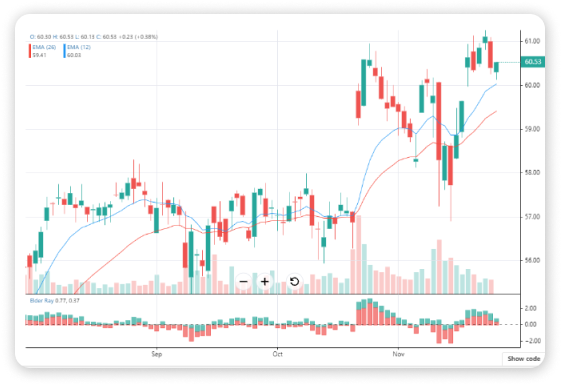
    11. React Financial Chart

    React Financial Chart

    Live Preview / Details

    Basic Information

    • Weekly npm Downloads – 1.5K
    • Github Stars – 563
    • Contributors – 10
    • Dependencies – 6
    • License – MIT

    Installation

    npm install react-financial-charts

    Github Link

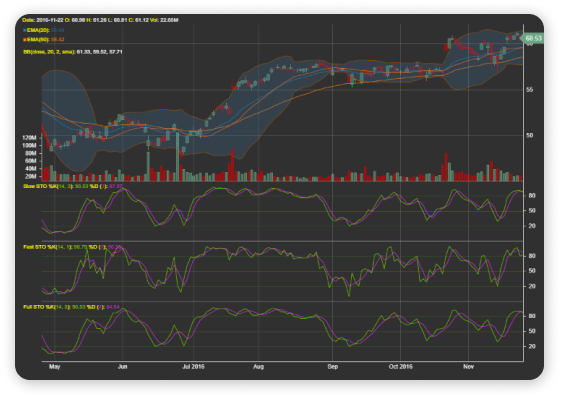
    12. React Stockcharts

    React Stockcharts

    Live Preview / Details

    Basic Information

    • Weekly npm Downloads – 4.9K
    • Github Stars – 3.3K
    • Contributors – 52
    • Dependencies – 15
    • License – MIT

    Installation

    npm install  --save react-stockcharts

    Github Link

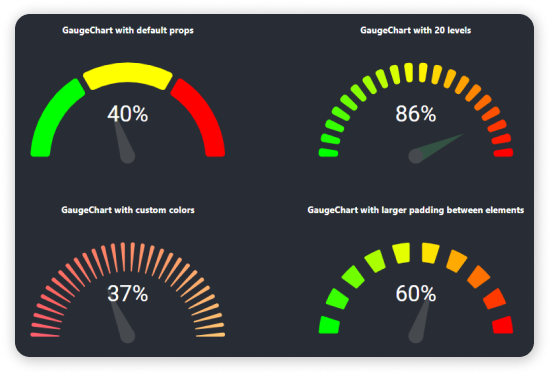
    13. React Gauge Chart

    React Gauge Chart

    Live Preview

    Basic Information

    • Weekly npm Downloads – 7.4K
    • Github Stars – 112
    • Contributors – 16
    • Dependencies – 1
    • License – MIT

    Installation

    import GaugeChart from 'react-gauge-chart'
    
    <GaugeChart id="gauge-chart1" />

    Github Link

    14. Bizcharts – React Chart Library

    Bizcharts

    Live Preview / Details

    Basic Information

    • Weekly npm Downloads – 25.9K
    • Github Stars – 5.7K
    • Contributors – 76
    • Dependencies – 13
    • License – MIT

    Installation

    $ npm install bizcharts

    Github Link

    15. React Google Charts

    React Google Charts

    Live Preview / Details

    Basic Information

    • Weekly npm Downloads – 61.9K
    • Github Stars – 1K
    • Contributors – 47
    • Dependencies – 1
    • License – MIT

    Installation

    yarn add react-google-charts
    # or
    npm i -s react-google-charts

    Github Link

    15. Gantt chart

    Gantt chart

    Gantt chart is a popular tool for visualizing project management in various industries including education, finance, marketing, IT and construction.

    A Gantt bar chart illustrates the project’s timeline specifying  its start and end points. The chart displays all tasks and activities associated with the project, their start and  end dates, duration and dependencies.

    Gantt chart based tools for project planning keep the team on the same page, intelligently distribute the workload, and help identify potential problems such as time overlaps and delays in completing key tasks.

    Best practice:

    -Split complex workflows into tasks, prioritize them, and set realistic deadlines with SVAR Gantt https://svar.dev/react/gantt/ , an out-of-the-box open source UI component.

    -Create, edit, and delete tasks using the sidebar, or drag-and-drop them directly in the chart, automatically changing task durations.

    -Try different types of dependencies — End-to-start, Start-to-start, End-to-end,

    Start-to-end — to ensure the tasks are completed without delays.

    Wrapping Up

    Finally, your search for the best React Chart Libraries looks to have come to an end. Choosing amongst these free React.js Chart Libraries is a difficult task. You should be able to rapidly narrow down 3 to 4 chart library choices that would work best for your project if you stick to your requirements. So, take a close look at these Chart libraries to ensure a pleasant user experience. Thank you for joining us, and we wish you the best of luck.

    Our Vue.js Templates

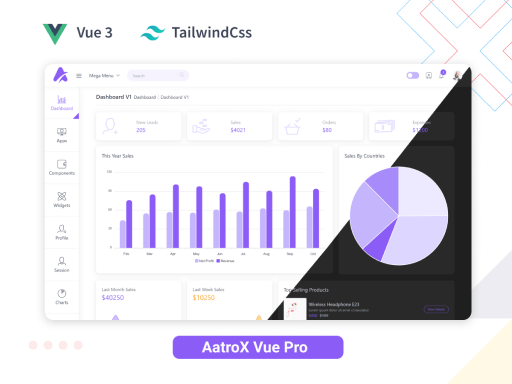
    Aatrox Vue – VueJS 3 & TailwindCSS Admin Dashboard 👌🥳
    aatrox vue tailwindcss admin

    Live Preview Details / Download Free Version

    About Us

    At UI-Lib, we offer high-quality free and premium templates, UI kits, and design systems to consumers and developers. And we use technologies like React, Angular, Vue, HTML, etc. We value excellent quality, vast experience, and optimism. The company currently has over 9000 sales on Themeforest.

    Our Gumroad Profile

    You can also find the best React & Vue Datepicker components here.

  • Top 15 Free Best React Date Picker Components to use in 2022

    Top 15 Free Best React Date Picker Components to use in 2022

    Do you want to employ the best React Date Picker components in your next project? You’ve come to the right place. They’re right down the road! I’ve carefully chosen the top 15 free best React Date Pickers for React Projects in this blog post. But first, let’s take a quick look at what React Date Picker is all about.

    React Datepicker

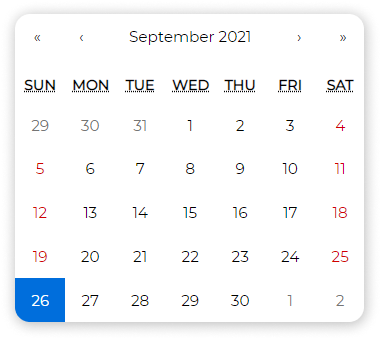
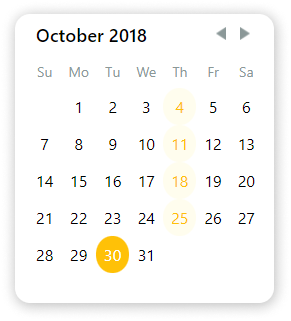
    A date picker, also known as a popup calendar, date and time picker, or time picker, is a graphical user interface widget that allows the user to choose a date from a calendar and/or a time from a time range. Thus, React datepicker components also do the same job. React Datepicker components are a particular kind of User Interface components that are based on React.js.

    These simple reusable components have become the most popular libraries for React.

    Note: Before selecting a Date Picker for your project, please carefully review the demonstrations, specifications, and requirements. It is best to go through Github repositories for a detailed inspection. Different types of work are supported by different React datepickers. So, double-check that the prerequisites fully match your system or, if necessary, install them first.

    What Is So Great About React Datepickers?

    The finest datepicker components are React Datepicker components. These points demonstrate why.

    • Users can set or choose the date with just a mouse.
    • Eliminates the need to write down the date.
    • Excellent Community Support.
    • Blazingly Fast.
    • Reusable components.
    • Simple & modern Looking.
    • Easy to Set Up.
    • Light Weight.

    and a lot of other aspects that make React.js Datepicker components one of the best.

    Best React Date Picker Components

    Note: The list below is in no particular order.

    1. Wojtekmaj / React Date Picker

    Wojtekmaj / React Date Picker

    Live Preview / Details

    Main Features

    • Date Picker
    • Time Picker
    • DateTime Range Picker
    • Time Range Picker
    • Date Range Picker
    • DateTime Picker
    • Calendar
    • Clock
    • Customizable
    • Lightweight Library

    Github Link

    Installation Command

    npm install react-date-picker --save

    Code Snippet

    import React, { useState } from 'react';
    import DatePicker from 'react-date-picker';
    
    export default function MyDatePicker() {
      const [value, updateValue] = useState(new Date());
    
      const onChange = (date) => {
        updateValue(date);
      }
    
      return (
        <div>
          <DatePicker
            onChange={onChange}
            value={value}
          />
        </div>
      );
    }
    

    2. React day picker

    React day picker

    Live Preview / Details

    Main Features

    • Simple Library
    • Easy to customize
    • Localizable
    • extensive list of examples
    • Native TypeScript Support
    • Date Picker
    • ARIA Support

    Github Link

    Installation Command

    npm install react-day-picker --save

    Code Snippet

    import React, { useState } from "react";
    import DayPickerInput from "react-day-picker/DayPickerInput";
    import "react-day-picker/lib/style.css";
    
    export default function ReactDayPicker() {
      const [date, setDate] = useState(new Date());
    
      function onChange(date) {
        setDate(date);
      }
    
      return <DayPickerInput onDayChange={onChange} />;
    }
    

    3. Material UI Date/Time Picker

    Material UI Date/Time Picker

    Live Preview / Details

    Main Features

    • Follows Material UI Design
    • Supports 4 different date library ( date-fns, Day.js, Luxon, Moment.js)
    • DatePicker
    • Time Picker
    • DateTime Picker
    • Date Range Picker
    • Localizable

    Github Link

    Installation Command

    Core Material UI Library:

    npm install @material-ui/core date-fns @date-io/date-fns@^1.3.13 @material-ui/pickers --save

    Code Snippet

    import React, { useState } from 'react';
    import DateFnsUtils from '@date-io/date-fns';
    import {
      MuiPickersUtilsProvider,
      KeyboardDatePicker,
    } from '@material-ui/pickers';
    
    export default function MaterialDatePicker() {
    
      const [selectedDate, setSelectedDate] = useState(new Date());
    
      const handleDateChange = (date) => {
        setSelectedDate(date);
      };
    
      return (
        <MuiPickersUtilsProvider utils={DateFnsUtils}>
          <KeyboardDatePicker
            disableToolbar
            variant="inline"
            format="MM/dd/yyyy"
            margin="normal"
            id="date-picker-inline"
            label="Date picker inline"
            value={selectedDate}
            onChange={handleDateChange}
            KeyboardButtonProps={{
              'aria-label': 'change date',
            }}
          />
        </MuiPickersUtilsProvider>
      );
    
    }
    

    4. Carbon Design System DatePicker

    Carbon Design System DatePicker

    Live Preview / Details

    Main Features

    • Date Picker
    • IBM’s Open-Source Design System
    • Supports React, Vue, Angular, Svelte, Vanilla JS
    • Fully Customizable by using flatpickr options.
    • Easy to Use

    Github Link

    Installation Command

    npm install carbon-components carbon-components-react carbon-icons --save

    Code Snippet

    import React from 'react';
    import { DatePickerInput } from 'carbon-components-react';
    
    export default function CarbonDatePicker() {
    
      return (
        <DatePickerInput
            placeholder="mm/dd/yyyy"
            labelText="Date Picker label"
            id="date-picker-single"
            onChange={date => {
              console.log(date);
            }}
          />
        </DatePicker>  
      );
    }
    

    5. Airbnb React Dates

    bnb React Dates

    Main Features

    • Mobile Friendly
    • Localizable
    • Date Picker
    • date Range Picker

    Github Link

    Installation Command

    npm install react-dates --save

    Code Snippet

    import React, { useState } from "react";
    import "react-dates/initialize";
    import "react-dates/lib/css/_datepicker.css";
    import { SingleDatePicker } from "react-dates";
    
    export default function ReactdatesDatepicker() {
      const [date, setDate] = useState(null);
      const [isFocused, setIsFocused] = useState(false);
    
      function onDateChange(date) {
        setDate(date);
      }
    
      function onFocusChange({ focused }) {
        setIsFocused(focused);
      }
    
      return (
        <SingleDatePicker
          id="date_input"
          date={date}
          focused={isFocused}
          onDateChange={onDateChange}
          onFocusChange={onFocusChange}
        />
      );
    }
    

    6. React Datepicker

    React Datepicker

    Live Preview / Details

    Main Features

    • Reusable
    • Easy to Use
    • Simple Design
    • date-fns for localization
    • Date Picker

    Github Link

    Installation Command

    npm install react-datepicker --save

    Code Snippet

    import React, { useState } from "react";
    import DatePicker from "react-datepicker";
    import "react-datepicker/dist/react-datepicker.css";
    
    export default function HackeroneDatepicker() {
      const [date, setDate] = useState(new Date());
    
      function onChange(date) {
        setDate(date);
      }
    
      return &lt;DatePicker selected={date} onChange={onChange} />;
    }
    

    7. React Rainbow Components Date Picker

    React Rainbow Components Date Picker

    Live Preview / Details

    Note: React Rainbow is a UI component library. You have to adopt the whole library to use it.

    Main Features

    • Date Picker
    • DateTime Picker
    • Date Picker Modal
    • Simple Design
    • Supports Dark Mode
    • Customizable

    Github Link

    Installation Command

    npm install react-rainbow-components --save

    Code Snippet

    import React, { useState } from "react";
    import { DatePicker } from "react-rainbow-components";
    
    export default function RainbowDatepicker() {
      const [date, setDate] = useState(null);
    
      function onChange(date) {
        setDate(date);
      }
    
      return (
        &lt;DatePicker
          id="datePicker-1"
          value={date}
          onChange={onChange}
          label="DatePicker Label"
          formatStyle="large"
        />
      );
    }
    

    8. Ant Design DatePicker

    Ant Design DatePicker

    Live Preview / Details

    Main Features

    • Date Picker
    • TIme Picker
    • DateTime Picker
    • Date Range Picker
    • Provides a UI Component Library
    • Localizable
    • TypeScript Support
    • Customizable
    • Follows Ant Design Specification
    • Smple Design
    • Better User Experience

    Github Link

    Installation Command

    npm install antd --save

    Code Snippet

    import React, { useState } from "react";
    import { DatePicker } from "antd";
    import "antd/dist/antd.css";
    
    export default function AntDatepicker() {
      const [date, setDate] = useState(new Date());
    
      function onChange(date, dateString) {
        setDate(date);
      }
    
      return &lt;DatePicker onChange={onChange} />;
    }
    

    9. Hypeserver / React Date Range

    Hypeserver / React Date Range

    Live Preview / Details

    Main Features

    • Calendar Input
    • Date Range Picker
    • Highly Customizable
    • Click & Hold Selection

    Github Link

    Installation Command

    npm install react-date-range date-fns --save

    Code Snippet

    import React, { useState } from "react";
    import { Calendar } from "react-date-range";
    import "react-date-range/dist/styles.css";
    import "react-date-range/dist/theme/default.css";
    
    export default function HypeserverDatepicker() {
      const [date, setDate] = useState(new Date());
    
      function onChange(date) {
        setDate(date);
      }
    
      return &lt;Calendar date={date} onChange={onChange} />;
    }
    

    10. RC Datepicker

    RC Datepicker

    Live Preview / Details

    Main Features

    • Decent Design
    • DatePicker
    • Easy to Set Up
    • Customizable

    Github Link

    Installation Command

    npm install --save rc-datepicker

    Code Snippet

    import React from 'react';
    
    // Import Datepicker
    import { DatePicker, DatePickerInput } from 'rc-datepicker';
    
    // Import the default style
    import 'rc-datepicker/lib/style.css';
     
    export default class App extends React.Component {
        constructor(props, context) {
            super(props, context);
    
            // Initial state with date
            this.state = {
                // or Date or Moment.js
                selectedDate: '2017-08-13'
            };
    
            // This binding is necessary to make `this` work in the callback
            this.onChange = this.onChange.bind(this);
        }
    
        onChange(date) {
    		this.setState({
    			selectedDate: date
    		});
    	}
    
        render() {
            return (
                <div>
                    <DatePickerInput
                        onChange={this.onChange}
                        value={this.state.selectedDate}
                        className='my-custom-datepicker-component'
                    />
    
                    {/* this renders only a fixed datepicker */}
                    <DatePicker onChange={this.onChange} value={this.state.selectedDate} />
                </div>
            );
        }
    }
    

    11. React Datepicker CS

    React Datepicker CS

    Live Preview / Details

    Main Features

    • Siplified DatePicker
    • Simple Installation
    • Multi-Language Support
    • Only Have 5 Properties

    Github Link

    Installation Command

    npm install react-date-picker-cs --save
    

    Code Snippet

    import React from 'react';
    
    // Import Datepicker
    import ReactDatePicker from 'react-date-picker-cs';
     
    export default class App extends React.Component {
        constructor(props, context) {
            super(props, context);
    
            // Initial state with date
            this.state = {
                selectedDate: '2017-08-13'
            };
    
            // This binding is necessary to make `this` work in the callback
            this.handleLog = this.handleLog.bind(this);
        }
    
        handleLog(date) {
    		this.setState({
    			selectedDate: date
    		});
    	}
    
        render() {
            return (
                <div>
                    <ReactDatePicker
                        onChange={this.handleLog} 
                        range={[2013, 2020]} 
                        value={this.state.selectedDate} 
                        disabled={true}
                    />
                </div>
            );
        }
    }


    12. Input Moment

    Input Moment

    Live Preview / Details

    Note: This module requires Moment.js as a peerDependency.

    Main Features

    • DateTime Picker
    • Icons from Ionicons
    • Powered by Moment.js
    • ISC License
    • Easy to Install

    Github Link

    Installation Command

    npm i input-moment --save

    Code Snippet

    import '../src/less/input-moment.less';
    import './app.less';
    import moment from 'moment';
    import React, { Component } from 'react';
    import ReactDOM from 'react-dom';
    import InputMoment from '../src/input-moment';
    import packageJson from '../package.json';
    
    class App extends Component {
      state = {
        m: moment()
      };
    
      handleChange = m => {
        this.setState({ m });
      };
    
      handleSave = () => {
        console.log('saved', this.state.m.format('llll'));
      };
    
      render() {
        return (
          &lt;div className="app">
            &lt;h1>
              {packageJson.name}: {packageJson.version}
            &lt;/h1>
            &lt;h2>{packageJson.description}&lt;/h2>
            &lt;form>
              &lt;div className="input">
                &lt;input type="text" value={this.state.m.format('llll')} readOnly />
              &lt;/div>
              &lt;InputMoment
                moment={this.state.m}
                onChange={this.handleChange}
                minStep={5}
                onSave={this.handleSave}
              />
            &lt;/form>
          &lt;/div>
        );
      }
    }
    

    13. React Bootstrap Datepicker

    React Bootstrap Datepicker

    Live Preview / Details

    Note: For this one, you have to import the Bootstrap theme.

    Main Features

    • Bootstrap based
    • Minimal Design
    • Date Picker
    • Customizable

    Github Link

    Installation Command

    npm install react-bootstrap-date-picker

    Code Snippet

    import React from 'react';
    
    // Import Datepicker
    import DatePicker from "react-bootstrap-date-picker";
    
    // Import Bootstrap components
    import FormGroup from 'react-bootstrap/lib/FormGroup';
    import ControlLabel from 'react-bootstrap/lib/ControlLabel';
    import HelpBlock from 'react-bootstrap/lib/HelpBlock';
    
    export default class App extends React.Component {
        constructor(props, context) {
            super(props, context);
    
            // Initial state with date
            this.state = {
                selectedDate: new Date().toISOString()
            };
    
            // This binding is necessary to make `this` work in the callback
            this.onChange = this.onChange.bind(this);
        }
    
        onChange(value, formattedValue) {
    		this.setState({
                value: value, // ISO String, ex: "2016-11-19T12:00:00.000Z"
                formattedValue: formattedValue // Formatted String, ex: "11/19/2016"
            });
    	}
    
        componentDidUpdate() {
            // Access ISO String and formatted values from the DOM.
            var hiddenInputElement = document.getElementById("example-datepicker");
            console.log(hiddenInputElement.value); // ISO String, ex: "2016-11-19T12:00:00.000Z"
            console.log(hiddenInputElement.getAttribute('data-formattedvalue')) // Formatted String, ex: "11/19/2016"
        }
    
        render() {
            return (
                <div>
                    <FormGroup>
                        <ControlLabel>Label</ControlLabel>
                        <DatePicker id="example-datepicker" value={this.state.selectedDate} onChange={this.onChange} />
                        <HelpBlock>Help</HelpBlock>
                    </FormGroup>
                </div>
            );
        }
    }


    13. React Infinite Calendar

    React Infinite Calendar

    Live Preview / Details

    Main Features

    • Infinite Scrolling
    • Flexiblity
    • Localizable
    • Customizable
    • Date Picker
    • Extensible
    • Mobile-Friendly
    • keyboard Support
    • Events and Call Back
    • Themes

    Github Link

    Installation Command

    npm install react-infinite-calendar --save

    Usage

    import React from 'react';
    import { render } from 'react-dom';
    import InfiniteCalendar from 'react-infinite-calendar';
    import 'react-infinite-calendar/styles.css'; // only needs to be imported once
    
    // Render the Calendar
    var today = new Date();
    var lastWeek = new Date(today.getFullYear(), today.getMonth(), today.getDate() - 7);
    
    render(
      <InfiniteCalendar
        width={400}
        height={600}
        selected={today}
        disabledDays={[0,6]}
        minDate={lastWeek}
      />,
      document.getElementById('root')
    );


    15. React Input Calendar

    React Input Calendar

    Live Preview / Details

    Main Features

    • Simple Component
    • All Systems written in CSS
    • Date Input Calendar
    • Minimal Design
    • Easy to Install

    Github Link

    Installation Command

    npm install react-input-calendar

    Usage

    import Calendar from 'react-input-calendar'
    <Calendar format='DD/MM/YYYY' date='4-12-2014' />

    Conclusion

    Finally, it appears that your quest for the finest Vue datepicker has come to an end. Choosing amongst these free React.js date pickers is a challenging challenge. However, if you keep to your criteria, you should be able to quickly narrow down 3 to 4 date pickers that would work best for your project. So, do a thorough examination of these datepicker components and achieve a positive user experience. Thank you for being with us, and we wish you all the best.

    About Us

    We provide high-quality free and premium templates, UI kits, and design systems for customers and developers at UI-Lib. React, Angular, Vue, HTML, and other technologies are used to do this. We place a premium on high quality, extensive expertise, and optimism. On Themeforest, we now have over 9000 sales.

    Our Gumroad Profile

    You can also find the best Vue Datepicker components here.
    Top 15 Free Best Vue Datepicker components

  • 15 Best React Landing Page Templates in 2024

    15 Best React Landing Page Templates in 2024

    Are you looking for some of the best React landing pages for your projects? We have you covered. Here, you can find and experience landing page templates built with React.js.

    The landing page is a single property, lead capture, or static page that appears when you click on a web page. Demands for landing pages are on fire as more websites and apps are going online every day. So, to get attention, a landing page should be fast, optimized, unique looking, easy to understand, etc. That is why, as a fundamental element of online marketing, React landing pages are much more reliable. It is so because React is the best front-end JavaScript library that exists in the developing industry.

    Hence, we’ve carefully picked some of the best landing pages for different niches like SaaS, Crypto Currency, Portfolio, Startup, app, etc.

    1. Evelynn – Material UI React SaaS/Product Landing Page

    Evelynn - Material UI React SaaS/Product Landing Page

    Evelynn is a powerful landing page. Works on SaaS/Products. Made with React Material UI and Create React App, this template is fully responsive and has an excellent code structure. Each of the page sections is in the composition of its jsx and SCSS files. And they are in the SaaS directory and the components are fully organized. Therefore, you can easily customize and reuse it for your next project.

    Most importantly, the template has a minimal design feel to it. Make sure to experience Evelynn from the button below.

    Demo / Download

    2. Landrick – React Landing Page Template

    Landrick - React Landing Page Template

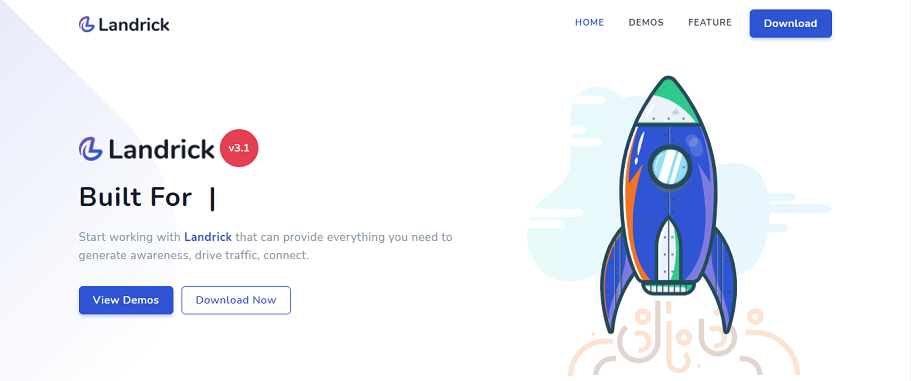
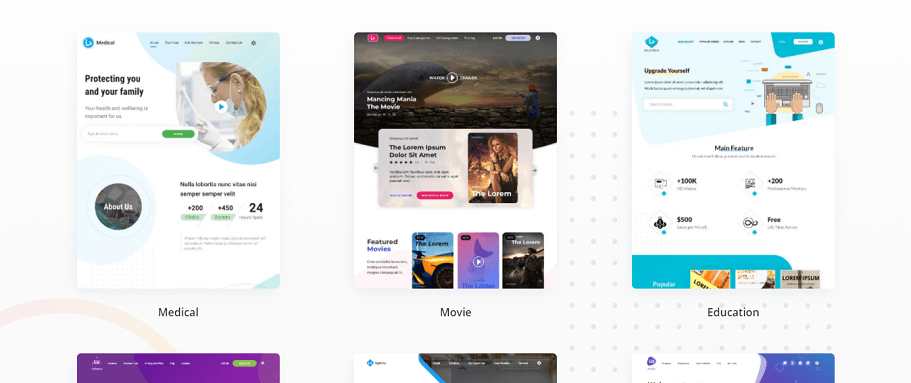
    If you want a multi-purpose React landing page template that includes almost every category, check out Landrick. It is an enormous template with 18 landing pages, 30 inner pages, a fully responsive layout, and more. Also, the template has free google fonts, a great menu, small devices, a clean & modern design, etc. So, it looks beautiful on any size device and is easily customizable, just as you want it.

    Check out Landrick from here.

    Demo / Download

    3. Luxiren – React Landing Page Collection

    Luxiren - React Landing Page Collection

    Luxiren is a landing page collection made with React. The template used, React, Material UI, NextJS, and Sketch files included. From commercial purposes to personal portfolios, Luxiren has every type of landing page in this collection. The template got 11 landing pages, 100+ section components, multilanguage support, dark mode, and more features.

    So, try this fully responsive & clean-coded template from here.

    Demo / Download

    4. SuperProps – React Landing Page Templates with Next JS & Gatsby JS

    SuperProps - React Landing Page Templates with Next JS & Gatsby JS

    SuperProps has a good number of templates available in its collection. The template offers more than 22 landing page examples, monorepo support, no JQuery, fast performance, etc. Moreover, it has modern technologies like, React, NextJS, Gatsbyjs, and Styled components. No doubt, with the help of these modern tools, SuperProps delivered some elegant designs that will work perfectly with a broad range of client requirements.

    Demo / Download

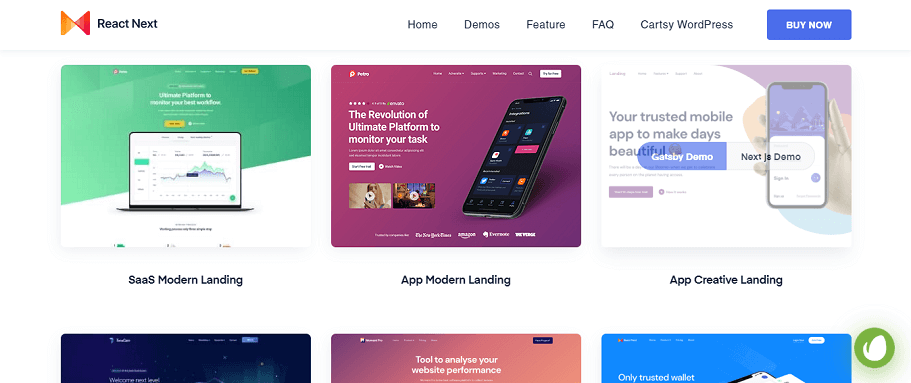
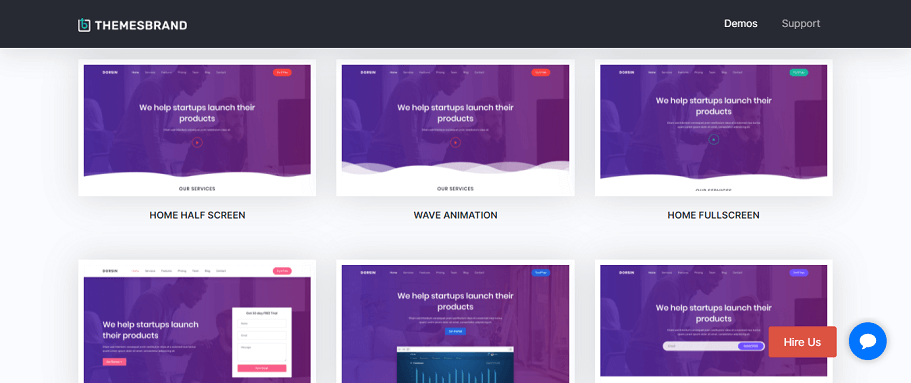
    5. Dorsin – React Landing Page Template

    Dorsin - React Landing Page Template

    Dorsin is a template with nine different landing pages. Besides, it will work with an app product showcase, personal websites, startups, and even web agencies. Furthermore, you can customize pages with your individual needs.

    Other than multiple pages, it offers you a clean codebase, font icons, google fonts, log-in page, etc.
    Also, with the help of reusable React components, you will be able to create different apps with common elements.

    View the demos and buy from here.

    Demo / Download

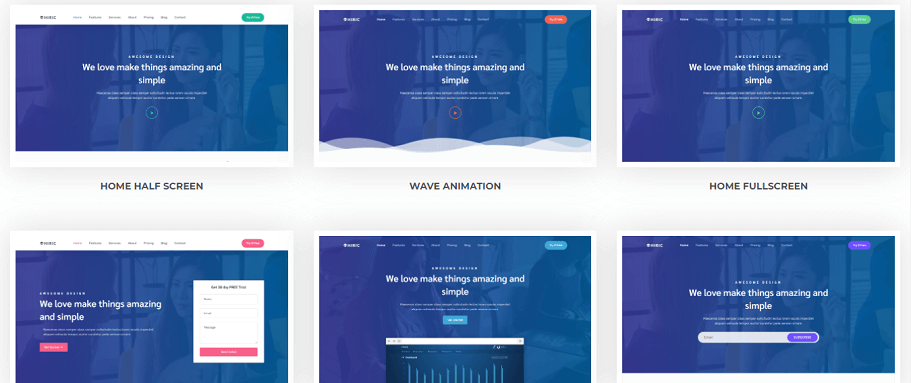
    6. Hiric

    Hiric

    Hiric is a fully responsive React landing page template. Similar to Dorsin, Hiric also works with the same categories of projects. The template contains 09 different pages, Google web fonts, unlimited color options, no jQuery dependencies, and a lot more.

    View and download Hiric here.

    Demo / Download

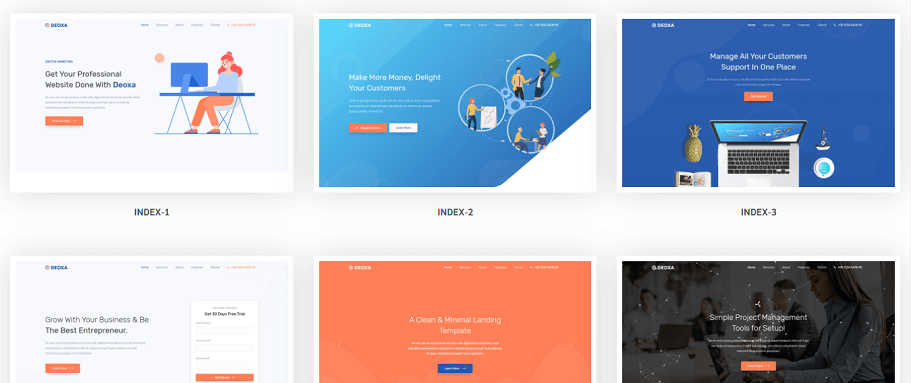
    7. Deoxa

    Deoxa

    Deoxa template contains more than 06 different home pages, SCSS support, font icons, clean code, modern design, etc. Along with React, the template used Bootstrap 4.5.0. As it gives an excellent UX, it will drag more users towards it. Besides, it has cross-browser optimization too.

    Demo / Download

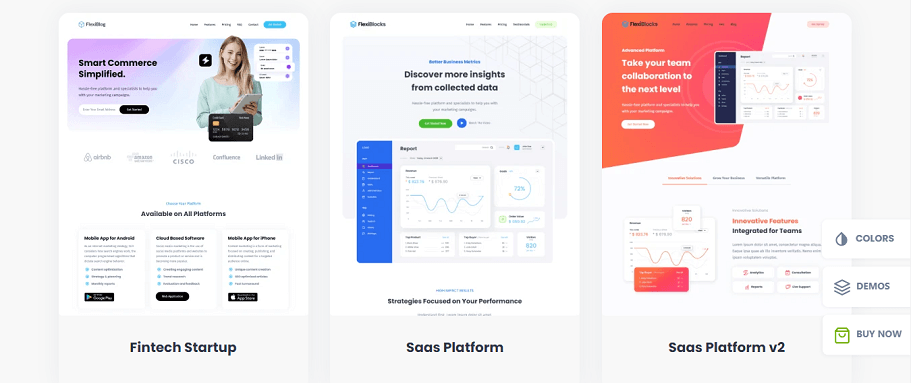
    8. FlexiBlocks

    Flexiblocks

    FlexiBlocks is a collection of landing page templates made with React and powered by GatsbyJS. It is a multipurpose template that offers lots of options with clean code and faster performance. Not just that, the template collection holds more than what we’ve decided to focus on here.

    So, it will be best to check out its details and demos for yourself from the button below. Also, download FlexiBlocks if you’re pleased.

    Demo / Download

    9. ICO Cryptik – CryptoCurrency & ICO React Landing Page

    ICO Cryptik - CryptoCurrency & ICO React Landing Page

    Now, this is a unique template specially built for CryptoCurrency and ICO. Along with React, the template comes with Gatsby and Next and Styled Components. ICO Cryptik‘s responsive and clean codebase will make the developer’s life easier. Moreover, the design and UX will create a smooth environment for the visitors.

    It contains a complete firebase integration within and, you can deploy more efficiently.

    Demo / Download

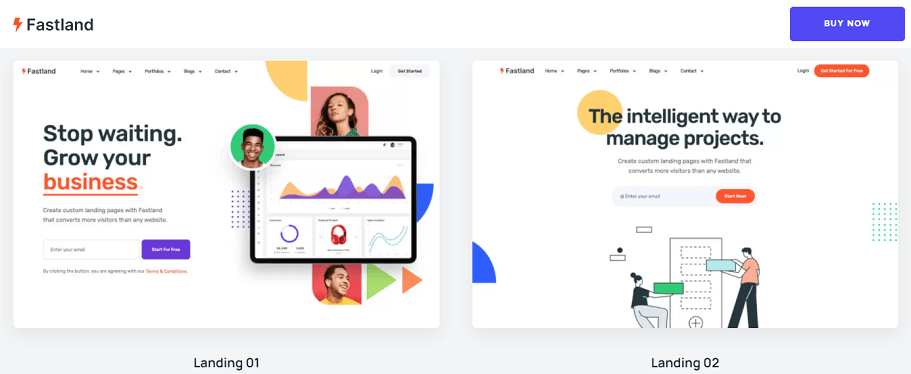
    10. Fastland – React Next JS Landing Page Template

    Fastland - React Next JS Landing Page Template

    Fastland offers more than 49 ready templates and 110+ unique Blocks. It is a template made with React and NextJS and also comes with a GatsbyJS version. Projects like Startup, SaaS, App & Service match Fastlands design style.
    Besides, this used reusable components for building multiple apps with the same elements.

    Also, it provides a file management system that is easy and has no JQuery dependency. And last but not least, Fastland provides customizable font & colors.

    Demo / Download

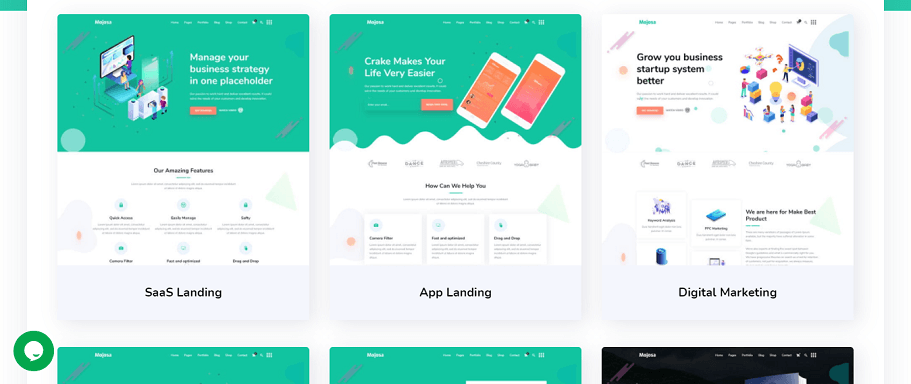
    11. Mojosa

    Mojosa

    Mojosa is a modern template powered by Next.js. It is developed without JQuery and used other technologies like ES6+ and Bootstrap 5.0.2.

    This template contains more than 27 inner pages, including 404, shopping cart, etc. Also, Mojosa offers RTL support, SEO friendliness, Stripe payments functionality, and more.

    Demo / Download

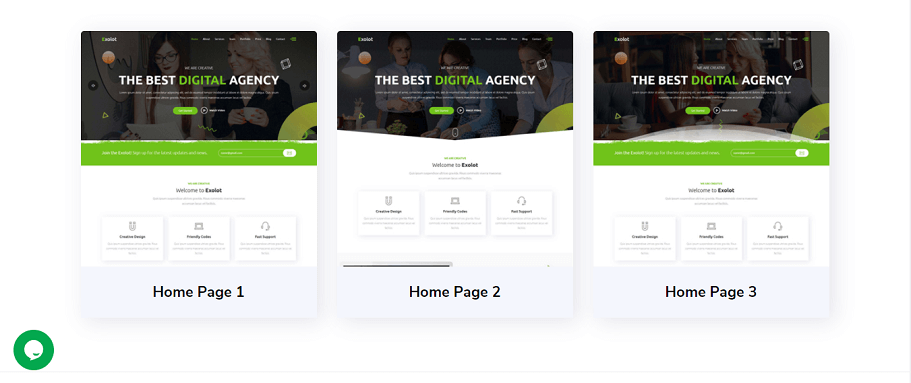
    12. Exolot – React Multipurpose Landing Page Template

    Exolot - React Multipurpose Landing Page Template

    Exolot is a creative React multi-purpose landing page template. That used React, Bootstrap 4, and Sass. Exolot provides 03 varieties of landing pages, animate CSS, fully responsive design, Iconfont’s free icons, and more. With the template, you will have free updates, well documentation, a clean codebase, Retina ready files, smooth animation & scrolling, etc.

    Buy or check out this React template from here.

    Demo / Download

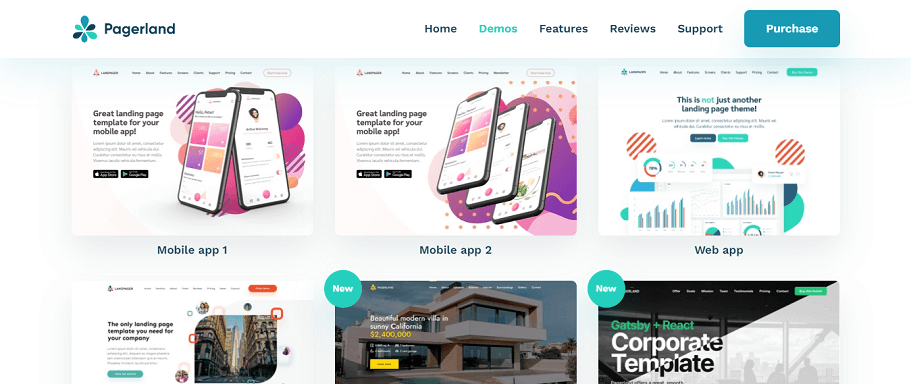
    13. Pagerland – React and Gatsby Landing Page Template

    Pagerland - React and Gatsby Landing Page Template

    This fast & smooth landing page made with React and Gatsby is called Pagerland. Not only does it support all creative needs, startups, and marketing. But also it offers, Monorepo support, CLI, React Hooks, etc. And, It gives you the option to choose between React or Gatsby based on your requirements.

    Demo / Download

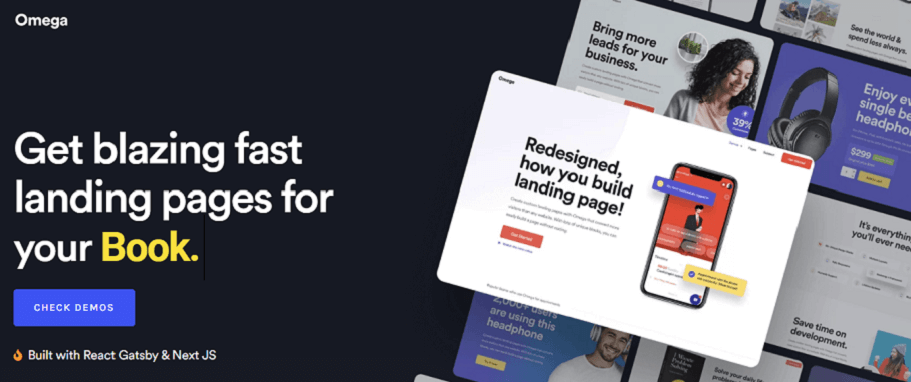
    14. Omega

    Omega

    Omega is built with React, Gatsby, Next, and Styled components. It is a landing page template that has No JQuery Dependency. Also, it has reusable components to help you create multiple apps easily. The template offers fast performance, dedicated support, more than 14 pages, and more.

    Demo / Download

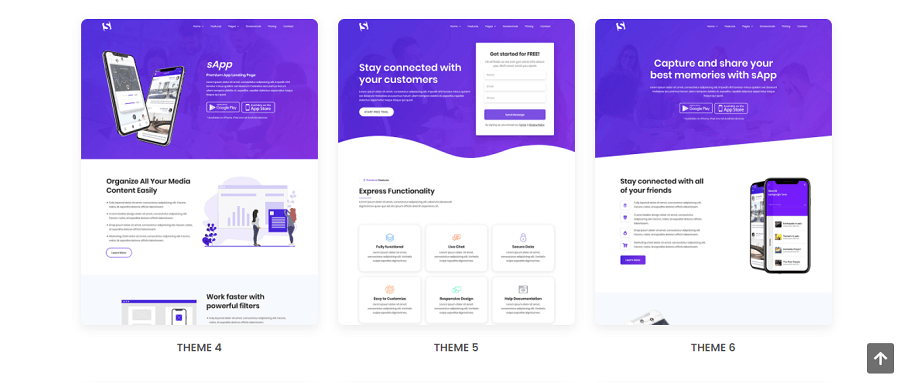
    15. Sapp

    Sapp

    Sapp provides 06 pre-made demos, cross browsing, Retina Ready, SEO optimization, etc. And, not only that, it is a React Gatsby App landing page based on Bootstrap 4. Also, it contains 16 inner pages, clean code, professional design, etc. You name it, Sapp has it all.

    Read details, experience the demos, or buy this template from the link below.

    Demo / Download

    Final Words

    In conclusion, it seems that your quest for React landing page template ends here. And, we have handpicked all of the best templates that are premium and available at affordable prices in the market. As there are variations in demands, so we’ve listed multiple niches of templates. 
    About UI-Lib

    At UI-Lib, we develop both free and premium Admin templates, UI Kits, Landing Pages, and Design Systems built with React, Angular, Vue, Bootstrap, Laravel, HTML, and more.

  • Top 12 Best React Admin Templates in 2022

    Top 12 Best React Admin Templates in 2022

    Are you looking for React Admin Templates to jumpstart your backend project? They are right here. In this blog, we’ve carefully curated only the React Admin Templates that contain a wide range of helpful features.
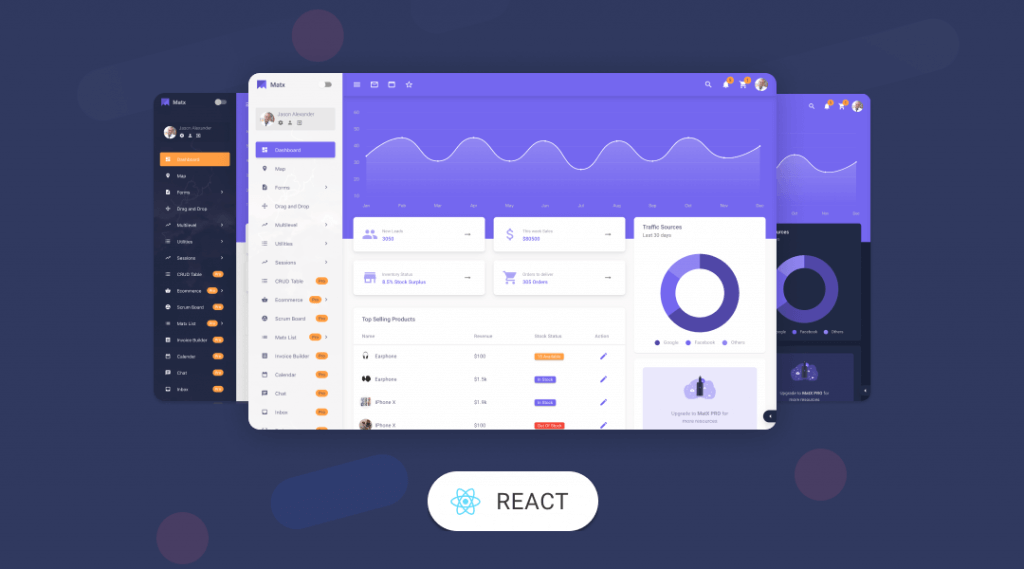
    best react admin templates

    Along with the premium admin templates, we have intentionally selected some free templates. These free templates offer a good amount of features. The reason we’ve picked the free templates is to help those projects where the budget is short. It can be beneficial also for those who want to learn more about React dashboards. Who knows, you might find a free template that fulfills all of your requirements.

    Since every item in this collection gives opportunities for a wide range of projects. Therefore, no matter which type of admin area you want. Surely you will get more than just one to choose from here.
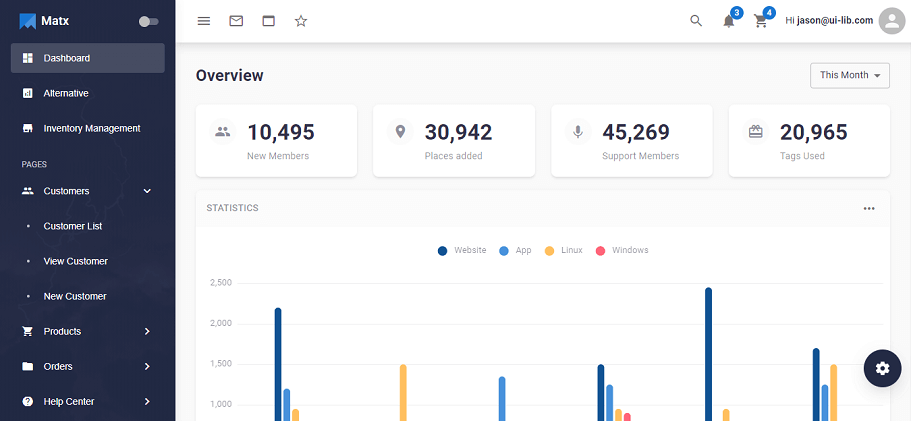
    Please remember, that the blog is just an overview of these vast projects. So, you can view the demos. In that way, you will get a clear picture of what your admin area will look like and what they can provide you to bolster your project.

    1. MatX React Dashboard Pro

    MatX React Dashboard Pro

    MatX is a modern Material Design Admin template built with ReactRedux & Material UI. The template provides all premium features and dedicated support. From components to ready apps for web applications, it has everything. This extensive collection of React components creates multiple possibilities for users.

    As we know, the process of building a web app can be pretty time-consuming and complicated. So, its creators solved the issue by providing not only a set of layouts but offered a complete design system. However, the template has a free version as well. So, there is an option for you to verify the potentialities of this product before actually buying it.

    Buy or experience both the free and premium versions and go through the list of features they own. Make it yours!

    Demo / Download  Free Version

    2. Jumbo – React Admin Template with Material UI

    Jumbo - React Admin Template with Material UI

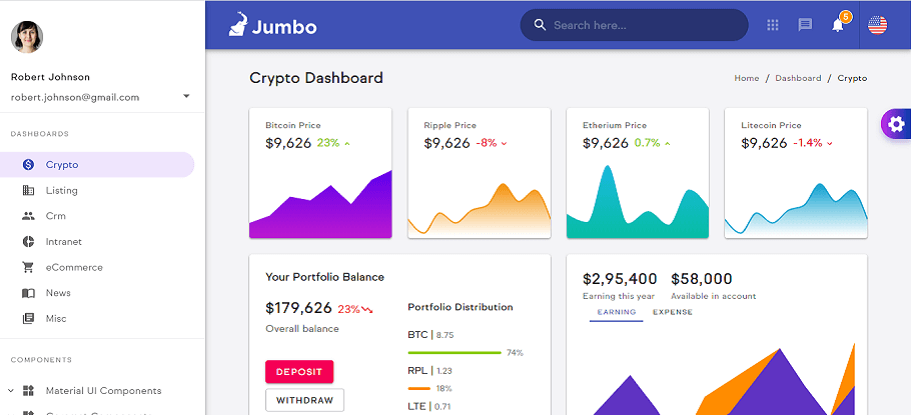
    Jumbo is an admin dashboard template built with React and Material UI. The template took advantage of the Google Material Design concept. And you can quickly create a project layout. Moreover, with the help of the Jumbo color scheme, you can select your color scheme.

    This template package has more than 250 reusable components, 07 ready-to-use dashboards, 03 available theme shades, 10+ layout options, 06 fully functioned application UI, and many more.

    Most importantly, as we can see, they are willing to offer us more than our expectations but at a very affordable budget.

    Demo / Download

    3. Materio – MUI React Next.js Admin Template

    materio

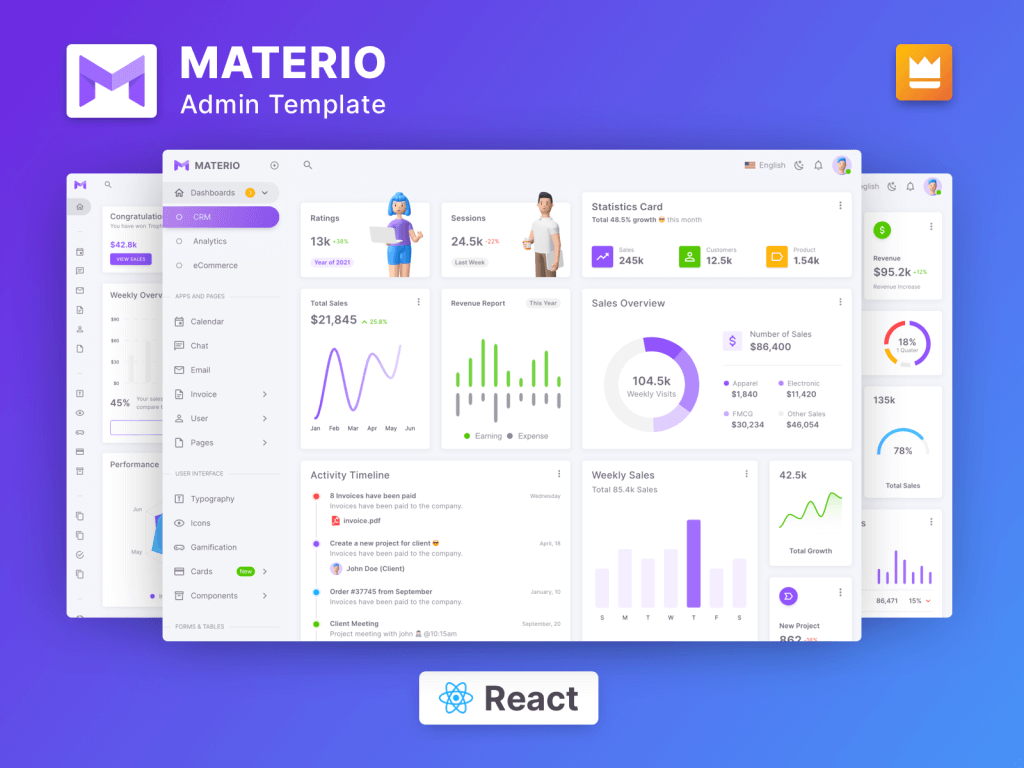
    Materio is one of the most developer-friendly and highly customizable React Admin Dashboards. If you are a developer looking for the Best React Material Dashboard Template that is feature-rich and highly customizable, look no further than Materio.

    Furthermore, the highest industry standards are adhered to in order to bring you one of the best React Admin Templates that are not only fast and simple to use, but also highly scalable.

    It also includes useful features that seek to assist you in creating high-quality single-page apps just as you envision them. There are essential features like fuzzy search, dark, semi-dark, and bordered layout options, advanced cards, and charts. Learn more from the button below.

    Demo / Download

    4. MaterialPro React Redux Admin

    material pro

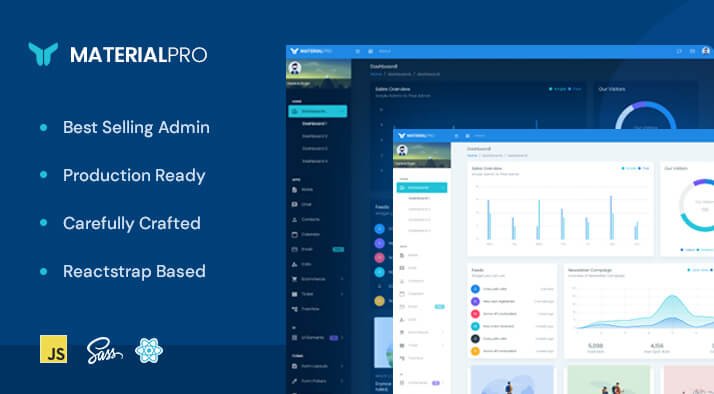
    Finding the most adaptable react material admin template is akin to searching for a needle in a sea of haystacks. WrapPixel has released MaterialPro React Redux Admin. It has a modular design that gives its users a cutting edge with full customization options.

    It provides a valuable collection of components, elements, and widgets, as well as ready-to-use plugins. To make your WebApps more appealing, the react-redux admin template is carefully crafted with details. Moreover, it is applicable for retail weather analytics, weather data analytics, and weather forecast admin template. Learn more from the button below.

    Demo / Download

    5. Gogo – React Admin Template

    Gogo - React Admin Template

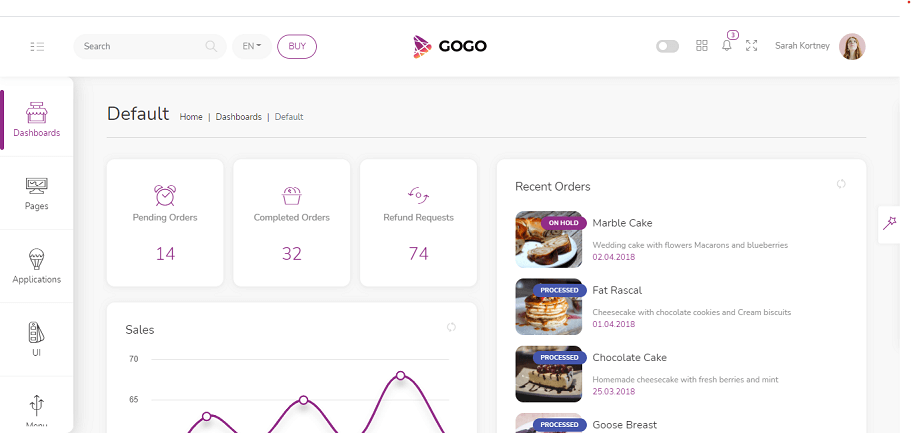
    Gogo is a fully responsive React Admin Template. It is a combination of a clean codebase and an excellent design. Built with Reactstrap, React-Redux, React Router Dom, Firebase, Formik, etc.

    The template supports multiple languages, video players, and Keyboard shorts. And its main features are 10+ color schemes, a two-panel menu, 03 Apps, 04 Dashboards, and lots of components.

    In addition, to reduce the complexion of a single Panel Menu, Gogo created 02 separate Panel Menus and categorized pages accordingly.

    Demo / Download

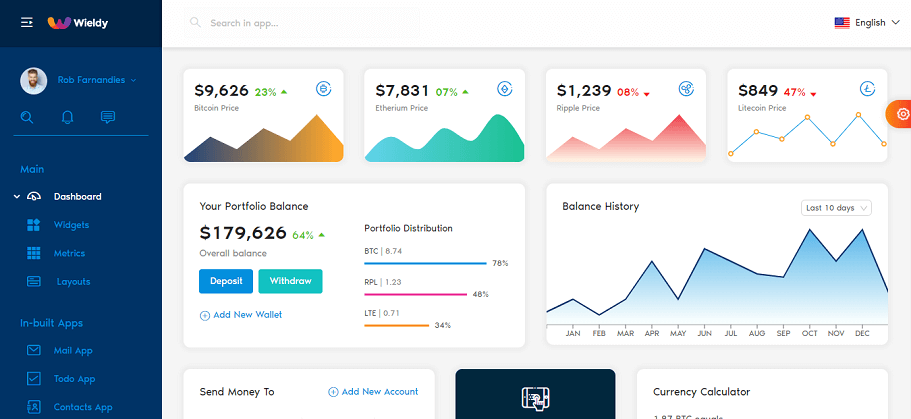
    6. Wieldy – React-Redux Ant Design Admin Template

    Wieldy - React-Redux Ant Design Admin Template

    Wieldy, a complete React Admin Template and Starter Kit. It follows and implements an Ant Design framework to develop a React App.

    It has all the libraries for you to build small to complex apps in the shortest period. The template contains 200+ custom Ant Font Icons, Dynamic routing support, an event calendar, etc. Moreover, Wieldy now includes HTML, JQuery, and Bootstrap 4 versions too.

    Demo / Download

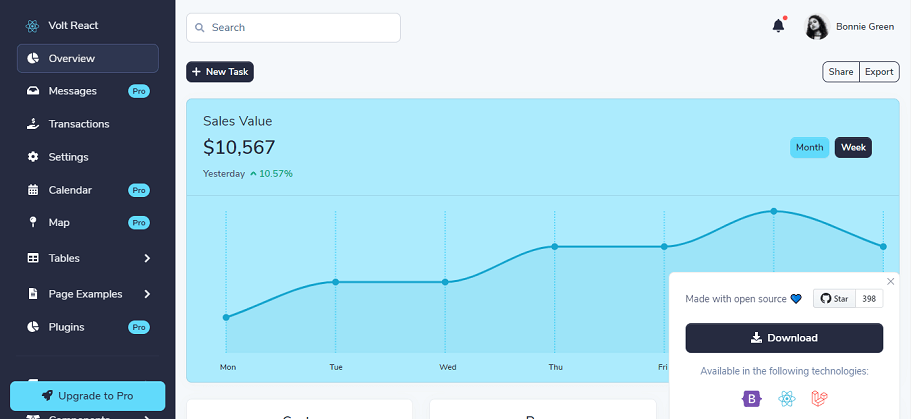
    7. Volt – React Admin Template (free)

    Volt free template

    Volt is an open-source React Admin Dashboard template based on the latest version of Bootstrap 5. This free template has 100+ components, SaaS preprocessing language, etc.

    And its library is using a data-driven methodology. Therefore, a large part of data goes to the components as an array of objects.

    Demo Download

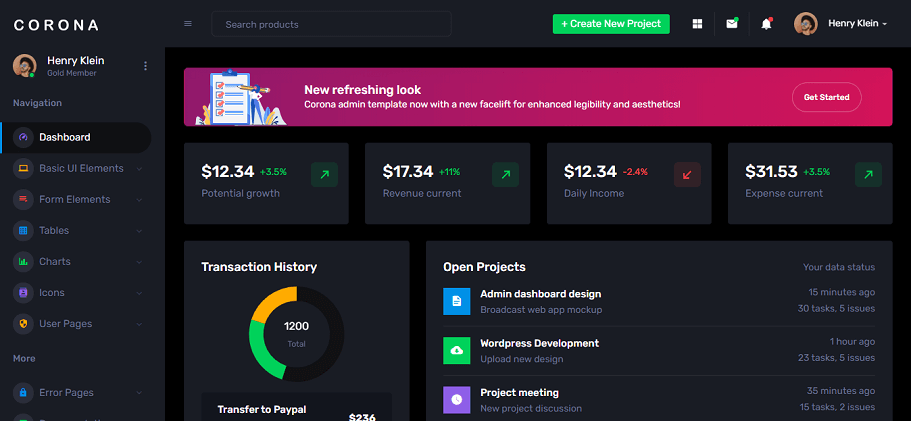
    8. Corona – React Admin Dashboard Template (free)

    Corona

    Corona is a React Admin Template with a dark and sleek admin area. The template is easy to customize and has a rich set of features. There is also a full version available that includes everything you need. It can transcend a project to the next level. 

    Check out the demo and download it for more information.

    Demo Download

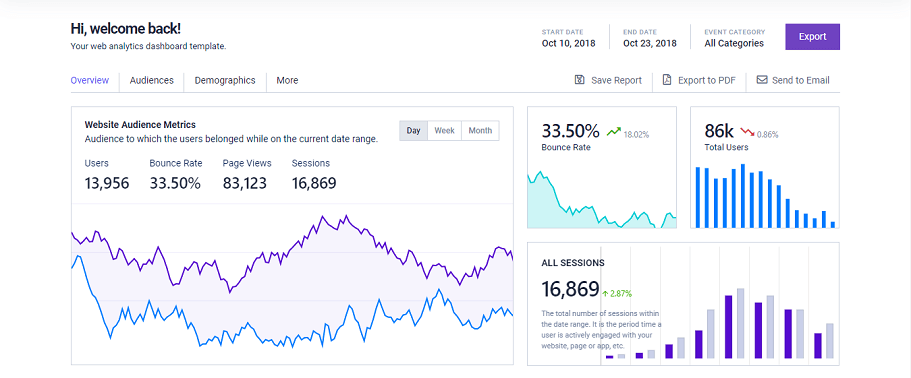
    9. Azia – React Admin Template (free)

    Azia - React Admin Template

    Azia is another free admin template that provides super cool features. All of the components can be useful for your projects. The template contains compiled and minified variations, a clean codebase, and excellent files and directories. It has a pro version as well.

    So, make sure to check out both of the Azia admin template’s demos for more information.

    Demo Download

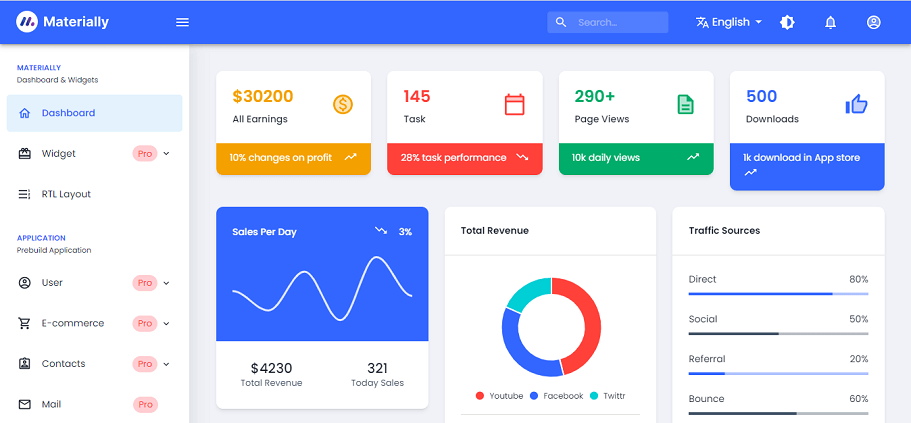
    10. Materially – React Admin Template (free)

    materially admin template

    Materially offer multiple choices for chart icons, and widgets and has an RTL layout too. The template provides you with all app pages and ingredients possible with a minimum configuration.

    Click the buttons below to have a better grasp of this template. However, it has a paid version as well.

    Demo Download

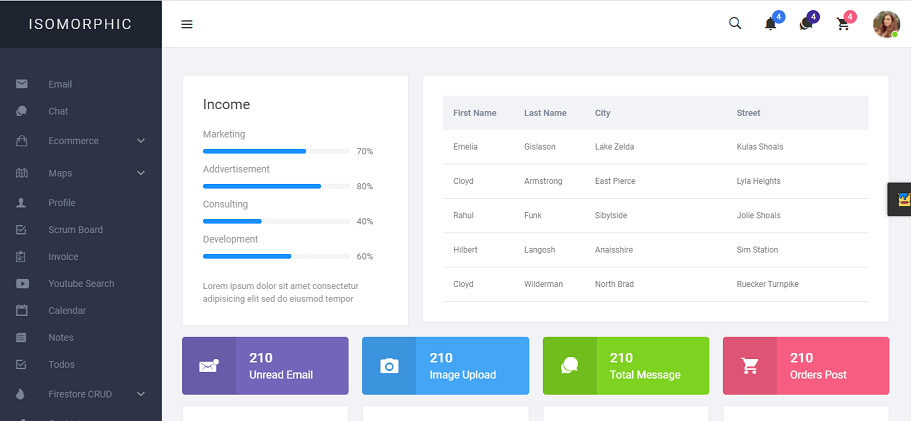
    11. Isomorphic – React Admin Template with Redux

    Isomorphic - React Admin Template with Redux

    Among others, Isomorphic is the pioneer of all React Admin Templates in Themeforest. It is a highly optimized admin template with a progressive web application pattern.

    Isomorphic is a single-page admin dashboard powered by React-Redux. Also, some of its technical supports are custom invoice builder, firestore CRUD, Algolia search, full RTL support, and more.

    In addition, you can have GitHub access for free sketch files and added dockerfile for easy deployment.

    Demo / Download

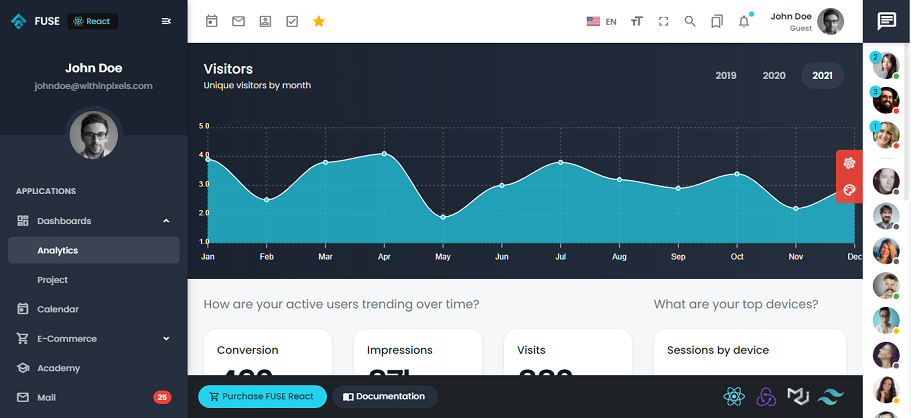
    12. Fuse

    Fuse - React Admin Template

    Fuse made with React Hooks. That means you can use state and other React features without writing a code. It uses Google’s Material Design guidelines. Also, the template uses Material UI as its primary UI library and Redux Toolkit for state management.

    It gives you 5 example apps, 20+ pages, easy color management, multi-language samples, and a lot more. More it supports all modern browsers like Chrome, Firefox, Safari, Edge, etc.

    Make sure to check out and experience Fuse React.

    Demo / Download

    Conclusion

    Finally, it seems that your search for React Admin templates ends here. We have fortunately managed to gather all ’Best React Admin Templates for 2021’. Since there are various demands in the industry, we listed out some of the best free and premium React Admin templates available. So that you can build the best React admin dashboard within your criteria. 
    Thank you for your time.

    About UI-Lib

    At UI-Lib, we develop both free and premium Admin Dashboards, UI Kits, Landing Pages, and Design Systems built with React, Angular, Vue, Bootstrap, and more. Now we have more than 9k sales on Themeforest.
    Our Themeforest Profile

    You might also like these articles:

    1. Best Laravel Admin Dashboard Templates (Free & Premium)
    2. Top Vue.js eCommerce Template (Free & Premium)
    3. Best Angular UI Kits for Your Next Project (Free)
    4. Top Angular Material Admin Dashboards (Free & Premium)
  • Best Tools for a React Landing Page Template in 2022

    Best Tools for a React Landing Page Template in 2022

    To build a React landing page template one must require other React tools also. We assume that if you are a developer, then you might have come across React.js. And now, you’re looking for the tools (frameworks and UI components) to create a landing page template with it to sell online. Now, developers around the world know that React.js is not just an average framework. It is specially created to make a user interface. But also, it offers developers, various coding possibilities along with its basic purpose.
    Therefore, this particular JavaScript library has gained popularity among web developers in recent years. React.js offers more flexibility in work than Vue.js or Angular. That is the reason why it has ranked number one for the Best front-end framework in 2020. So, there are no doubts about a landing page template, the use of React can become a determining factor. Both, for your success on the web, and developing business. And, it is also beneficial in the long run, for your comfort in doing web development.

    In this blog, we will provide you with a list of some of the best tools for building a landing page template with React. Here, we will have a brief discussion about those React tools. For example, the Frameworks, UI components, etc. are fully based on React.js.

    Best Frameworks for a React Landing Page

    Next.js

    One of the most popular front-end frameworks in the developing industry is Next.js. It is a vital tool in the React community. Firstly because it helps to improve SEO and performance. And secondly, it also smoothens the overall user experience (UX).

    Built on top of React; Next.js is the first choice for building user interfaces (UI). Otherwise, it wouldn’t be enough for React alone to become the developers’ priority. So, this can surely be your first tool for a react landing page.

    Features

    • It provides a great solution for server-side rendering (SSR).
    • Helps with static site generation (SSG).
    • Improved Search Engine Optimization.
    • Customized Open Graph.
    • Enhanced performance.
    • Gentle learning curve.

    Note: For SSG, instead of Next, Gatsby can be a better option. But it should be noted that applications that rely on SSR have no competition whatsoever with Next.js.

    Gatsby JS

    Gatsby is another well-known React-based front-end framework. Specialized to work with a react landing page. It is created to help developers make websites and apps. This modern static site generator is super-fast. And, it is an alternative framework to Next.js, Ant Design, React Bootstrap, etc.

    Furthermore, with Gatsby’s blazing speed you can create a mobile app-like experience. You will get the experience of switching pages in a mobile app, rather than a website. Gatsby.js follows the Jamstack culture. Which decouples both the front and back end. It is supported by the Content Delivery Network (CDN). So, it can give increased security. Also, Reasonable scaling and an overall better developer experience.

    Features

    • Improved Search Engine Optimization.
    • Very useful and amazing plugins.
    • A great amount of Gatsby Starter repositories and templates.
    • Follows the Jamstack culture.
    • Markdown friendly.

    Best Component Libraries for a React Landing Page

    Material UI

    Another top-notch open-source React UI component library is Material UI. It’s an efficient and powerful tool for developing a React landing page. Material UI features React components. That specifically emulates the material design of Google. In Material UI, you can design in pure CSS without a third-party library. It has got tons of UI components that are customizable as per your requirements.

    Material UI library has got 12-column grid system. Which provides a fully responsive design. Finally, 69,500 plus stars on Github Material UI can save your precious time with great results.

    Features

    • This is super responsive.
    • It can bring high traffic.
    • It is open-source.
    • keeps your JSX clean.
    • Has got great documentation on its website.
    • Its styling API is very helpful, etc.

    Note: Especially, it is best for animated interactions on a desktop. And remember, it supports the most recent versions of React.js. Starting with ^16.8.0. Please make sure to check out the older versions for backward compatibility.

    Styled Components

    Styled-Components is a CSS in the JS library for React.js. Also, it works for React Native too. It allows you to use component-level styles. It specially enhanced CSS for styling the React component systems. Moreover, it helps to retain the concerns of styling and element structure distinct and makes the components more clear.

    So, keep in mind that while you’re actually defining your styles, you’re just creating a normal React component. Which has your styles attached to it.

    Features

    • Styled-Components has explicit documentation on its website.
    • Template literal syntax for CSS.
    • Sass support.
    • The components’ code base is reduced.
    • Render CSS conditionally using props.

    Note: You can take the advantage of Styled-Components and Material UI both at the same time while working on a React-based project.

    Also, Check Out These Component Libraries for a React Landing Page 👇😊

    Ant Design

    The world’s second most popular React UI component library is Ant Design. It contains a set of high-quality components. It has tons of demos for building high-quality interactive UI. You can build React websites quickly because it has high-quality React components. Ant offers strong support for server-side-rendering and browsers.

    You will be surprised to know that, this React UI framework gets more than 340,000 downloads per week on NPM. And it is now used by a lot of giant multinational companies.

    Features

    • It has a set of top-quality React components.
    • Predictable static types built entirely with TypeScript.
    • Supports dozens of languages.
    • Theme customization in detail.
    • It enterprise-class UI designed for web applications.

    React Bootstrap

    React-Bootstrap is also a JavaScript library. This replaces Bootstrap JavaScript. So, while using React.js the replacement of Bootstrap with React-Bootstrap is now a better option. Firstly, because each of its components has been built with true React Components from scratch. Secondly, it entirely relies on the Bootstrap stylesheet and works with thousands of Bootstrap themes.

    As React developers still import features from Bootstrap. That is why React-Bootstrap removed this issue of importing HTML elements. Rather, they use pure JavaScript and take over the entire page rendering.

    Features

    • No CSS Transition Group requirements.
    • Requires no HTML and CSS.
    • It’s easy to learn and understand.
    • Possibilities of reusing the components.
    • Well suited with all types of browsers.
    • No JQuery Dependencies.

    Conclusion

    So, these are a few basic tools that work better with React.js. Surely, you’ll come across these different types of tools while creating a landing page with React. I hope, that you enjoyed and learned a few things about them by going through the blog. Thank You!

    Also if you want to know about some of the Best React Multipurpose eCommerce Templates, make sure to check out.

  • 12+ Best React Nextjs Multipurpose eCommerce Templates in 2022

    12+ Best React Nextjs Multipurpose eCommerce Templates in 2022

    For an online store, a React multipurpose eCommerce template may be the best option. As we know, Reactjs has quickly become the favorite framework for many eCommerce businesses. The framework is currently used on over two million websites. You can use React to personalize a website on your own. And, to do that you do not need to hire high-priced experts or an expensive software license.

    Best React Nextjs Multipurpose eCommerce Templates

    So, it is preferable to use React because it improves the usability of a website. Also, it speeds up the loading process. Thus, users will have a much easier time browsing and purchasing from your online store.

    In this blog, we will provide you with a shortlist of some of the Best React Nextjs Multi-purpose eCommerce Templates in 2022. We wish you all the best and hope you find the perfect template that you’re looking for. Therefore, go through the blog to learn more about them. Enjoy!

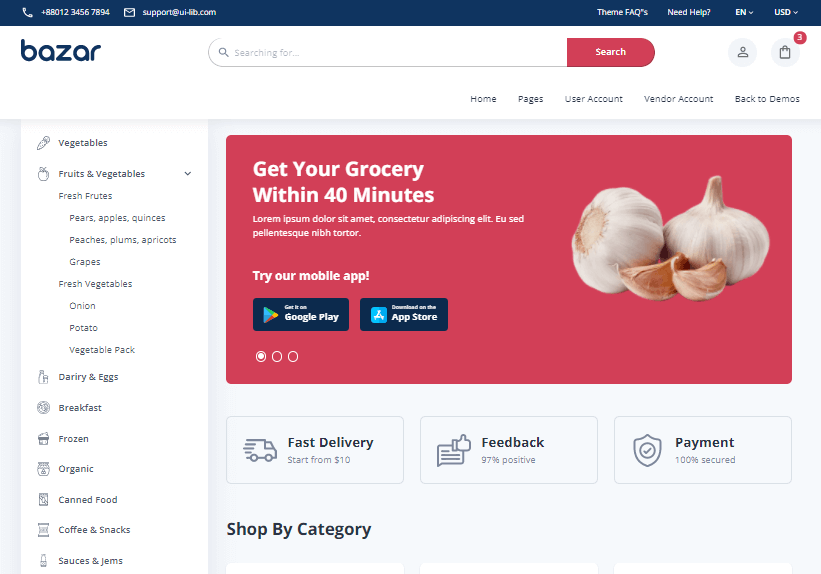
    1. Bazar Pro – Multipurpose React eCommerce Template With NextJS by UI-Lib

    Bazar Pro - Multipurpose React eCommerce Template

    Bazar Pro is a multipurpose eCommerce template that is highly professional, mobile-friendly, and server-side rendered. Without a doubt, the template can be the first and best choice for your company. For starters, it has a clean and well-organized codebase. Secondly, it can provide an interface that is simple to set up.

    So, you will have an easier time understanding the structure. Also, it is built using ‘Material UI,’ one of the top React User Interface libraries. Make sure to check out & create your eCommerce store with Bazar Pro Multipurpose eCommerce.

    Powerful Features

    • Multiple home pages
    • Optimized for mobile & performance
    • User account dashboard
    • Admin/vendor dashboard
    • Multi-vendor pages
    • Responsive design
    • Lazy image loading

    and more.

    Demo / Download

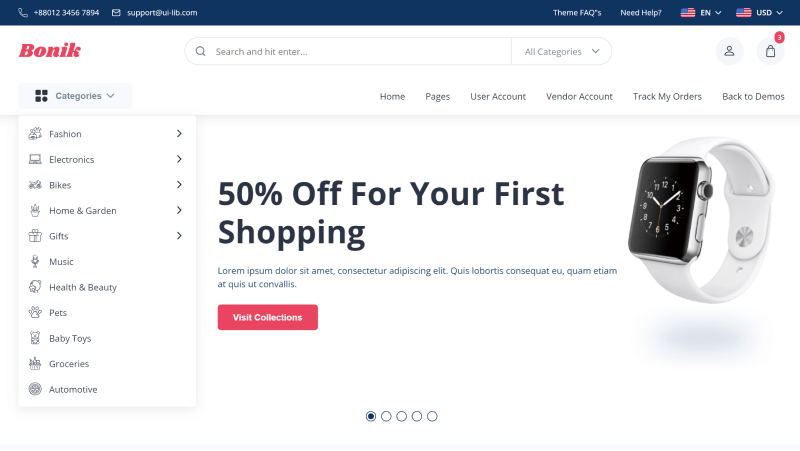
    2. Bonik – React Multipurpose eCommerce Template with Next JS by UI-Lib

    Bonik – React Multipurpose eCommerce Template

    Bonik React Multipurpose eCommerce Template can be another best solution for your online shop. Firstly, because the template aims at, faster performance, high code quality, and SEO friendliness. Secondly, the company used ‘Styled Components’ and created ‘Custom Components’ to have a greater performance.

    The ‘Styled Component’ provides an easy way to change the appearance of the entire website. The template has four different shop version demos and tons of inner pages including, user accounts and multi-vendor.

    Powerful Features: SEO Friendly, Server Side Rendered, Optimized for Mobile, Blazing Fast, Multi-Vendor support, Clean Code, Well Documented, Admin & Customer Dashboard, Figma Ready, Dedicated Support, etc.

    Demo / Download

    3. Multikart – Responsive React eCommerce Template by PixelStrap

     Multikart

    Multikart is a multipurpose eCommerce template built using React Next.js. It will help you to run multiple businesses at the same time. The template’s special design contrasts perfectly with any sort of eCommerce website. With its recent update, you are getting Graphql Optimization, SSR Support, and Skeleton Preloader. Also, here you will find tons of best-quality features and demos.

    Powerful Features

    • No Jquery Dependency
    • 10+ Layout option for Inner Pages
    • SEO-friendly URL, Color Swatches
    • Different Languages
    • Blog Variation
    • Mega Menu
    • Quick View
    • Skeleton Preloader
    • Graphql Optimize

    and more.

    Demo / Download

    4. PickBazar by redqteam

    PickBazar

    PickBazar can be another amazing multipurpose eCommerce template for you. This template is one of the best on Themeforest. It is super-smooth and allows anyone to start their very own online store. It promises to deliver an interface for your business that is quick and easy to set up.

    With PickBazar you can build your schema at ease. Also, it has added REST API integration with SWR mainly, for the customers who already had a REST-based backend for remote data fetching. 

    Powerful Features

    • Monorepo Supported
    • Minimal eCommerce
    • Clean Code
    • Well Documented
    • Built-in Components
    • Fast Performance
    • Graphql Optimize
    • Rest API Supported
    • SEO friendly
    • 12+ demos

    etc.

    Demo / Download

    5. Martfury by nouthemes

    Martfury

    Martfury React eCommerce template is a beautiful eCommerce template. It is mainly for the multi-vendor marketplace, electronics store, furniture store, clothing store, Hitech store, and accessories store. It allows vendors to sell just like Amazon, Envato, and eBay.

    Moreover, we can say that this product is also a good option just like the templates which I mentioned earlier. So, no doubt that it can also be a powerful React template for your dream online store. 

    Powerful Features

    • Advanced Live Search
    • Built-in Megamenu
    • High-Speed Performance
    • SEO Optimized, Sticky Header
    • Unlimited Color Scheme
    • 6 Layout Product
    • Advanced Typography
    • Newsletter popup
    • 10+ Demo Home page

    etc.

    Demo / Download

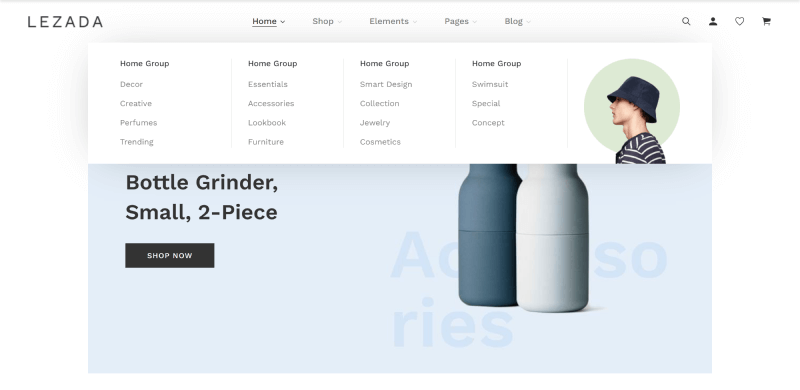
    6. Lezada – React Next JS Multipurpose eCommerce Template by BootXperts

    Lezada – React Next JS Multipurpose eCommerce Template

    Lezada React Next.js multipurpose eCommerce template is a smooth and creative website design. It has all the best quality features and user-friendly attributes. A great factor is that Lezada comes with 3+ Header Styles, 25+ Sections, and 3+ Footer styles.

    Therefore, it will add a new taste every day. And above all, the best thing your users will enjoy on the site is its Cross-Browser Compatibility and Responsive layouts. 

    Powerful Features

    • 1000+ icon font (react-icons)
    • Fully Responsive Design
    • Clean Code
    • Cross-Browser Support
    • Speed Optimized
    • No Console Error
    • No Jquery Dependency
    • Free Updates

    and a lot more.

    Demo / Download

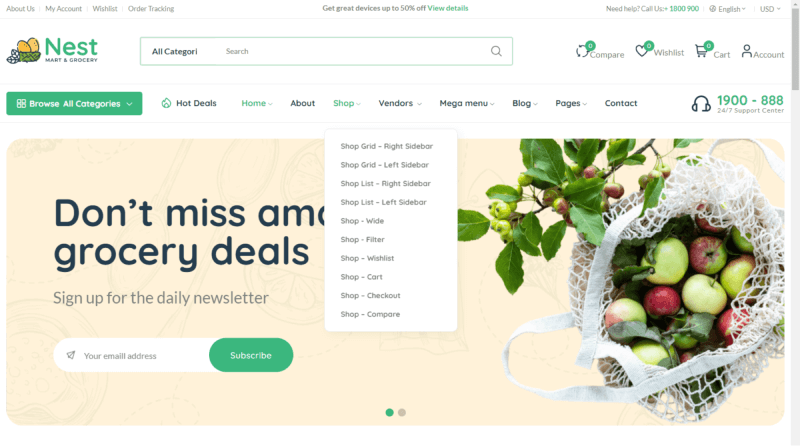
    7. Nest – React Redux NextJS Multipurpose Ecommerce by Alithemes

    nest react nextjs multipurpose ecommerce template

    Nest is a multifunctional E-commerce template built with React-Redux, NextJS, and Bootstrap 5.x. It was created specifically for multipurpose stores such as megastores, grocery stores, supermarkets, and organic shops. And, inside them, you can sell products such as beverages, vegetables, fruits, ice creams, paste, herbs, juice, meat, cold drinks, sausages, cocktails, soft drinks, cookies, and so on.

    Using the Nest eCommerce ReactJS template, you can avoid costly web development and reduce design costs. Moreover. with the template, you will have the styled components and painstakingly created custom components. Also, The Styled Components make it simple to change the overall appearance of the website.

    Powerful Features

    • React, NextJs, Redux
    • Mega Menu Built-In
    • React Toastify
    • Valid Redux / Jsx Component / CSS3
    • Built On Bootstrap 5.x
    • Redux Add To Cart On Single Product/Quickview

    and a lot more.

    Demo / Download

    8. Evara – React Redux NextJS Multipurpose Ecommerce by Alithemes

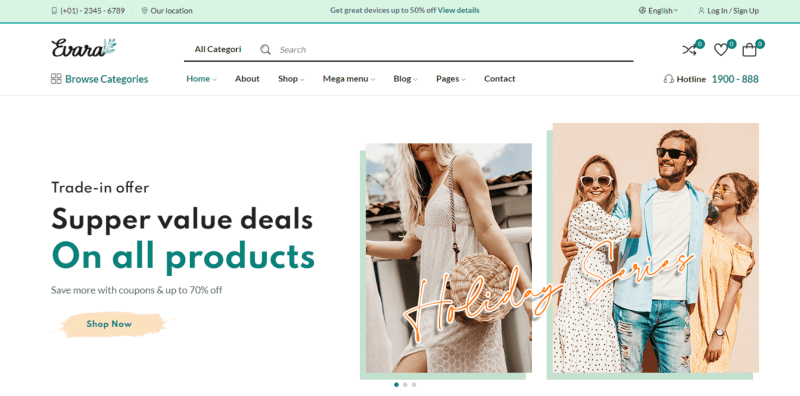
    Evara - React Multipurpose eCommerce template with nextjs

    Evara is a multipurpose eCommerce theme built with React-Redux, NextJS, and Bootstrap 5.x. It includes a wide range of pre-built layouts for the home page and product page to provide you with the most customization options. This template mainly targets fashion shop websites. However, it is also appropriate for other eCommerce websites such as hand-made, organic, healthy shops, flower shops, etc.

    Using the template, you can avoid costly web development and reduce design costs. It also has painstakingly created custom components to avoid sacrificing performance. Moreover, the styled component makes it simple to change the overall appearance of the website.

    Powerful Features

    • React, NextJs, Redux
    • React Toastify
    • Valid Redux / Jsx Component / CSS3
    • Built On Bootstrap 5.x
    • Redux Add To Cart On Single Product/Quickview

    Demo / Download

    9. Wokiee – Multipurpose React eCommerce Template by BootXperts

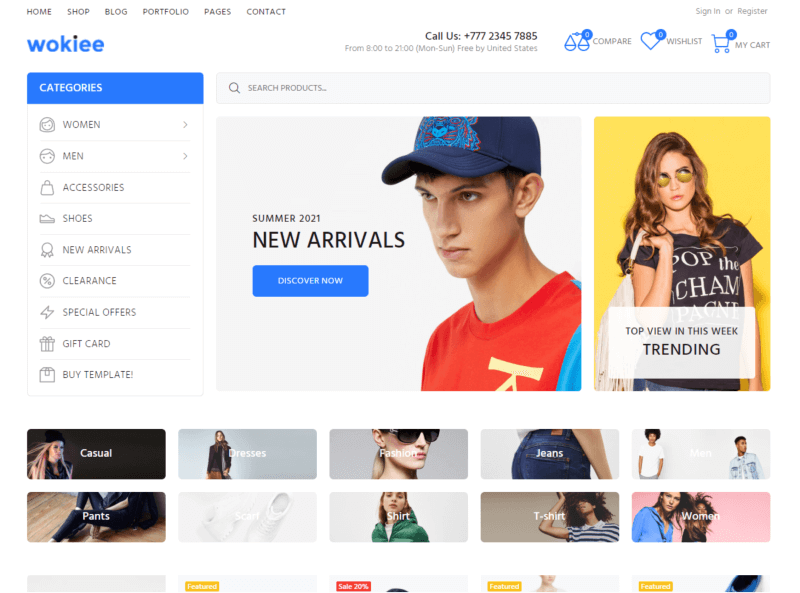
    Wokiee

    Wokiee React Nextjs eCommerce is a great option for your eCommerce site. There are a ton of demos from the niches. So, you can choose the niche you want on your site. It offers you maximum user-friendliness with the best technologies. Thanks to its NextJS framework, now you can kick things off without needing an effort.

    Moreover, this modern React Next JS-powered eCommerce template is jam-packed with useful features. There are 4 prebuilt Shop Pages, 4 Prebuilt Blog Pages, Grid/Masonry View, Google Font, Clean Code, Speed Optimized, No Console Error, and clear & concise documentation. These are some of its notable features. Also, with the template, you’ll get 20+ homepage layouts and 38+ pre-made home skins.

    Powerful Features

    • Build on React Platform (v17.x.x)
    • Using React NEXT JS Framework
    • Using React Context API for State management
    • No jQuery Dependency
    • Build with React Bootstrap

    etc.

    Demo / Download

    10. Oility – React Next JS Multipurpose eCommerce by BootXperts

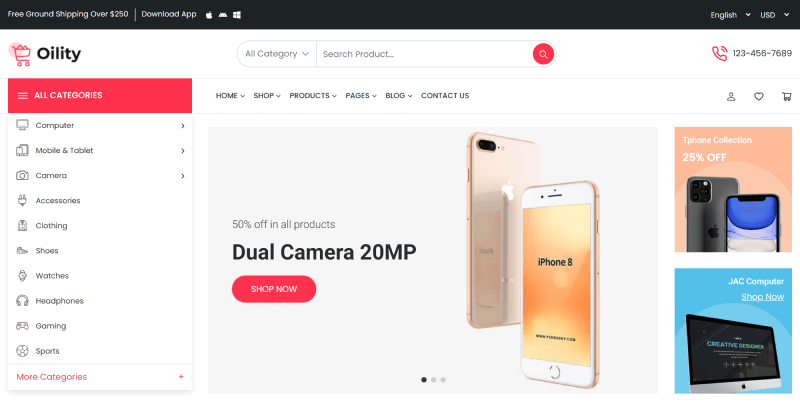
    oility

    Oility is another multipurpose React Nextjs eCommerce template from BootXperts. There are not many differences between these two products. However, The design approach is different. It has a smooth experience providing web design that has both high-quality and a ton of features and components.

    The template comes with 4+ Header Styles, 25+ Sections, and 4+ Footer Styles that will add new flavor to your site every day. At the same time, it is built using React, Redux, Bootstrap 4, W3C validated Code, and HTML 5. It has an excellent product display with collection sorting and product review. And, after launching your site using the Oility template the visitors will enjoy your site’s Cross-Browser Compatibility and Responsive Layouts.

    Powerful Features

    • Powered by Next JS
    • Redux
    • React Hooks
    • No jQuery Dependency
    • Build with Bootstrap 4.6.0
    • Made with SASS
    • W3C Validated Code

    and a lot more.

    Demo / Download

    11. Vercel React Next.js Commerce

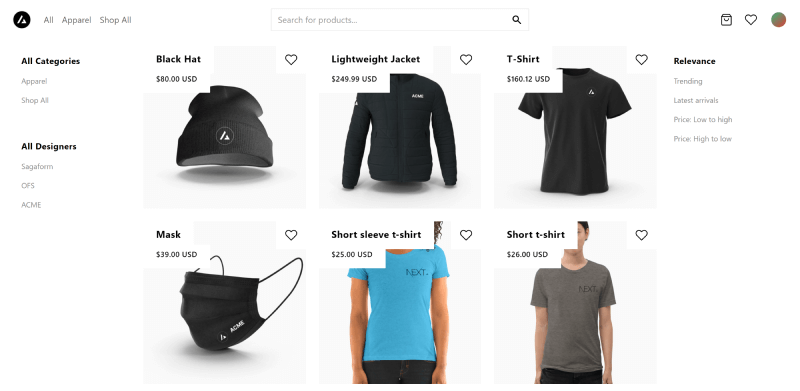
    vercel

    Vercel is an open-source React Next.js Commerce. It is an all-in-one starter kit for high-performance e-commerce sites. But there cannot be a comparison between this open-source template with the other premium ones. Because it has almost nothing in comparison to others. However, Next.js learners & enthusiasts can try cloning the template for development. It is easy to deploy. With just a few clicks you can customize the template for an online store.

    Power Features

    • Performant by default
    • SEO Ready
    • Internationalization
    • Responsive
    • UI Components
    • Theming
    • Standardized Data Hooks
    • Dark Mode Support

    Demo / Download

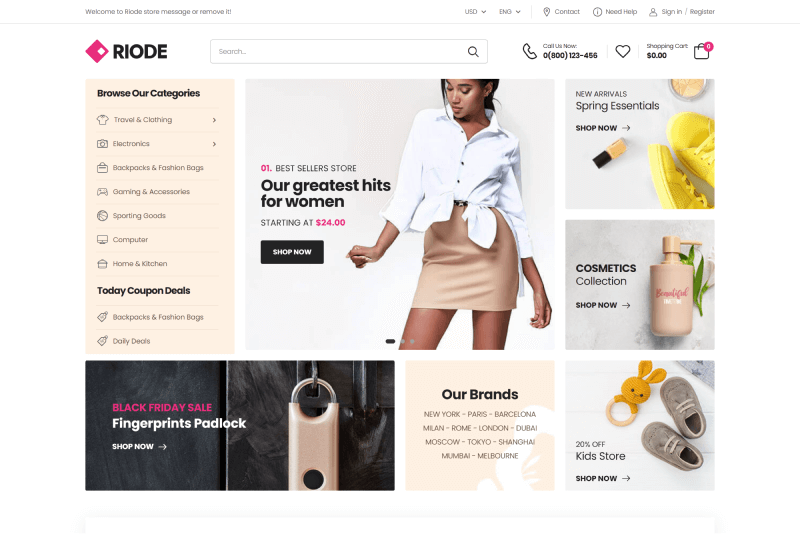
    12. Riode – React NextJS eCommerce Template

    Riode React NextJS eCommerce Template

    Riode eCommerce template is an amazing eCommerce solution built using React, NextJS, and Apollo GraphQL, It includes all of the tools and a ton of features to help you create a blazingly fast responsive eCommerce with an amazing UI and User experience. You can choose your required niche store with its 40+ demo layouts and modern design skins. Also, with the template, you will be able to avoid costly web development and reduce huge design costs.

    Demo / Download

    13. Molla – React/Next eCommerce Template

    Molla React Next eCommerce Template

    The Molla React Nextjs eCommerce template includes all of the tools and features needed to create lightning-fast responsive eCommerce. Also, it ensures a great user experience and a classy user interface. The template contains over 30 demo layouts and modern design skins. So, you can easily choose what you wish for. And, this is what makes it simple to create your perfect online eCommerce storefront.

    Demo / Download

    Final Thoughts

    Finally, we would like to say that, time is priceless and once your time is gone, it is gone forever. So, if you have a product selling a business or thinking about starting one. Then, start right now, and start doing business. Varify and finalize your choices, and match your requirements with the templates. Then purchase a good quality React eCommerce template with Next JS for your business.

    Hey! Also, if you are looking for a React admin template, make sure to check out our super-smooth MatX React Dashboard Pro. It also has a free version available on our website.

    From this listicle, we hope you’ll find the one that meets your requirements perfectly. Thank you for your time!

  • React Techniques with Performance

    React Techniques with Performance

    Are you a React developer looking forward to knowing about React Techniques with Performance. Don’t worry. Here, we are going to give you exactly what you’re looking for.

    React Techniques with Performance

    I prefer using Visual Studio. For React development you can use the Simple React Snippet extension in VsCode (Visual Studio). To use this extension facilities like autosuggestion or pre-built snippet you have to save your file as .jsx (eg. MyFile.jsx). Follow the above link to get snippet shortcuts to code faster.

    Important: If you are using any secret key/client key in your app, then it’s better not to use them inside your source folder or in the index.html file. Because this can easily expose to others. So, what you can do is add a file with the name .env and put your secret/client keys there.

    .env file will look like below

    CLIENT_KEY = AIzaSyAYdp6JWy6aD-2Jiil3ggePxDSBDIMpD-KF

    To use these keys inside your app you have to use process.env.CLIENT_KEY. Don’t forget to add this .env file in .gitignore to avoid sharing these keys in Github.

    Invoke child function from parent:

    We may face situations where we need to invoke a child function from parent. Suppose, we have two components named Parent.jsx and Child.jsx. In our Child component, we have a function name triggerChild() which will invoke from the Parent component. Let’s have a look at the files/components below

    import React, { Component } from 'react';
    import Child from './Child';
    class Parent extends Component {
        childFunction;
      
        setChildFunction = functionRef => {
            this.childFunction = functionRef;
        }
        
        render() {
            return (
              <div>
                 <Child setChildFunction={this.setChildFunction}></Child>
                <button onClick={this.childFunction}>Trigger Child</button>
              </div>
            );     
        } 
    } 
    export default Parent;

    First we created a variable called childFunction that would hold the child function passed from Child component through setChildFunction().
    Then we make a function name setChildFunction() which will pass to Child as props.
    This setChildFunction() receives a parameter (function) and set  it to childFunction variable which we created earlier.

    import React, { Component } from 'react';
    class Child extends Component {
      
        triggerChild = () => {
            console.log("child triggered from parent");
        }
        
        componentDidMount() {
            let {setChildFunction} = this.props;
            setChildFunction(this.triggerChild);
        }
        render() {
            return (
              <div>                
                <div>Child</div>
              </div>
           );
        }
    }
    export default Child;

    In this Child component, We passed the triggerChild function to Parent through setChildFunction when the component is rendered.  That’s why inside componentDidMount() we grabbed the setChildFunction from props and invoked this function with this.triggerChild parameter which set this triggerChild function to our parent variable (childFunction). Now, when we nee

    Performance Issues:

    1. If any async function that will update the state of the component is called anywhere in the component then it must be unsubscribed or destroyed inside componentWillUnmount() function before the component unmounts.

    2. It’s better to use invoke any async function inside componentDidMount(). Because, if async function updates state before the component mounts, this will create an error, that is not in your expectation.

    3. If you want to render a list, you can use a unique key for each item in the list. Here you might want to use index as key from map of a list. But this will cause performance issues when you want to delete or edit certain items in that list. You can use shortId for generating the short unique keys.

    4. When rendering a long list it’s better to use an infinite scroll or load more mechanisms to increase performance. Because they render items based on user interaction.

    Our React Products

    https://ui-lib.com/downloads/bazar-pro-react-nextjs-ecommerce-template/

    Gull – React Bootstrap 5 Admin Dashboard Template

    Learn more about us HERE.