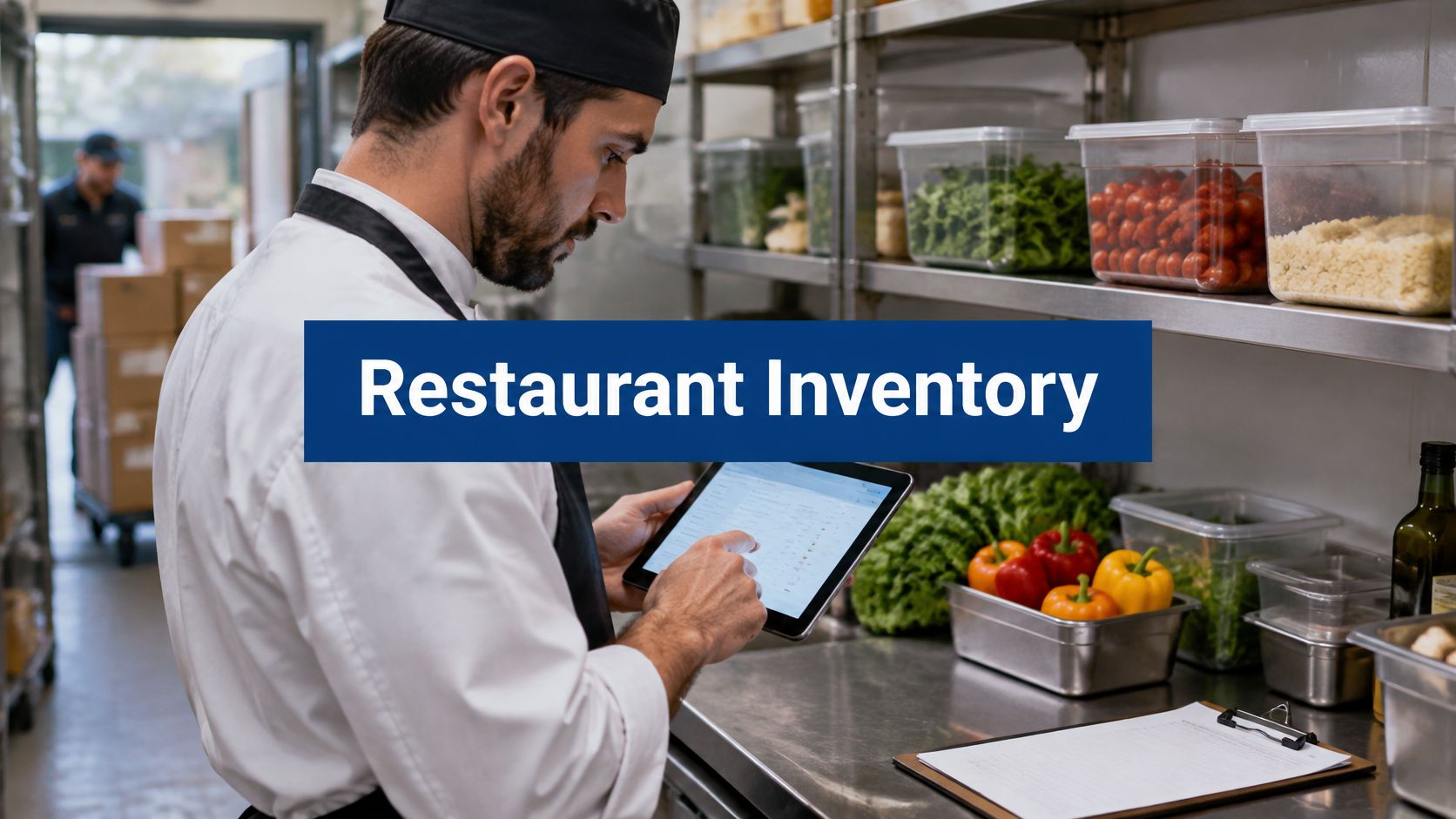
It's Sunday night, and you're matching a delivery invoice to a spreadsheet while the kitchen closes around you. The invoice says cases, your count sheet says kilograms, and the prep cook has already turned some of that delivery into sauce. The fridge count doesn't match the sheet, but neither number explains what happened.
Restaurant inventory isn't retail inventory. You buy ingredients and sell dishes. Trimming, cooking and portioning change usable yield; sub-recipes spread ingredients across the menu; perishables expire; and waste happens at the prep bench, on the line and at the pass. Cornell's foodservice supply-chain guidance treats recipe evaluation, purchasing, receiving and inventory control as connected tasks.
Good restaurant stock management workflows matter as much as the software. These options are judged against the problems a kitchen has, not the length of a vendor's feature page.
What to look for in a demonstration:
- Recipes and yield: Cost a dish through its prepared components, not just its raw ingredients.
- Automatic deduction: Show how sales, modifiers and substitutions affect stock.
- Perishables and wastage: Demonstrate batch dates, expiry tracking and recorded losses.
- Purchasing: Receive a delivery with changed costs and quantities.
- Several branches: Keep each location's stock separate without losing oversight.
Treat anything not demonstrated or documented as an open question, not an included feature.
Table of Contents
- 1. Resto Restaurant POS, KDS, Waiter App & QR Ordering
- 2. MarketMan
- 3. MarginEdge
- 4. Restaurant365
- 5. xtraCHEF by Toast
- 6. Craftable
- 7. WISK
- 8. BlueCart
- 9. Crunchtime
- 10. Apicbase
- Restaurant inventory management software at a glance
- What It Does Not Do, and How to Choose
1. Resto Restaurant POS, KDS, Waiter App & QR Ordering
The strongest reason to consider Resto is the short distance between a dish sale and its ingredient deduction. It combines recipe-based inventory, supplier accounts, POS service, kitchen routing, a waiter app, QR table ordering, delivery, reservations and online ordering in one self-hosted system. It is a one-time purchase that includes the source code, free updates for life and 6 months of support, and it runs on ordinary shared hosting. If you would rather not run a server, managed hosting is $12 a month: we host Resto on our dedicated servers, manage the server and install it for free, and you only buy a domain. Prefer your own hosting? We can do the installation for a one-time $50.
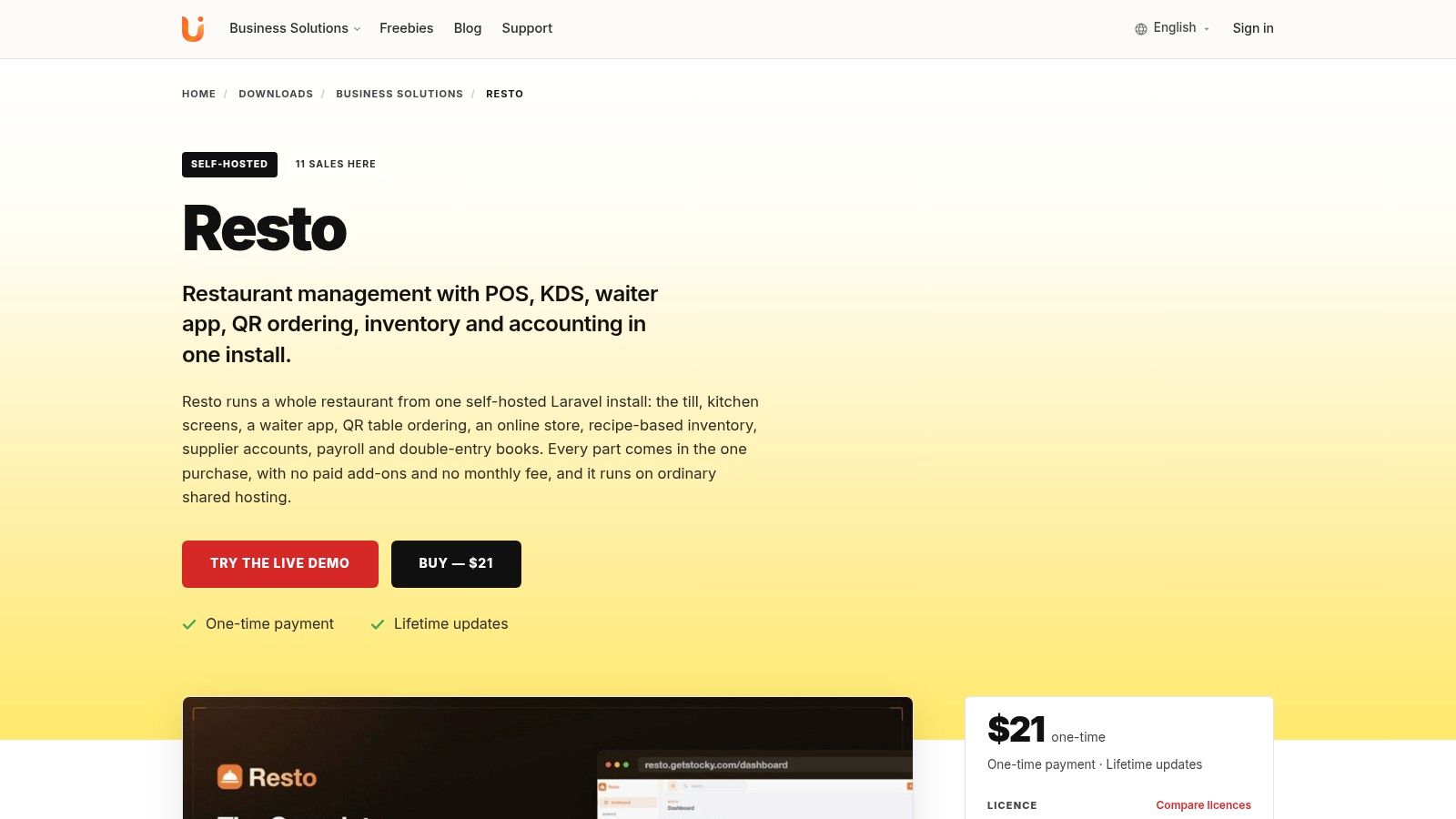
Recipes and sub-recipes deduct ingredients exactly once per sale, a void or refund puts them back, and the dishes that need a sold-out ingredient come off the menu until you restock. Purchase orders, goods received at landed cost, stocktakes, waste and branch transfers are built in, and every supplier has a statement with a running balance. In a demonstration, change an ingredient price, sell the dish and check whether the revised food cost appears. Wastage feeds double-entry accounting alongside sales, purchases and payroll, keeping stock losses inside the books.
Where the connected system helps
The touch-first till handles tables, modifiers, combos, split payments and offline sales. Tickets route automatically to the kitchen display by station, and colours change when an order runs late. That connects each stock deduction to the order and station that produced it.
- Guest ordering: QR table ordering, an online store and delivery service sit beside table service, and waiters can take orders and payments at the table from a phone app.
- Payment and dispatch: Stripe checkout, cash on delivery and a dispatch board cover the order handoff.
- Bookings: A day book handles table assignment, a walk-in waitlist and online reservation requests.
Our restaurant POS software guide helps decide whether replacing the till makes sense. I would shortlist Resto when recipe deduction must happen inside the POS rather than through a separate inventory package. Review the Resto product page, and note that card payments and the installable apps need HTTPS. For the two screens cooks and guests see most, our guides to kitchen display systems and restaurant table management go deeper, and the restaurant POS page shows how the parts fit together.
2. MarketMan
A delivery arriving during prep is where an inventory system earns its place. Someone needs to check quantities, record price changes and leave a usable record without disappearing into office work.
MarketMan combines restaurant inventory, purchasing, invoice handling, recipe costing and food-cost reporting. Its mobile and web access, supplier workflows, POS connections and multi-location tools make it relevant when you want to improve back-of-house control without necessarily replacing your existing till.
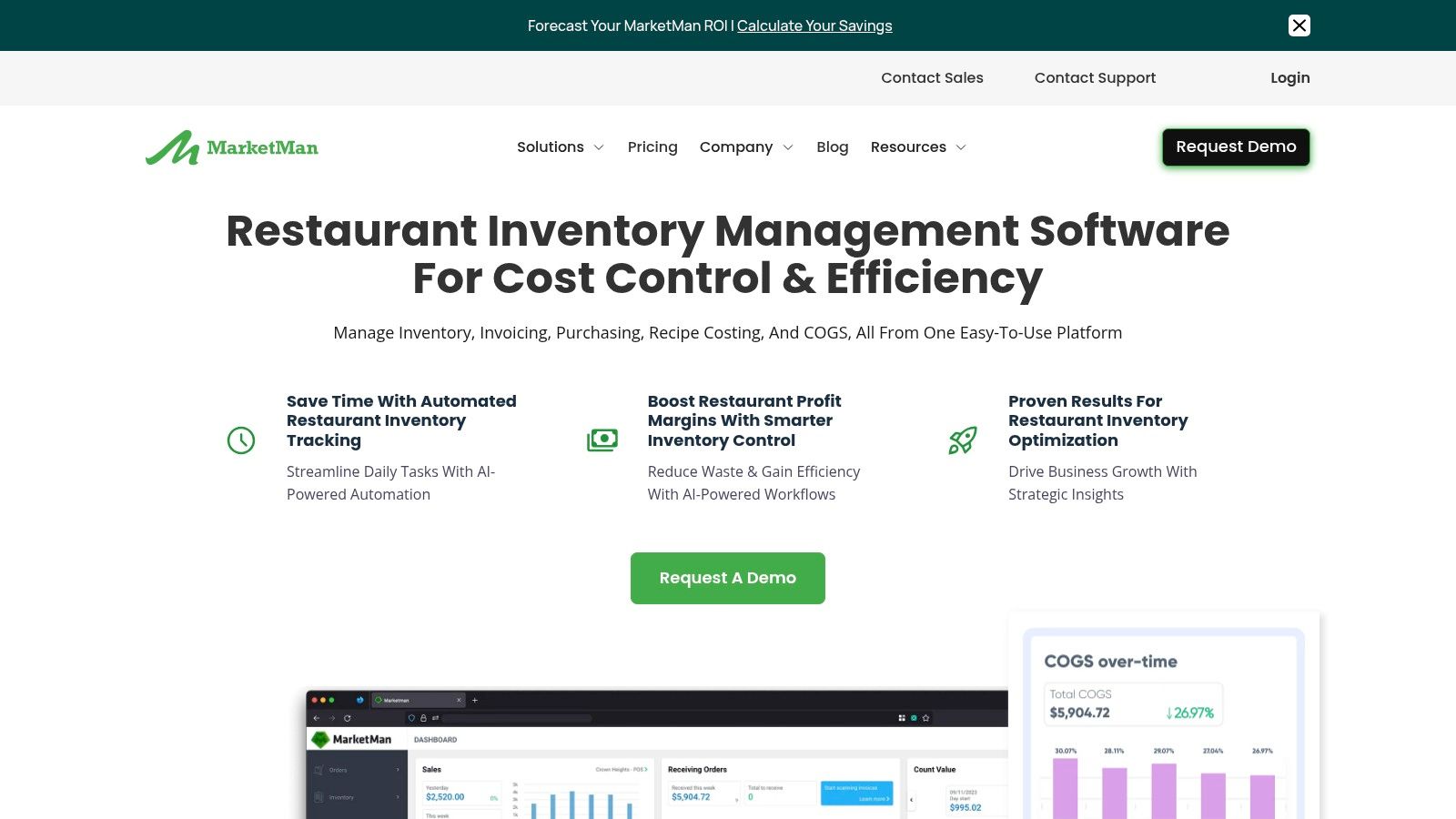
Test receiving before admiring reports
Bring a real supplier invoice to the demonstration. Ask how the system maps a case to your kitchen's counting unit, handles a short delivery and updates the ingredient cost used in recipes.
- Useful fit: Ingredient counts, purchase orders, invoice scanning and actual-versus-theoretical food-cost reporting belong together.
- Main trade-off: Product, supplier, recipe and unit mapping still require careful setup.
- Buying question: Confirm the invoice-processing and integration allowances included in the proposed package.
MarketMan is the better choice when purchasing and inventory are the immediate problem, and your current POS should stay. Don't assume a named integration covers every modifier or sales event your menu uses.
For a small kitchen, start the evaluation with the ingredients that consume the most purchasing money. If receiving and counting those products feels cumbersome, adding the rest of the storeroom won't make the workflow easier.
3. MarginEdge
If invoices sit in a folder until the bookkeeper asks for them, counting stock alone won't give you timely cost control. You also need to know what arrived, what it cost and whether those costs reached your accounts correctly.
MarginEdge focuses on invoice processing, inventory and ordering, recipe costing, operating-cost visibility and accounting workflows. Bill payment broadens its role beyond a stock-counting tool.
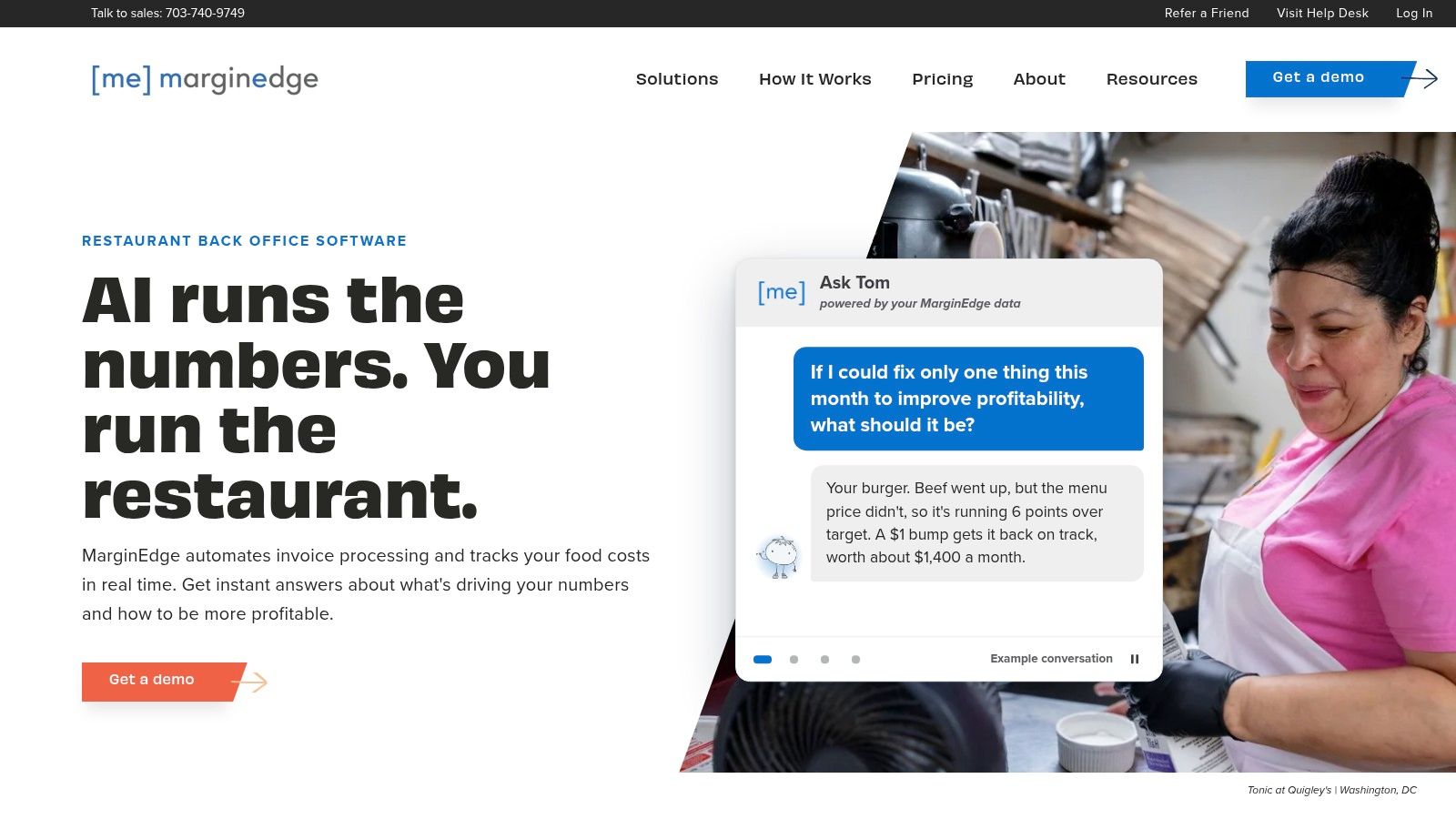
Practical rule: An invoice tells you what you bought. A physical count tells you what remains. You need both before blaming the kitchen for a cost increase.
The useful demonstration is a chain of events: receive an invoice, identify a changed ingredient price, inspect the affected recipe and follow the entry into the accounting workflow. That's more revealing than a polished summary dashboard.
Choose it for the office-to-kitchen connection
MarginEdge is the better choice when invoice administration and financial visibility are as troublesome as stock counts. Its scope makes more sense for that job than for an owner who only needs a digital count sheet.
The trade-off is implementation discipline. Invoice data won't correct a recipe that uses the wrong portion, and a sales report won't identify an unrecorded spoiled batch. Confirm the proposed POS and accounting connections, any associated charges and who resolves unmatched products before committing.
4. Restaurant365
Restaurant365 belongs on the shortlist when stock decisions involve chefs, purchasing staff, finance and managers across locations. It's a broader operational decision than choosing a replacement for a spreadsheet.
Restaurant365 combines inventory and purchasing with restaurant accounting, workforce management and payroll. Its inventory scope includes recipe costing, waste tracking, transfers, mobile counts and multi-location reporting.
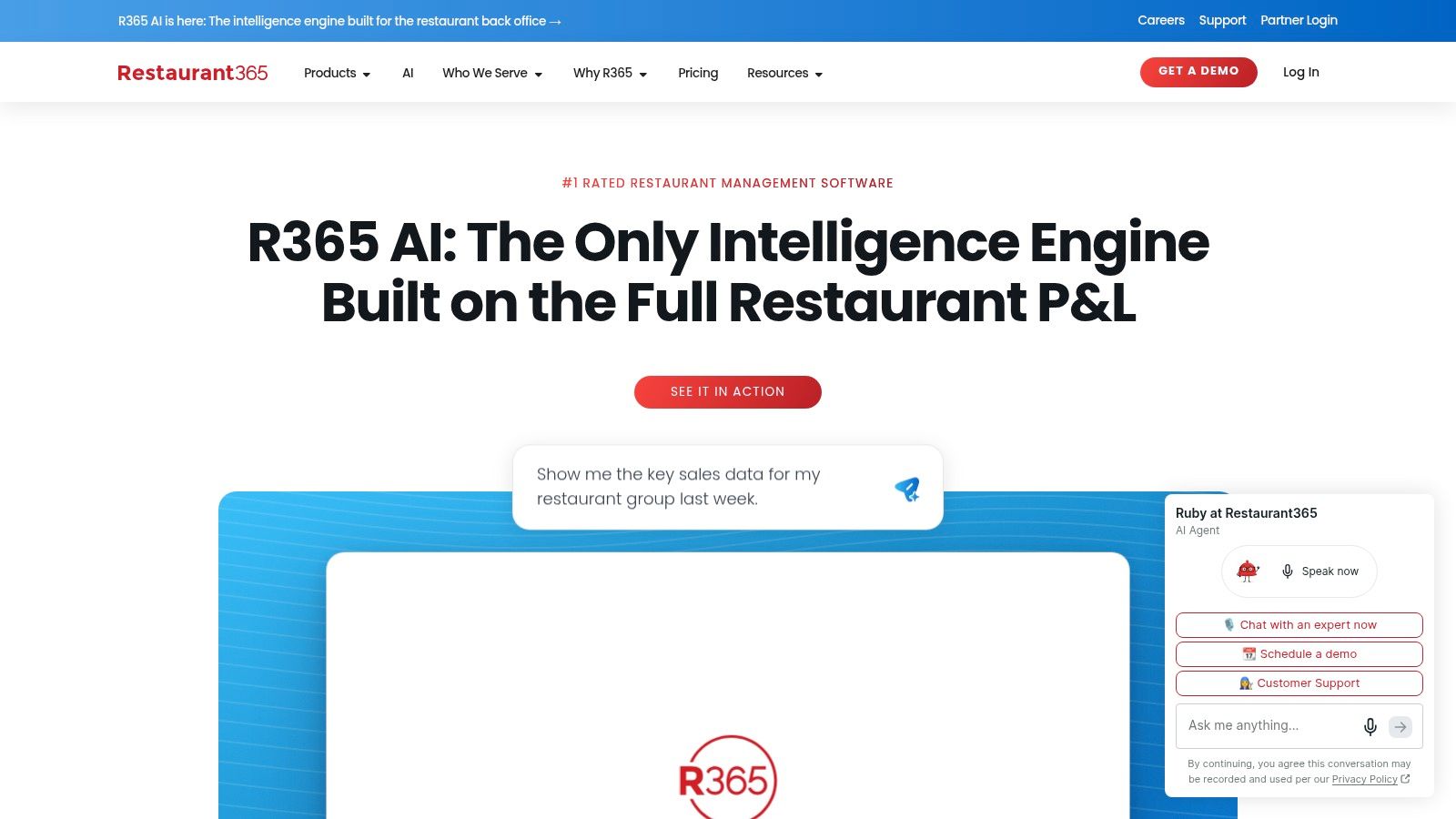
Better choice when: You need financial and operational workflows connected across a restaurant group, rather than an inventory-only application. The wider comparison in our restaurant management software guide can help distinguish those buying decisions.
- Kitchen test: Count prepared stock and raw ingredients without recording the same stock twice.
- Finance test: Follow purchasing and inventory activity into the accounting workflow.
- Branch test: Move stock between locations and inspect what each manager sees.
A broad platform brings a broader setup job. Someone must own ingredient names, purchasing units, recipe standards and branch procedures before location comparisons become useful.
Ask for a demonstration built around your operating model, not a generic restaurant. A central kitchen supplying outlets needs different workflows from independent kitchens buying locally. If you run a single site and only want cleaner counts, this may be more system than you need.
5. xtraCHEF by Toast
Already using Toast? Start by checking whether its back-office route solves the problem before adding another disconnected application.
xtraCHEF by Toast focuses on invoice automation, food-cost reporting, recipe costing and inventory management. It connects purchasing information with sales data, with inventory and recipe capabilities depending on the selected tier.
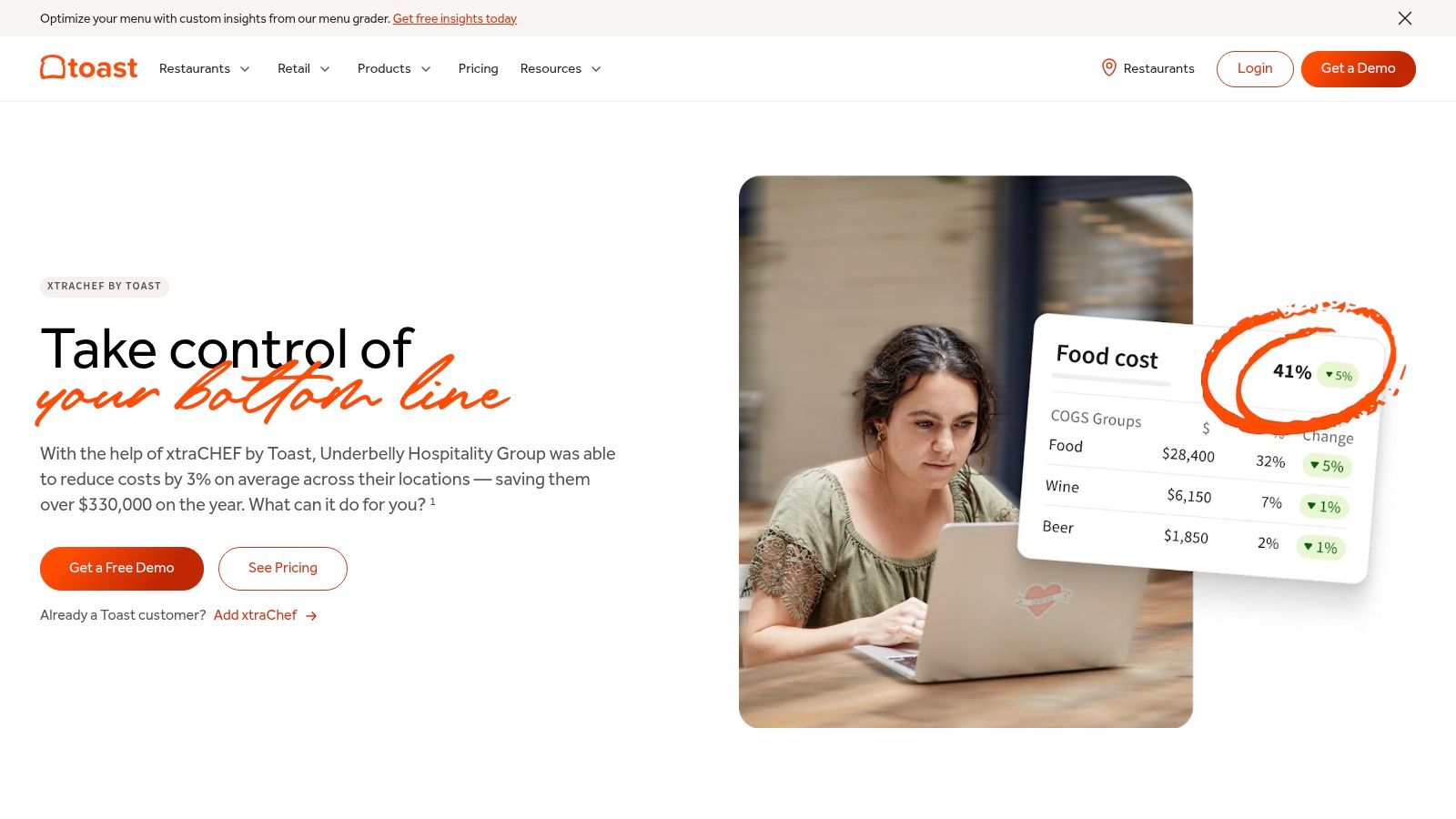
Check the package, not just the product name
xtraCHEF is the better choice when Toast is already central to service and you want compatible invoice and food-cost workflows. That doesn't mean every advertised capability is included in every package.
Ask the vendor to demonstrate the exact tier being proposed. Capture an invoice, map a supplier product, count the ingredient and inspect its recipe cost. Then change the supplier's pack size and see what needs correcting.
- Strength: Invoice capture and ingredient-price tracking address repetitive office work.
- Watchpoint: Full inventory and recipe functions need explicit confirmation.
- Setup requirement: Supplier descriptions and kitchen units still need reliable mapping.
If you're considering changing the POS as well, separate that decision from invoice automation. Our Toast alternatives guide provides a starting point for that wider comparison.
Don't replace a working service setup merely to get a better invoice screen. First establish whether your real problem is document entry, recipe maintenance or unreliable physical counts.
6. Craftable
The cost of a dish can change while its selling price stays untouched. A restaurant with a substantial bar also has another problem: food and beverage stock need different counting habits, but both affect the same business.
Craftable connects inventory counts, recipe costing, vendor pricing and cost analysis, with products covering restaurant and beverage operations.
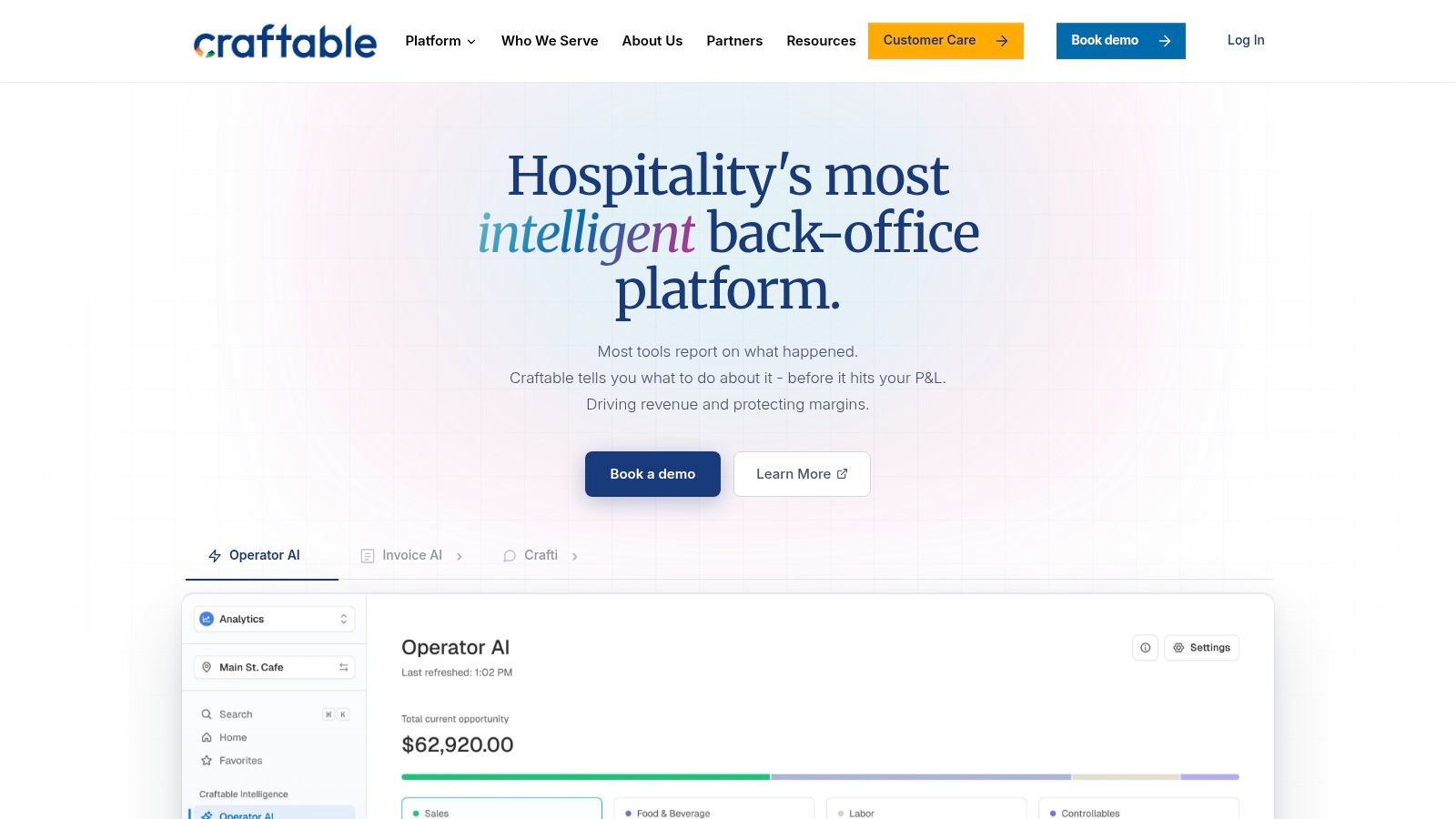
Craftable is the better choice when you want to investigate food and beverage cost variance together, subject to the products included in your proposal. Its appeal is the connection between purchasing costs and menu economics, not just recording stock on hand.
Don't change a menu price because a dashboard turned red. Check the supplier price, usable yield and portion specification first.
Make variance explainable
Use a prepared sauce and a mixed drink in the demonstration. Ask how each recipe changes when an ingredient price changes, and how a physical count exposes a gap between expected and actual usage.
The main trade-off is scope. Confirm which food, beverage and back-office modules you're buying rather than assuming the whole platform is included.
Useful variance analysis also requires maintained recipes and recorded purchases. If staff routinely substitute products without updating the system, you'll spend time explaining exceptions instead of acting on the report. Assign someone responsibility for those changes before rollout.
7. WISK
A bottle shelf needs a different counting routine from a freezer full of portioned proteins. Beverage-heavy restaurants should evaluate the bar workflow directly, rather than treating it as an afterthought to food inventory.
WISK is oriented toward beverage and bar inventory while also supporting restaurant food inventory, recipe costing, POS connections and actual-versus-theoretical cost analysis.
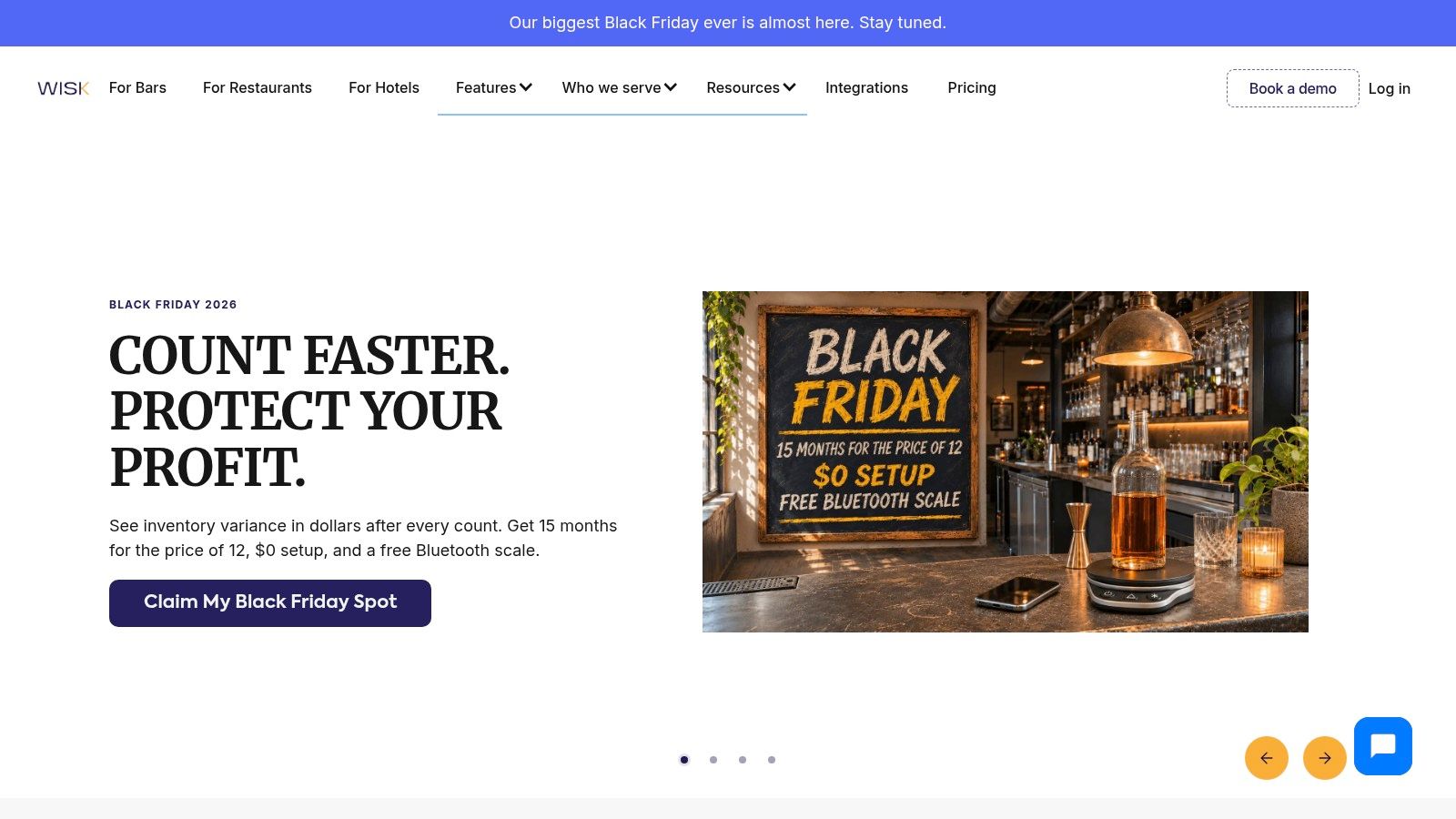
Put the bartender in the demonstration
Ask the person who closes the bar to test the counting workflow. They should be able to explain how they'd record open bottles, stock held in different areas and ingredients used across cocktails.
- Better fit: Bars and restaurants where beverage stock deserves dedicated attention.
- Useful connection: Recipe costing and sales data support comparison with physical usage.
- Main dependency: POS compatibility and maintained drink recipes need checking before purchase.
WISK is the better choice when beverage control is the leading requirement, rather than a minor part of a mostly food-led inventory project. Confirm the food workflow separately if the kitchen is equally important.
Mobile counting can distribute the work, but it doesn't remove the need for a consistent method. Decide who counts the back bar, who counts storage and how movements between those areas are recorded. Otherwise, staff can count the same bottle twice or miss it entirely.
8. BlueCart
Sometimes the expensive mistake happens before an ingredient reaches the fridge. An order goes to the wrong supplier, a delivery arrives short, or an invoice doesn't match what the receiver accepted.
BlueCart's restaurant inventory software emphasizes inventory alongside supplier ordering, digital purchase orders, supplier catalogs, delivery receiving and invoice matching.
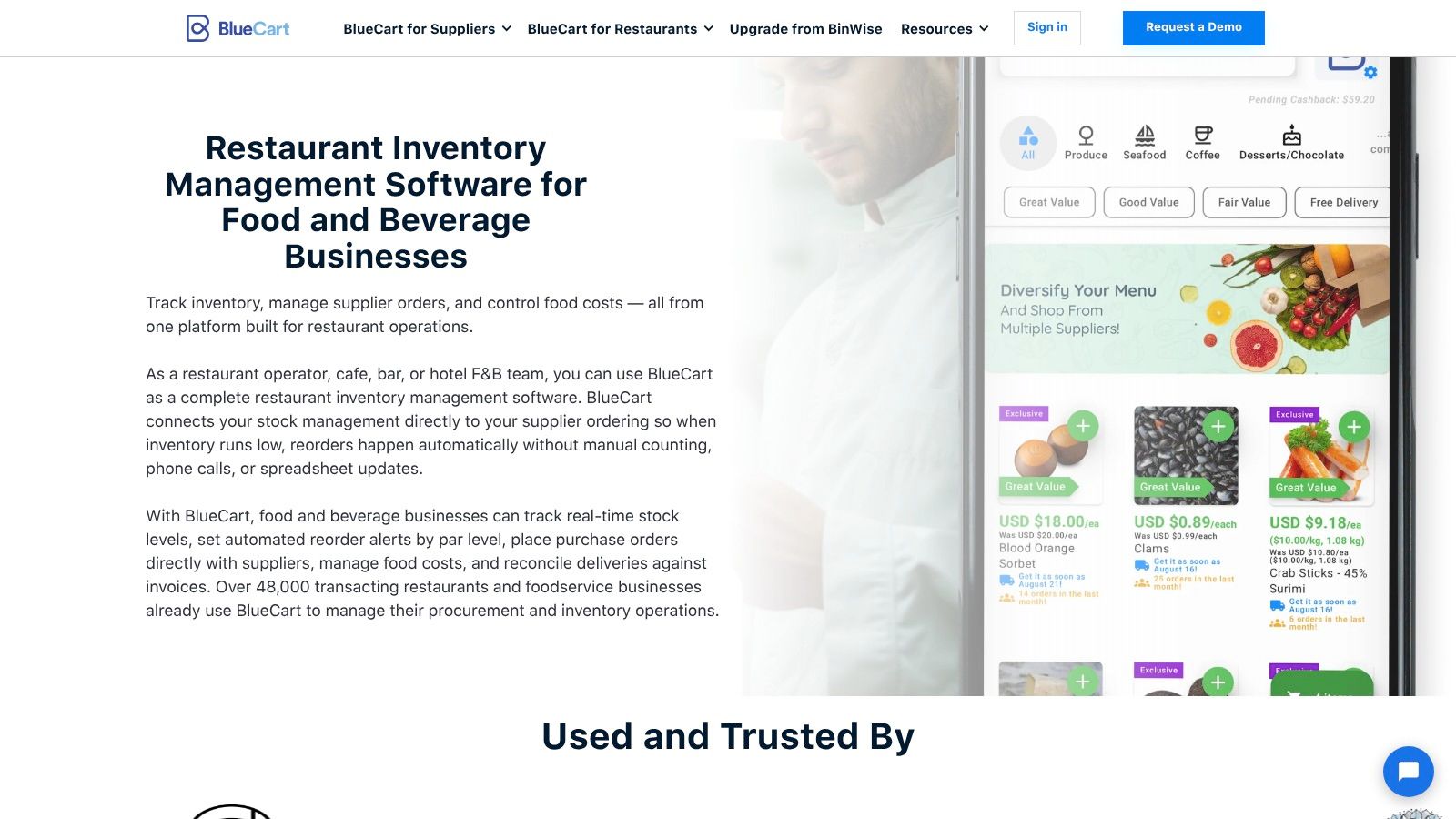
BlueCart is the better choice when procurement is the main weakness. It's particularly relevant when managers need a clearer path from supplier catalog to order, delivery and invoice.
Follow a disputed delivery
Use a scenario where the supplier substitutes a product and delivers less than ordered. Ask how the receiver records both changes and how the office sees the discrepancy.
- Purchasing priority: Supplier catalogs and digital orders suit teams replacing messages and handwritten lists.
- Receiving priority: Check how accepted quantities connect to the invoice.
- Boundary to verify: Don't assume procurement tools provide the recipe depth or menu-margin analysis your kitchen needs.
Par levels and reorder alerts can support ordering, but the manager still needs to consider usable storage, upcoming bookings and product shelf life. A suggested quantity isn't permission to overfill the walk-in.
Before choosing BlueCart, confirm supplier participation and the POS and accounting connections relevant to your business. Procurement software is most useful when your actual suppliers and receiving staff can work through it reliably.
9. Crunchtime
A group can't compare restaurant performance fairly if each kitchen names, counts and receives the same ingredient differently. Larger operators need shared standards as well as store-level tools.
Crunchtime connects inventory counts, purchasing, sales, recipes, waste tracking and cost-variance analysis. Its wider operations platform can also connect inventory work with kitchen execution and other restaurant processes.
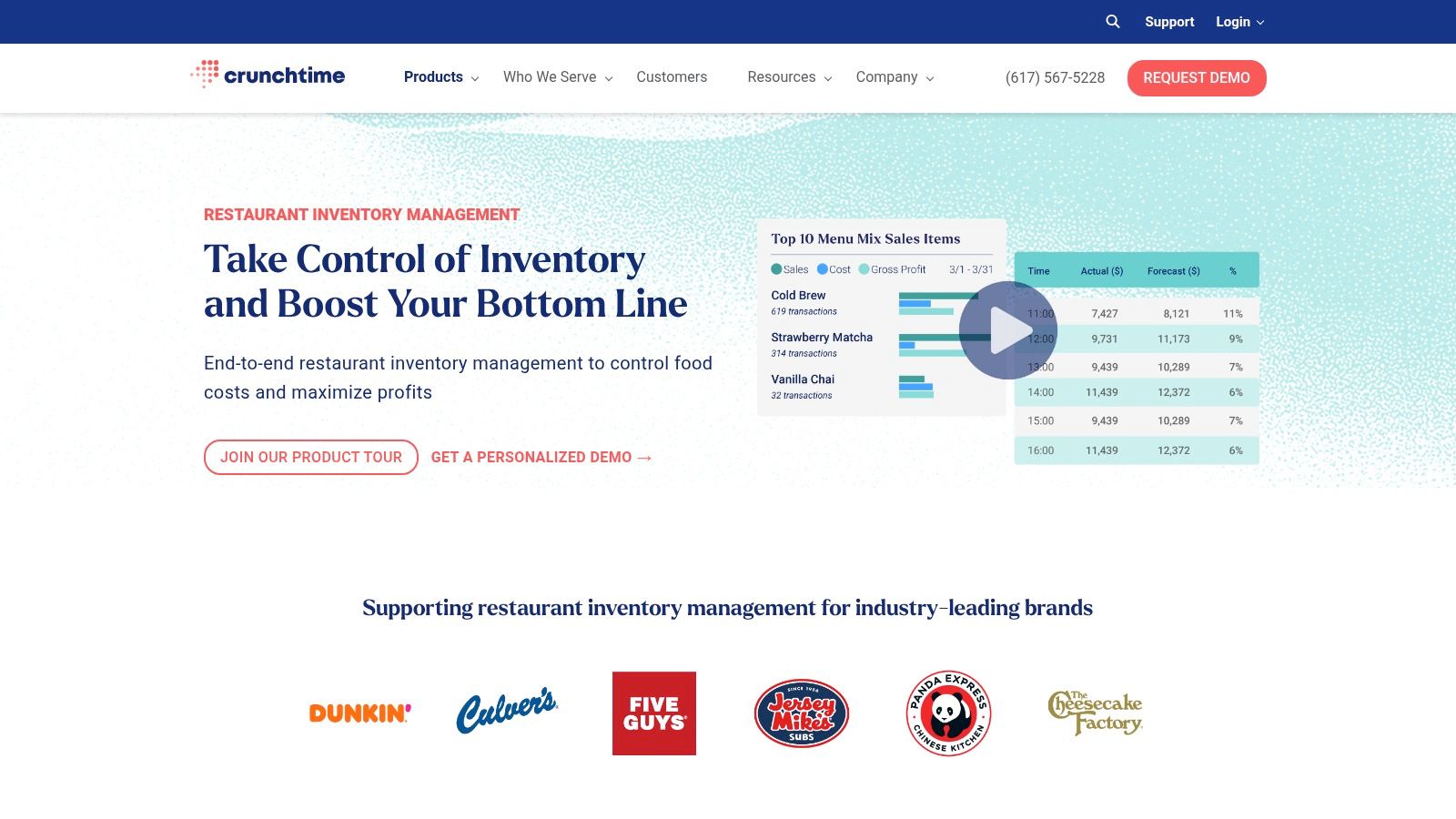
Look beyond the head-office screen
Crunchtime is the better choice for larger, multi-unit brands seeking centralized control. The critical question is whether store teams can perform the required receiving, preparation, waste and counting tasks during an ordinary shift.
Its inventory offering includes order recommendations informed by stock, par levels and demand patterns, alongside vendor receiving and invoice reconciliation. Demonstrate those recommendations using your delivery schedule and scratch-preparation workflow.
Buying test: Let a kitchen manager receive a delivery and record a spoiled prep batch. Don't let the demonstration stop at consolidated reporting.
The trade-off is implementation effort. Standardizing products and recipes across stores requires decisions that software can't make for you, especially when branches buy different pack sizes or prepare items differently.
For a single restaurant seeking a cleaner stock count, the wider platform may be unnecessary. For a group, assess both sides: what central management gains and what each store must do to keep the records trustworthy.
10. Apicbase
Central production changes the inventory question. You're no longer only asking what a kitchen bought and sold; you're also tracking what it prepared for other outlets.
Apicbase combines inventory with menu engineering, procurement, production planning and sales analytics for multi-outlet foodservice. Its scope includes recipe tools, stock visibility, order-to-par workflows and central-production processes.
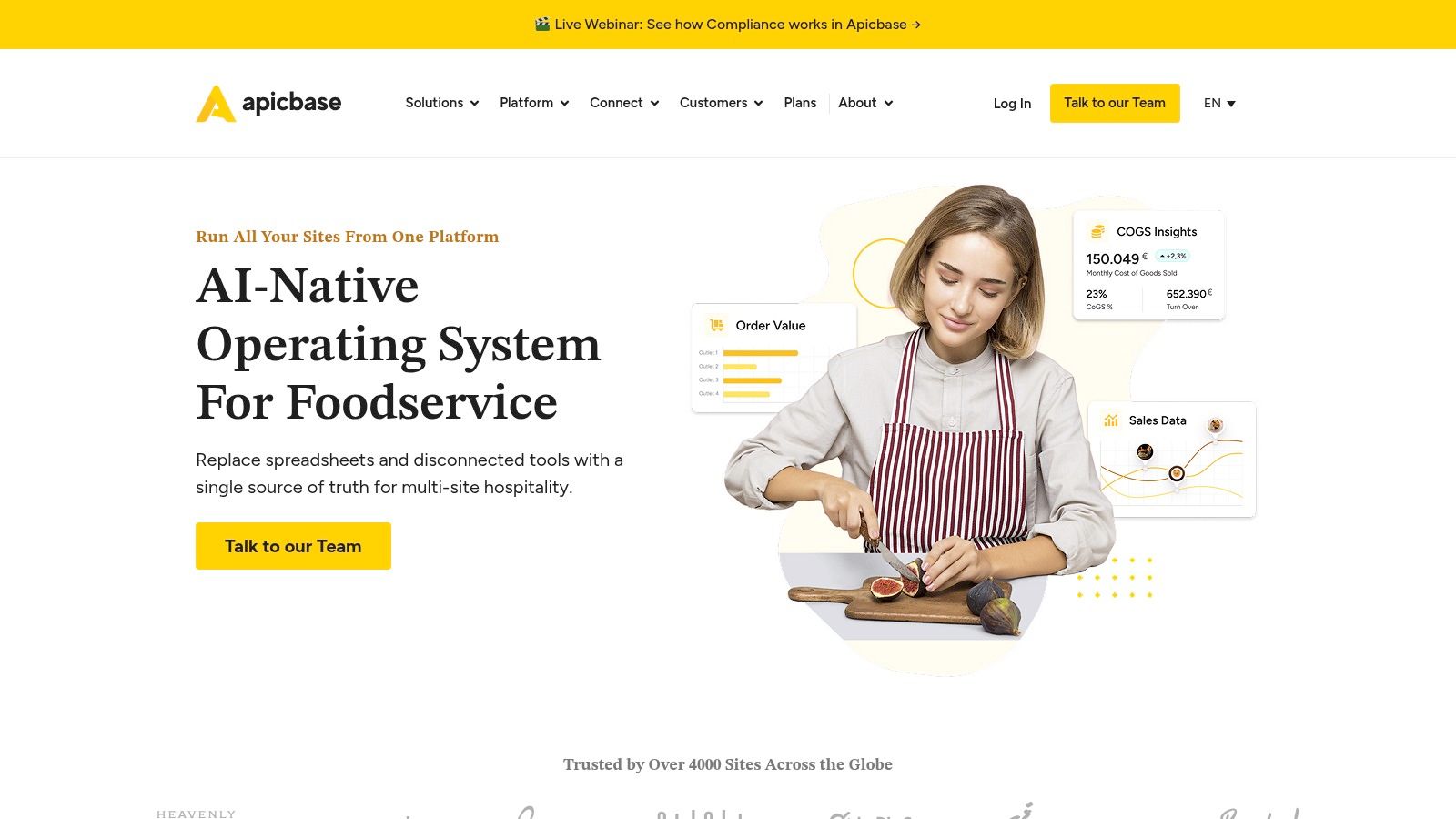
Apicbase is the better choice when shared recipes, batch preparation and multiple outlets must work together. A group supplying sauces, dough or prepared components from a central kitchen should examine that production chain closely.
Trace a prepared component
Ask the demonstrator to follow raw ingredients into a prepared batch, then into outlet stock and finally into dishes. Check where quantities, costs and responsibility change.
- Production fit: Evaluate batch preparation and central-kitchen workflows.
- Outlet fit: Test mobile receiving and counts with the people doing them.
- Commercial fit: Confirm which planning and advanced-control functions belong to the proposed package.
The trade-off is the effort needed to maintain a shared recipe and product structure. Different names for the same ingredient, undocumented yield changes and local substitutions can make group reporting misleading.
For an independent café, that operating model may be unnecessarily broad. For an expanding group, it can be more appropriate than adapting a simple stock app that doesn't represent production between sites.
Restaurant inventory management software at a glance
The table judges each tool on the jobs that make restaurant stock different from retail: ingredients leaving through recipes, waste recorded apart from counts, and purchasing tied to perishable suppliers.
| Tool | Deployment & pricing model | Inventory approach | Best for |
|---|---|---|---|
| Resto Restaurant POS, KDS, Waiter App & QR Ordering | Self-hosted on ordinary shared hosting; one-time licence with full source code (current price on the product page); managed hosting available at $12 a month | Recipe-based inventory that deducts ingredients on every sale, with purchasing, supplier statements, waste tracking and branch transfers | Restaurants seeking an all-in-one system with control over hosting and ongoing software costs |
| MarketMan | Web and mobile with published plans; ask which tier covers recipe costing and purchasing | Ingredient counts, low-stock alerts, purchasing, invoice handling, and recipe costing | Restaurants wanting connected inventory, purchasing, and food-cost workflows |
| MarginEdge | Quote-based; confirm current plans with the vendor | Invoice processing, inventory counts, ordering, recipe costing, and cost reporting | Operators seeking inventory and cost controls alongside accounting and bill-pay workflows |
| Restaurant365 | Quote-based | Inventory, purchasing, recipe costing, waste tracking, and multi-location reporting | Multi-location operators seeking connected accounting and restaurant back-office tools |
| xtraCHEF by Toast | Pricing varies by tier; ask which tiers include inventory and recipe costing | Invoice capture, price tracking, and inventory and recipe costing in eligible tiers | Restaurants using Toast or seeking invoice automation tied to food-cost workflows |
| Craftable | Quote-based; request details on products and modules | Inventory counts, recipe costing, vendor pricing, and cost-variance analysis | Restaurants and bars monitoring ingredient costs and menu margins |
| WISK | Quote-based; no free trial listed | Mobile inventory counts, recipe costing, and actual-versus-theoretical cost analysis | Bars and beverage-heavy restaurants, including multi-location operations |
| BlueCart | Pricing not published; request a quote against your supplier count and order volume | Inventory and par levels linked to supplier catalogs, orders, receiving, and invoice matching | Foodservice operators focused on procurement and supplier workflows |
| Crunchtime | Quote-based | Inventory counts, waste tracking, demand-informed ordering, and receiving workflows | Larger and multi-unit restaurant brands seeking centralized operational visibility |
| Apicbase | Quote-based; confirm current plans with the vendor | Inventory, procurement, recipe and menu tools, and multi-outlet reporting | Growing foodservice groups coordinating menus, stock, and production across locations |
Where a row says quote-based, the demo call is where the number appears. Go in with your location count, supplier volume and the modules you need, and ask for the figure in writing.
What It Does Not Do, and How to Choose
Resto is self-hosted and runs on ordinary shared hosting, so the deployment and your data stay under your control. You can look after the server yourself or have us do it: managed hosting is $12 a month and includes installation, or we can do the installation alone for a one-time $50. Card payments use Stripe Checkout, with cash on delivery also listed. Do not assume that means support for a particular integrated card terminal.
Where Resto stops
- Delivery connections: no third-party delivery-platform integrations are listed.
- Supplier automation: purchase orders, supplier statements and payments are built in, but automatic reordering and supplier portals are not listed.
- Updates: there is no automatic updater by design. Updating means copying the new files and running the database migration.
- Live screens: kitchen displays and dispatch poll for changes rather than holding a live connection open, so test them against your busiest service.
- A new product: Resto was released in August 2026 and has few reviews so far, so run the demo against your own menu before you rely on it.
- Proof of savings: there is no published spoilage-reduction result or customer case study to rely on, so treat waste gains as something your own counts must confirm.
Use the Resto product page to confirm hosting, update and maintenance details before purchase. Then test the workflow itself: build a recipe with a sub-recipe, receive an ingredient at a changed cost, complete a sale and record wastage. Inspect stock and dish cost afterwards; the till screen alone will not show whether recipe costing is behaving.
Choose the workflow you can maintain
For a single site, a dependable receiving, recipe, waste and counting routine can matter more than advanced planning tools. For several branches, test separate stock, shared recipe maintenance and location reporting. If you are keeping your POS, verify its exact compatibility before committing to another platform.
Food safety needs its own checks. The FDA Food Code sets a maximum seven-day date-marking window for qualifying refrigerated, ready-to-eat, time/temperature-control-for-safety food held for more than 24 hours at 5°C (41°F) or below, with preparation day counted as day one. Confirm applicable local requirements and how the proposed software supports your procedures.
Finally, measure the business result. Record food-cost percentage, actual versus theoretical usage, waste by reason, stockouts, purchase-price changes and counting time before rollout.
Restaurant inventory management software won't repair inaccurate recipes or careless receiving. Choose the tool your team can keep accurate, then judge it by fewer unexplained losses and clearer purchasing decisions, not by the number of screens it contains.
UI Lib offers self-hosted business applications sold through one-time licences, including Resto for restaurant service and recipe-based inventory. Visit UI Lib to inspect the product details and judge whether its purchasing, recipe costing and stock workflows fit your kitchen before moving away from your spreadsheet.