It's Friday service. There's a queue at the till, the ticket printer is falling behind, the booking phone won't stop, and nobody has updated the food-cost sheet in months. You don't need another dashboard to look at after closing. You need orders, tables, ingredients, staff records, and payments to agree.
The best restaurant management software for your restaurant depends on which work you want the system to handle and who will maintain it. A till should connect sensibly with the kitchen display, floor and tables, stock and recipe costing, online ordering, reservations, staff and payroll, and accounting. Buying all those labels isn't enough. Test what happens between them.
Start with the kind of purchase you're making:
- Hosted subscription POS suits owners who want the vendor to run the software infrastructure.
- Self-hosted software bought once suits restaurants that want to control their installation, whether they run the server themselves or pay a host such as UI Lib's managed hosting to do it.
- Add-on tools suit restaurants whose POS works but whose accounting, food-cost, or staffing processes need attention.
Judge each option by service fit, order flow, offline behavior, maintenance responsibility, data access, and complete operating cost. Include hardware, payment processing, setup, training, hosting, and support rather than comparing software charges alone.
The options below aren't ranked. Resto belongs alongside hosted systems and specialist tools, not above them. The right choice is the one your team can operate during service and maintain afterward.
Table of Contents
- 1. Resto Restaurant POS, Management System, KDS & Online Ordering
- 2. Toast
- 3. Square for Restaurants
- 4. Lightspeed Restaurant
- 5. TouchBistro
- 6. SpotOn
- 7. Clover Restaurant POS
- 8. Restaurant365
- 9. Oracle MICROS Simphony
- 10. 7shifts
- How the main options differ on deployment, pricing and best fit
- Shortlist by Your Own Setup, Then Test It Live
1. Resto Restaurant POS, Management System, KDS & Online Ordering
Resto is a self-hosted restaurant management system designed to run on ordinary shared hosting. It suits operators who want connected service and back-office workflows in one installation. The hosting can be your own, or UI Lib can host and manage it for you; owners who would rather have a vendor-run subscription for everything may still prefer a hosted POS.
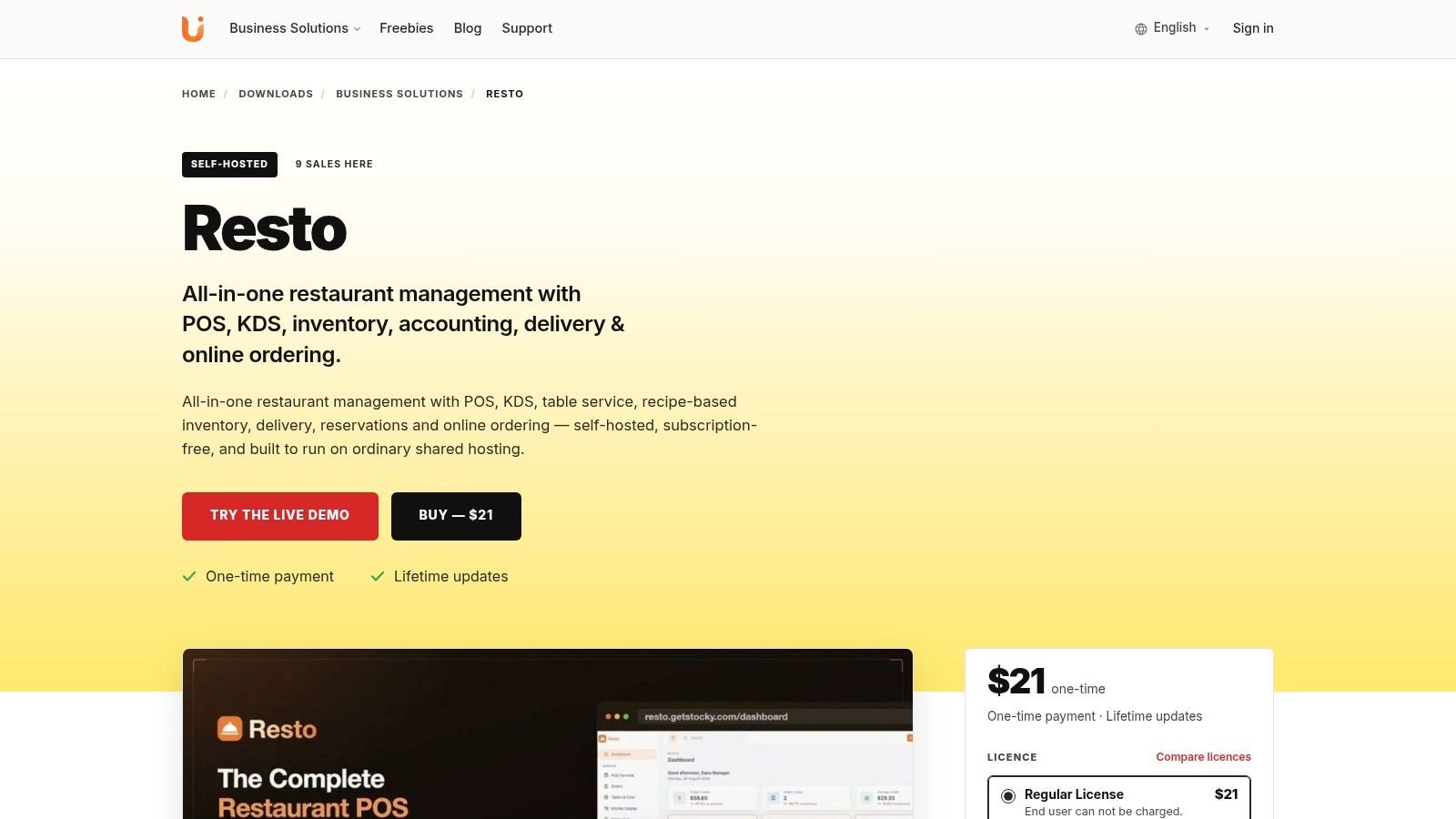
The touch-first till supports tables, modifiers, combos, and split payments. In the kitchen, tickets route to preparation stations, with colours changing when orders run late. Test the kitchen display system software against your menu and station setup to see whether ticket routing matches service.
Recipes deduct ingredients with each sale and recalculate food cost and margin per dish as ingredient prices change. That links till activity to recipe costing, so the figures respond when prices shift.
Where Resto Fits
The system covers several restaurant workflows:
- Guest service includes table assignment through a day book, a walk-in waitlist, online reservation requests, a branded QR menu, and an online store.
- Orders and delivery include a dispatch board, Stripe checkout, and cash on delivery.
- Back office includes double-entry accounting, which posts from sales, purchases, wastage, and payroll.
This range can reduce the need to join separate tools. Check how the workflows fit your service before committing, and decide who will host it: you, your own provider, or UI Lib.
Resto is a one-time purchase and includes the source code, free updates for life, and 6 months of support. The Resto product page shows the current price for each licence, along with product details. Review what support covers and who will handle hosting and maintenance alongside the purchase price.
What It Does Not Do
Resto is self-hosted, so the software is installed on a server you choose rather than run as a vendor-operated subscription. Someone needs to look after that server. UI Lib's managed hosting is $12 a month: Resto runs on UI Lib's dedicated servers, UI Lib manages the server, installation is free, and you only buy a domain. With your own hosting, the installation service is a one-time $50. Resto has no automatic updater, so applying later updates is a separate job for you or a technical helper.
2. Toast
A restaurant moving from a standalone till to hosted software may consider Toast. Its restaurant platform brings POS and service workflows together, with options for online ordering, payroll, scheduling, inventory, marketing, and reporting.
Toast suits operators who want the vendor to run the platform and prefer connected restaurant tools. Check which capabilities are part of the quoted plan and which require add-ons. For a broader comparison of restaurant till options, see this guide to POS software for restaurants.
Check Toast's Setup Before Committing
Start with the proposed devices and payment terms. Confirm which hardware is required, how processing is arranged, and whether the quote depends on using Toast's payment services. Then list the specific add-ons your operation needs, such as inventory, payroll, scheduling, or marketing, and verify their costs and availability in the offer.
Test your actual service flow in a demonstration: enter an order, change an item, send it to the kitchen, and process a refund. That will show whether the devices and selected modules support the work staff do during a shift.
Also ask what happens to hardware, data, and access to add-on services if you leave Toast. The trade-off is practical: a setup built around Toast devices, payment processing, and extra modules may be harder to replace as a whole than a till used with separate tools. Choose Toast when vendor-run operations are a priority; compare self-hosted software if you want to manage your own installation.
3. Square for Restaurants
For a café or small restaurant introducing connected ordering and payments, Square for Restaurants is worth evaluating. Its restaurant POS offering combines restaurant workflows with payments, online ordering, hardware, and customer tools.
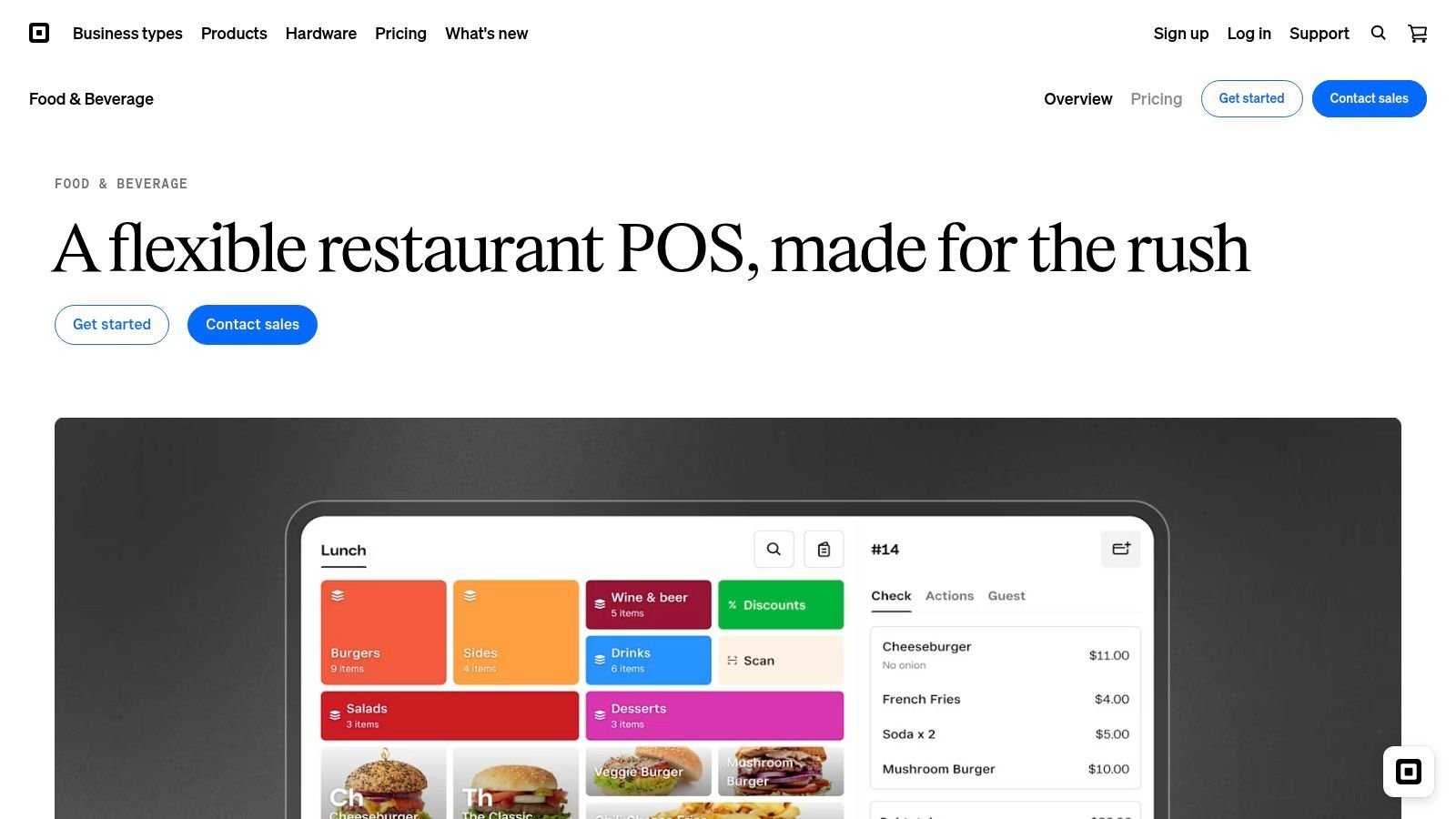
The attraction is a connected starting point. The buying question is whether the selected plan and devices cover the way your team works, including menu management, tables, kitchen handling, and online orders.
Don't evaluate a café till using only a quiet counter transaction. Add a modifier, an online pickup order, and a customer asking to change their order.
Where It Makes Sense
Square is a better choice than self-hosted software when you want a hosted ordering-and-payments setup from one vendor, with payments, hardware and software all in one account. A counter-service restaurant can use its own menu to establish whether the proposed configuration feels straightforward for staff.
Check kitchen displays, kiosks, and other required devices against the exact package under consideration. Availability can vary by plan and country, so don't assume a demonstration from another market represents your offer.
Also keep payment processing separate from software in your comparison. A suitable subscription arrangement doesn't automatically make the complete setup suitable.
Choose Square when its connected workflows match a relatively straightforward operation. If recipe costing, accounting, or workforce management drives the purchase, demonstrate those requirements separately rather than assuming the POS covers them.
4. Lightspeed Restaurant
A restaurant with detailed modifiers, changing floor arrangements, or varied service styles needs to test configuration carefully. Lightspeed Restaurant belongs on that shortlist because its restaurant POS platform covers configurable menus, floor plans, reporting, and restaurant service workflows.
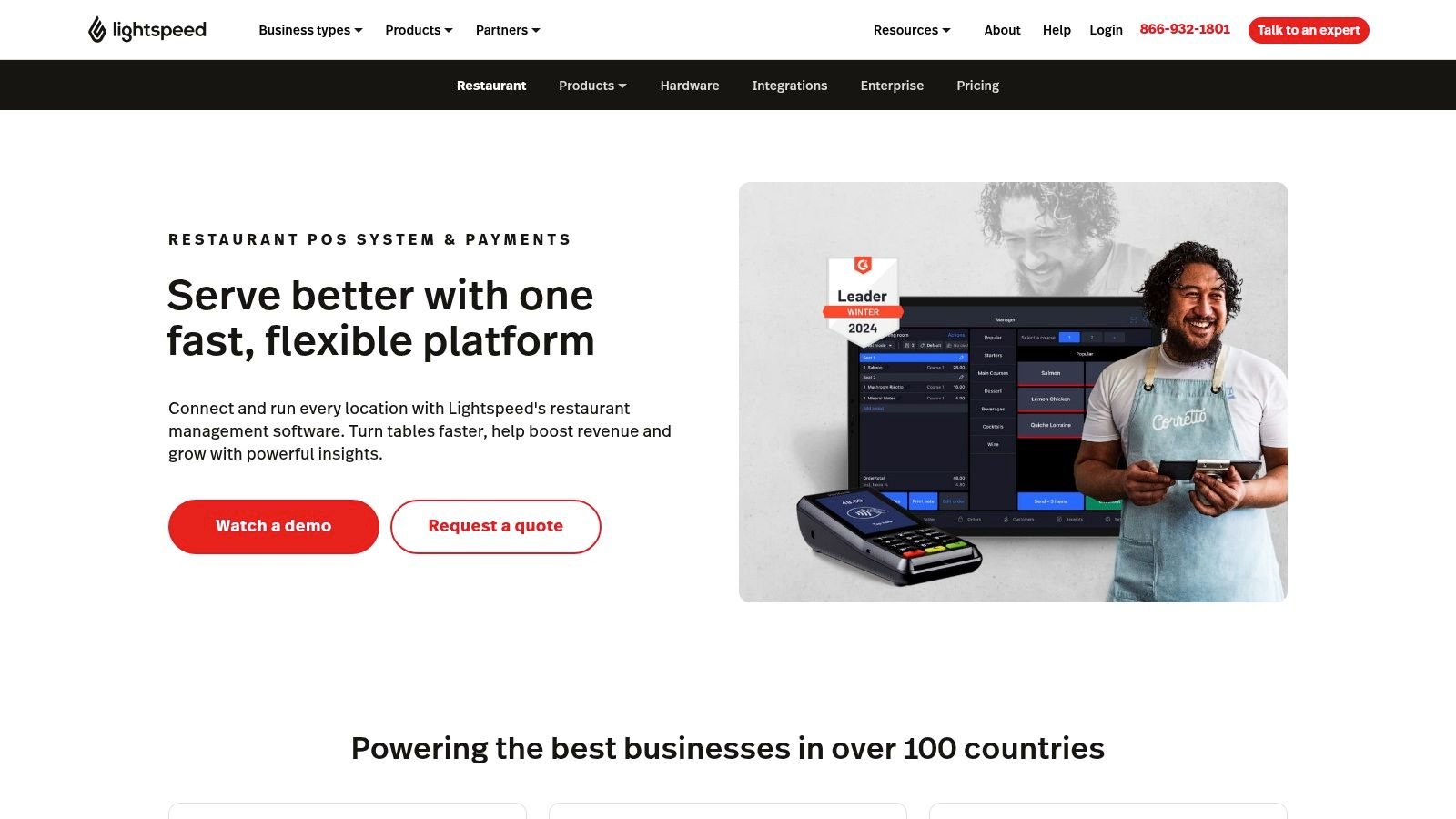
For a full-service restaurant, the useful demonstration isn't just opening a table. It's moving through your service pattern, including modifiers, changes, payment, and the reports the manager needs afterward.
Configuration Needs an Owner
Lightspeed is a better choice than a simpler setup when its configurable workflows solve a genuine operational requirement. That flexibility still needs someone to establish the menus, maintain settings, and train staff.
- Menu setup should reflect actual modifier combinations and service rules.
- Floor plans should suit the dining room rather than merely resemble it.
- Back-office requirements should be checked against the selected plan and integrations.
Treat offline behavior as a practical test, not a reassuring label. Ask the vendor to demonstrate which functions remain available without connectivity and what happens when the system reconnects.
For operators choosing between Lightspeed and Resto, the distinction starts with deployment. Lightspeed offers a cloud-based route; Resto puts the installation under the restaurant's control, on your own hosting or on UI Lib's managed hosting. Compare the specific workflows and complete operating costs after deciding which route you want.
5. TouchBistro
TouchBistro is an iPad-based restaurant POS with optional products for functions such as kitchen display, reservations, inventory, online ordering, and loyalty. Its restaurant software offering is worth considering for an independent restaurant that wants core service tools with additional capabilities selected around them.
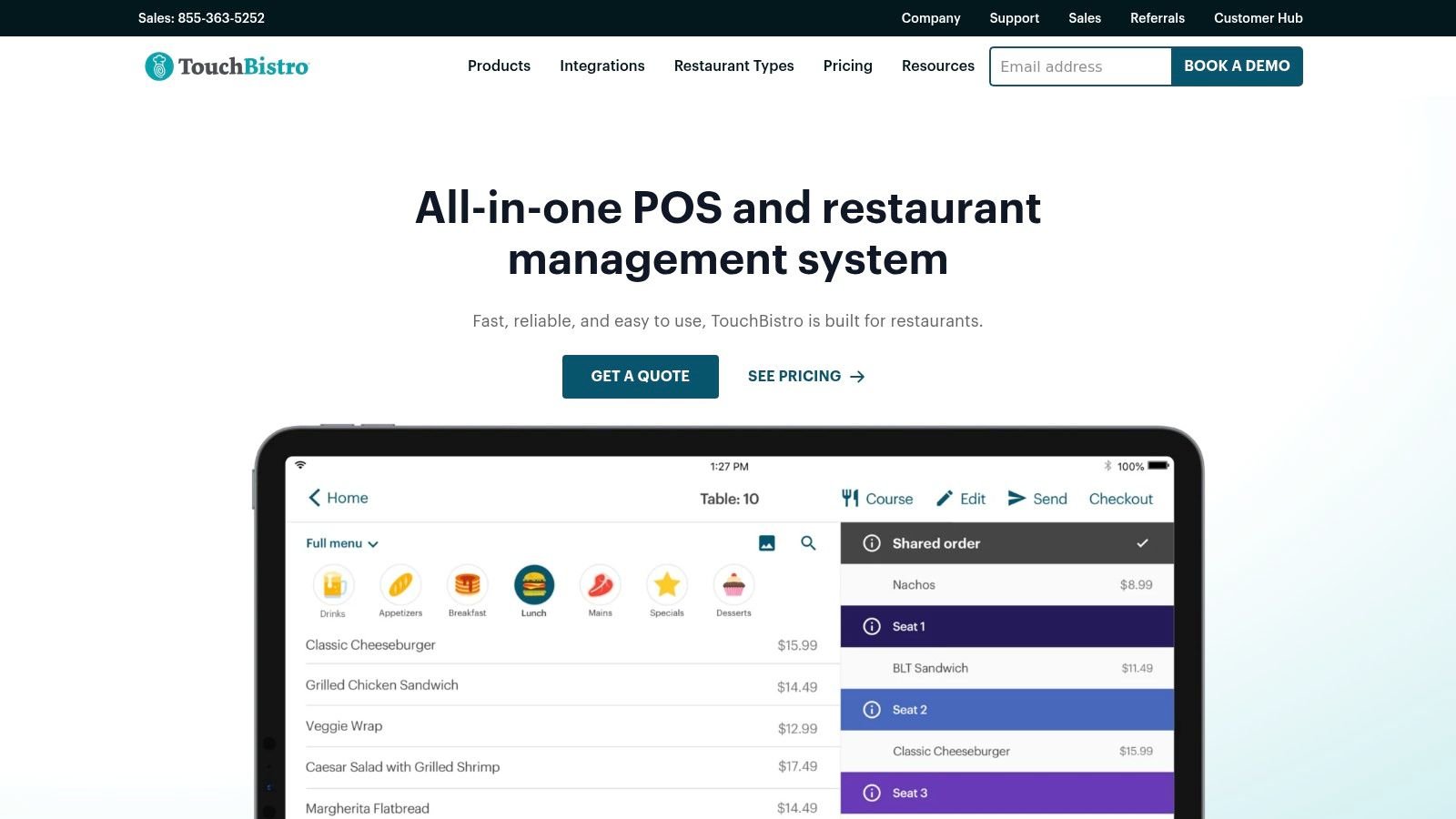
A dining-room-led restaurant should start with tables and staff actions. Can a server find the right table, enter the order correctly, handle changes, and close the bill without confusing the next person who opens it?
Our guide to restaurant table-management software can help frame that evaluation. The important distinction is between drawing a floor plan and supporting the work performed around those tables.
Buy the Modules You'll Use
TouchBistro is a better choice when an iPad-based service setup and modular restaurant products match your operating preferences. Existing Apple devices don't establish compatibility by themselves, so confirm the proposed hardware.
Separate the core POS from the optional products in the quote. Then trace whether reservations, online ordering, kitchen display, and inventory are included in the arrangement you're considering.
The trade-off is modularity versus completeness. Selecting additional capabilities can keep the purchase focused, but you still need to understand the final configuration. For a larger group, demonstrate branch-level and central-management requirements rather than assuming a good single-restaurant workflow settles the wider decision.
6. SpotOn
With SpotOn, evaluate the operating package and the payment arrangement together. Its restaurant platform covers POS, payments, online ordering, menu tools, and reporting, with options for single-location and multi-unit operators.
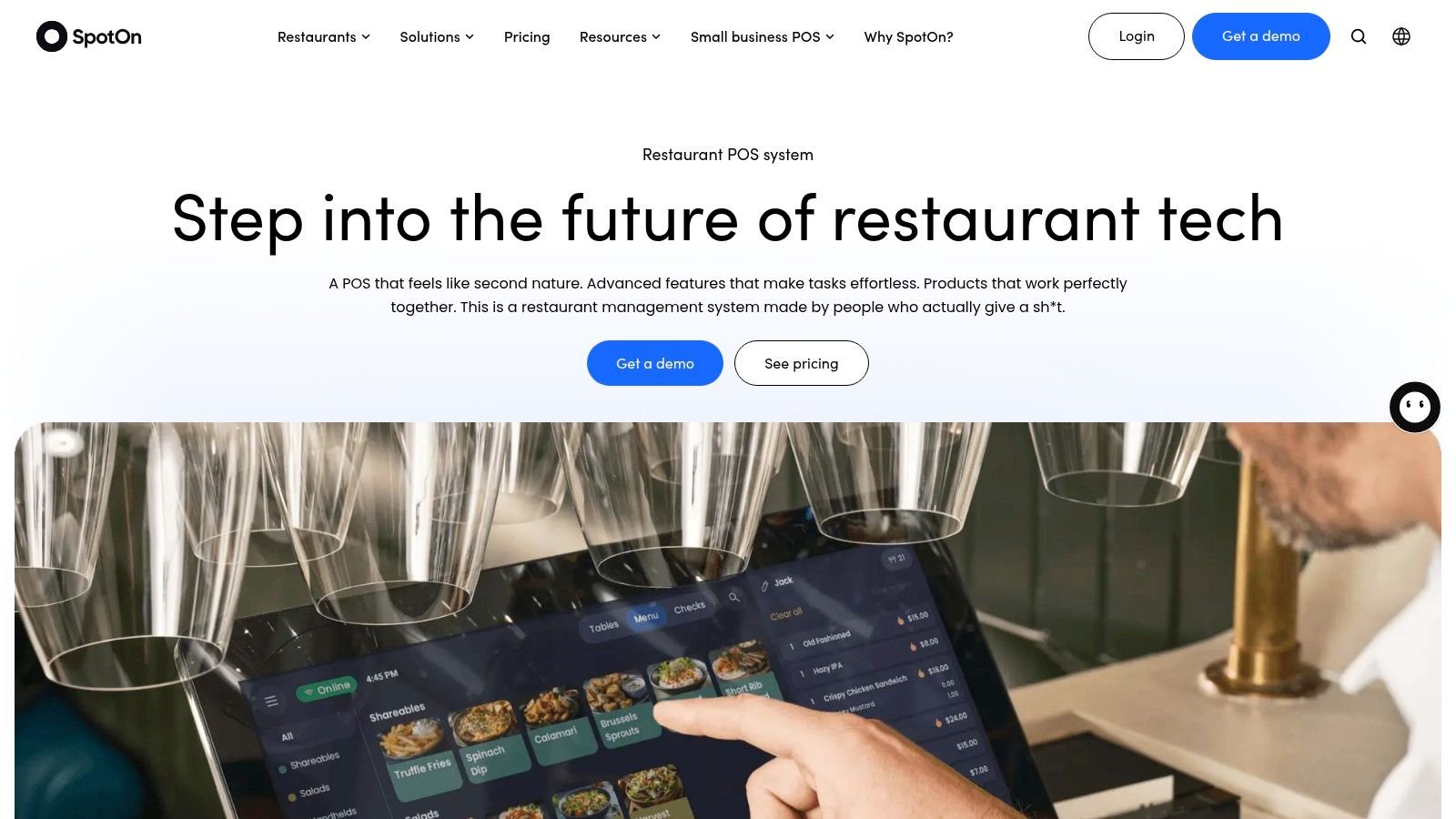
SpotOn is a better choice than a self-managed installation when you want a vendor-supplied restaurant setup and its proposed hardware and services fit your operation. The software demonstration should be accompanied by a clear written description of what you're committing to.
Buying rule: A low upfront software charge isn't the same thing as a low-cost operating arrangement.
Read the Package as a Whole
Compare the proposal across the parts you'll use day to day:
- Hardware should list the stations and handheld devices required for service.
- Payments should explain the processing arrangement and associated obligations.
- Implementation should define setup, training, and what happens at launch.
- Ongoing service should identify support and any additional products.
Don't assume a package that works for a counter-service restaurant will suit a dining room or a group of branches unchanged. Demonstrate your table layout, menu changes, ordering channels, and reporting needs.
Choose SpotOn when the complete vendor-run package is convincing. If the main attraction is a headline software offer, pause until you've compared processing, hardware, contract requirements, and implementation on the same basis as the alternatives.
7. Clover Restaurant POS
Some owners want a packaged device-and-software purchase rather than assembling the till themselves. Clover Restaurant POS offers restaurant hardware and software bundles, with restaurant functions covering ordering, payments, menus, reporting, and staff permissions.
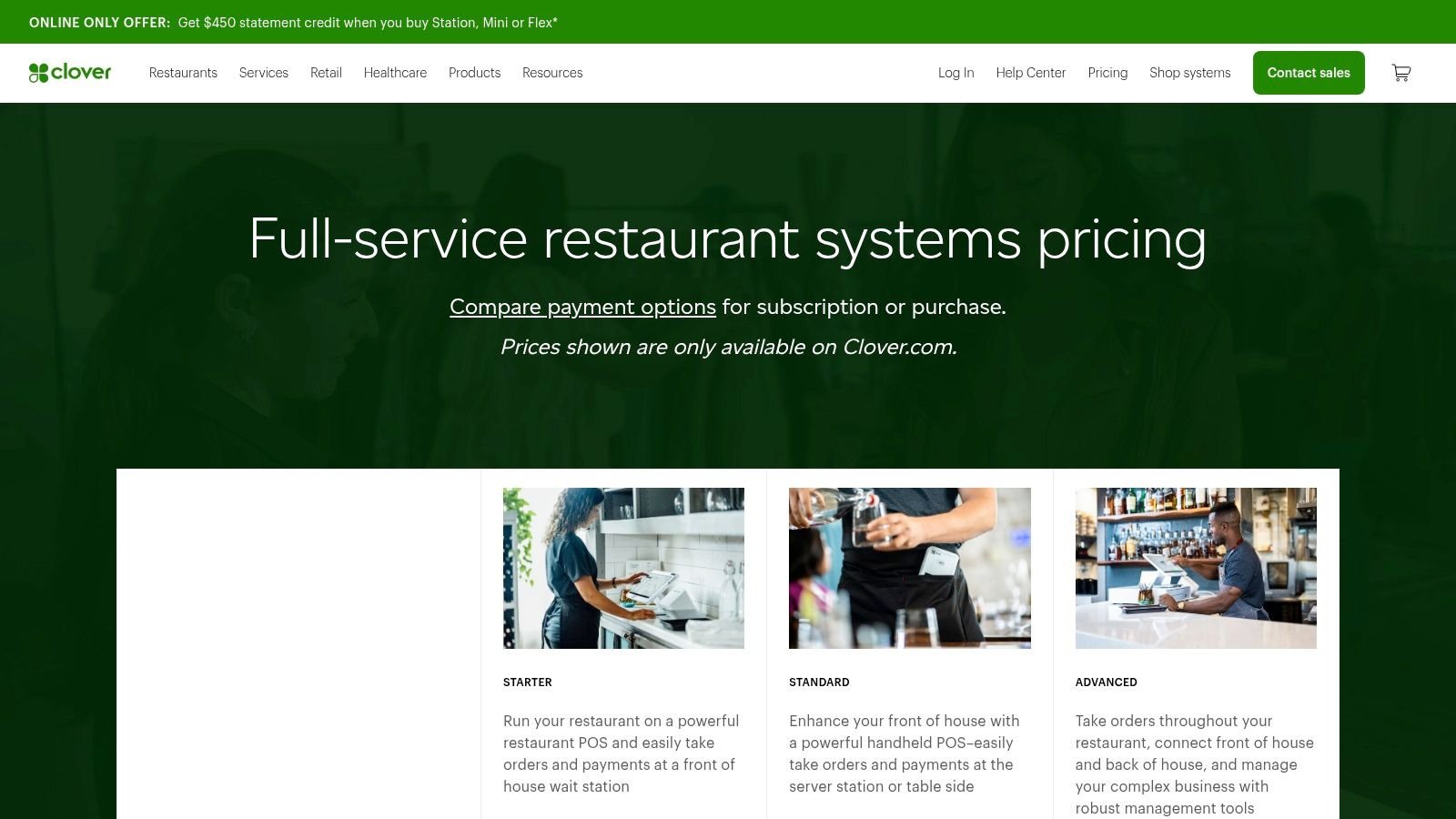
That makes Clover worth considering when the proposed bundle matches your counter or table-service requirements. It's a different buying proposition from purchasing self-hosted software and arranging the infrastructure yourself.
Know Who Supplies the Account
Clover pricing and terms can vary by provider or sales channel. Establish who supplies your account, what hardware you're buying, and which processing and subscription obligations apply.
The practical comparison should cover table mapping, open tabs, bill splitting, eligible tableside workflows, and online ordering against the actual proposed plan. Don't let a device demonstration stand in for a full restaurant-service demonstration.
App integrations may extend the base POS, but each required app needs its own review. Confirm who supports it, how it exchanges data, and what happens if you stop using it.
Clover is the better choice when a packaged hardware-and-service arrangement is what you want. It's less suitable if your priority is independently controlling every part of the stack. Before signing, establish what remains usable and what must change if you later replace the payment or software arrangement.
8. Restaurant365
If the till works but accounting and food-cost processes don't, replacing the POS may be the wrong project. Restaurant365 is a restaurant accounting and operations platform focused on back-office work rather than a standalone restaurant till.
Its scope includes accounting, inventory, purchasing, recipe costing, workforce functions, and reporting. That makes it relevant to operators who need financial and operational information connected across locations.
Keep the POS Decision Separate
Restaurant365 is a better choice than replacing a functioning till when your central problem is back-office visibility. You still need to evaluate the POS and its connection to the platform.
- Accounting should be tested with the reports and closing process your finance team uses.
- Inventory should be tested with actual recipes, purchases, and stock counts.
- Integrations should be checked against the specific POS and vendor systems you operate.
Don't confuse storing a recipe with controlling actual food cost. Your team still needs dependable purchasing records, counts, and a process for recording discrepancies.
The trade-off is implementation scope. An accounting-and-operations project needs an owner who can maintain the underlying records and coordinate the change. For a small restaurant with straightforward back-office needs, that scope may be more than you want. For a group whose managers repeatedly reconcile separate records, it deserves a closer demonstration.
9. Oracle MICROS Simphony
For a restaurant group or hospitality venue with complex requirements, Oracle MICROS Simphony deserves a different evaluation from a straightforward counter till. Oracle's restaurant POS platform covers ordering, payments, kitchen operations, reporting, and integration options.
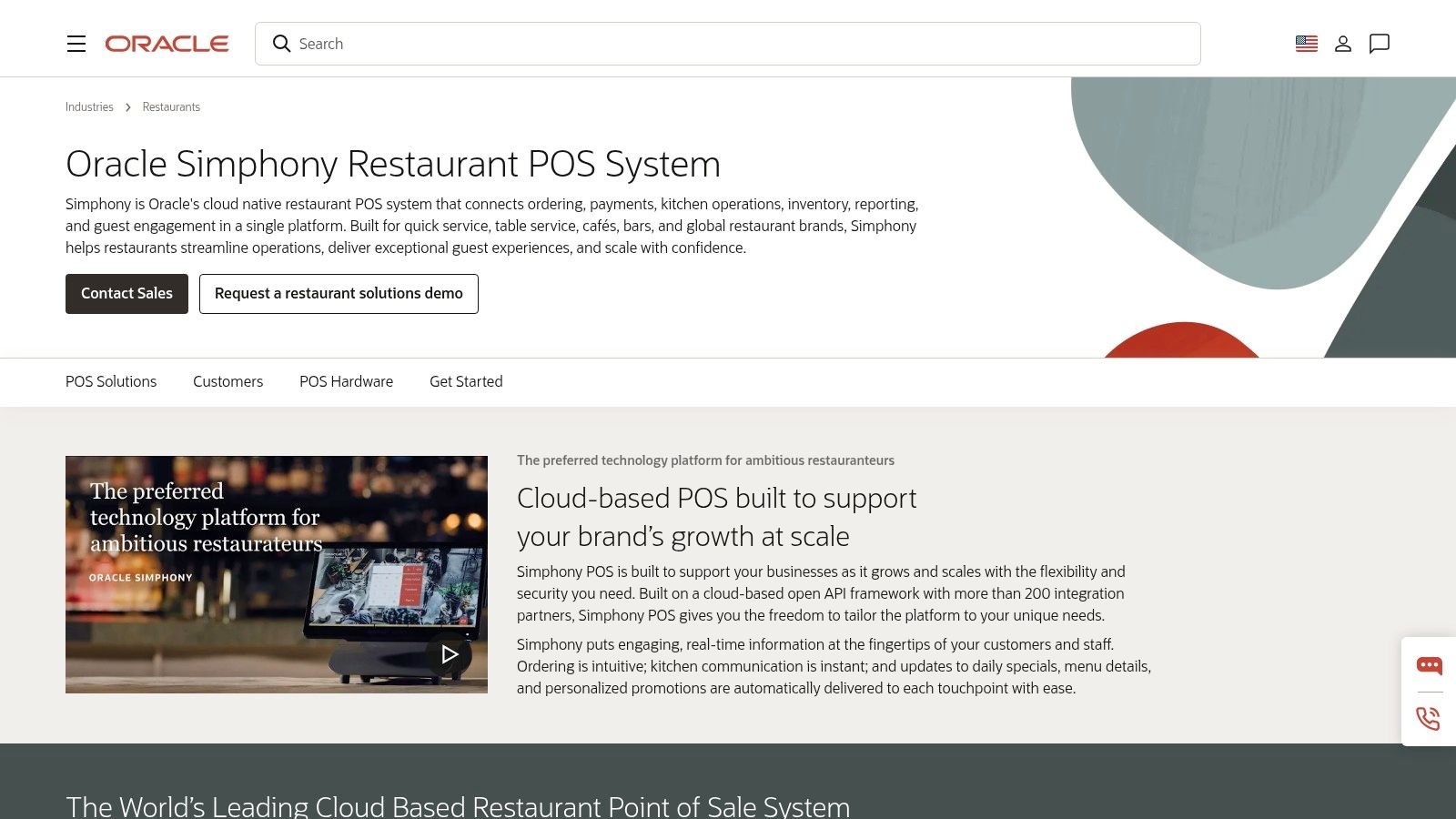
The platform serves varied restaurant formats, and Simphony Essentials is available for smaller and medium-sized restaurants. Don't select or exclude it solely on the size of the Oracle name.
Define the Deployment Before the Demo
Simphony is a better choice when your project requires coordinated deployment, integrations, and configuration across a more involved operating environment. Start with a written description of locations, ordering channels, devices, reporting responsibilities, and systems that must remain.
Ask the demonstration team to distinguish included functionality, additional modules, integrations, hardware, and implementation services. A broad platform description doesn't establish what your proposed edition delivers.
The same discipline applies to ongoing operation. Identify who changes menus, manages permissions, supports devices, and handles problems between connected services.
The trade-off is project responsibility. A platform that accommodates your requirements may still demand more configuration and coordination than you want to manage. Choose Simphony when those requirements justify the effort, not because a larger platform appears automatically safer than a smaller one.
10. 7shifts
A manager rebuilding schedules and chasing shift changes may need a workforce tool, not a new restaurant system. 7shifts specializes in restaurant scheduling and team management, including staff communication, availability, time-off requests, and time tracking.
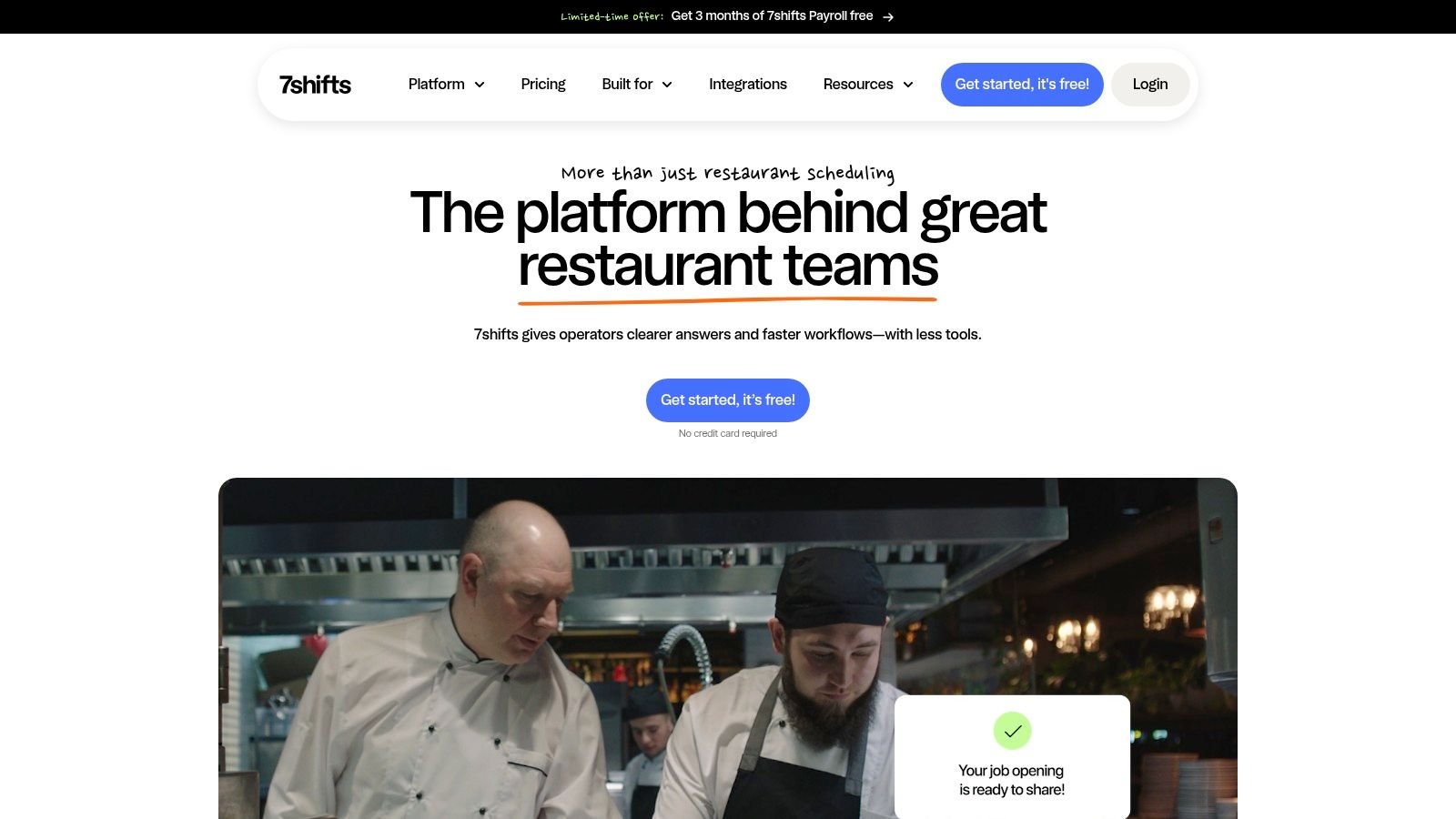
It belongs in a restaurant software shortlist as an add-on, not as an alternative till. It won't replace order entry, kitchen routing, inventory, or accounting.
Keep the POS that serves customers well if the actual problem is how managers organize staff.
When a Specialist Is the Better Purchase
Choose 7shifts over replacing your entire platform when scheduling and team coordination are the specific gaps. Its mobile apps let staff view schedules and manage shift requests, while available POS and payroll connections depend on the selected arrangement.
Test the ordinary staffing situations that create work for your managers:
- Availability changes should reach the person building the schedule.
- Shift coverage should follow your approval process.
- Time records should connect properly with the payroll workflow you use.
The trade-off is another vendor and another connection to maintain. If your existing system's workforce functions already do the job, adding a specialist may duplicate records rather than simplify them.
Make the choice around a demonstrated gap. A focused tool is useful when it resolves a specific problem without forcing an unnecessary change to customer-facing service.
How the main options differ on deployment, pricing and best fit
| Item | Deployment | How it is priced | Better choice when |
|---|---|---|---|
| Resto – Restaurant POS, Management System, KDS & Online Ordering | Self-hosted and built to run on ordinary shared hosting; UI Lib can host it for you | One-time purchase; the current price per licence is on the product page. Includes source code, free updates for life, and 6 months of support. Hosting is separate: your own plan, or UI Lib managed hosting at $12 a month. | You want restaurant operations tools with control over your data and installation, run by you or by a managed host |
| Toast | Deployment specifics not stated | Subscription, hardware, and processing costs may apply. Confirm current pricing and terms with the vendor. | You want connected restaurant POS with optional front- and back-office tools |
| Square for Restaurants | Deployment specifics not stated; hardware options are available | Pricing depends on the plan, processing, and any add-ons. Check current terms for your setup. | You want a straightforward starting point for a small operation |
| Lightspeed Restaurant | Cloud-based | Subscription and add-on costs may apply. Request current pricing for your location and requirements. | You need configurable service workflows or a mix of hospitality and retail |
| TouchBistro | iPad-based; hardware required | Subscription, hardware, add-ons, and setup costs may apply. Request a current quote. | You want restaurant-focused POS with optional capabilities |
| SpotOn | Deployment specifics not stated; hardware options are available | Subscription, hardware, and payment terms vary. Confirm current costs with the vendor. | You want POS, ordering, and payments, and are comparing upfront costs and ongoing terms |
| Clover Restaurant POS | Hardware-and-software system | Costs vary by provider and sales channel. Check the subscription and processing terms before buying. | You want a packaged device-and-software system for restaurant workflows |
| Restaurant365 | Deployment specifics not stated; integrates with POS and vendor systems | Pricing depends on modules and requires a vendor quote. | You need restaurant accounting, inventory, and cost visibility across locations |
| Oracle MICROS Simphony | Cloud-based | Sales-led pricing. Confirm features, hardware, and implementation costs with the vendor. | You need a POS for complex or multi-location operations |
| 7shifts | Deployment specifics not stated; mobile apps available | Subscription options vary. Check current plan details and trial terms. | You primarily need restaurant scheduling and team-management tools |
Deployment and billing shape the trade-off. A hosted subscription can suit an owner who wants the vendor to operate the whole platform under one contract. Self-hosted software gives more control over installation and data, and the server work can be done by you or handed to a managed host. Add-ons such as 7shifts address a narrower staffing need rather than replacing the POS.
Use the table to shortlist by operating model, not headline price alone. Before committing to a hosted system, confirm the current subscription, processing, hardware, and implementation terms for your location. For Resto, the software is a one-time purchase that includes the source code, free updates for life, and 6 months of support; hosting is a separate cost, from your own plan or UI Lib's $12 a month managed hosting.
Shortlist by Your Own Setup, Then Test It Live
A restaurant with reliable internet, on-site technical help, and a preference for one-time purchases has different needs from a team that wants a vendor to run its software. Start by recording who can maintain systems, how often the connection fails, how many branches and terminals you operate, and which existing tools must stay. These details help you choose a product type before comparing vendors.
Hosted software suits operators who want the vendor to run the platform and handle server maintenance. Self-hosted software gives you control over the installation, with the server run by you or by a managed host. Add-on tools make sense when the POS already works and you need to fill a specific gap, such as accounting, food-cost tracking, or staff scheduling.
Use Your Service as the Test
Shortlist products that match your setup, then test them against the same menu, table scenario, ordering channels, and back-office tasks. This makes it easier to compare how each system handles actual service.
Test order changes, including modifiers, removed items, split payments, and refunds. Follow tickets through kitchen stations, including delayed dishes and orders from different channels. Check how recipes, purchases, and ingredient deductions affect stock records. Simulate a connection outage and confirm what continues working and how records reconcile afterward. Review permissions, staff records, accounting, and data export.
For Resto, open the live demo and follow an order from the till to the kitchen display. Test offline selling on the hardware and network you expect to use. A disconnected browser alone does not establish how the full setup behaves. The kitchen display uses polling, and offline selling does not confirm that card payments work offline.
Put Responsibility Beside Cost
Check current prices, licence terms, payment arrangements, hardware requirements, and support before choosing. Resto is a one-time purchase and includes the source code, free updates for life, and 6 months of support; the price is on its product page. The one-time licence still leaves hosting and maintenance with someone: you, a technical helper, or UI Lib's managed hosting.
Assign an owner for backups, updates, menu changes, staff training, and incident response. If no one can take responsibility for a task, factor that gap into the decision before buying.
The right setup is the one that handles service accurately, gives managers usable records, and leaves the business with maintenance work it can manage. Make the decision after testing service workflows and reviewing the commercial terms, not based on a polished demonstration alone.
UI Lib develops self-hosted business applications sold under one-time licences, including Resto for restaurant operations. Visit UI Lib to review the restaurant software, open its demo, and check the current licence options.