A trade customer stands at your counter asking for a quote on 200 units at a quantity price, on 30-day credit, with the stock shipped from your second warehouse. A retail checkout built for walk-in shoppers can't handle any of that cleanly. You end up working the quote in a spreadsheet, checking credit in a notebook, and phoning the other warehouse to ask what's on the shelf.
That's why choosing the best POS software for wholesale business isn't a checkout decision. It's a stock, pricing, and cash-flow decision. Merchant wholesalers in the United States reported $11.3823 trillion in sales during 2022 according to the U.S. Census Bureau wholesale data, which tells you the transaction volume these systems have to carry.
Every option below is judged against five criteria, with no scores and no rankings. Just fit.
- Quotations: Can you quote first, without moving stock?
- Quantity-break pricing: Does the price change automatically at volume bands?
- Credit limits: Does the system stop a sale past an approved limit?
- Several warehouses: Can you transfer stock and report by location?
- Bulk import: Can you load products, customers, and opening stock in bulk?
The list mixes one self-hosted tool built around these workflows with retail-first and ERP-led systems that get partway there. I'll say plainly where each is the better choice.
Table of Contents
- 1. Wholesale and Distribution Inventory Software
- 2. Erply
- 3. Acumatica Distribution with AcuPOS
- 4. Retail Pro Prism
- 5. Lightspeed Retail
- 6. KORONA POS
- 7. POS Nation
- 8. Shopify POS
- 9. SalesPlay
- 10. CarrotPOS
- Wholesale POS options compared
- How to Choose, and What Stocky POS Does Not Do
1. Wholesale and Distribution Inventory Software
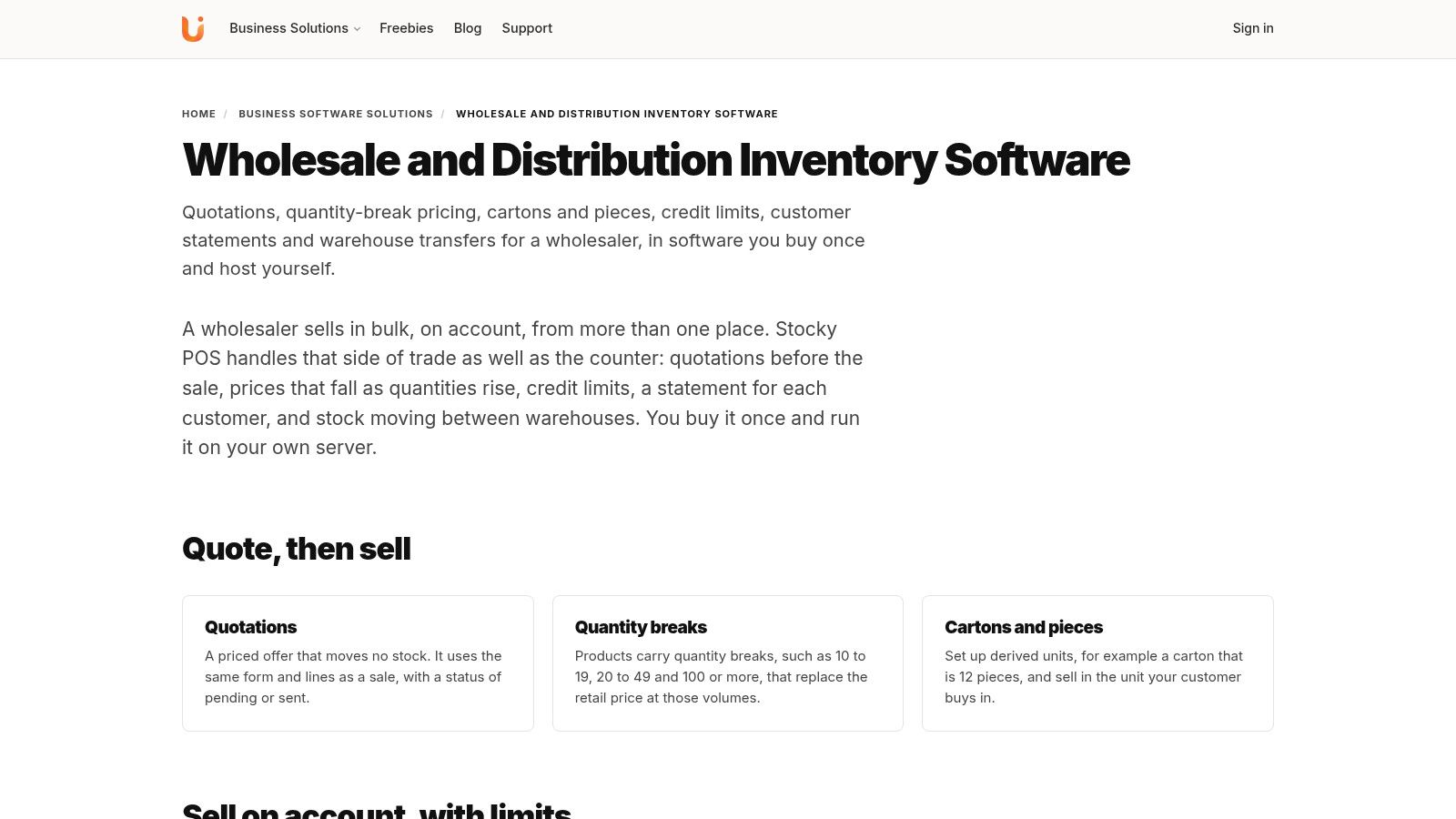
Stocky POS is self-hosted point-of-sale and inventory software. Its wholesale-relevant features include multi-warehouse stock, bulk imports, split payments, and accounting integrations. The Wholesale and Distribution Inventory Software page outlines the product's capabilities.
How the stock side holds up
Stocky POS supports unlimited warehouses, with transfers, per-warehouse reports, rack locations, stock counts, and users limited to the warehouses they work in. Inventory can be tracked by batch, expiry date, serial number, or IMEI. For products that need expiry control, purchase lines record batch and expiry details, and the till takes from the batch that expires soonest.
Bulk import covers products, customers, suppliers, opening stock, purchases, and sales from CSV or Excel. That can reduce manual setup when moving information from existing spreadsheets, though the accuracy of the imported data still matters.
At the register, offline selling continues during a connection outage and syncs when service returns. Sales can use split or multiple payments, with partial balances saved to the customer's ledger. Customisable tax rates support grouped taxes, and Stocky POS includes double-entry accounting with QuickBooks and Xero sync.
The built-in online store syncs with WooCommerce and Shopify. This is useful if those are already part of your sales setup, but it does not establish that Stocky POS handles every wholesale workflow. In particular, confirm that the system fits your requirements for quotations, quantity-break pricing, and credit limits before choosing it.
Fit check: Consider Stocky POS if multi-warehouse inventory, traceable stock, bulk imports, and connected accounting are priorities. The trade-off is self-hosting, which means arranging and maintaining a server. Check the Stocky POS wholesale features against your counter and warehouse needs, and use construction adhesive advice from Yasu Trading only if you also need guidance on construction materials.
2. Erply

Erply is the choice I'd look at if you want a cloud system where the sales counter talks directly to purchasing. Its wholesale workflow lets you convert quotes into orders, invoices, and packing slips, which is the sequence most distributors live in. You can review the details on Erply's wholesale page.
Against the five criteria, it covers quotations well and adds customer-specific price lists tied to business customer records, which Stocky POS doesn't document. It also supports purchase orders, supplier management, and stock replenishment, plus product measurements like weight, length, or volume and FIFO inventory-cost tracking.
- Quotations: Quote to order to invoice to packing slip in one chain.
- Pricing: Customer-specific price lists rather than quantity bands alone.
- Warehouses: Back-office inventory connected to the counter.
- Bulk import: Confirm catalog and customer migration scope in a demo.
The honest trade-off is commercial, not functional. It's cloud-based and subscription-oriented, so there's no one-time self-hosted option, and the implementation may be more than a small counter-sale operation needs. Erply lists a wholesale option, but you should confirm eligibility, limits, and current terms directly with the vendor rather than budgeting from a landing page.
Choose Erply when managed cloud access and per-customer pricing matter more to you than owning the deployment.
3. Acumatica Distribution with AcuPOS
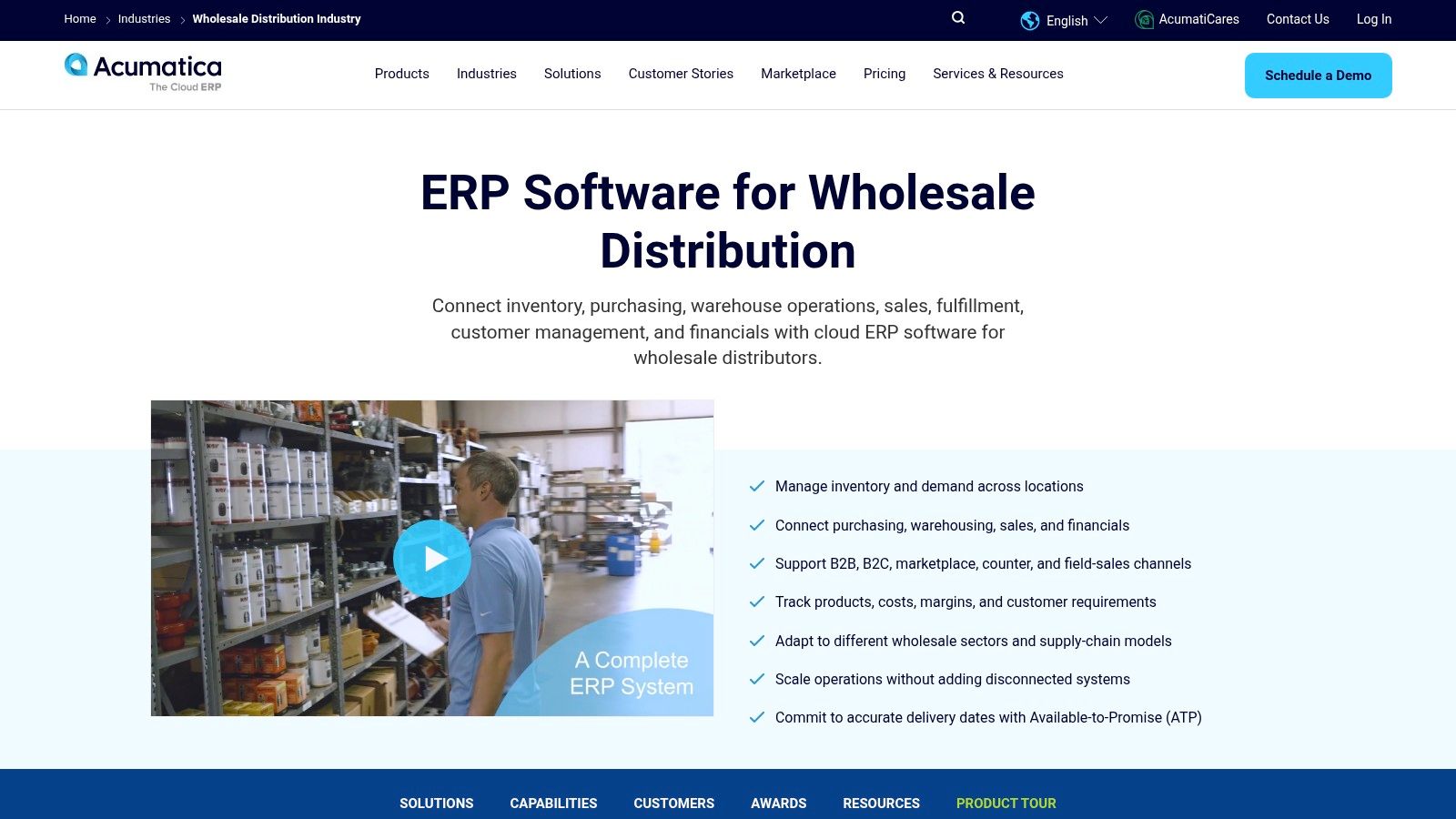
Some distributors outgrow POS-first software entirely. If purchasing, warehouse, order management, fulfillment, and financials all need to sit in one cloud ERP with a counter-sale front end, Acumatica's wholesale distribution platform with AcuPOS is built for that shape.
It connects purchasing, warehouse workflows, orders, fulfillment, and financials, and supports wholesale, counter, field-sales, and B2B channels together. Features like replenishment planning, available-to-promise, and mobile barcoding go beyond what a POS with inventory modules usually attempts. AcuPOS handles counter transactions with real-time inventory and register reconciliation, so the till isn't a separate island of stock data.
That depth is also the cost. Implementation and configuration may need specialist help, pricing isn't a simple public per-terminal rate, and the POS itself may be a separate connected offering rather than core product. For a small wholesaler who mainly needs a register, quantity breaks, and credit control, this is likely excessive.
If you're weighing deployment models at this scale, the comparison of on-premise versus cloud ERP sets out the control and maintenance trade-offs clearly.
Pick Acumatica when your operation is multi-channel and warehouse-complex and you can budget for a proper ERP project.
4. Retail Pro Prism
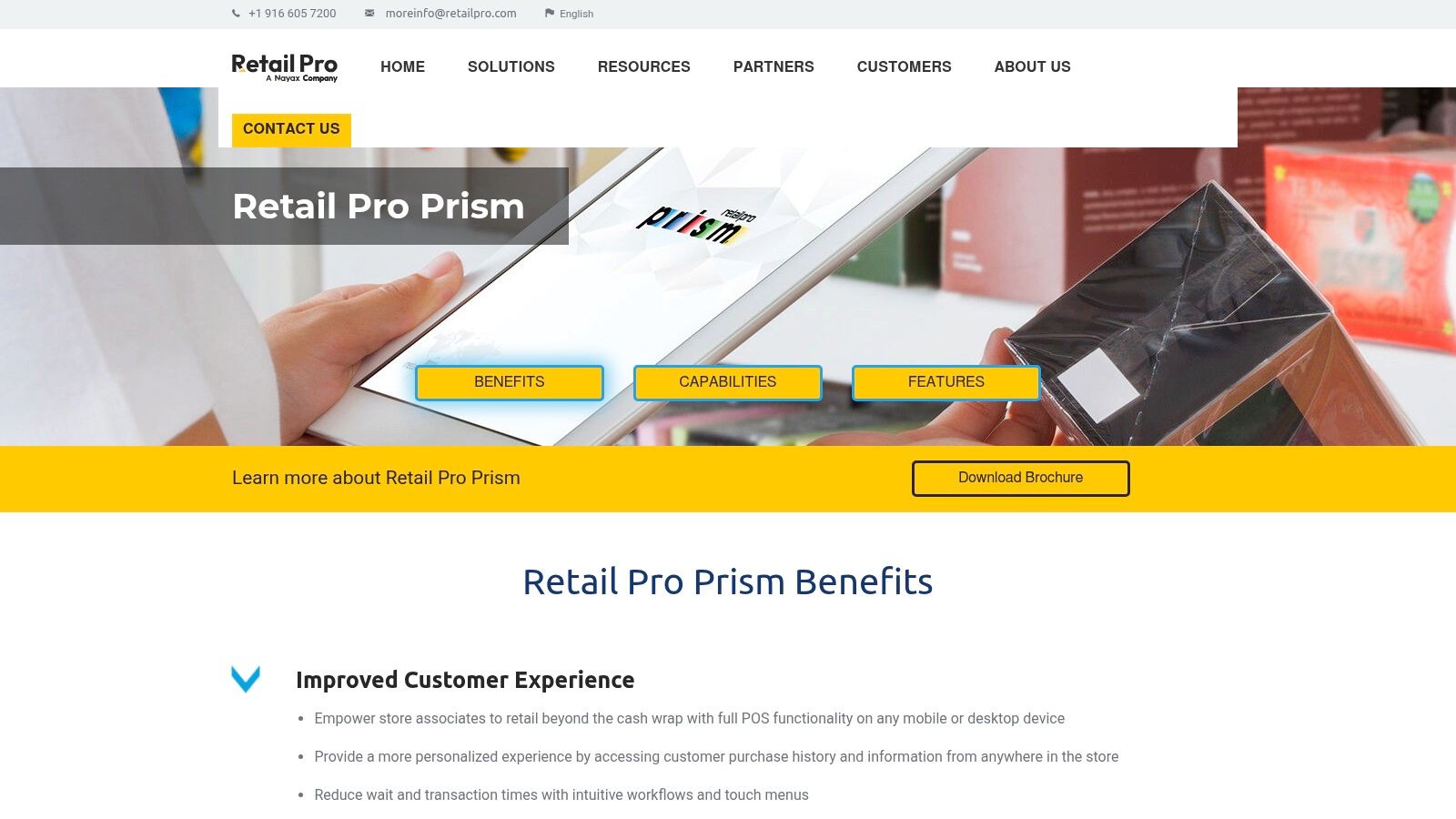
What if half your customers are trade accounts and half are walk-in shoppers? That's where Retail Pro Prism earns its place. It supports separate wholesale, retail, VIP, or employee price levels, with customer-specific pricing linked to customer records instead of staff remembering discounts.
It also holds centralized customer credit records and offers multi-store data communication and management tools, plus a partner marketplace for extensions. Against my criteria, it answers the pricing and credit questions well for a mixed business, and multi-store handling is broader than most small-business POS products manage.
Where to probe before buying
Prism is primarily retail-management software, not a full wholesale distribution ERP. Order, fulfillment, and accounting workflows need checking against your specific distribution needs, especially if partial fulfillment and warehouse transfers are daily work. Pricing and implementation are generally quote or partner-led, so you won't get a quick self-serve cost comparison.
If location count is your main headache, this breakdown of POS software for multiple locations covers what to test across sites.
Choose Prism when serving trade and retail customers from the same stores is the core problem, and distribution depth is secondary.
5. Lightspeed Retail

Lightspeed sounds wholesale, but read the direction carefully. Its wholesale tools, particularly through NuORDER, focus on retailers sourcing inventory, connecting supplier purchase orders and product information into the POS so you don't retype catalogs by hand. The Lightspeed Retail B2B wholesale platform page describes that buying-side workflow.
For a specialty retailer placing regular supplier orders, that connection between purchasing, receiving, and retail inventory is useful. Published US plan pricing also makes initial cost comparisons straightforward, and multi-location retail with e-commerce options is well covered.
Lightspeed's own materials caution that Retail POS is not a dedicated wholesale solution. That's an honest signal worth taking at face value.
Against the five criteria, the gaps show up fast for distributors. Managing trade accounts, credit terms, and fulfillment for other businesses isn't the design centre. Subscription and payment-processing costs are ongoing, and quantity-break selling to account customers would need careful validation in a demo.
Pick Lightspeed when you're mainly a retailer who buys wholesale and wants sourcing tied to the till. If you sell to trade accounts on credit, keep looking.
6. KORONA POS
KORONA POS suits high-SKU specialty retailers who do some trade selling on the side. It's cloud retail checkout with inventory counts, supplier workflows, and stock orders behind it, plus price groups and store-specific pricing that can approximate trade pricing without manual discounts. Start with the KORONA POS website for the current plan structure.
Two things stand out. First, multi-location inventory management is built in, so stock visibility across sites isn't an afterthought. Second, it offers payment processor flexibility without forcing you onto an in-house processor, which protects your card rates. Published plan information helps with early cost comparisons.
The limits are about fit rather than quality. It's retail-oriented, not a dedicated wholesale order-to-delivery platform. Before committing, verify that price groups, trade accounts, credit limits, quotations, and invoicing workflows support your terms, because approximating wholesale processes with retail features tends to break at credit control first.
Subscription is per terminal, which adds up across multiple registers, so count tills before you compare headline prices.
Choose KORONA when your business is retail-first with light trade sales and you value processor freedom. It's a stretch for a distributor whose day is quotes, credit, and transfers.
7. POS Nation

POS Nation takes a different approach. Instead of one generic product, it offers industry-focused POS for sectors like grocery, liquor, convenience, and tobacco. You can browse the range on the POS Nation website.
Depending on the product, you get inventory and purchase-order tools, vendor management, and hardware options for scales, barcode scanning, and label printing. For a grocery or market counter, that specialization saves configuration time, and product-specific guidance plus demos make evaluation easier. Starter pricing is published, with custom pricing for larger setups.
- Best fit: A specialized retail counter with typical sector hardware.
- Weak fit: Complex wholesale distribution across warehouses.
- Check first: Whether your package requires a POS Nation processing agreement.
Against the wholesale criteria, quotations, quantity breaks, and enforceable credit limits aren't the headline offering. That's fine if you don't need them, and a problem if you do.
I'd recommend POS Nation when your sector fit and hardware bundle matter more than trade-account workflows. A distributor quoting bulk orders from a second warehouse will feel the ceiling quickly.
8. Shopify POS
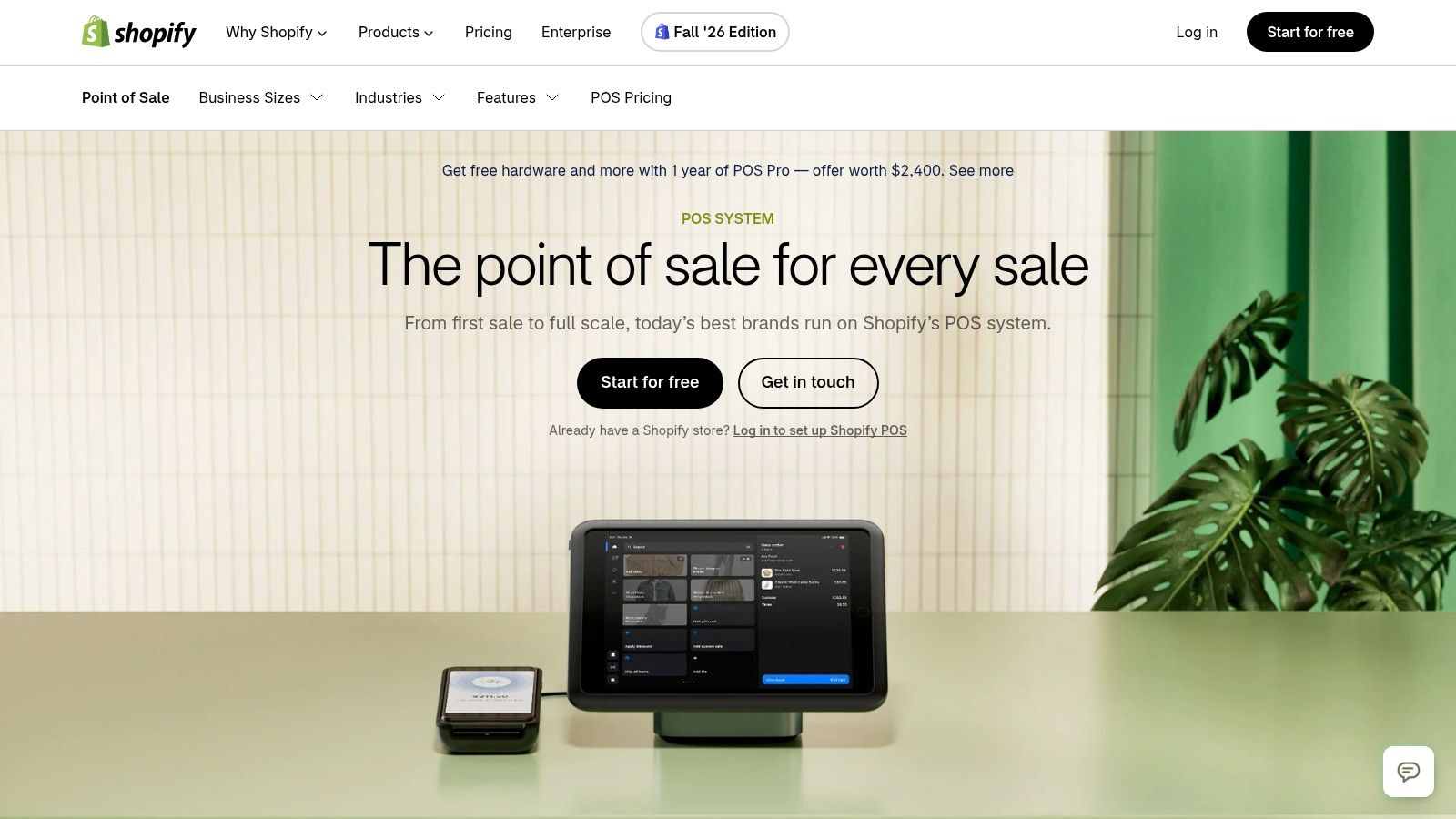
If your wholesale business also sells online and direct to consumers through Shopify, Shopify POS removes a whole category of sync problems. In-person sales, the online store, and the back office share one platform, with multi-location support and a large app ecosystem. POS Pro adds advanced staff, inventory, and customer-management tools.
Public subscription pricing makes baseline costs easy to estimate, and the checkout environment is familiar to staff and customers alike. For a brand selling through its own store plus a counter, that simplicity has real value.
The wholesale gaps are structural. POS Pro adds a recurring charge per location, subscription and payment-processing costs never stop, and account-specific catalogs, terms, or counter pricing may need additional Shopify B2B configuration or apps. Test credit limits and quantity pricing carefully, because an app-based workaround is another subscription and another support relationship.
If ongoing fees are your deciding factor, this guide to finding a POS system with no monthly fee explains the alternative cost model.
Choose Shopify POS when e-commerce is the centre of gravity and wholesale is one channel among several.
9. SalesPlay

SalesPlay is built around mobile sales, stock, and territory operations. Its distribution software covers central management of warehouses, sales representatives, merchants, pricing, and reporting.
That focus suits distributors whose representatives visit merchants to take orders. Territory and sales-representative assignment helps organise account coverage, while invoices can be shared with merchants by message or PDF, a practical option when printing is inconvenient. This is a field-sales fit, rather than a clear choice for businesses that need a counter-first wholesale system.
What to validate in a demo
The five wholesale checks are quotations, quantity breaks, credit limits, multi-warehouse stock, and bulk import. Public product details do not clearly establish how SalesPlay handles these requirements, or its advanced warehouse and accounting needs. Ask the vendor to demonstrate each workflow, along with customer-specific pricing, credit terms, and offline functionality. Reps in poor-signal areas need to know whether they can take orders without a live connection.
SalesPlay does not publish clear pricing, so request a quote from the vendor before budgeting. Also confirm that reps can see a merchant's outstanding balance before placing another order. Without that check, sales activity can increase exposure to overdue accounts.
Choose SalesPlay when territory selling is your primary channel and a full ERP would be heavier than you need.
10. CarrotPOS

For a wholesaler running counter sales alongside reps and delivery trucks, CarrotPOS describes a workflow built around those channels. Its wholesale distribution page covers phone-based ordering by reps, customer-specific wholesale pricing, and credit limits. It also describes stock held for confirmed orders, with delivery updating stock and customer accounts.
The split between order confirmation and delivery helps keep orders distinct from completed deliveries. The described workflow also covers shop sales, wholesale, returns, credit notes, and truck sales, with truck stock managed as a separate location for delivery routes. For the five wholesale criteria, pricing, credit limits, and multi-location stock are addressed directly. Quotations are the gap to check: the page does not describe a quotation workflow, and bulk import should also be confirmed before choosing it.
Check reporting, integrations, and accounting depth against your requirements. Ask the vendor for current pricing, since wholesale is tied to the Business plan. Check independent user reviews before committing.
CarrotPOS is worth considering when counter sales, reps, and delivery trucks need to share one described workflow.
Wholesale POS options compared
The table compares the ten options against five wholesale requirements: quotations and quantity breaks, credit limits, multi-warehouse stock, bulk import, and pricing or deployment model. The last criterion needs a caveat: the source material does not provide a consistent bulk-import comparison across all ten systems, so import capability cannot be ranked reliably here.
| Product | Quotations & trade pricing | Credit limits & account sales | Multi-warehouse inventory | Deployment & pricing model | Best for |
|---|---|---|---|---|---|
| Wholesale and Distribution Inventory Software | Quotations and quantity-break pricing; carton and piece handling | Customer credit limits and statements | Warehouse transfers supported | Self-hosted; one-time licence with source code and lifetime updates | Wholesalers needing bulk-sales workflows and deployment control |
| Erply | Quotes convert to orders, invoices, and packing slips; customer-specific price lists | Business customer records | Inventory and purchasing tools | Cloud-based subscription; wholesale option listed at $49 per store, terms to confirm | Wholesalers connecting counter sales with inventory and purchasing |
| Acumatica Distribution with AcuPOS | Supports wholesale, counter, field-sales, and B2B channels | Account-credit details are not described | Broad warehouse workflows and inventory management | Cloud ERP; configuration-based pricing and implementation | Distributors with complex, multi-channel operations |
| Retail Pro Prism | Wholesale and retail price levels; customer-specific pricing | Centralized customer credit records | Multi-store tools | Quote- or partner-led pricing and implementation | Businesses combining trade accounts with walk-in retail |
| Lightspeed Retail | Wholesale sourcing and supplier purchase orders; not designed for trade-account selling | Account sales and credit workflows are not described | Multi-location retail inventory | Subscription pricing; payment-processing costs may apply | Retailers sourcing stock wholesale |
| KORONA POS | Price groups and store-specific pricing | Credit and account sales are not described | Multi-location inventory management | Per-terminal subscription; published plan information | High-SKU retailers with some trade sales |
| POS Nation | Retail-focused inventory and purchase orders | Account-credit workflows are not described | Warehouse support is not described | Starter pricing published; larger setups custom-priced | Grocery and niche retailers needing specialized POS |
| Shopify POS | Wholesale pricing may require Shopify B2B features or apps | Account terms may require configuration or apps | Centralized back office with multi-location support | Ongoing subscription; POS Pro adds a per-location charge | Businesses combining wholesale, online, and direct sales |
| SalesPlay | Distribution pricing tools; invoice sharing with merchants | Customer-specific pricing and credit terms | Warehouse management described | Mobile distribution software | Businesses centered on field representatives and territory sales |
| CarrotPOS | Customer-specific wholesale prices, discounts, and fixed prices | Credit limits and account updates supported | Truck stock can be treated as a separate location | Wholesale included in the Business plan | Smaller operations combining counter sales, wholesale orders, and delivery |
A blank capability should not be treated as a confirmed limitation. It means the comparison does not establish that feature, so check it directly before choosing. The same applies to bulk import: confirm whether product, customer, supplier, and opening-stock records can be brought in from your existing files, and whether the import handles the fields your operation uses.
For a practical shortlist, start with the rows that describe your sales model, then test the five requirements against your actual workflow. A system that handles quotes and credit but cannot organize stock by warehouse may still create workarounds; one with strong inventory tools may not suit a business that relies on customer-specific prices or account sales.
How to Choose, and What Stocky POS Does Not Do
Start with your actual counter day, not a feature checklist. Four questions cut through most of the marketing.
- Do you quote first? If trade customers ask for prices before committing, you need quotations that don't move stock, not sales drafts staff have to remember to delete.
- Do you sell on credit? Then credit limits, partial payments, and a customer ledger aren't extras. One 2025 industry analysis reports that 40% of North American B2B invoices were overdue, according to Workd's analysis of distributor payment terms, so visibility before fulfillment protects cash.
- Do you hold stock in more than one place? Transfers, per-warehouse reports, and user restrictions by warehouse stop the phone calls and double-selling.
- Do you need to import an existing catalog? Bulk CSV or Excel import for products, customers, suppliers, and opening stock decides whether setup takes days or months.
Interoperability deserves one more test. Poor interoperability causes reduced visibility and slower inventory-to-fulfillment workflows, according to the 2025 State of Smart Distribution study, so verify how any system exchanges data with your accounting and online channels, and whether you can export everything if you leave.
What Stocky POS does not do
Rule it out if these matter. The camera scanner needs HTTPS. Two offline tills can both sell the last unit, because queued sales can't check each other's stock, and opening or closing a register and Stripe card payments need the server even though offline selling queues and syncs later. The web app is responsive but the Stocky Mobile app is sold separately. Restaurants and cafes are pointed to Resto, not Stocky POS. And separate price lists for individual customers are not documented, so if per-customer pricing is essential, Erply, Retail Pro Prism, or CarrotPOS may fit better. Advanced functions like route planning, warehouse wave picking, landed-cost accounting, letters of credit, and customer-specific B2B portals are unconfirmed, as noted for Stocky POS in hardware store use, so don't assume them.
Deployment has a floor too. Stocky POS needs PHP 8.2 or newer and MySQL 8.0 or MariaDB 10.6, and self-hosting means you own backups, uptime, and updates. Inventory accuracy is worth that discipline, since U.S. Census Bureau data recorded approximately $917.445 billion in year-end inventories for merchant wholesalers in 2024 in the Census Bureau inventory table. Stock is capital, and your POS is where it gets protected or lost.
Test before you commit. A live demo of Stocky POS is linked from the Stocky POS page, and you can get the software from the Stocky POS and ERP download page. Pricing is a one-time purchase, see the product page for the current price. Load your own products, run a quote at a quantity break, push a customer against their credit limit, and transfer stock between warehouses in the demo. The best POS software for wholesale business is whichever one survives your real counter, credit, and warehouse workflow, so make every vendor prove it with your data.
If quotations, quantity breaks, credit limits, and multi-warehouse stock are your daily reality, take a look at what we've built. At UI Lib we sell Stocky POS and ERP as self-hosted software under a one-time licence with unencrypted source code, so your inventory and customer data stay on infrastructure you control. Try the live demo with your own products and judge the fit before you spend anything.