Blog

  • 20+ Best Figma Plugins For Web & App Designers in 2022

    20+ Best Figma Plugins For Web & App Designers in 2022

    Are you looking for the best Figma Plugins that can help you as a web & app designer? Look no further! These are the most essential Figma Plugins that can save you hundreds of hours.

    Figma is a browser-based interface & design application. It can help you design, prototype, and generate code for your application. Besides Figma is now a leading design tool in the market because it has a lot of amazing features that support teams every step of the design process.

    One of the many advantages of Figma is that you can work online. Thus, working and collaborating in real-time is no big deal for Figma. Another great aspect of Figma is its sleek UI. Moreover, the addition of Figma plugins in Figma is a seamless plug-and-play.

    In this article, we will be looking at the 20+ best Figma plugins. With these plugins, your web & app design process will be smooth as butter.

    1. Unsplash – Free Figma Plugin

    Unsplash figma plugin

    Unsplash is among the most popular Figma plugins. It gives you an instant opportunity to import tons of images with one click. It is a stock-photos-based website with the Figma Plugin option. Besides, the website claims to have over 265,000 contributing photographers. And, it generates over 16 billion photo impressions per month from its growing library of over 3.2 million free photos.

    Demo / Install

    2. Material Design Icons

    Material Design Icons figma

    Material Design Icons was originally created by Grappex.com. With Material Design Icons’ massive collection of 27k new icons, you can have icons for various purposes and platforms. All of them are available in two formats, PNG and SVG. Search any icons by their name and you are going to find them. You can also filter them by different categories, sizes, and styles. There are multiple styles options for users such as filled, rounded, outlined, etc. And most importantly, it is free of cost, simple to use, and very quick.

    Demo / Install

    3. Lorem Ipsum

    Lorem Ipsum figma plugin

    You can fill your text layers with the ‘Lorem Ipsum’ Figma plugin, which is a dummy text. This is all auto-generated text layers. To do that, you just have to select the text layers and click generate and that’s all. It can generate text layers for each layer uniquely. This will automatically fill the selected layers with the right amount of ‘Lorem Ipsum text and fit into the existing frame.

    Demo / Install

    4. Content Reel

    Content Reel figma plugin

    Content Reel is a Figma plugin that allows you to collaborate with others. By dragging text strings, avatars, images, and icons from one palette, you can quickly design layouts. Importantly, you can create custom content and share it with other Figma users.

    Demo / Install

    5. Remove BG – Free Figma Plugin

    Remove BG figma plugin

    If you are using any images and you want to remove the background of the images, then Remove BG is the best plugin to remove the background with a single click.

    Remove BG is a tool for removing the backgrounds from images. It is one of the best plugins to remove the background with a single click. Besides the company is constantly trying to develop its work performance.

    Demo / Install

    6. Blob – Free Figma Plugin

    Blob figma plugin

    Create organic Blob shapes with the click of a button. Every shape that is generated is unique to the last. You can control how unique a shape is along with how many points it has.

    Making blob shapes for designs has never been so easy before Blob. It is a Figma plugin for creating unique blob shapes. Besides, you will have full control over the shape’s uniqueness and the number of its points. All the shapes are created using SVG.

    Demo / Install

    7. Feather Icons

    Feather Icons figma plugin

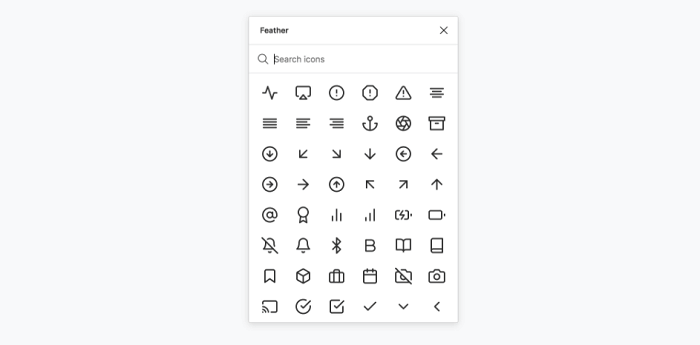
    Feather Icons is a basic icon library. The reason it is a great icon library is that it has all the important ones in it. In most cases, these are just enough for web & app design.

    Demo / Install

    8. Charts – Free Figma Plugin

    charts figma plugin

    Charts is another useful Figma Plugin that generates charts. These charts can be added and edited within your Figma doc. Every single chart has its configuration, like max and min values. You need to select a frame and select which chart to use the chart will be placed.

    Demo / Install

    9. Get Waves – Free Figma Plugin

    Get Waves

    Get Waves is a Figma plugin that generates Waves for free in SVG format. You can select a curve of your preference and choose its complexity and randomize.

    Demo / Install

    10. Chart

    Chart figma plugin

    Chart is another Figma plugin for creating popular charts. It can take any actual or random data to make a chart of your preference. The fun fact is that you can copy-paste the data from Excel, Google Sheets, Live connection with Google Sheets, remote JSON (REST API), local CSV, JSON files, or Numbers, and it works.

    There are 16 types of charts, generate random data with different trends, and update it any time.

    Demo / Install

    11. Stark – Free Figma Plugin

    Stark figma plugin

    Stark is a free Figma plugin that lets designers check readability contrast, simulate color blindness in real-time, and tweak their designs based on the results. It has proven particularly useful when creating color palettes for data visualization and checking readability contrast within files.

    Demo / Install

    12. Rename it – Free Figma Plugin

    Rename it figma plugin

    In a flash, give your layer and group folders meaningful names. You can rename your layers in order or add the width and height of the layers with Rename It.

    Demo / Install

    13. SkewDat – Free Figma Plugin

    SkewDat

    Every one of us wants to skew our objects on Figma. And yes, you can do it easily by using SkewDat Figma plugin. This plugin was designed by Unfold.co.There are options for live preview adjustment, skew multiple objects at once. Also, it has a very minimal interface and has the ‘revert back to original’ options open.

    Demo / Install

    14. Design System Organizer

    Design System Organizer

    Manage names with /’s type folders. Styles can be copied between files. Relink instances and styles in bulk to new masters with the same names. Learn more from the link below.

    Demo / Install

    15. Text from Image

    Text from Image

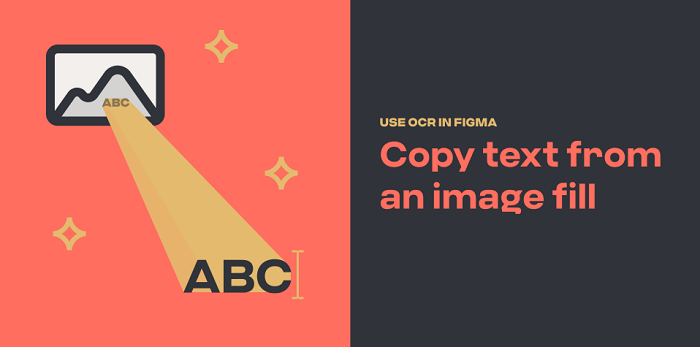
    To copy text from an image file, use OCR. Have you ever wished you could quickly extract text from a static image? Using the magic of optical character recognition, this plugin makes it simple.

    Know the problems, how it works, and install from the button below.

    Demo / Install

    16. Sort Layer

    Sort Layer figma plugin

    You can now easily sort layers by name or position using the Sort Layer Figma Plugin. Simply sort the selected layers by their X and position. And keep their relative staking order on the page.

    Demo / Install

    17. Autoflow – Free Figma Plugin

    Autoflow figma plugin

    Autoflow makes it simple to create flows. Select two objects, and there will be a line that appears between them magically. Run Autoflow, then select any two shapes while holding down SHIFT to draw a line. Finally, keep selecting until you’re completely wired!

    Demo / Install

    18. Batch Styler – Free Figma Plugin

    Batch Styler

    Change multiple text and color styles at the same time! If you need to change the values of multiple (text and color) styles at once but don’t want to change each text style individually. Then this is exactly what you need.

    It changes from inter to Roboto while keeping all font weights and other styles is now possible. Whether you have two or thirty text styles. Moreover, you can easily change colors that are all based on the same hue value: Batch Styler will update all styles accordingly.

    Demo / Install

    19. Dark Mode Magic – Free Figma Plugin

    Dark Mode Magic figma

    Change your design to Dark mode. Colors for Dark mode are generated automatically from a light palette and applied to elements by the Dark Mode Magic plugin. Simply select the frame and activate the plugin. That’s all there is to it!

    Demo / Install

    20. Figmoji – Free Figma Plugin

    Figmoji figma plugin

    Figmoji is an open-source emoji plugin for your design. Emojis can be seamlessly incorporated into your designs. Simply choose the emoji you want, and Figmoji will add the SVG of that emoji.

    Demo / Install

    21. LottieFiles

    LottieFiles figma plugin

    Lottie is free and easy to use once you’ve set it up. There is a setup process that you need to complete before you can begin. As an app developer/designer, you must need the Lottie library for Android, iOS, or React Native. It has access to 1000 free Lottie animations. You can drag and drop your dotLottie (.lottie) and Lottie JSON (.json) files on your Figma design board.

    Demo / Install

    22. Breakpoints – Free Figma Plugin

    Breakpoints figma plugin

    Breakpoints is free Figma plugin dedicated to previewing responsive layout inside a frame. The best thing about this plugin is that you can create & share the animation of your designs’ responsiveness with others through Breakpoints. Also, it even works without opening the plugin window. Moreover, anyone from your team can resize frames without installing it.

    Demo / Install

    23. LilGrid – Free Figma Plugin

    LilGrid

    This useful plugin will assist you in cleaning up the interface of your app. It organizes all of the different elements on your dashboard or app into a grid that you can then define yourself. It is ideal for organizing a large number of buttons and/or icons used in your design or system.

    Demo / Install

    Wrpping Up

    Finally, it seems like that our journey for the best Figma plugins for web & app designers has come to an end. In most cases, you’ll be needing all of these plugins downloaded on your Figma software. However, if you are already familiar with most of these plugins, then try the ones you didn’t use before. There are hundreds of plugins in Figma. So, finding out the useful ones is a time-consuming task.

    Therefore we’re recommending you go through some best lists of Figma plugins and download the useful ones. Thank you for reading this article.

    About Us

    We’re UI-Lib, a software development company that provides you high-quality free and premium templates, design systems, UI KIts, etc. We make you these products with the best technologies like React, Vue, Angular, and more. At present, we have 9500 sales on Themeforest.

    Visit our website for more top-quality products.

    UI-Lib

    Make sure to check out our Figma file included the eCommerce Template.

    Figma file (Preview Link)

    Details / Demo / Download: Bazar Pro – eCommerce Template

  • Top 20+ Best Free Figma Design Systems for UI/UX Designers in 2022

    Top 20+ Best Free Figma Design Systems for UI/UX Designers in 2022

    Are you a UI/UX designer/enthusiast looking for the best Figma Design Systems? Here they are. In this blog, we’ve handpicked some of the best free Figma Design Systems dedicatedly created for UI/UX designers. But first, let’s understand what is a design system.

    free figma design system

    Design has now become of the topmost priorities for everyone. Whether you are a designer/developer, or an app/website user. You are always looking for designs that can make your work easier. Also, you need a design that can make everything look interesting and easy. Thus, you need design systems for creating better designs because they have everything gathered in an organized manner.

    Design systems have grown to be an important component of what makes a company or product successful. Particularly in the hyper-competitive global software market. Historically, these companies have relied solely on user experience as a key differentiator.

    https://ui-lib.com/downloads/figtify-figma-uikits-and-design-system-for-vuetify/

    This demand for better experiences places enormous strain on designers all over the world. They are pushed to take on more projects and work faster while producing higher-quality results. If there is no standardized design language to draw from, this can cause issues.

    What is a Design System?

    A Design System is a coherently organized set of interconnected patterns and shared practices. Design systems aid in the design and development of digital products such as apps and websites. So, by downloading/duplicating a design system to your Figma software you can produce UI/UX designs for different software. Design systems will empower you and give you ideas about constructing a design. These are all organized in a manner that you don’t have to wander around and get a headache for thinking about innovative designs.

    20+ Best Figma design Systems for UI/UX Designers

    The design systems which got the most downloads from the Figma community and have high-quality features are listed in this article. As everything in the Figma Community is charge-free, you don’t have to worry about spending money. Here, you will find almost every design system from the Figma community that is worth mentioning. However, the list is in no particular order.

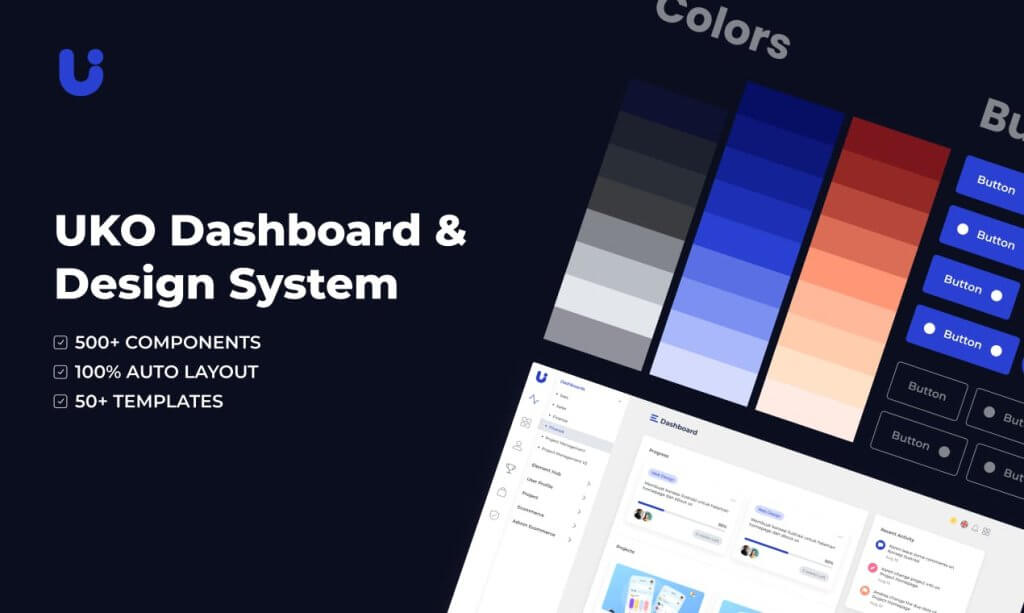
    1. Uko – Free Figma Dashboards & Design System

    Uko Free Figma Dashboards & Design System

    Uko is an exceptionally good free Figma design system with dashboards in it. After its release, just within a single day, it hit 100 sales. It is a design system with tons of useful features, pre-built pages, and highly customizable components. So, making a web app or an admin dashboard will be very easy for you. With almost no effort, you can build your desired product.

    The design system has features like auto layout, component-based, smart-scalable typography system, and a lot more. Most importantly, the design system contains more than 5 dashboards, 8+ application pages, over 150 pre-made components, 50+ pre-built widgets, 20+ charts, and more.

    So, make sure to check out Uko. And, if you find it useful, don’t forget to give it an upvote on Producthunt.

    Demo / Download

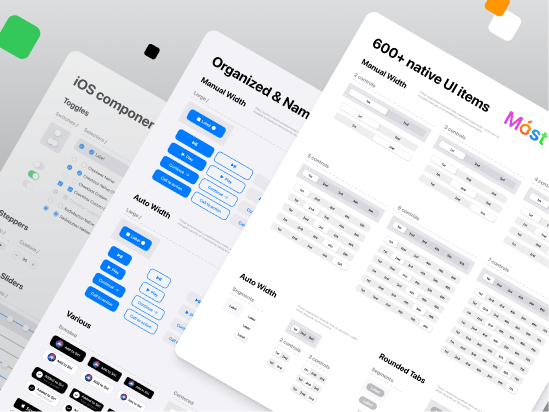
    2. iOS Design System — Free UI kit

    iOS design system

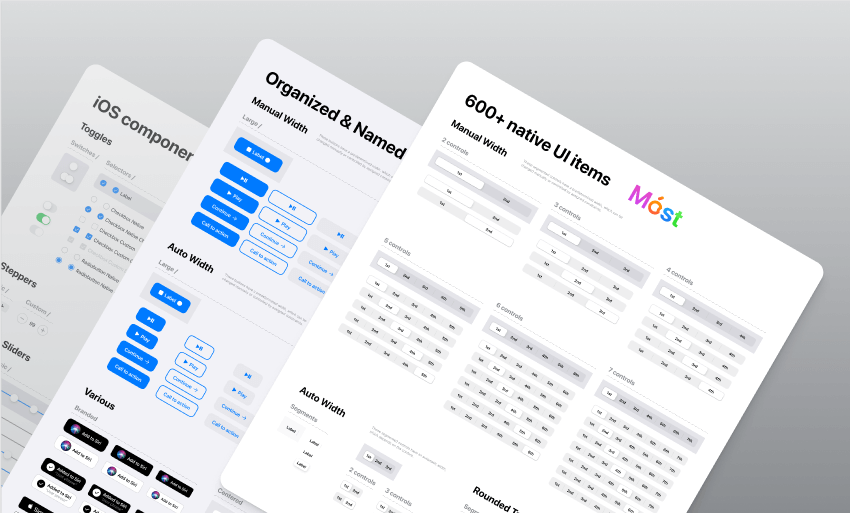
    Native iOS components and app templates are organized into a “Most Design System” that is fully compatible with Human Interface guidelines. It’s named, limited, and based on the experience of native iOS apps. This iOS design system is from Setproduct.

    This free UI Kit includes amazing styles, typography, templates, design system, and icons. Currently, it has over 1k react and more than 57k downloads.

    Demo / Duplicate

    3. Built-in Figma Design System

    Built-in Figma design

    This is an outstanding project idea from designer Rogie King. It contains minimal style components. The project is done while he was making a live stream of this design system. So, comparatively, it is less organized. However, it is a pretty good design system option with great components. At present, it has 2k love react and over 29k downloads.

    Demo / Duplicate

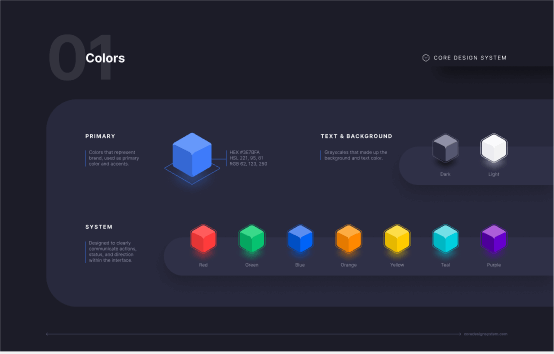
    4. Core Design System

    Core Design System

    Core Design System is a design package designed by Ryan Sael. It can supercharge your workflow. It is a design system UI kit for Sketch, Figma, AdobeXD, and Studio. Besides, it can fit into any project and keep visual consistency. No doubt, it will work faster. Now, it has over 300 love react and 7k downloads.

    Demo / Duplicate

    5. Basic Design System

    Basic design System

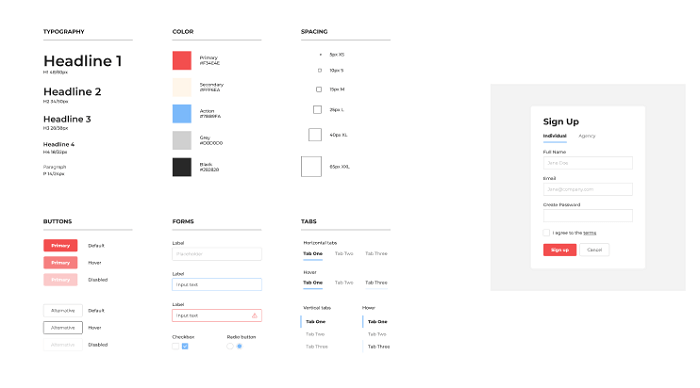
    The basic design system is from designer Andrew Coyle. For the community, he built this simple design system where you can find the basic UI elements. For example, there are typography, buttons, tabs, forms, labels, sign up, etc. If you need basic UI elements, this can be your go-to package. Currently, it has over 4.7k downloads and over 100 love react.

    Demo / Duplicate

    6. Design System Ver 2.0

    Design System Ver 2.0

    This design system is designed from the ID Design System. This package has been updated to Version 2.0. It offers 3 Grid Styles (mobile, tablet, and desktop), 16 color types, 30 types of styles, icon component structure, multiple button styles with full-width options, and a lot more. Currently, it has over 2.5k downloads and 46 love react.

    Demo / Duplicate

    7. Voog

    Voog

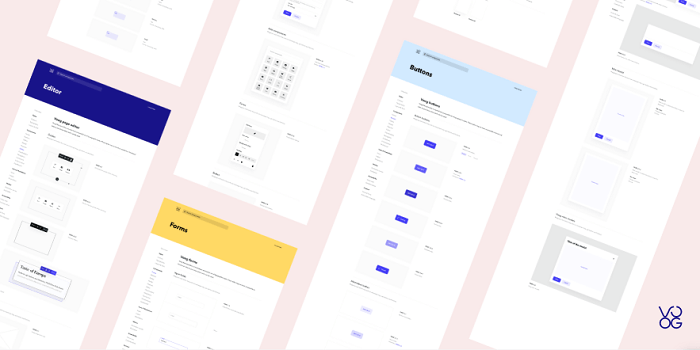
    Voog Design System is from designer Stefan Heiinurm and Voog. They offered it publicly to help other designers. It has got everything from multiple examples of the style, colors, typography, layout, and grid. Also, there are a ton of examples of components like forms, buttons, tables, modal, popover, editor, placeholder, navigation, eCommerce, dashboard, and container. Now, it has over 8k downloads and over 350 love reactions.

    Demo / Duplicate

    8. Material-X

    Material-X

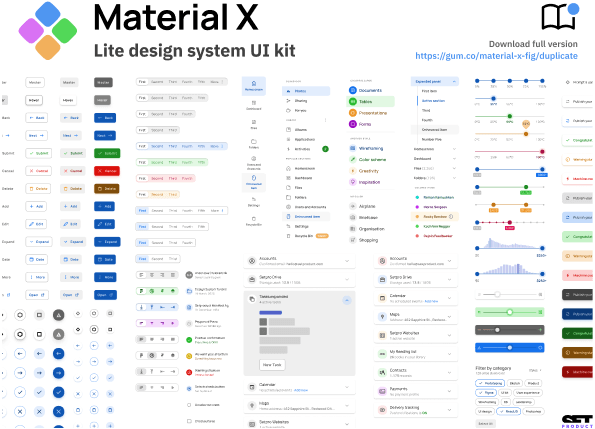
    Material-X design System UI Kit is another design package from Setproduct. it is a huge collection of UI kits, containing over 1100 components and 40 app templates beyond Material Design. The design system is powered by top-notch shapes and Manrope font. Among a hundred different amazing facts about this design system, its customizable and adjustable options are the best. You can easily change its shape and swap around colors. Currently, it has more than 37K downloads and over 800 love reactions.

    Besides, the templates will save your time and human resources. Suit your mobile or desktop app with Material X.

    Demo / Duplicate

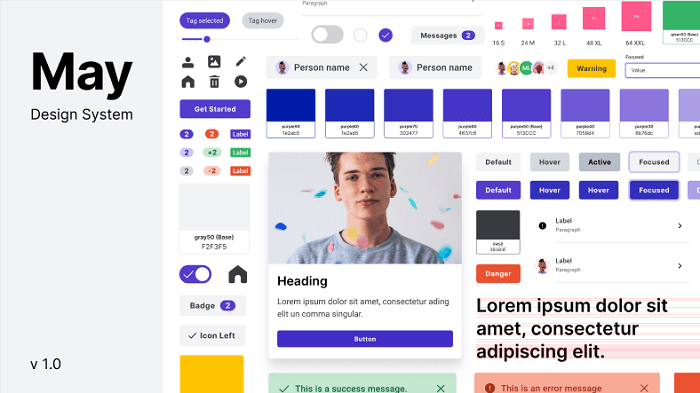
    9. May

    May Design System

    May is an open-source design system from Micah Lanier. It is a design system with great consistency. It has multiple shape options, typography, more than 30 colors, directional and utility icons, spacing scales and elevation options, and more. This is the first published version of this product. Make sure to check out!

    This file now has over 2.7k downloads and 100+ love reactions.

    Demo / Duplicate

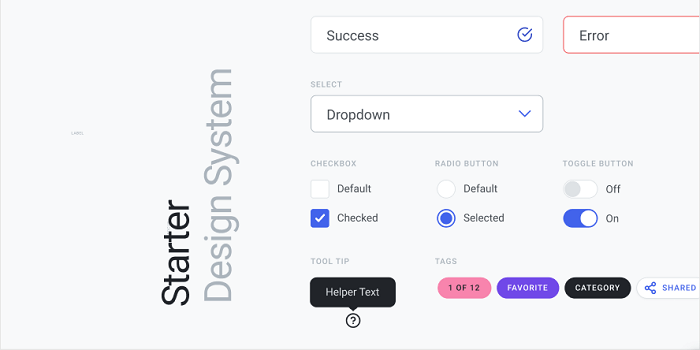
    10. Design System Starter

    Design System Starter

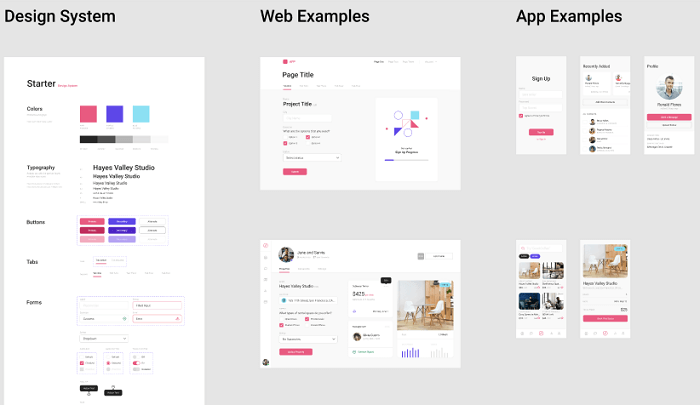
    This design system was designed by Moe Amaya. They launched a simple design system as part of designsystems.com. It is complete with inputs, buttons, tabs, dropdowns, type, and color. Also, a slew of examples to get you started. There are multiple color choices, typography, buttons, and forms and with these options here are web and app examples to give you an idea. At present, it has almost 5k downloads and over 100 love reactions.

    Demo / Duplicate

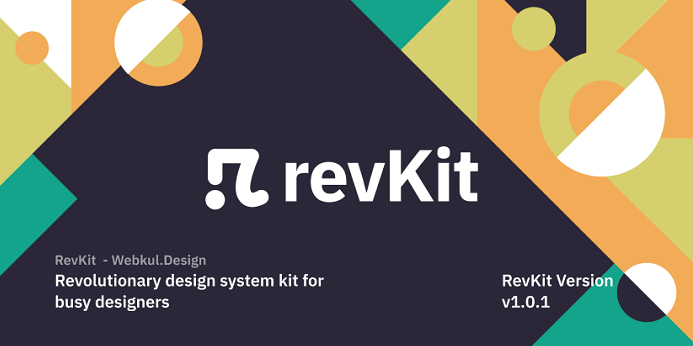
    11. RevKit Design System

    RevKit Design System

    RevKit design system UI Kit is from Webkul Design. It is a pretty solid Design system UI Kit for designers who are busy and have lots of projects going on. This can quickly get your job done. You can build flexible web prototypes with RevKit. It offers you over 50 web components and more than 200 symbols (there will be more soon). Whether it is a one-page website or a vast dashboard, it can easily handle the demand. RevKit got 8.1k downloads and over 300 Reacts.

    Moreover, it is also available for Sketch and AdobeXD. Experience RevKit and build a quick prototype.

    Demo / Duplicate

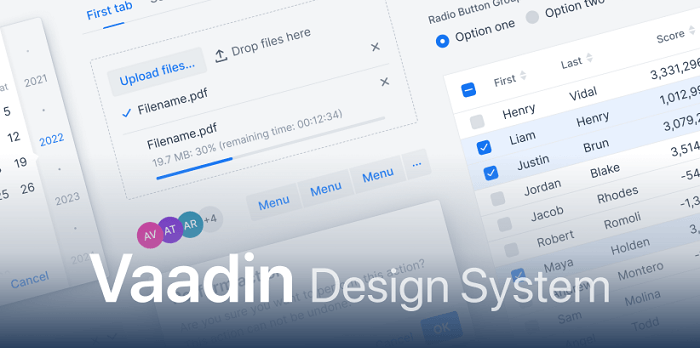
    12. Vaadin

    Vaadin

    Vaadin is the official design system for Vaadin Design System. It is used for Vaadin web components and framework. You can create amazing web apps for users with Vaadin Design System. The library offers color styles, typographies, and customizable web components. Try Vaadin for your next web app project. Vaadin has 3K+ downloads and 150 Reacts.

    Demo / Duplicate

    13. Dimension 4 Design System

    Dimension 4 Design System

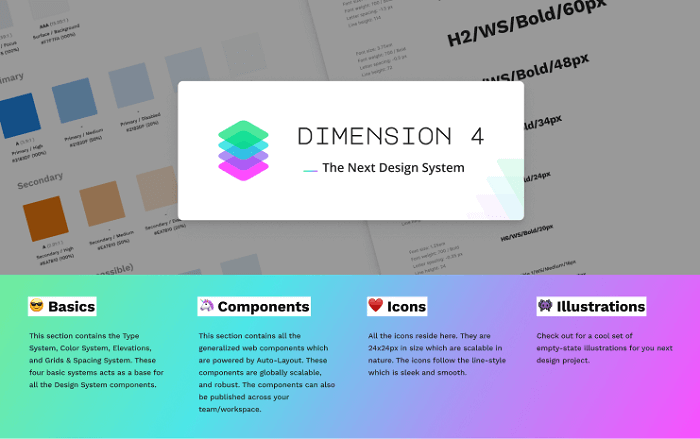
    Dimension 4 Design System is by Somesh kesarla Suresh. the design system offers you very configurable components. There are a large number of styles, icons, illustrations, thumbnails, and components. Moreover, the details in the Dimension 4 design system will amaze you. Currently, this got 2k downloads and 100 Love Reacts.

    Demo / Duplicate

    14. Free Starter Design System

    Free Starter Design System

    Starter Design System by Gleb has some rich styles and components. It provides inputs, buttons, texts, multiple colors, dropdown menus, tabs, and more. Also, it has fine web and app examples ready for you to quickstart your project. One interesting thing about this design system is that you can contribute your designs to it. This has more than 8.5k downloads and over 350 reactions.

    Demo / Duplicate

    15. UI – Design System – Sunrise

    UI - Design System - Sunrise

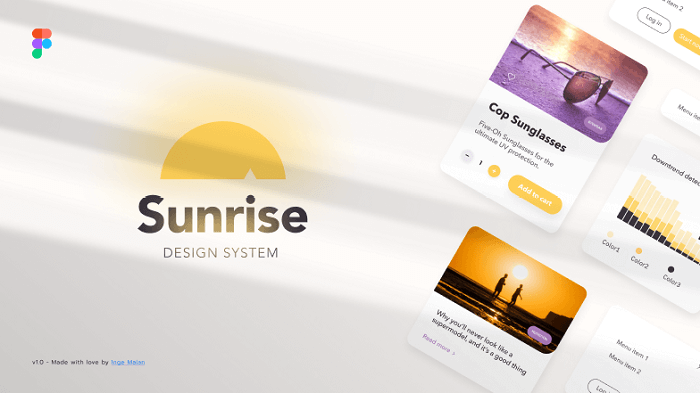
    This is another good option for your next application project. The title suits this design system. Although it has multiple color options, it has a very sunrise look to it. There are a large number of icons, buttons, inputs, typography, and web app examples made with the design system. Now, it has 4k downloads and 200+ reactions.

    Demo / Duplicate

    16. Orbit Design System

    Orbit

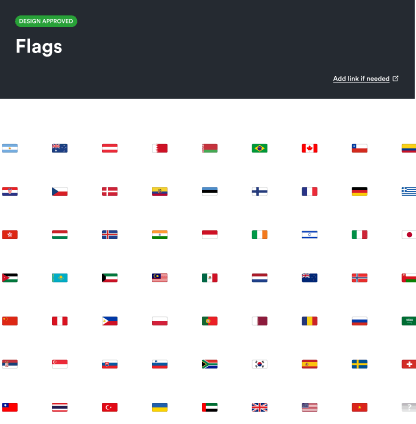
    Orbit Design System is a unique design system packed with flags of 63 countries. It is a library of flags where you can find flags of different countries that you might need while designing the UI.

    This has 2.2k downloads and 40+ reactions.

    Demo / Duplicate

    17. Capsule Design System v1.0

    Capsule Design System v1.0

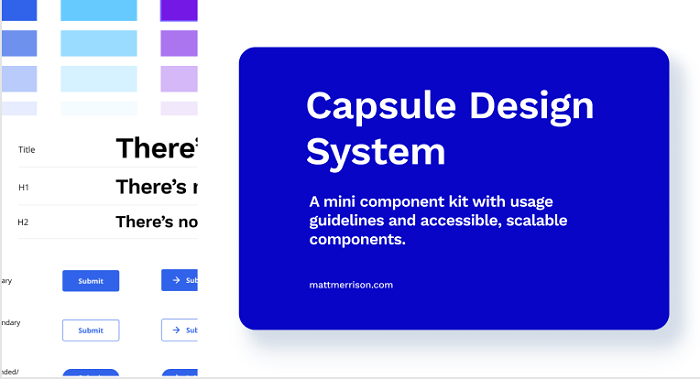
    Capsule Design System V1.0 is from designer Matt. It is a mini component kit with usage guidelines and accessible and customizable components. The file contains everything from color, buttons, spacing, and cards to usage guidelines, suggested typography pairing, and color contrast recommendations. You’ll love this simple design system. So far, it got 2.7k downloads and 90+ reactions.

    Demo / Duplicate

    18. Core Light – Design System Starter Kit

    Core Light

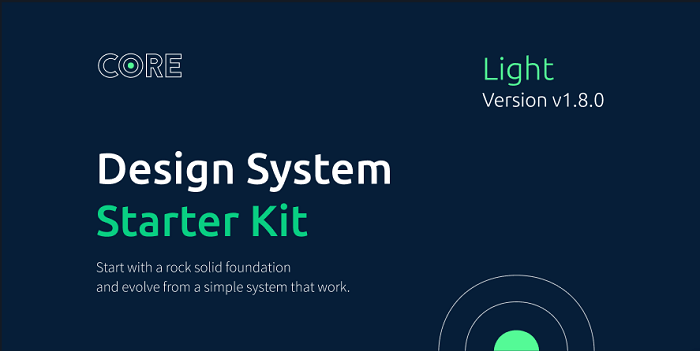
    Core Light Design System Starter Kit is from designer Maxime Rabot. It offers you no 100+ useless predefined components, rather, a set of solid foundations, components, and tokens. It has a pretty straightforward approach to your app design. But in some cases, it can be too limited for your project. Make sure to check out Core-Light. At this point, it has 3.8k downloads and 190+ love Reacts.

    Demo / Duplicate

    19. Flamingo

    Flamingo

    Flamingo is designed system-oriented for web usage. This designed system is from designer Juan, specially created for their company. But now it is open-source as they have decided to share their design system with others too. So, that they can get inspired by it.

    The file provides example templates, high-quality components, multiple color choices, UI elements, typography, shadows, spacers, input, buttons, text areas, toggles, tables, cards, checkboxes, and more. Experience Flamingo from the button below. Experience Flamingo and experiment with it. Up until now, it has 9.1k downloads and 487 Love Reacts.

    Demo / Duplicate

    20. Brainstorming

    Brainstorming

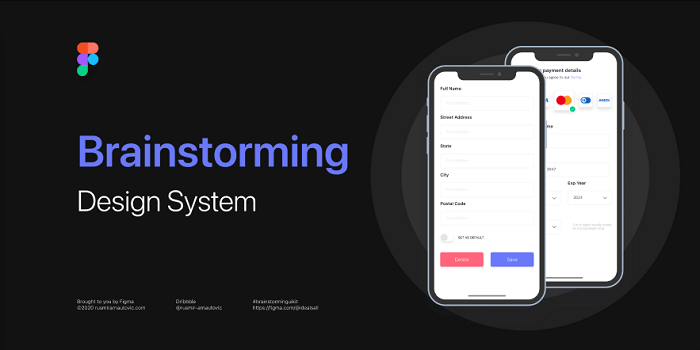
    Designer Rusmir Arnautovic created this design system and component library. You can save hundreds of hours by using this file. The system includes 291 components, 246 distinct styles, 504 variations, 6 distinct grids, and 6 bonus mockup devices.

    Moreover, you can save time by using their pre-built customizable buttons, dropdowns, calendars, and other elements. Figma’s components and styles are fully customizable. Also, they are extremely simple to use, and meticulously layered and grouped. Design, that’s all you need for a quick prototype. So far, it has 9.2k downloads and over 400 Love Reacts.

    Demo / Duplicate

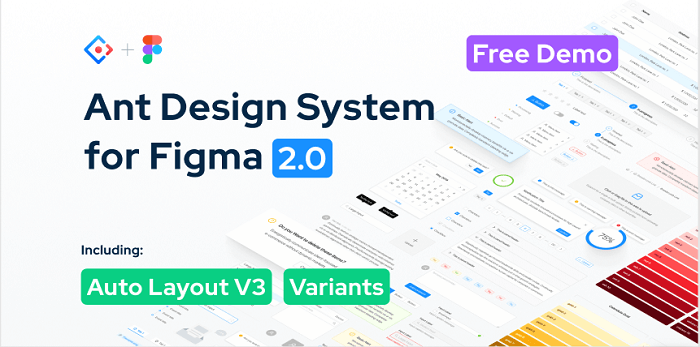
    21. Ant Design System for Figma 2.0 (Free Demo)

    Ant Design System for Figma 2.0

    Ant Design System for Figma 2.0 is a package rich with a large number of icons, buttons, checkboxes, input, tooltip, and alert examples. Designer Matt Wierzbicki designed this beautifully crafted lightweight design system. In the UI Kit, you’ll find more than 150 styles. Also, with text style, you can quickly apply your typography rules. Besides the color styles, you can easily swap between default UI kit colors. So far, it got over 62k duplicates and 1.5k love react.

    Demo / Duplicate

    Wrapping Up

    Now, it seems like your journey for the best Figma Design System has come to an end. These are the finest free examples that are available on the internet. Maybe you don’t need all of them, here are design systems for different works and motifs but we’re sure that you will find the ones that you need for your project. Thus, wishing you all the best for your next design project. Thank you for reading the article. If you are not a designer, you can share this article with your designer friends. They will surely get benefited.

    About Us

    We are UI-Lib, a software company focused on clients in need of design systems, UI kits, and templates. UI-Lib used all of the popular technologies and design tools to create high-quality products that are rich in features and components.

    We have an open-source design system for Bootstrap 4 available on our website. Click the button below to check out.

    Done! – Open Source Design System for Bootstrap 4

  • Convert TypeScript Project to JavaScript

    Convert TypeScript Project to JavaScript

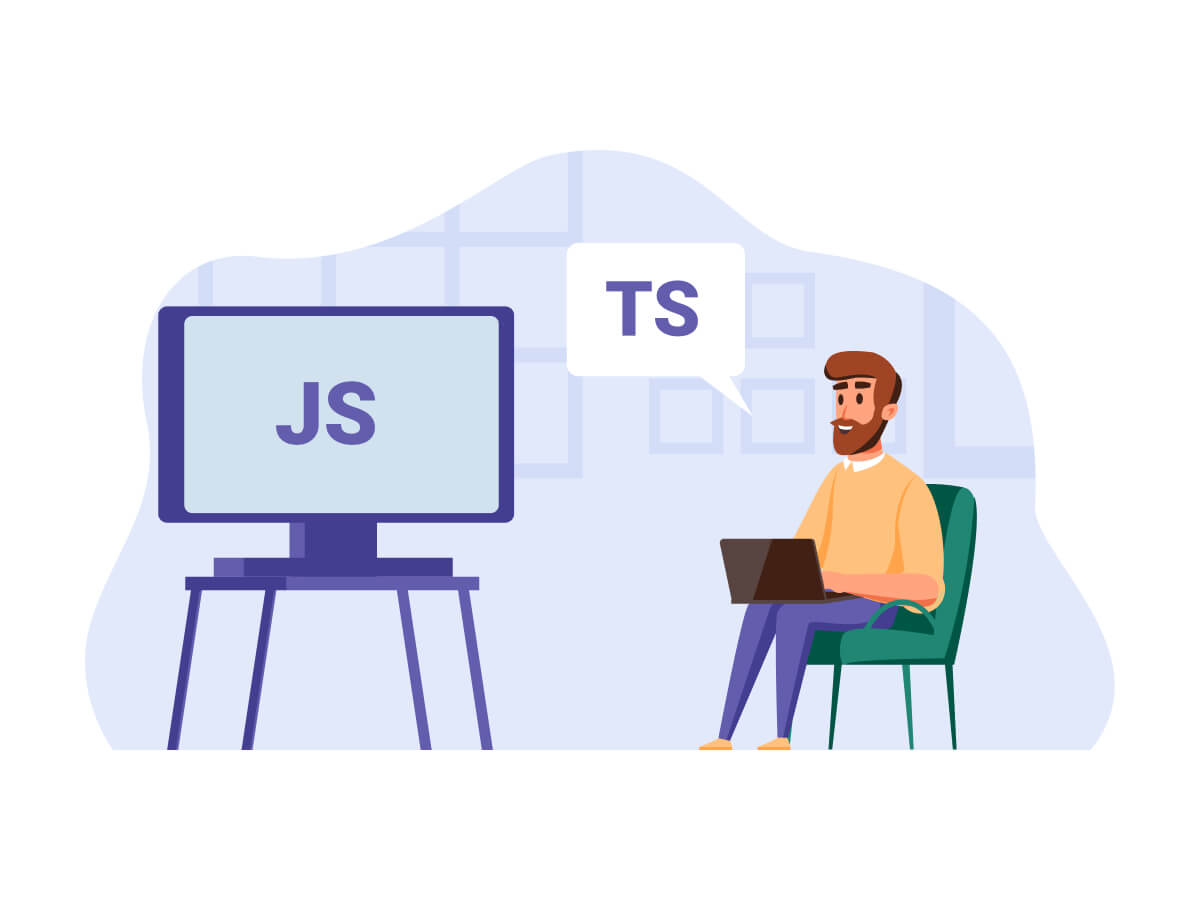
    We all know TypeScript is an amazing programming language. And we love it! But a lot of time developers still prefer to write codes and build their projects using JavaScript. Here at UI-Lib, we build templates and UI Kits for both personal and commercial purposes. And many of our UI Kits are developed with TypeScript. However, a large portion of our customers always wants JavaScript as source code.

    So, to make our customers satisfied, we built a simple tool that easily converts the whole TypeScript project to a formatted readable JavaScript project.

    How to Convert TypeScript Project to JavaScript

    TypeScript is our main codebase and this is the source of everything. And from this source, beautiful and readable JavaScript will be generated. So, without further delay, let’s dive into the task and learn how this tool works. And learn how you can create one on your own.

    Here,Babel is that magician who transforms TypeScript code to readable & editable JavaScript.

    • Create a folder called tools in your TypeScript project (which you’ll convert to JavaScript).
    • Create package.json or run npm init in tools folder and paste below content in package.json
    {
      "scripts": {
        "start": "node convert"
      },
      "dependencies": {},
      "devDependencies": {
        "@babel/cli": "^7.15.7",
        "@babel/core": "^7.15.8",
        "@babel/node": "^7.15.8",
        "@babel/plugin-transform-typescript": "^7.15.8",
        "@babel/preset-env": "^7.15.8",
        "@babel/preset-react": "^7.14.5",
        "@babel/preset-typescript": "^7.15.0",
        "fs-extra": "^10.0.0"
      }
    }
    
    • Open terminal in tools folder and run npm install.
    • Create utils.js in tools folder and past below code.
      • The buildTree function creates a tree structure of all the files in your project.
      • createJsConfig function to create jsconfig.json file.
      • The transformTsToJs function uses babel to convert whole project to js.

    utils.js

    var fs = require('fs');
    
    class TreeNode {
      path;
      children;
    
      constructor(path) {
        this.path = path;
        this.children = [];
      }
    }
    
    const buildTree = (rootPath) => {
      const root = new TreeNode(rootPath);
    
      const stack = [root];
    
      while (stack.length) {
        const currentNode = stack.pop();
    
        if (currentNode) {
          const children = fs.readdirSync(currentNode.path);
    
          for (let child of children) {
            const childPath = `${currentNode.path}/${child}`;
            const childNode = new TreeNode(childPath);
            currentNode.children.push(childNode);
    
            if (fs.statSync(childNode.path).isDirectory()) {
              stack.push(childNode);
            }
          }
        }
      }
    
      return root;
    };
    
    const transformTsToJs = (node) => {
      //   console.log(node);
      node.children.forEach((childNode) => {
        if (childNode.children && childNode.children.length) {
          transformTsToJs(childNode);
        } else {
          // transform only ts files
          if (childNode.path.includes('.js') || childNode.path.includes('.jsx')) {
            return;
          }
    
          // Transform
          let result = require('@babel/core').transformSync(
            fs.readFileSync(childNode.path),
            {
              filename: childNode.path,
              presets: ['@babel/preset-typescript'],
              plugins: ['@babel/plugin-transform-typescript'],
            }
          );
    
          // Save new file
          let newFilePath;
          if (childNode.path.includes('.ts')) {
            newFilePath = childNode.path.replace('.ts', '.js');
          }
          if (childNode.path.includes('.tsx')) {
            newFilePath = childNode.path.replace('.tsx', '.jsx');
          }
    
          fs.writeFileSync(newFilePath, result.code);
    
          // delete main ts files
          if (childNode.path.includes('.ts') || childNode.path.includes('.tsx')) {
            fs.unlinkSync(childNode.path);
          }
        }
      });
    };
    
    const createJsConfig = (outdir) => {
      fs.writeFileSync(
        outdir,
        `{
        "compilerOptions": {
            "baseUrl": "src"
        },
        "include": ["src"]
    }`
      );
    };
    
    module.exports = {
      buildTree,
      transformTsToJs,
      createJsConfig,
    };
    
    • Create a file convert.js and paste below code.
    • Inside Promise.all copy all the source files including TS, images, etc. to output folder. Your new javascript project will be saved in output folder.
      • We created jsconfig.json output folder.
      • We built tree structure of output folder and used this to convert all the typescript code to javascript.
    const utils = require('./utils');
    const fse = require('fs-extra');
    
    Promise.all([
      fse.copy('../src', 'output/src'),
      fse.copy('../.env', 'output/.env'),
      fse.copy('../.gitignore', 'output/.gitignore'),
      fse.copy('../public', 'output/public'),
      fse.copy('../package.json', 'output/package.json'),
      fse.copy('../README.md', 'output/README.md'),
    ])
      .then(() => {
        utils.createJsConfig('output/jsconfig.json');
    
        const allFiles = utils.buildTree('output/src');
        utils.transformTsToJs(allFiles);
      })
      .catch((err) => console.log(err));
    

    Finally Convert Your Project

    Lastly, run this command. It will convert your whole project to JavaScript.

    Run node convert or npm start to run the convert.js file.

    Wrapping Up

    We hope at this point, you’ll be able to convert your TypeScript Project to JavaScript. If you face a similar situation like us or just want to convert your TypeScript project to JavaScript then you can use this tool.

    About Us

    At UI-Lib, we develop fully hand-coded premium software. There are tons of templates, UI Kits, Design Systems & Management systems in our collection. And we made them with popular technologies like Angular, Vue, React, etc.

    Our Gumroad Profile

  • Top 10 Best Vuetify Admin Dashboard Template – Free & Premium

    Top 10 Best Vuetify Admin Dashboard Template – Free & Premium

    Looking for the best Vuetify admin dashboard template? Look no further! This is where you can find every single one of them.

    Top 10 Best Vuetify Admin Dashboard Template Free & Premium

    Vuetify is now the top UI component library, among its competitors. This library followed Google’s Material Design, designed for Vue.js. With Vuetify, you’ll be able to create some outstanding UI components. For example, buttons, toolbar, popups, grid system, and more. It is to follow this material design philosophy. And to make the web application look amazing. So, in this blog, we’ll be looking at the top 10 Best Vuetify Admin Dashboard Template, both free and premium.

    The list is in no particular order.

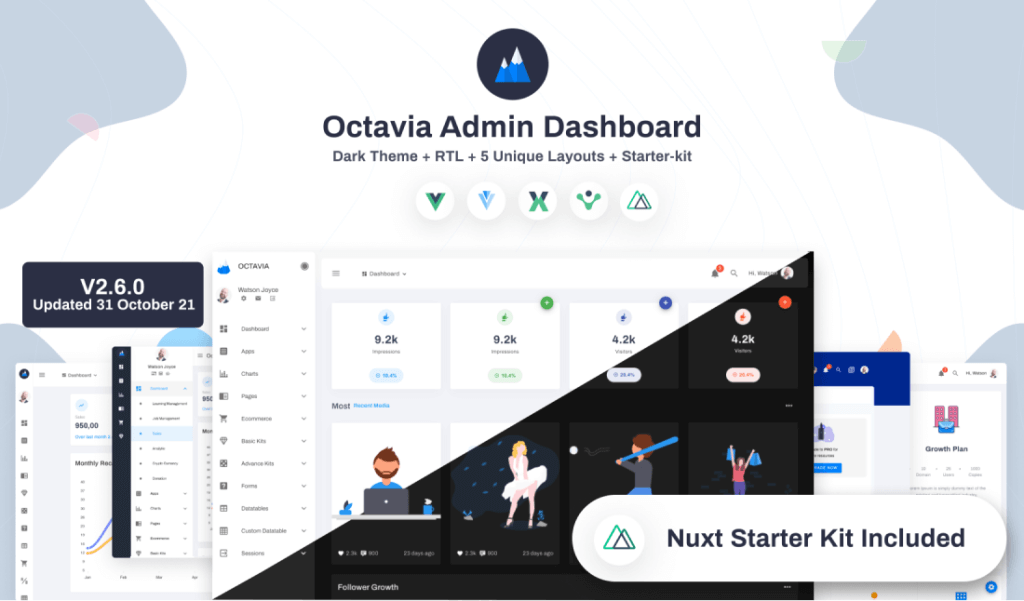
    1. Octavia Admin Pro – Vuetify Admin Dashboard

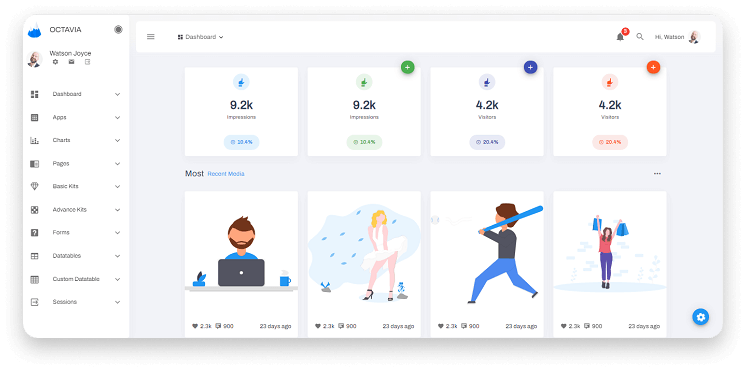
    Octavia Admin Pro Vuetify Admin Dashboard

    Octavia Admin Pro is a fantastic admin template made with Vue and Vuetifyjs. It is already gaining traction in the Vuetify.js marketplace. It is a feature-rich admin template that is clean and modern in appearance. So, there’s a good chance that Octavia will be the best choice for your next dashboard project.

    We are confident in this product because it has a plethora of amazing features. First and foremost, it provides six variations of pre-built dashboard examples. This includes analytics, cryptocurrency, job management, and so on. Second, there are numerous customization and configuration options.

    Furthermore, the color options are unrivaled. It has a light and dark mode, as well as an unlimited color scheme for the theme, sidebar, and header. This is terrific news for those seeking creative freedom on the dashboard’s appearance.

    Finally, Octavia Admin Pro comes with five apps, nine different chart types, and nine different pages, including FAQ, List, Pricing, and Widgets. Not to mention the eCommerce section, which includes a product list, product details, and a product checkout. There are numerous basic and advanced kits available, as well as various data tables, custom data tables, and Forms.

    It’s an admin template with limitless possibilities. Furthermore, the template is not only focused on adding a multitude of elements to the dashboard, but it also includes useful features to ensure that it functions as you wish. After purchasing this template, you’ll have all the technical support from its creator team, UI-Lib.

    Live Preview Details / Download

    2. Vuetify – Material Dashboard by Creative Tim (Free)

    Vuetify Material Dashboard by Creative Tim

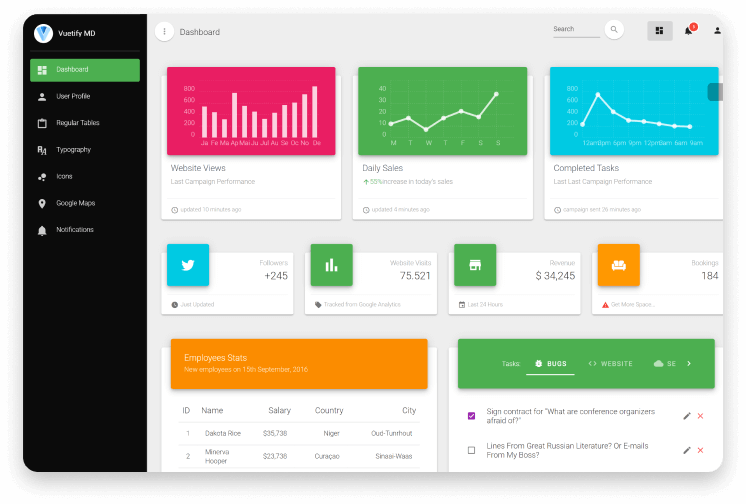
    Vuetify by Creatim Tim is made with Vuejs, Vuetifyjs, and Vuex. It is a template where you can find almost everything just for free. Though the premium version of this product offers way more than this free version. But this is quite enough for a lot of developers trying to create a project with a low budget.

    The template offers 16 elements, 2 plugins, and 7 example pages, and more. And it is a fully coded and well-documented free template. So, you don’t have to worry about a thing! Creative Tim is one of the largest providers of great templates. Thus, they always ensure top-quality production.

    However, if you have a bigger budget and want to have the full experience of a premium quality product. Then you can try the premium version of Vuetify Material Dashboard. Make sure to check out the live previews.

    Live Preview Details / Download Premium Version

    3. Adminfy – Vuetify Admin Dashboard Template (Free)

    Adminfy Vuetify Admin Dashboard Template

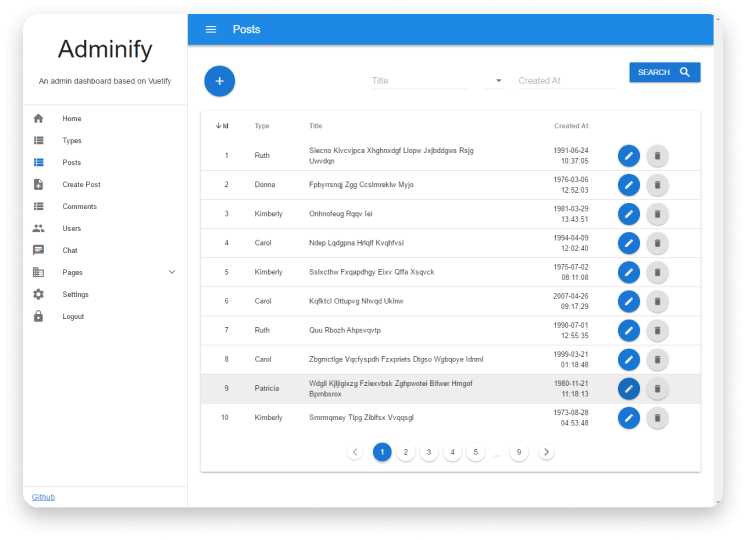
    Adminfy is a free and open-source admin dashboard template based on Vuejs and Vuetify Material. As a free admin template, you can consider this one. It is because it has features like Vue + Vue Router + Vuex + Axios, a Built-in localStorage proxy for any data types, a configurable side menu with json, and a lot more.

    Besides, the template has a better server API built on AdonisJs. However, it seems that the live preview is currently unavailable, but there are some screenshots on its Github link. After installation, you can see the whole template working together.

    Demo / Details / Download

    4. AdminPro – Vuetify Admin Dashboard Template

    AdminPro

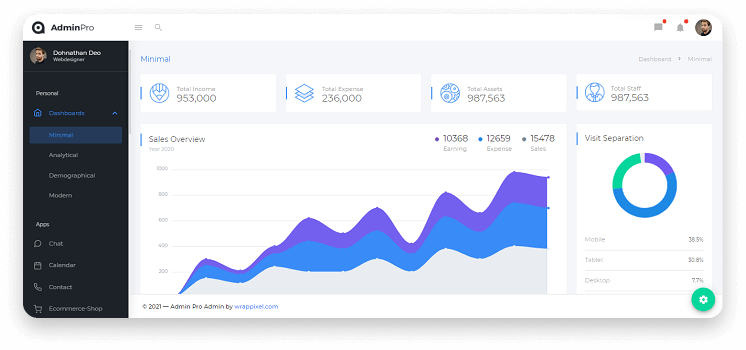
    AdminPro is another unique Vuetify-based admin template with lots of great features and top-notch design. It has some amazing ready-to-use dashboard interfaces, page examples, components, RTL support for different cultures, and a light & dark theme for a better user experience.

    There are some very useful pre-built apps like To-do, eCommerce, employe, contact, email, chat, and calendar. AdminPro is in the market since 2016 and it is still updating itself every month. You will have the premium support and documentation after purchasing the template.

    So, before moving on to the next best template, make sure to check out the Live Demo of AdminPro.

    Live Preview Details / Download

    5. Vuetify Argon Dashboard Pro

    Vuetify Argon Dashboard Pro

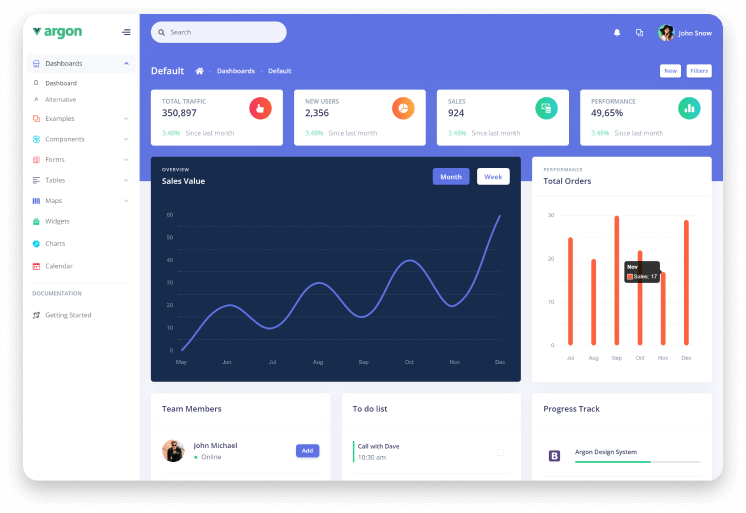
    Vuetify Argon Dashboard Pro is a minimal design admin dashboard template made with Vuejs and Vuetifyjs. You can navigate through the whole dashboard template with super-ease. It is a super-responsive design with well-documentation. So, you can easily understand its structure and work on the project without hesitation.

    The company that made this template claims that they can give you full technical support. It is a quick fact that they constantly update this template with newer features. Furthermore, they developed this product with up-to-date coding practices. So, while working with the codes as a developer, you’ll get the benefit of understanding them with no effort.

    Live Preview Details / Download

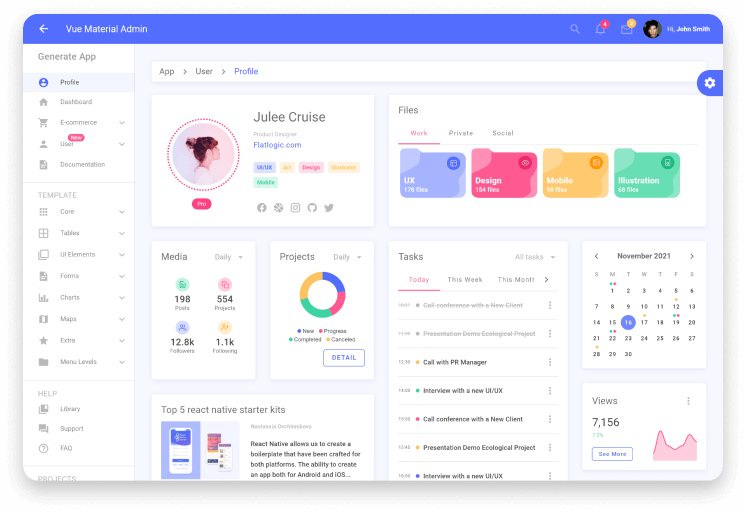
    6. Vue Material Admin – Vuetify Admin Template by Flatlogic

    Vue Material Admin Vuetify Admin Template

    Vue Material Admin is a Vuejs and Vuetifyjs-based admin template made by Flatlogic. It is a successful company for making top-quality templates and software.

    The template has No jQuery dependencies and no Bootstrap. On the contrary, it provides you with excellent features. For example, three color schemes with dark mode, chart libraries including HighCharts, an eCommerce section, user management, etc. Thus, you can expect maximum performance with Vue Material Admin. Experience the live preview before moving ahead.

    Live Preview Details / Download

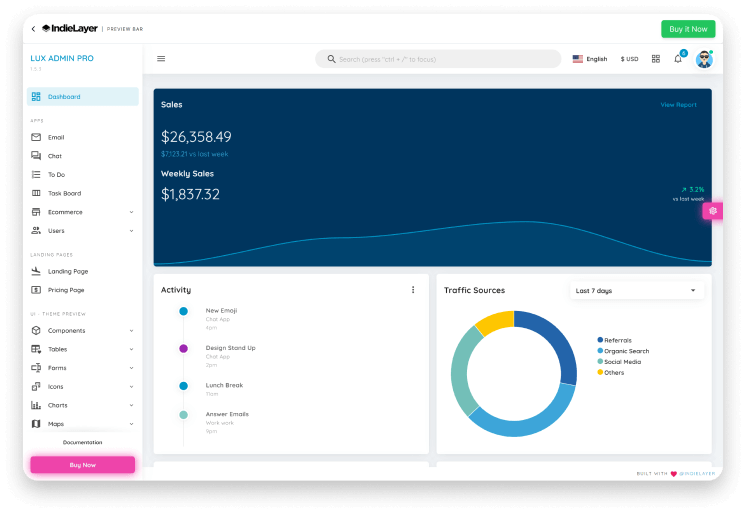
    7. Lux Admin Pro – Vuetify Admin Dashboard Template

    Lux Admin Pro Vuetify Admin Dashboard Template

    Lux Admin Pro has some beautiful responsive layouts and high-quality features. They used Vue CLI on top of Vuetify to make this admin template.

    It is a pre-loaded template with support for Vuex, Vue Router, and Vue I18n. And also a Laravel starter. It has all the core features as other premium admin templates on the list. For example, well-documentation, light & dark mode options, RTL support, widgets, UI components, multiple color palettes, etc.

    After the purchase, you can have lifetime access to this product. The company offers you lifetime free updates and a beautiful landing page.

    You can check the live preview and details about this template from the below-given buttons.

    Live Preview Details / Download

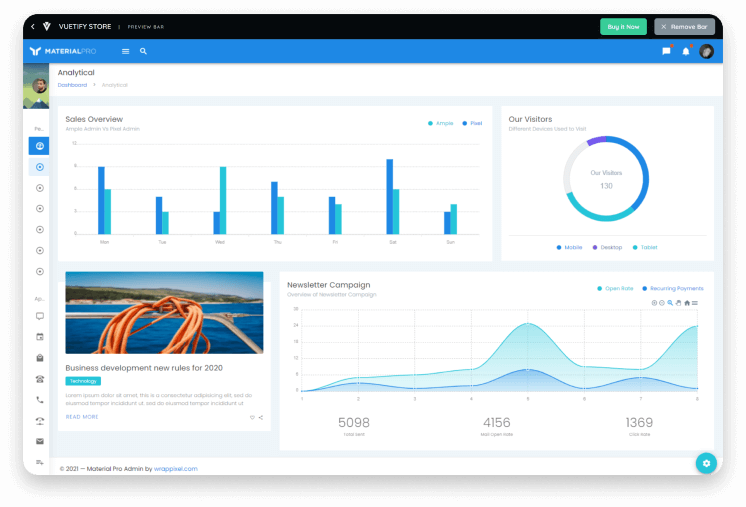
    8. MaterialPro Vuetify Admin

    MaterialPro

    MaterialPro is a Vue and Vuetify-based admin dashboard template. Along with its very modern look, it offers 06 highly-customizable complete demo variations including horizontal, and RTL demos. Also, there are 06 easy-to-use app designs including, a chat app, calendar app, and employee app.

    It doesn’t end here. The template is currently providing over 60 Page examples, 3000+ font icons, 300+ UI components, PSD & XD for dashboard pages, six months of free updates & dedicated support. And last but not least, a 100% money-back guarantee.

    Live Preview Details / Download

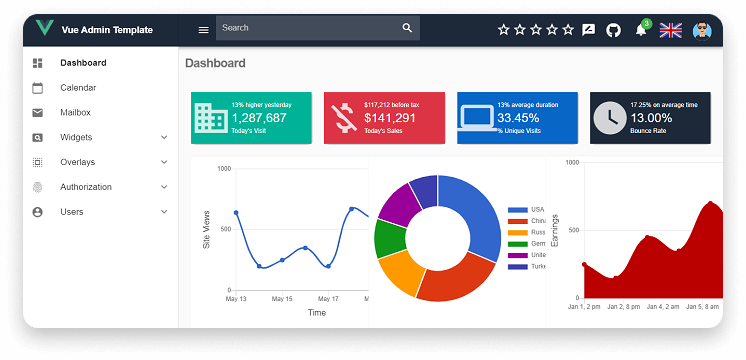
    9. Vue Admin Template (Free)

    Vue Admin Template

    Vue Admin Template is a free and open-source Vue and Vuetify template. It currently has 216 stars on Github, which is not bad. The template used Vuetify components and style to create a fully functional, user-friendly, and modern-looking dashboard.

    However, if you look at the live demo, you will notice some minor error occurrences on the screen during the load. However, it functions perfectly. It includes one dashboard example, a calendar app, an email app, widgets, an overlay, and other features.

    If you find this template useful, please give it a star on GitHub.

    Live Preview Details / Download

    10. Vue Material Admin – Vuetify Admin Dashboard Template (Free)

    Material Admin Vue

    Vue Material Admin is another open-source admin template with Vue and Vuetify. It has everything like the rest of these free templates. At least, the fundamental elements and features are the same. For example, it has a neat-looking dashboard, a calendar app, chat app, media, widget, charts, etc.

    However, it has got more than 2k stars on GitHub. It also has two pre-built language settings. So, you can change it as you prefer. Moreover, it has a discord group (link on GitHub) where you can discuss the template.

    Experience Vue Material Admin from the link below.

    Live Preview Details / Download

    Wrapping Up

    Finally, it seems like you’re journey to find out the best Vuetify admin dashboard template has come to an end. Now, if you’re satisfied with our hand-picked list of best Vuetify admin dashboard templates, make sure to try out some of them before choosing any particular one. It is always better to check a few times before confirming anything to use in a project. Run the free templates to see if those are enough for you. If they aren’t, then do not hesitate to spend a few bucks on a product that can save you from hours of hard work.

    About Us

    We’re UI-Lib, a software developing company specialized in creating templates, design systems, UI kits, and more. To build them, we use technologies like React, Vue, Angular, and other similar technologies like this. Our company always loves to ensure our clients all the great quality products. So, we hope that you will love to experience our products. Now we have more than 9500 sales on Themeforest.

    Our Themeforest Profile  Our Gumroad Profile

  • Top 30+ Best Free Illustration Websites for Web Developers in 2022

    Top 30+ Best Free Illustration Websites for Web Developers in 2022

    Are you a web developer looking for illustrations to make your website’s contents look amazing? Then look no further. Today, we’re going to find you the top 30+ best free illustration websites for web developers. But first, let us understand, why using good illustrations is so important.

    free illustration website

    The Importance of Good Illustrations

    Illustrations are now one of the most crucial elements for online businesses. The more appealing your content’s illustration appears, the more visitors you will receive. And, guess what? More traffic means more revenue. Making a website attractive is a challenging task. This will require a significant amount of effort.

    So, how did illustrations become such a big trend in web design? For starters, visual design elements offer a great deal of flexibility. You don’t have to write 10 paragraphs to convey the entire purpose of your product or service if you can use a perfect illustration.

    If you are only a web developer, you will struggle to make your website content look appealing. You may end up with high-quality content but no traffic. Because the designs or illustrations you’re showcasing for your content are the first things that your target visitors will see. So, to give you a head start, we’ve compiled a list of websites that can easily help you with that. Please remember that the list is in no particular order. Without further delay, let’s get started!

    1. Storyset – Illustration Pack by Freepik

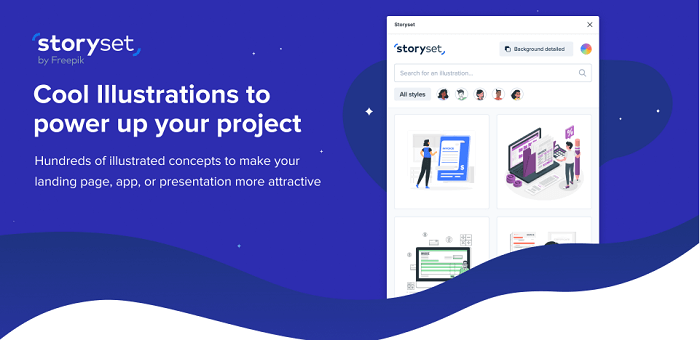
    Storyset is an illustration pack by Freepik. It offers cool illustrations to bolster your project. There are thousands of illustrated concepts where you can customize with your preferences. Every single illustration comes with a different approach and style. And guess what! You can also animate them as well.

    Moreover, it comes as a Figma plugin too. You can just install it in your Figma system and you are all set to rock on! Now, you can make your presentation, landing page or app look beautiful and more meaningful with Storyset illustrations.

    Visit Website

    2. unDraw – Open Source Illustration Website

     unDraw Open Source Illustration Website

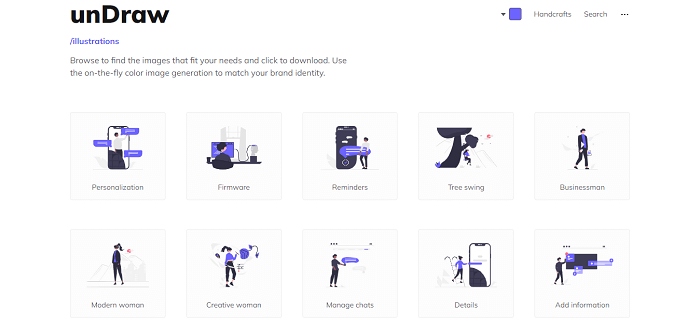
    Since 2017, unDraw has been available on the internet. And Katerina Limpitsouni is the sole person responsible for its success. She has created over 500 open-source illustrations in various categories to date. The great thing about unDraw is that you can find a plethora of appealing illustrations in copyright-free SVG files. And guess what? You can change the colors right on the website.

    Because it’s an SVG file, editing, customizing, and stitching multiple illustrations together to create your design will be a breeze. Try unDraw for the bookmarks toolbar.

    Visit Website

    3. Ouch! – Free Icon Designs & Illustrations by Icons8

    ouch! icons8 free illustration wesbite

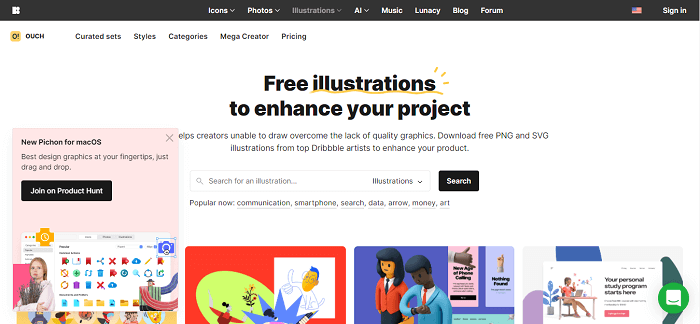
    Ouch! from Icons8 is a company that focuses on icon designs for businesses. However, they’ve recently begun to branch out into other areas, such as providing free illustrations for both personal and commercial use.

    For your next web design project, Ouch! is jam-packed with unique and creative vector graphics. Check the pricing options for SVG vectors directly on the site. 

    Visit Website

    4. Drawkit – Free Illustration Website

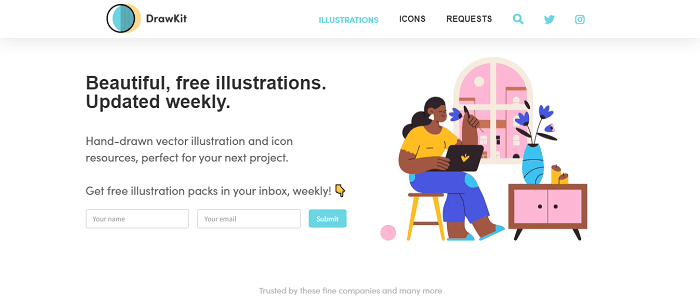
    DrawKit was created by James Daly to assist designers and startup owners in quickly designing their projects. More than 50 free illustrations in two styles are available on the website. You can also subscribe to one of James’ premium packs if you like his work.

    All files are licensed under the MIT license (suitable for both personal and commercial use), and you can download fully editable SVG and PNG files. There are also a lot of categories to choose from!

    Visit Website

    5. Vecteezy – Free Vector Illustrations

    vacteazy free illustration website

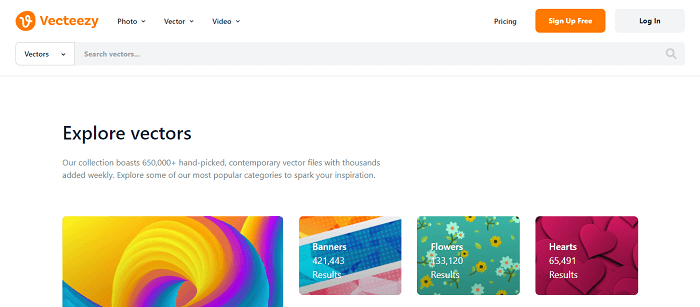
    Vecteezy is the largest online database for vector graphics. There are more than 650,000 illustrations on their website which are royalty-free. But they are divided into “free license” and “pro license” categories, allowing you to choose what works best for you.

    Vecteezy offers vectors in a wide range of orientations to cater to a wide range of devices and layouts. It has endless options! Finally, Vecteezy has a large library of stock videos. Vecteezy has you covered whether you’re looking for timelapse or travel videos, or both.

    Visit Website

    6. IRA Design – Custom Illustration Website

    IRA Design Custom Illustration Website

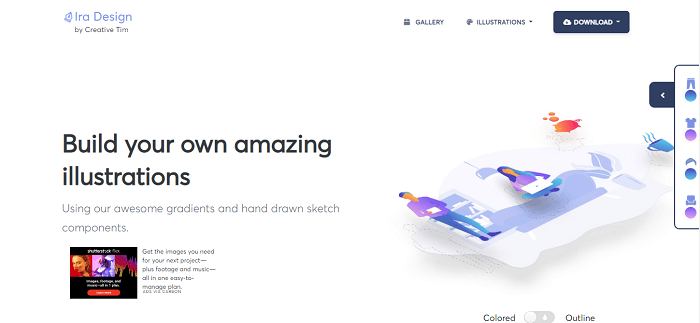
    IRA Design is an excellent choice for creating custom illustrations by utilizing their pre-built components. Each component has 5 distinct gradient styles. You can download the files in multiple formats including, SVG, AI, etc.

    Please keep in mind that you must first download the files to your computer before editing. 

    Visit Website

    7. ManyPixels – Free Illustration Website

    ManyPixels Free Illustration Website

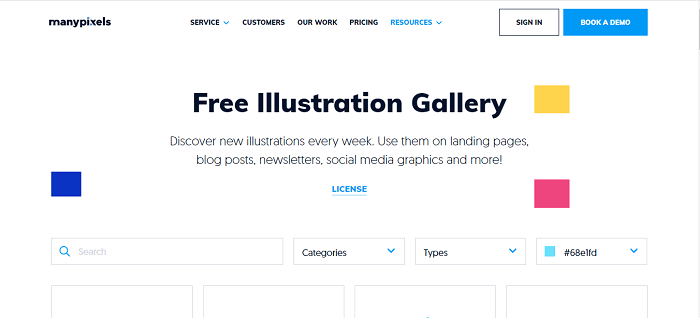
    ManyPixels is a free illustration website that is a fantastic resource that is similar to unDraw. Because the creators of both resources are different, the designs will be distinct.

    Before downloading any of the free illustrations, you can still select a default color and download full SVG format files. ManyPixel’s images are implied to be free to use in any way imaginable under the terms of the license. The only limitation is that you cannot recompile the files and resell them elsewhere.

    Visit Website

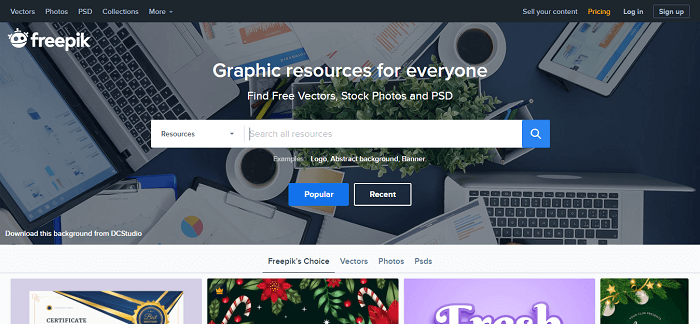
    8. Freepik – Free Stock Images and Illustrations

    freepik free illustration website

    Another excellent source of free stock images and illustrations is Freepik. Thousands of free vector images are available, including pamphlets, PSAs, brochures, greeting card templates, and much more.

    Furthermore, Freepik includes a built-in editor that allows you to edit and customize the template to your liking. This illustration and stock image website lets you download files in various formats such as SVG, AI, and EPS. Though not every file on Freepik is free, the number of open-source files on the site is comparable to that of other similar websites. It is preferable to provide attribution if at all possible. However, it is not mandatory for Freepik files.

    Visit Website

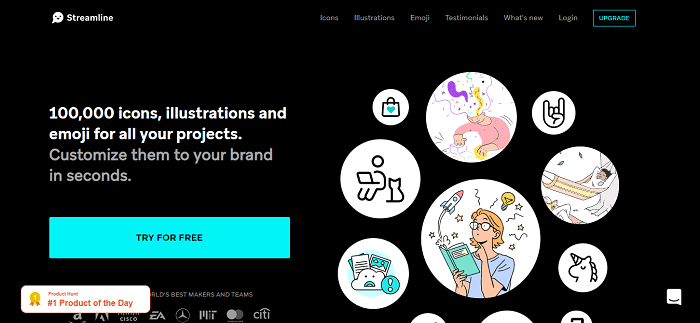
    9. Streamline 4.0 – Icons, Illustration and Emojis

    Streamline 4.0 free illustration website

    Streamline 4.0 is an illustration website with a pretty huge collection of high-quality customizable illustrations, icons, and emojis. As we are only focusing on free illustration. Streamline currently have a few hundred free vector illustrations available at their site. The packages are incredible and minimal in design.

    You will get the files in png, SVG, and pdf format. Most of the illustration from Streamline 4.0 is premium but, you’ll get a great amount of customizable illustration that can suit your requirements.

    Visit Website

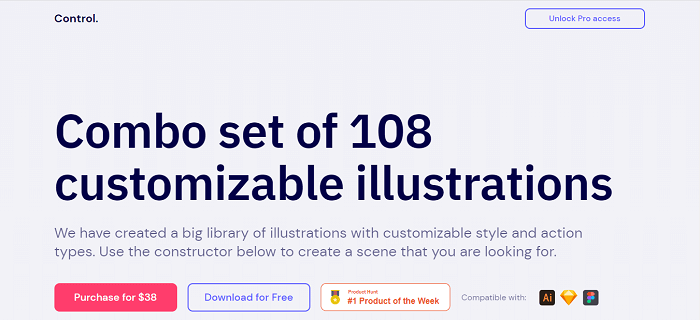
    10. Control – Customizable Illustration

    Control Customizable Illustrations

    Another short but amazing collection of free illustration websites is Control. Control is a combo set with 108 customizable illustrations which are available in both premium and free versions. You can create a scene by using the constructors of different styles given on the website and make something of your choice.

    Please keep in mind that on the free version you will get the same result but the files will be only in png format. With the premium option, you can have the full vector file and also Figma and Sketch files.\

    Visit Website

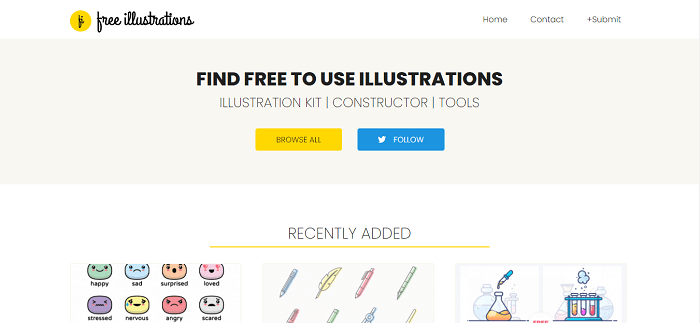
    11. Free Illustrations – An Illustration Website

    Free Illustrations is a website that helps you find all free illustrations and vectors with no copyright issues and doesn’t need attribution. It has listed illustrations and icons in tons of formats and illustrations available. There is a huge amount of possibility to structure your website’s content with the best minimal-looking illustrations from this website.

    Make sure to check these free yet very useful Illustration packages.

    Visit Website

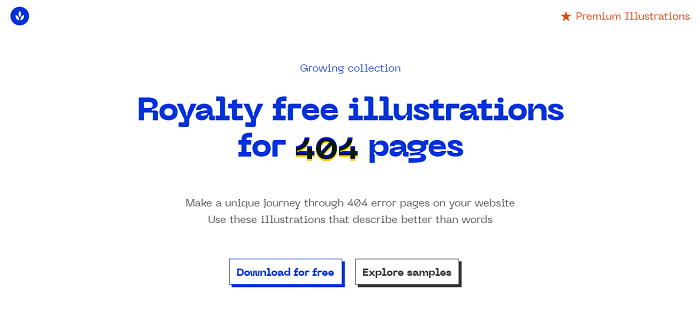
    12. 404 Illustrations – Royalty Free Illustrations for 404 Page

    404 illustrations royalty Free illustrations for 404 page

    404 Illustrations is a website specially designed for royalty-free illustrations for 404 pages. The meaning of the 404 page is the page we see as a page not found/error page. With the access of so many 404 page illustrations, you now have the opportunity to best express your error page with your website’s requirements.

    These are copyright-free 404 illustrations. So, you don’t have to give anyone credit for it. Which will eventually make it your own unique 404 page. There are huge numbers of futuristic and cute characters to describe your style of saying. Therefore, make sure to check out this incredible website and grab your free 404 illustrations.

    Visit Website

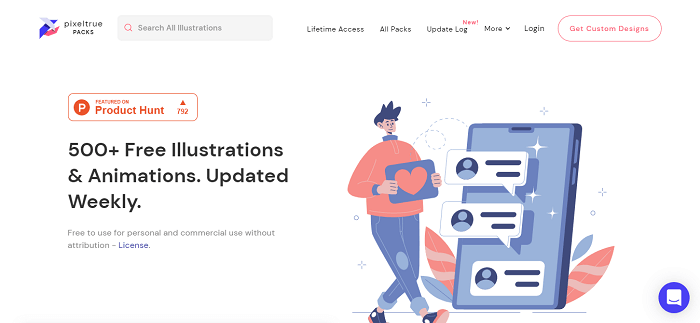
    13. Pixeltrue – Free Illustrations and Animations

    Pixeltrue free illustrations and animations

    Pixeltrue is another great example of an illustration website with over 500+ free illustrations and animations. And guess what! They update it every week. So, it’s growth with more options each week. Besides, the illustrations which are here are all attribution-free and open to commercial use.

    In my opinion, these free designs are so good in quality that you will find no differences between premium quality illustrations and these.

    Visit Website

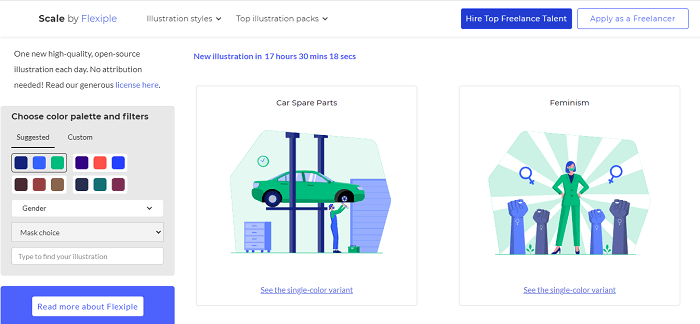
    14. Scale by Flexiple – Multi-color Customizable Illustrations

    Scale by flexiple free illustration websites

    Scale 2.0 now has amazing multicolor customizable illustrations. And all of the illustrations here are completely copyright-free. So, you can easily use them for commercial purposes. Another interesting aspect of Scale by Flexible is that they add one high-quality illustration every day.

    You can select the color of your choice to explore its possibilities. Also, we can choose between gender options. If you are a designer yourself, you can easily apply there as a designer and also hire one if you are an entrepreneur. Try Scale by Flexiple.

    Visit Website

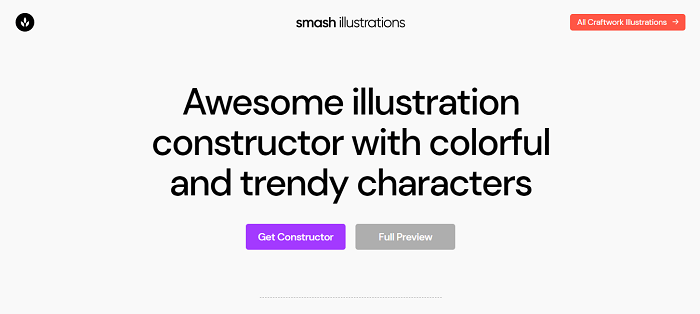
    15. Smash Illustrations – Finest Illustration Constructor

    Smash illustration free illustration websites

    Smash Illustrations is among one of the finest illustration constructors with trendy and colorful characters. You can use Smash for both personal and commercial usage. There are more than 250 illustrations to create a scene of your preference with multiple options to change things.

    So far, there are 50 characters, 200 hundred objects, and 20 ready-to-use scenes to be exact. Check out Smash to create high-quality stunning illustrations.

    Visit Website

    16. Black Illustrations – beautiful Illustration of Black People for Digital Projects

    black illustrations - free illustration websites

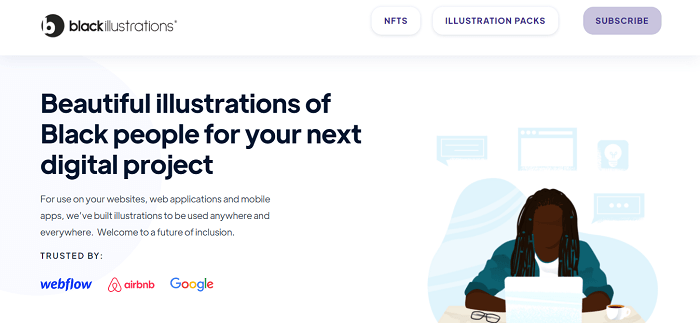
    Black Illustrations is a unique yet very human illustration website. The company specifically makes both free and premium illustrations of black people for digital projects. And the website is trusted by big companies like Google, Airbnb, and Webflow.

    You’ll find hundreds of illustrations of different scenes with tons of characters in them. Make sure to check out Black Illustration. Lastly, they offer the files with a complete library for Sketch, PNG, AI, JPG, SVG, and assets.

    Visit Website

    17. Artify – Most Complete Toolkit for Designers

    Artify most complete toolkit for designers

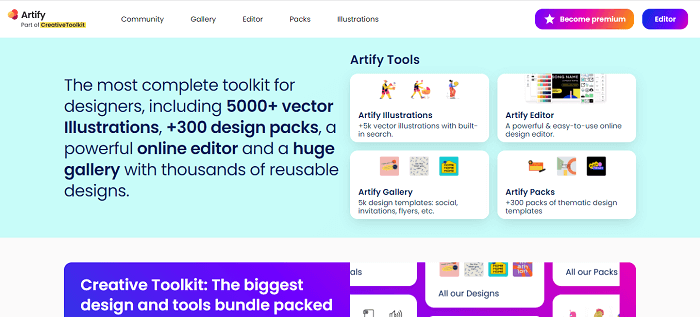
    Artify is part of the Creative toolkit.  It is a company that offers a comprehensive toolkit for designers. Over 500 vector illustrations, 300+ design packs, and a powerful design editor are all included. There is also a large gallery of reusable designs.
    Artify has a lot of high-quality free designs as well as premium ones, which is fantastic. Almost every scenario-based illustration can be found there.

    To start with, you can check out their very unique Uncommon Illustrations pack. Which is free in PNG formats.

    Visit Website

    18. Iconscout – Mega Collection of Design Assets

    iconscout - free illustration website

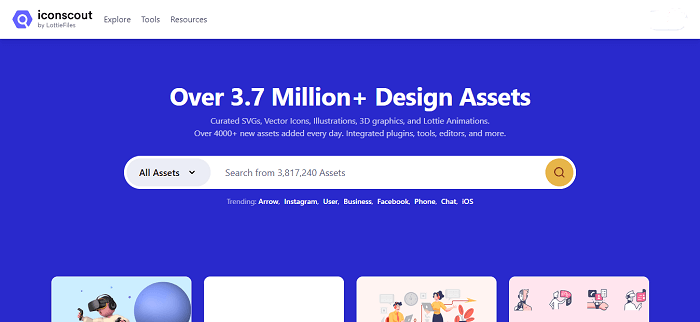
    Iconscout now has over 3,7 million design assets. In their collection, they have curated SVGs, Vector Icons, Illustrations, 3D illustrations, and more. And guess what! They add 4000+ new assets every single day.

    This site gives you the freedom to customize illustrations. They say it will take only 30 seconds to add magic to your design. There are both free and premium illustrations in Iconscout. You can have a premium subscription for a full year and choose any illustration or design file you like. Also, these are available in multiple formats. Experience this amazing site.

    Visit Website

    19. Palms – Largest Set of Palms to describe Your Ideas

    Palms Largest Set of Palms to describe Your Ideas

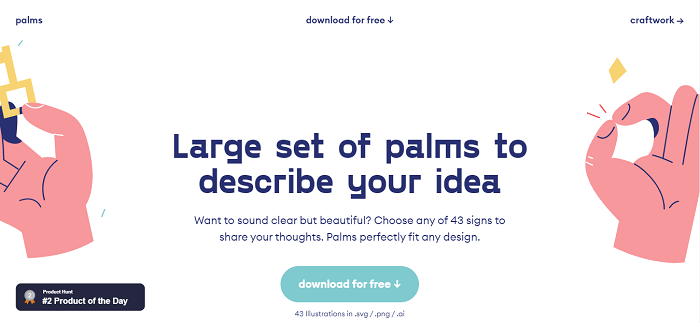
    Palms is a full free illustration website. Download any illustrations of your preference and no money is required. In product, it is in the second place by the time we’re writing it. So, you can guess its artistic influence over people. However, on this website there is a limitation of illustrations, it’s only 43. But these follow a particular sector in illustrations. Which is showing signs with palms.

    The illustrations here are all just signs to describe your message to the visitors on your site or anywhere else without spending any words. These files are available in SVG, png, and AI formats. You can have a full preview of these products simply by visiting their website.

    Visit Website

    20. Delesign – Unlimited Custom Graphic Designs and Motion Graphics

    Delesign - Unlimited Custom Graphic Designs and Motion Graphics

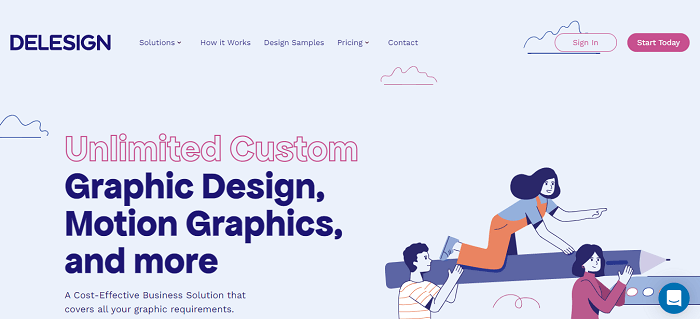
    Delesign is a unique site that offers unlimited custom, graphics, motion graphics, and a lot more. This is absolutely a cost-effective business solution that covers all the graphic requirements that you’ll probably need. The site provides different solutions. For example, different packages for the marketing teams, businesses, agencies, etc. But these are not our matter of concern in this blog. Because hiring experts will cost you money.

    So, for free packages, they offer free resources in their illustration section, especially for entrepreneurs and for personal use. Here is a link to that. These files come in SVG and PNG formats. Make sure to visit their site.

    Visit Website

    21. Craftwork – Collection for Better Online Designs

    Craftwork - Collection for Better Online Designs

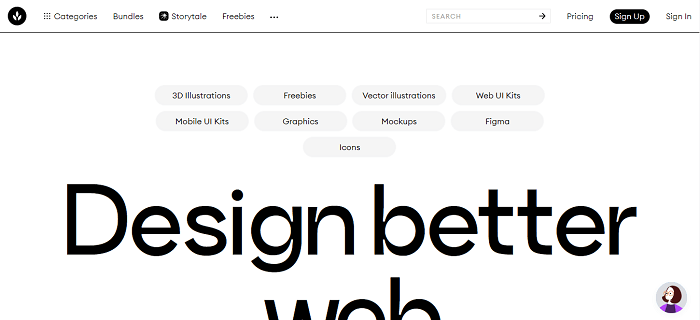
    Craftwork is a site for better designs for online purposes. There are 3D illustrations, animations, mobile kits, vector illustrations, etc. They have both free and premium options for you. So, you can choose between them. But not all designs are free of cost. But the amount of free designs they have is not any less.

    One might end up having what he/she was looking for in these free packages. Another great aspect of this company is that it is trusted by giant companies like Paypal, Pinterest, Vimeo, Microsoft, Logitech, Google, Walmart, and more.

    Visit Website

    22. PassionHacks – Free Illustration and Animations

    PassionHacks - Free Illustration websites

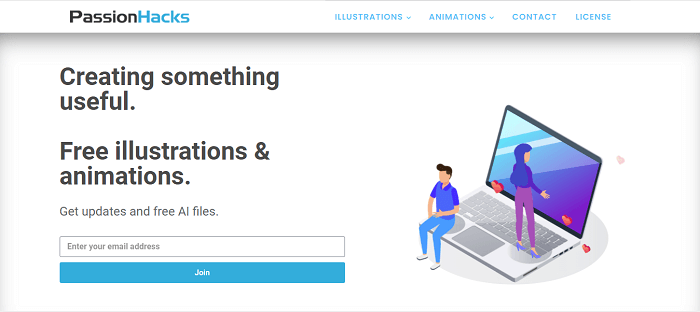
    Another trustworthy name of free illustration is PassionHacks. This site provides free files of illustrations. Only by providing your email address, you can access their all free files. The files come in different formats like PNG, SVG, etc. Not only, they offer just still illustrations but also they have a great collection of animated illustrations.

    Surely, do not forget to check them out!

    Visit Website

    23. iconduck – Free Open-Source Icons & Illustrations

    iconduck - Free Open-Source Icons & Illustrations

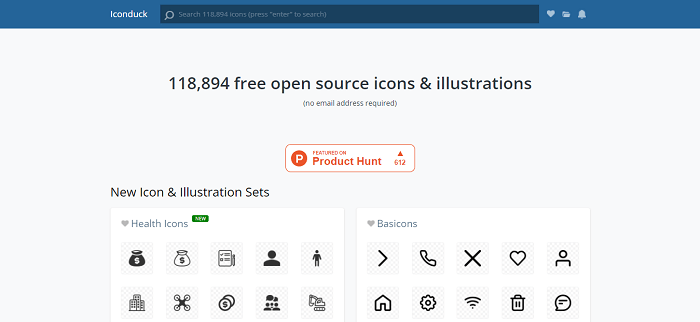
    iconduck now has over 100000 free and open source icons & illustrations curated on their site. This website is featured on Product Hunt. As they are open-source files, you won’t need an email address to download the files. You can simply search with any particular keywords you like and get a ton of suggestions for that.

    Their goal is to make open-source illustrations and icons more accessible. They do it simply by tagging and collecting them for different sources.

    Visit Website

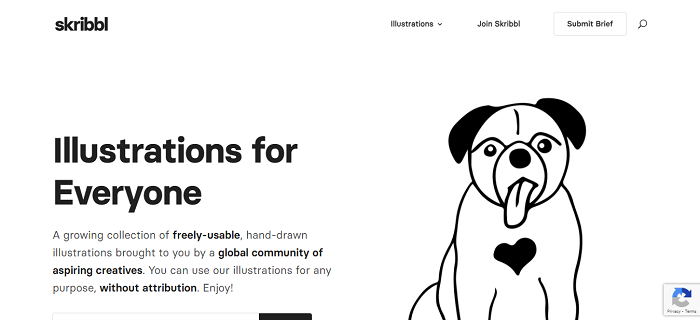
    24. Skribbl – Illustrations for Everyone

    Skribbl - Illustrations for Everyone

    Skribble is a website specially designed for hand-drawn illustrations. It is brought to us by a global community of creative designers. There are a lot of hand-drawn illustrations and all of them are free of charge. Without using any attribution you can use any of Skribble’s illustrations. All of these illustrations are black and white.

    Moreover, you can find illustrations for a lot of different subjects. Search any categories of illustrations you want and grab what suits your requirements best. Also, if you subscribe to their website with your email, they will offer you a free illustration pack every single week.

    Visit Website

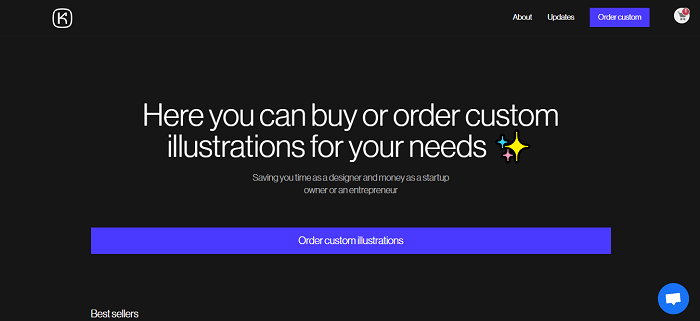
    25. kapustin – A website for Illustrations

    kapustin - A website for Illustrations

    Kapustin is a sophisticated illustration site that has both free and premium illustrations available on its site. In comparison, free illustrations are less in number. But in some cases, these can do your job. They offer illustrations in bundles with different name tags.

    With Kapustin, you can also order custom illustrations.

    Visit Website

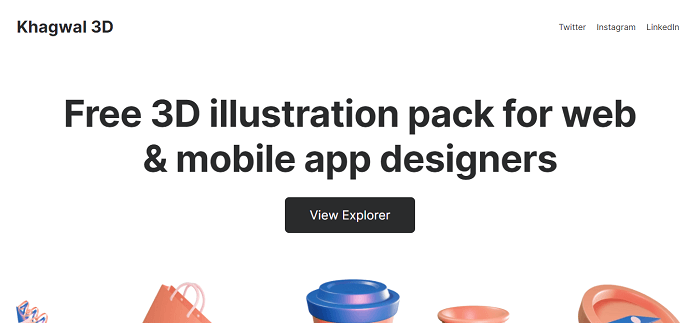
    26. Khagwal – 3D Illustration Library

    Khagwal - 3D Illustration Library

    Khagwal 3D is a free 3D illustration library website. The website contains 45+ 3D illustrations for designers. All of these are available in 5 different color themes. And the types are, Aero, Amber, Charcoal, Elite, and Slate. Moreover, all of them are scalable, dynamic, and project-ready designs.

    Most importantly, these designs will easily fit into your online projects. You will be able to use them for commercial purposes and this will cost you no money. A few examples can be, promotional content making, web, and mobile app projects, etc. These files are available for Figma.

    Visit Website

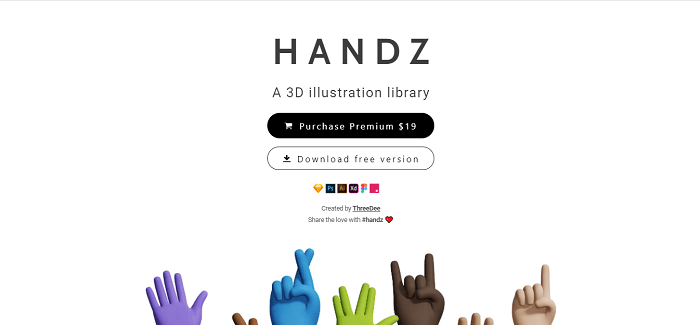
    27. Handz – 3D Illustration Library

    Handz 3D Illustration Library

    Handz is a 3D illustration-based website that offers both premium and free 3D illustrations. the premium version also doesn’t cost that much. Those who are interested and want to try 3D illustrations on their projects can easily visit this site. The Handz website provides illustrations of one particular category. That is hands expressing different scenarios.

    You can select any colors you prefer on these illustrations. In the free version, there are 320+ png files rendered. These are all blend-made files, 12 hand gestures, 9 variations in skin colors, and 3 variations of sleeves. They say, “It is more than 320 combinations of hand out of the box.” However, the premium package gives 5 times more than the free version.

    Visit Website

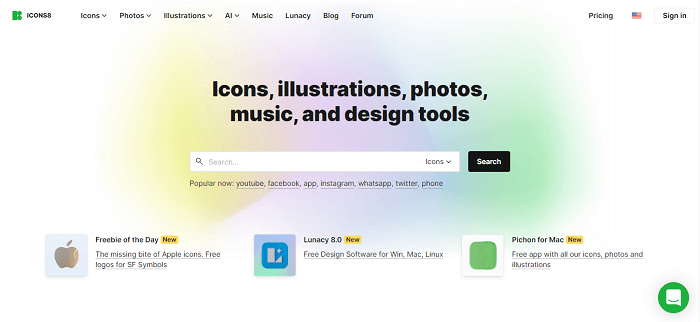
    28. Icons8 – Icons, Illustrations, Photos, Music and Design Tools

    Icons8 free illustration website

    Icons8 is a mega-collection of illustrations, icons, animations, photos, music, and design tools. The website has a great collection of free resources. For example, you can grab some of the most useful illustrations just for free. These packages come in great numbers and quality.

    Most importantly, they have every package for different categories sorted out in such a beautiful way that you’ll face no difficulties finding the ones you would like to have on your project. These packages come in various sizes, shapes, and formats. Make sure to check it out.

    Visit Website

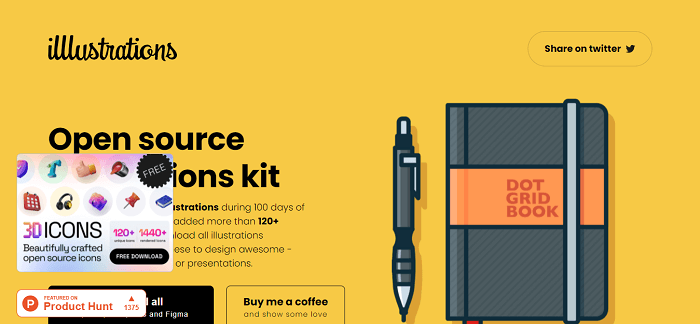
    29. Illustrations – Open-source Illustrations Kit

    Illustrations - Open-source Illustrations Kit

    The website Illustrations is another beautiful website for open-source illustrations. It got featured by Producthunt. All the illustrations here are open for commercial and personal use. Though, the number of illustrations here is not huge. However, all of them are high-quality illustrations. In total, there are more than 120 illustrations which are available in SVG, PNG, AI, EPS, and Figma.

    Thus, download them for free and mix them up with your requirements and throw a great impact on your visitors.

    Visit Website

    30. Illustration Kit – Free Premium Illustrations

    Illustration Kit - Free Premium Illustrations

    Illustration Kit is a free premium website for vector illustrations by Khushmeen & Dilpreet. By providing your email address, you can have all weekly updates about the new illustration packs. The designs here are all very minimal in design, which is very effective, nowadays to bring the attention of minimal loving users.

    Apart from sending you new information about their weekly updates, they will send you free illustrations every week right in your inbox. Isn’t that amazing? You can customize colors and characters according to your recommendations and download them in PNG and SVG formats.

    Visit Website

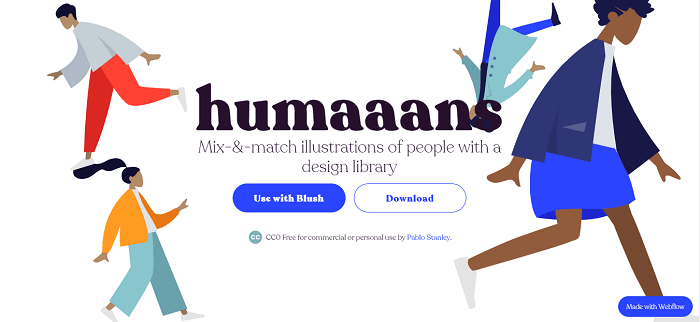
    31. Humaaans – Human Focused Designs

    Humaaans is concerned with the human side of design. As an illustration library, it emphasizes the human connection to design. These wonderfully creative artworks will work well in any design project that requires a touch of emotion and liveliness.

    It’s ideal for using as icon placements as well as full-fledged hero sections.

    Visit Website

    Wrapping Up

    Now, it seems like your search for the best free illustration websites for web developers has come to an end. The websites mentioned here are just among the best illustration websites. But there are a lot of other options available on the internet. You can find some great quality illustrations on other websites also. So, always keep your eyes open while looking for creative designs. Who knows you might end up having a great collection of illustrious in some underrated website.

    It surprises us that such a great amount of artworks people put on the internet, just for free. So, if you have an option to contribute something good to the creators then feel free to do so.

    About UI-Lib

    We are a software development company that provides a large number of templates both free and premium every year on the marketplaces. Also, we create useful UI kits and design systems. For those we use technologies like Angular, Vue, React, etc. So, if you want to learn more about our work make sure to visit our Gumroad profile and also our ThemeForest profile. You’ll find the links on the buttons below.

    Our Themeforest Profile  Our Gumroad Profile

  • What Is User Interface (UI) – Everything You Need to Know

    What Is User Interface (UI) – Everything You Need to Know

    What is a User Interface? How do you get started with it? Here is what you need to know.

    What Is User Interface (UI)

    The internet and apps have become increasingly important in everyday life and business. We connect our businesses and lives with people, using computers, laptops, mobile phones, and tablets. As a result, entrepreneurs and large corporations have discovered that to compete with other competitors on the internet and applications. It is best to prioritize the development of an appealing and functional user interface. And in the end, the most visually appealing interfaces and interfaces that can optimize the best user experience (UX) will win.

    So, in this article, we are going to answer:

    • What is a user interface (UI)?
    • Difference between UI and UX.
    • Important elements of a user interface.
    • Principles of good user interface design.

    What Is a User Interface (UI)?

    A user interface is a point where a person interacts with a computer, web, or app. The goal of a user interface is to make interaction as easy and natural as possible. You must ensure that users get the best results with the least amount of effort.

    user interface ui

    The developers use layers of interaction to create user interfaces. It is to appeal to the human senses (sight, touch, auditory, and more). They include keyboards, mouses, trackpads, microphones, touch screens, fingerprint scanners, e-pens, and cameras. Also, monitors, speakers, and printers as input and other output devices. And, multimedia user interfaces are devices that interact with multiple senses. The user interface combines physical input such as keyboard and mouse with visual and auditory output like monitor and speakers.

    Other classes of user interfaces:

    Menu-driven UI: A user interface that navigates through a program or website using a list of options. ATMs, for example, have menu-driven user interfaces that are simple to use.

    Graphical UI: A physical UI input with a visual UI output (monitor and keyboard)

    Form-based UI: Form-based UI, enter data into a program or application by providing a limited number of options. A device’s settings menu, for example, is form-based.

    Touch UI: Haptic or touch input is used by the majority of smartphones, tablets, etc.

    Voice user interface UI: Voice UI or Auditory commands help users to interact between humans and machines. For example, virtual assistants, talk-to-text, GPS, etc.

    Difference between User Interface and User Experience

    UI is primarily concerned with the site’s, app’s, or program’s intended look and feels. Whereas UX encompasses the entire process of conception, development, and delivery. Furthermore, UX can be applied to almost any product, whereas UI is limited to digital products. The following are the key distinctions between UX and UI:

    User Interface VS User Experience
    UXUI
    Focuses on the functionality of the product. Pays attention to the quality of user interaction.
    Focuses on market research & users need. Focuses on the design & the feel of a product.
    Involves overall project management. Focuses on the design of the finished item.

    Important Elements of User Interface

    User Interface offers touchpoints for the user as they navigate their way around; from buttons to scrollbars, to menu items and checkboxes.

    Elements of UI

    There are four categories of UI elements:

    Informational Components – These components help users to receive information. For example, notifications, inbox, pop-ups, progress bars, etc.

    Input Controls – It helps users to enter data into the system. For example, you can use an input control when you want users to tell you what country there are in.

    Containers – They hold related content. Such example of a container is the accordion. It is an item list that is stacked vertically. It shows/hides functionality.

    Principles of Good User Interface Design

    The UX should be the foundation of an ideal UI design. It should have an appealing, one-of-a-kind appearance, a logical structure, and be simple to understand for users. It’s more difficult than it appears. Even if the UI design is perfect, there will inevitably be a lot of debugging and fine-tuning after it goes live. To create an effective UI, follow these guidelines:

    Idea

    Consistency

    In UI, consistency is the key to success. It enables users to apply previous knowledge to new aspects. Also, it helps to master new situations rapidly. You can skip wasting your time learning the differences between different controls or commands. Instead, you can focus on solving real problems. Thus, consistency helps the interface design to be recognizable and predictable.

    Minimize Cognitive Load

    Cognitive load indicates ‘how much mental processing it needs to use a product.’ If you overload your UI with information. He/she will miss the details and may even bounce from using the product. So, to make it a minimum pressure on the users’ side, you need to avoid old links, give bullet points, obvious calls to action, and group the related items together, and give clear headlines.

    Clarity

    There should be no space for confusion in a UI. Make everything as clean & clear as possible. Keeping an interface clean and straight will give users confidence. It will then motivate the users to continue interacting with your interface.

    Users’ Control

    Forcing users to engage in perplexing interactions or unexpected actions is not a good idea. Users should be able to interact with your UI in an organized and friendly manner. Maintain clear pathways and give hints as to what they will see next if they click a button.

    Invisibility

    All users can identify a poor design. It is because every user can detect the smoothness of a user interface. Unplanned construction is easily traceable, and the bounce rate will noticeably increase. So, an invisible design here will allow users to concentrate on their goals rather than being distracted by the interface. And that is how less will be more.

    What’s Next?

    Understanding everything about the User interface properly should be your first priority. Your next best move will be to check out examples of successful user interfaces. Creating a perfect user interface is a very difficult task but if you focus on both the UI and UX. You will definitely succeed.

    About Us

    We are UI-Lib, a software development company. With us, you will have the best experience because our main priority is to offer high-quality products and resources. We create both free & premium design systems, templates, UI kits, and useful resources for development.

    Our Themeforest Profile  Our Gumroad Profile

  • Top 20 Best Vue Personal Portfolio Templates in 2025

    Top 20 Best Vue Personal Portfolio Templates in 2025

    Want to have the best Vue Personal Portfolio Templates for your next web development project? These free & premium templates are here to help.

    Vue Personal Portfolio Templates
    Image Source

    Vue provides a fast and smooth user experience. As a result, it can help you with your goals. Goals like fast and smooth user experience, reaching out to a wider audience, make an amazing website within a short period can be easily achieved. So, in this blog, we’ll look at the top 20 best Vue portfolio templates for personal websites. Here, we have carefully picked both the free/open-source and premium ones. 

    What is a Personal Portfolio Template?

    What does it mean to have a portfolio website? Having a personal or portfolio website allows you to reach out to a larger audience with your work. Also, it’s a reflection of your personality. It allows you to create a design that expresses who you are as a designer. So, with personal portfolio websites, you want people to be able to see your work or if you have any kind of creative output.

    20 Best Vue Personal Portfolio Templates

    Now, without further ado, let us take a look at the 10 best Vue Personal Portfolio Templates. Please keep in mind that the list below is in no particular order.

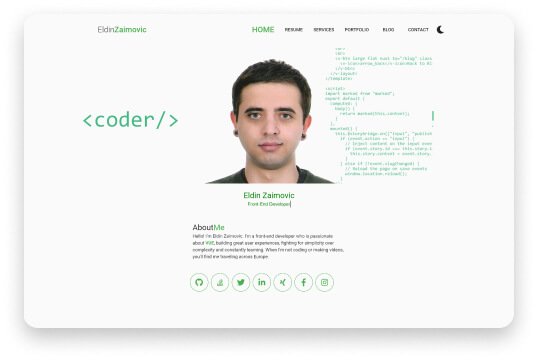
    1. eldin.space – Vue Personal Portfolio Template (free)

    eldin.space Vue Personal Portfolio Template

    Live Preview Download

    eldin.space is a free Vue Web portfolio template. Eldin Zaimovic developed this template, who is a freelancer and web designer. His template is unique in a lot of ways. Especially, coders will love the template as it has a coding style it. It offers a homepage and a resume page with a resume downloading option. Also, there are sections like services, portfolio, blog, and contact.

    Moreover, it has got an outstanding user experience and light & dark modes. So, experience the eldin.space, and make it your own.

    Price: Free

    2. Trydo

    Trydo Vue Personal Portfolio Template

    Live Preview Download

    Trydo is a multipurpose template. It also includes the Vue and Vuetify UI frameworks built using Vue.js. They used pure JavaScript and not jQuery. Because it is component-based and also developer-friendly. It is a modern-looking fast template.

    You’ll be glad to know that the template has 17+ great demo homepages, necessary inner pages demo, fontawesome & feather icons, blog pages, well documentation, clean code, and a lot more. You name it. Trydo has it all.

    Price: 24$

    3. Cobra – Vue Personal Portfolio Template

    Cobra Vue Personal Portfolio Template

    Live Preview Download

    Cobra is one of the best personal portfolio templates for creating a striking online presence. It is built over Vue and Nuxt Js. If you’re a creative person looking to broaden your horizons, you should check out Cobra. Now, you can save time with this dedicated web design that will move mountains.

    Importantly, they believe – they have covered everything you’ll need to have on your Personal Portfolio. So, the template includes features like CSS3 Animations, W3C valid code, clean code, etc. Moreover, easy customization, simple line icons, and well-documentation are also there.

    Price: 17$

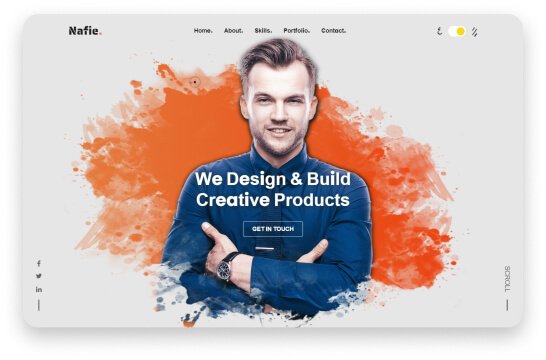
    4. Nafie – Vue & HTML Portfolio Template

    Nafie Vue portfolio template

    Live Preview Download

    Nafie is a template of good design, well-written code, and strong attention to detail. You can use it as a resume website, a personal CV, or a portfolio of creative work. For professionals, it is perfect. And It is ideal for showcasing your abilities, experience, work, and knowledge.

    This template is an excellent choice if you need a high-quality, simple resume template for personal or professional use. it offers pure Vuejs and no JQuery dependency, full documentation, smooth scroll, custom Tooltip, L&D modes, cross-browser support, and more.

    Price: 11$

    5. Rainfo

    Rainfo Vue JS portfolio template

    Live Preview Download

    Rainfo is designed specifically for creative people, portfolios, designers, freelancers, agencies, etc. The template has 9 different homepages. And in the portfolio section, there are a lot of variations. For example, personal, minimal, black and white, and other portfolio styles are available here.

    Most importantly, it is a well-documented template with stunning page examples. Make sure to check out Rainfo and design your dream portfolio website.

    Price: 24$

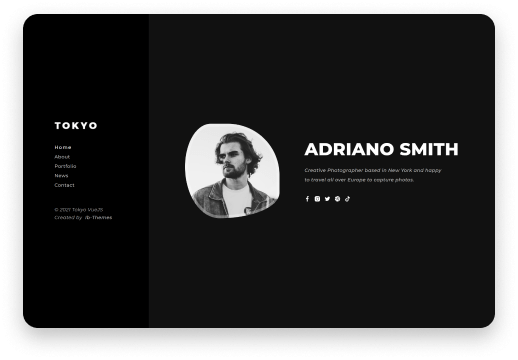
    6. Tokyo – Personal Portfolio Template

    Tokyo Personal Portfolio Vue JS Template

    Live Preview Download

    Tokyo is a Vue JS personal portfolio template for a variety of purposes. It has a unique, clean, and minimalist design. Most importantly, it is a suitable template for digitally showcasing professional projects and services. And it is a very responsive template.

    The template offers 7 pre-built demos, no Jquery dependency, L&D modes, handwritten CSS, CSS3 animations, and a lot more. Currently, there is an offer going on. Now, you can buy it for only 10$ (limited time offer). The regular price is 24$.

    Price: 10$

    7. Imroz – Portfolio Vue JS Template

    Imroz

    Live Preview Download

    Imroz is another stunning Portfolio template made with Vue JS. The template is also available for creative agency & corporate uses. It is a component-based, developer-friendly, modern, and pure JavaScript template that does not rely on JQuery. It has a modern design and a quicker loading react template.

    You can use it for a variety of purposes. Examples include a creative agency landing page, a portfolio landing page, a startup, a freelancer, and so on. Also available for other required inner or detailed pages.

    Besides, it offers 17+ home variations, fontawesome, feather Icons cross-browser support, Google fonts, dedicated support, and Sass.

    Price: 14$

    8. Oxer – Minimal Portfolio Vue JS Template

    Oxer

    Live Preview Download

    Oxer is a minimal portfolio template built with Bootstrap over the Vue JS framework. It is simple to use this template. You can adapt to this regardless of your activity. There are informational spaces. As a result, if you want to promote your business on the internet, you can use this template.

    The template has UI kits, UI elements, other components, and utilities. Check out Oxer and experience a template that can make your portfolio stand out.

    Price: 27$

    9. Brook

    Brook

    Live Preview Download

    Brook is a Creative Multipurpose Vue Nuxt JS Template that is both powerful and flexible. There are over 25 stunning homepages to choose from. For your website, you can use any template or a combination of content from various home pages.

    Also, the template includes 12+ portfolio layouts, 21+ blog layouts, 12+ Header styles, 16+ Footer styles, and bold digital inventions. Make sure to check out!

    Price: 24$

    10. Andle – Vuejs Portfolio

    Andle Vue Portfolio Template

    Download

    Andle is a Personal Portfolio template with Vue3 & Bootstrap5. It is not only a desktop-supported template but also a fully responsive design with amazing flexibility and user-friendliness. If you want to create a professional-looking stylistic portfolio website that has an eye-catching homepage, stunning slideshows, and smooth animations. Then you can give it a try.

    The template offers you 8 different web pages, features like a dynamic portfolio page, contact form, and a lot more. Also, you’ll be happy to know that it supports all major browsers.

    Price: 24$

    11. Karmen – Vuejs Personal Portfolio Template

    Karmen Vuejs Portfolio template

    Download Live Preview


    Karmen is a responsive personal website template built with Vue and Nuxt Js to create a professional-looking web space that will showcase your talents and services to the fullest. You can achieve this with the assistance this impressive template, Karmen. They believe they have covered everything you need to get your portfolio up and running.

    The template offers you a smooth scroll experience, easy customization, CSS3 Animations, W3C HTML Valid code, Cross Browser Support, and more.

    Price: 12$

    12. Aali – Personal Portfolio Vue Template

    Aali Portfolio Template with Vue.js

    Download Live Preview

    Ali is a template for purposes like CV, personal portfolio, Resume, etc. It has all of the features of a business website in a creative, minimal, and clean design. Moreover, it can be pretty convenient for any startup company, agency, or freelancer who requires a professional way to showcase their projects. Also, it gives services with a 100 percent super responsive experience.

    The template also has both light & dark modes for convenience. It has sticky navigation, well-documentation, mobile navigations, and free updates.

    Price: 14$

    13. Kura – Personal Portfolio Vuejs Template

    Kura Portfolio Template

    Download Live Preview

    Kura is an appropriate portfolio template for any startup business, company, agency, or freelancer. It has squecky clean, and minimal-looking design. Also, it has all of the features of a corporate website. Aali and Kura are from the same company. They have everything almost similar to one another except for the design.

    So, we do not need much to describe Kura. You can check out Kura from the buttons above.

    Price: 14$

    14. Waxon – Vuejs Portfolio Template + RTL

    Waxon

    Download Live Preview

    Waxon is a professional and clean personal portfolio template. It’s for designers, developers, freelancers, marketers, and other professions. The template used the most recent version of Vuejs. Moreover, it has a one-of-a-kind homepage, news section, portfolio details pages, RTL support, etc.

    Here, you’ll also find 7 pre-built demos, no Bootstrap, all CSS are handwritten, CSS3 Animations, and more. They’ve kept the responsiveness and cross-browser compatibility. Furthermore, these two qualities are the first to ensure user-friendliness. Besides that, they used code that is both clean and SEO-friendly. As a result, you can now easily rank your website at the top.

    Price: 20$

    15. Alexis – Vuejs Portfolio Template for Photographers

    Alexis Vuejs Portfolio Template for Photographers

    Live Preview Download 

    This template Alexis was created from the ground up using modern development best practices. It’s fully responsive and works flawlessly with a wide range of modern browsers and devices. As a result, you’ll get a compelling and impressive result that users will appreciate.

    The template will work best for Art galleries, businesses, and Photography. It offers 07+ web pages, No JQuery Dependency, Nuxt Technology, vue-bootstrap, Google Font & Local font, One homepage variation, and more.

    Price: 24$

    16. Shane – Personal Portfolio Vuejs Template

    Shane Personal Portfolio Vuejs Template

    Live Preview Download

    Shane – Personal Portfolio VueJS Template is a versatile template that can be used for a variety of purposes. It offers 4 Pre-Build Demos, the latest version of Vuejs, No JQuery Dependency, and No Bootstrap. All CSS is Hand Written, CSS3 Animations, and a lot more.

    If you are a teacher, developer, designer, content creator, etc. It is a super-fast template with beauty that can make your day.

    Price: 20$

    17. Photoscope – Nuxt & Vue Photography Portfolio Template

    Photoscope Nuxt & Vue Portfolio Template

    Live Preview Download

    Photoscope is a template created with a minimalist design and modern technologies for Photographers, Designers, and Creative Agents. It is based on cutting-edge frameworks such as Nuxt and Vuejs, as well as Bootstrap. And this is the template for you, if you want something that looks good and performs well.

    Moreover, it has other useful features like CSS3, HTML5, Unicons, Axios promise-based HTTP, lazy loading, transitions page animations, etc. Be sure to check out!

    Price: 16$

    18. NuroDev – Personal Portfolio

    NuroDev Personal Portfolio

    Live Preview GitHub

    It is an open-source personal portfolio only for developers with the Vuejs framework. The template has no name. However, it has all the basic buttons that you need to show in front of your viewers. The template is created by only two contributors. You can easily install it and watch a live preview from the buttons below. If you are a developer then make sure to checkout.

    19. Mahy – Personal Portfolio With Vuejs Framework

    Mahy - Personal Portfolio With Vuejs Framework

    Live Preview GitHub

    Mahy is an open-source one-page layout, Vuejs framework-based personal portfolio template. It implemented the material design in it and was designed with Bootstrap 4.5 & CSS. Also, it has a very responsive system and has animated layout. Experience Mahy from the GitHub link above.

    20. DriesBos – Personal Portfolio Using Vue & NuxtJS

    DriesBos - Personal Portfolio Using Vue & NuxtJS

    Live Preview GitHub

    DriesBos is a personal portfolio template. It mostly took VueJS, NuxtJS, Storyblok CMS, and Axios to give this simple 90’s developers’ vibe. Which now looks pretty cool and solid. Don’t forget to check out!

    Final Thoughts

    There are a lot of design styles and layout structures to choose from. So, picking the best template is always tough. Please note that making a wise decision is an integral part of success. Because if you choose something that does not fulfill your criteria, you will have to put in the extra effort. Furthermore, you may even abandon the project after failing with the deadline.

    So, it would be perfect if you double-check the things before purchasing. Here’s a link to a blog that can assist you in selecting the perfect template every time.

    How to Choose a Perfect Template

    About Us

    UI-Lib is a software development firm that provides helpful and attractive free and premium templates, UI kits, and design systems. Our main goal is to provide high-quality products and to do so. We value quality maintenance, experience, and positivity.

    Our Themeforest Profile Our Gumroad Profile

  • Top 10 Best Ant Design Templates for Web Developers in 2022

    Top 10 Best Ant Design Templates for Web Developers in 2022

    Want to have the best Ant Design Templates for your next web development project? These free & premium templates are here to help.

    ant design logo

    Do you want to save your time on customizing and styling your web project? Ant Design is a great option for that. This framework allows you to customize and style your web project in the shortest amount of time possible. However, the results appear to show that you put a lot of time & effort into it. With its powerful theme customization, it’s undeniably a fantastic framework.

    What is Ant Design?

    Ant Design is one of the most substantial open-source enterprise-class user interface design languages. As a result, it aids businesses in achieving the best outcomes with user interfaces. It also has a set of high-quality React components, making it the world’s second most popular React UI framework.

    Among many, one great thing about Ant Design is that it has highly customizable rich components. And as it is a popular component library with 75.1k GitHub stars, you will get good community support too. In this blog, we have carefully handpicked the 10 Best templates based on Ant Design.

    Best Ant Design Templates for Web Developers in 2022

    Let’s take a look at the best Ant Design Templates.

    1. Yoda – Admin Template React Hooks Redux Toolkit Ant Design

    Yoda - Ant Design Admin Template

    Live Preview Download

    Yoda is an easy-to-use React Admin Template based on Ant Design. It is a viable option for Ant Design enthusiasts to try this product because it includes all of the essential features and even some highly customizable elements. Furthermore, with just a little effort and customization, you can create your project.

    The template includes 70+ cards, 2000+ icons, responsive layout, clean code, quick search, ready-to-go widgets, etc. Furthermore, by purchasing the product, you will receive clear documentation. And also a lifetime of free updates and support.

    Price: $18

    2. Wieldy – React Admin Template Ant Design and Redux

    Wieldy - React Admin Template Ant Design

    Live Preview Download

    Wieldy is another Ant Design-based React Admin Template & Starter-Kit. Whether simple or complex, you can develop a React app using this template within the shortest period. As a starter kit, it can support you with React, Redux, Firebase, Router, and Redux-Saga to advance development.

    This template includes ten layouts, three sidebar options, two additional layout styles, 03 shades, etc. Also, its multi-lingual support, firebase & JWT authentication will bolster your project. However, this is not the end of this template. The template offers additional packages like the Next.js version and a complete design source.

    There are more than 100+ widgets & metrics, 05 pre-built applications, GitHub access, premium support, and a lot more. You name it. Wieldy has it all.

    Price: 24$

    3. Muse – Vue Ant Design Dashboard (Free)

    Muse - Vue Ant Design Dashboard

    Live Preview Download

    Muse is another great Ant Design based template developed by Creative Tim. Basically, it is an admin dashboard built with vuejs and with a large number of beautifully organized components. Especially, it is designed for those who like bold elements.

    This free version template provides 70+ elements, 7 example pages, one plugin, and more. After download, you will receive full documentation of the product and the SaaS files.

    Because all the necessary files are implemented here beforehand, you can save a lot of time on development going from prototyping to fully functional code. It also comes with a premium version.

    Price: Free

    4. Muse Dashboard PRO

    Muse Ant Design Dashboard PRO

    Live Preview Download

    Muse Dashboard Pro is the premium version of Muse developed by Creative Tim. It includes everything from the Muse package and also offers a lot more new features plus premium support. The template has stunning features that can help you create awesome websites and applications. It has over 300 front-end elements.

    Moreover, there are 05 plugins, 26 example pages, and more. For inspiration, we would recommend you to use the free version. And if you want to make the best quality dashboard for commercial purposes, choose Muse Dashboard Pro.

    Price: 69$

    5. Ant Design Pro (Free)

    Ant Design Pro

    Live Preview Download

    Ant Design Pro is the best example of a free production-ready solution. It got developed n top of Ant Design principles. The template includes higher-level components, templates, a design kit, and a lot more. Moreover, it offers sections like forms, lists, profiles, accounts, results, exceptions, etc.

    This template can help you improve the user and development experience for admin interfaces.

    Price: Free

    6. Dark Theme – Ant Design (Free)

    Ant Design Dark Theme

    Live Preview Download

    Another free production-ready solution for developers is Ant Design Dark Theme. This template is available on GitHub. It was developed using Ant Design’s design principles, just like Ant Design Pro. It has a very clean appearance and includes all of the advanced features you might require.

    A dashboard example, form, list, profile, result, account, graphic editor, and more are included in this open-source product.

    Price: Free

    7. Ant React Free Theme

    Ant React Free Theme

    Live Preview Download

    Built on top of React, the Ant React Free theme is an admin dashboard that is fully responsive and well-documented. By using Ant Design, its developers’ team built a great many rich features for web developers. Do not get confused. To preview this product, type anything on the user name section and password. You can then easily navigate through the template sections.

    The template includes elements like a grid, layout, dashboard example, forms, buttons, typography, lists, charts, profile, calendars, etc. To download this template from strapui.com, all you need to do is sign up. Make sure to check out this beautiful template.

    Price: Free

    8. Landing Page – Ant Design

    Ant Landing

    Live Preview Download

    You can find Ant Design-based landing page templates on landing.ant.design. To quickly build a project, you can download these Ant Design-based free template packages. You can also use the editor to personalize your landing page.

    There are a lot of homepage examples on this platform. Make sure to try out these products. They’re all free and open-source.

    Price: Free

    9. One – React Next.js & Ant Design Admin Template

    One - React Next.js & Ant Design Admin Template

    Live Preview Download

    One is a javascript-based React and Next.js template. It is necessary to have prior knowledge of React and Javascript to use this template. The template includes everything you’ll need to get started on your SAAS, CRM, CMS, or dashboard-based project.

    Also, it has features like a light & dark theme, use of styled components, easy customization, and a lot more. However, it is a fact that the product hasn’t been updated in over a year. So, make to check the FAQ section or contact directly with its developers’ team before buying this product.

    Price: 16$

    10. Flexile – React Redux Admin Template based on Ant Framework

    Flexile - React Admin Template Ant Framework

    Live Preview Download

    Flexile is a robust react admin template with the Ant Design concept and framework. It has a modern design and various layouts, as well as hundreds of widgets, metrics, and other features. Flexile has various detailed apps developed and integrated with Firebase in addition to the implementation of Redux and Redux-Saga.

    With Flexile, you can speed up your web app development process while saving money and time. The template provides 9 different layouts, an extended customizer, 200+ font icons, event calendars, maps, 04 built-in apps, etc. However, like template One, Flexile also hasn’t been updated in over a year.

    Price: 16$

    Wrapping Up

    It appears that your search for Ant Design templates is now complete. We believe you are already aware of some of Ant Design’s best features. You can now easily avoid tangled and messy designs with the help of these templates. Also, make a point of maintaining consistency in appearances and ensuring user confidence.

    About Us

    We are UI-Lib, a software development company that offers useful and awesome-looking free and premium templates, UI kits, and design systems. Our main motto is to ensure excellent quality products and to achieve this, we value excellent quality, experience, and positivity.

    Our Themeforest Profile Our Gumroad Profile

  • TypeScript & JavaScript – Which One to Choose in 2022?

    TypeScript & JavaScript – Which One to Choose in 2022?

    Hey, everyone! Are you looking for information that will eliminate your confusion on which one to choose between TypeScript and JavaScript? The answers are right here. In this blog, we will discuss the definitions, features, pros & cons of JavaScript and TypeScript.

    TypeScript or JavaScript

    It is undeniable that almost all businesses now have their websites. And the majority of them opted for JavaScript to achieve highly effective functionality. However, there is another relatively new language that is thriving in the developing industry. We know this language as TypeScript. However, TypeScript is not an alien language; it is a modern version of JavaScript itself. I will discuss all of that piece by piece. So, without further ado, let’s begin.

    From here you’ll learn about,

    • What is JavaScript?
    • What is TypeScript?
    • One Side by Side Code – TypeScript Vs JavaScript
    • Features of JavaScript?
    • Features of TypeScript?
    • Benefits of using TypeScript Over JavaScript
    • Disadvantages of using TypeScript Over JavaScript

    and more.

    What is JavaScript?

    JavaScript, aka JS, is a scripting language that offers the opportunity to build interactive web pages. It means you can create, control, and animate content for web pages with JavaScript. And all of these are possible only with a few lines of code. JS can work with other technologies like XML, Rest API, etc. In standard web technology, it is the third layer. Where the first and second layers are HTML and CSS.

    Here is an example of a simple text label to understand the layers properly. Here, we set HTML for structure and purpose.

    <p>Player 1: Jhonson</p>
    

    Player 1: Jhonson

    Then to give it a nice look we add CSS.

    p {
      font-family: 'helvetica neue', helvetica, sans-serif;
      letter-spacing: 1px;
      text-transform: uppercase;
      text-align: center;
      border: 2px solid rgba(0,0,200,0.6);
      background: rgba(0,0,200,0.3);
      color: rgba(0,0,200,0.6);
      box-shadow: 1px 1px 2px rgba(0,0,200,0.4);
      border-radius: 10px;
      padding: 3px 10px;
      display: inline-block;
      cursor: pointer;
    }
    

    It will appear like this.

    JavaScript Examples

    Lastly, to have a dynamic response we add JavaScript.

    const para = document.querySelector('p');
    
    para.addEventListener('click', updateName);
    
    function updateName() {
      let name = prompt('Enter a new name');
      para.textContent = 'Player 1: ' + name;
    }
    

    By adding JavaScript, we can now change the name section simply by clicking the blue button and type a new name.

    Check it out from here. Live Demo

    Source Code

    When JavaScript first arrived at the market, its purpose was to work as a client-side programming language. However, soon after its arrival, the developers realized that JS can also work as a server-side programming language. As the demand for JavaScript was booming, the code of this language became complex. And, it failed to fulfill all the requirements of an object-oriented programing language.

    What is TypeScript?

    TypeScript is an advanced JavaScript language by Microsoft that came to the market in 2012. We can define TypeScript as, TypeScript = JavaScript + Types + some added features. For example, when we use class in JavaScript, the parent class there is JavaScript. Then we create a new class TypeScript, that extends JavaScript.

    So, TypeScript code is an effectively JavaScript code. It means, when we write a JavaScript, that is also a TypeScript code but not all TypeScript codes are JavaScript codes.

    Here are few examples of TypeScript Code.

    Explicit types – TypeScript Code

    // Explicit Types
    let destination = "Mars";  // it's the same as let destination: string but TS infers by itself
    

    Using enums – TypeScript Code

    // We can use enums
    enum Professions { Astronaut, RocketScientist, Mechanic }
    

    TypeScript compiled to JavaScript: Using enums

    // We can use enums
    var Professions;
    (function (Professions) {
        Professions[Professions["Astronaut"] = 0] = "Astronaut";
        Professions[Professions["RocketScientist"] = 1] = "RocketScientist";
        Professions[Professions["Mechanic"] = 2] = "Mechanic";
    })(Professions || (Professions = {}));
    

    Type aliases – TypeScript Code

    // We can also use type aliases
    type Person = 
        { type: Professions.Astronaut, name: string, isAtSpace: boolean} |
        { type: Professions.RocketScientist, name: string }
    

    The Parameter type annotation – TypeScript Code

    // Parameter type annotation
    function weight(mass: number, planet: Planet) {
        return mass * planet.gravity;
    }
    function printAsteroids(planet: Planet) {
        if (Array.isArray(planet.asteroids)) {
            console.log("Asteroids: " + planet.asteroids.join(", "));
        } else {
            console.log("Asteroids: " + planet.asteroids);
        }
    }
    

    Interfaces – TypeScript Code

    interface Planet {
        name: string;
        gravity: number;       
        asteroids?: string[] | string; // optional property (?) and narrowing where we can assign more than one type
    }
    const mars: Planet = {
        name: "Mars",
        gravity: 3.721
    };
    mars.mass; // throw an error: Property 'mass' does not exist on type '{ name: string; gravity: number }'.
    

    Source Link

    The main purpose of this programming language is to create larger & complex applications. With TypeScript, you can write clear and simple JavaScript code. And you can run it on nodejs or any browser which supports ECMAScript3 or newer versions.

    Unlike JavaScript, TypeScript can heavily follow the object-oriented programming language structure. It supports features like interfaces, classes, inheritance, and namespaces.

    One Side by Side Code – TypeScript Vs JavaScript

    JavaScript CodeTypeScript Code
    Example:
    <script> function addNumbers(a, b) {
    return a + b;
    }
    var sum = addNumbers(15, 25);
    document.write(‘Sum of the numbers is: ‘ + sum);
    </script>
    Example:

    function addNumbers(a: number, b: number) {
    return a + b;
    }
    let sum: number = addNumbers(15, 25);
    console.log(‘Sum of the numbers is: ‘ + sum);

    Features of JavaScript

    There are a lot of features for which JavaScript is so popular. Here are some of them.

    • It has a strong testing workflow.
    • Designed especially for small scripts.
    • It supports classes, modules, and interfaces.
    • Supports cross-compilation.
    • Writing a large app is possible via extended JavaScript.
    • JavaScript runs in every browser when compiled.
    • lightweight programming language.
    • Weakly Typed Language.
    • The Scripts can be written on HTML pages like notepad or notepad ++.

    Features of TypeScript

    TypeScript grew more popular in recent years. But it’s not just hype, TypeScript has powerful features for which it is now thriving in the developing industry. Here are some features of TypeScript.

    • Used on both client-side and server-side (as with Node. js or Deno).
    • It is an object-oriented programming language.
    • Needs a compiler to compile and generate in the JavaScript file.
    • Has trans-piled code process.
    • Supports JS API documentation and other JS libraries.
    • Easy maintenance.
    • Optionally Typed Scripting Language.
    • Enhances project productivity.
    • Annotations and Static typing are possible.
    • Easy debugging and early errors detection.
    • full-fledged IDE support.
    • Strongly Typed language.
    • Supports ES6.

    Benefits of Using TypeScript Over JavaScript

    Let’s find out the benefits of using TypeScript over JavaScript. First, as TypeScript has static typing, it can highlight errors at the compilation time. So, there is no chance for an application to have running issues afterward. Secondly, unlike JavaScript, it is a strongly typed language. Therefore, each type of data, such as character, integer, etcetera, will be predefined as a part of the programming language. It allows tooling support with IntelliSense. That provides active hints as to the addition of code.

    Another factor about TypeScript is that frameworks like Angular use TypeScript. Also, functions can have optional parameters, and prototyping is possible in TypeScript. Last but not least, its compiler can compile the .ts file into ES3, ES4, and ES5.

    Disadvantages of Using TypeScript Over JavaScript

    There are fewer drawbacks of using TypeScript over JavaScript. The first one is that it does not support abstract classes. Then secondly, it takes a longer time to compile than JavaScript. Therefore, the compilation step is needed to transform TypeScript into JavaScript first.

    Lastly, TypeScript can take a lot of time and effort to code, and scripting knowledge are mandatory. Whereas JavaScript can be learned quickly and does not require any scripting knowledge.

    Wrapping Up

    Finally, it appears that this blog has reached its conclusion. Those who are not that familiar with TypeScript VS JavaScript comparison now know the basic differences. we attempted to cover almost all of the basic FAQs that constantly clog the internet. We saw in this blog that both of these technologies have advantages and disadvantages.

    However, TypeScript is recommended for those who want to take a more modern approach, who want clean, reusable, beautiful, compact, and readable codes. But keep in mind that, like JavaScript, TypeScript isn’t supported by all web browsers. So take time, do some research, and clear your doubts before starting your new web project.

    Happy coding!

    About Us

    UI-Lib is a software development firm. It has a team of experts who build high-quality free and premium templates, UI kits, and design solutions. The company uses React, Angular, Vue, HTML, and other competitive and modern technologies to create these beautiful products. And, on Themeforest, they already have over 9,000 sales.

    Our Gumroad Profile

    Our TypeScript Based Product:

    Bazar Pro – Multipurpose React eCommerce Template