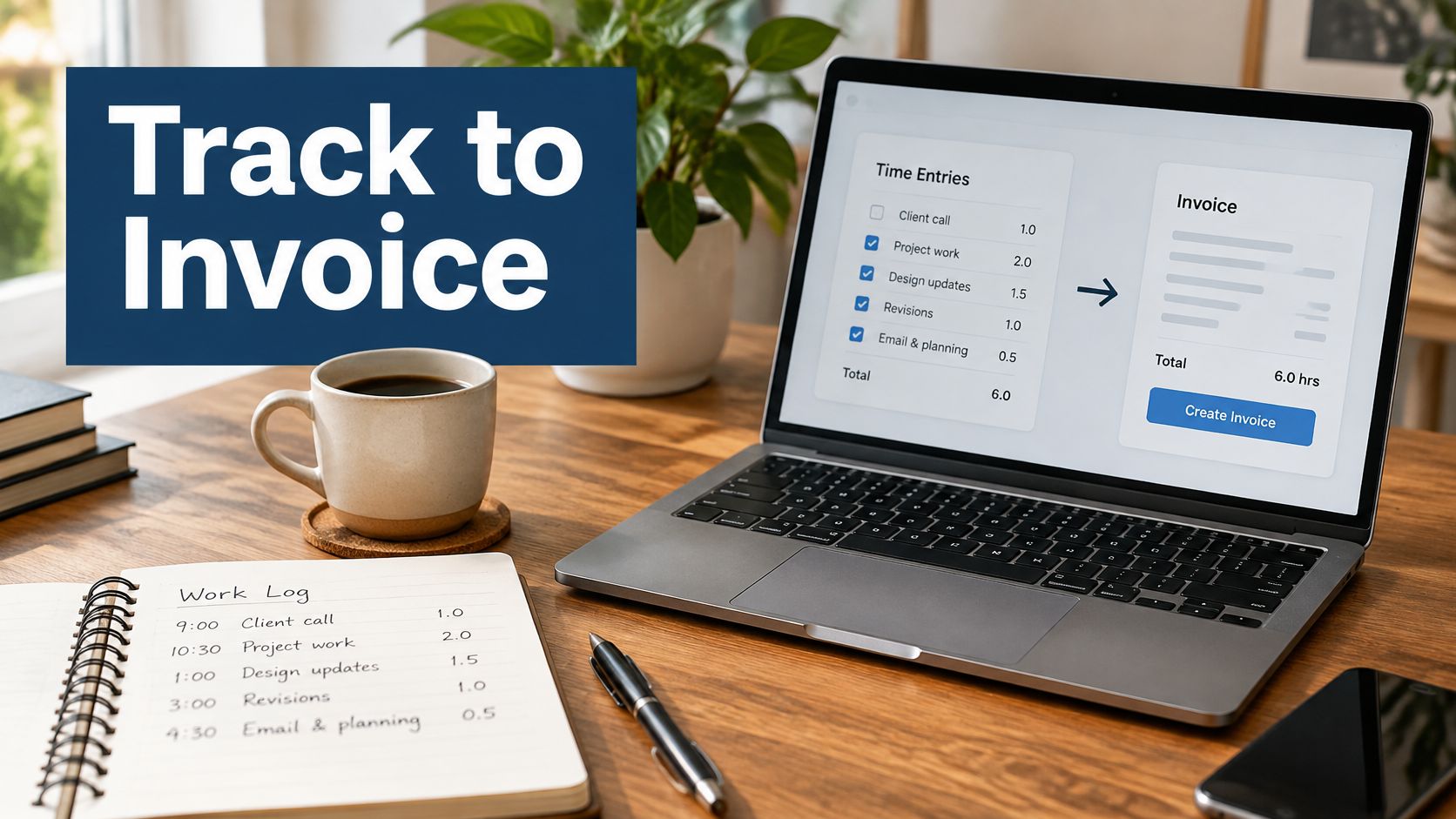
It's Friday afternoon. The client's work is finished, but your invoice isn't. You've got hours in a timer, a purchase receipt in your inbox, and a note reminding you that the last revision was outside the original scope. Before you can send the bill, you have to rebuild the week.
Good time tracking and invoicing software for freelancers should preserve those connections. The useful part isn't a prettier invoice template. It's knowing which approved work belongs on the bill, how the amount was reached, and whether you've already charged for it.
Nexus, covered below, is UI Lib's own product. We describe it from its product page and documentation, so check it in the live demo against your own invoices.
Table of Contents
- Hours in One Tool and Invoices in Another
- What a Billable Record Must Carry and What to Check
- How Nexus Turns Tracked Time into an Invoice
- Getting Paid on Time from a Clean Record
- Who Should Run Nexus and Who Should Not
- What It Does Not Do and What to Do Next
Hours in One Tool and Invoices in Another
Say you're a freelance designer finishing a website refresh. You tracked design work against the client's name, wrote meeting notes elsewhere, and bought a font licence that the client agreed to cover. Your invoice lives in a separate document.
To prepare it, you copy the timer total, find the receipt, and decide which meetings were billable. Then you notice that an afternoon of revisions sits under a different project. Was that included in the quote, or did the client approve extra work?
The handoff is where billing context gets lost. A duration tells you how long something took. It doesn't necessarily tell you what the client agreed to buy.
The disconnected workflow looks like this:

The cost isn't just typing the same total again
Each transfer asks you to make another judgment. You might round a duration differently, leave out a short task, or assign work to the wrong client. A copied total can look tidy while hiding a weak explanation.
That matters when payment is already uncertain. A 2025 report cited by Kaplan Collection Agency found that 85% of freelancers experience late payments at least sometimes, while 21% are paid late, or not paid at all, more than half the time.
Software can't force a client to pay. But you shouldn't have to reconstruct your work when someone asks what a charge covers.
A useful invoice has a record behind it, not just a total at the bottom.
Connect the work, not just the applications
The practical reason to consider all-in-one business software is that clients, tasks, expenses, approvals, and invoices belong to the same business transaction. Keeping them connected reduces the number of times you have to explain the same work to your own software.
That doesn't mean every freelancer needs a large business system. If your billing is simple, a timer and a PDF may be enough. The deciding question is whether you can reliably explain each charge without searching through several places.
Start with the record you need to keep. Then judge whether the software carries that record through review and into billing, rather than merely placing a timer beside an invoice editor.
What a Billable Record Must Carry and What to Check
Treat the timer as a capture tool, not as permission to bill. Starting it records work. Approval confirms that the work belongs on a client's invoice under the agreement you've made.
A useful record preserves the date, duration, client, project, task type, billable status, and a short description. The Bitrix24 guide to moving from timer to invoice also identifies rates, billing rules, scope, budgets, and adjustments as checks to make before invoicing.
Capture enough context to recognize the work
A description such as “design” leaves too much open. “Reworked mobile navigation after client review” tells a reviewer what happened and gives the client something recognizable.
The approval state matters too. An entry might be accurately recorded but still need a decision about whether it's included in a fixed fee, covered by a retainer, or chargeable as extra work.
Keep these distinctions clear:
- Work record: What happened, when it happened, who did it, and how long it took.
- Billing decision: Whether the client should pay for it and which commercial terms apply.
- Invoice line: How the approved charge is presented to the client.
Those aren't interchangeable. A freelancer can track internal administration without charging a client for it. A studio can accept that someone worked on a task while deciding to absorb the cost of correcting an internal mistake.
Review while you still remember the task
An AffinityLive comparison reported in Plutio's freelance time-tracking guide found 35% accuracy among professionals who recorded time less than weekly, compared with 66% for daily recording.
A daily check gives you a chance to catch an unfinished timer or a task assigned to the wrong project while you still remember the work. Waiting until billing day turns review into guesswork.
Automatic activity capture can help fill gaps, but an application name isn't a client assignment. Time spent in a design application might belong to paid production, a proposal, or your own portfolio. A person still needs to confirm the task and billable status.
For records that have already supported an invoice, prefer a correction process that preserves the original entry and records an adjustment. Don't assume a product provides immutable records or a complete edit history unless that capability is explicitly documented.
Checks for time tracking that also invoices
Use this table as a decision tool, not a demand that every application do everything.
| Check | What good looks like | When a simpler tool is enough |
|---|---|---|
| Timer context | Client and task are chosen when the timer starts | You bill one client and can name the work from memory |
| Billable flag | Each entry is billable or not before invoicing | Every hour you track is billed at one rate |
| Approval | Timesheets and expenses wait in a queue | You're the only reviewer and trust the raw log |
| Rate and rounding | Rate, rounding, minimum unit, and discount are settled before billing | You bill a single fixed fee |
| Draft invoice | Approved time and unbilled expenses become lines, one per person per task | You send a single fixed fee with no hour breakdown |
| No double billing | A billed entry cannot be invoiced again | You invoice once a month from a fresh spreadsheet |
| Quote to invoice | A quote converts with per-line discount and tax | You never quote and never discount a line |
| Client view | The client sees invoices, quotes, contracts, and tickets, not the admin | You email a PDF and need nothing else |
| Limited access | API tokens and project roles are scoped | No other person and no other app will connect |
The simpler-tool column describes lower-complexity situations, not permission to skip checks. A fresh spreadsheet still needs reconciliation against previous invoices. Billing one client doesn't make memory a dependable long-term record.
Likewise, a fixed fee doesn't make time tracking pointless. You may want to understand your own effort without showing hours on the client's bill. Internal time measurement and client-facing billing can serve different purposes.
Check the amount and the document separately
Before issuing an invoice, confirm the rate and any rounding or minimum billing unit in your agreement. If you promised a discount or agreed to absorb part of a task, make that decision before sending the document.
Then check the invoice itself. A complete time record won't repair missing invoice information. For a separate document checklist, renn's guide to invoice details is a useful companion, alongside the requirements that apply to your business and client.
For a small studio, agency project management software becomes relevant when several people contribute to the same delivery. You need to distinguish who records work, who reviews it, and who may prepare the bill.
Practical check: Ask whether you can explain a draft line without opening a separate spreadsheet or asking the person who did the work.
Mark the table rows you need this month. If your main problem is remembering to start a timer, solve capture first. If you already capture time reliably but struggle to reconcile charges, prioritize approval, draft generation, and protection against duplicate billing.
How Nexus Turns Tracked Time into an Invoice
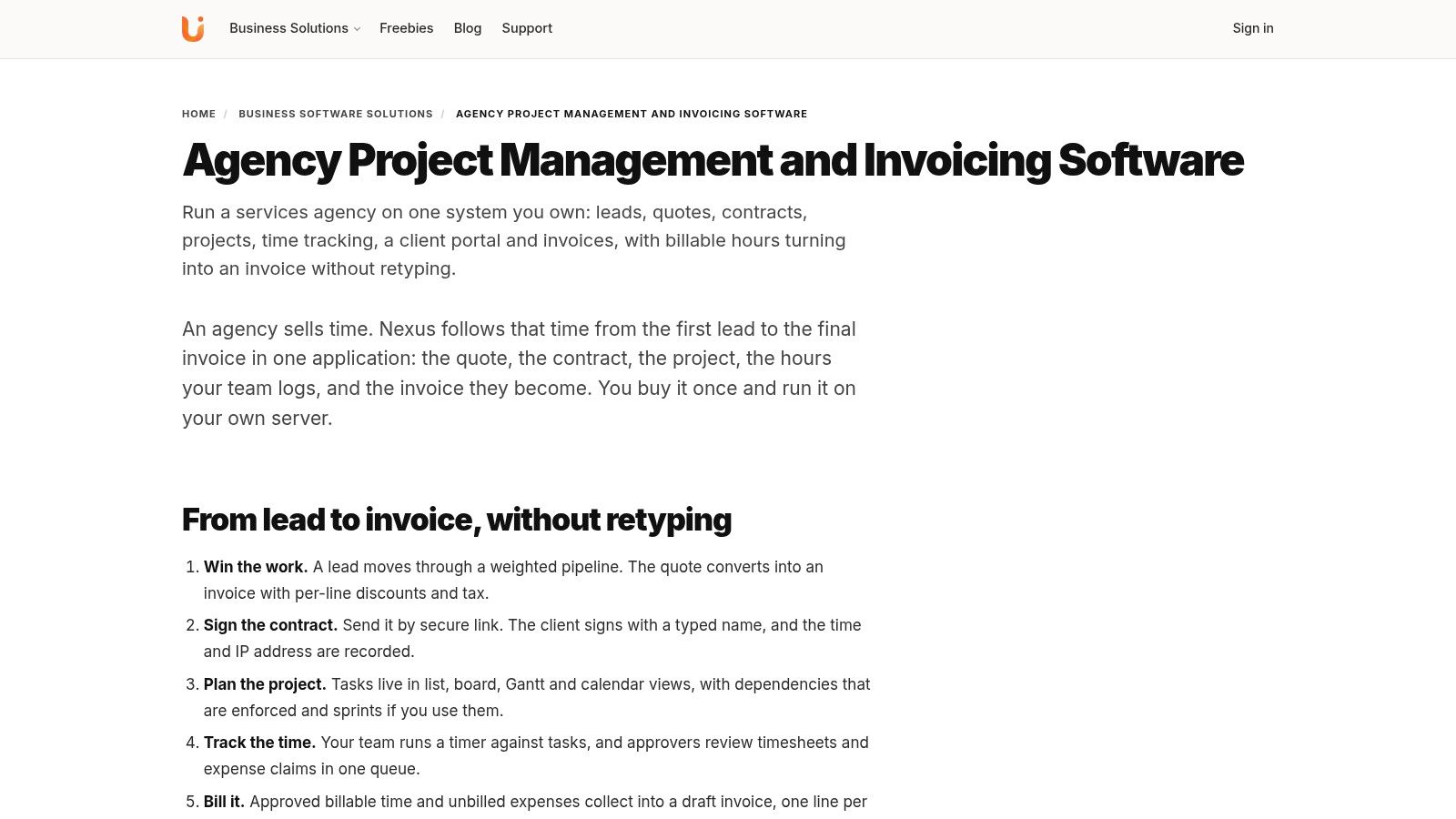
A useful invoice starts before anyone opens its template. A person records time against a project task, and the business must be able to trace each charge back to that work. Nexus combines HR, CRM, sales, and project management in one Laravel application, with one database and one login. Time tracked on a project can become a client invoice without retyping the totals.
Nexus is self-hosted software sold with a one-time licence. The current prices are on the product page, and our agency project management and invoicing page shows how it fits a studio.
The product view below provides a reference for the business workspace:
From a project task to reviewed work
A project task gives a time entry useful context: it connects the duration to a piece of work and a client project. Projects offer list, board, Gantt and calendar views, and a timer records the hours. That connection helps distinguish chargeable delivery from internal administration, but it does not decide whether the time should be billed. The business still needs to check the agreement and the work completed. TradeTally's billable-hours guide discusses checking recorded time against scope and commercial terms before invoicing.
For a time record to support a clear invoice, ask who did the work, which task it relates to, and whether the agreement permits the charge. Expenses need their own check: confirm that the purchase belongs to the client and that its treatment was agreed.
In Nexus, timesheets and expense claims go through an approval queue before they are billed. Only approved, billable time reaches an invoice, so the review step is part of the workflow rather than a separate spreadsheet. Use the live demo to see how submitted time and expenses appear to the person approving them, and whether that fits your responsibilities.
From tracked records to a draft
The key benefit is the connection between the project record and the invoice. Approved, billable time and unbilled expenses collect into a draft invoice with no retyping, with one line per person per task, so a client can understand who did what. Each entry is then marked billed so it can't be invoiced twice.
The invoice is only as strong as the approved time record behind it, and a generated draft still needs human review. Check the client, task descriptions, amounts, and applicable tax treatment before issuing it. Automation can carry information forward; it cannot determine whether a charge matches the agreement.
For a broader view of the application, the following video provides additional product context:
Give clients access without exposing the administration
Nexus has a client portal with its own login. Clients can view invoices, accept quotes, sign contracts and raise support tickets without access to your internal admin. Inside the application, permissions are enforced at the route level, with 12 permission sections across 7 roles, plus viewer, member and manager access per project. A versioned REST API with scoped bearer tokens covers invoices, projects, tasks and time entries, if another tool needs to connect.
Test with representative accounts in the live demo before relying on those boundaries for client work: log in as a client, then as a team member who shouldn't see billing.
It is also worth checking the billing flow from a quote. In Nexus, a quote converts straight into an invoice with per-line discounts and tax. A clear agreement up front helps avoid disputes later. AmaJova's explanation of how to set buyer expectations before checkout offers a useful comparison: explain what a buyer is agreeing to before asking for payment. For freelance work, spell out deliverables, chargeable changes, and expense treatment before work begins.
Illustrative scenarios, not customer results
Solo designer scenario. A designer records client work against named project tasks and keeps internal administration separate. Before billing, they review the time and check whether a font licence bought for the project was agreed and should be charged to the client.
That check separates effort from permission to charge. Time spent on a proposal, for example, does not automatically mean the proposal is billable. The agreement determines whether it belongs on the invoice.
Small studio scenario. Two collaborators record time against project tasks. The person preparing the bill reviews each person's work and checks that the lines explain the contribution, rather than combining the hours into a total no one can trace.
The studio should also confirm how the application handles review, billed records, and client access. Use the live demo to walk through those steps with your own roles instead of assuming they match your process.
The agency management workflow describes the broader fit. Use the Nexus product page and its live-demo access to inspect the application, focusing on how project time appears in the invoice and how the business can check each charge.
Getting Paid on Time from a Clean Record
A client asks why an invoice includes a particular charge. The approved time record is your receipt: one line for each person and task, marked billed so the same work cannot be charged twice. A clean record helps answer questions, but it cannot make a client pay. Collection still needs an owner and a routine.
For a disputed charge, point to the date, task, and approved work, not just the total. If the issue is extra scope, keep the agreement authorizing it with the record. Time documents effort; permission to charge comes from the agreement.
Keep follow-up separate from invoice creation
Use a simple collection routine:
- Review open invoices regularly. Check them manually unless you have confirmed that your tool includes a suitable aging dashboard or reminder feature.
- Match money received. Nexus records payments made against invoices but does not connect to a card processor, so compare each receipt with your bank or payment provider records, including partial payments.
- Resolve questions directly. The client can use the portal to view an invoice and raise a ticket when clarification is needed.
- Keep dated reminder notes. Record what you sent and the client's response, outside the application if necessary.
For guidance on the human follow-up process, Truespeak's approach to overdue payments complements the billing record.
Sending an invoice and receiving payment are separate business events.
Agree on payment terms before work begins. If an invoice becomes overdue, choose how to follow up based on those terms and the client's response, and seek appropriate professional advice when needed. A tidy invoice can support a clear conversation, but payment collection still depends on the process you manage.
Who Should Run Nexus and Who Should Not
Nexus suits a freelancer or small team that wants time records and invoices in one workflow, and it comes with a choice about where it runs. You can put it on your own hosting, or have UI Lib host it and manage the server.
It needs PHP 8.3 or newer and MySQL 8.0+ or MariaDB 10.6+, and it needs no cron, queue worker, Redis or Node.js, so it runs on ordinary shared hosting that supports Laravel. See the server requirements before choosing a host.
Ownership includes upkeep
The ServiceNow self-hosted software guide describes the broader responsibilities of self-hosted software: infrastructure, security, software components, and recovery processes. Decide who covers each of them before you move client records in.
If you host it yourself, assign someone to limit administrator access, use HTTPS, monitor availability, and keep backups separate from the live site, with a restore that has been tried. A backup that cannot be restored is like a spare key nobody can find.
If you would rather not do that, UI Lib's managed hosting is $12 a month. We host Nexus on our dedicated servers, manage the server, take regular backups and install it for free, and you only buy a domain. Prefer your own hosting? The installation service is a one-time $50. Your data stays in your own database either way.
Who Nexus suits and who should look elsewhere
| Your situation | Better fit | Why |
|---|---|---|
| You already have hosting that runs Laravel and MySQL, or someone who can maintain it | Nexus, self-hosted | You control the infrastructure where records are kept, with a one-time licence and no per-user fee |
| You want the software but not the server work | Nexus with managed hosting | $12 a month: UI Lib hosts and manages the server and installs it for free; you buy a domain |
| You want a stopwatch, a PDF, and no server at all | A hosted time and invoice app | You pay a recurring fee per user in exchange for delegated server upkeep |
| Several people share projects and only some may approve or invoice | Nexus project roles | Viewer, member, and manager access are separated per project. Check that the permissions match your workflow |
| You only bill yourself and never share a login | A simple hosted app may be enough | Roles, approvals, and a portal could add more setup than your work requires |
Compare costs over the period you will actually use the software: the licence plus hosting, against a hosted app's monthly fee for every user. The own vs rent comparison works through five years with your own numbers.
If you are comparing broader agency management software, start with the row that best matches who will support your setup. Ask who would notice if the site went down and who would restore it. If nobody owns those tasks, settle that responsibility before moving client records.
What It Does Not Do and What to Do Next
Nexus connects project management and client invoicing, but it does not replace every financial, legal, or technical service a freelancer may need. Check the boundaries before relying on it for a full billing process.
Keep these boundaries clear
- Card payments: Nexus records payments made against invoices; it doesn't connect to a card processor. Pair it with your existing payment provider.
- Electronic signing: Clients can sign contracts online with a typed name, and the timestamp and IP address are recorded. For legally qualified e-signatures, pair it with a dedicated provider.
- Payroll tax: Nexus does not calculate payroll tax. Taxes and contributions are set up as ordinary salary deduction components using your own rates, so verify the rules that apply to you.
- Updates: Future updates are included with the licence, but there is no automatic updater. They are applied by copying files and running migrations, so decide who will do that for your installation.
- Accounting and operations: Nexus is not a substitute for a full accounting ledger or a payroll bureau.
Country rules and legal requirements vary. Check the signing, payroll tax, and updating requirements that apply to your business before moving live records into the system.
Choose based on your next real invoice
If the workflow looks suitable, open the live demo through the Nexus product page. Walk through a representative client task, a non-billable entry, an expense, and the review process. Check that the steps match how you work before deciding.
Focus on the approved time record behind the invoice. It should show who did what task, and whether the entry has already been billed. That record matters more than the template's appearance: a clear invoice can still be wrong if the hours were not approved or are charged twice.
If you need card checkout inside the application, compare hosted services that explicitly provide it. Whichever tool you choose, check that you can explain each charge and prevent a billed time entry from being invoiced again.
UI Lib offers self-hosted business applications, including Nexus, which combines project management with client invoicing. Visit UI Lib to explore the workflow and assess it against the invoice you need to send next.