
AI Course Generator
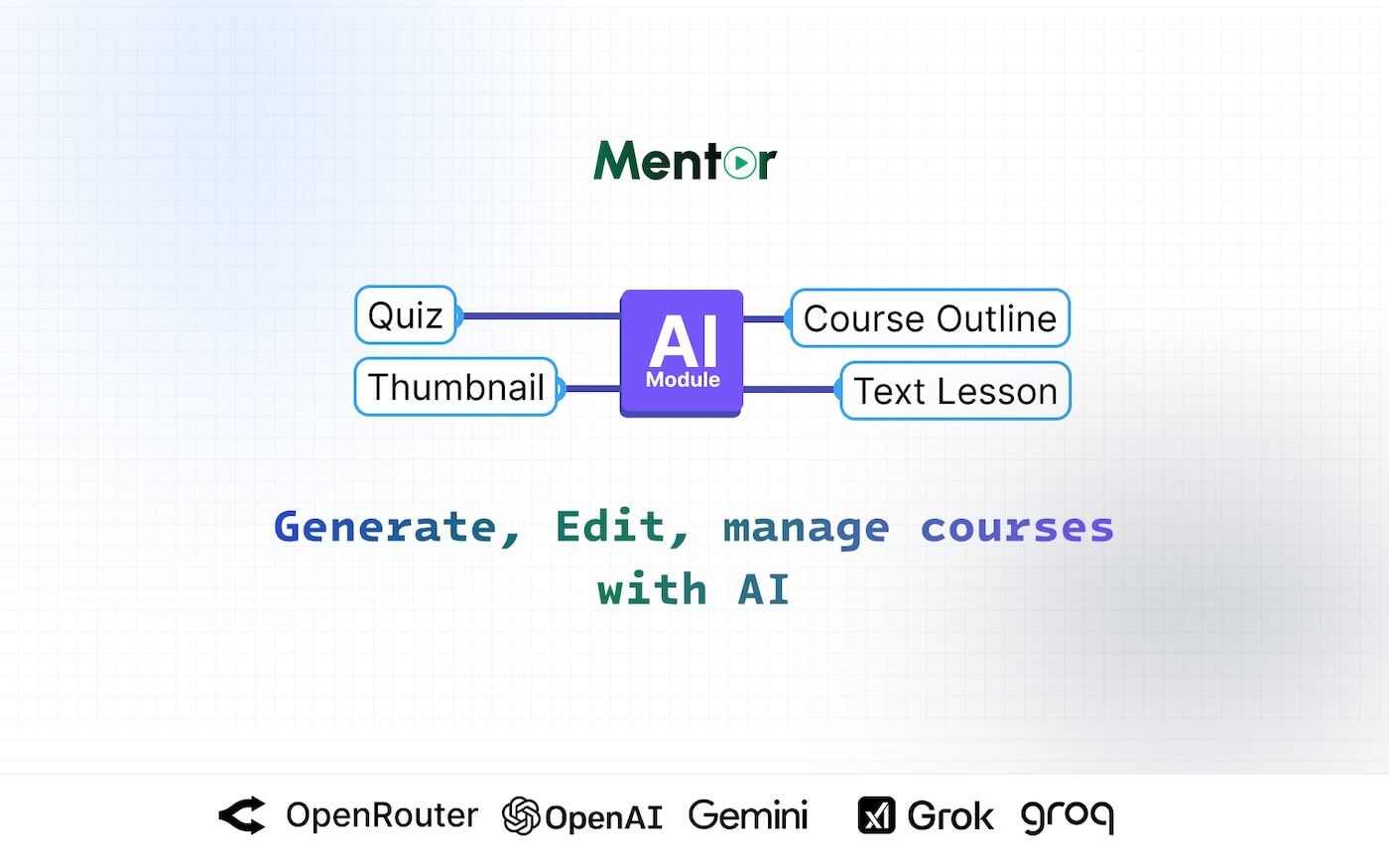
Create course outlines, lessons, quizzes, thumbnails, and edit existing content using OpenAI, OpenRouter, xAI, and Groq integration.
Draft a complete course from a single prompt — outline, sections, lessons, quizzes and a thumbnail — then keep editing with AI using your own OpenAI, Gemini, OpenRouter, Groq or xAI API key.
- One-time payment
- Lifetime updates
What it saves you
Hours of course outlining
One prompt drafts a full course structure — sections, lesson titles and learning outcomes — ready to edit.
A separate quiz-writing session
Generate a quiz from a section's own lessons, not a generic question bank.
A freelance thumbnail designer
AI-generated course thumbnails, created directly inside Mentor LMS.
Lock-in to one AI vendor
Bring your own API key for OpenAI, Google Gemini, OpenRouter, Groq or xAI — switch providers without changing your workflow.
What it does
AI course generation, built into Mentor LMS
01 — One-Shot Course Draft
A full course from a single prompt
Describe a topic and the plugin drafts an outline, sections and modules, lesson titles, text-based lessons, quizzes, FAQs, learning outcomes and requirements — ready to review and publish.
02 — AI Editing
Improve courses you've already built
Rewrite lesson content, expand module descriptions, generate new lessons, update quiz questions or refine section titles — regenerate one part without recreating the whole course.
03 — Course Thumbnails
No external design tool needed
Generate a course thumbnail from a text prompt, directly inside the Mentor LMS editor.
04 — Bring Your Own API Key
Five AI providers, your choice
Connect OpenAI, Google Gemini, OpenRouter, Groq or xAI with your own API key. OpenRouter alone routes to many models, including GPT-4o, Gemini 2.0 Flash, Claude Sonnet 4.5 and Mistral Large.
05 — Per-Instructor Limits
Control usage across your platform
Set a per-instructor token allowance with a daily, weekly or monthly reset period, so AI usage stays predictable as your instructor base grows.
Before you install
Requirements
Mentor LMS
v5.1.0 or newer
Installed via the Plugins page — upload the ZIP, enable it, then run its migration and seeder
AI provider API key
OpenAI, Google Gemini, OpenRouter, Groq or xAI
Bring your own key; usage is billed by your chosen provider, not included in the plugin price
Admin access
To set per-instructor token allowances
Configurable reset period: daily, weekly or monthly
Full documentation: AI Assistant docs.
Pricing
Choose your licence
Regular Lincese
$19
one-time
- Personal or internal use only.
- One domain.
- End user can not be charged.
- You can not sell source code directly to anyone.
Extended License
$59
one-time
- Commercial use.
- One domain.
- End user can be charged.
- You can not sell source code directly to anyone.
Unlimited License
$129
one-time
- Commercial use.
- Unlimited domains.
- End user can be charged.
- You can not sell source code directly to anyone.
Questions
Frequently asked questions
Do I need my own AI API key?
Yes — the plugin is bring-your-own-key. Connect OpenAI, Google Gemini, OpenRouter, Groq or xAI, and usage is billed directly by that provider.
Does this work without Mentor LMS?
No — this is an add-on plugin for Mentor LMS (v5.1.0 or newer), installed from the Plugins page.
Can I control how much AI usage each instructor gets?
Yes — set a per-instructor token allowance with a daily, weekly or monthly reset period from the admin panel.
Can it edit a course I already wrote?
Yes — rewrite lesson content, expand descriptions, generate new lessons or refine quiz questions without regenerating the whole course.
Does it generate thumbnails too?
Yes — course thumbnails are generated from a text prompt directly inside the Mentor LMS editor, no external design tool needed.
Which AI models can I use?
Whichever your provider supports — OpenRouter alone gives access to many models, including GPT-4o, Gemini 2.0 Flash, Claude Sonnet 4.5 and Mistral Large.
How is it installed?
Upload the plugin ZIP from Mentor LMS's Plugins page, enable it, then run its migration and seeder — no manual file editing.
Are future updates free?
Yes — every future update is included for the lifetime of your licence.
Reviews
No reviews yet. Be the first to write one.
Bought AI Course Generator? Sign in to review it.
Sign in