
You're replacing a shared folder of onboarding checklists, and someone has also asked you to sell your first paid course by the end of the quarter. Those jobs sound related, but they can lead to very different LMS purchases. Staff training needs dependable assignments and records. Paid education needs checkout, access control, and a workable way to manage instructors.
The best LMS software for business depends on who's learning and what your team must administer, not which demo has the longest feature list. Use the same eight buyer questions for every candidate:
- Deployment: Who hosts, updates, and restores the system?
- Pricing model: Are you buying a licence, a subscription, or additional services?
- Data custody: Who controls the database, exports, and retention?
- Integrations: Can it connect to your actual business tools?
- Instructor model: Do you need internal contributors or a marketplace with payouts?
- Assessments: Can it grade the work your learners submit?
- SCORM and xAPI: Will your existing learning packages work?
- Analytics: Can managers get useful records without rebuilding reports manually?
For revenue teams, the sales enablement insights from FOMOchat provide useful context for connecting training to day-to-day work.
The options below aren't ranked. They're grouped as self-hosted commercial software, open source, and hosted subscriptions. Choose self-hosting for operational control, open source for extensibility, or hosted delivery when you want the vendor to run the infrastructure.
Table of Contents
- 1. Business Software – UI Lib
- 2. Moodle LMS
- 3. LearnDash
- 4. TalentLMS
- 5. Thinkific
- 6. LearnWorlds
- 7. iSpring LMS
- 8. 360Learning
- 9. Docebo
- 10. Litmos
- How the Ten Options Compare on Deployment, Pricing, Data Custody and Fit
- What It Does Not Do
- Next Steps Before You Commit to an LMS
1. Business Software – UI Lib
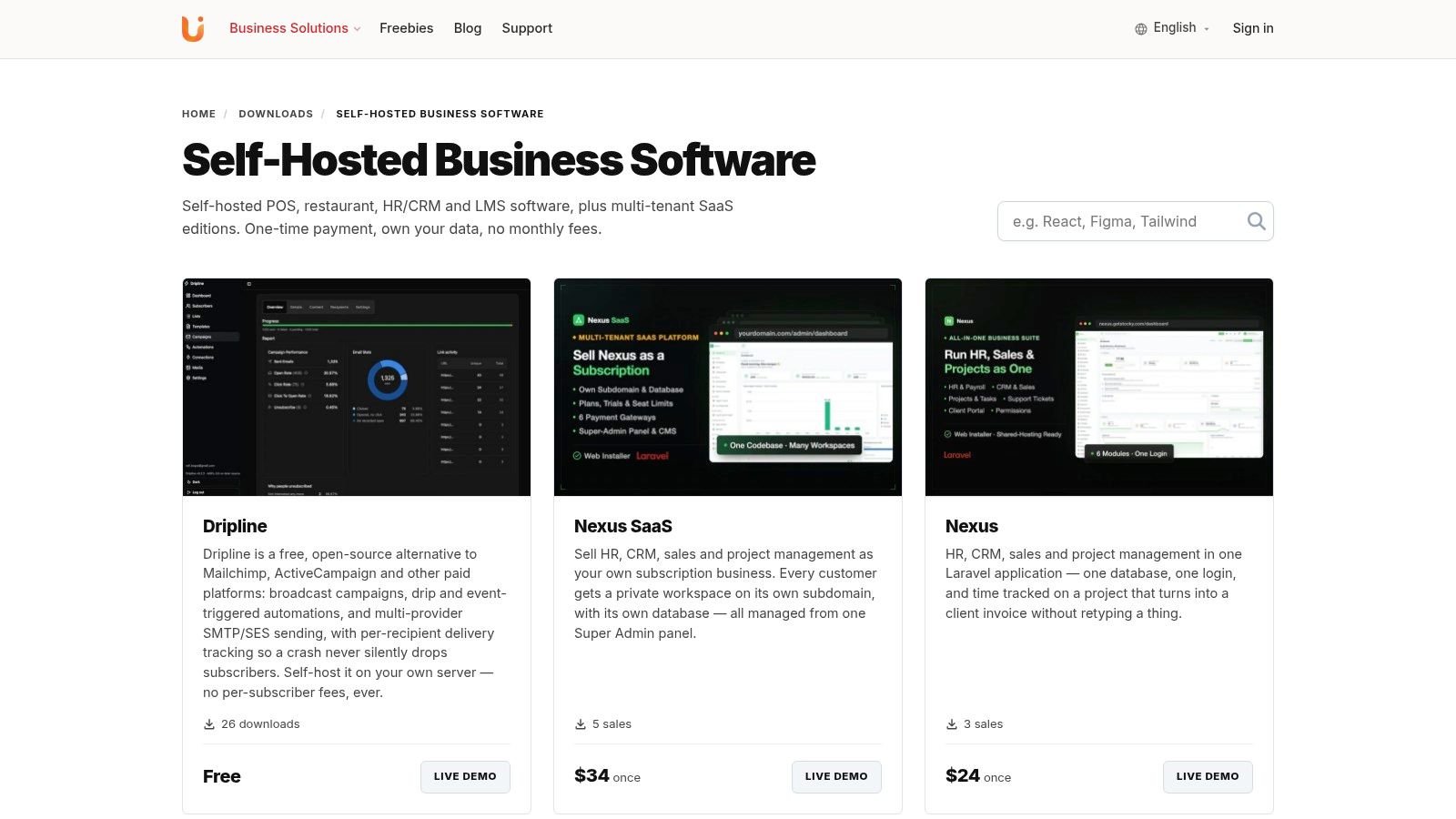
Type: Self-hosted commercial software. Mentor LMS is for businesses that want to sell courses, standalone exams, or digital downloads using their own self-hosted platform. It supports both a solo instructor and a multi-instructor marketplace. It is listed in the business software catalog.
Where Mentor Fits
Mentor LMS is a fit when selling learning products and controlling your own hosting matter more than having a vendor run the platform. It is sold as a one-time licence in Regular, Extended and Unlimited editions; the Mentor LMS product page shows the current prices. Every licence includes the source code and lifetime free updates.
- Instructor model: Use Mentor LMS as a solo instructor or operate a multi-instructor marketplace, with instructor applications, commission-based revenue sharing and payouts.
- Products: The platform supports courses (video, audio, document and text lessons, quizzes, assignments, drip release and Zoom live classes), standalone exams, and digital downloads. It lists 16 payment gateways plus offline bank transfers, so check that the gateway you need is among them.
- Data and infrastructure: The software runs on your own server, database, and data, which gives you control. You can run the server yourself, or UI Lib can do it: managed hosting is $12 a month with installation free, and the installation service is a one-time $50 if you use your own hosting.
The Unlimited licence is available only on ui-lib.com and covers commercial use across unlimited domains. For a business that wants a subscription LMS run entirely by the vendor, or depends on corporate compliance workflows that have not been demonstrated, Mentor may be the wrong fit. Assess SCORM or xAPI support, certificates, enterprise identity integrations, and required analytics before making them purchase requirements.
2. Moodle LMS
Type: Open source. Moodle LMS belongs on the shortlist when your organisation wants to configure its learning environment rather than accept a fixed commercial workflow. It provides course activities, assessments, collaborative learning tools, plugins, and an official mobile app.
There's no Moodle software licence fee for a self-hosted installation. That doesn't remove hosting, implementation, security, backups, or administrator time from your budget.
Flexibility Requires an Owner
Moodle is the better choice when technical flexibility matters and someone can own the implementation. Decide who approves plugins, tests upgrades, and handles learner support before you commit.
- Data custody and deployment: Your organisation controls a self-hosted installation and its database.
- Integrations and instructor model: Evaluate the plugins and roles needed for your workflows. Multiple teachers aren't automatically a commercial marketplace with commissions and payouts.
- Assessments, standards, and analytics: Demonstrate your required activities, learning packages, grading rules, and manager reports in the configured installation.
Our shared hosting guidance can help frame infrastructure questions, but don't choose a server solely because it can install the application. Check background jobs, storage, backups, and upgrade access too.
Open-source software still needs a named operational owner, even when a hosting partner handles the server.
Moodle is the wrong choice if nobody has time to maintain its configuration or govern extensions. Its flexibility is useful only when your team can manage it.
3. LearnDash
Type: Self-hosted WordPress software. Already operating a WordPress website? LearnDash lets you add courses and learner management without building a separate web presence.
It supports courses, lessons, quizzes, certificates, course sales, and group management. That makes it relevant to training businesses selling learning access or seats to organisations.
Buy the Whole WordPress Workflow
LearnDash is a better choice when WordPress is already your preferred publishing environment. Compare it with Mentor LMS when you're deciding between extending a WordPress site and operating a separate self-hosted application.
- Ownership and cost: Account for the paid licence, hosting, maintenance, and any additional plugins. Your team remains responsible for the site and database.
- Integrations and commerce: Map payment, membership, group purchasing, and instructor requirements before selecting extensions.
- Assessment and reporting: Test quizzes, certificate issuance, and the reports a business customer expects.
- Content standards: Confirm the exact route for SCORM and xAPI content rather than assuming native support.
The weak point isn't WordPress itself. It's an implementation assembled from extensions without anyone owning compatibility testing.
LearnDash is the wrong choice if you want a standalone hosted corporate LMS with infrastructure operations handled for you. It's more compelling when control over your existing website outweighs the extra maintenance responsibility.
4. TalentLMS
Type: Hosted subscription. TalentLMS is a practical candidate for employee, partner, and customer training when you don't want to administer an LMS server. Its course and learner management tools sit alongside reporting, integrations, and plan-dependent automation.
SCORM and xAPI support make it worth evaluating when you already have packaged learning content. Branches on qualifying plans can help separate training groups or portals.
Test the Plan You'll Actually Buy
Don't evaluate an unrestricted demonstration and then budget for a plan that excludes the features you tested. Match the proposed subscription to your users, branches, integrations, learning paths, and reporting needs.
- Deployment and custody: The vendor runs the hosted service. Review exports, retention, administrator permissions, and exit arrangements.
- Instructor model: Demonstrate contributor permissions separately from any requirement for commercial instructor payouts.
- Assessments and analytics: Run an actual quiz and generate a manager's report.
- Integrations and standards: Import your own SCORM or xAPI package and test the business connection you'll depend on.
TalentLMS is a better choice than self-hosted software when your main constraint is server-administration capacity. It's less suitable when you need control over the application environment and database.
A free plan can support initial exploration, but a small test doesn't establish whether your eventual paid configuration meets operational requirements.
5. Thinkific
Type: Hosted course-commerce platform. Start with Thinkific when the business goal is selling education rather than administering a complex internal training program. It combines multimedia course delivery with commerce tools for courses, bundles, memberships, and subscriptions.
That distinction matters. A customer buying a course needs a clear purchase and learning journey; an employee assigned mandatory training needs a different administrative workflow.
Follow the Customer Journey
Thinkific lists quizzes, assignments, certificates, and live learning on applicable plans. Higher-plan capabilities include B2B invoicing, API access, and additional administration controls, so identify the required plan before comparing costs.
- Deployment, pricing, and custody: It's a hosted subscription. Examine data exports and what happens to your learning business when the subscription ends.
- Integrations and instructors: Test the required business connections and contributor permissions. Don't equate additional administrators with marketplace revenue sharing.
- Assessments and analytics: Complete an assignment, issue a certificate, and inspect the resulting learner records.
- SCORM and xAPI: Confirm support for your precise content workflow before migrating a packaged catalog.
Thinkific is the better choice for a business that wants hosted course commerce without maintaining the application server. It's the wrong default for an internal learning operation whose central needs are complex compliance, departmental administration, or specialised reporting.
Ask the person responsible for customer support to test enrolment and access recovery. Those tasks deserve as much attention as the sales page.
6. LearnWorlds
Type: Hosted online-academy platform. LearnWorlds suits training companies and businesses packaging education for customers. Its offering combines course creation, learning paths, subscriptions, payment plans, and bundles.
SCORM uploads and certificates are available on listed plans. White-label branding, client groups, and advanced automation require closer attention to the selected tier.
Check Academy Economics
The subscription isn't the whole buying decision. Review enrolment-related charges, payment arrangements, branding restrictions, and the administration features required to serve business customers.
A branded academy and a multi-instructor marketplace aren't interchangeable. Demonstrate commissions and payouts if independent instructors are part of the business model.
For deployment and data custody, establish export access and contractual responsibilities because the platform is hosted. For integrations, test your required connection at the proposed plan level.
For assessments and analytics, run a representative learner through a course, certificate, and client-reporting workflow. For standards, test SCORM directly and confirm xAPI separately rather than treating them as equivalent capabilities.
LearnWorlds is a better choice when selling a branded learning program is the central job. It's less appropriate when your main requirement is operating the software on infrastructure you control.
Include a customer administrator in the evaluation if you sell training to organisations. Their reporting and user-management needs may determine the plan more than your course builder does.
7. iSpring LMS
Type: Hosted corporate-training platform. iSpring LMS focuses on managing workplace training, creating learning materials, and reporting on learners. It includes training-assignment automation, user management, course and quiz creation, and mobile apps with offline learning support.
Its active-user billing model deserves attention when training is seasonal or intermittent. Compare the contract's definition of active use with how your workforce learns.
Evaluate the Administrator's Day
Listed LMS plans include iSpring Suite authoring tools, alongside reporting, API access, and corporate portal features. Confirm the package rather than treating authoring and administration as separate purchasing assumptions.
- Deployment and custody: It's hosted, not a self-managed installation. Review exports and retention arrangements.
- Integrations and instructors: Demonstrate the API or business connection you need, plus permissions for internal authors. Don't assume marketplace selling and payouts.
- Assessments and standards: Build a representative quiz and import your existing learning packages to confirm compatibility.
- Analytics and cost: Generate the report your manager needs, then model subscription costs against expected active-user volume.
iSpring LMS is a better choice for structured staff training when authoring, mobile access, and training administration matter more than storefront control. It's the wrong choice for a buyer who must own and operate the application environment.
Test offline learning on the devices staff use. A feature description isn't a substitute for checking download, completion, and synchronisation behaviour in your workflow.
8. 360Learning
Type: Hosted collaborative-learning platform. If your subject-matter experts hold the knowledge but the training team can't write everything, 360Learning offers a different starting point. Its focus is collaborative course creation, supported by AI-assisted authoring and learning dashboards.
That approach suits organisations willing to involve employees in maintaining training. It doesn't remove the need for editorial ownership.
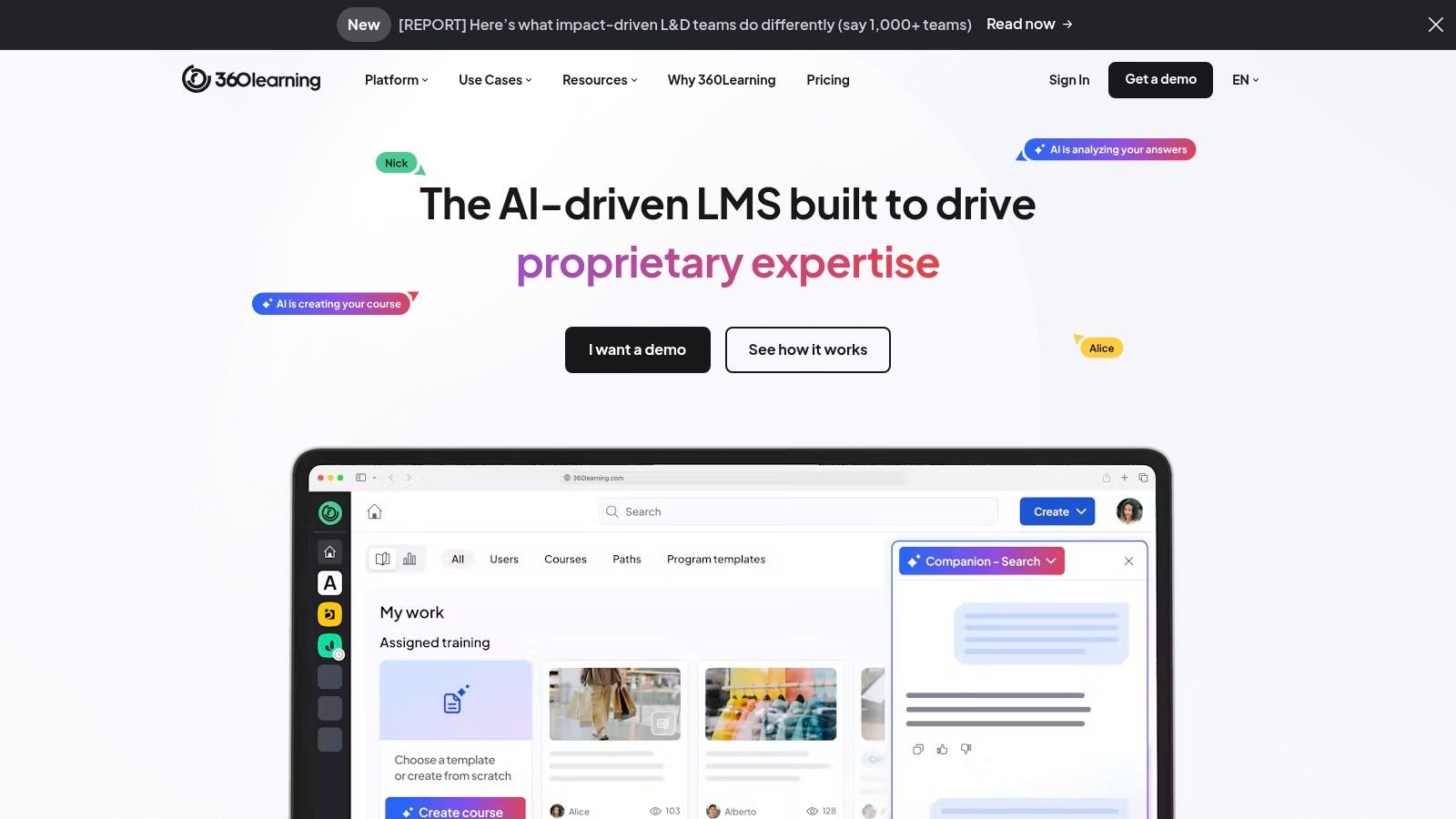
Contributors Need Review Rules
Assign an owner to approve technical accuracy, resolve conflicting advice, and retire outdated lessons. Otherwise, adding contributors can create more review work than your training team expects.
- Deployment, pricing, and custody: Compare the self-serve Team option with sales-led Business and Enterprise plans. Review data handling and exports.
- Integrations and instructor model: Higher plans add SSO, API access, and administration capabilities. Internal collaboration isn't the same as a paid instructor marketplace.
- Assessments and standards: Demonstrate the required assessment workflow and validate SCORM and xAPI requirements individually.
- Analytics: Ask an actual manager to use the dashboards and retrieve the records they need.
360Learning is the better choice when internal expertise and ongoing collaboration are central to your learning strategy. It's a weaker fit when nobody can review contributor content or when your primary business requirement is selling courses with instructor commissions.
For AI-assisted authoring, decide which information employees may submit and who checks generated content before publication.
9. Docebo
Type: Hosted enterprise learning platform. Docebo is worth evaluating when employees, customers, and partners need different training experiences. Its offering includes multi-audience learning, branding, certification and compliance tracking, integrations, and AI-supported workflows.
Live, on-demand, mobile, and social learning broaden the delivery options. Enterprise configurations can add advanced analytics, a dedicated database, and additional support.
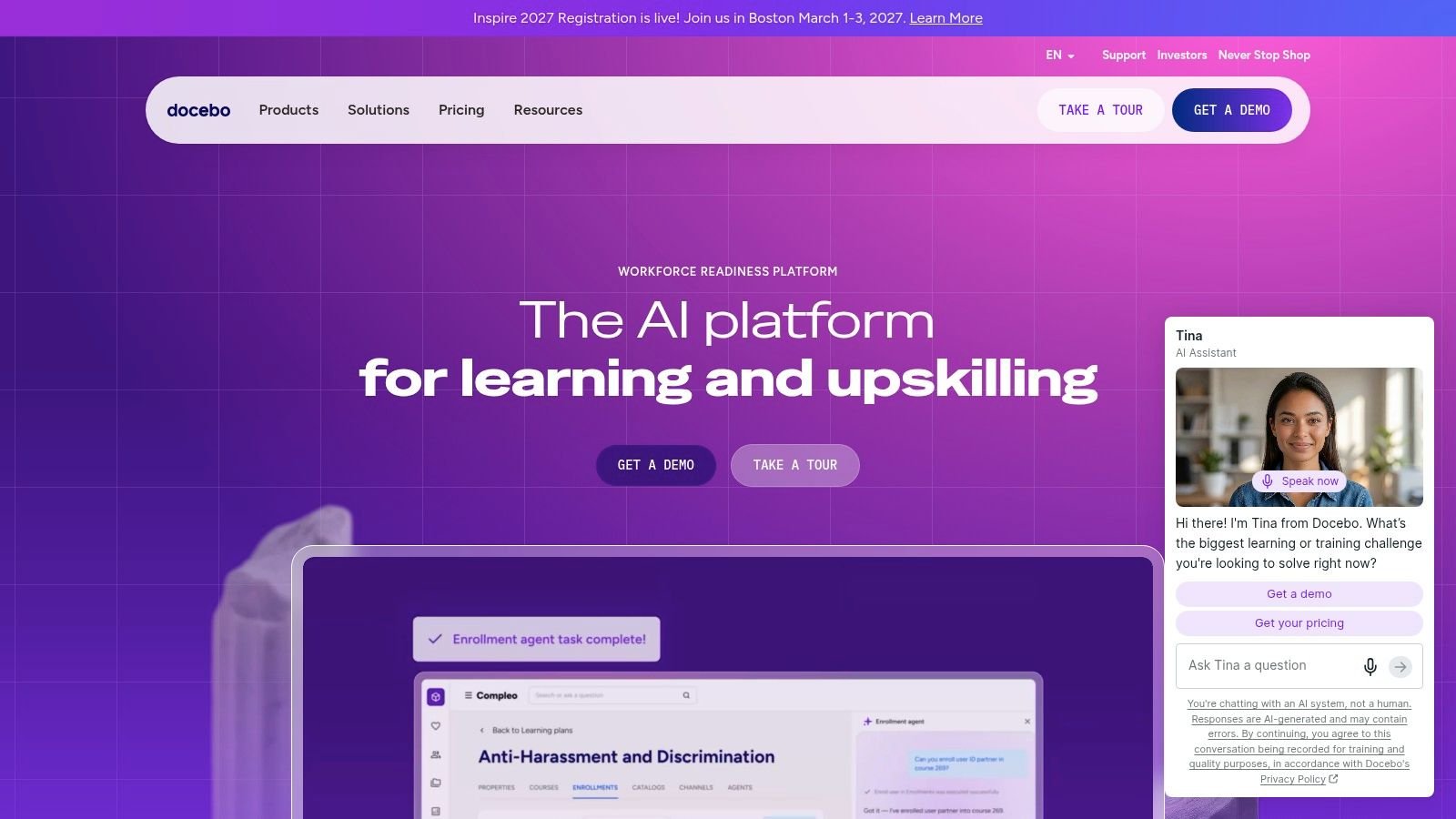
Make Complexity Earn Its Place
Docebo is a better choice when distinct audiences, integration requirements, and administrative responsibilities justify a broad platform. It may be the wrong choice for a small team that needs only to publish lessons and collect payment.
- Deployment and pricing: It's hosted, with custom pricing. Obtain a scoped proposal covering implementation and required capabilities.
- Data and integrations: Confirm the contracted database arrangement, export access, identity connections, and business-system integrations.
- Instructors and assessments: Test contributor permissions, certifications, assessments, and any commercial marketplace requirement separately.
- Standards and analytics: Import representative SCORM and xAPI content and demonstrate audience-specific reporting.
Our guide to all-in-one business software provides another way to consider consolidation. Keeping learning administration connected to business systems can matter more than buying unrelated capabilities under one contract.
Don't accept a generic enterprise demonstration. Supply an employee, customer, and partner scenario and ask the vendor to show how administrators keep their access and records separate.
10. Litmos
Type: Hosted business LMS. Litmos supports training for employees, customers, partners, and frontline teams. Its offering includes learning paths, assignments, mobile learning, instructor-led training, assessments, and compliance-management features.
SCORM, xAPI, and other content imports make it relevant to organisations with an existing content library. Optional authoring, content libraries, and advanced analytics need to be separated from the core LMS proposal.
Separate the Platform From Add-ons
A useful quote should distinguish the subscription, implementation, additional tenants, content, and optional capabilities. Confirm annual commitment terms before treating a published starting price as your operating budget.
Demo test: Ask the administrator to assign training, find an overdue learner, and export the required record without help from the presenter.
For data custody and integrations, review retention, exports, access permissions, and required business connections. For the instructor model, distinguish internal course administration from commercial instructor commissions and payouts.
For assessments and analytics, complete a test course and produce the exact compliance record your organisation expects. For content standards, import your own packages rather than relying on the vendor's sample.
Litmos is a better choice when hosted multi-audience training and compliance-oriented delivery are central requirements. It's less suitable when self-hosting is mandatory or when the required package adds capabilities your small team won't use.
How the Ten Options Compare on Deployment, Pricing, Data Custody and Fit
| Item | Deployment | Pricing model | Data custody | Best for |
|---|---|---|---|---|
| Business Software – UI Lib | Self-hosted; managed hosting available | One-time licence | Organization controls platform and data | Course businesses seeking self-hosted control and a one-time licence |
| Moodle LMS | Self-hosted | No Moodle licence fee; hosting and administration may cost extra | Organization controls deployment and data | Organizations wanting a customizable open-source LMS |
| LearnDash | WordPress-hosted | Licence pricing; hosting and maintenance may cost extra | Managed through the organization's WordPress site | WordPress-based course businesses |
| TalentLMS | Hosted | Free tier; paid subscriptions | Hosted by the provider | Small teams and businesses needing managed training |
| Thinkific | Hosted | Subscription plans | Hosted by the provider | Businesses selling courses, memberships, or learning products |
| LearnWorlds | Hosted | Subscription plans; Starter also charges per paid enrollment | Hosted by the provider | Branded academies and businesses selling learning programs |
| iSpring LMS | Hosted | Subscription based on active users | Hosted by the provider | Organizations with seasonal or intermittent training |
| 360Learning | Hosted | Team plan priced per active user; higher plans require a sales quote | Hosted by the provider | Organizations creating collaborative, employee-led training |
| Docebo | Hosted | Custom quote | Hosted by the provider | Larger organizations with complex, multi-audience training |
| Litmos | Hosted | Published starting prices with annual commitment; add-ons may cost extra | Hosted by the provider | Businesses needing compliance tools and training for multiple audiences |
What It Does Not Do
Mentor LMS is self-hosted, not a vendor-operated SaaS subscription. You control the application and database, while your team, a hosting partner or UI Lib's managed hosting handles infrastructure operations.
The updater's rollback feature does not replace server backups, monitoring, security administration, or disaster recovery; on managed hosting, regular backups and security are part of the service. A competing LMS vendor's guide to LMS deployment types outlines how hosted services and self-hosting divide the infrastructure work between vendor and customer.
- Certificates: Certificate issuance isn't documented. Confirm it before promising certificates to customers or relying on them in a compliance workflow.
- Grading: Short-answer exam questions require manual grading. Other supported question types can be graded automatically.
- AI: The AI Course Generator is a separate add-on that drafts courses using your own API key, not an included unlimited AI service.
- Corporate requirements: Don't assume SCORM, xAPI, SSO, directory synchronisation, or specialised audit reporting based on the course-commerce feature list.
Mentor is the wrong purchase if an undocumented capability is mandatory and you haven't confirmed it before buying. Source-code access gives qualified developers room to build, but it does not put an unbuilt workflow in place on launch day.
Next Steps Before You Commit to an LMS
Choose the system your team can operate, not just the one whose learner screen looks best. The technology buying practices from MR2 Solutions offer useful context for defining requirements and evaluating the whole purchase rather than an isolated software feature.
Keep the final buyer's checklist short enough to use during every demonstration. Record whether a requirement is included, plan-dependent, an add-on, a custom project, or unavailable.
- Confirm certificates: Ask every shortlisted vendor to demonstrate issuance, completion rules, and the learner's download process. Mentor's certificate issuance isn't documented, so confirm it directly rather than assuming it exists.
- Validate hosting: Mentor requires PHP 8.3, MySQL 8.x, and
symlink()enabled. For large video uploads, configurememory_limit,upload_max_filesize, andpost_max_sizeto 512 MB or more, as specified on the Mentor product page. - Assign operations: Decide who handles installation, hosting, backups, and maintenance. UI Lib's managed hosting is $12 a month and covers the server, installation, management, regular backups and security, so non-technical owners only buy a domain. On your own hosting, the installation service is a one-time $50.
- Match the licence: The Regular licence permits personal or internal use, not charging end users. Course sellers need a licence whose terms cover their commercial model.
- Account for exceptions: Allow staff time for manually grading short answers. If using the separate AI Course Generator add-on, budget for your own API usage and review what information authors submit.
Open the live demo linked from the Mentor LMS product page and use real course material. Test a lesson, downloadable resource, assessment, instructor workflow, and checkout where applicable, then inspect what the administrator can retrieve afterward.
For hosted candidates, use that same content and ask for the proposed plan configuration. For self-hosted candidates, add an installation and restore review so someone owns recovery before launch.
List your must-have criteria, shortlist two or three options, and run a trial or demo with the same test course. Choose only after the learner, administrator, and business owner can each complete their part of the workflow.
UI Lib offers self-hosted business applications through one-time licences, including Mentor LMS for courses, exams, and digital downloads, with managed hosting and installation if you want them. Visit UI Lib to compare the product details and licence terms, then test the Mentor demo against your training and course-selling requirements.