A deal is marked won on Monday. By Tuesday, someone has retyped the client’s details into a project board. By Friday, the team is logging hours in a spreadsheet, and one billable task disappears before the invoice goes out. Nobody intended to lose revenue. The process made it easy.
That drift creates three problems: repeated data entry, delayed invoices, and weak visibility into what was promised versus what was delivered. A CRM may hold the opportunity and quote, while the project tool holds tasks and time. The invoicing process then depends on someone reconciling both systems by hand.
The useful test for CRM and project management software is one complete workflow. Can a won deal become a project without retyping? Can approved billable time become an invoice without double billing? Can a client access invoices and project information without entering the internal admin area? Can permissions work at the project and record level?
The ten options below are judged on that path, from sale to delivery to payment record. Nexus comes first because it is UI Lib’s own product, so read its section with that in mind. If you’re also connecting sales and receivables, this guide to syncing sales and receivables explains the wider integration problem.
Table of Contents
- 1. Nexus, our own HR, CRM and project software
- 2. monday.com
- 3. ClickUp
- 4. Zoho, Zoho CRM and Zoho Projects
- 5. Insightly
- 6. Pipedrive with Projects
- 7. Bitrix24
- 8. Odoo
- 9. ERPNext
- 10. SuiteCRM
- Top 10 CRM & Project Management Tools Comparison
- Choosing One Tool or Two for Your Services Business
1. Nexus, our own HR, CRM and project software
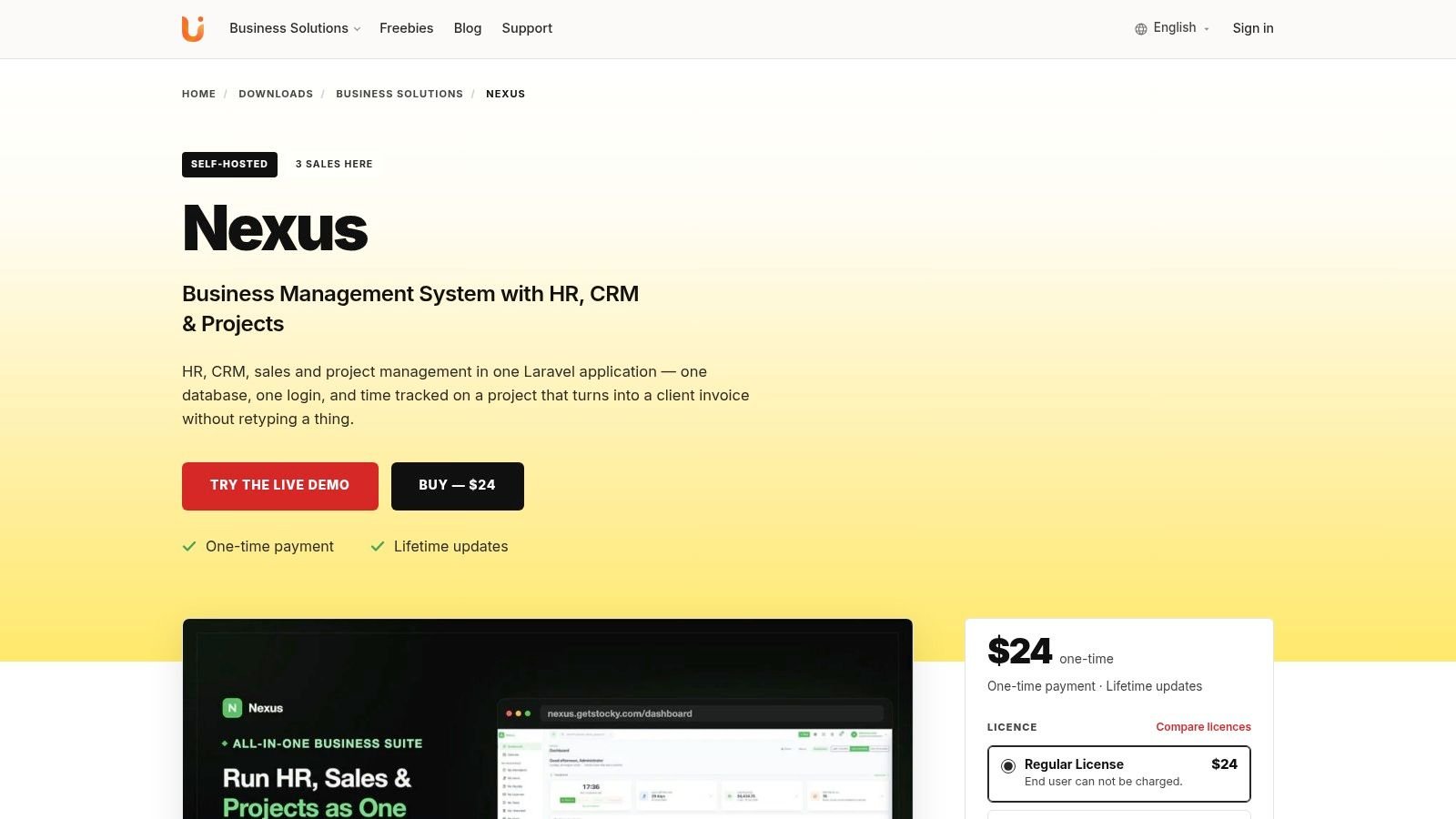
Nexus fits agencies that want the same record to follow a client from lead to invoice. It combines HR, CRM and project management in one self-hosted application, keeping the sales record, client, project, timesheet and invoice together rather than requiring staff to copy details between databases.
Sales teams can run more than one pipeline. A new pipeline starts with six stages: New 10%, Qualified 25%, Proposal 50%, Negotiation 75%, Won 100% and Lost 0%, and the forecast is each open deal’s value multiplied by its stage probability. Losing a deal asks for a reason from your own list, which later shows whether you lose on price or on something else. Converting a lead creates the contact, optionally the company, and a deal in one step, and keeps the lead’s source and campaign, so a report can show revenue by channel and not only leads by channel.
An accepted quote converts into a draft invoice with its lines, discount and tax intact, and the two stay linked. Part payments move an invoice to partial and then paid, and an unpaid invoice past its due date shows as overdue without anyone marking it. After the deal is won, the delivery team can manage the project in list, board, Gantt or calendar views. Dependencies control task order, while a timer records work against the relevant task.
The workflow that matters
Approved billable time and unbilled expenses feed a draft invoice. Nexus creates one line for each person and task, then marks every entry as billed. The billing status stays attached to the time entry, reducing the risk of charging the same work twice.
Clients use a separate portal login to view invoices, accept quotes, sign contracts and raise support tickets. They do not enter the internal administration area. Tickets get a first-response target from their priority, by default 2 hours for urgent, 8 for high, 24 for medium and 72 for low, and a ticket past its target carries a breached badge. Leave, timesheets and expense claims pass through an approval queue.
Retainers are the part to check before you buy. A recurring invoice is issued by pressing “Issue due invoices” on the invoice list. There is no scheduler, because Nexus needs no cron on shared hosting. Each press advances a recurring invoice by one period, so pressing it three times on the first of the month does not bill a client three times. An agency with a handful of retainers will hardly notice; one with fifty should know it is a button and somebody’s job.
Permissions apply to every route, including access at the project level. Nexus also provides a REST API with scoped tokens. There is no per-user fee. It is a one-time purchase, with pricing and licence options listed on the product page, which also links the live demo. For those details, see the Nexus product page.
2. monday.com
monday.com brings CRM and project management into one visual workspace, with sales pipelines beside delivery boards. Gantt, timeline and Kanban views support project tracking, while dependencies, workload planning and portfolio reporting help managers see delivery capacity.
A won deal can become a delivery board, but the handoff needs design. Decide which record carries the client, scope, dates and billing status. Without that rule, staff may retype deal details or create a project with missing information. A missing billing status can also expose the business to duplicate invoicing.
Its CRM covers accounts, contacts, pipelines, email synchronisation and automations. Teams can connect other systems through its integration catalogue and open API. A separate guide explains how to improve lead management with monday.com.
The main trade-off is product structure. CRM and project management are separate offerings, so using both can increase cost and administration. Enterprise pricing is quote-based, making long-term comparison less straightforward. Your team must confirm how approved time and invoice eligibility reach the accounting tool.
Use the monday.com alternatives guide when comparing a modular work platform with a single self-hosted application. Before committing, run one won deal through the CRM and delivery boards, then record every field someone must retype and every step needed before an invoice can be issued.
3. ClickUp
ClickUp is a good choice for teams that want to design their own sales-to-delivery workspace. It combines tasks, documents, goals, dashboards and email handling, and it can use custom fields and multiple views to represent CRM records and project work.
A consultancy might create a deal space with pipeline stages, then connect a won opportunity to a delivery list. Native email handling lets users send and receive messages from tasks, while automations can move work or create follow-up actions. List, board and Gantt views support different delivery styles.
That flexibility is both the advantage and the risk. ClickUp can mirror a distinctive process, but the owner must govern statuses, fields, spaces and permissions. Without those rules, the CRM becomes a collection of custom workspaces, and the project team may not know which field controls billing.
ClickUp’s integrations and public API help when your accounting or payment system remains separate. They don’t remove the need to test failed synchronisation, duplicate contacts or an invoice created from incomplete time records. Advanced features and AI add-ons can also increase the total cost beyond the base plan.
Use the ClickUp website to verify the current product structure before building your workflow.
4. Zoho, Zoho CRM and Zoho Projects
Zoho combines a mature CRM with a dedicated project-management application. Its native CRM to Projects connection can create delivery projects from won deals and return progress information to the CRM, which makes it a credible option for a services business that wants sales and delivery connected without moving to a single self-hosted database.
Zoho CRM supports pipelines, quoting, automation and customer records. Zoho Projects adds Gantt planning, time tracking, budgets and templates. The broader Zoho ecosystem can also support teams that later need help desk, finance or marketing applications.
The main issue is administration. You’re still operating across multiple applications, even when the integration is first-party. Before committing, test whether the fields your billing team needs are carried from the opportunity to the project, whether contacts remain deduplicated, and how approved time becomes invoice-ready.
Some advanced project capabilities are limited to higher plans. That matters when a small team starts with a simple handoff and later needs stronger planning controls. A CRM and project combination works only when ownership is clear: sales should own the commercial record, delivery should own approved work, and finance should control invoice release.
Read the Zoho CRM website for current details. Teams comparing adjacent HR and operations products can also review Zoho People alternatives.
5. Insightly
Insightly is built for businesses that want project delivery to remain close to the CRM record. An opportunity can convert into a project, carrying contacts, emails, files, pipelines and reporting context forward instead of forcing the project manager to start with a blank board.
That makes the won-deal-to-invoice path easy to understand. Sales qualifies the account, prepares the quote and closes the opportunity. Delivery then works from a project with milestones, tasks, Kanban views and reporting. The original relationship remains visible while the team works through delivery.
The limitation is depth and plan variation. Advanced capabilities differ by edition, so verify the exact feature set before designing an approval or billing workflow. A project record may be connected to the sale, but that doesn’t automatically prove that every billable hour has been approved or that an invoice line has been created.
Insightly’s help-centre documentation and onboarding material can reduce setup friction. Its marketplace is smaller than the ecosystems around larger work-platform vendors, so check the integrations your finance and communication teams already rely on. For an agency, the key question is whether the project record contains enough commercial context to prevent another discovery call and another round of data entry.
Visit the Insightly website to check current plans and feature availability.
6. Pipedrive with Projects
Pipedrive is a sales-led CRM with a Projects capability for teams that want a straightforward handoff after a deal closes. Its visual pipeline, sales automations and analytics make the commercial side easy to follow, while Projects adds tasks, subtasks, activities, milestones and project reporting.
This model works for a consultancy whose delivery process is relatively light. A closed-won deal can trigger a project board, assign initial activities and give the delivery team a structured starting point. The sales record remains central, which reduces the chance that the client disappears from view after signing.
The compromise is project depth. Projects availability depends on the plan tier, and complex programmes may need stronger project controls than the CRM provides. Check whether the plan you choose covers the views, permissions and reporting your delivery managers need.
Pipedrive also doesn’t turn every sales-to-project handoff into a complete billing workflow by itself. If your agency needs approved time to become invoice lines, with every entry marked billed, you’ll need to validate the available finance workflow or connect another system. That creates another place where duplicate records and failed synchronisation can appear.
Pipedrive is a sensible choice when pipeline visibility matters most and delivery can stay relatively simple. See the Pipedrive website for current product and plan information.
7. Bitrix24
Bitrix24 takes the broadest all-in-one approach in this list. CRM, Tasks and Projects, chat, video, drive, calendars and HR capabilities sit in the same business platform. It offers cloud and self-hosted editions, which gives organizations with data-control requirements another route.
For a services firm, the workflow can run from an integrated CRM record into task and project management, with automation creating work after a deal reaches a defined stage. Built-in communication and document storage can reduce the number of separate vendors involved in client delivery.
Breadth brings administrative weight. A small agency may use only a fraction of the platform, yet still need to understand the plan structure, permissions and module relationships. Overbuying is easy when the feature list is much larger than the actual sales-to-invoice process.
Self-hosting also changes the responsibility model. You control the environment, but you must handle deployment, updates, backups, monitoring and recovery. That applies to any self-hosted CRM and project-management platform, not just Bitrix24.
Use a practical test before adoption. Create a contact, move it through a deal, assign a project task, record work, revise scope and prepare an invoice. Then inspect the audit trail and access rules from the client, project manager and finance perspectives.
Explore the Bitrix24 website for its current cloud and on-premise options.
8. Odoo
Odoo is a broad business suite for organizations that want CRM, Project, Timesheets and Accounting connected with other operational applications. It can cover the route from lead to project, logged time and invoice, while offering cloud, managed and on-premise deployment choices.
The appeal is end-to-end coverage. A won opportunity can feed delivery work, timesheets can capture effort and invoicing can remain part of the same business environment. The open-source core and modular structure also give technical teams room to extend the system.
The cost is configuration depth. Odoo can match complex operating processes, but the setup requires disciplined decisions about modules, permissions, accounting rules and responsibilities. A business that only needs a simple CRM and project board may spend more time administering the suite than it saves.
For an agency, validate the invoice path rather than trusting the presence of a Timesheets module. Confirm which time entries are billable, who approves them, how expenses attach to the client and how billed records are protected from reuse. Also test whether the delivery team can work without exposing accounting or internal notes to clients.
Odoo is better suited to a business that expects its CRM and projects to become part of a wider ERP environment. See the Odoo website and the Odoo alternatives guide before deciding.
9. ERPNext
ERPNext is an open-source ERP with first-party CRM and Projects modules. It’s a strong candidate for a services company that wants self-hosting, source-code access and a unified relationship between opportunities, tasks, time logs and billing.
The workflow is clear. Sales manages leads and opportunities, delivery works from Projects, and team members record time against tasks. A technical team can deploy the system under GPLv3 or use managed hosting, then extend it with apps and customisations as the business develops.
Self-hosting is not free operationally, even when the software licence doesn’t create recurring per-user fees. Your team must provide server administration, updates, backups, monitoring and recovery. Managed hosting changes that burden, but its pricing and feature boundaries need separate verification.
ERPNext makes sense when ownership and extensibility matter more than a polished, minimal setup. It can support a connected process, but the business still needs to define its source of truth. The opportunity, project, timesheet and invoice must have clear owners, or an integrated database will centralise inconsistent data.
Test the handoff with real service work. Use the scope from a won deal, create delivery tasks, log time, add expenses and attempt an invoice. Then check whether the finance user can distinguish approved, unapproved, billed and unbilled entries.
Visit the ERPNext website for deployment and product information.
10. SuiteCRM
SuiteCRM is an open-source CRM with a built-in Projects module for teams that want self-hosted customer management and basic project tracking. The Projects module includes tasks, resources and Gantt visualisation, while installer packages and source code support organisations that want control over their environment.
It can work when CRM remains the centre of the operation. A won opportunity can stay linked to the customer while the team uses project tasks and resources to manage delivery. The self-hosted edition doesn’t add a per-user licence fee, which can make it attractive to businesses that have the technical ability to operate it.
The limitation is project-management depth. SuiteCRM is not as modern or expansive as a dedicated work platform, and its project experience may feel light for an agency managing complex delivery, resource planning or extensive client collaboration.
Billing needs particular attention. Before choosing SuiteCRM, establish whether your required approval, time-to-invoice and billed-status controls exist natively or need customisation. If the answer depends on exports or manual reconciliation, the CRM-to-project link hasn’t solved the core problem.
Self-hosting also requires an internal administrator or a dependable hosting arrangement. That’s a good trade when source control and customisation are priorities. It’s a poor trade when the owner wants vendor-managed maintenance.
See the SuiteCRM website for current self-hosted and hosted options.
Top 10 CRM & Project Management Tools Comparison
| Product | Core capabilities | Pricing model | Best for | Standout |
|---|---|---|---|---|
| Nexus (UI Lib) | HR, CRM, sales pipelines, projects, time tracking to invoices, client portal | One-time purchase, no per-user fee; price on the product page | Agencies and small businesses that need data control | One database for HR, CRM and projects; billed status kept on each time entry |
| monday.com | Work OS with project and CRM modules, automations, dashboards | Subscription, per user; CRM and project management can stack costs | Growing teams wanting a turnkey hosted tool | Large integration catalogue and automations |
| ClickUp | Tasks, docs, goals, dashboards, CRM templates, native email | Subscription; add-ons and AI raise the total cost | Teams needing a flexible data model in a single hub | Native email and docs; deep customization |
| Zoho (CRM + Projects) | CRM with quoting and automation, plus Projects with Gantt and time tracking | Tiered subscription plans | Small to mid-size businesses wanting an ecosystem | First-party CRM to Projects handoff |
| Insightly | CRM with native Projects, pipelines, tasks and reports | Subscription; features vary by plan | Sales-led teams needing delivery inside the CRM | Opportunity to project conversion |
| Pipedrive (with Projects) | Pipeline CRM plus Projects with tasks and milestones | Subscription; Projects on higher tiers | Sales teams wanting a simple CRM with light project management | Smooth deal to project flow |
| Bitrix24 | CRM, tasks and projects, chat and video, drive; cloud and self-hosted | Free tier; paid cloud and self-hosted licences | Organizations wanting many tools and on-premise control | On-premise edition with code access |
| Odoo | CRM, Projects, Timesheets, Accounting and more as modular apps | Paid apps; cloud or self-hosted | Operations-heavy businesses wanting integrated processes | Modular extensibility; lead to invoice coverage |
| ERPNext | ERP with CRM, Projects, Timesheets and billing (open source) | No licence fee when self-hosted; paid managed hosting | Teams wanting open-source control | GPLv3 self-hosting; sales to delivery in one system |
| SuiteCRM | Open-source CRM plus Projects with Gantt and tasks | Free self-hosted; optional paid hosting and services | Budget-conscious organizations needing custom code access | No per-user fees; full code access |
Choosing One Tool or Two for Your Services Business
Choose one application when your most important workflow is a straight line: a won deal becomes a project, approved work becomes an invoice, and the client can see the right information without entering the internal admin area. That structure reduces retyping and gives sales, delivery and finance a shared record.
Choose two tools when the specialist needs are stronger than the handoff problem. A sales team may need a deep pipeline and advanced relationship workflows. A delivery team may need heavy project management, specialised planning or a delivery environment that the CRM can’t match. In that case, separate tools can be the right choice, but treat the integration as an operational process, not a checkbox.
Test five events before you buy:
- Deal conversion: Create a contact, move it through a weighted pipeline and mark it won.
- Project creation: Confirm that the client, scope, owner and delivery information carry forward without retyping.
- Billing control: Log time and expenses, approve them, create an invoice and verify that billed entries can’t be invoiced again.
- Client access: Log in as a client and confirm that invoices, quotes, contracts and support tickets are visible without internal administration.
- Permission boundaries: Check access as a client, project manager, accountant and administrator, including a project that belongs to another client.
Nexus is a fit for businesses that want HR, CRM and projects in one database, but it has clear limits:
- It records payments against invoices but does not take card payments. There is no gateway or checkout, so pair it with the payment provider you already use.
- Contract signing is a typed name with a timestamp and IP address. It is not a qualified electronic signature, so use a dedicated e-signature provider when one is required.
- It does not send bulk email. A campaign is a record to attribute leads and revenue against.
- There is no payroll tax engine, so tax and social contributions are deduction components you set yourself.
- Recurring invoices are issued by a button, and there is no automatic updater, so updates remain part of your deployment responsibility.
The self-hosted requirements are plain. Nexus needs PHP 8.3 or newer, MySQL 8.0 or MariaDB 10.6, and Apache or Nginx with the document root at /public. It needs no cron, queue worker, Redis, WebSockets or Node.js. You can use only the CRM or only the projects because HR, CRM and projects share one database.
Nexus is a one-time purchase with no per-user fee. See the Nexus download page for the current price and licence options. The live demo is linked from the product page, and the demo’s own login page lists the accounts to use. You can also review UI Lib’s broader all-in-one business software solutions.
Before choosing, map your own path on paper. Write down what happens from a won deal, to project setup, to time approval, to invoice creation and payment recording. Mark every point where someone currently retypes data or opens a spreadsheet. Then test each shortlisted tool against that exact path, because the best CRM and project management software is the one that removes your real reconciliation work, not the one with the longest feature list.
Nexus is one of the self-hosted business applications on UI Lib, alongside Stocky POS, Resto and Mentor LMS.