Category: Uncategorized

  • How to Create a Angular multi level Menu

    How to Create a Angular multi level Menu

    Multi level or unlimited level menu are commonly used in admin panel. MatX Angular dashboard has unlimited level menu. MatX is a Free Angular material design admin dashboard template. This side navigation of MatX has unlimited level menu. Let’s take a look at the data structure of this menu.

    File on github: navigation.service.ts

    iconMenu: IMenuItem[] = [{
          name: 'WIZARD',
          state: 'forms/wizard',
          type: 'link',
          icon: 'grain',
        },
        {
          name: 'Multi Level',
          type: 'dropDown',
          tooltip: 'Multi Level',
          icon: 'format_align_center',
          sub: [
            { name: 'Level Two', state: 'fake-4' },
            {
              name: 'Level Two',
              type: 'dropDown',
              sub: [
                { name: 'Level Three', state: 'fake-2' },
                { 
                  name: 'Level Three', 
                  type: 'dropDown',
                  sub: [
                    { name: 'Level Four', state: 'fake-3' },
                    { 
                      name: 'Level Four', 
                      type: 'dropDown',
                      sub: [
                        { name: 'Level Five', state: 'fake-3' },
                        { name: 'Level Five', type: 'link', state: 'fake-3' }
                      ]
                    }
                  ]
                }
              ]
            },
            { name: 'Level Two', state: 'fake-5' }
          ]
        }]


    Dropdown menu has type: 'dropDown' and a sub: [] property, sub contains the child items.

    The Logic

    Inside the HTML template we have the logic. Menu items array is coming from items props of the component.

    File on github: sidenav.component.ts

    @Input('items') public menuItems: any[] = [];

    sidenav.template.html

    <div class="sidenav-hold" #sidenav>
    
      <ng-container *ngTemplateOutlet="menuTemplate; context: {menuItems: menuItems}"></ng-container>
    
    </div>
    
    <ng-template #menuTemplate let-menuItems="menuItems">
      <ul appDropdown class="sidenav">
        <li *ngFor="let item of menuItems" appDropdownLink routerLinkActive="open">
          
    
          <!-- Item -->
          <!-- MENU ITEM -->
          <div *ngIf="!item.disabled && item.type !== 'separator' && item.type !== 'icon'" class="lvl1">
            <a routerLink="/{{item.state}}" appDropdownToggle matRipple
              *ngIf="item.type !== 'extLink' && item.type !== 'dropDown'" routerLinkActive="open">
              <mat-icon *ngIf="item.icon" class="sidenav-mat-icon">{{item.icon}}</mat-icon>
              <mat-icon *ngIf="item.svgIcon" [svgIcon]="item.svgIcon" class="svgIcon"></mat-icon>
              <span class="item-name lvl1">{{item.name | translate}}</span>
              <span fxFlex></span>
              <span class="menuitem-badge mat-bg-{{ badge.color }}" [ngStyle]="{background: badge.color}"
                *ngFor="let badge of item.badges">{{ badge.value }}</span>
            </a>
    
            <!-- DropDown -->
            <a *ngIf="item.type === 'dropDown'" appDropdownToggle matRipple>
              <mat-icon *ngIf="item.icon" class="sidenav-mat-icon">{{item.icon}}</mat-icon>
              <mat-icon *ngIf="item.svgIcon" [svgIcon]="item.svgIcon" class="svgIcon"></mat-icon>
              <span class="item-name lvl1">{{item.name | translate}}</span>
              <span fxFlex></span>
              <span class="menuitem-badge mat-bg-{{ badge.color }}" [ngStyle]="{background: badge.color}"
                *ngFor="let badge of item.badges">{{ badge.value }}</span>
              <mat-icon class="menu-caret">keyboard_arrow_right</mat-icon>
            </a>
    
            <div *ngIf="item.type === 'dropDown'">
              <ng-container *ngTemplateOutlet="menuTemplate; context: {menuItems: item.sub}"></ng-container>
            </div>
    
          </div>
        </li>
      </ul>
    </ng-template>
    

    We used ng-template to render the dropdown menu. We called it #menuTemplate. We passed the array of menu items to the ng-template.


    We iterate through the array of menu items and render each item. Then we used *ngIf to conditionally render different types of menu items such as link, dropdown, extLink.
    If the item type is dropDown we render the dropdown toggle item first. Then the child menu items directly underneath of it.


    And here is the tricky part. We called ng-template #menuTemplate inside itself. Means it’s calling or referencing itself recursively. And we passed the array of submenu or child items. It renders the child items inside itself.

    And again if it finds another dropDown during rending the child items it will again call the ng-template inside child items and render grandchild items.This process will go on as long as it finds the child items.


    Expansion panel

    This is how the rendering works. Now let’s talk about how expansion panel works. We created few directives. appDropdown directive which is attached to the ul tag of menu.
    appDropdownLink which is attached to the li tag of an item
    and the appDropdownToggle toggle which is attached to the a tag of an item.
    These three directive does one job. Add and remove open class to the li tag if you click on it.


    CSS

    We need a little bit of css to make the drop down Menu actually open and close on click. By default the ul tag of child menu is set to max-height: 0, when the open class added by clicking the its parent item we set max-height to a big number like 1000px. We assumed the height of the child menu will be always less than 1000px.You can always increase this number. Here is the CSS code example


  • 15 Most Useful Websites for Developers & Programmers

    15 Most Useful Websites for Developers & Programmers

    Want to learn more about some really useful websites for developers? No worries! We will be showcasing to you most of the important & useful ones shortly.

    Although, there are a ton of websites that can help developers with their work, some of them are more beneficial than others. A beginner or intermediate developer might be unaware of these useful, or ‘must-need’ websites. Therefore, especially for beginners, we will look at some of the most effective websites for developers & programmers.

    Websites for Developers & Programmers

    1. Stack Overflow

    Stack Overflow - Website for Developers

    Tech professionals use this open forum to ask and answer questions regarding coding. More than 100 million individuals use Stack Overflow, which may seem intimidating if you’re new to coding, but it’s a crucial tool for programmers and developers to interact and collaborate on problems.

    For technical questions, the majority of users turn to Stack Overflow. Therefore, it’s a good idea to browse Stack Overflow for a while before contributing a question because there is a certain code of conduct. Even they have a helpful manual for formulating a “good” query.

    2. GitHub

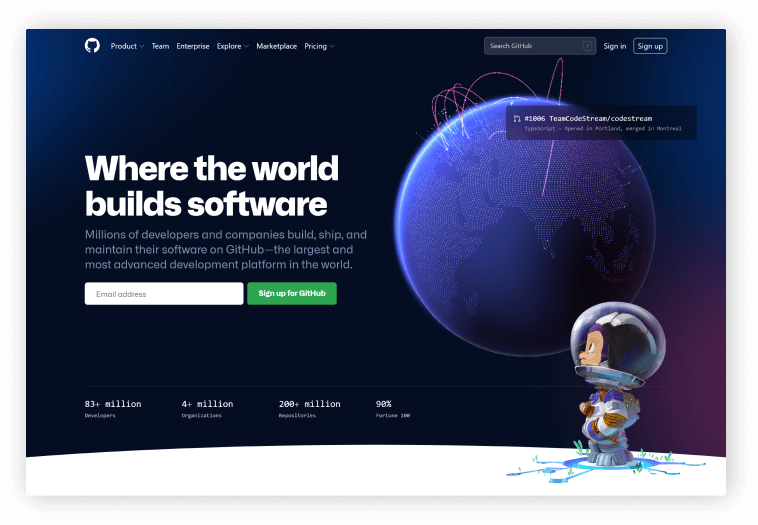
    GitHub - A platform for developers

    Developers and code aficionados can host, examine, and collaborate on code with their teams and the larger developer community using this popular web program GitHub. GitHub’s main selling point is version control, which enables seamless collaboration without compromising the quality of the original project.

    3. OverAPI

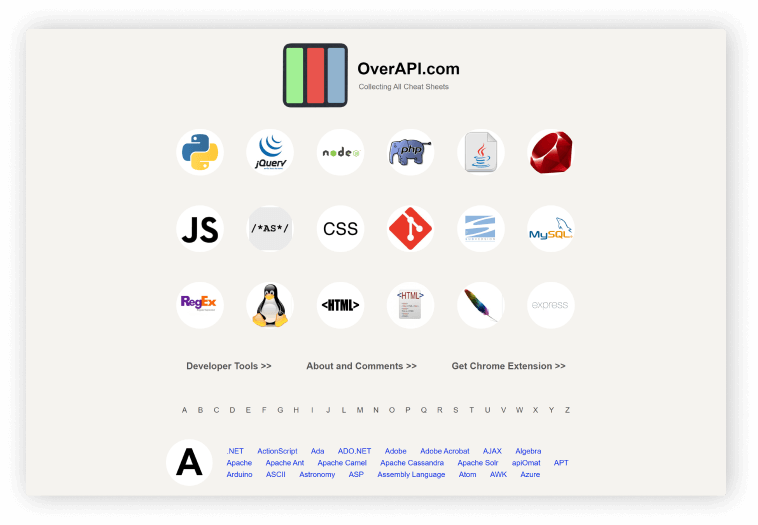
    OverAPI - Cheatsheet for developers

    For the most widely used programming languages and libraries globally, OverAPI offers documentation. This will serve as all programmers’ initial go-to reference point. Using OverAPI, you wouldn’t ever have to be concerned about knowledge gaps by first filling them with google searches.

    4. freeCodeCamp

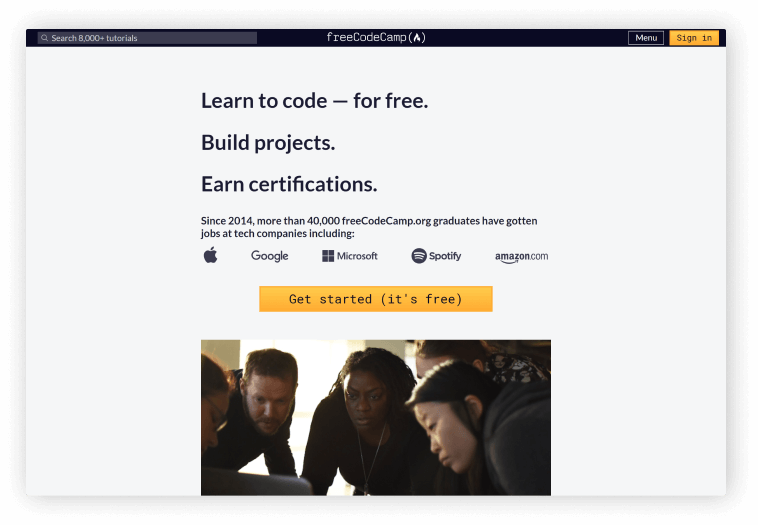
    freecodecamp

    An excellent resource for self-learners is freeCodeCamp. It organizes the frequently jumbled knowledge about coding into understandable and practical training. FreeCodeCamp is a wonderful location to start learning if you are a self-learner. Today, freeCodeCamp teaches HTML5, PHP, CSS 3, JavaScript, jQuery, Bootstrap, Sass, and React.js, as well as Node.js, Python, Express.js, MongoDB, and Git.

    We recommend freeCodeCamp to anyone new to web development or looking to gain some certificates. The school offers a pretty good amount of certificates along with projects and lots of practice. The best thing is that it is free and you go at your own pace. Every course is 300 hours.

    5. CSS Tricks

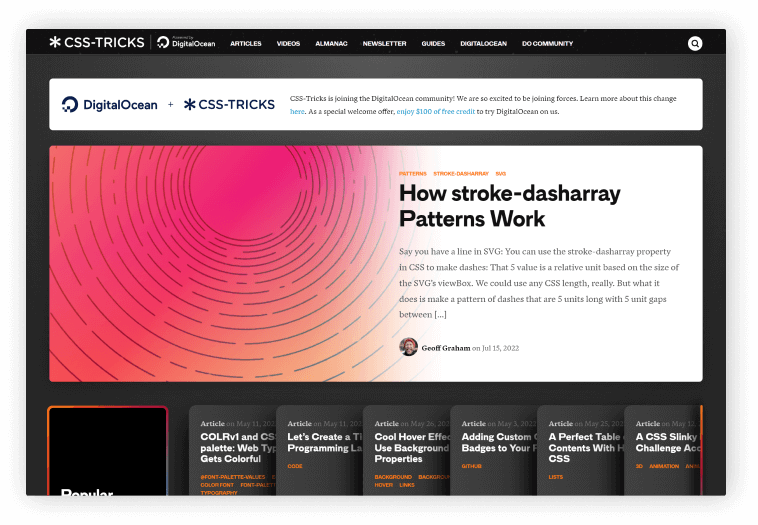
    css tricks for css developers

    CSS Tricks founded by Chris Coyier is an online web design community with over 700 blogs dedicated to CSS tricks. It is based in Milwaukee, Wisconsin.

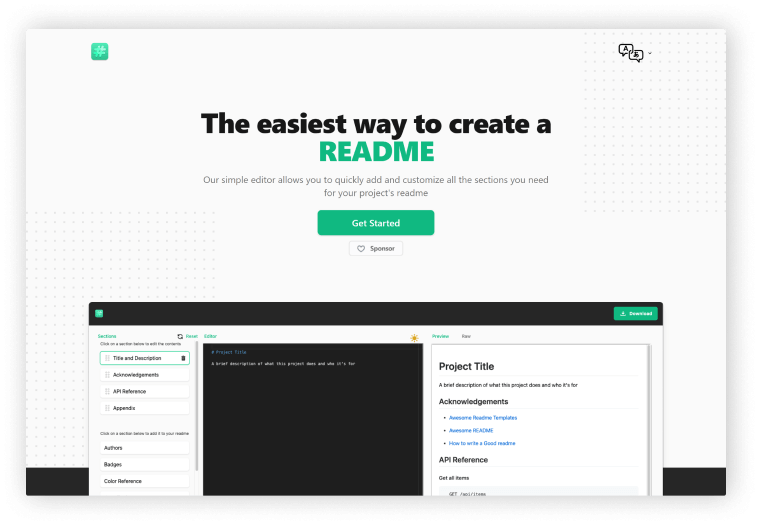
    6. Readme.so

    readme.so readme file maker for developers

    A README file, according to Wikipedia, is a straightforward plain text file that provides information on the other files in a directory or archive of computer software. It is a type of record keeping.

    The Website Readme.so offers templates and a straightforward editor to adjust every aspect of your file, you may build a readme file in one of the simplest methods possible. It is a highly customizable, open-to one-click download website with pre-built templates for different parts of README.

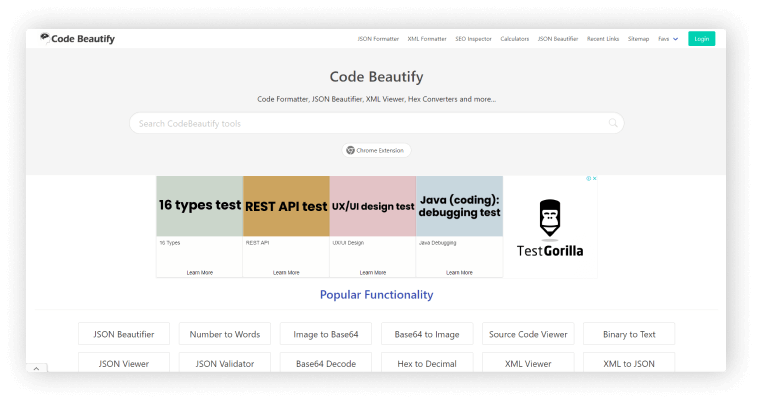
    7. Code Beautify

    Code Beautify

    Code Beautify website contains everything, from a JSON Validator to a Twitter Header Generator. If you visit this website you’ll be amazed. Additionally, they have a Chrome plugin for a better experience.

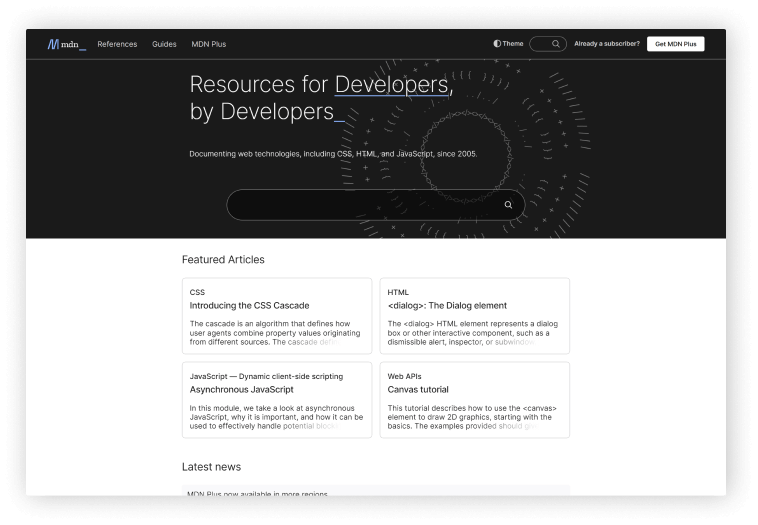
    8. MDN Web Docs

    MDN Web Docs

    MDN Web Docs, formerly known as Mozilla Developer Network. Mozilla Developer Network is a repository for documentation and a learning tool for web developers. As a central repository for information on open web standards, Mozilla’s initiatives, and developer manuals.

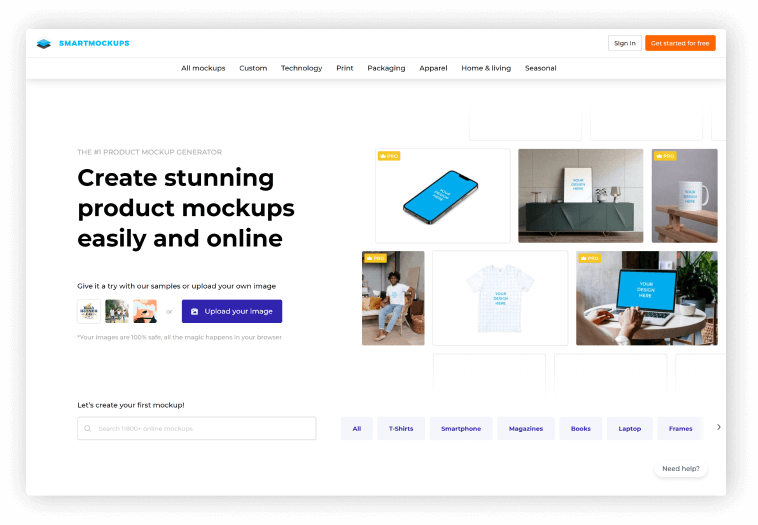
    9. SmartMockups

    smartmockups

    You can create stunning, high-resolution mockups directly in your browser using this single website SMARTMOCKUPS for use on various devices. There are no prerequisite skills or knowledge needed for using this fastest website mockup tool. And we are happy to let you know that this is rapidly expanding.

    10. Snappify

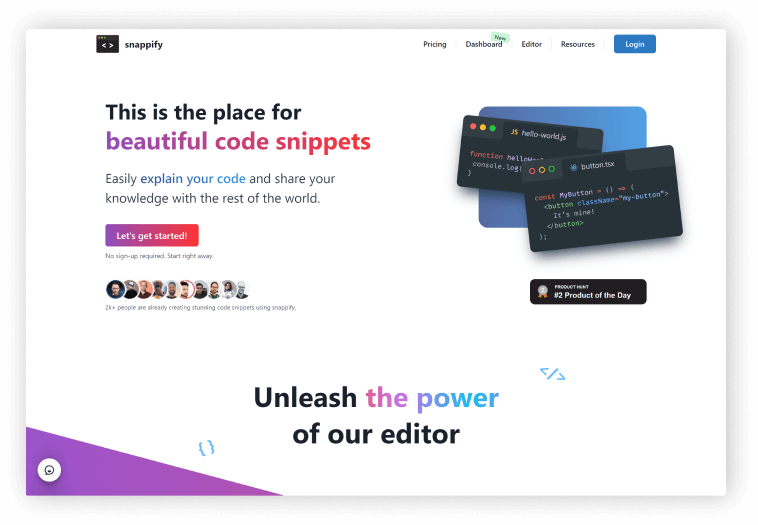
    Snappify is an easy-to-use online code editor that allows you to create and share visually appealing code snippets. It includes six predefined styles to give your code the polish it deserves. These Codeblocks can be embedded in your Medium, WordPress, and other platform blogs. This website also has a feature that allows you to tweet your code blocks beautifully.

    11. StackBlizz

    stack blitz

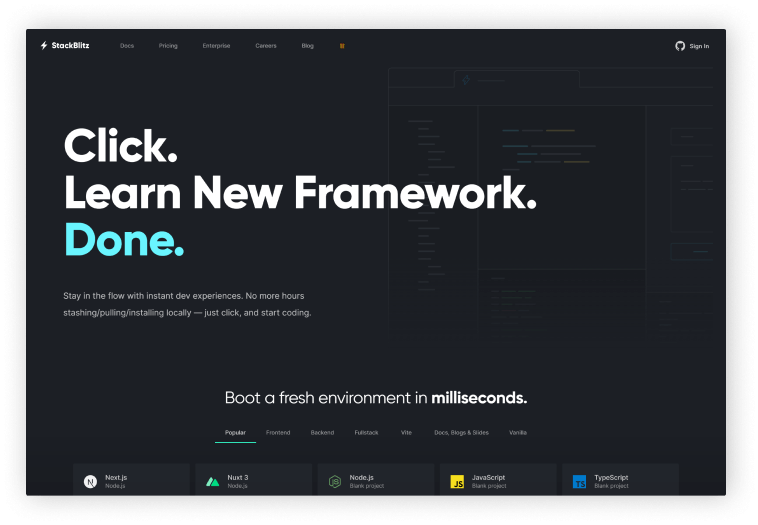
    StackBlitz is an online integrated development environment, aka IDE. It quickly and easily helps to create Angular, React, and Vue projects in your browser. It handles dependency installation, compilation, bundling, hot reloading as you type, and much more automatically.

    12. Browser Stack

    browser stack for developers

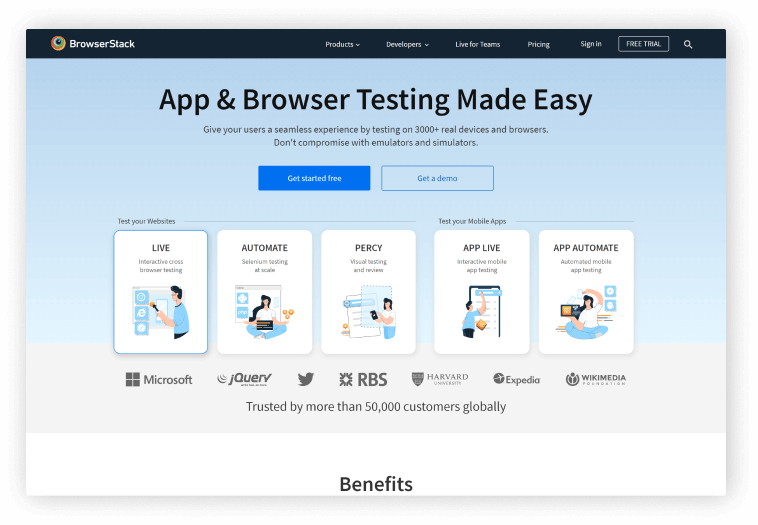
    Developers can test their websites and mobile applications across on-demand browsers, operating systems, and actual mobile devices using BrowserStack, an Indian cloud web, and mobile testing platform.

    Furthermore, it eliminates the need for teams to own and maintain an internal test infrastructure by giving developers immediate access to a cloud platform that enables them to thoroughly test their websites and mobile applications on more than 2,500 genuine devices and browsers.

    13. Hoppscotch

    hoppscotch

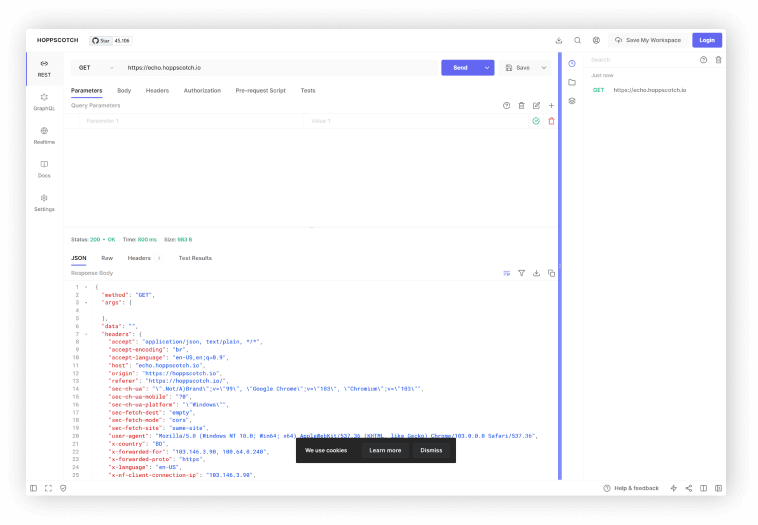
    Hoppscotch is a simple, and lightweight web-based API development suite. It offers all the features you need for API with a simple, unobtrusive UI. The reason because it was created from scratch with usability and accessibility in mind. Besides, it is entirely OpenSource and free to use.

    14. LeetCode

    leetcode for programmers

    On LeetCode, users can test their coding skills and be ready for technical interviews. Mostly software engineers who commonly use them. You can practice with more than 2000 questions from the website and it covers a wide range of programming ideas.

    15. Dev.to

    dev.to

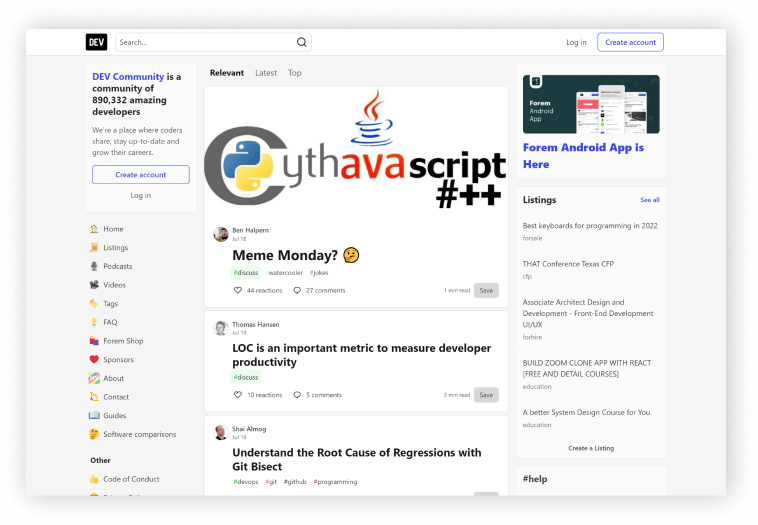
    Dev.to is the premier source for developer news, tricks, tips, and how-to articles. They have a mobile app version where you can get notifications. The community currently has over 890,000 developers from all over the world.

    It’s a place where developers can share their experiences. And, It’s comparable to a medium without a paywall. So, you can read, write, react, comment and share technical articles on this website. And, every day, many high-end writers on the site share good articles.

    Wrapping Up

    We appreciate you taking the time to read this post and hope you like and know something beneficial from it. Also, tell your developer friends about this article. Happy coding!

    Similar Blog Posts

  • Top 10 Free Figma Wireframe Kits for Web/App Designers in 2022

    Top 10 Free Figma Wireframe Kits for Web/App Designers in 2022

    Are you a beginner web or app designer looking for some useful Free Figma Wireframe Kits to help you complete your work more quickly and smoothly? Don’t look any further! We’ve hand-picked some of the best Free Wireframe Kits for Figma-based Web/APP Designers. But first, please explain what a wireframe is.

    What is a Wireframe Kit?

    A wireframe is referred to as the skeleton of a website or app. We create a basic layout of a website or app before we begin developing it. It must be straightforward in its approach because it will direct the user’s journey flow on this website or application. It’s more of a solution for our web or app development projects.

    As a result, when you use a ready-made wireframe, you will find it much easier to give your ideas shape. A form from which you can begin your development journey. Simple elements such as headlines, copy, body, CTAs, photos, and so on are included in a wireframe.

    Now, without further ado, let’s get into the meat of the matter. The list that follows is not in any particular order. So, make an informed decision and view the live demos before downloading them. However, because they are all free, you don’t have to worry about downloading and working with multiple Wireframes at the same time.

    1. Figma Wireframe Kit (Free)

    Figma Wireframe Kit (Free)

    This Figma wireframe kit contains a plethora of UI elements, sections, and components for quick prototyping. These low-fidelity wireframing templates are intended for brainstorming and planning your designs. This kit is here to help you save time during your creative process if you want to speed up your wireframing in Figma.

    To build your layouts, use a Bootstrap grid and premade, editable components to create fast, modern, responsive prototypes. You’ll save hundreds of hours while delighting your customers. Templates are included, and you may use them in your projects without restriction!

    Link

    2. Wireframe Kit

    Wireframe Kit

    This wireframe kit will help you speed up your workflow. This kit is for you if you’re at an early stage of your project and want to sketch out a quick rough idea of what goes where without getting into the nitty-gritty polished details. Complete with components for frequently used items, UI controls, and browser windows, as well as styles that are simple to update.

    Link

    3. Ironhack Wireframe Kit

    Ironhack Wireframe Kit

    Ironhack is a great Figma Wireframe Kit for you to start as a UI/UX designer. There are a good amount of useful bits and pieces, interface components, and UI elements. It will help you quickly convey ideas and create a design. And lastly, test them. So, have a great journey with Ironhack.

    Link

    4. Contra

    contra wireframe kit

    Contra is a starter wireframe kit for prototyping and designing your idea quickly. It has over 150 components and 50 ready-to-use mobile screens in its library. With the help of its style guide, you can easily create new components and screens.

    Link

    5. Simple Wireframe Kit

    SImple wireframe kit

    Because sometimes all you need are some boxes, buttons, and form elements, that is the reason this simple Wireframe Kit is here. Use the light and dark boxes to arrange your content. No specifics are permitted! To change the appearance of your wireframe, use color styles. It now also employs variants and auto layout.

    Link

    6. Mobile Wireframe UI Kit

    mobile wireframe kit

    The mobile wireframe kit is a collection of commonly used system components that can be used to quickly mock up your mobile (phone) ideas before investing in the full design. Before you build, use it to share ideas, iterate, prototype, and gain buy-in.

    For more info and updates check out the description from the button below.

    Link

    7. VanillaFrame

    Vanillaframe

    VanillaFrame is a straightforward kit for creating wireframes. To begin designing, I tried to only include the most essential elements. It contains 9 Color Styles, Icons by “Feather Icons” (Only the essentials), Placeholder Images, Square Images, Circular Images, avatars, and more are all included. Text styles, button styles, and inputs are also available.

    Link

    8. Wirefigma

    Wirefigma

    Design websites and applications more quickly so you can focus on what matters most: your ideas. They made a few changes recently. It has the following features: 1. Supports auto layout. 2. Text styles and 3. Variants They also added new components to it, giving it a completely new look.

    Link

    9. Mobile wireframing kit

    wireframing kit

    A straightforward kit that includes only what you need to create clear wireframes. All common components are included, with a platform-agnostic design that keeps the focus on your structure.

    Link

    10. Sketchy Wireframes

    sketchy

    A simple toolkit for creating mockups of apps and websites. Allow yourself to be free of pixel perfection and quickly mock up your ideas with this kit. Create anything by assembling your components from the provided primitives (lines and rectangles).

    Link

    Wrapping Up

    Finally, we’d like to point out that each of these Figma wireframe kits has its own set of advantages and disadvantages. You can’t say things like “this is the best Wireframe kit” or “that is the best Wireframe kit.” Simply put, you should download everything you require. Each one serves a different purpose and is useful in different circumstances. As a result, make certain to find the ideal match for your project’s requirements. Thank you for taking the time to read this.

    You Might Also Like This Free Product from UI-LIb