
Stocky Mobile
Stocky Mobile — Native Android & iOS App for Your Stocky POS Server
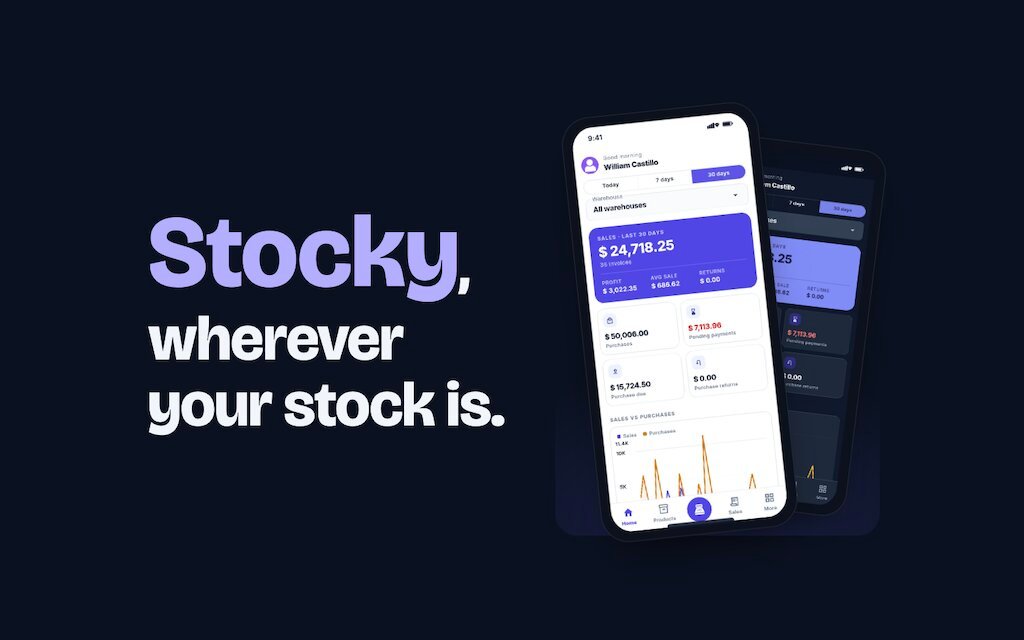
Stocky, wherever your stock is. A native Android and iOS app for your self-hosted Stocky server: check the dashboard, find products by name, code or barcode, record payments and ring up sales at the register — from any phone, with nothing new to install on the server.
Your whole store in your pocket
Walking back to the office PC
Check stock, sales and pending payments from the shop floor or the warehouse.
A separate handheld scanner
The phone camera scans barcodes for product lookup and at the register.
Paper delivery notes and lost invoices
Record payments, create shipments and share PDF invoices straight from the phone.
Waiting for a connection
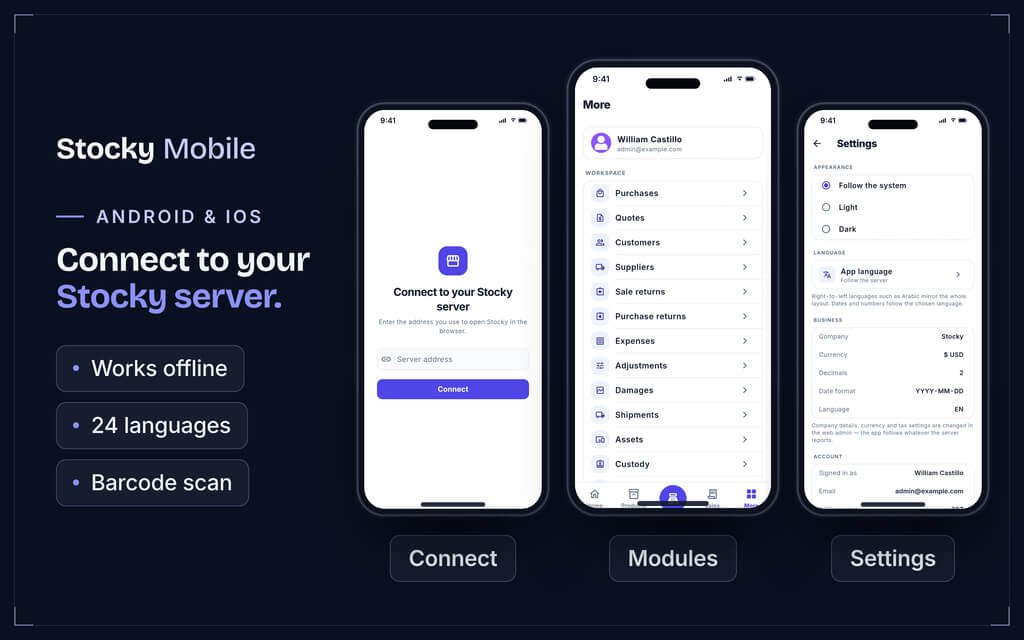
Previously opened lists and dashboards stay readable offline, clearly labelled as saved data.
What's inside
The counter, the stockroom and the office — on one phone
01 — Dashboard
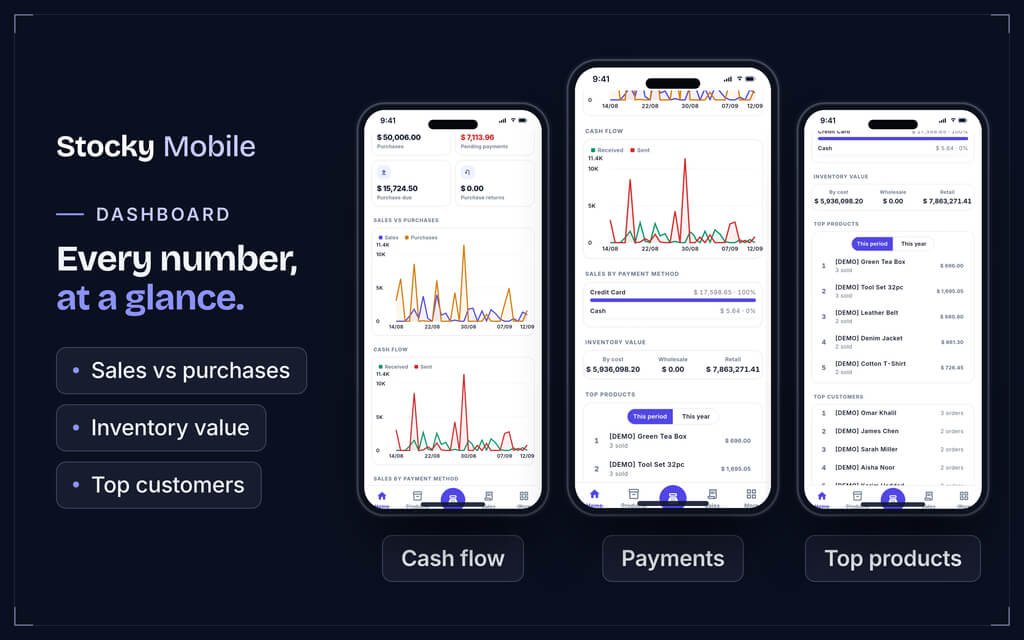
The numbers that matter, at a glance
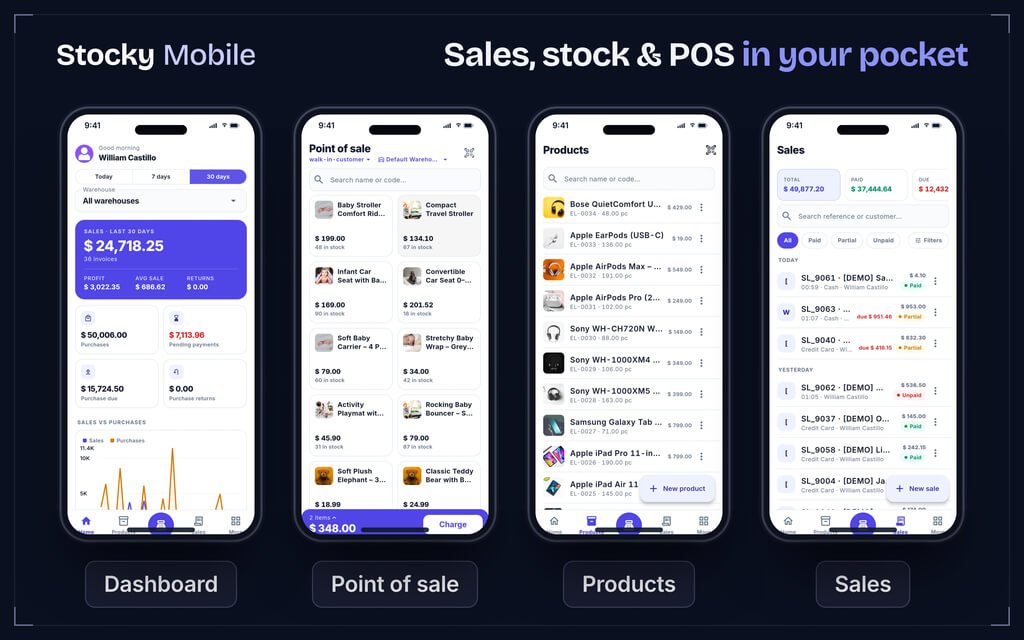
30-day sales, pending payments and inventory value, plus sales-vs-purchases and cash-flow charts you can switch between daily, 7-day and 30-day views. Low-stock alerts by variant and warehouse, top products, top customers and latest sales.
02 — Products & stock
Find it by name, code or barcode
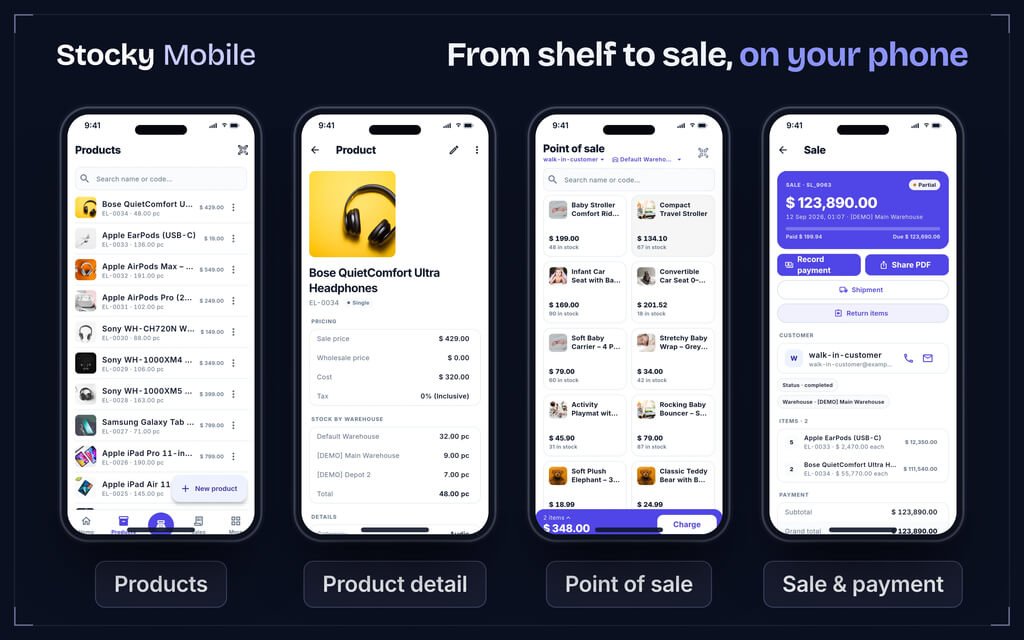
Stock quantities split by warehouse or variant, sale, wholesale and cost prices, and product creation and editing. Adjustments, transfers and damages are handled from the same place, with barcode scanning through the phone camera.
03 — Sales & payments
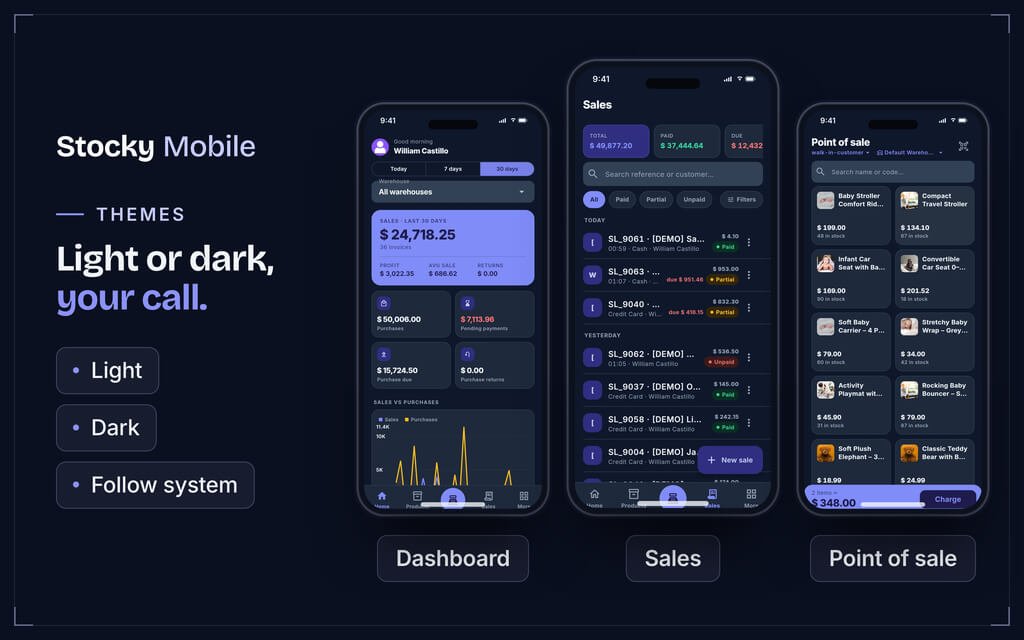
Sales grouped by day, payment state colour-coded
Paid, partial and unpaid sales are easy to tell apart. Record payments, share PDF invoices, create shipments and process returns, and reach a customer by phone or email in one tap. Purchases, quotations and returns are covered too.
04 — Point of sale
A register in your hand
Pick the customer and warehouse, search or scan products with live stock on every tile, edit cart quantities and prices, then save the sale and payment straight to the server.
05 — Modules
Sixty-plus modules from your own server
Workspace, Operations, HRM, Online Store and Accounting & Catalog modules — with 40+ reports — all following the same permissions, currency and configuration as your server account.
06 — Languages & themes
24 languages, right-to-left included
Layouts mirror fully for Arabic and other RTL languages, dates and numbers follow the language, and the default language comes from your server. Light, dark or system theme, with your brand colour set on the server.
Before you install
What you need
Server
A self-hosted Stocky server with the mobile API enabled
Nothing new to install on the server
Phone
Android or iOS
Built with Flutter
Account
One Stocky user account per person
Each user signs in with their own permissions
Camera
Used for barcode scanning
No external scanner needed
Point the app at your Stocky server address to try it. Demo server: demo.getstocky.com.
Pricing
Choose your licence
Regular License
$69
one-time
- Works with your own Stocky server (mobile API enabled).
- Android and iOS.
- Unlimited phones, one account per person.
- End user can not be charged.
- Only for one business.
- You can not resell or redistribute the app.
Extended License
$259
one-time
- Works with your own Stocky server (mobile API enabled).
- Android and iOS.
- Unlimited phones, one account per person.
- End user can be charged.
- Only for one personal or client project/business.
- You can not resell or redistribute the app.
Questions
Frequently asked questions
Do I need Stocky POS to use it?
Yes. Stocky Mobile is a companion app that connects to your own self-hosted Stocky server with the mobile API enabled. Nothing extra is installed on the server.
How many phones can use it?
As many as you have staff. Each person signs in with their own account and the permissions your server gives it.
Does it work offline?
Lists and dashboards you have already opened stay readable when you are offline, and are clearly labelled as saved data.
Can it scan barcodes?
Yes, using the phone's built-in camera — for product lookup and at the point of sale.
Which languages does it support?
24 languages including right-to-left layouts such as Arabic. The default language comes from your server settings.
Which platforms does it run on?
Android and iOS, built with Flutter.
Reviews
No reviews yet. Be the first to write one.
Bought Stocky Mobile? Sign in to review it.
Sign in